Remove Background From Image

Upload one image, remove the background, and download a clean cutout without opening a complex editor.

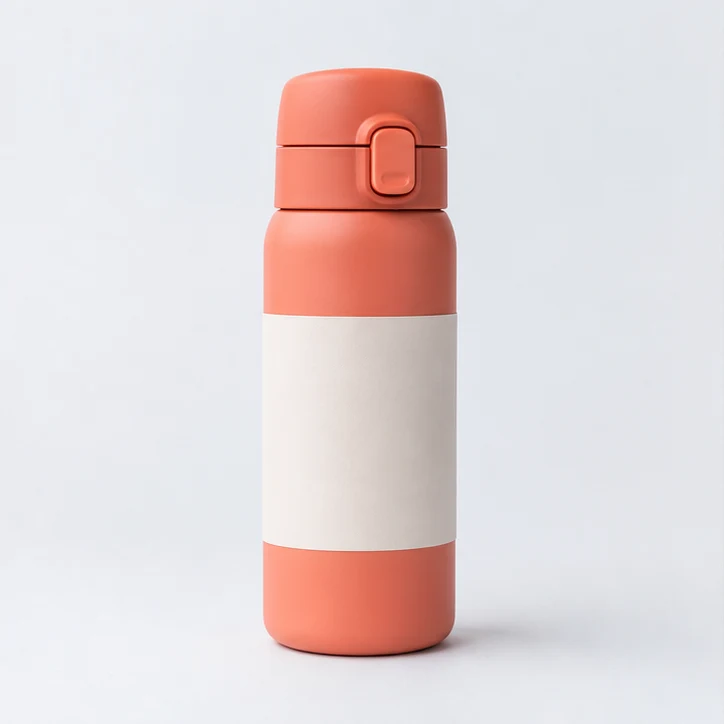
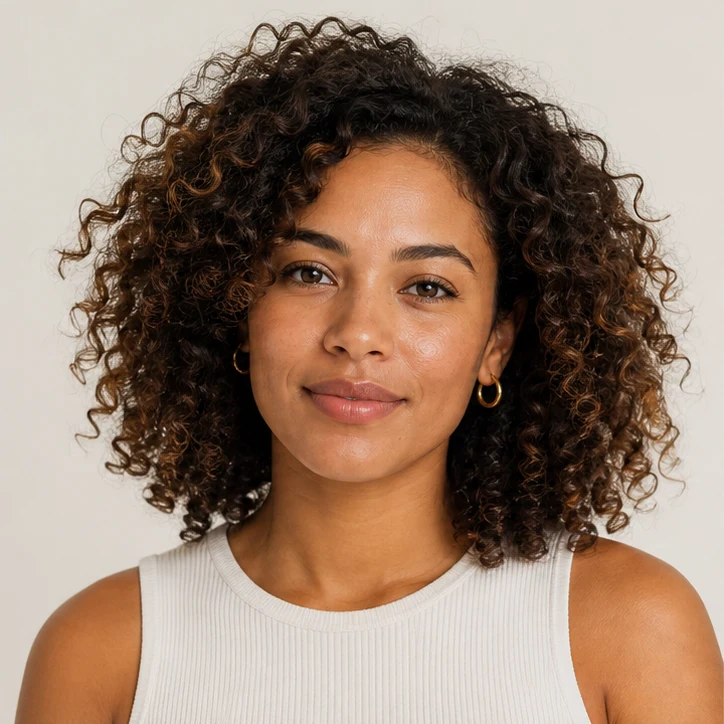
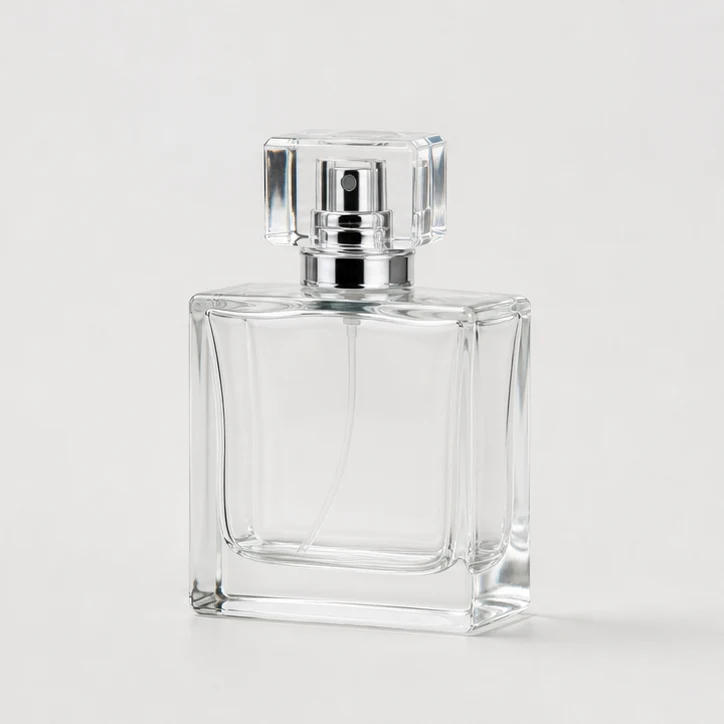
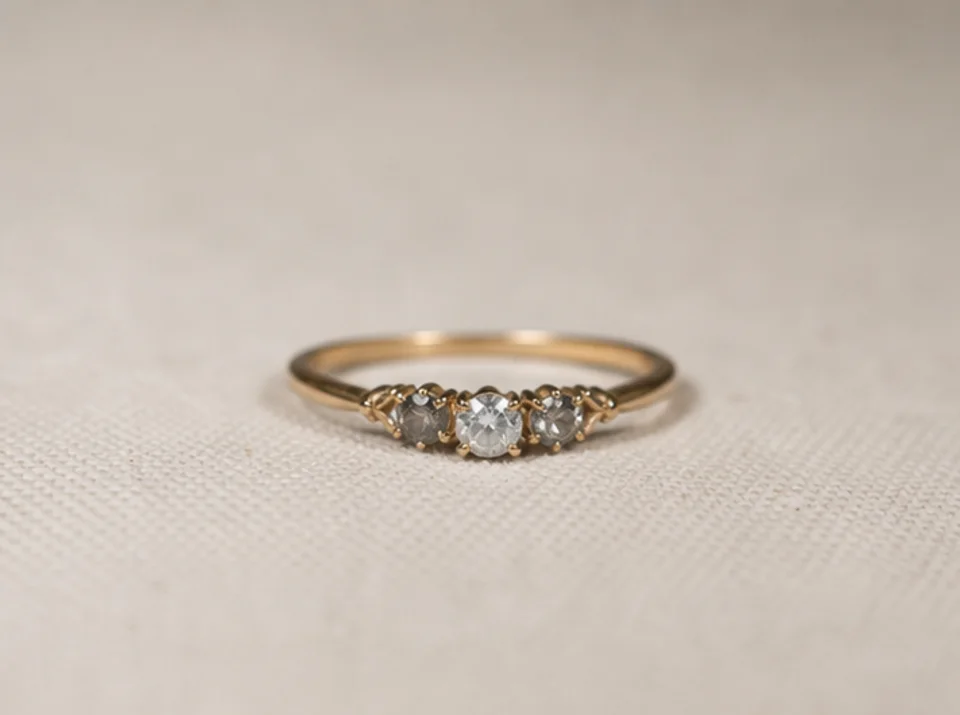
Transparent CutoutsProduct PhotosPortraitsOne Image

Default

Upload and generate

Before
After

Ready for upload

Preview, compare, then download the finished file.

Background Removal Ideas

Prepare clean cutouts for ecommerce, creator assets, ads, profile visuals, and design mockups.

How to remove a background

The default workflow is intentionally short: upload, confirm, process, and download.

01

Upload one clear image

Choose a product photo, portrait, or object image with the subject visible and enough contrast from the background.

02

Confirm editing permission

Only process files you own or have permission to edit. This keeps the workflow clear before generation starts.

03

Remove the background

Run the default one-step workflow first. Pro options stay collapsed until you need edge cleanup or batch controls.

04

Download the cutout

Compare the before and after view, then download the generated result for ecommerce, social, ads, or design work.

Built for fast cutout work

Single Image Upload

Start with one source image and avoid a full editor when the task is simply removing the background.

Clean Cutouts

Create transparent product and portrait cutouts for catalogs, thumbnails, profile images, and ad creatives.

Before and After Preview

Review the original and generated result side by side before downloading the finished asset.

Permission Check

The tool asks for edit permission confirmation before processing images.

גלו כלים קשורים

Continue from background removal into enhancement, editing, or reference-based image generation.

בחרו תוכנית

תמונות חינמיות כוללות סימן מים. שדרגו לקבלת פלטים נקיים, יצירה מהירה יותר ושימוש מסחרי.

חבילת התחלה

$9

חבילת קרדיטים חד-פעמית להתנסות ביצירת תמונות, מוזיקה ווידאו קצר.

  • 600 קרדיטים
  • עד 100 תמונות
  • עד 7 סרטונים קצרים
  • הקרדיטים תקפים ל-30 יום
  • ללא סימני מים

יוצר

$19/mo

תוכנית חודשית · 1,500 קרדיטים מתחדשים בכל חודש

  • 1,500 קרדיטים בחודש
  • עד 250 תמונות בחודש
  • עד 18 סרטונים קצרים בחודש
  • עובד עם ClipCanva Pro ומודלים אחרים מבוססי קרדיטים
  • תור בעדיפות
  • תמיכת קהילה
  • ללא פרסומות
  • ללא סימני מים

פרו

$39/mo

מסלול חודשי · 4,000 קרדיטים מתחדשים בכל חודש

  • 4,000 קרדיטים בחודש
  • עד 660 תמונות בחודש
  • עד 50 סרטונים קצרים בחודש
  • עובד עם ClipCanva Pro ומודלים אחרים מבוססי קרדיטים
  • התור בעדיפות הגבוהה ביותר
  • פתח את הנעילה של ClipCanva Pro
  • ללא פרסומות
  • ללא סימני מים
  • שיפור מתקדם

סטודיו

$99/mo

מסלול חודשי · 12,000 קרדיטים מתחדשים בכל חודש

  • 12,000 קרדיטים בחודש
  • עד 2,000 תמונות בחודש
  • עד 150 סרטונים קצרים בחודש
  • עובד עם ClipCanva Pro ומודלים אחרים מבוססי קרדיטים
  • התור בעדיפות הגבוהה ביותר
  • פרטיות מלאה
  • גישה מוקדמת לפיצ׳רים חדשים
  • תמיכה בעדיפות

במסלולים חודשיים הקרדיטים מתחדשים בכל מחזור חיוב. במסלולים שנתיים מקבלים מראש קרדיטים ל-12 חודשים וחוסכים 17%. הערכות השימוש מבוססות על מודלי התמונה והווידאו הנתמכים בעלות הנמוכה ביותר; מודלים פרימיום, רזולוציות גבוהות יותר, סרטונים ארוכים יותר, יצירה מבוססת רפרנסים וכלים מתקדמים צורכים יותר קרדיטים.

צוות

לסוכנויות, צוותי הפקה וצרכים מותאמים בנפח גבוה.

צרו קשר

Remove Background FAQ

Common questions before creating your first cutout.

What images work best for background removal?
Use a clear product, person, or object image where the subject is visible and not heavily blended into the background.
Can I remove backgrounds from product photos?
Yes. The workflow is designed for product cutouts, portraits, thumbnails, and marketing images that need a cleaner background.
Do I need to adjust advanced settings?
No. The default flow keeps the first step simple. Pro options are available only when you need more control.
Why do I need to confirm permission?
You should only edit images you own or have permission to process. The confirmation keeps the workflow explicit before upload and generation.

Create a clean cutout

Upload one image and remove the background with ClipCanva.