
הוסיפו את התמונה הישנה
העלו או בחרו את התמונה שברצונכם להנפיש, ואז זהו את הנושא הראשי וכל פרט שחשוב לשמר.
צרו באמצעות אנימציית תמונות ישנות ב-AI: הוסיפו תמונה ישנה, תארו את כיוון התנועה ועצבו סרטון קצר בסגנון זיכרון לפרויקט שלכם.
אנימציית תמונות ישנות ב-AI מסייעת להפוך תמונה ישנה וכיוון תנועה לסרטון קצר בסגנון זיכרון. היא מיועדת ליוצרים, למשווקים ולצוותים הזקוקים לתוצאה חזותית ממוקדת מתמונה היסטורית, משפחתית, ארכיונית או בעלת נושא נוסטלגי.
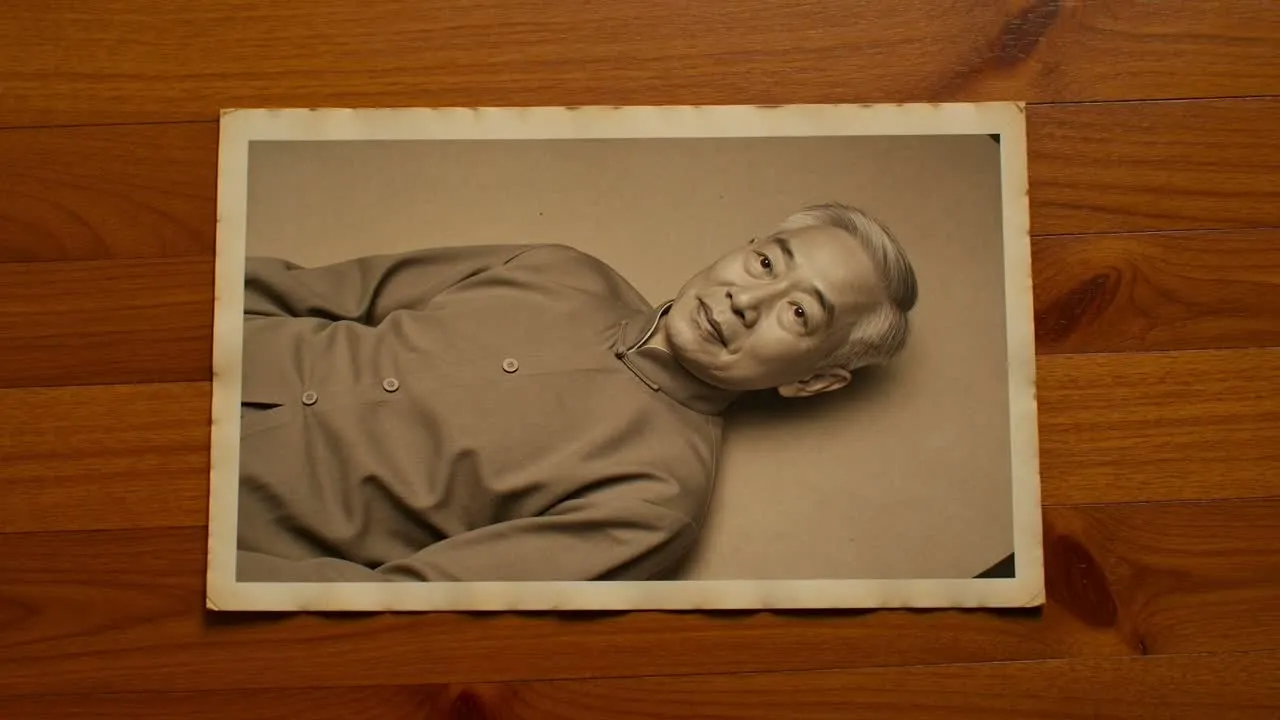
התחילו מהתמונה הישנה, הגדירו את התנועה ולאחר מכן בדקו את הסרטון שנוצר מול האווירה המבוקשת ופורמט היעד.
העלו או בחרו את התמונה שברצונכם להנפיש, ואז זהו את הנושא הראשי וכל פרט שחשוב לשמר.
תארו כיצד התמונה צריכה לנוע, כולל תחושת המצלמה, תנועת הפנים, האווירה וכל דרישה לטון מכבד.
בחרו את הכיוון החזותי ואת פורמט היעד כדי שהסרטון יעוצב עבור המקום שבו אתם מתכננים להשתמש בו.
שלטו בכיוון היצירתי של תוצאה מתמונה ישנה לסרטון, תוך שמירה על תהליך עבודה ממוקד בתמונה, בתנועה וביעד הסופי.
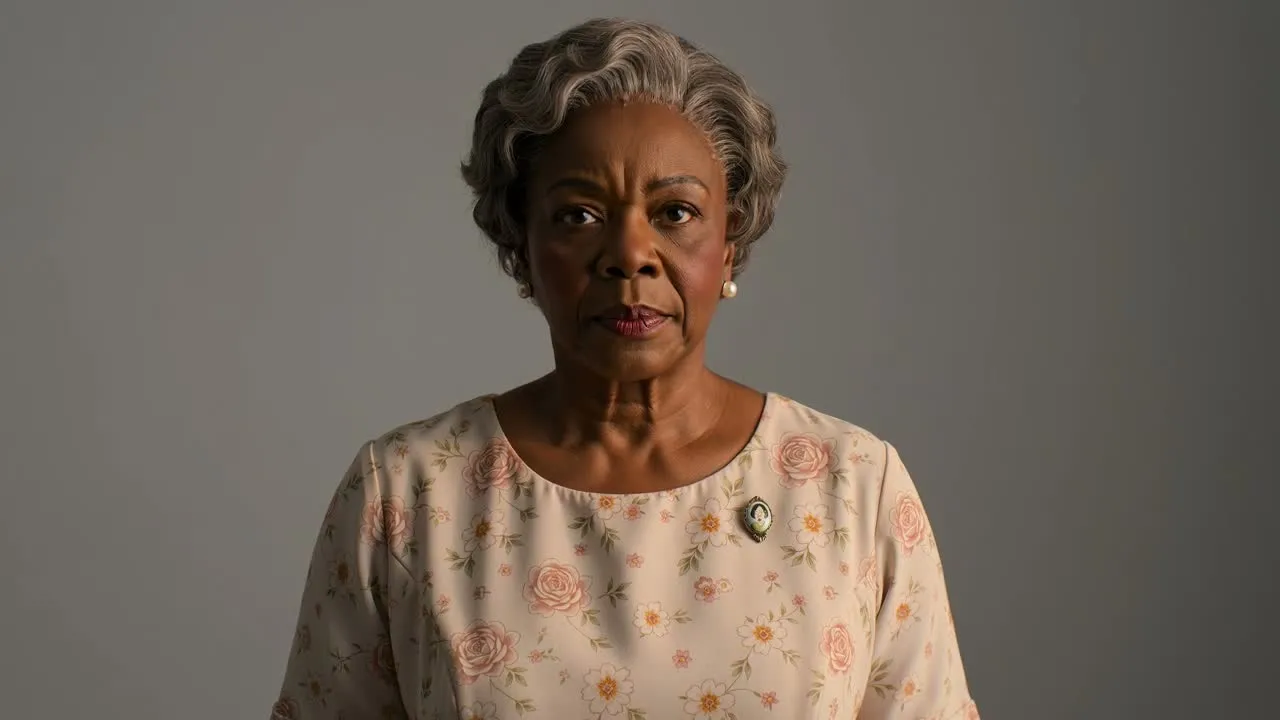
תארו את התנועה הרצויה, כגון חיוך עדין, התקרבות מצלמה איטית, סיבוב ראש רך או תנועה עדינה ברקע.
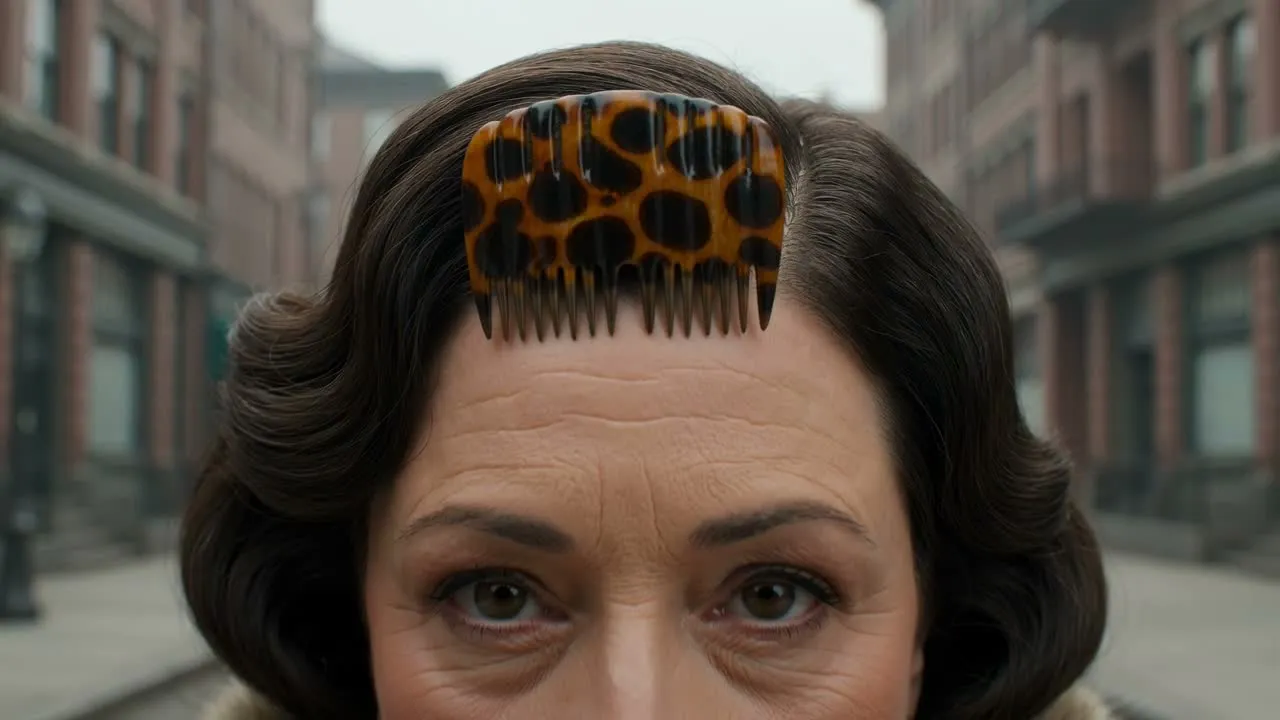
הוסיפו פירוט להנחיה לגבי לבוש, הבעה, אווירה וטון רגיש לתקופה, כדי שהסרטון יתאים למטרת הפרויקט.
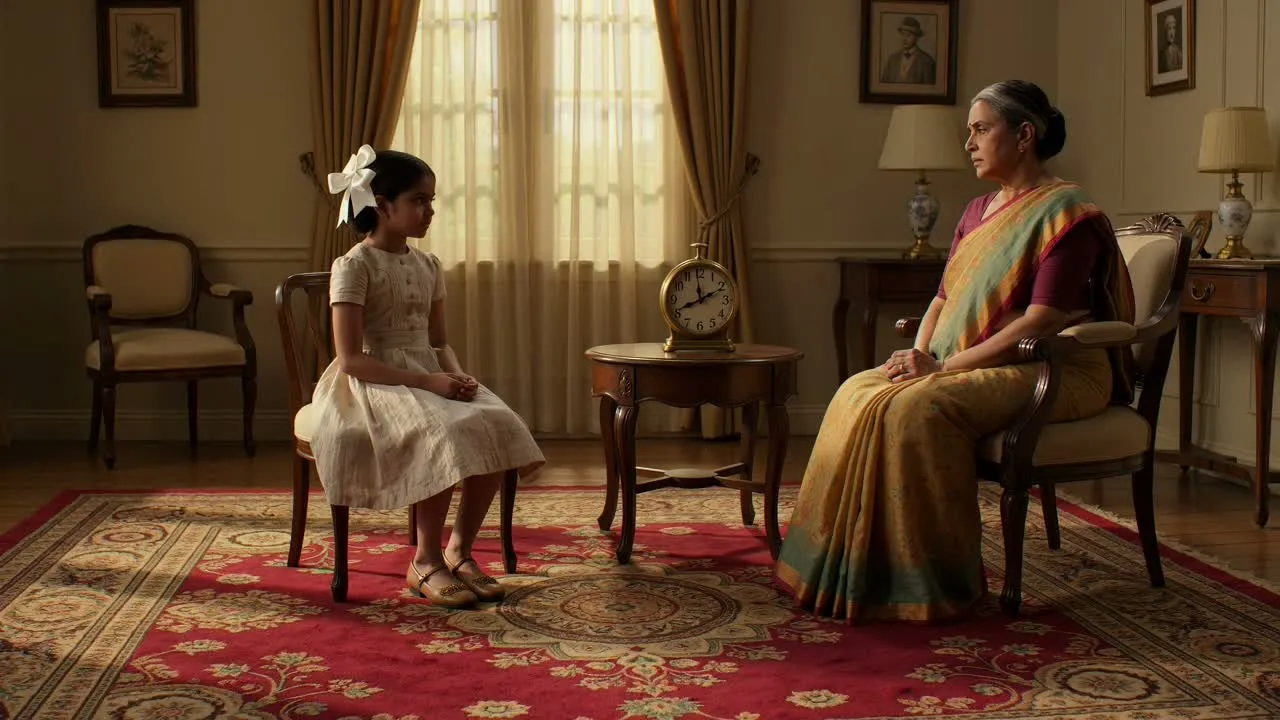
הבהירו את הנושא והסביבה כדי לסייע לסצנה שנוצרת לכבד את האדם, המקום וההקשר החזותי שבתמונת המקור.
צרו קטעים חזותיים קצרים מתמונות ישנות כשנדרשת תוצאה ממוקדת להנצחה, לסיפור או לתוכן המונחה בידי תמונה.
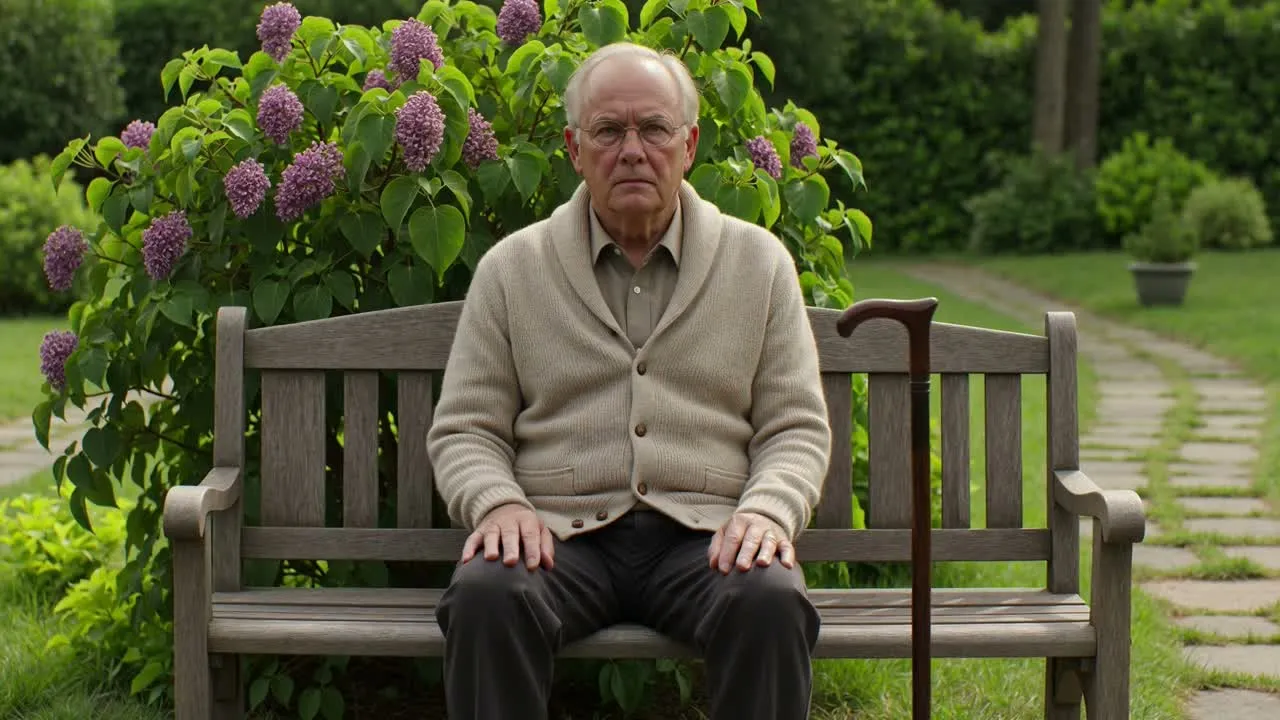
הוסיפו תנועה עדינה לדיוקן כדי שהנושא יחוש נוכח, בלי להפוך את התמונה לאפקט מוגזם.
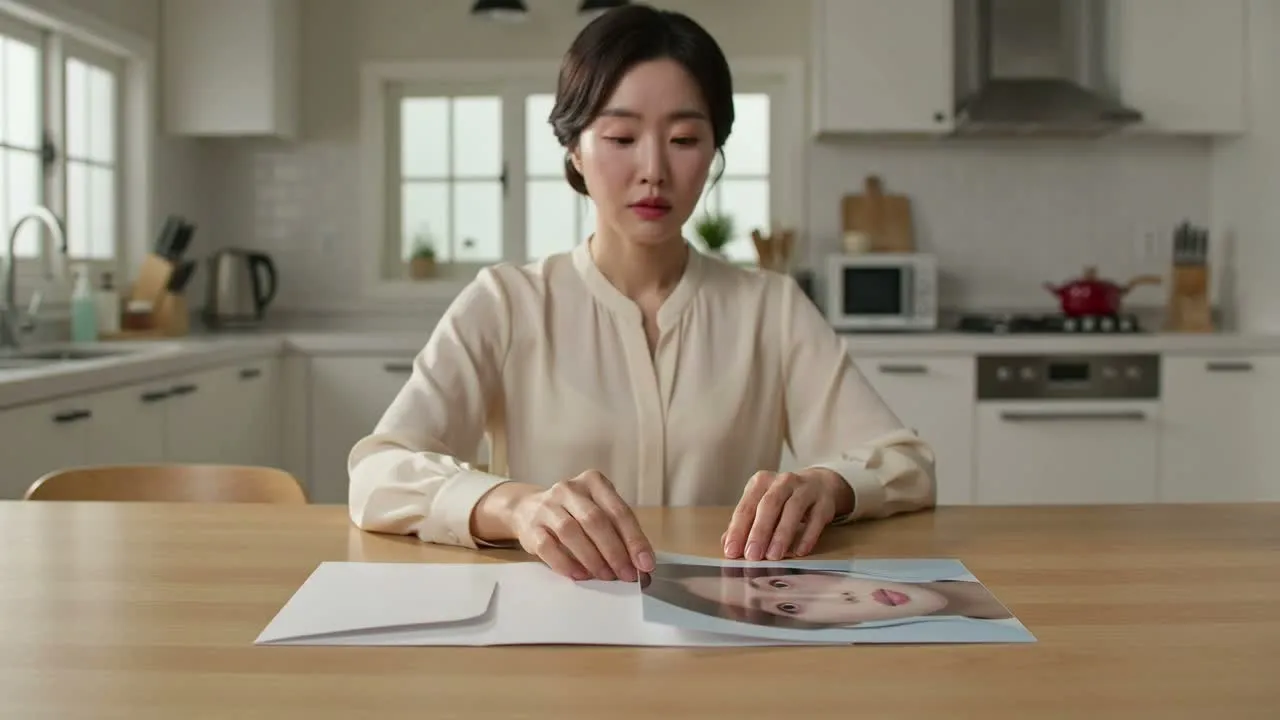
השתמשו בתוצאה של תמונה ישנה לסרטון כנקודת פתיחה לפוסט ברשתות חברתיות, לעריכת מחווה, לקטע אווירה לקמפיין או לרצף חזותי היסטורי.
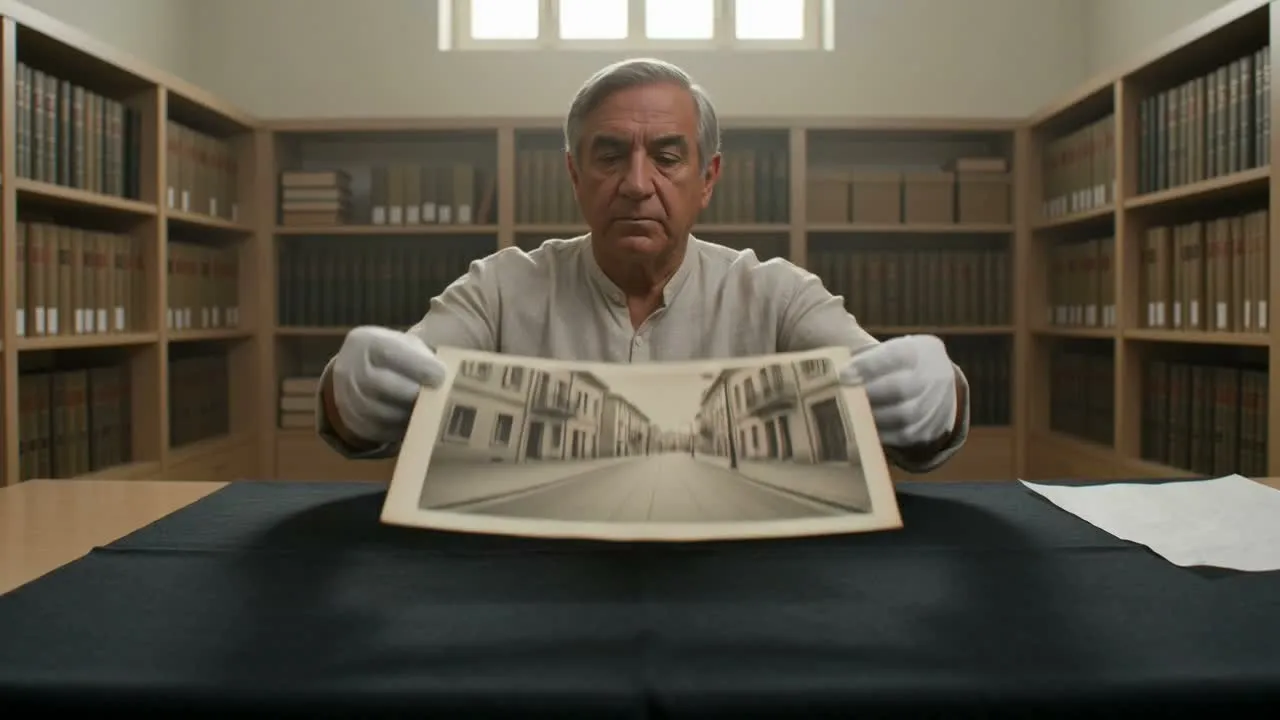
עצבו את התנועה והאווירה לכיוון טון זיכרון רגוע ומכבד עבור תוכן משפחתי, ארכיוני, מורשתי או תוכן הנצחה.
לפני שיתוף הסרטון שנוצר או שילובו בעריכה רחבה יותר, בדקו אם התנועה, הטון והמסגור מתאימים לשימוש המיועד.
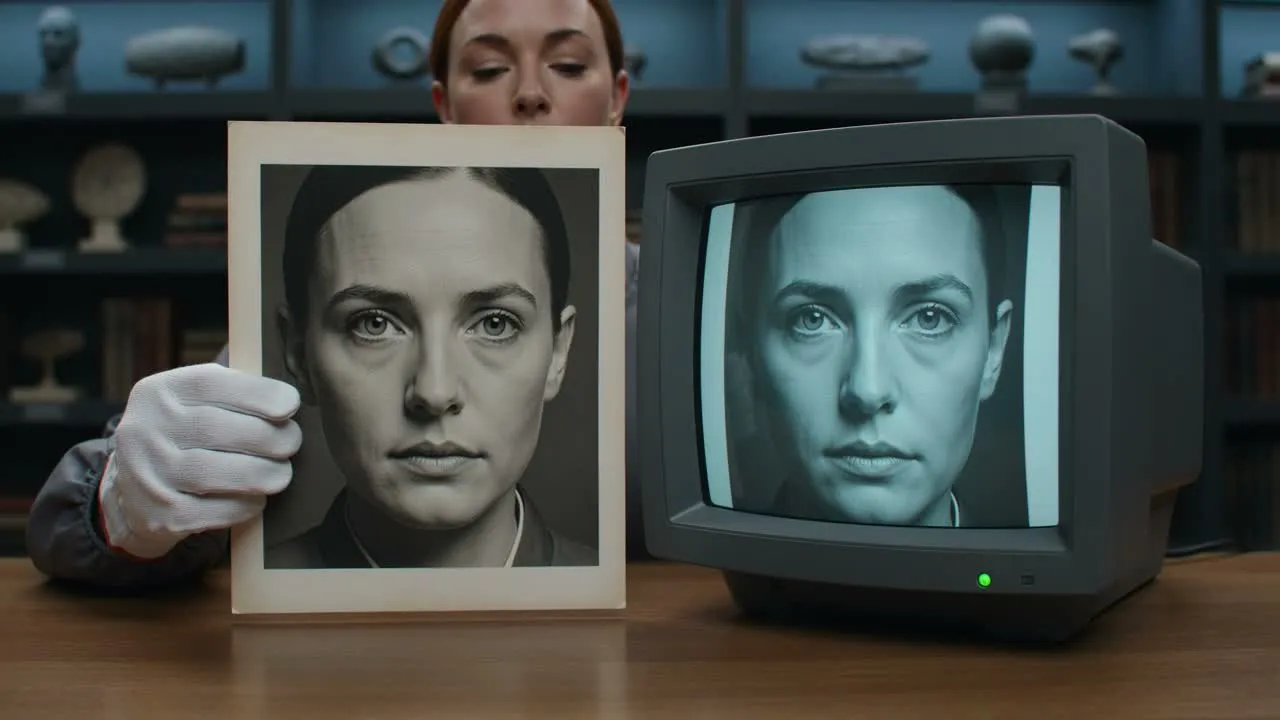
השוו את הסרטון לתדריך המקורי: הנושא, האווירה, כיוון התנועה והקהל המיועד צריכים כולם לתמוך במטרת הפרויקט.
בדקו פנים, ידיים, לבוש, פריטי רקע וכל פרט משמעותי שצריך להישאר מכובד ועקבי עם תמונת המקור.
בדקו את חיתוך היעד והפורמט כדי שהתוצאה תתאים לפוסט, למצגת, לנכס קמפיין או לעריכה בסגנון הנצחה.
תנועה בסיוע AI עשויה להפיק תוצאות מגוונות, במיוחד בתמונות פגומות, בפנים לא ברורות, ברקעים מורכבים או בדרישות לפרטים מדויקים מאוד.
התוצאות שנוצרות עשויות לסטות מהכיוון שתיארתם, לכן התייחסו לפלט הראשון כאל חומר לבדיקה ולא כהתאמה סופית מובטחת.
תווי פנים קטנים, פרטי לבוש, טקסט ורכיבי רקע עשויים לדרוש בדיקה קפדנית, משום ששינויים עדינים יכולים להשפיע על הטון של הסרטון.
תשובות מהירות על השימוש באנימציית תמונות ישנות ב-AI, כולל קלטים, פקדים ושלבי הבדיקה הצפויים.
הוסיפו את התמונה הישנה שלכם, תארו את כיוון התנועה ועצבו תוצאה מכבדת בסגנון זיכרון לפרויקט הבא שלכם.