
Create and edit images with Nano Banana 2
Create and edit images with Nano Banana 2 using text prompts and multi-image references. Keep character consistency across revisions. Actual generation uses the credit or plan rules currently available to your account.
Prompt ideas for Nano Banana
Pick a direction and start generating faster.
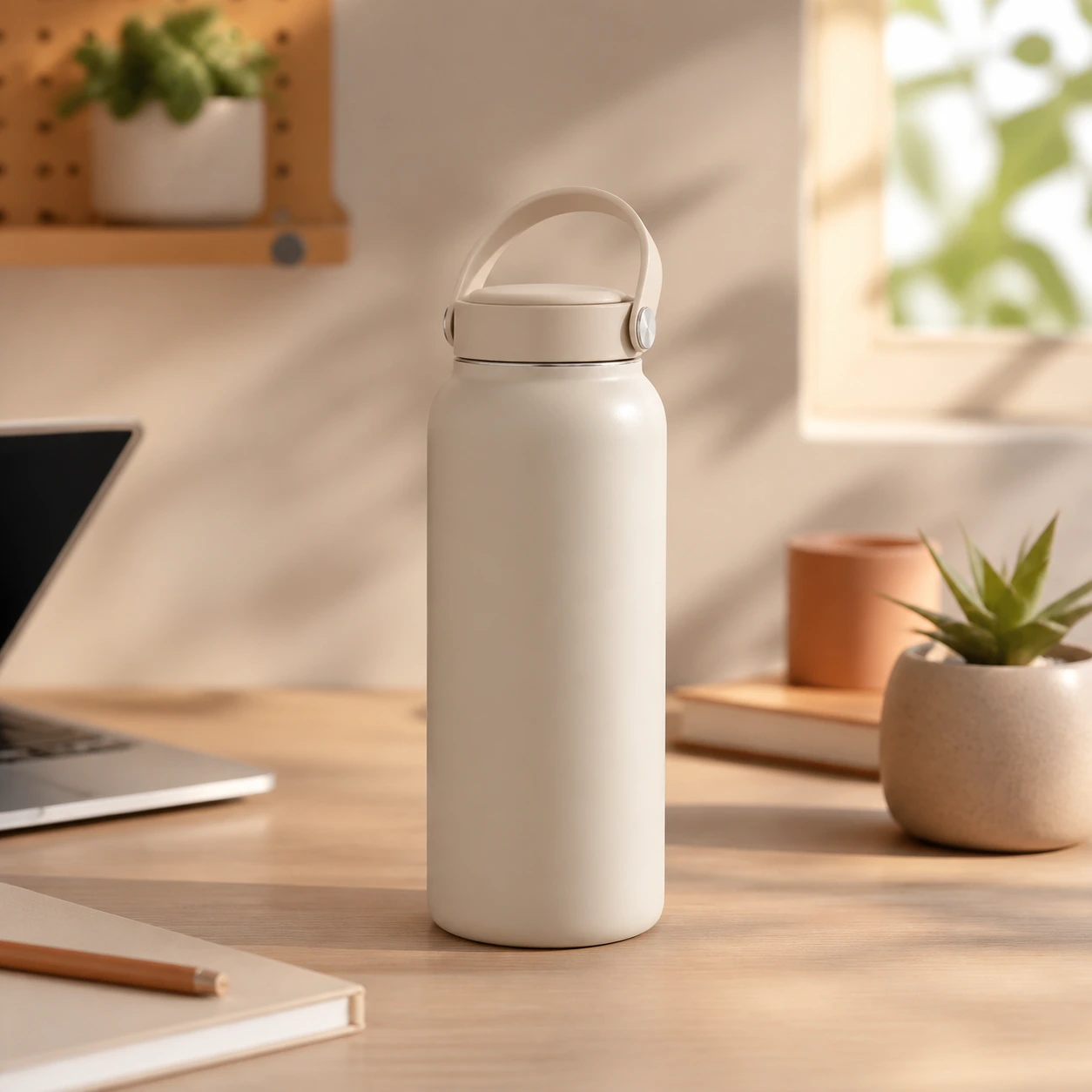
Product concept
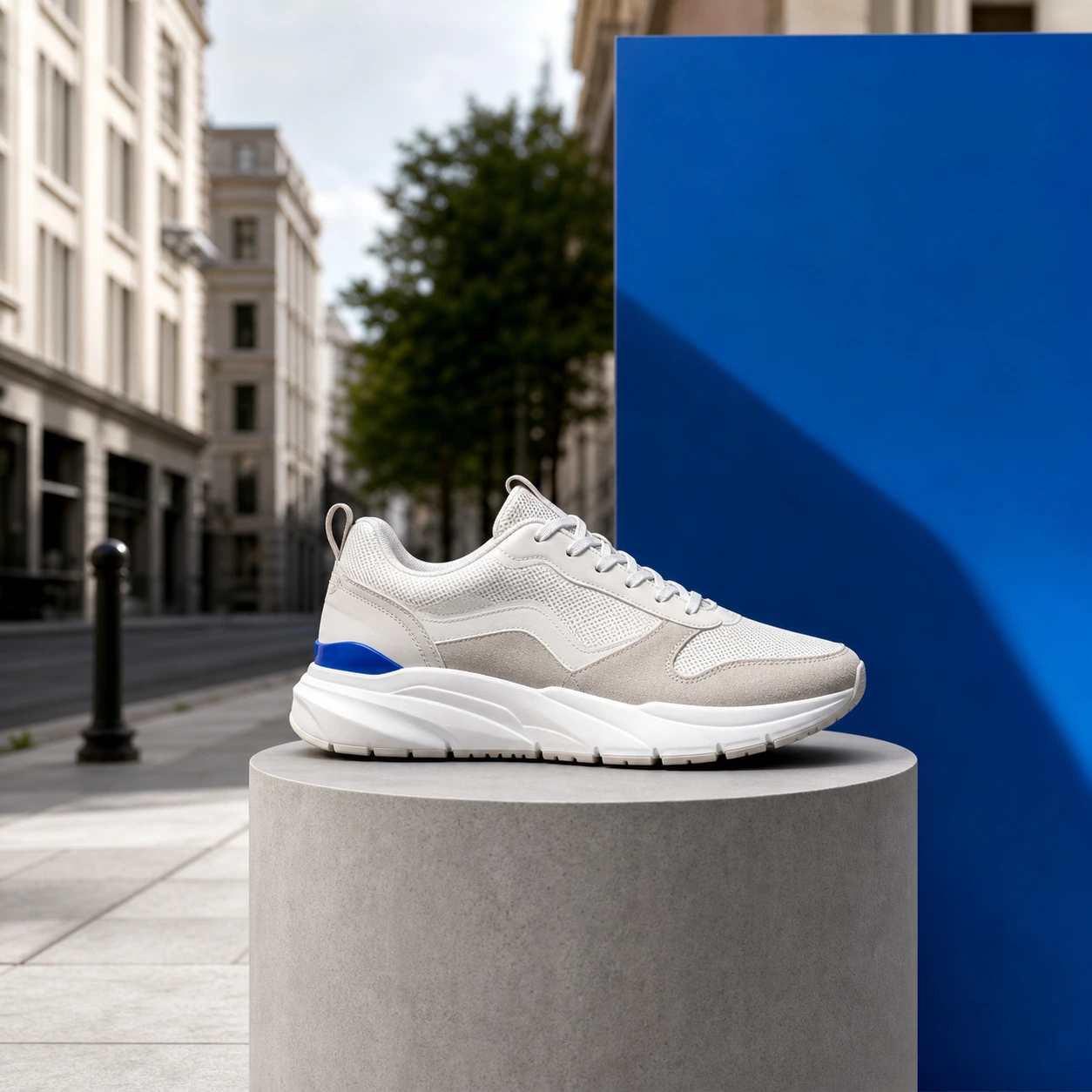
Multi-image merge

Character consistency
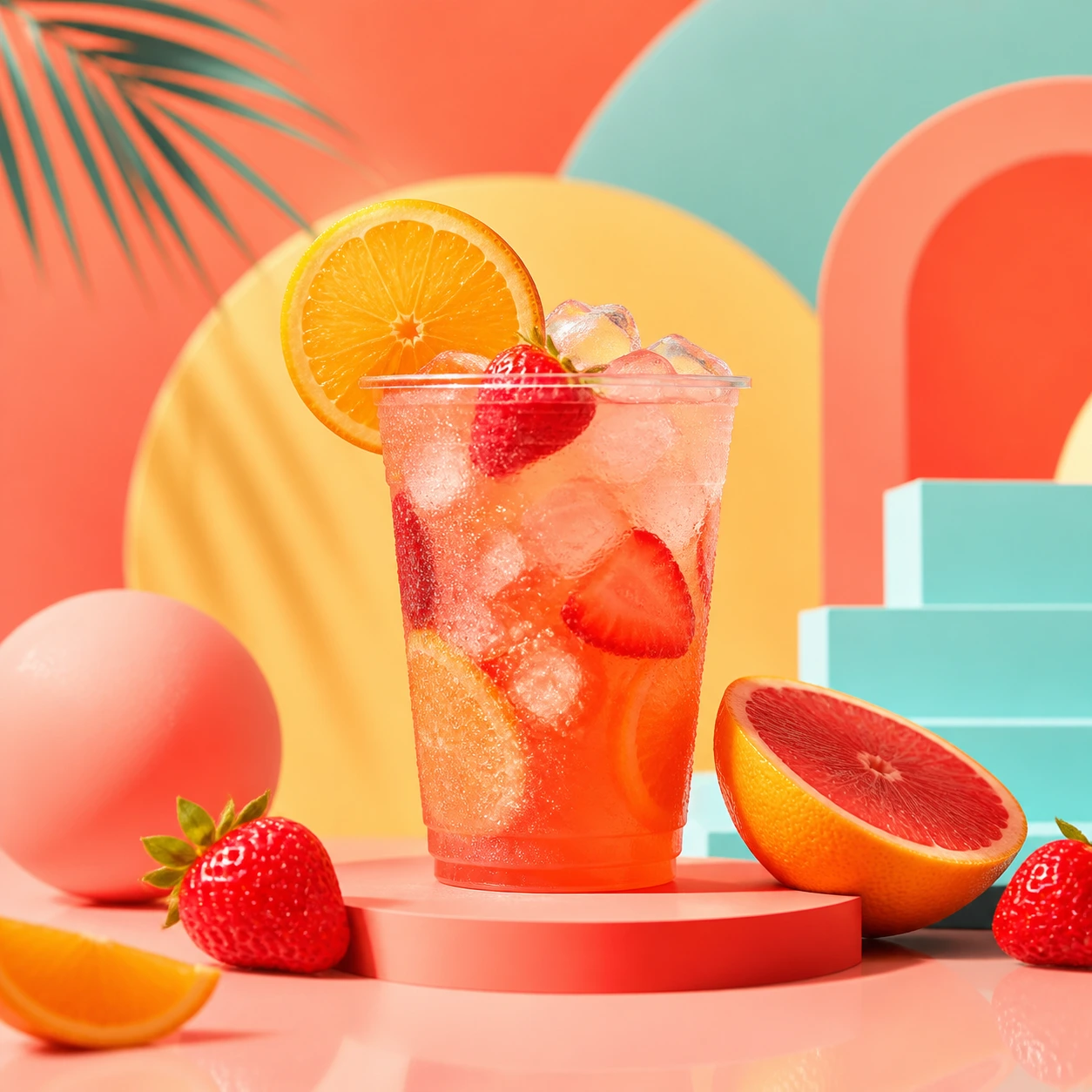
Social poster
What this workflow is good for
Fast creative drafts
Test several visual directions quickly from short prompts, then keep the best option for refinement.
Product and social images
Create product heroes, campaign visuals, covers, and social drafts for content and marketing work.
Prompt control
Describe subject, style, lighting, composition, and use case so the output follows your brief more closely.
Continue editing
Use the result in image editing, image-to-video, or template workflows when you need a finished asset.
Related tools and models
Continue with the existing image tools and model pages.
Choose Your Plan
Free images include a watermark. Upgrade for clean outputs, faster generation, and commercial use.
Starter Pack
A one-time credit pack for trying image, music, and short video generation.
- 600 credits
- ≈ 100 GPT Image 2 images at 1K Low (6 credits each)
- Up to 7 short videos
- Credits valid for 30 days
- No watermarks
Creator
Monthly plan · 1,500 credits renew each month
- 1,500 credits per month
- ≈ 250 GPT Image 2 images at 1K Low (6 credits each)
- Up to 18 short videos/month
- Works with ClipCanva Pro and other credit models
- Priority queue
- Community support
- No ads
- No watermarks
GPT Image 2 Unlimited
Use code FOUNDING6 at Stripe Checkout: $19/month for your first 6 months, then $29/month.
- Unlimited GPT Image 2 generations
- Text-to-image and image-to-image
- No credits required for GPT Image 2
- Other models use credits
- No watermarks
Pro
Monthly plan · 4,000 credits renew each month
- 4,000 credits per month
- ≈ 666 GPT Image 2 images at 1K Low (6 credits each)
- Up to 50 short videos/month
- Works with ClipCanva Pro and other credit models
- Highest priority queue
- Unlock ClipCanva Pro
- No ads
- No watermarks
- Advanced Refine
Studio
Monthly plan · 12,000 credits renew each month
- 12,000 credits per month
- ≈ 2000 GPT Image 2 images at 1K Low (6 credits each)
- Up to 150 short videos/month
- Works with ClipCanva Pro and other credit models
- Highest priority queue
- Early access to new features
- Priority support
Secure checkout · Subscriptions renew automatically · See refund eligibility
Team
For agencies, production teams, and custom volume needs.
Free Nano Banana FAQ
Can I use Nano Banana for free?
Which model does this page use?
What images is it best for?
Start creating with Nano Banana
Write a clear prompt, keep Nano Banana 2 selected, and generate your first set of image directions.