
Add the brief
Enter the topic, audience, intended runtime, and any key point the short must include.
Short-form script planning
Plan a concise short-form video draft from a topic and runtime brief. Use the Short Video Script Generator to shape a hook, beat sequence, loop ending, and closing ask before you record or create visuals.
The Short Video Script Generator is a planning tool for short-form video scripts. You enter a topic and a compact runtime brief, then review a structured written plan instead of starting from a blank page.
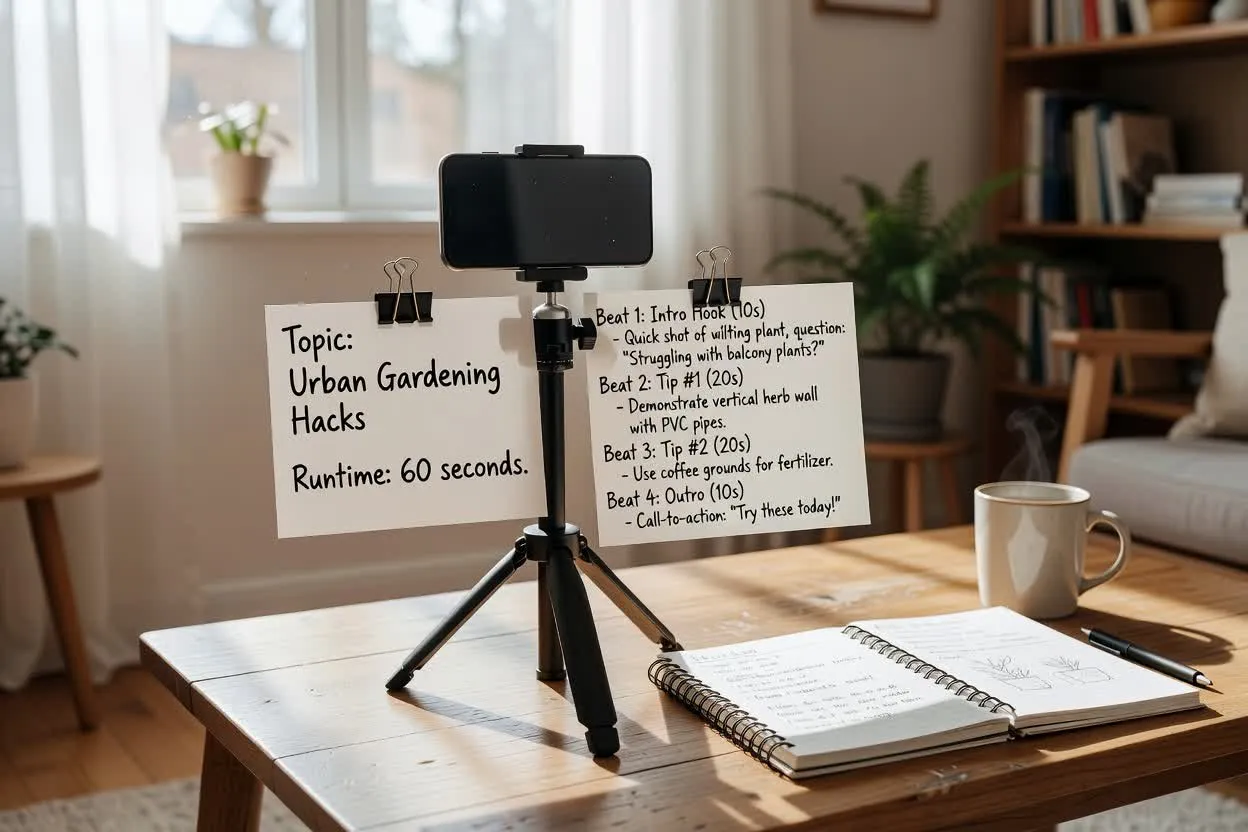
Move from a short brief to a script plan you can judge before production.
Enter the topic, audience, intended runtime, and any key point the short must include.
Select the format, tone, runtime, audience, and closing action so the plan fits the channel and goal.
Read through the hooks, beats, loop ending, and closing ask, then revise anything that feels too long or off-message.
The planner returns a practical short-form draft you can inspect and revise before recording.
Several opening lines designed to match the topic, audience, tone, and runtime.
A compact sequence of content beats so the idea fits the available seconds without too many scenes.
A closing line that can loop back to the beginning, plus one clear closing ask for the viewer.
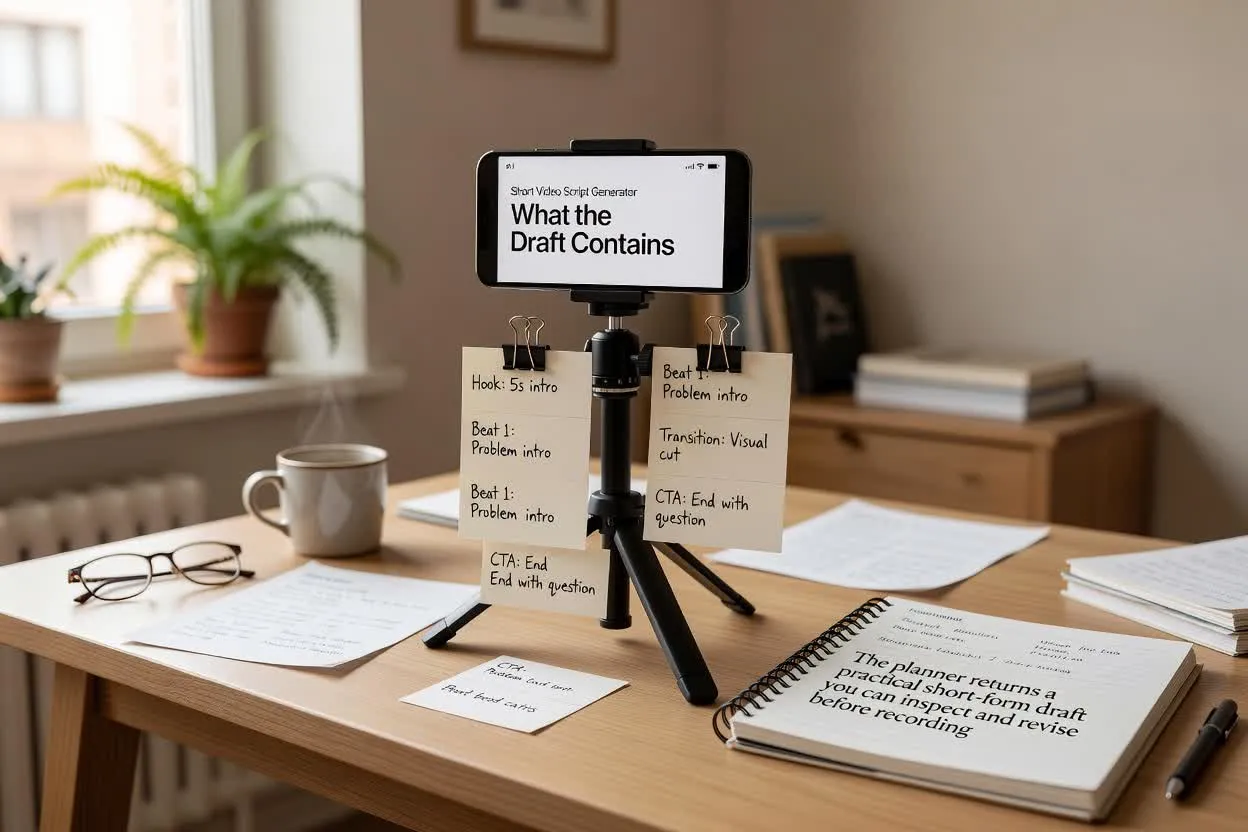
Adjust the planning inputs so the draft matches the platform, audience, and ask you want to make.
Choose the short-form structure you are planning for, such as Shorts, Reels, or TikTok-style pacing.
Set the intended length so the beat count stays realistic for a tight short video.
Guide the language toward a style such as direct, playful, educational, or promotional.
Use the planner when you need a script structure for common short-form formats rather than a finished video.
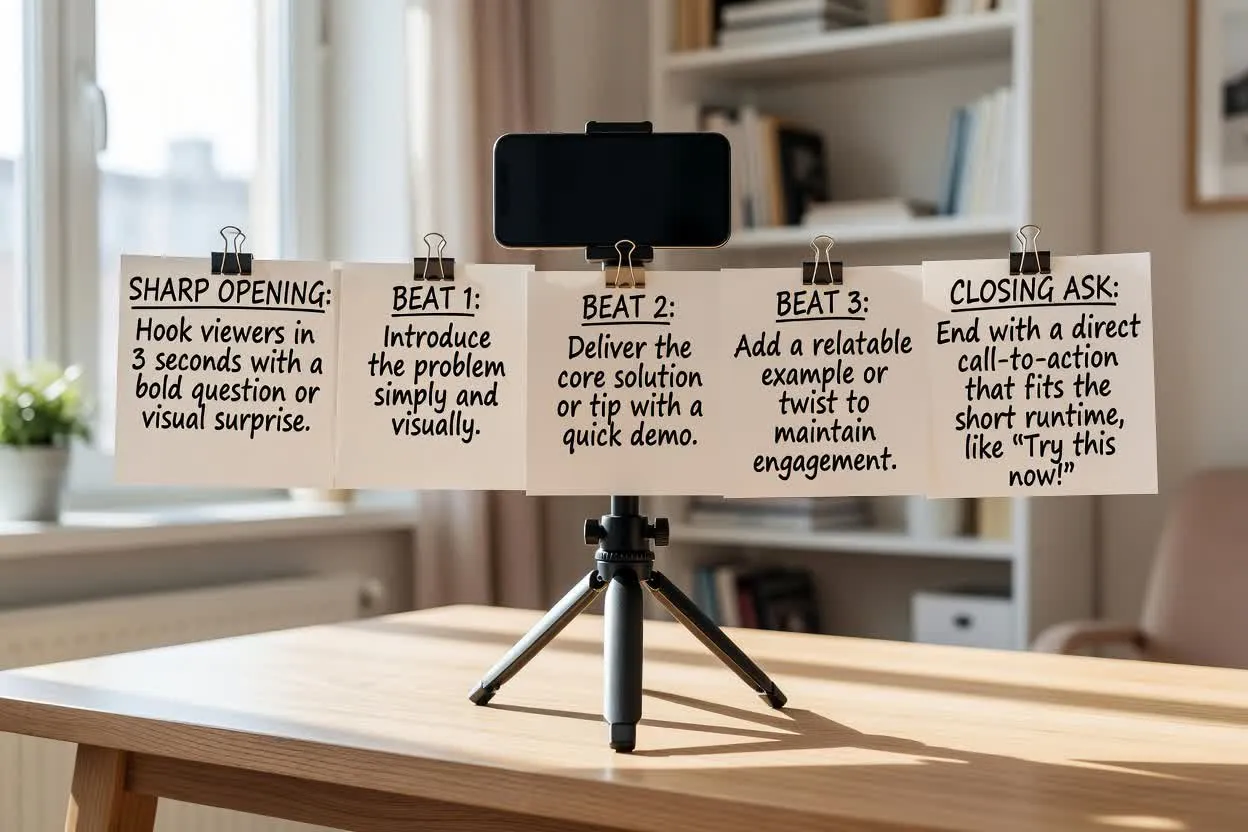
Plan a fast Shorts script with a sharp opening, simple beat flow, and a closing ask that fits a short runtime.
Open the script planner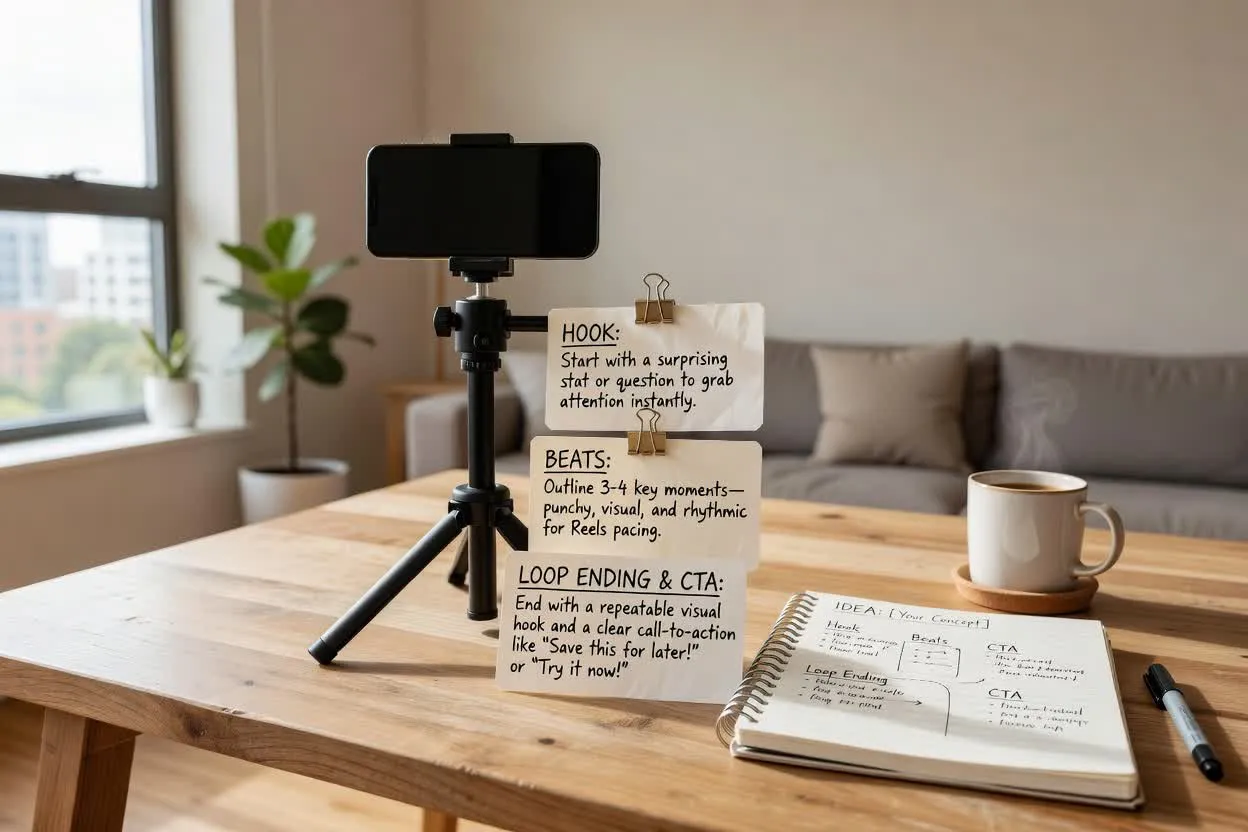
Create a Reels and TikTok short plan that maps the idea into hook, beats, loop ending, and closing ask before production.
Open the script planner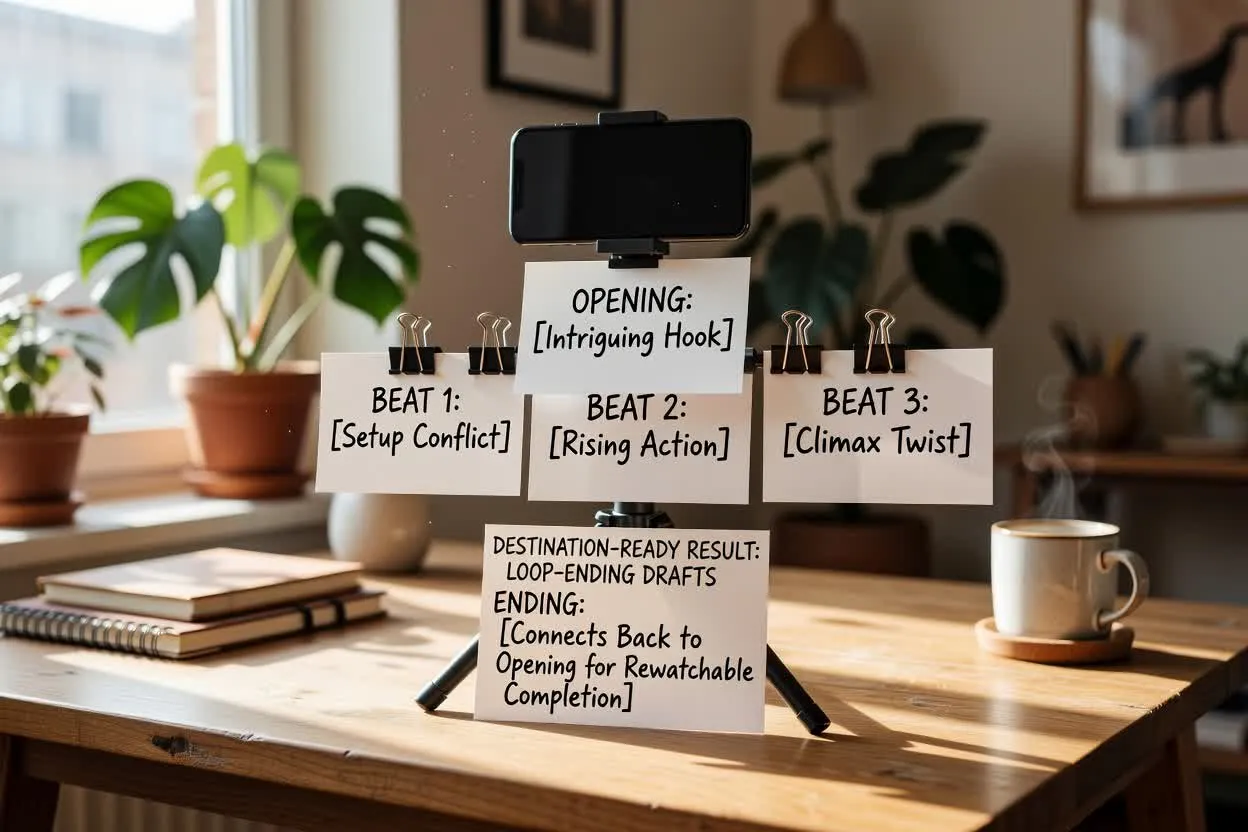
Shape endings that connect back to the opening so the short can feel complete and rewatchable.
Open the script plannerBefore filming, inspect the plan for clarity, pacing, and whether the final ask is focused.
Check whether the hook quickly names the tension, benefit, or curiosity that would make the target viewer keep watching.
Confirm the number of scenes or beats is realistic for the selected runtime.
Make sure the closing action asks for one thing only, such as follow, comment, save, click, or watch next.
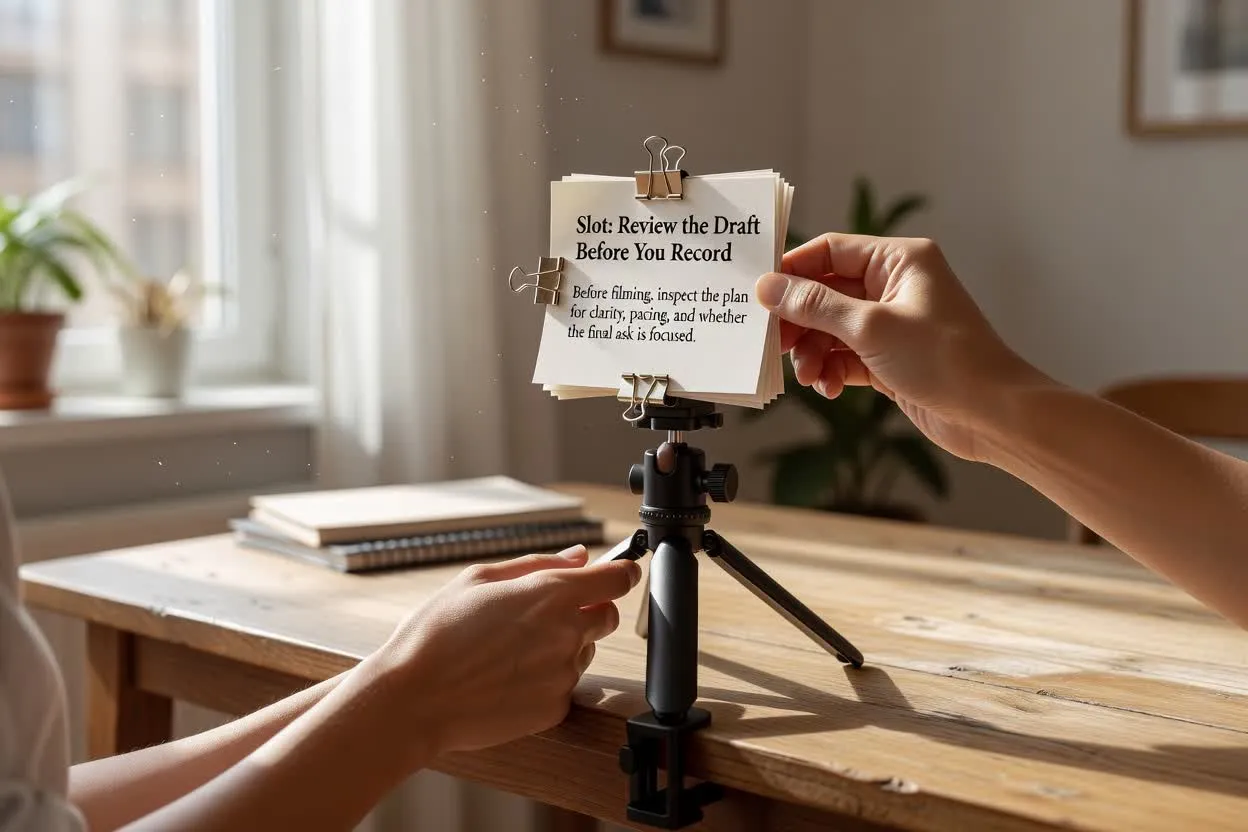
Use the planner as a writing aid, then review the draft before relying on it in a public post or campaign.
The output is a written draft only; it does not record, render, edit, or publish a finished video.
Product, legal, medical, financial, performance, and factual claims need verification before they appear in a video.
Answers to common questions about planning short-form scripts before production.
Bring your topic, runtime target, and audience in mind, then plan with the Short Video Script Generator and review the draft before production.