ClipCanva

Image model comparison

Imagen 4 vs GPT Image 2

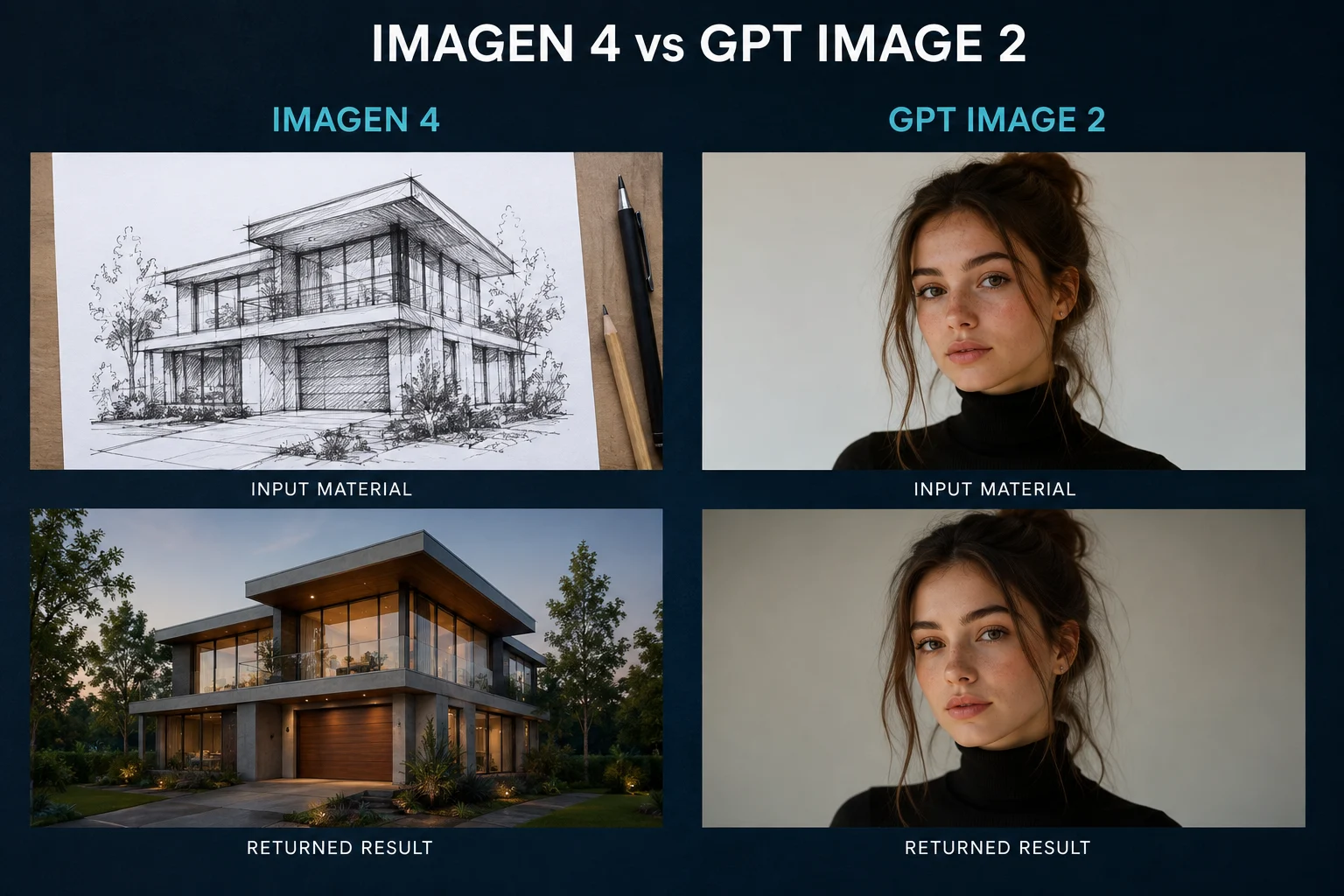
Imagen 4 and GPT Image 2 both turn a prompt into a still image. They differ in where their strength sits: polished realism on one side, prompt precision and readable text on the other.

Choose Imagen 4 when the priority is natural photographic quality. Choose GPT Image 2 when the brief needs precise instructions followed and legible text in the frame.

Quick Comparison

The differences that decide which one you open.

DimensionImagen 4GPT Image 2
Main strengthPolished, natural photographic realismPrompt precision and instruction following
Text in the imageUsable, but verify every labelMore often readable, still worth checking
Editing workflowRegenerate with an adjusted promptIterate conversationally on the same image
Best forHero imagery and lifestyle visualsLayouts, labelled visuals, and campaign assets
Availability in ClipCanvaNot currently connected as a ClipCanva modelAvailable with a model page and credit cost shown

What Each Model Is

Two image models with different design priorities.

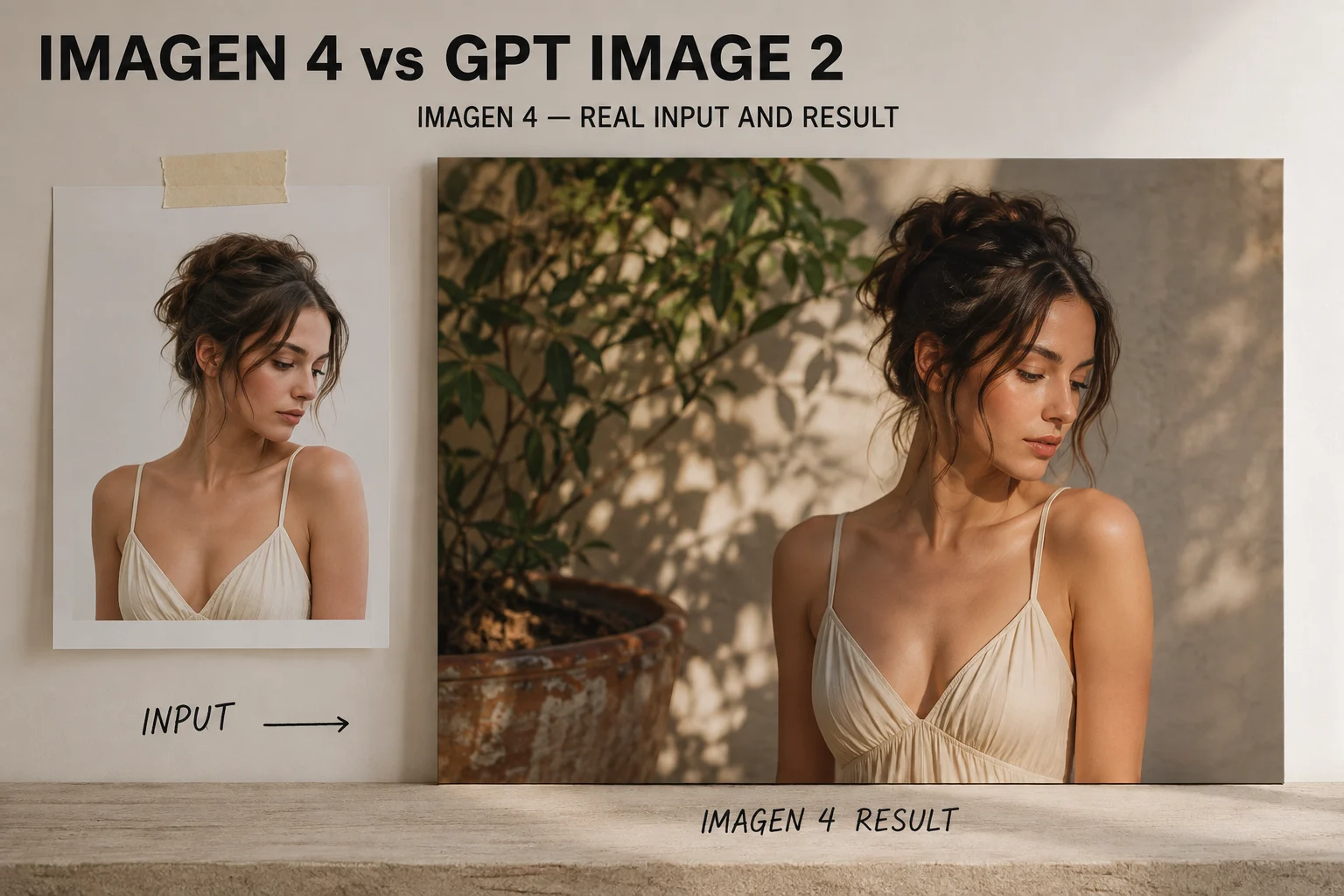
An image generated by Imagen 4 shown at full size

Imagen 4

An image generation model from Google, known for natural photographic output and polished lighting in lifestyle and product-style visuals.

An image generated by GPT Image 2 shown at full size

GPT Image 2

An image generation model from OpenAI, built around following detailed instructions closely and handling text and layout more predictably.

Capability Comparison

What each model tends to do well.

Visual realism

Imagen 4
Strong at natural light, skin, and material texture without heavy prompt engineering.
GPT Image 2
Capable of realism, but often needs the prompt to specify lighting and lens explicitly.

Text and labels

Imagen 4
Can render short text, though longer strings frequently need a retry.
GPT Image 2
More reliable with short readable text, which helps mockups and labelled diagrams.

Instruction following

Imagen 4
Interprets the brief loosely, which can help mood and hurt precision.
GPT Image 2
Follows explicit constraints more closely, including what to leave out of frame.

Iteration style

Imagen 4
Change the prompt and generate again to move the result.
GPT Image 2
Adjust an existing image with a follow-up instruction instead of restarting.

How the Work Differs

Where each model saves or costs you time.

Writing the prompt

Imagen 4
Shorter prompts often already look good, so less setup is needed for mood work.
GPT Image 2
A structured prompt naming subject, composition, and exclusions pays off directly.

Fixing one detail

Imagen 4
Regenerate the whole image, which can change parts you wanted to keep.
GPT Image 2
Give a follow-up instruction, so the parts that worked are more likely to survive.

Cost control

Imagen 4
Cost depends on how you access it, since it is not connected inside ClipCanva.
GPT Image 2
Credit cost per run is shown in the generator before you submit.

Reviewing the Result

What to check before you use the image.

First check

Imagen 4
Whether the lighting and materials look believable at full size, not just in thumbnail.
GPT Image 2
Whether every explicit instruction in the prompt actually made it into the frame.

Text check

Imagen 4
Read any rendered text closely; plan to add real typography in layout if it fails.
GPT Image 2
Read the text even when it looks right, because near-miss spellings are common.

Reusability

Imagen 4
Strong single hero images, harder to reproduce as a consistent set.
GPT Image 2
Easier to hold a look across several assets by reusing the same structured prompt.
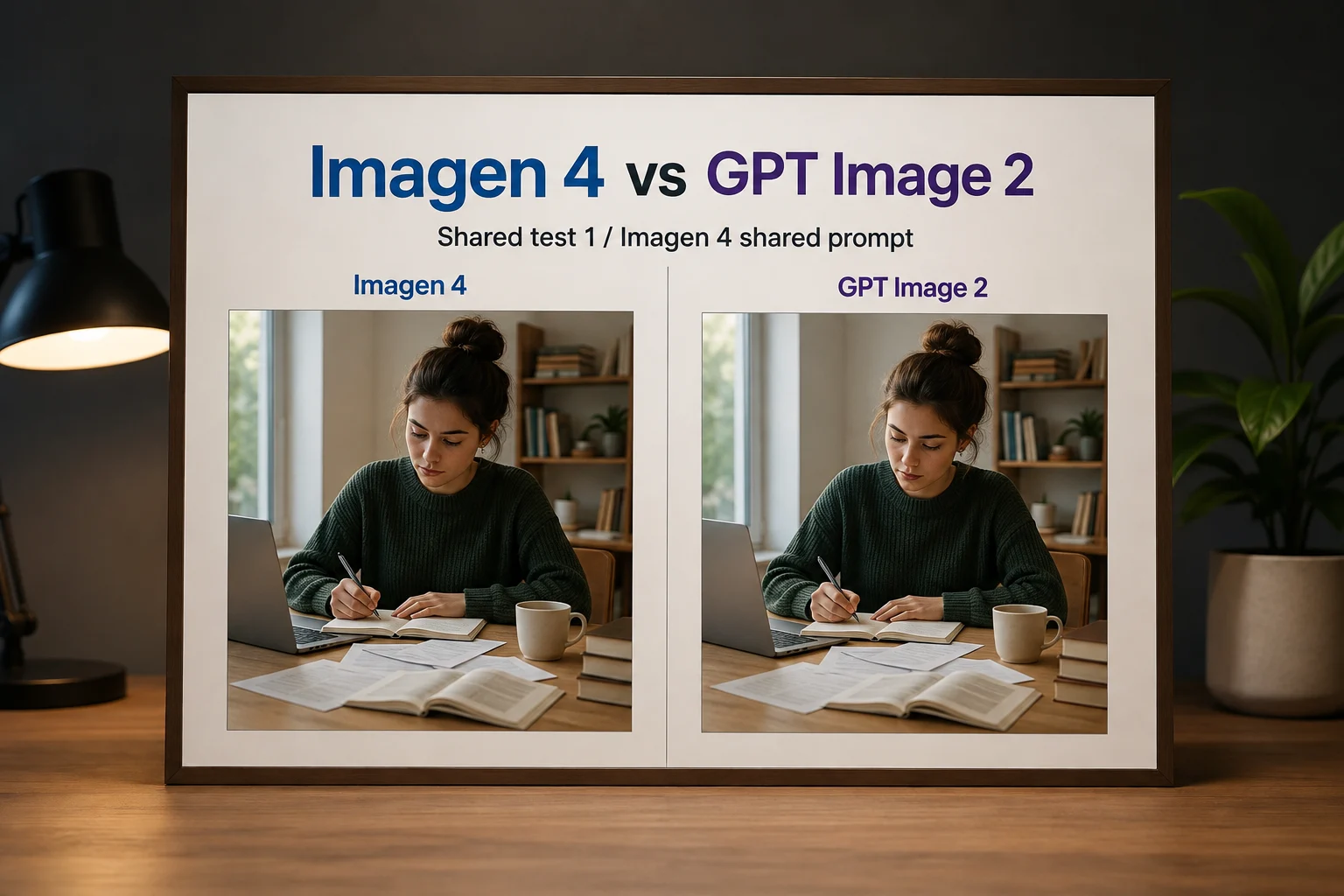
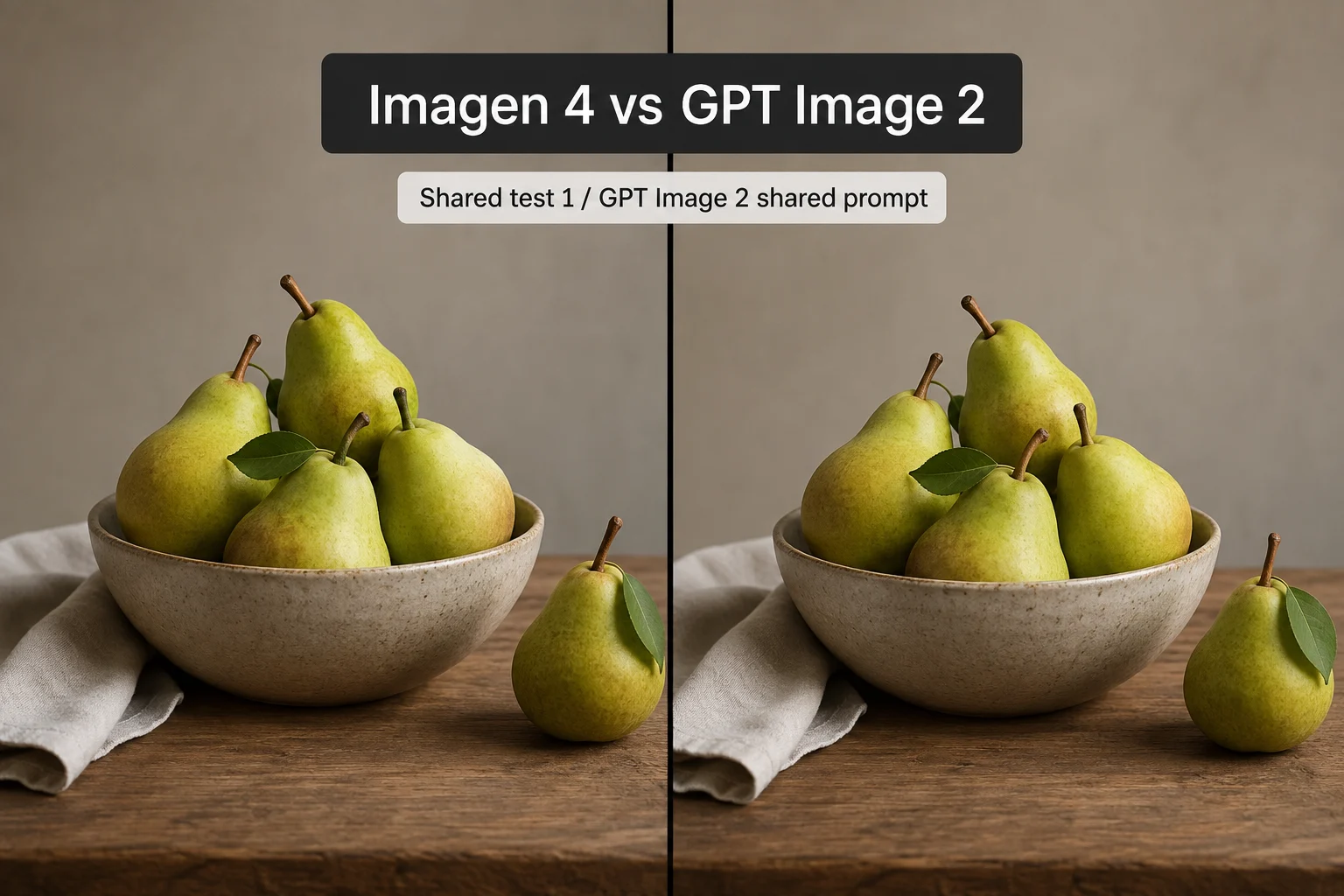
An Imagen 4 result rendered from the shared test prompt

Imagen 4

A GPT Image 2 result rendered from the same test prompt

GPT Image 2

Which to Use When

Match the model to the deliverable.

Imagen 4 suits

  • Lifestyle and hero imagery where mood carries the shot
  • Photographic looks you do not want to over-specify
  • Single standout visuals rather than a repeatable set

GPT Image 2 suits

  • Layouts with reserved space for headline copy
  • Mockups, diagrams, and anything with short readable labels
  • Campaign sets that must stay visually consistent
  • Briefs with explicit constraints on what to exclude

What This Comparison Cannot Settle

Read these before treating the table as fixed.

Imagen 4 is not a ClipCanva model

It is included here because people compare the two. You cannot run it inside ClipCanva, so access and cost depend on Google's own routes.

Text rendering is never guaranteed

Both models can misspell or distort text. For anything customer-facing, add real typography during layout instead of trusting generated text.

Model behaviour shifts

Providers update these models without notice. Judge current behaviour from your own test rather than from any published comparison.

Checked on: 2026-08-18

Which to Choose

Three briefs and the model that fits.

The image needs readable text or a strict layout

Use GPT Image 2, since it follows explicit composition instructions more closely and handles short labels better.

Open GPT Image 2

You want photographic mood with a short prompt

Imagen 4's strength is natural realism, though you will need Google's own access since it is not connected here.

Try a realism prompt here

You need a consistent set of campaign assets

Use GPT Image 2 with one structured prompt reused across assets, so the look holds between images.

Build a structured prompt

Imagen 4 vs GPT Image 2 FAQ

Common questions about choosing between these image models.

Which is better, Imagen 4 or GPT Image 2?
They win on different things. Imagen 4 tends toward polished photographic realism with less prompt work. GPT Image 2 follows detailed instructions more closely and handles short readable text more predictably.
Can I use Imagen 4 in ClipCanva?
No. Imagen 4 is not currently connected as a ClipCanva model. GPT Image 2 is available with its own model page and a stated credit cost per run.
Which handles text inside images better?
GPT Image 2 is generally more reliable with short labels, but neither model guarantees correct text. For anything published, add real typography in your layout step rather than relying on generated characters.
Which is better for ecommerce product images?
If the shot needs reserved space for headline copy or specific framing, GPT Image 2 follows those constraints more closely. If you want a purely photographic hero shot, Imagen 4's realism is its strength.
How should I actually decide?
Write one structured prompt and run it where you can. Judge the result on your real brief, since published comparisons age quickly as providers update both models.

Test the prompt, not the claim

Write one structured brief and run it on GPT Image 2 to see how closely it holds your constraints.