


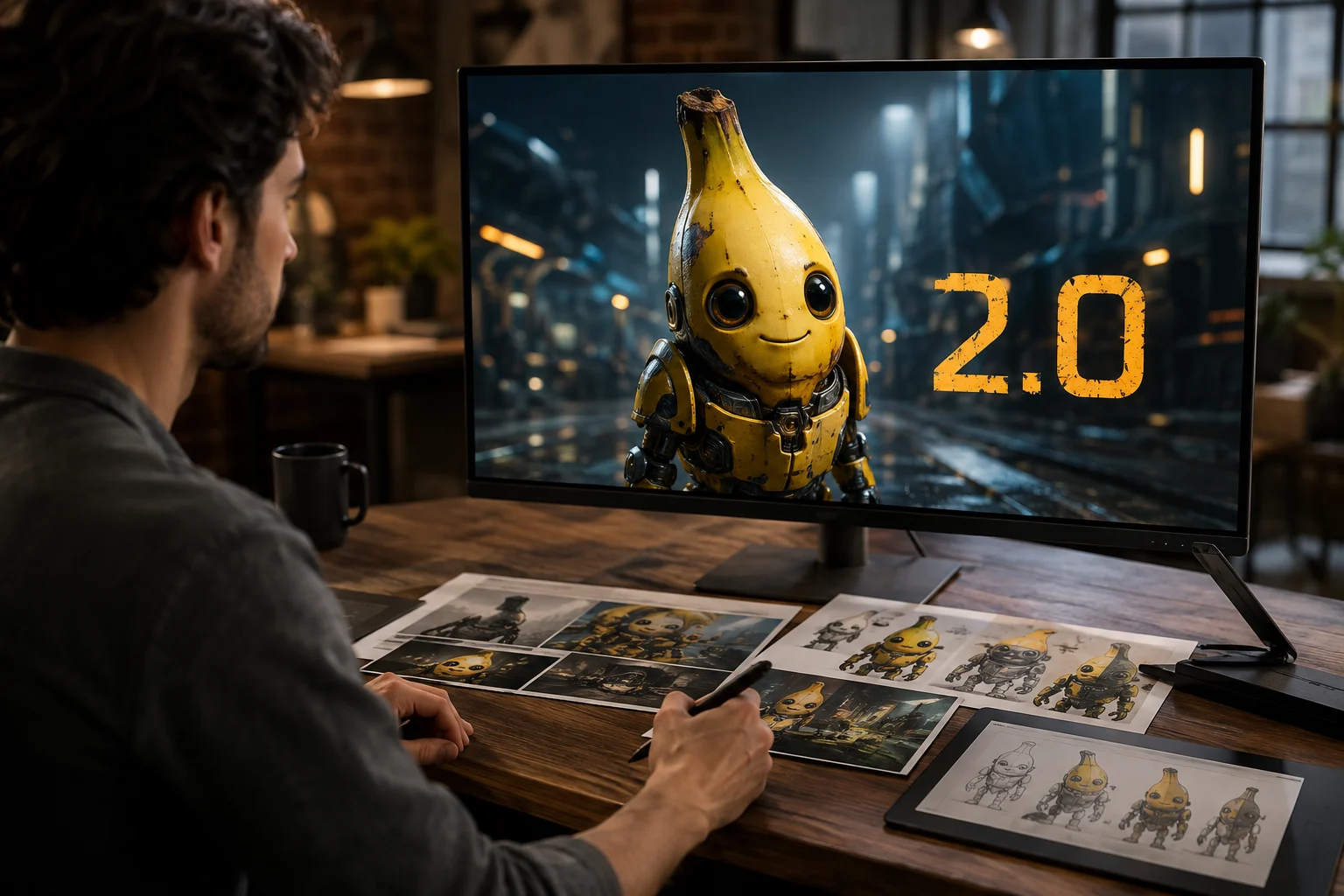
تولید تصویر با وفاداری بالا
از یک دستور دقیق تصویر تولید کنید، سپس تناسب سوژه، ترکیببندی و جزئیات قابل مشاهده را در نتیجه بررسی کنید.
پیش از انتخاب Nano Banana 2 برای یک کار تصویرِ هوش مصنوعی، هویت نسخه 2.0، ورودیهای پشتیبانیشده و دسترسپذیری کنونی آن را بررسی کنید.
برای تیمهایی که میپرسند Nano Banana 2 چیست، این مدل Google Gemini 3.1 Flash Image برای تولید تصویر و ویرایش سریعتر است.
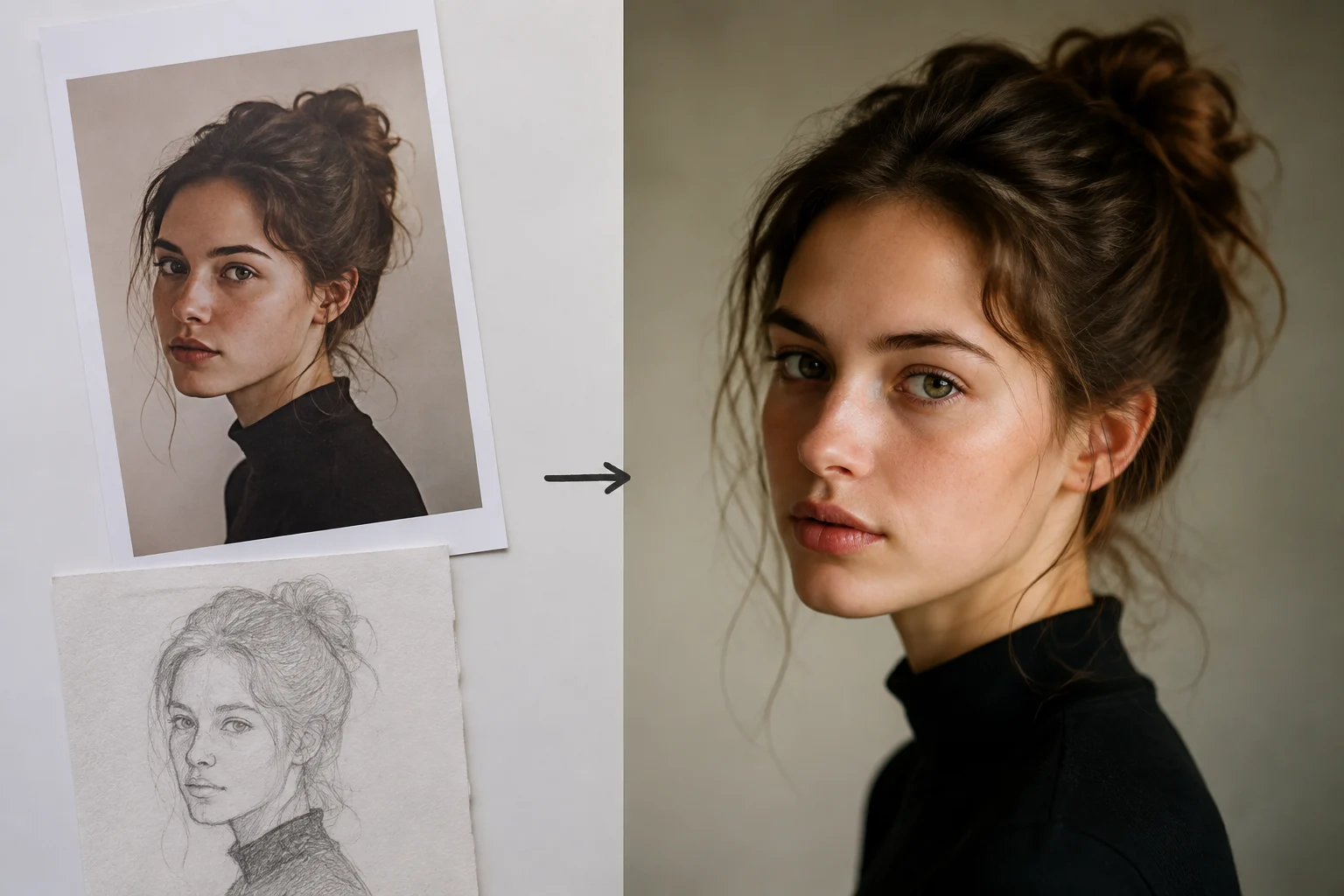
این قابلیتها به تیمها کمک میکنند پیش از بازبینی تولید، تناسب مدل برای تولید تصویر و ویرایش هدایتشده با مرجع را بسنجند.
از یک دستور دقیق تصویر تولید کنید، سپس تناسب سوژه، ترکیببندی و جزئیات قابل مشاهده را در نتیجه بررسی کنید.
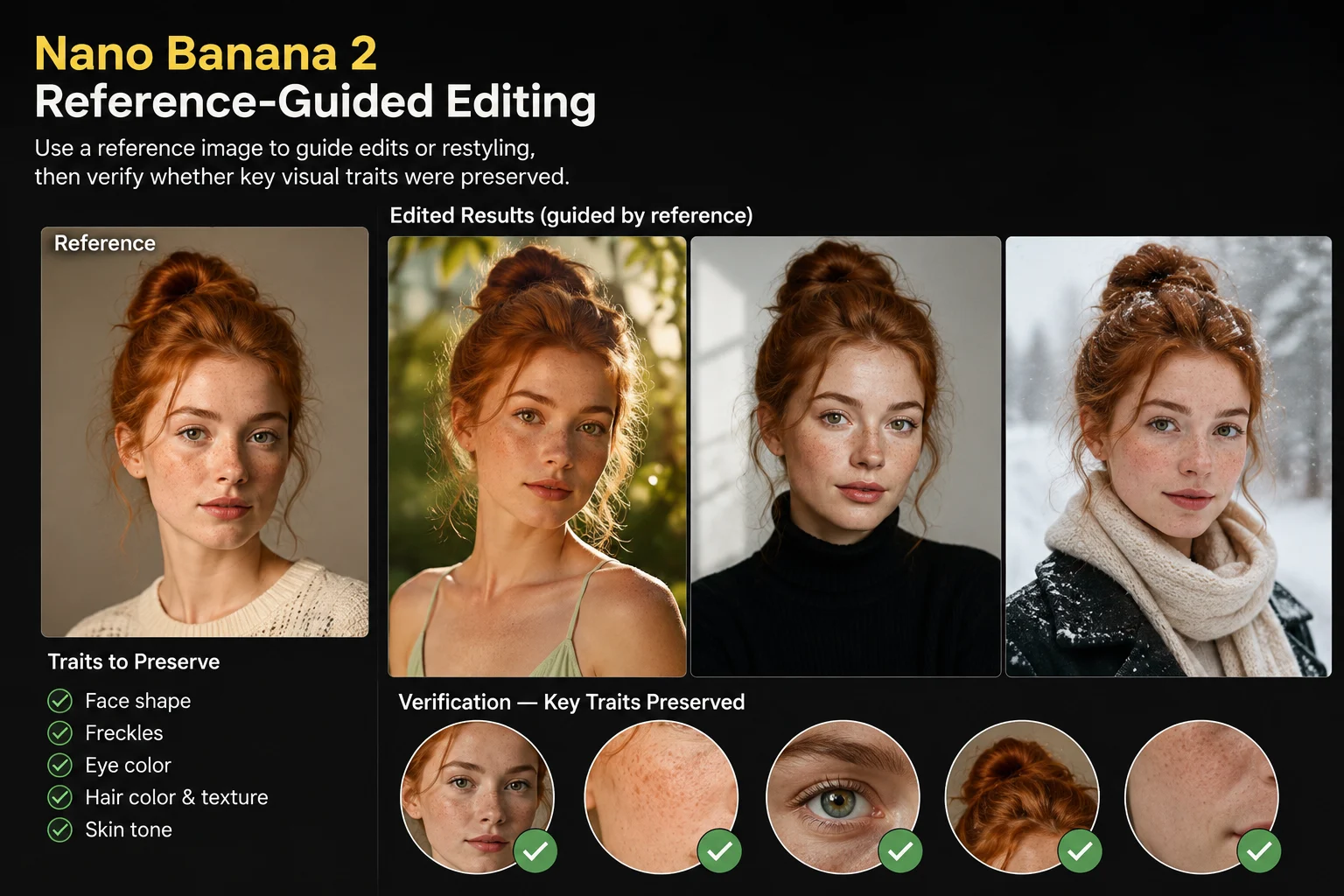
برای هدایت ویرایشها یا بازسبکسازی از یک تصویر مرجع استفاده کنید، سپس بررسی کنید که ویژگیهای بصری کلیدی حفظ شدهاند یا نه.
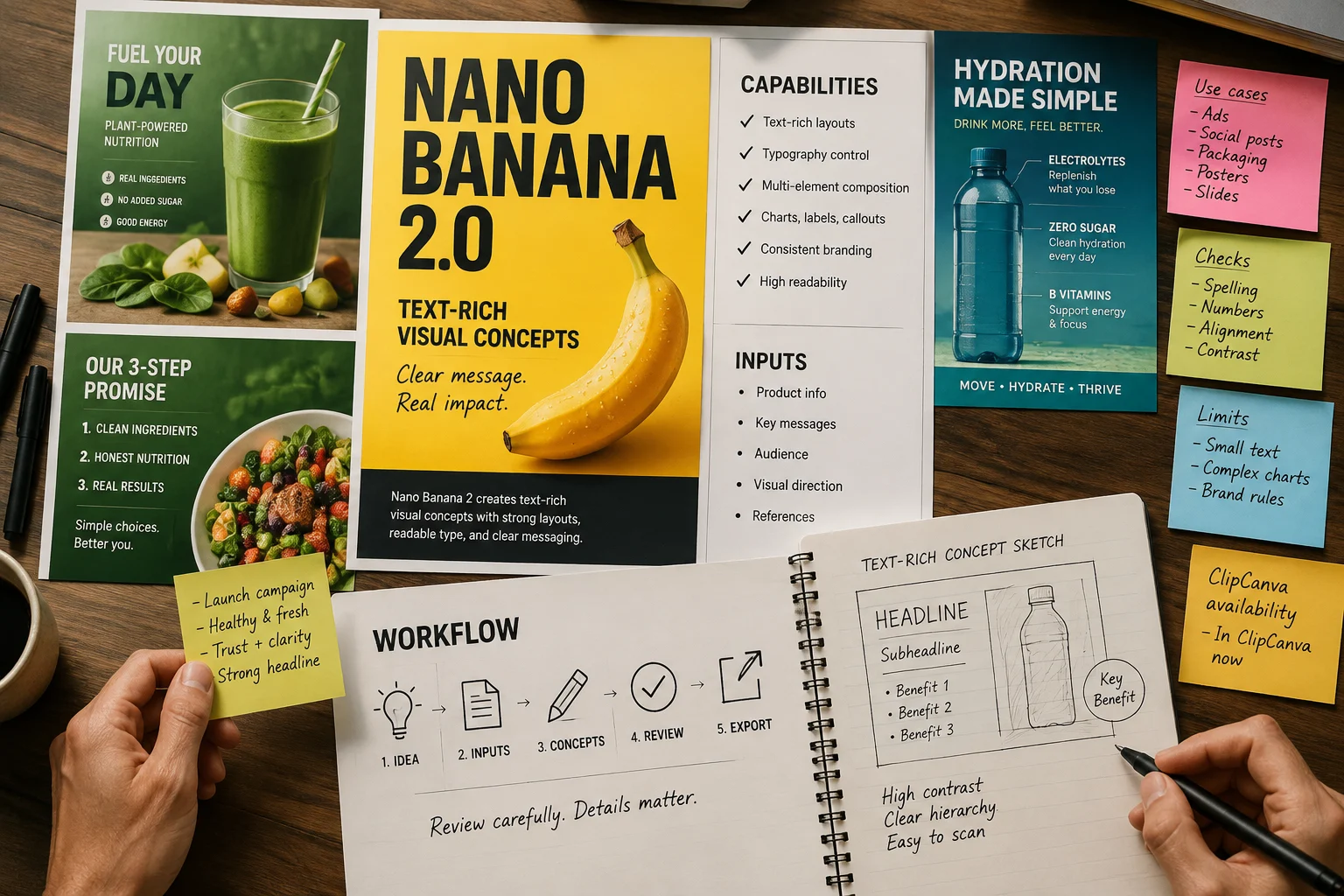
مفاهیم بصری پُرمتن را با بازبینی دقیق ایجاد کنید، زیرا نوشتههای قابل مشاهده و جزئیات ظریف همچنان به بررسی نیاز دارند.
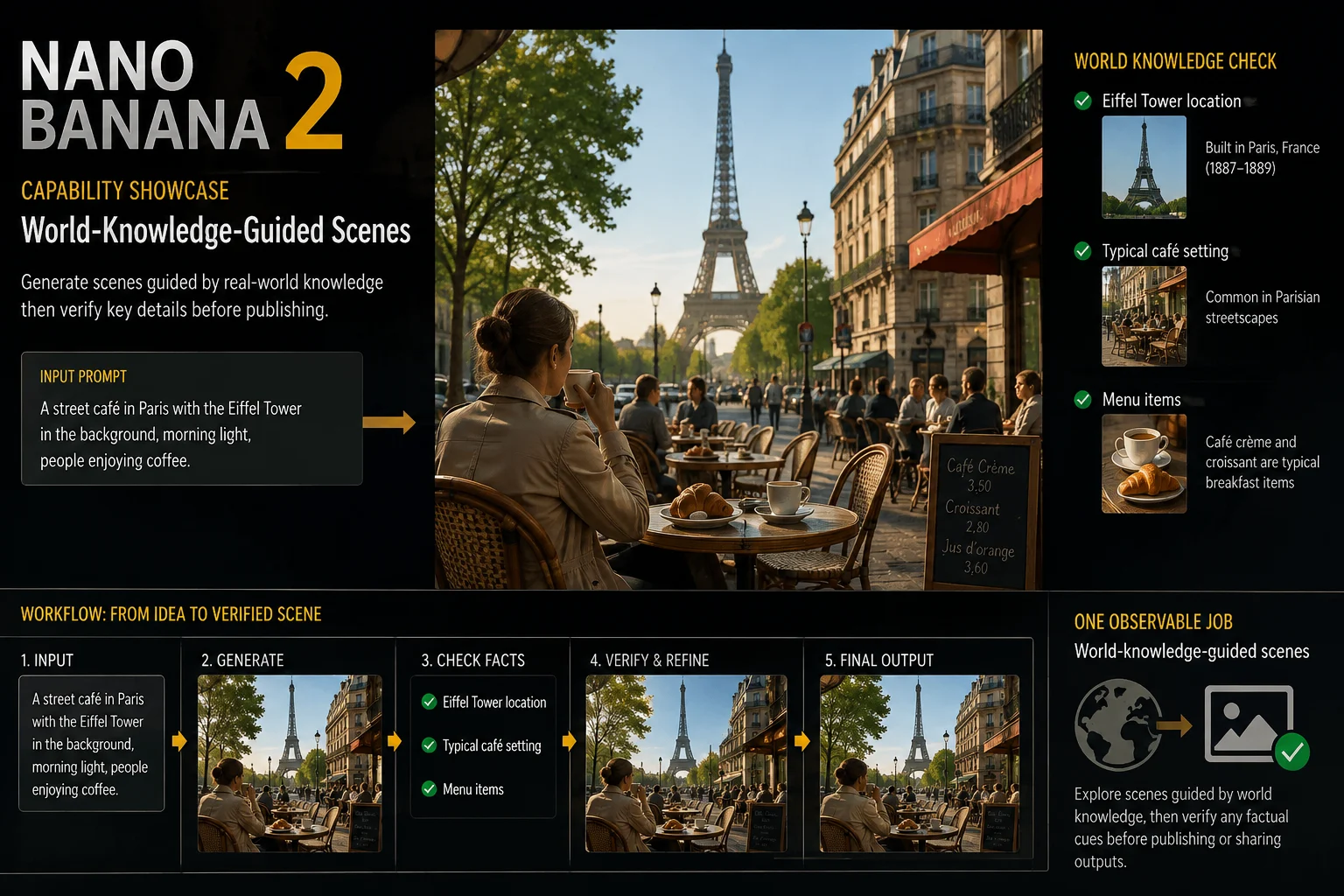
صحنههای هدایتشده با دانش جهان را بررسی کنید، سپس پیش از انتشار یا اشتراکگذاری خروجیها هر نشانه واقعی را تأیید کنید.
برای دسترسی به Nano Banana 2، این صفحه متصل را باز کنید و ورودی و کنترلهای زنده را مرجع اصلی بدانید.
یک دستور متنی روشن ارائه کنید و وقتی میخواهید نتیجه از جهتگیری بصری موجود پیروی کند، یک تصویر مرجع بیفزایید.
از انتخابگر مدل، نسبت تصویر، تعداد خروجی، وضوح، سبک، بهبود دستور، سرعت تولید و کنترلهای تصویر مرجعِ نمایشدادهشده استفاده کنید.
انتظار تصاویر تولیدشده یا ویرایشهای تصویر هدایتشده با مرجع را داشته باشید که همچنان برای جزئیات، دقت و برش به بازبینی نیاز دارند.
دسترسی به Nano Banana 2 با این صفحه متصل، یک دستور مشخص، کنترلهای قابل مشاهده و بازبینی خروجی آغاز میشود.
خروجی موردنیاز، مخاطب، سوژه، محیط، جهتگیری سبک و محل استفاده از تصویر نهایی را بیان کنید.
یک دستور کوتاه بنویسید و فقط هنگامی که این راهنمایی برای کار لازم است، تصویر مرجع گردآوری کنید.
مدل قابل مشاهده، نسبت تصویر، تعداد خروجی، وضوح، سبک، بهبود دستور و تنظیمات سرعت را انتخاب کنید.
نتایج را تولید کنید، آنها را با خلاصه کار مقایسه کنید و پیش از تلاش بعدی ضعیفترین دستورالعمل را اصلاح کنید.
این کاربردها برای تیمهایی مناسباند که به مفاهیم مبتنی بر دستور، ویرایشهای آگاه از مرجع و گونههای خلاقانه بازبینیشده نیاز دارند.
صحنههای محصول را با سوژه، محیط و هدف جایگذاری مشخص بسازید، سپس دقت محصول را با دقت بررسی کنید.
یک جهتگیری بصری موجود را با تصویر مرجع بازسبکسازی کنید، سپس جزئیات کلیدی را با دارایی منبع مقایسه کنید.
گرافیکهای کمپین برای آگهیها، صفحههای فرود یا پستهای اجتماعی ایجاد کنید، سپس متن و عناصر برند را با دقت بازبینی کنید.
از یک دستور چندین جهتگیری خلاقانه تولید کنید، سپس با بازبینی و اصلاحات هدفمند گزینهها را محدود کنید.
پیش از انتشار، از یک مرحله بازبینی ساختاریافته استفاده کنید، بهویژه وقتی تصویر شامل محصول، متن یا زمینه واقعی است.
تأیید کنید سوژه، صحنه، کنش، سبک و ترکیببندی با دستور و هرگونه محتوای مرجع تأییدشده مطابقت دارند.
متن قابل مشاهده، لبهها، اشیای کوچک، دستها، ویژگیهای محصول و دیگر جزئیات ظریف را از نظر نقص بررسی کنید.
پیش از استفاده، ظاهر محصول، نشانوارهها، نشانههای برند و ادعاهای واقعی را با محتوای منبع تأییدشده تطبیق دهید.
پیش از ورود تصویر به تولید، نسبت تصویر، ابعاد، برش و الزامات مقصد را تأیید کنید.
دسترسی Nano Banana 2 در اینجا تأیید شده است، اما خروجی متغیر و بازبینی انسانی همچنان بخشی از استفاده مسئولانهاند.
Nano Banana 2 امروز در ClipCanva متصل است؛ بنابراین گزینههای نمایشدادهشده پیش از ارسال را مرجع کنونی بدانید.
یک ورودی یکسان میتواند جزئیات یا ترکیببندی متفاوتی تولید کند؛ پس نتایج را مقایسه و در صورت نیاز دستور را اصلاح کنید.
واقعیتهای تولیدشده، متن قابل مشاهده و جزئیات مرجع، پیش از انتشار یا تحویل به مشتری همچنان به تأیید نیاز دارند.
تاریخ تأیید اطلاعات
پاسخهای مستقیم درباره هویت، دسترسی، پرسشهای قیمتگذاری، مقایسهها، ورودیها، دسترسپذیری و نیازهای بازبینی را بیابید.
مدلهای تصویر مرتبط را بر اساس ورودیهای پشتیبانیشده، کنترلهای قابل مشاهده، رفتار خروجی و دسترسپذیری تأییدشده در ClipCanva مقایسه کنید.
با یک دستور روشن شروع کنید، دسترسی کنونی را تأیید کنید، با Nano Banana 2 تصویر بسازید و برای بازبینی زمان در نظر بگیرید.