


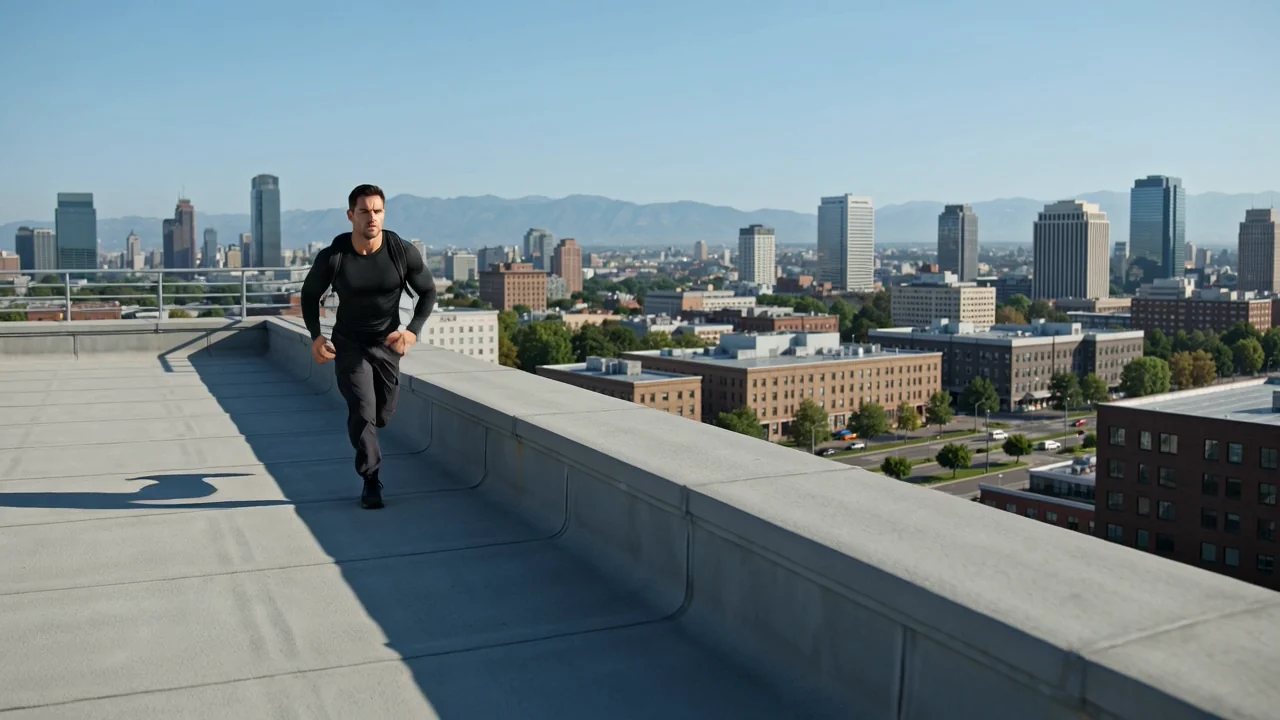
حرکت هدایتشده دوربین
زبان مربوط به حرکت دوربین در اعلان میتواند حرکت را هدایت کند، اما هر کلیپ همچنان باید از نظر کادربندی، زمانبندی و جزئیات بازبینی شود.
پس از بررسی ورودیها، قابلیتها و دسترسپذیری فعلی Kling 3.0 Turbo در ClipCanva، آن را برای کار ویدیویی هوش مصنوعیِ برنامهریزیشده امتحان کنید.
Kling 3.0 Turbo نسخهای از مدل ویدیویی Kuaishou برای کلیپهای مبتنی بر اعلان است که روایت، حرکت و یکدستی را ارزیابی میکند.
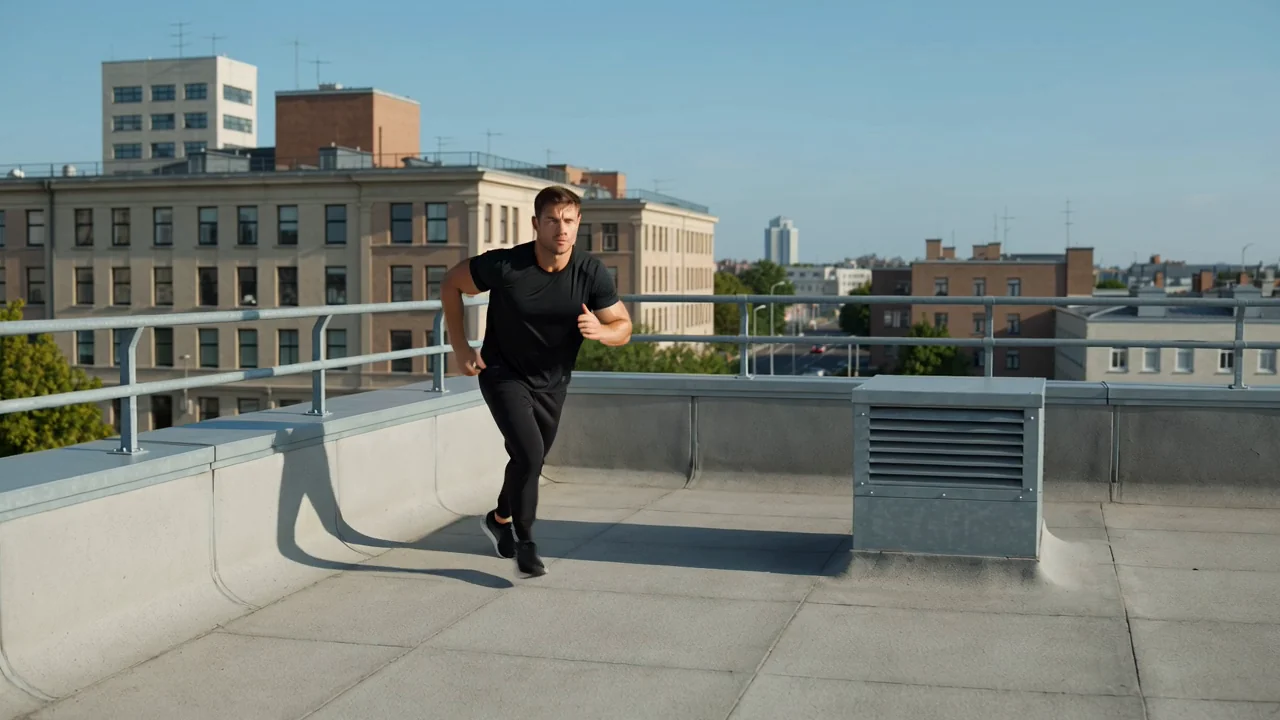
پیش از نهاییکردن توضیحات تولید، قابلیتهای مدل برای حرکت، برنامهریزی روایی، پیوستگی و کنش را بررسی کنید.
زبان مربوط به حرکت دوربین در اعلان میتواند حرکت را هدایت کند، اما هر کلیپ همچنان باید از نظر کادربندی، زمانبندی و جزئیات بازبینی شود.
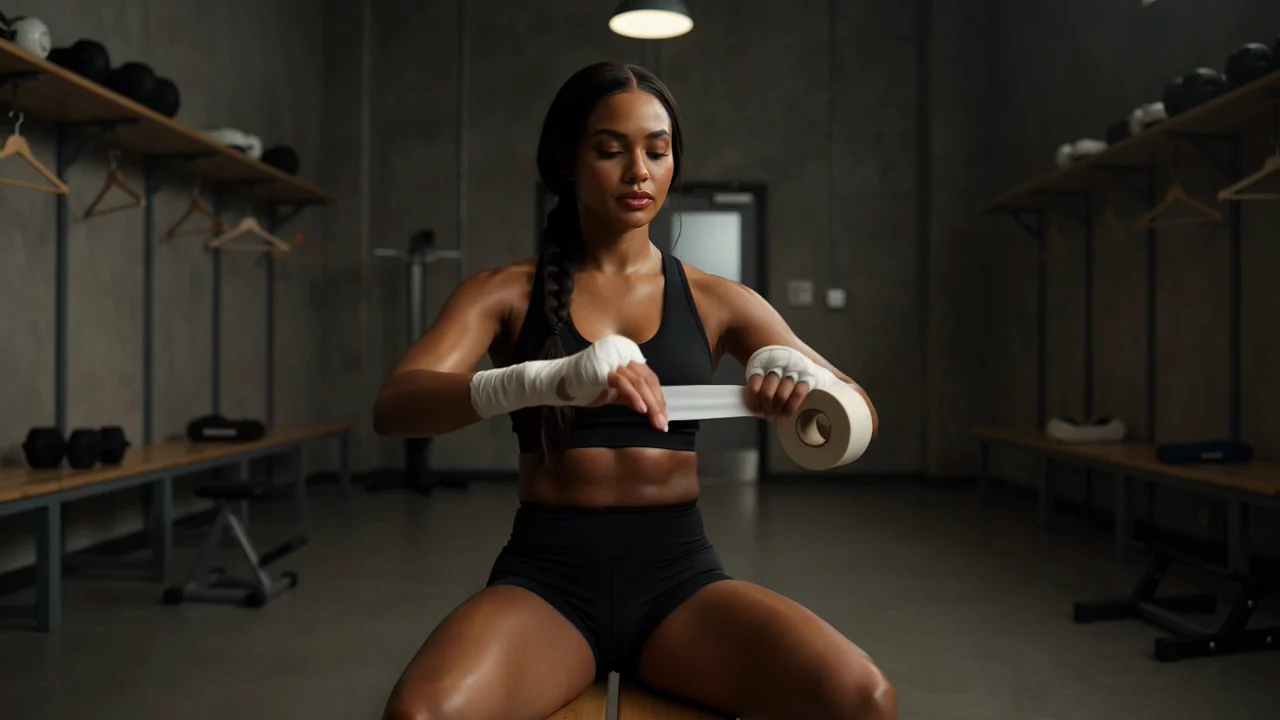
ضربآهنگ نماها را روشن برنامهریزی کنید تا ویدیوی تولیدشده از نظر ترتیب صحنهها، تداوم و همخوانی با توضیحات بازبینی شود.
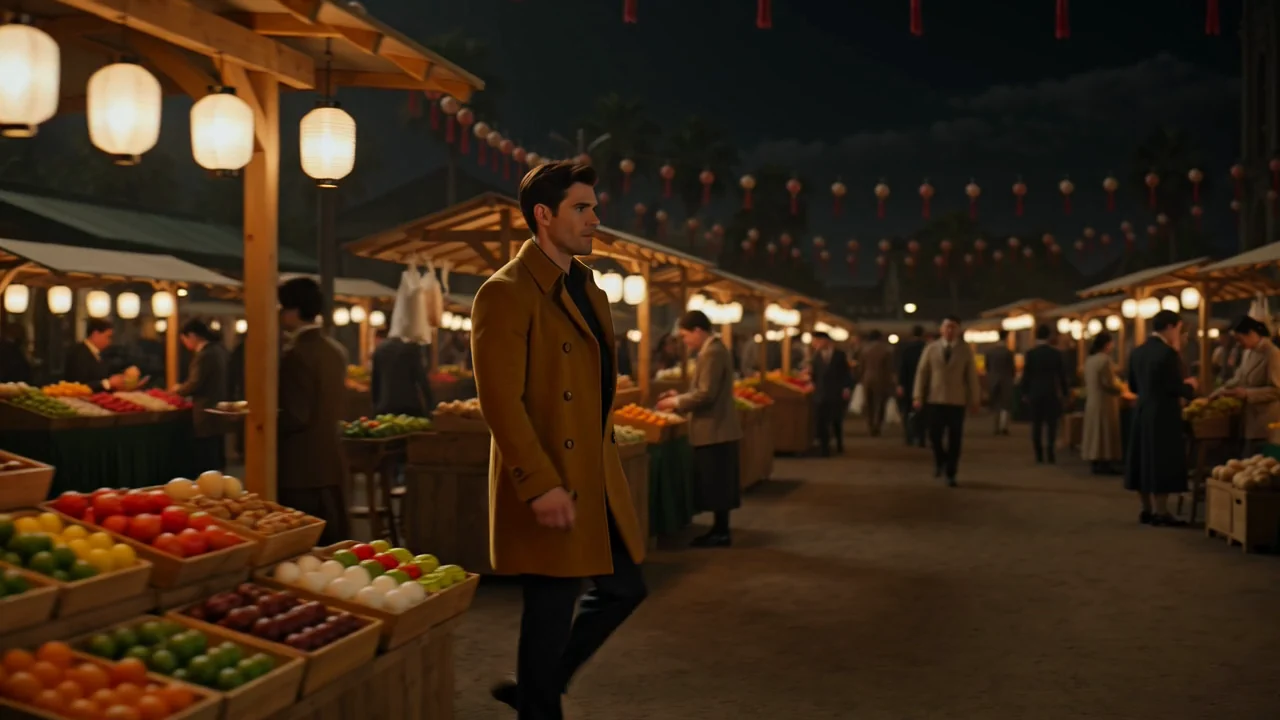
از جزئیات مرجع و عبارتبندی دقیق استفاده کنید تا بیازمایید آیا شخصیتها، محیطها و سبک بصری در سراسر یک کلیپ یکدست میمانند یا نه.
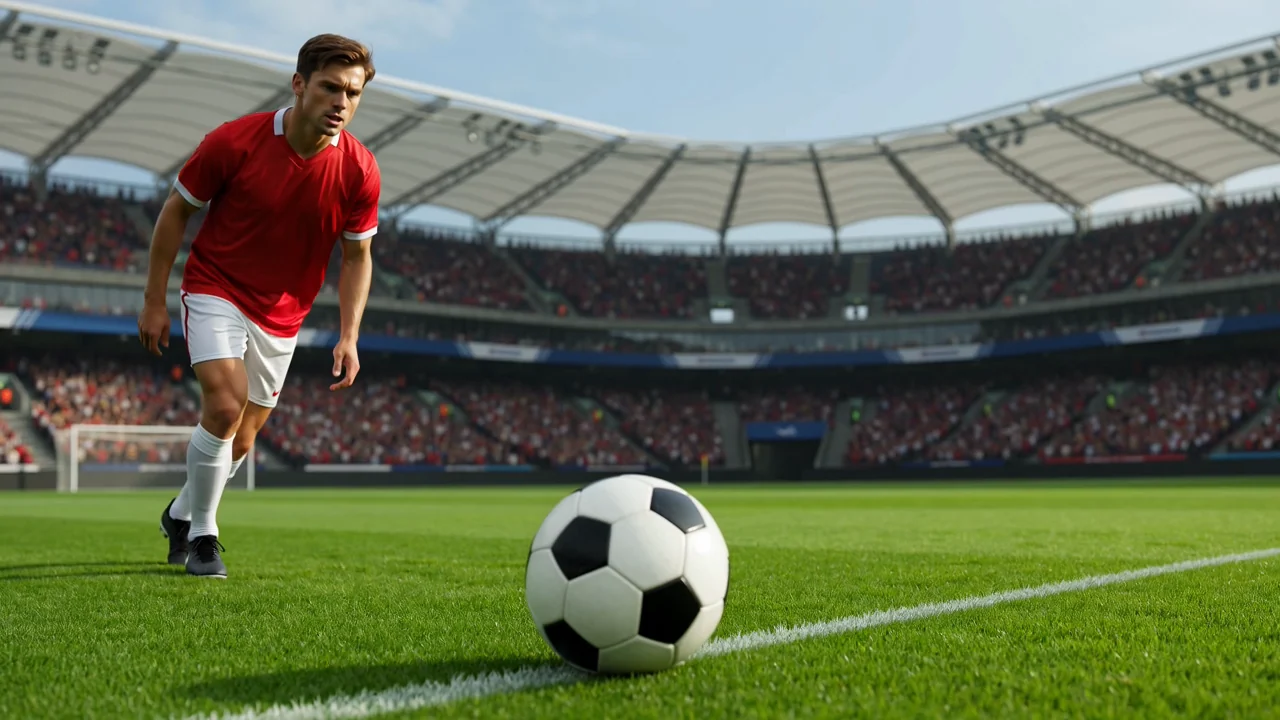
هنگام آزمودن ایدههای کنش، سرعت، نیرو و هدف دوربین را توصیف کنید؛ سپس پیش از استفاده از نتیجه، وضوح حرکت را بازبینی کنید.
از انواع ورودی پشتیبانیشده و کنترلهای قابلمشاهده آغاز کنید تا درخواست شما با آنچه این صفحه امروز میتواند اجرا کند همخوان باشد.
یک اعلان متنی مشخص بنویسید و هرگاه به تعریف سوژه، سبک، کادربندی یا زمینه صحنه کمک میکند، تصویر مرجع بیفزایید.
پیش از ارسال، از انتخابگر مدل، نسبت تصویر، مدت، وضوح و کنترلهای تصویر مرجعِ نمایشدادهشده استفاده کنید.
انتظار کلیپهای ویدیویی تولیدشده یا ویدیوهای هدایتشده با مرجع را داشته باشید که پیش از استفاده بیشتر باید با توضیحات سنجیده شوند.
شیوه ساختاربندی اعلان، ورودیها، کنترلها و مراحل بازبینی تعیین میکند که آیا کلیپ تولیدشده میتواند از کار شما پشتیبانی کند یا نه.
پیش از نوشتن اعلان، مخاطب، هدف، سوژه، محیط، حرکت دلخواه و قالب مقصد را مشخص کنید.
اعلان را بنویسید و فقط زمانی تصویر مرجع گردآوری کنید که کنترلهای فعال از آن ورودی برای کار پشتیبانی میکنند.
مدل، نسبت تصویر، مدت، وضوح و گزینههای تصویر مرجعِ قابلمشاهده پیش از ارسال را انتخاب کنید.
با Kling 3.0 Turbo ویدیو تولید کنید، نتیجهها را مقایسه کنید و پیش از تلاش بعدی، ضعیفترین دستور را بازبینی کنید.
پیش از تولید، این کاربردها را با یک خروجی مشخص، ورودیهای پشتیبانیشده، کنترلهای قابلمشاهده و برنامه بازبینی تطبیق دهید.
لحظههای داستانی فشرده را با سوژهای روشن، هدف صحنه، جهت دوربین و معیارهای بازبینی برای تداوم بسازید.
ایدههای حرکتِ محصولمحور را بیازمایید که در آنها محصول، محیط، کنش و جزئیات برند به بازبینی دقیق نیاز دارند.
حرکت سریع، برخورد و انرژی دوربین را بررسی کنید و همزمان بسنجید که نتیجه خوانا و منسجم میماند یا نه.
بررسی کنید که حالت بدن، حالت چهره، حرکت و محیط شخصیت در سراسر کلیپ تولیدشده چگونه با هم سازگار میمانند.
هر ویدیوی تولیدشده را یک پیشنویس بدانید؛ سپس خروجی را از نظر تناسب خلاقانه، ریسک واقعی و نیازهای تحویل بازبینی کنید.
تأیید کنید که سوژه، کنش، جهت دوربین و صحنه با اعلان و خروجی موردنظر مطابقت دارند.
سوژهها، محیطها، جریان حرکت و جزئیات صحنه را برای مشکلات تداوم در سراسر کلیپ تولیدشده بررسی کنید.
ظاهر محصول، عناصر برند، ادعاها و ارجاعات واقعی را با منابع تأییدشده بررسی کنید.
مدت کلیپ، نسبت تصویر، وضوح، برش و قالب خروجی را با نیازهای مقصد بررسی کنید.
پیش از تولید، دسترسپذیری و محدودیتها را بررسی کنید، زیرا تولید متغیر است و بازبینی انسانی همچنان بخشی از گردش کار میماند.
Kling 3.0 Turbo در این صفحه متصل است و دسترسپذیری آن برای این صفحه مدل در 2026-08-15 تأیید شده است.
تولید با حالت سریع همچنان متغیر است و یک ورودی یکسان میتواند حرکت، ترکیببندی، زمانبندی یا جزئیات بصری متفاوتی ایجاد کند.
کنترلهای ClipCanva به گزینههای نمایشدادهشده پیش از ارسال محدود هستند؛ بنابراین فرض نکنید تنظیمات سمت ارائهدهنده در دسترساند.
تاریخ تأیید اطلاعات
پاسخ پرسشها درباره هویت، ورودیها، کنترلها، دسترسپذیری، گردش کار Kling 3.0 Turbo و بازبینی لازم پس از تولید را بیابید.
مدلهای ویدیویی هوش مصنوعی مشابه را از نظر حالتهای ورودی، کنترلهای قابلمشاهده، رفتار خروجی، محدودیتها و دسترسپذیری فعلیِ تأییدشده مقایسه کنید.
از Kling 3.0 Turbo با اعلانی روشن، کنترلهای پشتیبانیشده و زمان کافی برای بازبینی استفاده کنید تا مشخص شود خروجی با توضیحات شما همخوان است یا نه.