
ایده را توصیف کنید
آنچه میخواهید ببینید را به زبان ساده بنویسید. نامبردن از سوژه و هدف از طول متن مهمتر است.
برنامهریزی پرامپت
یک ایده خام را توضیح دهید، نوع تصویر، سبک، مدل هدف و نسبت تصویر را انتخاب کنید تا مولد پرامپت تصویر، یک پرامپت ساختیافته، نسخه کوتاه و پرامپت منفیِ قابلکپی بنویسد.
فضای کار پرامپت
از ایده تا پرامپت تصویر قابل کپی
یک جمله کوتاه کافی است. ابزار ساختار، سبک، نور و ترکیببندی را اضافه میکند.
نتایج با مدل، نسبت، سبک و تعداد خروجی انتخاب شده در اینجا ظاهر می شوند.
نتایج با مدل، نسبت، سبک و تعداد خروجی انتخاب شده در اینجا ظاهر می شوند.
یک جمله کوتاه کافی است. ابزار ساختار، سبک، نور و ترکیببندی را اضافه میکند.
از ایده تا پرامپت تصویر قابل کپی
استفاده در سازنده تصویریک توضیح کوتاه را به زبان پرامپتی تبدیل میکند که مدل تصویر بتواند بر اساس آن عمل کند. بهجای حدسزدن عبارتها، نوع تصویر، سبک بصری، مدل هدف و نسبت تصویر را تعیین میکنید و پرامپتی میگیرید که سوژه، ترکیببندی، نورپردازی و مواردی را که باید بیرون کادر بمانند مشخص میکند.
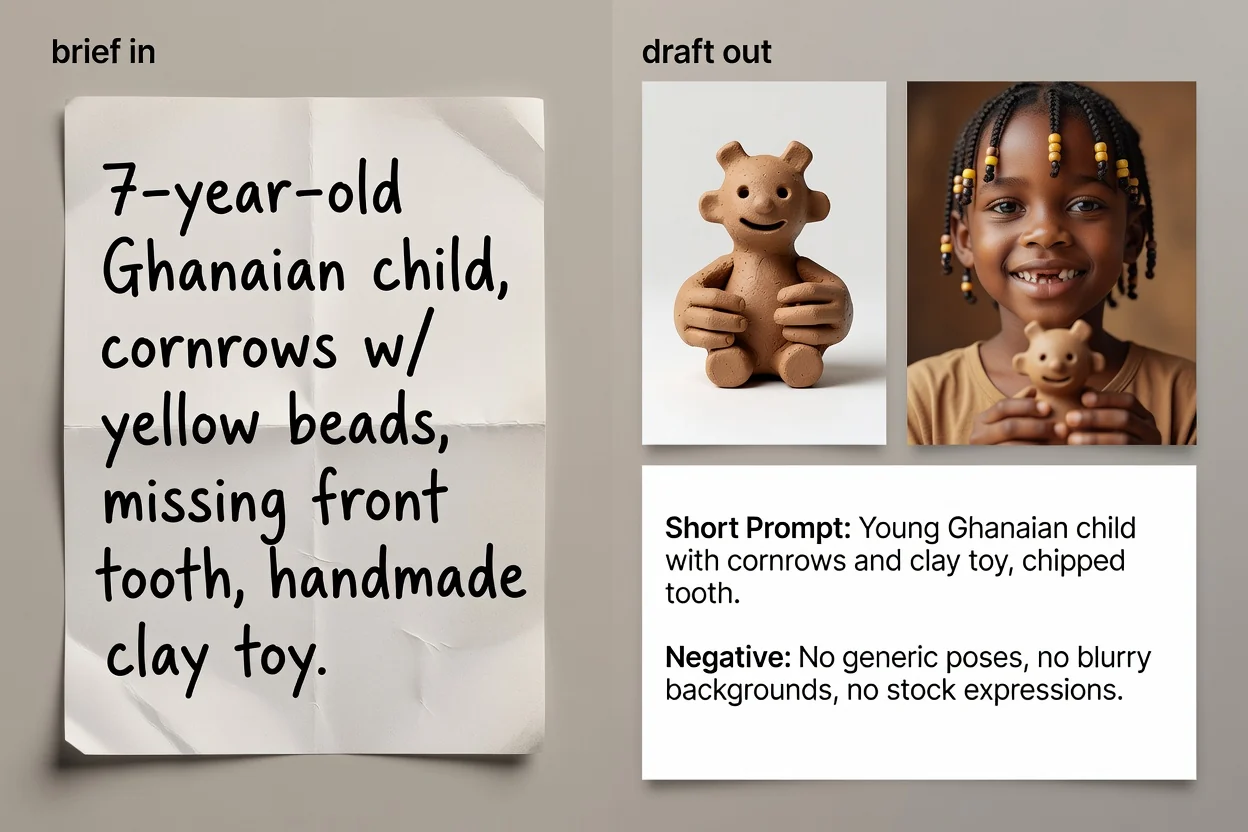
چهار گام از ایده تا متن پرامپت آماده کپی.
آنچه میخواهید ببینید را به زبان ساده بنویسید. نامبردن از سوژه و هدف از طول متن مهمتر است.
نوع تصویر و سبک بصری را انتخاب کنید تا پرامپت از واژگان درست برای آن دسته استفاده کند.
مدلی را که میخواهید استفاده کنید و نسبت تصویر را انتخاب کنید تا عبارتبندی و کادربندی با مقصد هماهنگ شوند.
پرامپت را بسازید، بررسی کنید و در صورت تمایل مرحله بهبود با هوش مصنوعی را اجرا کنید تا عبارتبندی دقیقتر و جزئیات جاافتاده افزوده شود.
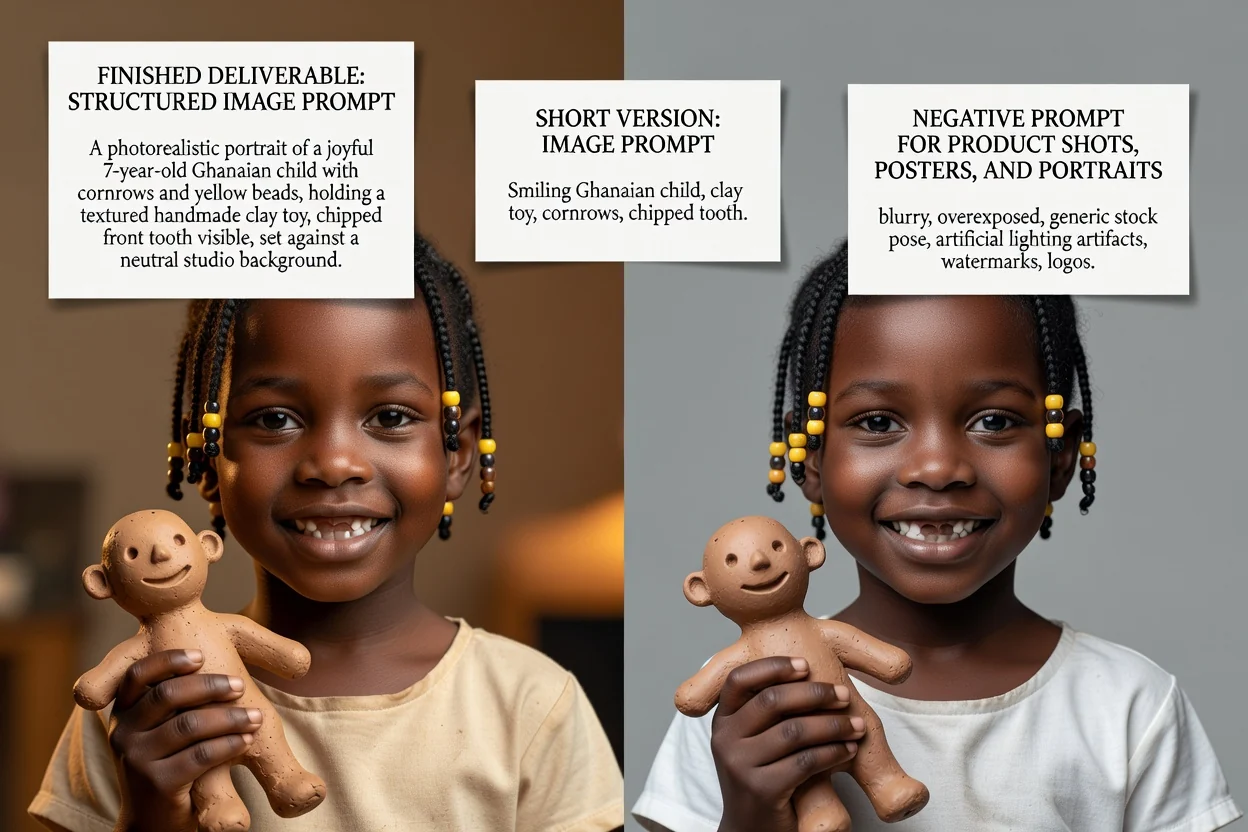
سه نسخه پرامپت برای سه موقعیت متفاوت.
پرامپت کامل که سوژه، ترکیببندی، نورپردازی، سبک و کادربندی را بهترتیب مشخص میکند.
نسخه بازنویسیشده اختیاری که عبارتبندی را دقیقتر میکند و جاهای خالیِ توضیح کوتاه را پر میکند.
نسخهای فشرده برای رابطهایی با محدودیت ورودی کم یا تکرار سریع.
فهرست چیزهایی که باید از تصویر حذف شوند؛ مانند متن، واترمارک یا جزئیات دگرگونشده.
هر کنترل فقط برچسب را عوض نمیکند، بلکه عبارتبندی را نیز تغییر میدهد.
عکس محصول، پرتره، پوستر، لوگو، گرافیک شبکه اجتماعی یا تصویرسازی. این انتخاب تعیین میکند کدام اصطلاحات ترکیببندی نمایش داده شوند.
واقعگرایانه، سینمایی، تحریریهای، مینیمال، رندر سهبعدی یا انیمه؛ این گزینه زبان نورپردازی و رندر را تعیین میکند.
GPT Image، Midjourney، Flux، Stable Diffusion یا DALL-E. قراردادهای عبارتبندی میان آنها متفاوت است.
مربع، افقی، عمودی یا پرتره تا کادربندی و فضای خالی با جایگذاری نهایی هماهنگ باشد.
کارهای پرتکراری که از اینجا آغاز میشوند.
پرامپتی بنویسید که سطح، نورپردازی و فضای خالی را مشخص کند تا محصول همچنان برای متن تیتر جا داشته باشد.
ساخت پرامپت محصول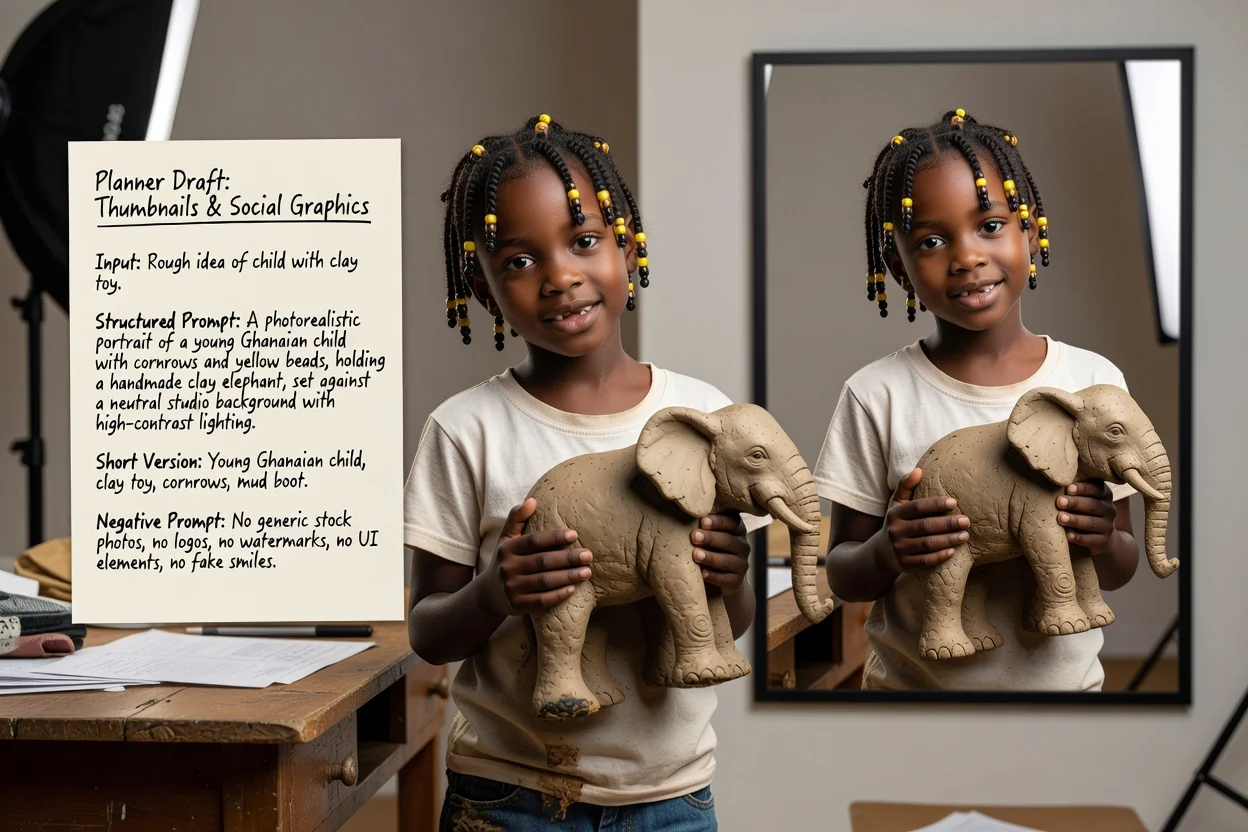
نسبت عمودی یا افقی و سبکی با کنتراست بالا تعیین کنید تا نتیجه در اندازههای کوچک خوانا باشد.
ساخت پرامپت شبکه اجتماعی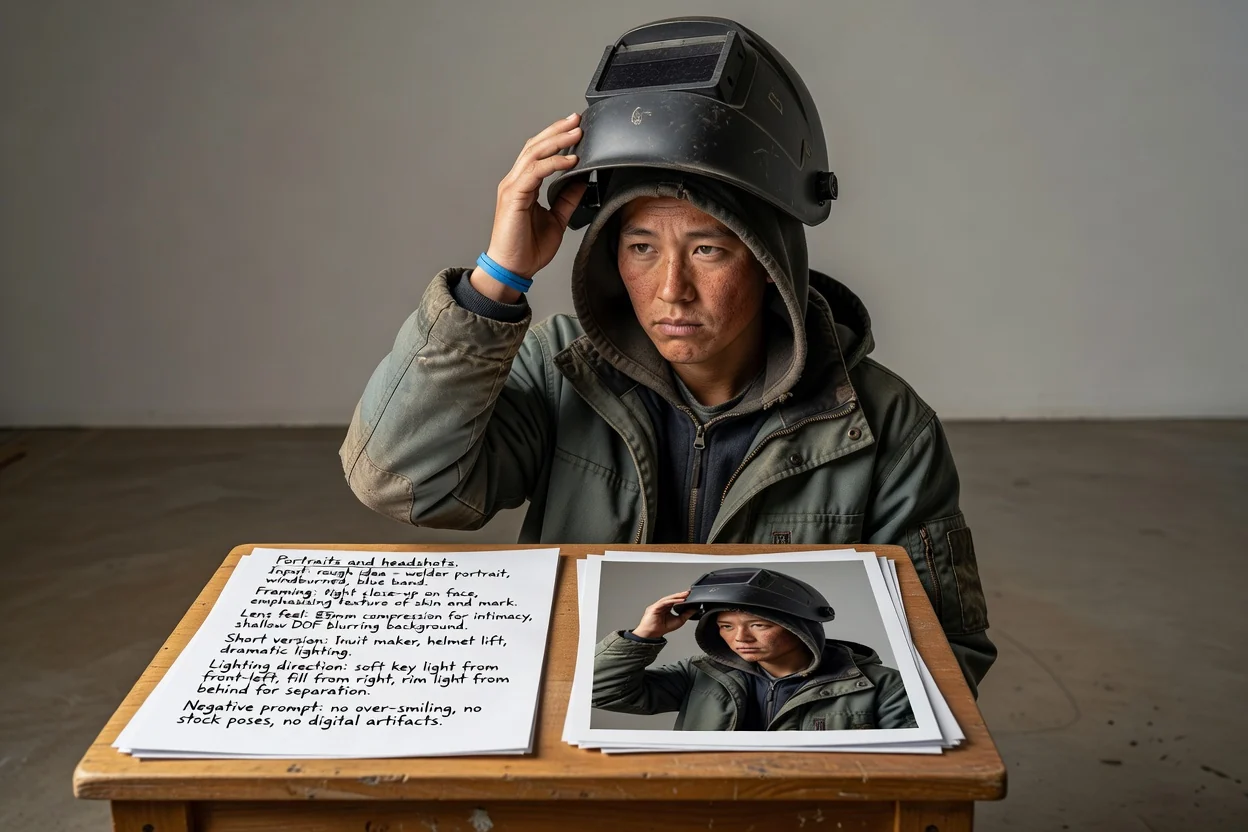
بهجای تکیه بر حدس مدل برای ظاهر موردنظر، کادربندی، حس لنز و جهت نورپردازی را توصیف کنید.
ساخت پرامپت پرتره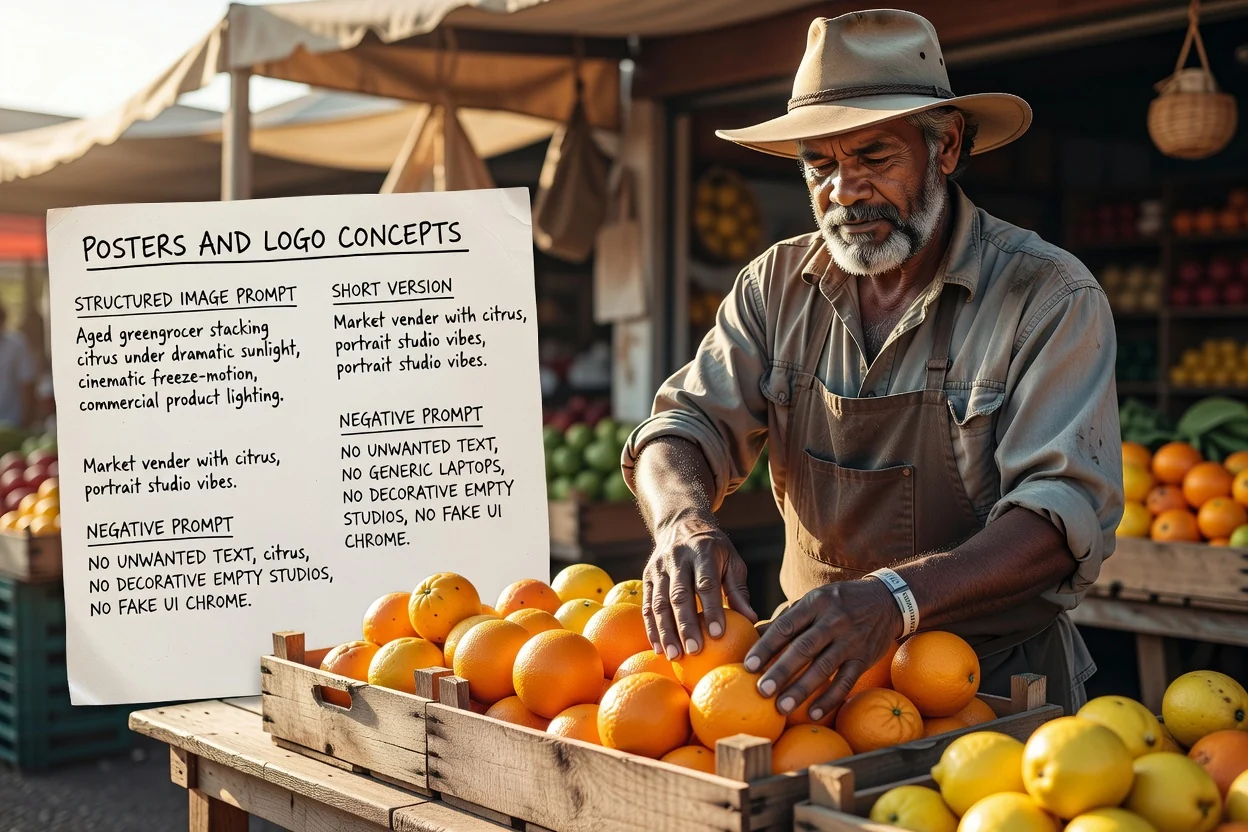
چیدمان و فضای تایپوگرافی را از ابتدا برنامهریزی کنید و با پرامپت منفی، متن ناخواسته را کنترل کنید.
ساخت پرامپت پوسترچهار بررسی سریع که تلاشهای دوباره را کم میکنند.
اگر پرامپت دو سوژه رقیب را توصیف میکند، بهجای یک کادر شلوغ آن را به دو پرامپت تقسیم کنید.
نسبت عمودی به زبان ترکیببندی عمودی نیاز دارد. ناهماهنگیها رایجترین دلیل برشهای ناموزون هستند.
اگر قرار است بعداً متن روی تصویر قرار بگیرد، مطمئن شوید پرامپت فضای خالی را در جای درست درخواست میکند.
موارد حذفیِ غیرضروری را پاک کنید، زیرا پرامپتهای منفیِ بیشازحد بلند میتوانند نتیجه را تخت کنند.
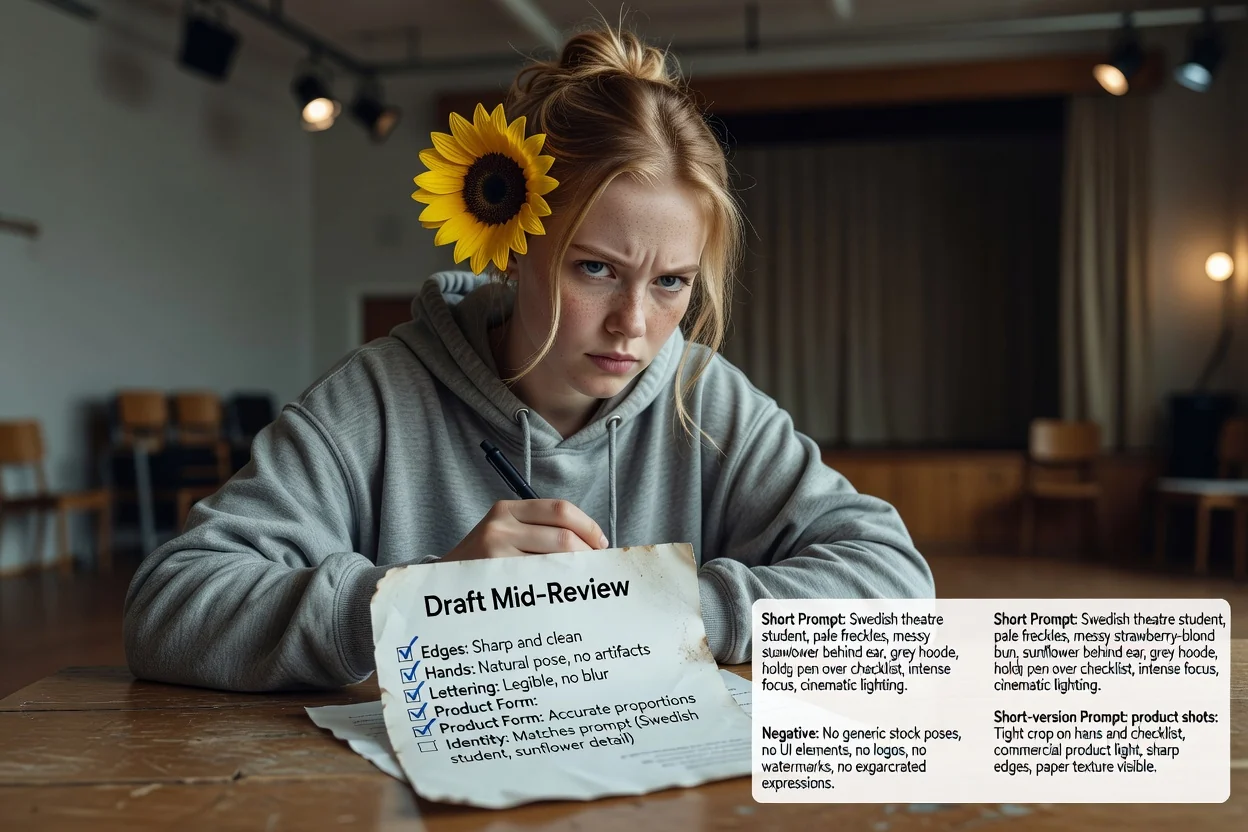
پیش از تکیهکردن به آن، این محدودیتها را بدانید.
تولید خود تصویر در فرایند تولید تصویر انجام میشود. این مرحله فقط متنی را میسازد که به آنجا میفرستید.
یک پرامپت یکسان در مدلها و نسخههای مختلف نتایج متفاوتی میدهد. خروجی نخست را یک آزمایش در نظر بگیرید.
درخواست متن دقیق داخل تصویر اغلب موفق نمیشود. بهجای آن، افزودن تایپوگرافی واقعی را هنگام چیدمان برنامهریزی کنید.
پرسشهای رایج درباره نوشتن پرامپت برای مدلهای تصویر هوش مصنوعی.
یک ایده خام به مولد پرامپت تصویر بدهید و پرامپت کامل، پرامپت کوتاه و پرامپت منفی را برای آزمایش دریافت کنید.