01
انتخاب یک تصویر واضح
تصویری واضح با سوژه قابل مشاهده و فضای کافی در اطراف بارگذاری کنید. این صفحه یک تصویر مرجع میپذیرد؛ پیش از تولید، ترکیببندی را آماده کنید.
با یک عکس محصول، چهره یا تصویرسازی شروع کنید. حرکت کوچکی برای سوژه یا دوربین توضیح دهید، تنظیمات موجود ویدیو را انتخاب کنید و نتیجه را با تصویرتان مقایسه کنید.
تولیدکننده با HappyHorse شروع میکند. مدلهای موجود، تنظیمات و هزینه اعتبار را در انتخابگر فعلی بررسی کنید؛ راهنمای مدل تضمین دسترسپذیری یا نتیجه خاصی نیست.
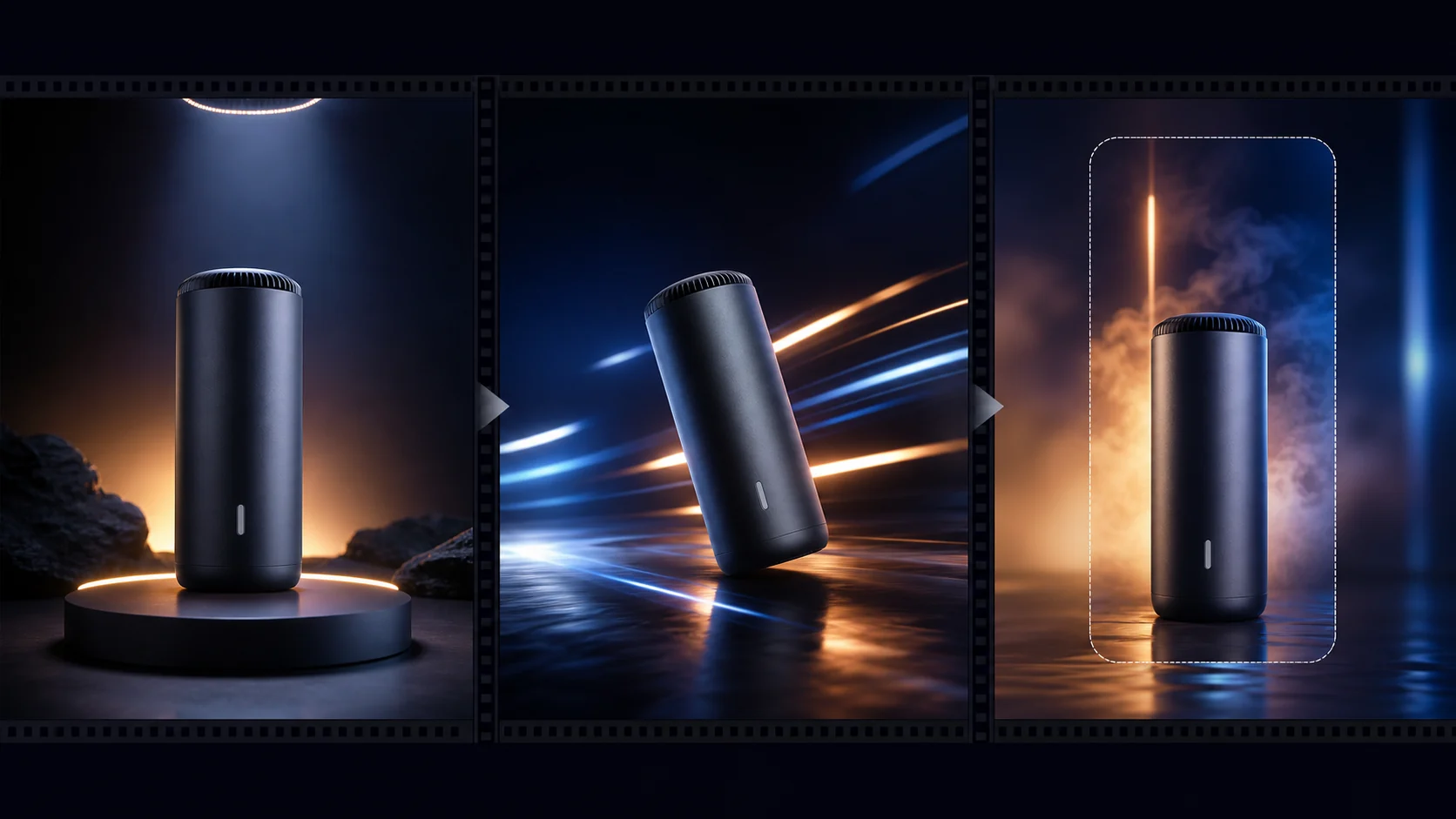
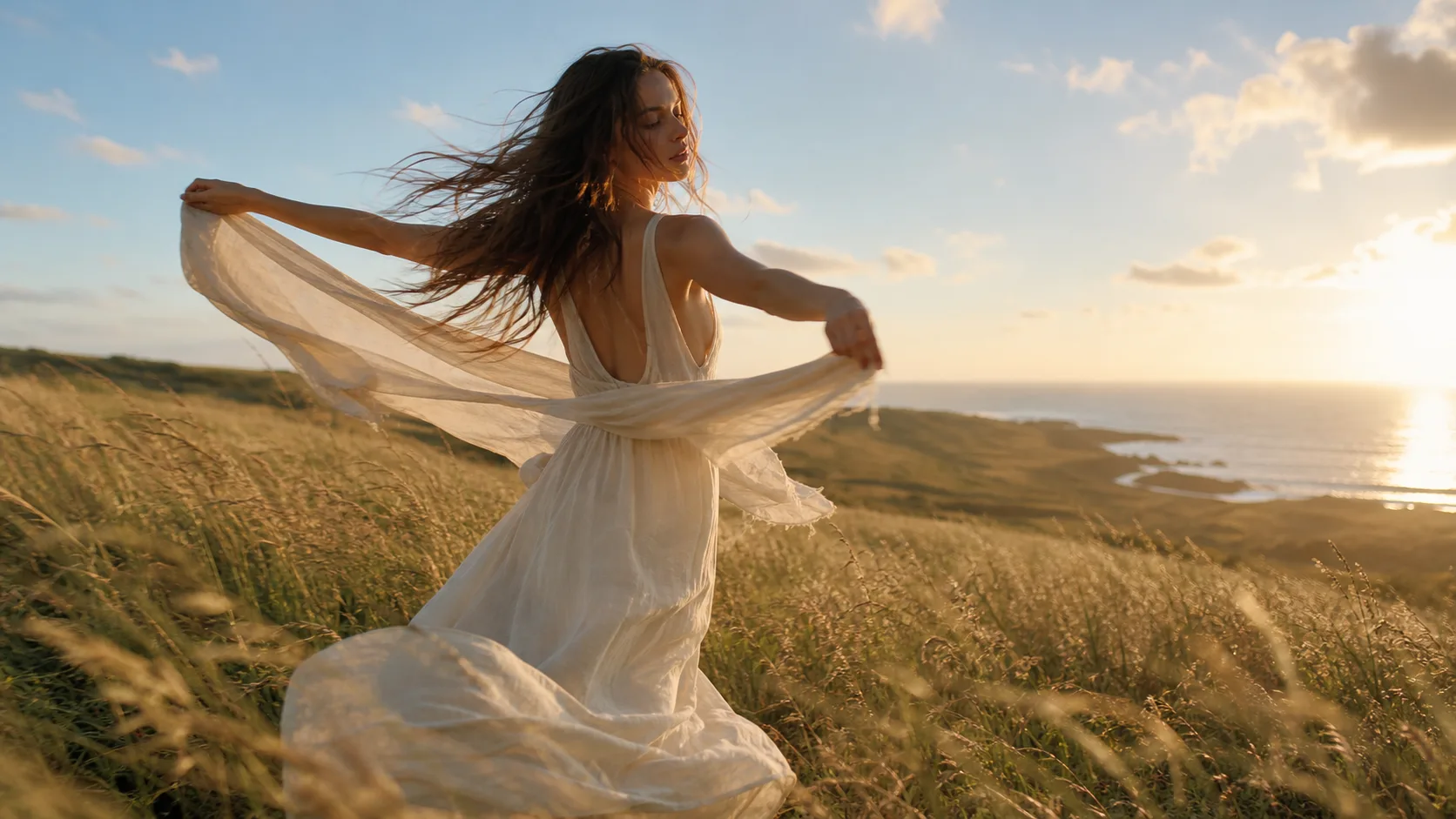
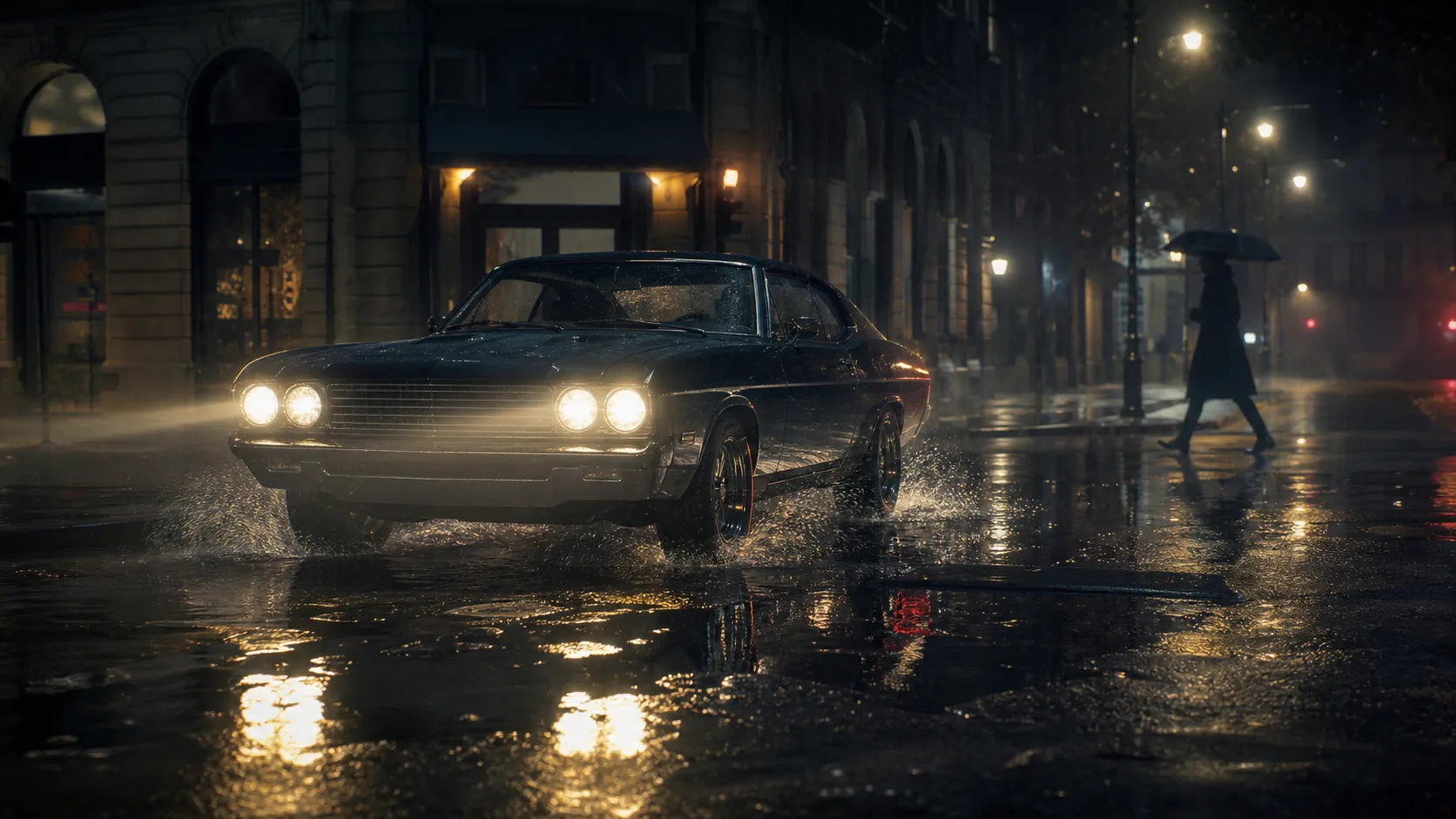
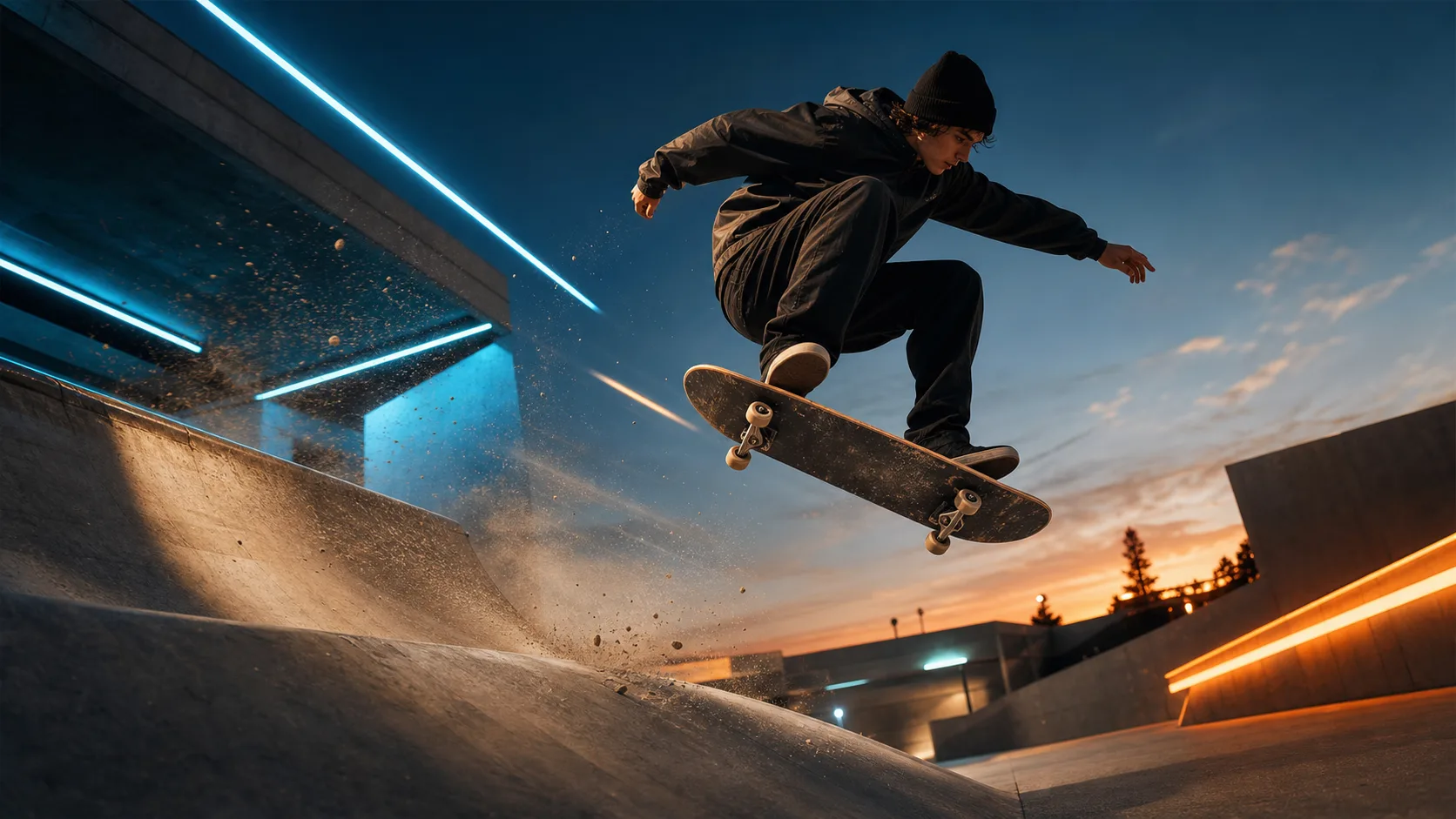
این تصاویر ثابت ایدههای برنامهریزی را نشان میدهند، نه نتایج ثبتشده تولید. ابتدا مرجع خود را بارگذاری کنید، سپس یک دستور به کار ببرید و خروجی را بررسی کنید.
تصویر را نقطه آغاز بصری و دستور را جهت حرکت در نظر بگیرید. ثابت ماندن جزئیات درخواستی تضمین نمیشود.
تصویری واضح با سوژه قابل مشاهده و فضای کافی در اطراف بارگذاری کنید. این صفحه یک تصویر مرجع میپذیرد؛ پیش از تولید، ترکیببندی را آماده کنید.
یک حرکت کوچک سوژه یا یک حرکت دوربین را مشخص کنید. جزئیات مهم محصول، چهره یا پسزمینه را بگویید؛ از درخواست چند تغییر صحنه پرهیز کنید.
انتخاب اولیه HappyHorse است. یک مدل فعلاً موجود انتخاب کنید و پیش از تولید، مدت، نسبت تصویر، وضوح و هزینه اعتبار نمایشدادهشده را بررسی کنید.
نتیجه را فریمبهفریم با تصویرتان مقایسه کنید. اگر برچسب، چهره یا لبهها تغییر میکنند، پیش از تلاش دوباره حرکت را سادهتر کنید یا تصویر واضحتری به کار ببرید.
از عکس محصول، چهره، تصویرسازی یا صحنه استفاده کنید. تصاویر مرجع اضافی خارج از روند تکتصویری این صفحه هستند.
یک حرکت سوژه و حرکت دوربین را در دستور توضیح دهید. این راهنمای تولید است، نه کنترل دقیق ویرایش.
از گزینههایی که اکنون برای مدل انتخابی نمایش داده میشوند استفاده کنید. تنظیمات و هزینه پشتیبانیشده ممکن است بین مدلها متفاوت باشد.
برای جزئیات محصول، پست اجتماعی یا آزمون خلاقانه یک نمای مشخص تولید کنید. داستان طولانیتر را جداگانه مونتاژ کنید.
پیش از استفاده از ویدیو، چهرهها، شکل محصول، برچسبها، دستها و لبههای پسزمینه را بررسی کنید. تصویر مرجع تضمین هماهنگی کامل نیست.
میان تولید تصویر ثابت، ویرایش مرجع و ساخت ویدیو جابهجا شوید.
تصاویر رایگان واترمارک دارند. برای خروجی تمیز، تولید سریعتر و استفاده تجاری ارتقا دهید.
استارتر پک
بسته اعتباری یکبار مصرف برای تولید تصویر، موسیقی و ویدیوی کوتاه.
خالق
برنامه ماهانه · 1500 اعتبار هر ماه تمدید می شود
GPT Image 2 Unlimited
کد FOUNDING6 را در Stripe Checkout وارد کنید: 6 ماه اول $19 در ماه، سپس $29 در ماه.
حرفه ای
برنامه ماهانه · 4000 اعتبار هر ماه تمدید می شود
استودیو
برنامه ماهانه · 12000 اعتبار هر ماه تمدید می شود
پرداخت امن · اشتراکها خودکار تمدید میشوند · شرایط بازپرداخت را ببینید
تیمی
برای آژانس ها، تیم های تولید و نیازهای حجم سفارشی.
پرسشهای رایج پیش از متحرک کردن تصویر ثابت.
یک تصویر بارگذاری کنید، یک حرکت مشخص را امتحان کنید و پیش از استفاده ویدیو را مقایسه کنید.