
01
برای تولید محتوای روزانه
ابتدا هدف و ورودی را مشخص کنید، سپس سبک و جزئیات را تنظیم کنید و خروجی نهایی را بازبینی یا دانلود کنید.
ایده، متن یا فایل مرجع خود را وارد کنید و با تبدیل تصویر به تصویر در ClipCanva خروجی تمیز و آماده انتشار بسازید؛ بدون تنظیمات پیچیده و مناسب برای کار روزمره خلاقانه.
حالت حرفهای
کنترلهای پیشرفته پس از بارگذاری
پس از بارگذاری تصویر، تنظیمات پیشرفته را تغییر دهید.
ابتدا هدف و ورودی را مشخص کنید، سپس سبک و جزئیات را تنظیم کنید و خروجی نهایی را بازبینی یا دانلود کنید.
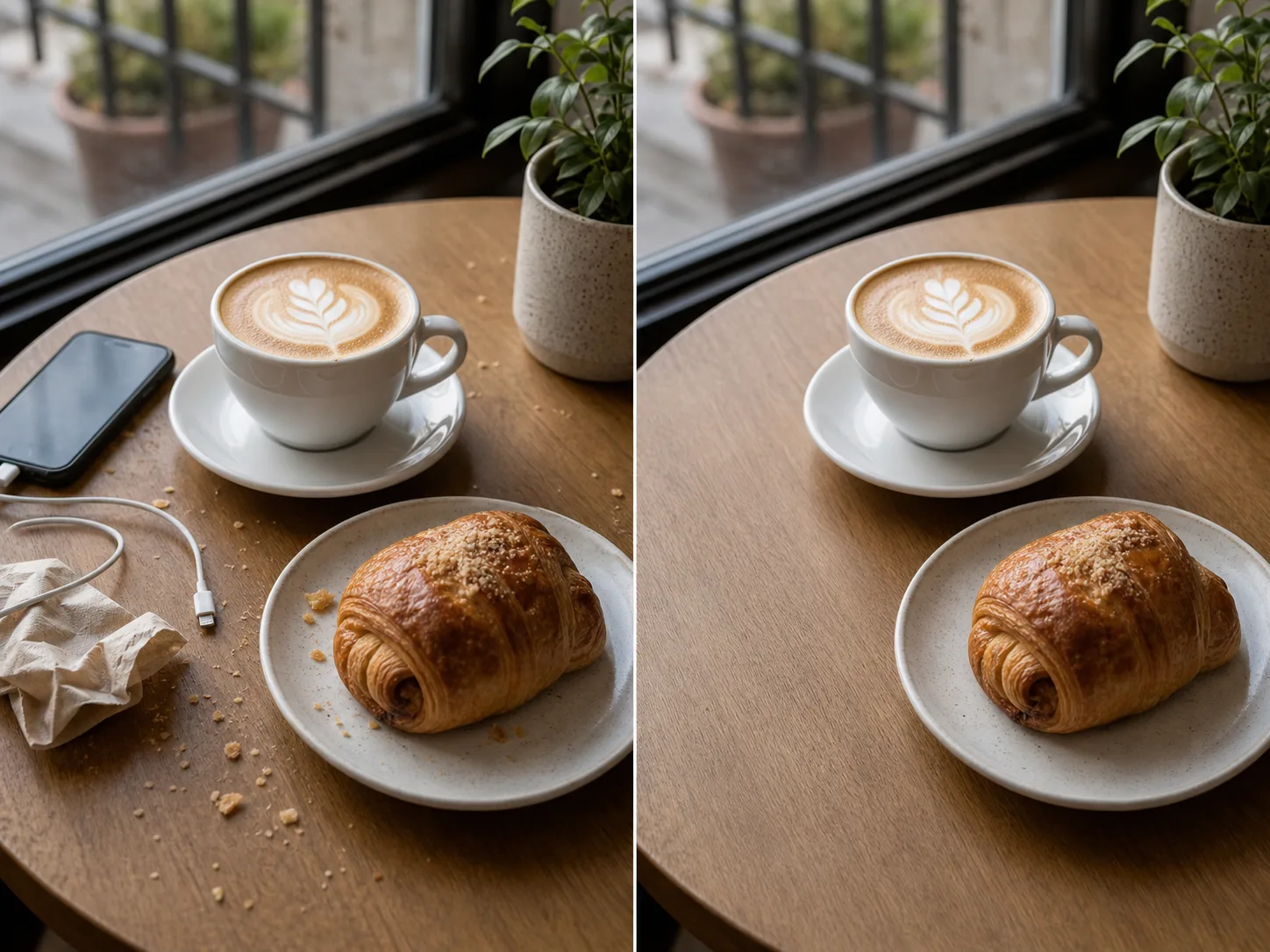

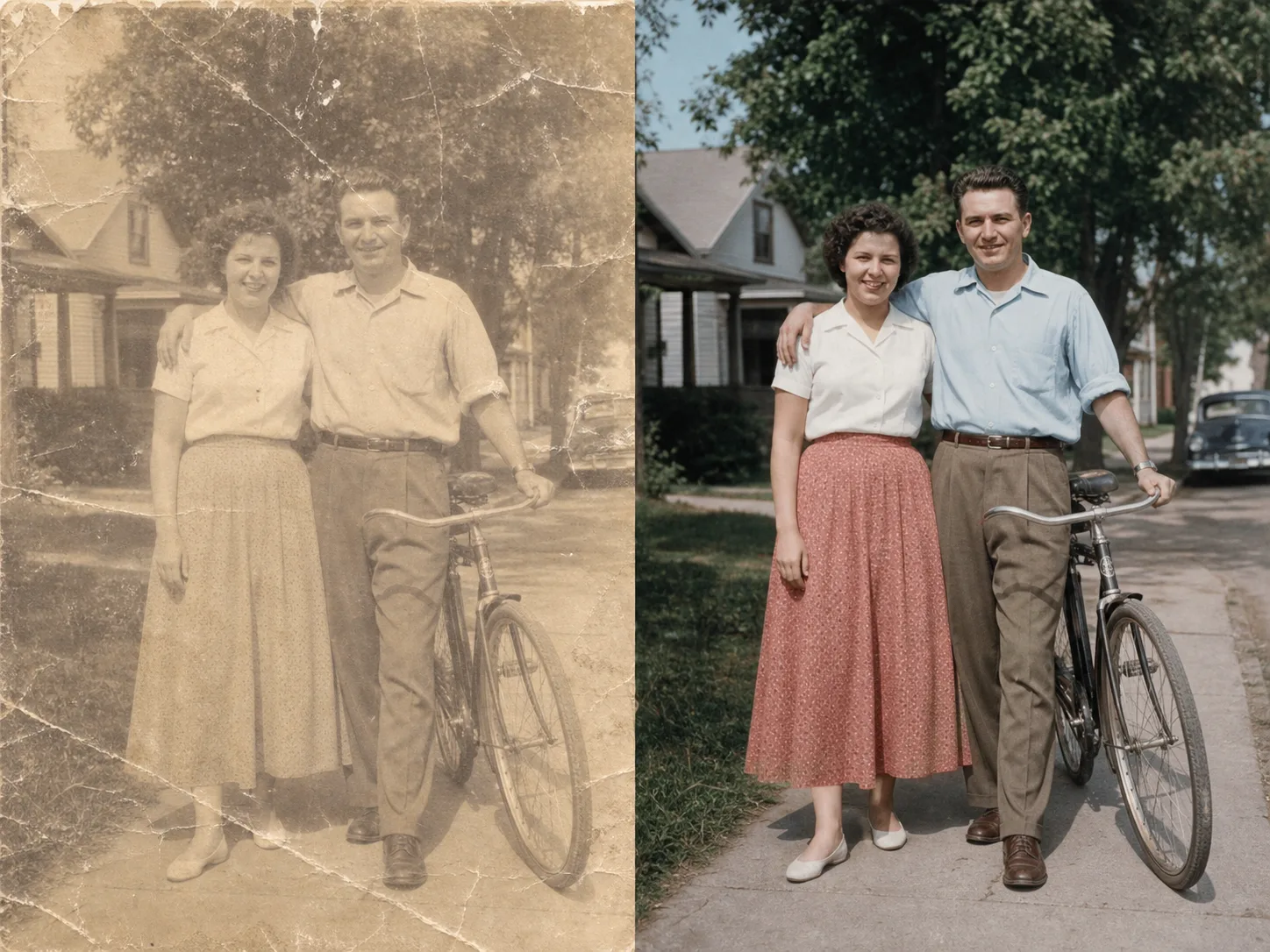
ابتدا هدف و ورودی را مشخص کنید، سپس سبک و جزئیات را تنظیم کنید و خروجی نهایی را بازبینی یا دانلود کنید.
ابتدا هدف و ورودی را مشخص کنید، سپس سبک و جزئیات را تنظیم کنید و خروجی نهایی را بازبینی یا دانلود کنید.
ابتدا هدف و ورودی را مشخص کنید، سپس سبک و جزئیات را تنظیم کنید و خروجی نهایی را بازبینی یا دانلود کنید.
ابتدا هدف و ورودی را مشخص کنید، سپس سبک و جزئیات را تنظیم کنید و خروجی نهایی را بازبینی یا دانلود کنید.
تبدیل تصویر به تصویر به شما کمک میکند جزئیات، سبک و کیفیت خروجی را بهتر کنترل کنید و نسخههایی بسازید که برای انتشار، بررسی یا ارائه آماده باشند.
تبدیل تصویر به تصویر به شما کمک میکند جزئیات، سبک و کیفیت خروجی را بهتر کنترل کنید و نسخههایی بسازید که برای انتشار، بررسی یا ارائه آماده باشند.
تبدیل تصویر به تصویر به شما کمک میکند جزئیات، سبک و کیفیت خروجی را بهتر کنترل کنید و نسخههایی بسازید که برای انتشار، بررسی یا ارائه آماده باشند.
تبدیل تصویر به تصویر به شما کمک میکند جزئیات، سبک و کیفیت خروجی را بهتر کنترل کنید و نسخههایی بسازید که برای انتشار، بررسی یا ارائه آماده باشند.
با تبدیل تصویر به تصویر میتوانید ایده خود را سریعتر به خروجی قابل استفاده تبدیل کنید و برای محتوا، طراحی، ارائه یا نمونهسازی از آن استفاده کنید.
تصاویر رایگان واترمارک دارند. برای خروجی تمیز، تولید سریعتر و استفاده تجاری ارتقا دهید.
استارتر پک
بسته اعتباری یکبار مصرف برای تولید تصویر، موسیقی و ویدیوی کوتاه.
خالق
برنامه ماهانه · 1500 اعتبار هر ماه تمدید می شود
GPT Image 2 Unlimited
کد FOUNDING6 را در Stripe Checkout وارد کنید: 6 ماه اول $19 در ماه، سپس $29 در ماه.
حرفه ای
برنامه ماهانه · 4000 اعتبار هر ماه تمدید می شود
استودیو
برنامه ماهانه · 12000 اعتبار هر ماه تمدید می شود
پرداخت امن · اشتراکها خودکار تمدید میشوند · شرایط بازپرداخت را ببینید
تیمی
برای آژانس ها، تیم های تولید و نیازهای حجم سفارشی.
با تبدیل تصویر به تصویر میتوانید ایده خود را سریعتر به خروجی قابل استفاده تبدیل کنید و برای محتوا، طراحی، ارائه یا نمونهسازی از آن استفاده کنید.
با ClipCanva از یک ایده ساده شروع کنید، چند نسخه بسازید و بهترین خروجی را برای انتشار، ارائه یا ادامه ویرایش انتخاب کنید.

