
01
با منبع شروع کنید
در صورت امکان بهترین فایل منبع را بهجای اسکرینشات یا نسخه چندبار فشردهشده بارگذاری کنید.
یک تصویر بارگذاری کنید تا عکس محصول، پرتره، اسکن، بندانگشتی و محتوای اجتماعی را بزرگ و وضوح دیداری را بهتر کند. پیش از دانلود یا انتشار نتیجه را با منبع مقایسه کنید.
حالت پیشفرض
آماده بارگذاری
پیشنمایش، مقایسه و دانلود
یک تصویر بارگذاری کنید تا عکس محصول، پرتره، اسکن، بندانگشتی و محتوای اجتماعی را بزرگ و وضوح دیداری را بهتر کند. پیش از دانلود یا انتشار نتیجه را با منبع مقایسه کنید.
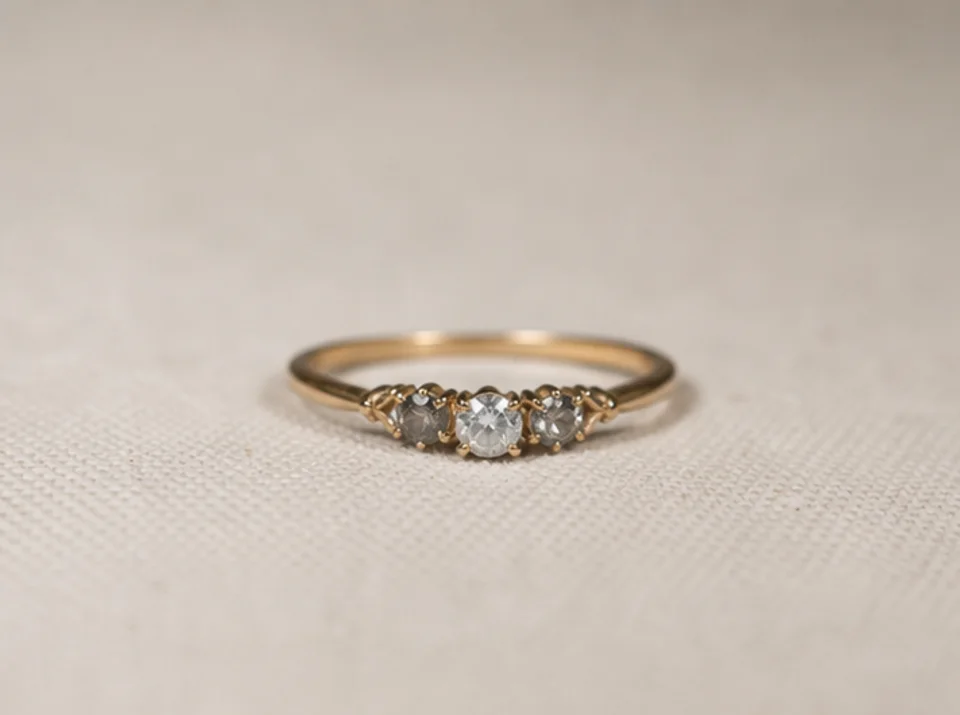

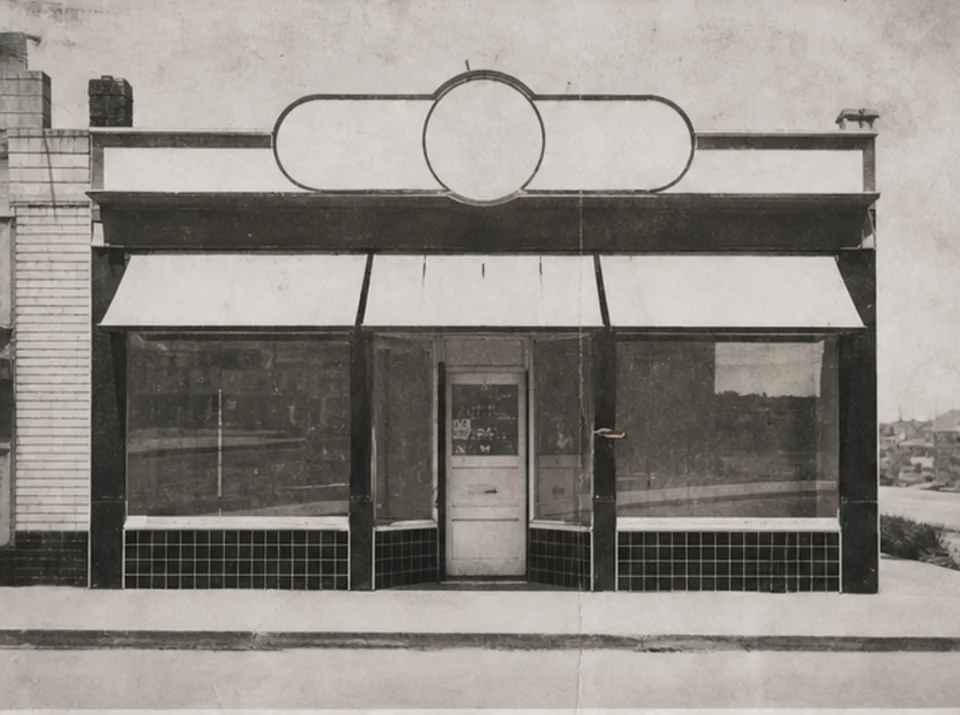
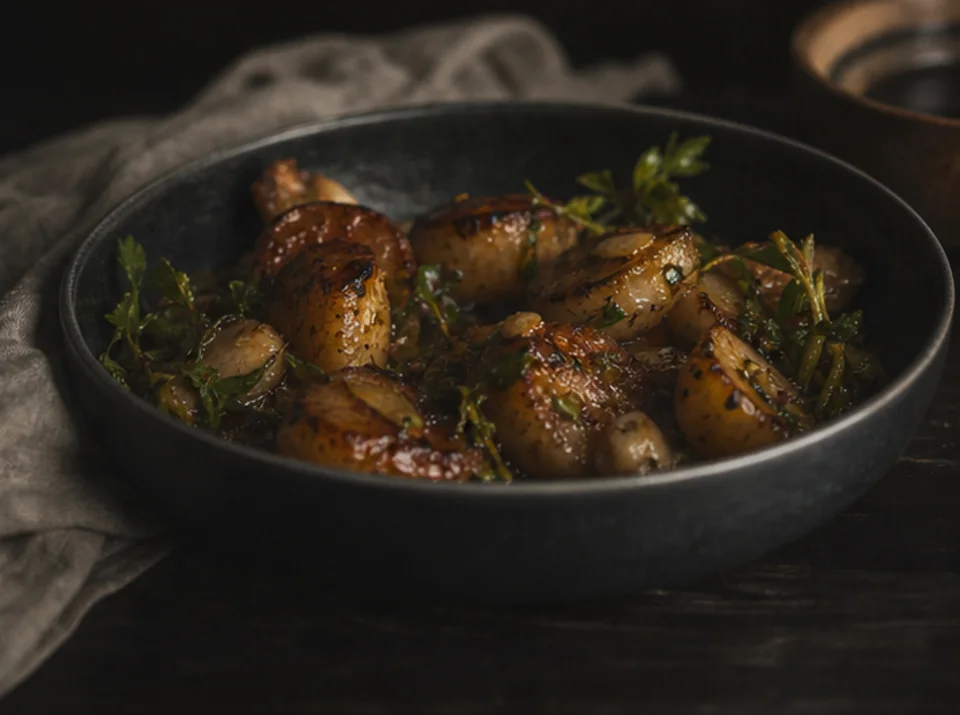
یک تصویر بارگذاری کنید تا عکس محصول، پرتره، اسکن، بندانگشتی و محتوای اجتماعی را بزرگ و وضوح دیداری را بهتر کند. پیش از دانلود یا انتشار نتیجه را با منبع مقایسه کنید.
در صورت امکان بهترین فایل منبع را بهجای اسکرینشات یا نسخه چندبار فشردهشده بارگذاری کنید.
براساس اندازه نهایی و جزئیات قابل دیدن در منبع، هدف عملی ۲× یا ۴× را انتخاب کنید.
بهبود را یک بار اجرا و اصل را برای مقایسه مستقیم نگه دارید.
دو تصویر را در اندازه کامل مقایسه و متن، چهره، هندسه محصول، بافت تکراری، هاله و جزئیات آرشیوی را بررسی کنید.
بزرگنمایی میتواند لبه و بافت را روشنتر نشان دهد، اما اطلاعاتی را که در تصویر منبع نیست بازنمیگرداند.
متن از پیش خوانا ممکن است روشنتر شود. حروف گمشده یا ناخوانا را نمیتوان با اطمینان بازسازی کرد و باید با منبع معتبر سنجید.
بافت ظریف و شکل کوچک ممکن است هنگام بهبود حدس زده شود. محصول، چهره، سند و جزئیات آرشیوی را با منبع مقایسه کنید.
تصاویر رایگان واترمارک دارند. برای خروجی تمیز، تولید سریعتر و استفاده تجاری ارتقا دهید.
استارتر پک
بسته اعتباری یکبار مصرف برای تولید تصویر، موسیقی و ویدیوی کوتاه.
خالق
برنامه ماهانه · 1500 اعتبار هر ماه تمدید می شود
GPT Image 2 Unlimited
کد FOUNDING6 را در Stripe Checkout وارد کنید: 6 ماه اول $19 در ماه، سپس $29 در ماه.
حرفه ای
برنامه ماهانه · 4000 اعتبار هر ماه تمدید می شود
استودیو
برنامه ماهانه · 12000 اعتبار هر ماه تمدید می شود
پرداخت امن · اشتراکها خودکار تمدید میشوند · شرایط بازپرداخت را ببینید
تیمی
برای آژانس ها، تیم های تولید و نیازهای حجم سفارشی.
یک تصویر بارگذاری کنید تا عکس محصول، پرتره، اسکن، بندانگشتی و محتوای اجتماعی را بزرگ و وضوح دیداری را بهتر کند. پیش از دانلود یا انتشار نتیجه را با منبع مقایسه کنید.
یک تصویر بارگذاری کنید تا عکس محصول، پرتره، اسکن، بندانگشتی و محتوای اجتماعی را بزرگ و وضوح دیداری را بهتر کند. پیش از دانلود یا انتشار نتیجه را با منبع مقایسه کنید.