Turn a Fashion Photo into a Catwalk Concept

Upload a full-body image that you own or are authorized to animate, direct a simple runway walk, and generate a short vertical concept for careful review.

Authorized Reference RequiredOne Fashion PhotoVertical VideoConcept Preview
0 / 2000

Catwalk Directions to Explore

Choose one clear walk, one restrained camera behavior, and a simple runway environment so the garment remains easy to inspect.
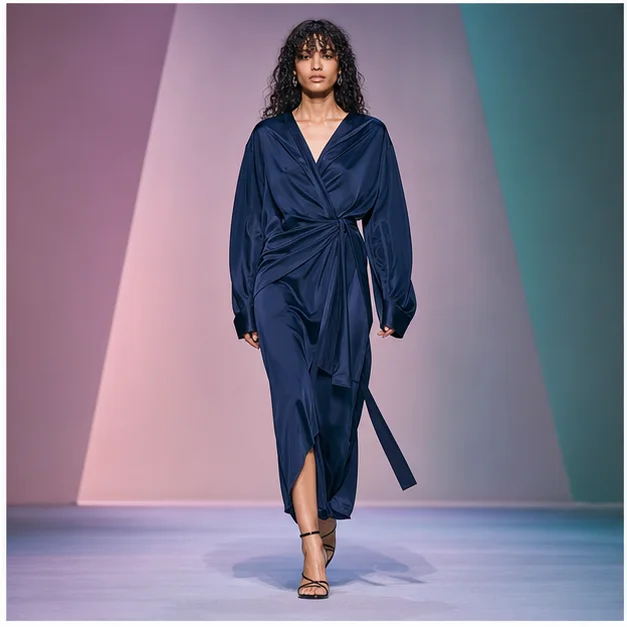
Minimal Runway Walk

Minimal Runway Walk

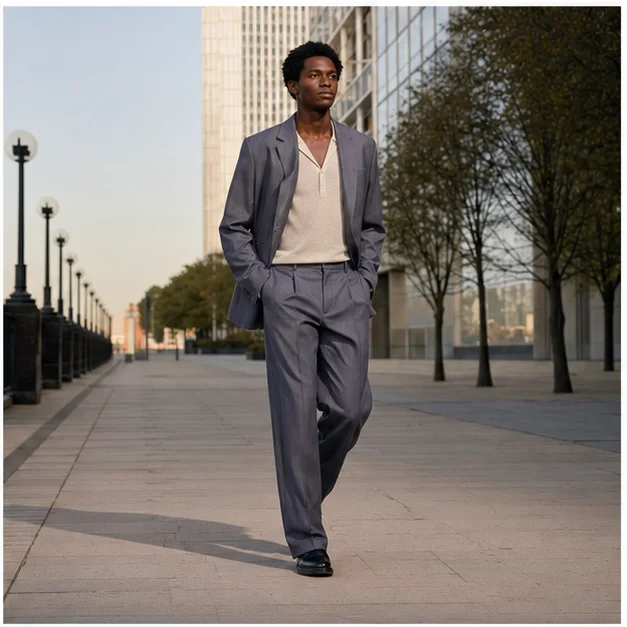
City Promenade

City Promenade

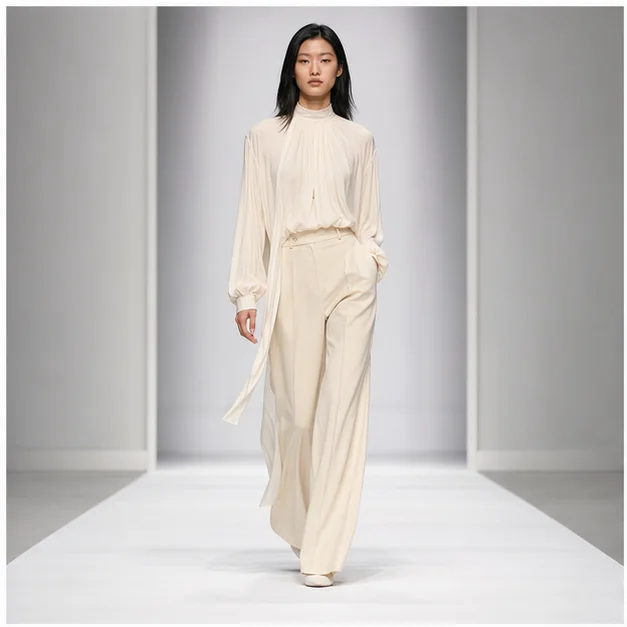
Editorial Light Walk

Editorial Light Walk

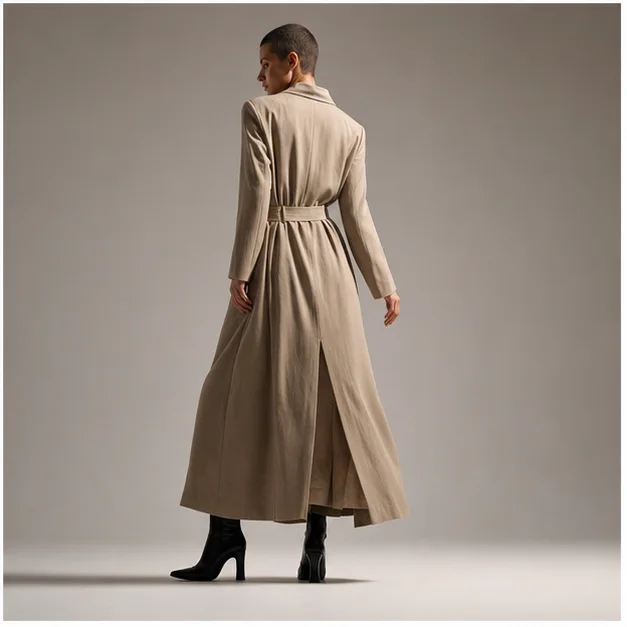
Studio Turn

Studio Turn

Create a Catwalk Concept from an Authorized Image

Use a readable garment reference and a short motion brief, then inspect the full clip.

01

Confirm consent and image rights

Use your own photo or material you are authorized to animate. Obtain permission from every recognizable person in the reference.

02

Upload a complete fashion frame

Choose a sharp, well-lit image showing the full garment, shoes, silhouette, hands, and enough floor space for a walk.

03

Direct a simple runway action

Describe posture, walking pace, arm movement, camera distance, runway environment, fabric behavior, and the ending pose.

04

Inspect garment and identity drift

Review face, body, hands, fabric, fit, hems, closures, logos, accessories, shoes, and background continuity.

Catwalk Directions You Can Test

Fashion Photo Reference

Anchor the starting frame with one authorized image instead of describing the full outfit from text alone.

Runway Camera Briefs

Direct a steady full-body frame, slow retreat, restrained side track, or a simple three-quarter turn.

Fabric Motion Concepts

Explore restrained movement for coats, dresses, tailoring, layered outfits, and other visible silhouettes.

Short Vertical Previews

Generate a compact visual concept for lookbook planning, campaign ideation, storyboards, or a later edited sequence.

Review These Catwalk Limits

Garment Fidelity Is Not Guaranteed

Cut, fit, length, seams, closures, fabric texture, patterns, and colors may drift while the subject moves.

Identity and Body Can Drift

Face, body shape, proportions, posture, and identity cues may change across steps, turns, or occluded frames.

Hands and Feet Need Review

Hands, fingers, feet, footwear, limb crossings, and contact with fabric may render inconsistently.

Logos and Trademarks Can Change

Do not rely on generated brand marks, garment text, labels, monograms, or trademarked details being accurate.

Audio Is Not Promised

Treat this as a visual workflow. Native music, footsteps, speech, beat synchronization, and licensed audio are not guaranteed.

Choose Your Plan

Free images include a watermark. Upgrade for clean outputs, faster generation, and commercial use.

Starter Pack

$9

A one-time credit pack for trying image, music, and short video generation.

  • 600 credits
  • ≈ 100 GPT Image 2 images at 1K Low (6 credits each)
  • Up to 7 short videos
  • Credits valid for 30 days
  • No watermarks

Creator

$19/mo

Monthly plan · 1,500 credits renew each month

  • 1,500 credits per month
  • ≈ 250 GPT Image 2 images at 1K Low (6 credits each)
  • Up to 18 short videos/month
  • Works with ClipCanva Pro and other credit models
  • Priority queue
  • Community support
  • No ads
  • No watermarks
30 founding memberships

GPT Image 2 Unlimited

$29/mo

Use code FOUNDING6 at Stripe Checkout: $19/month for your first 6 months, then $29/month.

  • Unlimited GPT Image 2 generations
  • Text-to-image and image-to-image
  • No credits required for GPT Image 2
  • Other models use credits
  • No watermarks
Best value

Pro

$39/mo

Monthly plan · 4,000 credits renew each month

  • 4,000 credits per month
  • ≈ 666 GPT Image 2 images at 1K Low (6 credits each)
  • Up to 50 short videos/month
  • Works with ClipCanva Pro and other credit models
  • Highest priority queue
  • Unlock ClipCanva Pro
  • No ads
  • No watermarks
  • Advanced Refine

Studio

$109/mo

Monthly plan · 12,000 credits renew each month

  • 12,000 credits per month
  • ≈ 2000 GPT Image 2 images at 1K Low (6 credits each)
  • Up to 150 short videos/month
  • Works with ClipCanva Pro and other credit models
  • Highest priority queue
  • Early access to new features
  • Priority support

Secure checkout · Subscriptions renew automatically · See refund eligibility

Team

For agencies, production teams, and custom volume needs.

Contact us

AI Catwalk Generator FAQ

Questions to check before animating a fashion reference.

Which fashion photo works best?
Use a sharp full-body image showing the complete silhouette, shoes, hands, garment edges, and enough open space for movement.
Whose image may I animate?
Use your own image or material you are authorized to animate, with permission from each recognizable person shown.
Will the garment remain exactly faithful to the photo?
No. Fabric, fit, length, patterns, color, closures, logos, and accessories can change, especially during turns or occlusion.
Can the model’s face and body change?
Yes. Identity cues, proportions, hands, feet, and posture may drift, so inspect every part of the generated sequence.
Does the catwalk clip include native audio?
Do not assume music, footsteps, speech, or synchronized sound is included. Add suitable licensed audio during editing.
Is the output ready for a fashion campaign?
Treat it as a generated concept until consent, garment accuracy, trademarks, brand requirements, disclosures, and final editing are reviewed.

Direct an Authorized Catwalk Reference

Upload one permitted fashion image, describe a simple runway action, and inspect the generated concept with ClipCanva.