
01
Suelta una imagen PNG
o elígela desde tu dispositivo. Los archivos se convierten localmente en el navegador.
Convertir a WebP o elígela desde tu dispositivo. Los archivos se convierten localmente en el navegador.
Formato de entrada
PNG
.png
Formato de salida
WebP
.webp
Calidad WebP
Equilibra nitidez y tamaño del archivo
Origen
Resultado WebP
Elige otro par de entrada y salida sin volver a la lista completa.
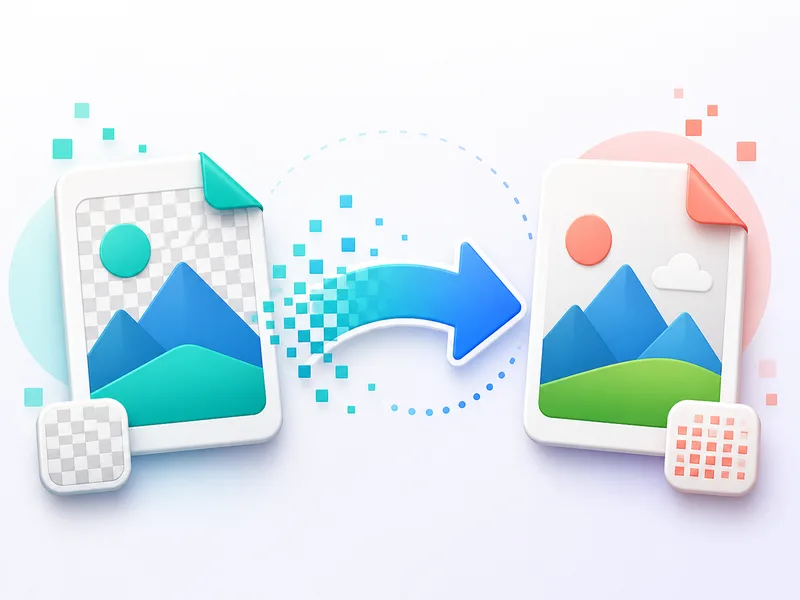
Convertir a JPG o elígela desde tu dispositivo. Los archivos se convierten localmente en el navegador.
Convertir a JPGRellena de blanco las áreas transparentes directamente en tu navegador. Selecciona una imagen PNG o WebP, previsualiza el resultado y descárgalo como JPG.
Convertir a JPGConvertir a JPG o elígela desde tu dispositivo. Los archivos se convierten localmente en el navegador.
Convertir a JPGConvertir a PNG o elígela desde tu dispositivo. Los archivos se convierten localmente en el navegador.
Convertir a PNGConvertir a WebP o elígela desde tu dispositivo. Los archivos se convierten localmente en el navegador.
Convertir a WebPConvierte archivos JFIF a JPG para usarlos en aplicaciones, formularios y CMS que no aceptan la extensión .jfif. La conversión se realiza localmente en el navegador.
Convertir a JPGElige otro par de entrada y salida sin volver a la lista completa.
o elígela desde tu dispositivo. Los archivos se convierten localmente en el navegador.
Equilibra nitidez y tamaño del archivo
Vuelve a las herramientas de ClipCanva y elige tu próxima conversión WebP, PNG, JPG, AVIF o JFIF.
El resultado aparece después de convertir
o elígela desde tu dispositivo. Los archivos se convierten localmente en el navegador.
Equilibra nitidez y tamaño del archivo
Descargar WebP
Elige otro par de entrada y salida sin volver a la lista completa.
Vuelve a las herramientas de ClipCanva y elige tu próxima conversión WebP, PNG, JPG, AVIF o JFIF.