Holiday Portrait Generator for Warm Festive Photos

Holiday Portrait Generator for Warm Festive Photos

Turn a clear portrait into a warm, festive image with cozy lighting, seasonal accents, natural face detail, and a polished composition for sharing or printing.

Holiday Portrait Generator example result
0 / 2000
Template prompt

Holiday Portrait Generator for Warm Festive Photos

Apply the Holiday Portrait effect to the uploaded portrait. Preserve the person identity, face shape, expression, hairstyle, pose, and outfit cues. Recreate the image as a festive holiday portrait with warm lights, seasonal background details, cozy styling, soft flattering lighting, tasteful color grading, and polished card-ready composition. Keep the subject recognizable and avoid overdecorating the face.

Holiday Portrait Generator example result

What is the Holiday Portrait Generator?

The Holiday Portrait Generator helps restyle a portrait with soft flattering light, warm seasonal color, tasteful Holiday accents, and a card-ready Portrait composition while keeping the person recognizable.

What the Holiday Portrait effect changes

This template turns a clear portrait into a holiday-ready image while balancing festive atmosphere with natural subject detail.

What changes

  • Adds warm lights, seasonal background details, and cozy styling to create a festive Holiday mood.
  • Uses soft flattering lighting and tasteful color grading for a polished Portrait finish.
  • Shapes the composition toward a card-ready or share-ready seasonal image.

What stays recognizable

  • Preserves the person’s identity, face shape, expression, hairstyle, pose, and outfit cues.
  • Keeps the main subject recognizable and avoids overdecorating the face.
  • Maintains coherent defining colors, silhouette, and important subject details from the source.

Holiday Portrait Generator workflow

Follow a simple review-focused process to create a festive image that still looks like the original person.

1

Start with a clear portrait

Select a sharp image where the face, hairstyle, pose, outfit cues, and overall composition are easy to see.

2

Apply the Holiday Portrait direction

Use a prompt that asks for warm lights, seasonal accents, cozy styling, soft flattering lighting, and tasteful color grading.

3

Review and refine

Check the final image for recognizable identity, coherent festive details, clean edges, and natural-looking facial features.

Holiday Portrait style examples

Explore different Holiday Portrait moods while keeping the subject clear and recognizable.

Holiday Portrait Generator example result

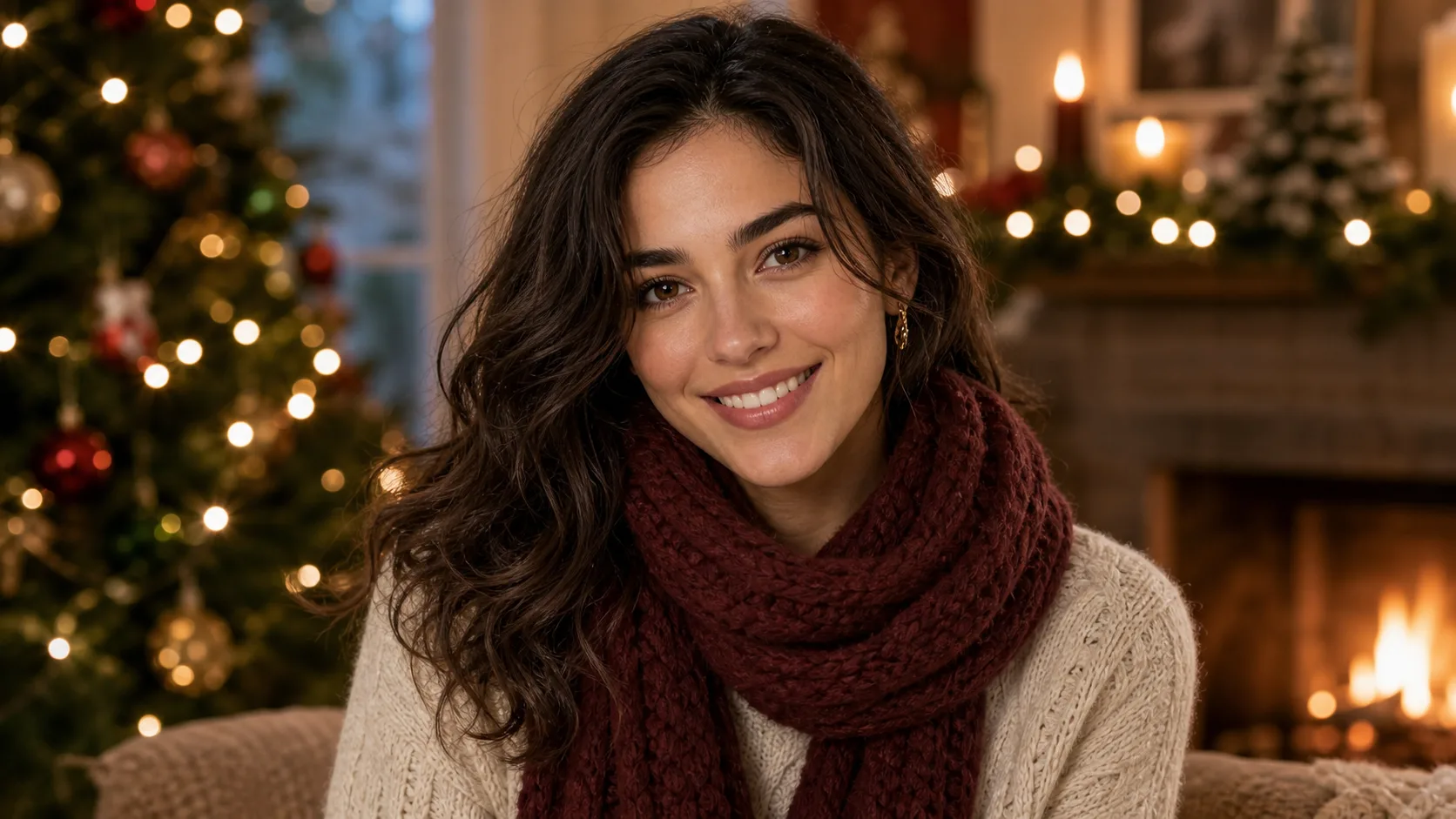
Warm holiday portrait

A warm festive Portrait with cozy lights, soft color, and a polished composition for seasonal sharing.

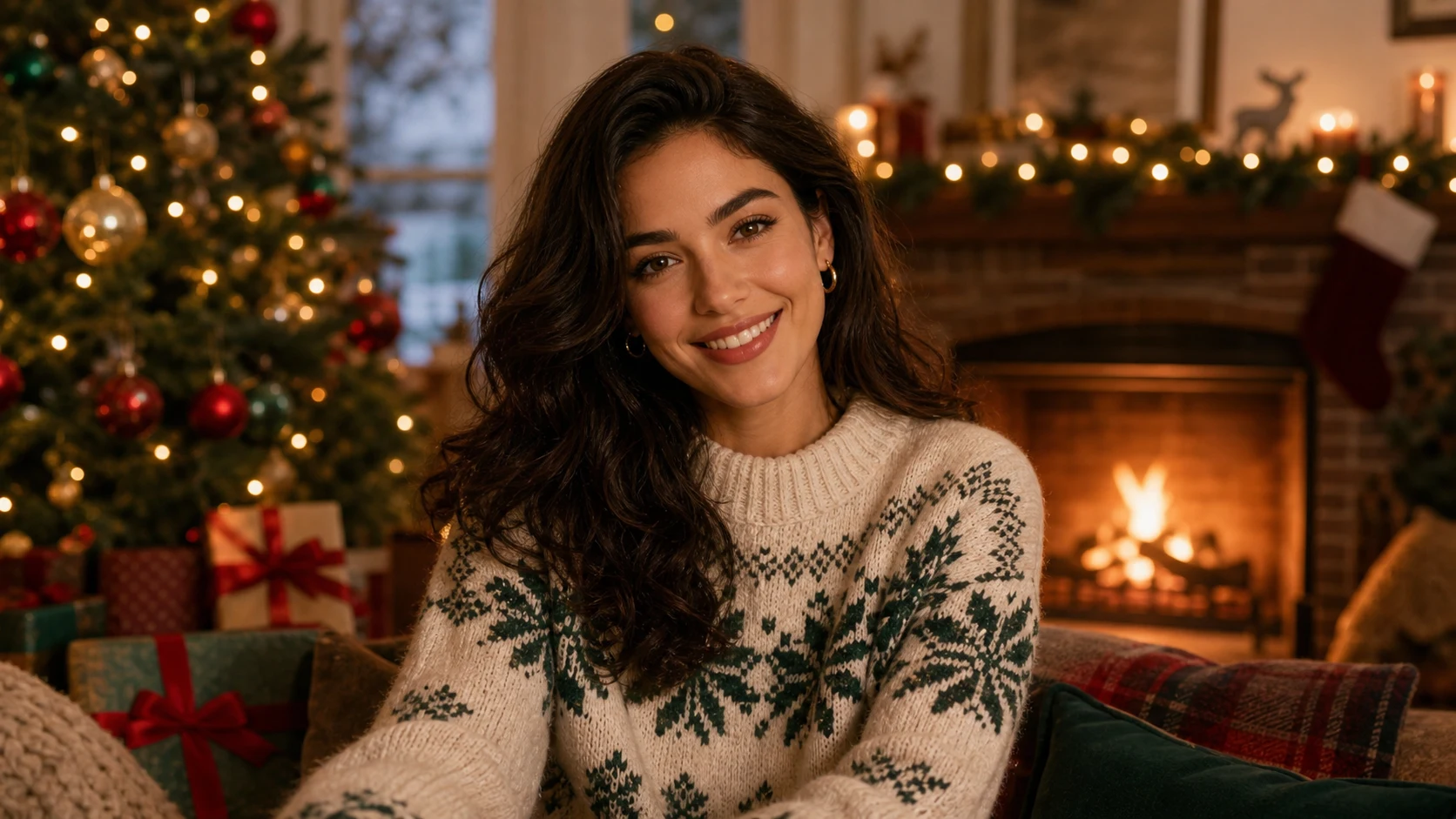
Holiday Portrait Generator Example 2

Festive portrait card style

A polished Holiday look with seasonal background detail, flattering light, and a clean portrait-style finish.

Popular ways to use this template

Use the Holiday Portrait Generator when you want a warm seasonal look without rebuilding the portrait from scratch.

Personal Holiday portraits

Create a focused preview for a personal greeting, profile update, family project, or creative seasonal concept.

Creative direction previews

Test a festive visual direction before refining, sharing, printing, or presenting the result.

How to get a better Holiday Portrait result

A clear source and a focused prompt help the Holiday Portrait effect look polished without losing the person’s natural features.

Choose the right source portrait

  • Use a sharp source image with the main subject clearly visible.
  • Avoid heavy blur, blocked details, extreme crops, or confusing overlaps.
  • Choose a source whose pose and framing support the intended Holiday Portrait Generator result.

Prompt direction to use

Apply the Holiday Portrait effect to the uploaded portrait. Preserve the person identity, face shape, expression, hairstyle, pose, and outfit cues. Recreate the image as a festive holiday portrait with warm lights, seasonal background details, cozy styling, soft flattering lighting, tasteful color grading, and polished card-ready composition. Keep the subject recognizable and avoid overdecorating the face.

Review your festive portrait

Generated details can vary, so review the image closely before using it in a card, post, presentation, or personal project.

Confirm the person is still recognizable

Compare the subject’s face shape, expression, hairstyle, pose, silhouette, and outfit cues with the original image.

Check the Holiday treatment

Make sure the warm lights, seasonal accents, cozy styling, and color grading feel consistent across the Portrait.

Review fine details before sharing

Inspect faces, hands, text, small objects, edges, and background transitions for distortions or distracting artifacts.

Holiday Portrait Generator FAQ

Answers to common questions about preparing a source photo, reviewing the result, and getting a recognizable festive portrait.

What is Holiday Portrait Generator?
It is a portrait template for creating a festive Holiday look with warm lights, seasonal background details, cozy styling, and polished color while preserving the person’s key features.
Is Holiday Portrait Generator free?
Availability and access can vary. Check the current product page or account options before starting your Holiday Portrait project.
How do I use Holiday Portrait Generator?
Start with a sharp portrait where the face, hairstyle, pose, and outfit cues are visible. Use the template to apply a festive Holiday Portrait direction, then review the result for identity and detail accuracy.
What image formats does Holiday Portrait Generator support?
Use a common clear image file that keeps the main subject visible and detailed. Avoid screenshots, tiny files, heavy blur, or images with blocked faces whenever possible.
Can I use Holiday Portrait Generator results commercially?
For business, client, or merchandise use, review the applicable terms for your account and project before publishing or distributing the result.
What Holiday Portrait Generator changes are applied?
It adds cozy lights, seasonal accents, warmer color, soft flattering lighting, and a polished composition suited to a festive Portrait, while avoiding decoration that overwhelms the face.
Which source image works best?
A sharp, well-lit portrait with the subject clearly visible works best. The pose and framing should already support the kind of Holiday Portrait you want to create.
How can I keep the subject recognizable?
Use a clear source image and keep the prompt focused on preserving identity, face shape, expression, hairstyle, pose, and outfit cues. Review the face, hands, edges, and background after the transformation.

Make your portrait feel holiday-ready

Create a festive Portrait with warm light, tasteful Holiday details, and a recognizable subject ready for your next seasonal design.