AI Chibi Action Figure Set Generator

AI Chibi Action Figure Set Generator

Turn a clear portrait or character photo into a cute Chibi Action Figure Set with toy poses, accessories, glossy plastic detail, and display-ready packaging style.

AI Chibi Action Figure Set Generator result
0 / 2000
Template prompt

AI Chibi Action Figure Set Generator

Apply the AI Chibi Action Figure Set effect to the uploaded portrait or character photo. Preserve the subject identity, hairstyle, outfit colors, accessories, and recognizable expression. Rebuild the subject as a cute chibi collectible action-figure set with super-deformed proportions, multiple small pose variations, toy accessories, blister-pack or box display, glossy 3D plastic material, and bright product-photography lighting. Keep the face and outfit clearly linked to the upload.

AI Chibi Action Figure Set Generator result

What this Chibi Action Figure Set template creates

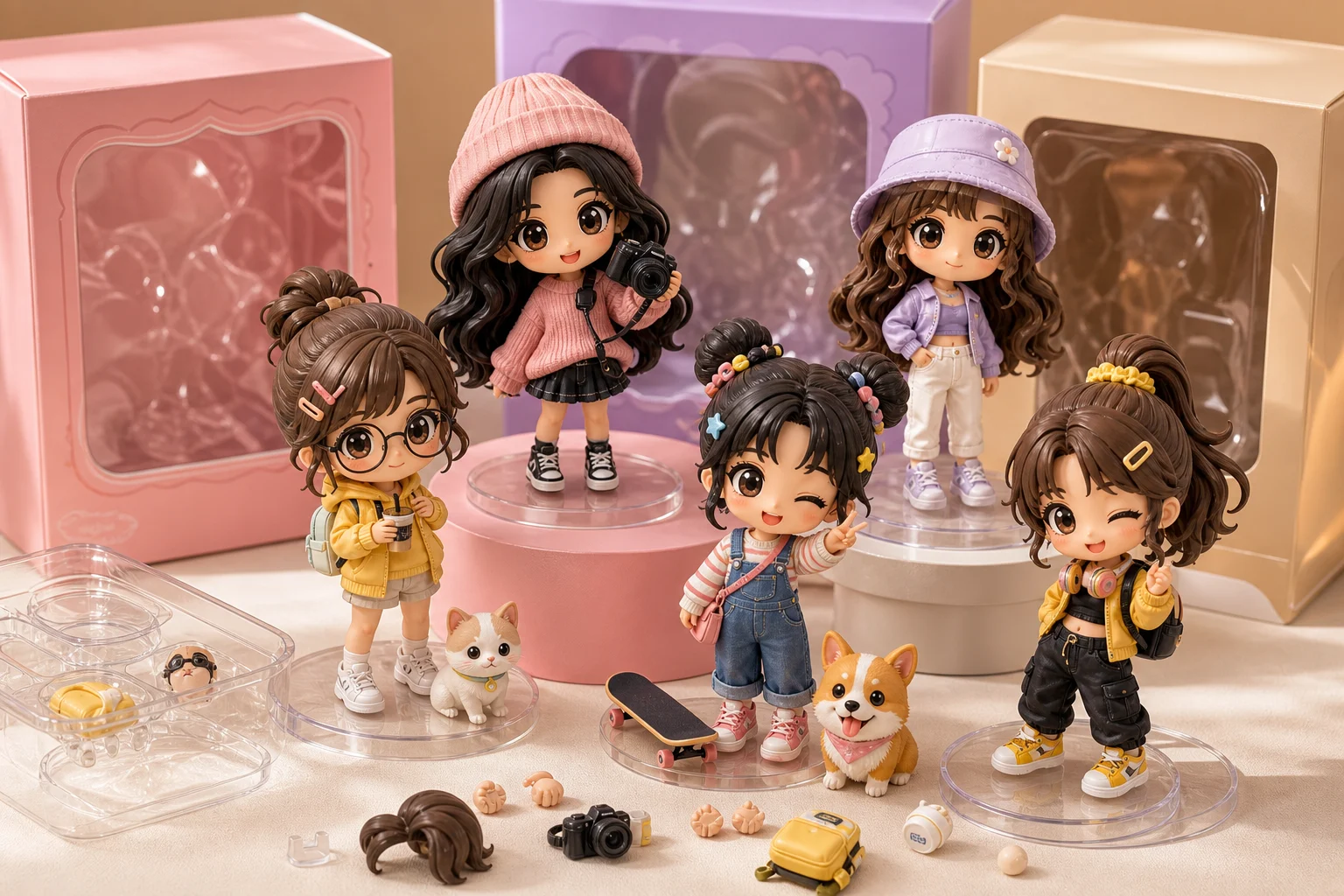
The AI Chibi Action Figure Set Generator helps restyle a source image into a collectible toy-kit look. It keeps the subject recognizable while adding super-deformed Chibi proportions, multiple Action Figure poses, small accessories, bright product lighting, and a blister-pack or box-display feel.

How the image is transformed

This template shifts a portrait or character photo into a playful collectible figure presentation while keeping the subject tied to the original image.

What changes

  • Rebuild the subject as a cute Chibi collectible with super-deformed proportions and a toy-like body.
  • Add multiple small Action Figure pose variations, accessories, and display details that support the Set concept.
  • Apply glossy 3D plastic material, bright product-photography lighting, and blister-pack or box-display styling.
  • Create a polished visual direction for posts, mockups, references, or creative drafts.

What stays recognizable

  • Preserve the subject identity, hairstyle, outfit colors, accessories, and recognizable expression.
  • Keep the face and outfit clearly linked to the upload.
  • Keep the main subject recognizable from the source image.
  • Maintain defining colors, pose, silhouette, and important subject details as coherently as possible.

How to create your Chibi Action Figure Set

Follow a simple process to create a more recognizable Chibi Action Figure Set from your source image.

1

Upload a clear source

Choose a sharp portrait or character image where the face, hairstyle, outfit, accessories, and silhouette are easy to identify.

2

Define the toy-set look

Use a prompt that calls out Chibi proportions, Action Figure styling, toy accessories, pose variations, glossy plastic, and box or blister-pack display.

3

Review and refine

Compare the result with the source image, then refine if the identity, hands, props, packaging, or small details need improvement.

Chibi Action Figure Set style examples

These examples show different ways a source image can become a Chibi Action Figure Set with collectible styling, accessories, and display detail.

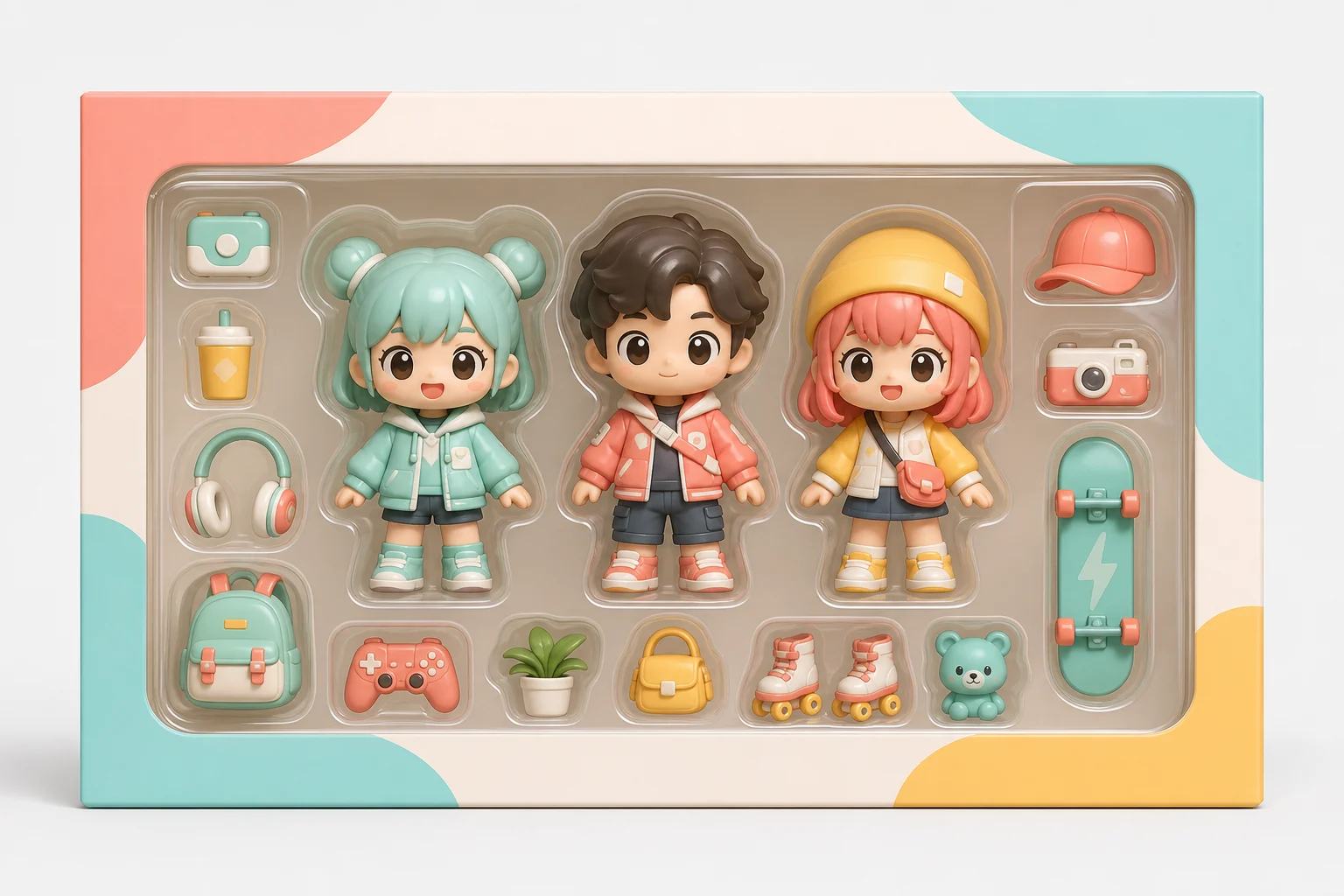
AI Chibi Action Figure Set Generator result 1

Classic boxed Chibi figure set

A bright product-photo style result with a recognizable Chibi figure, toy accessories, and a clean display-set composition.

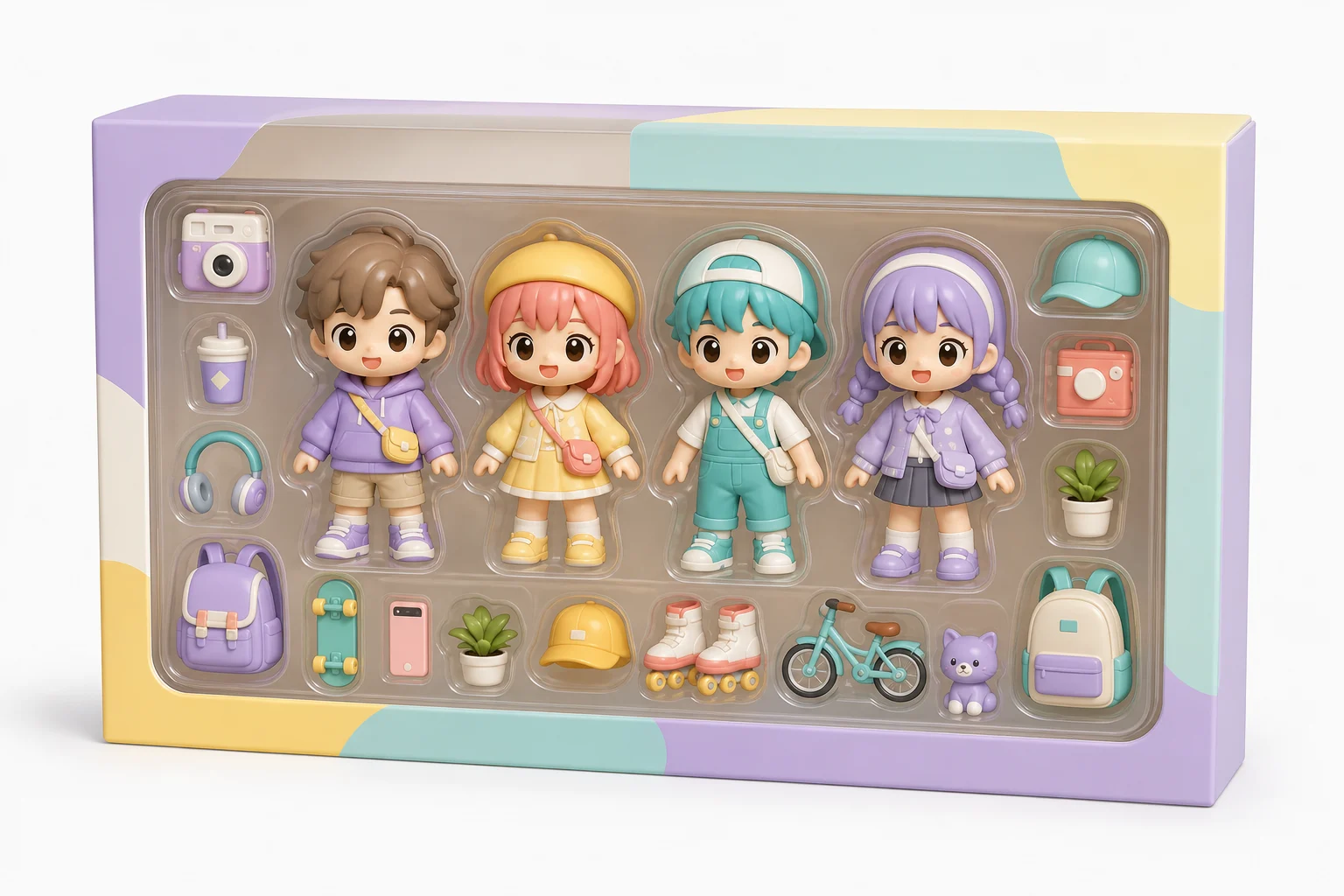
AI Chibi Action Figure Set Generator result 2

Accessory-rich Chibi Action set

A glossy toy-kit look that emphasizes small pose variations, cute proportions, and accessory details around the main Figure.

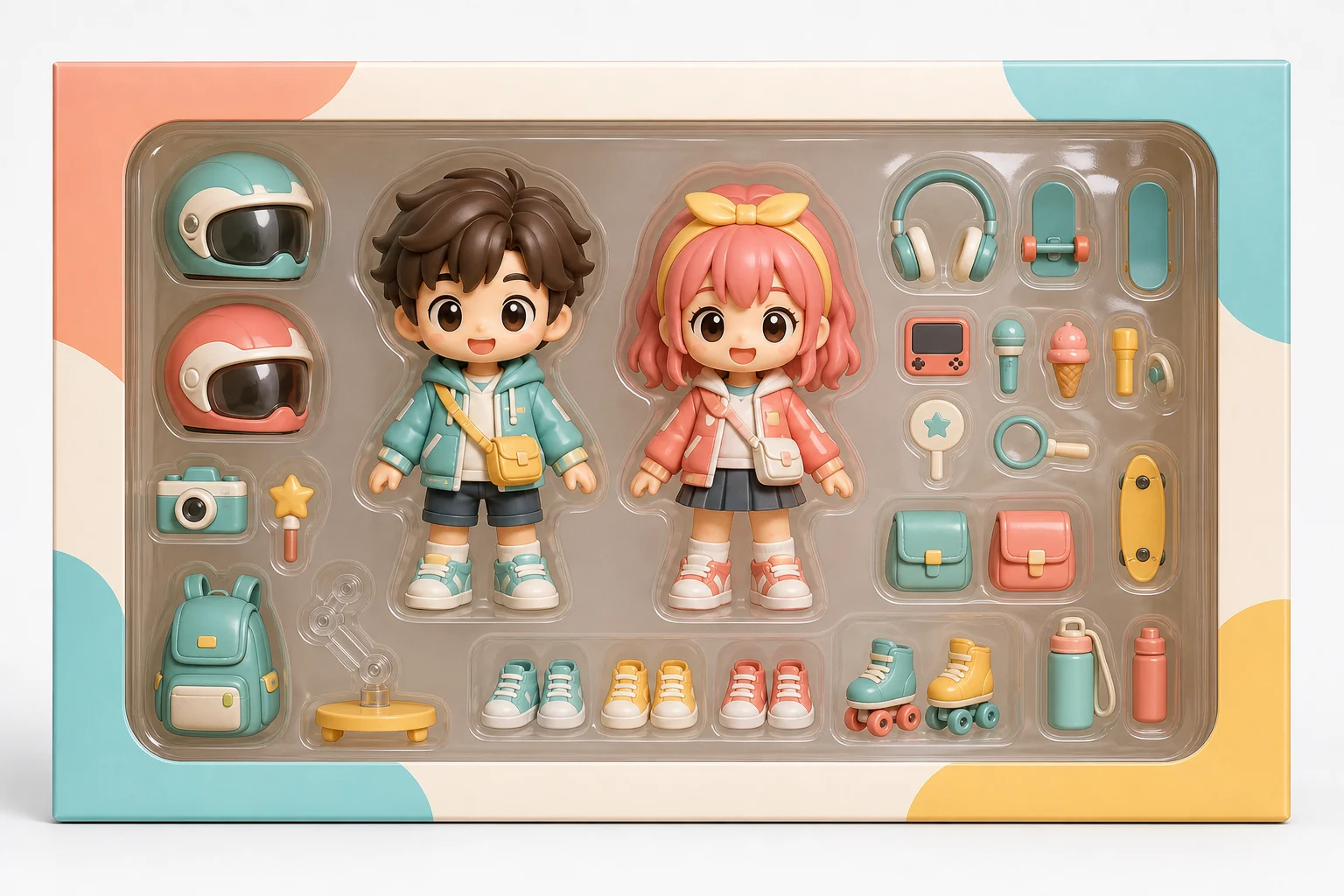
AI Chibi Action Figure Set Generator result 3

Glossy product display style

A collectible display variation with polished plastic materials, bright lighting, and a playful Set arrangement.

Popular ways to use this template

Use the AI Chibi Action Figure Set Generator when you need a focused toy-style concept based on a real portrait or character image.

Personal Chibi figure concepts

Create a cute collectible preview for a personal avatar, fan-style character concept, social post, or creative project.

Visual direction comparisons

Explore how a subject could look as a boxed Action Figure Set before refining the direction or presenting it to others.

Creative references and mockups

Build a playful reference image with poses, accessories, and packaging cues for illustration, design, or mood-board work.

How to get a clearer Chibi figure result

A stronger source image gives the template more defining details to carry into the final toy-style result.

Source image checklist

  • Use a sharp source image with the main subject clearly visible.
  • Avoid heavy blur, blocked details, extreme crops, or confusing overlaps.
  • Choose a source whose pose and framing support the intended AI Chibi Action Figure Set Generator result.

Prompt guidance

Describe the subject and any important toy details you want emphasized, such as Chibi proportions, glossy plastic material, accessory types, small pose variations, blister packaging, box display, bright studio lighting, or a collectible product-photo look.

What to review before using the result

Generated details can vary, so review the image as a visual draft before sharing, refining, or presenting it.

Check subject recognition

Compare the generated face, hairstyle, outfit colors, accessories, silhouette, and pose against the uploaded image.

Review the toy-set style

Make sure the Chibi proportions, Action Figure material, accessory layout, and Set packaging feel consistent across the image.

Look for visual issues

Inspect faces, hands, text-like details, edges, small props, and background transitions for artifacts or confusing shapes.

AI Chibi Action Figure Set Generator FAQ

Quick answers about creating a Chibi Action Figure Set from a portrait or character image.

What is AI Chibi Action Figure Set Generator?
It is a photo-to-image template for turning a recognizable subject into a cute Chibi collectible Action Figure Set with toy accessories, small pose variations, glossy 3D plastic styling, and display packaging detail.
Is AI Chibi Action Figure Set Generator free?
Availability and access can vary by product experience. Check the current ClipCanva interface for the options shown when you open the template.
How do I use AI Chibi Action Figure Set Generator?
Upload a clear source image, make sure the main subject is visible, and use the template to create a Chibi Action Figure Set look. Review the result for identity, outfit details, accessories, and clean edges before using it in a post, mockup, reference, or draft.
What image formats does AI Chibi Action Figure Set Generator support?
Use common image formats supported by the upload flow, such as JPG, PNG, or WebP when available. For best results, choose a sharp image with good lighting and visible subject details.
Can I use AI Chibi Action Figure Set Generator results commercially?
Usage depends on the source image, the rights you hold, and the terms that apply to your project. Review those details before using any result commercially.
What AI Chibi Action Figure Set Generator changes should I expect?
It changes the subject into a cute Chibi Action Figure Set with a larger head, smaller body, toy-like materials, pose variations, accessories, and product-display styling while aiming to keep the face, outfit colors, and expression connected to the upload.
Which source image works best?
A sharp portrait or character photo works best. The face, hairstyle, outfit, accessories, and overall silhouette should be easy to see, with minimal blur, obstruction, or confusing overlap.
How do I keep the subject recognizable?
Start with a clear image and keep important visual cues visible: hairstyle, outfit colors, signature accessories, expression, pose, and silhouette. After generation, compare those details with the original before choosing the final result.

Create your own Chibi Action Figure Set

Upload a clear portrait or character image and build a playful Chibi Action Figure Set with recognizable identity, toy accessories, and polished display detail.