
Was sich verändert
- Die Vorlage wird zu einem quadratischen, musikfokussierten visuellen System neu komponiert.
- Beleuchtung, Farbgestaltung, Textur, grafische Behandlung und Negativraum folgen der Stimmung der Veröffentlichung.
Gestalte aus einem Foto, Objekt, einer Textur oder Szene ein quadratisches Albumcover-Konzept mit klarem Fokus, genrespezifischer Stimmung, kontrollierten Farben und reserviertem Raum für die finale Typografie von Künstler und Veröffentlichung.

Apply the AI Album Cover effect to the uploaded image. Preserve the main subject identity or object, pose/action silhouette, key colors, and important visual details. Recompose it as professional square album cover art with a strong central focal point, dramatic lighting, music-ready mood, clean negative space for artist or track text, tasteful graphic design treatment, cinematic color grading, and polished cover-art finish. Do not add unreadable random text; leave clear text areas instead.
Der AI Album Cover Generator hilft dabei, eine vorhandene visuelle Vorlage oder ein Veröffentlichungsbriefing in Musik-Covergestaltung zu verwandeln. Er ist für unabhängige Musiker, Produzenten, Podcaster, Playlist-Kuratoren und Marketer konzipiert, die eine starke visuelle Richtung für ein Album, eine Single, eine EP, ein Mixtape, einen Podcast oder eine Playlist benötigen. Das beste Ergebnis ist ein quadratisches Cover-Konzept mit gezielter Stimmung, wiedererkennbarem Motiv und klaren Bereichen, in denen später präzise Typografie ergänzt werden kann.
Der Prozess formt deine Vorlage zu einer stärker musikgerechten Gestaltung um, während der gewählte Anker wiedererkennbar bleibt. Ziel ist keine zufällige Dekoration, sondern ein Cover-Konzept mit Hierarchie, Atmosphäre und Raum für professionelle Finalisierung.
Beginne mit einem fokussierten Bild oder visuellen Thema, bestimme die Stimmung der Veröffentlichung und bewerte dann die quadratische Komposition, bevor du die finale Typografie an anderer Stelle ergänzt.
Verwende ein klares Porträt, Objekt, Instrument, eine Textur, Landschaft oder symbolische Szene mit einem Hauptfokus und ausreichend umgebendem Raum für einen quadratischen Zuschnitt.
Entscheide über Genre, Stimmung, Farbpalette, visuelle Ära, Beleuchtungsstil und darüber, ob die Gestaltung filmisch, minimalistisch, rau, glänzend, nostalgisch oder experimentell wirken soll.
Achte auf eine ausgewogene quadratische Komposition mit verständlicher Fokushierarchie, kontrolliertem Kontrast, stimmigen Details und aufgeräumtem Raum für späteren Künstler- und Veröffentlichungstext.
Entdecke unterschiedliche visuelle Ansätze, während das Cover auf ein klares Motiv, kontrollierte Farben und Raum für finale Schrift konzentriert bleibt.
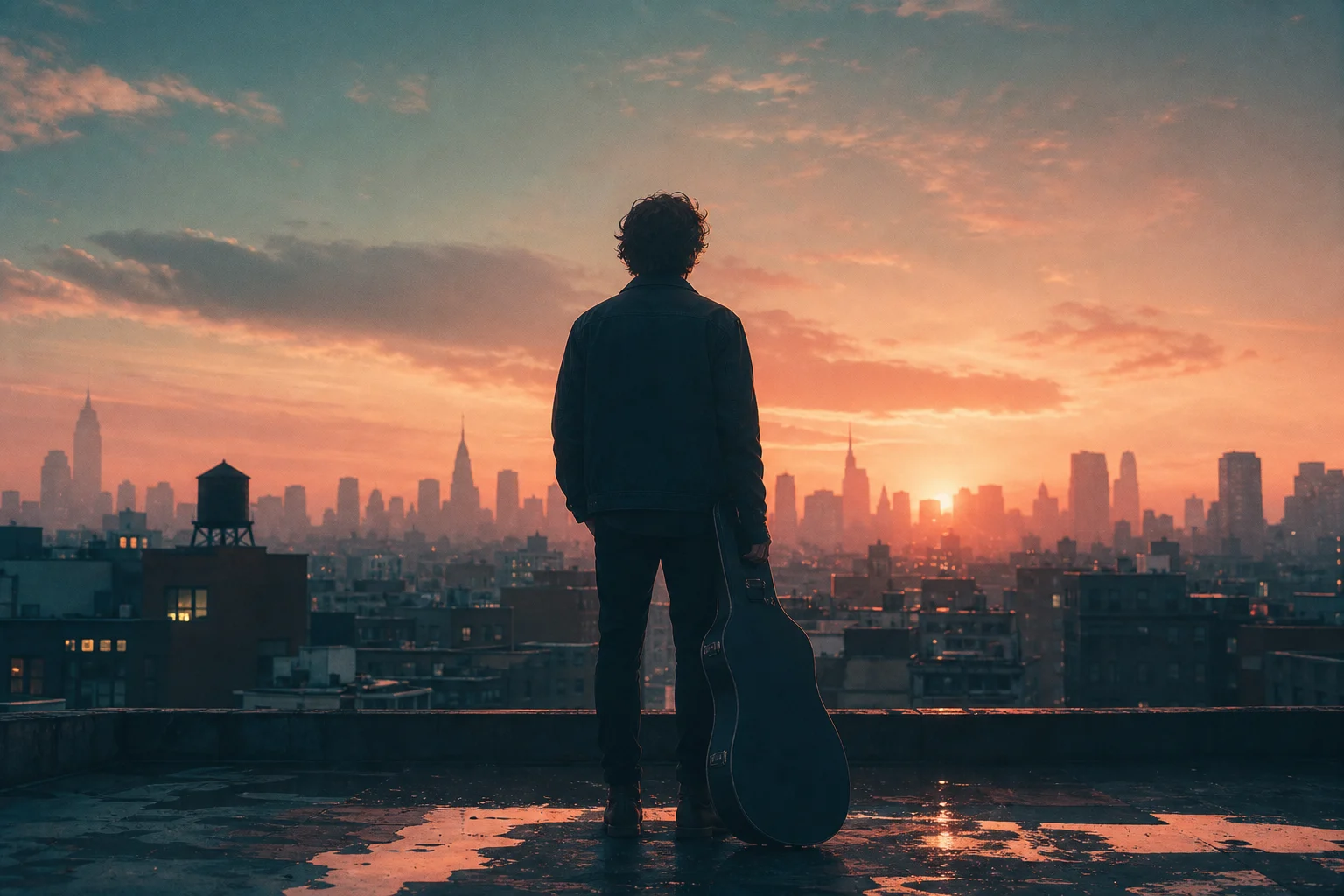
Eine dramatische Richtung für Musikcover mit starken Kontrasten, atmosphärischer Beleuchtung und einem zentralen Motiv, das in einem quadratischen Zuschnitt klar lesbar bleibt.

Ein grafischer Coverstil, der kräftige Farben, Texturen und Negativraum für die spätere Typografie von Künstler und Titel betont.

Ein stimmungsvolles Cover-Konzept für Singles, EPs, Mixtapes und Playlist-Kampagnen, bei denen Atmosphäre und Silhouette besonders wichtig sind.
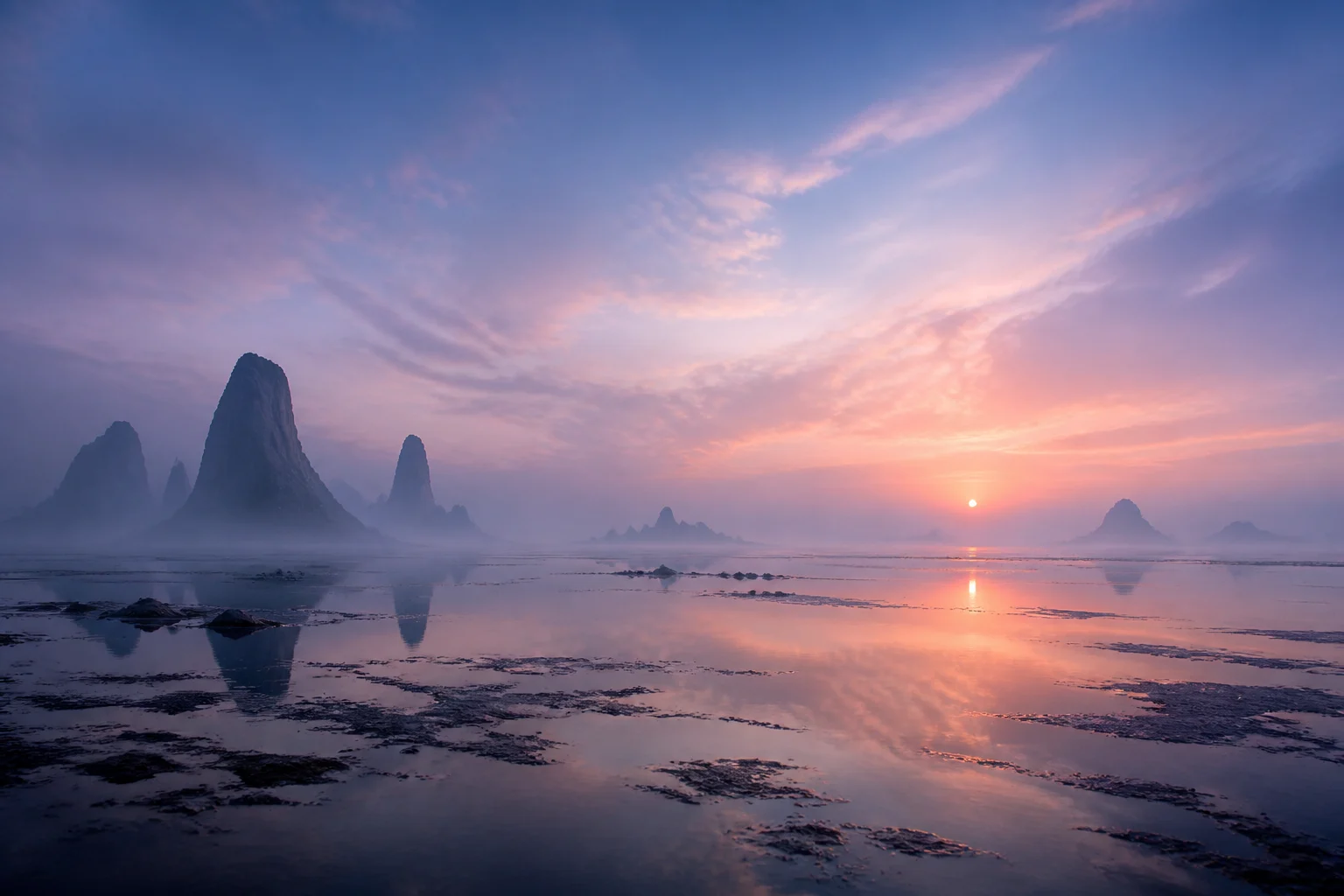
Eine hochwertige Richtung für quadratische Gestaltung mit sauberer Komposition, kontrollierten Hintergrunddetails und einem klaren Bereich für die finale Layoutarbeit.
Nutze den Albumcover-Generator, wenn du eine visuelle Richtung für eine Veröffentlichungskampagne, Präsentation, Social-Media-Ausspielung oder Playlist-Identität benötigst.
Entwickle ein quadratisches visuelles Konzept für ein Album, eine Single, eine EP, ein Mixtape, eine Podcast-Episode oder eine kuratierte Playlist mit einem wiedererkennbaren Motiv und veröffentlichungsspezifischer Stimmung.
Erstelle eine Gestaltungsrichtung für Ankündigungsbeiträge, Teaser-Grafiken, Moodboards und Marketing-Reviews, bevor finale Typografie und Plattformformate fertiggestellt werden.
Eine starke Vorlage und ein klares Kreativbriefing sind wichtiger als viele unzusammenhängende Referenzen. Konzentriere dich auf eine einprägsame Bildidee, die auch als kleines Musik-Vorschaubild klar erkennbar bleibt.
Beschreibe die Identität der Veröffentlichung mit praktischen visuellen Begriffen: Genre, Stimmung, Palette, Ära, Textur, Beleuchtung und jedes Motiv, das wiedererkennbar bleiben muss. Bitte um eine quadratische Albumcover-Komposition mit starkem zentralem Fokus, filmischer oder grafischer Farbgestaltung und sauberem Negativraum für die spätere Typografie von Künstler und Titel. Bitte nicht um final lesbaren Text innerhalb der Gestaltung.
Nutze das Ergebnis als visuelle Richtung für die Veröffentlichung und prüfe es dann wie Covergestaltung: zuerst die Komposition, dann die Details und zuletzt die finalen Produktionsanforderungen.
Betrachte die Gestaltung als vollformatiges Quadrat und als kleines Vorschaubild. Hauptmotiv, Kontrast und Stimmung sollten auch verkleinert verständlich bleiben.
Prüfe Gesichter, Hände, Logos, Requisiten, Kanten, Schatten und Hintergrundgeometrie genau. Diese Details entscheiden mit darüber, ob die Gestaltung hochwertig genug für die weitere Verfeinerung wirkt.
Entferne zufällige Schrift oder Markierungen und setze dann Künstlername, Veröffentlichungstitel und alle erforderlichen Layoutinformationen in einem speziellen Design-Tool.
Häufige Fragen zur Erstellung quadratischer Albumcover-Konzepte aus Fotos, Objekten, Texturen und visuellen Briefings.
Entwickle aus einem Foto, Objekt, einer Textur oder Szene eine Richtung für ein quadratisches Albumcover und finalisiere anschließend Typografie und Veröffentlichungsdetails mit Sicherheit.