
Describe the product and buyer
Add product details, the buyer brief, the main problem, the strongest features, and the outcome the viewer should understand.
Product video script planning
Plan a product video script from product details and a buyer brief with the Product Video Script Generator, then inspect the demo scenes, voiceover, and closing ask before you record or create your video.
The Product Video Script Generator is a planning tool for turning product details and a buyer brief into a structured written video draft. It helps you organize the hook, demonstration flow, benefits, voiceover, and closing action before recording or generating visuals.
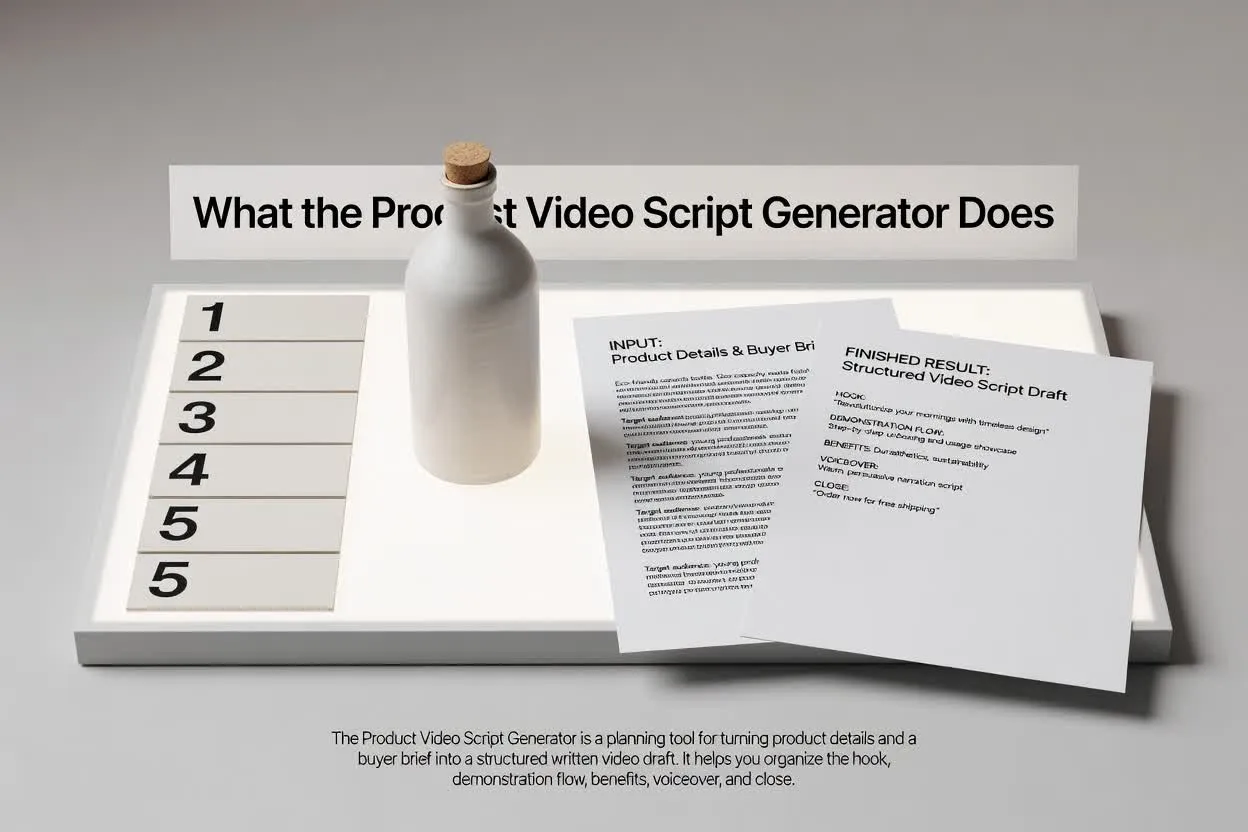
Move from brief to reviewable plan in a few focused steps.
Add product details, the buyer brief, the main problem, the strongest features, and the outcome the viewer should understand.
Select the format, runtime, tone, audience, and closing action so the script matches the channel and purpose.
Review the product demo script structure for scene flow, benefit clarity, voiceover wording, and closing ask focus.
The planner returns a draft you can read, edit, and hand off before production begins.
A scene-by-scene product demo script that shows what the viewer should see and hear at each point.
Voiceover lines or guidance that connect the buyer problem, product feature, and benefit in a clear order.
A closing action that keeps the video focused on one next step instead of competing asks.
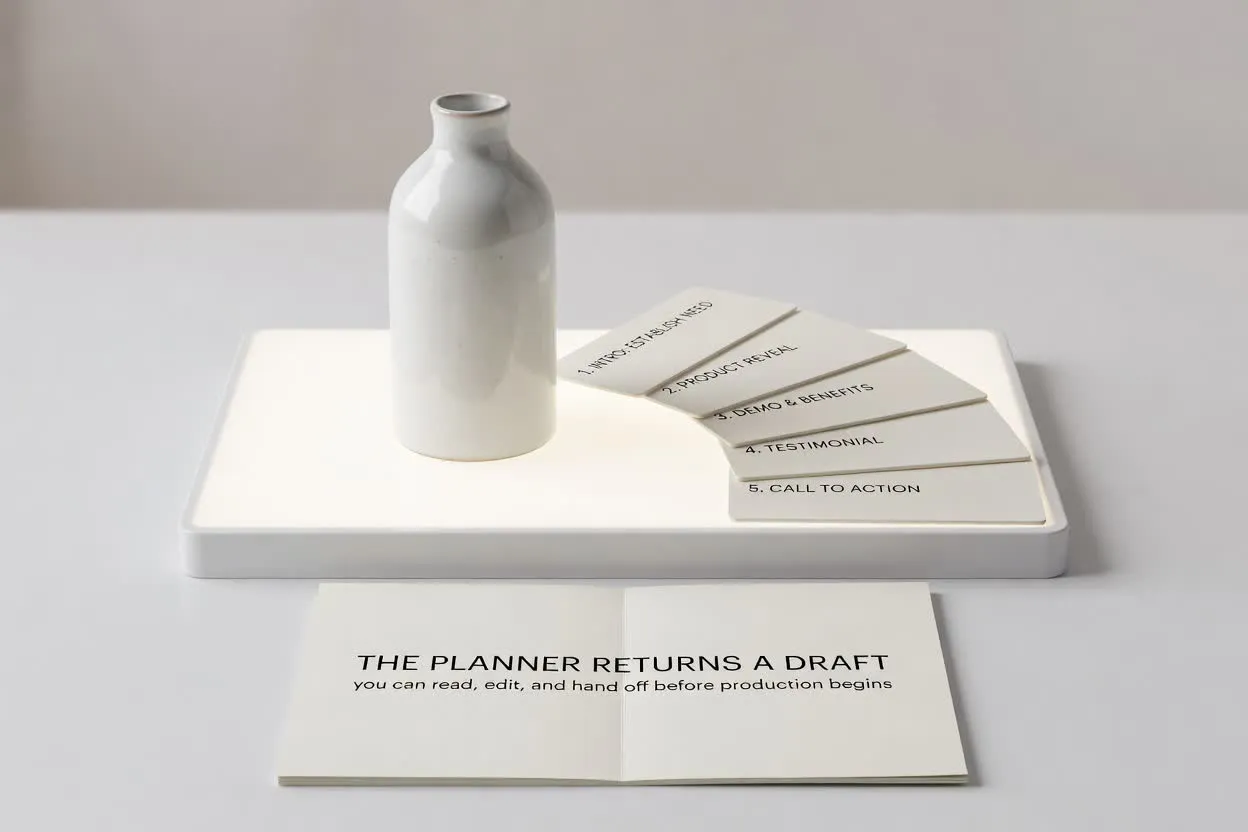
Use the controls to shape the script around the job your video needs to do.
Choose the format that matches the placement, such as a short launch clip, a walkthrough, or an ecommerce demo.
Pick a runtime so the plan fits the number of scenes and the attention span you are targeting.
Adjust tone and audience to keep the voiceover aligned with the buyer’s expectations and level of product knowledge.
Use the planner when you need a script that turns product information into a video-ready structure.
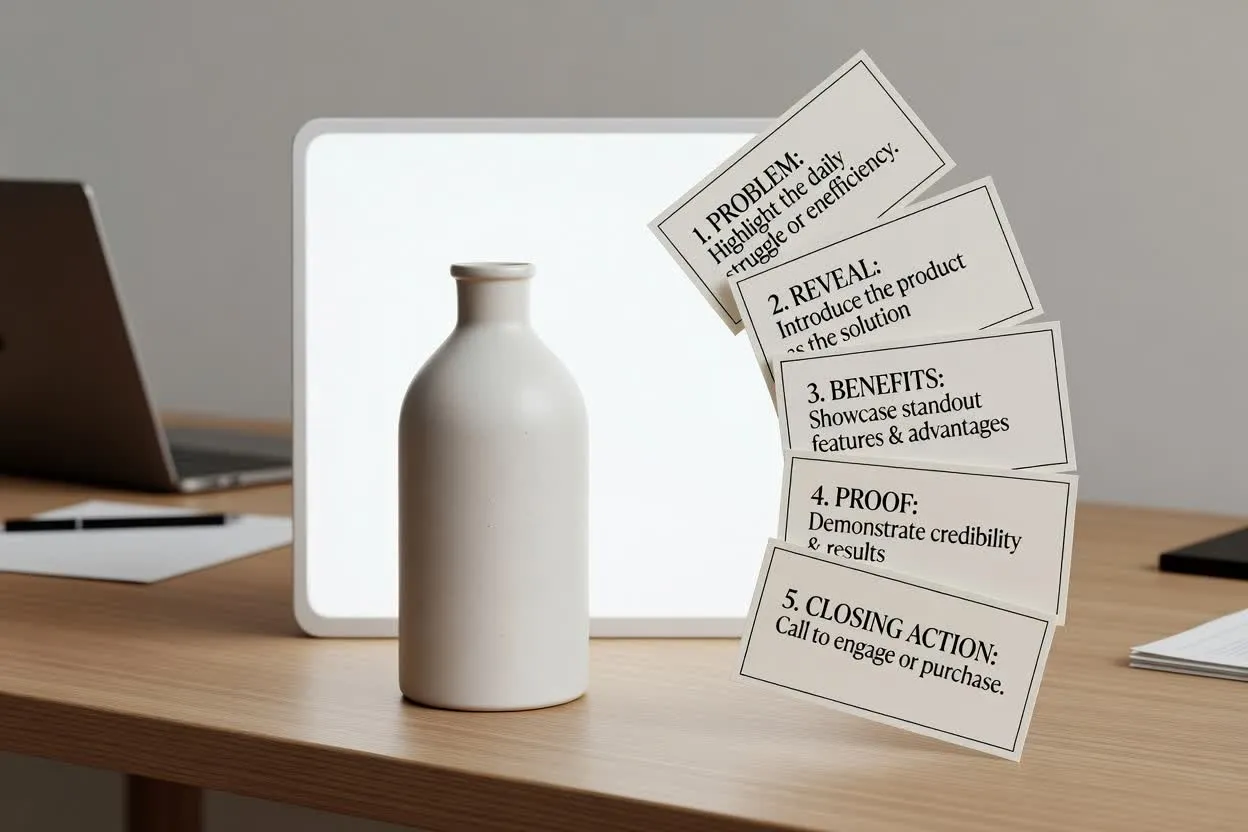
Outline the story for a launch video, from problem and reveal to standout benefits and closing action.
Plan with the Product Video Script Generator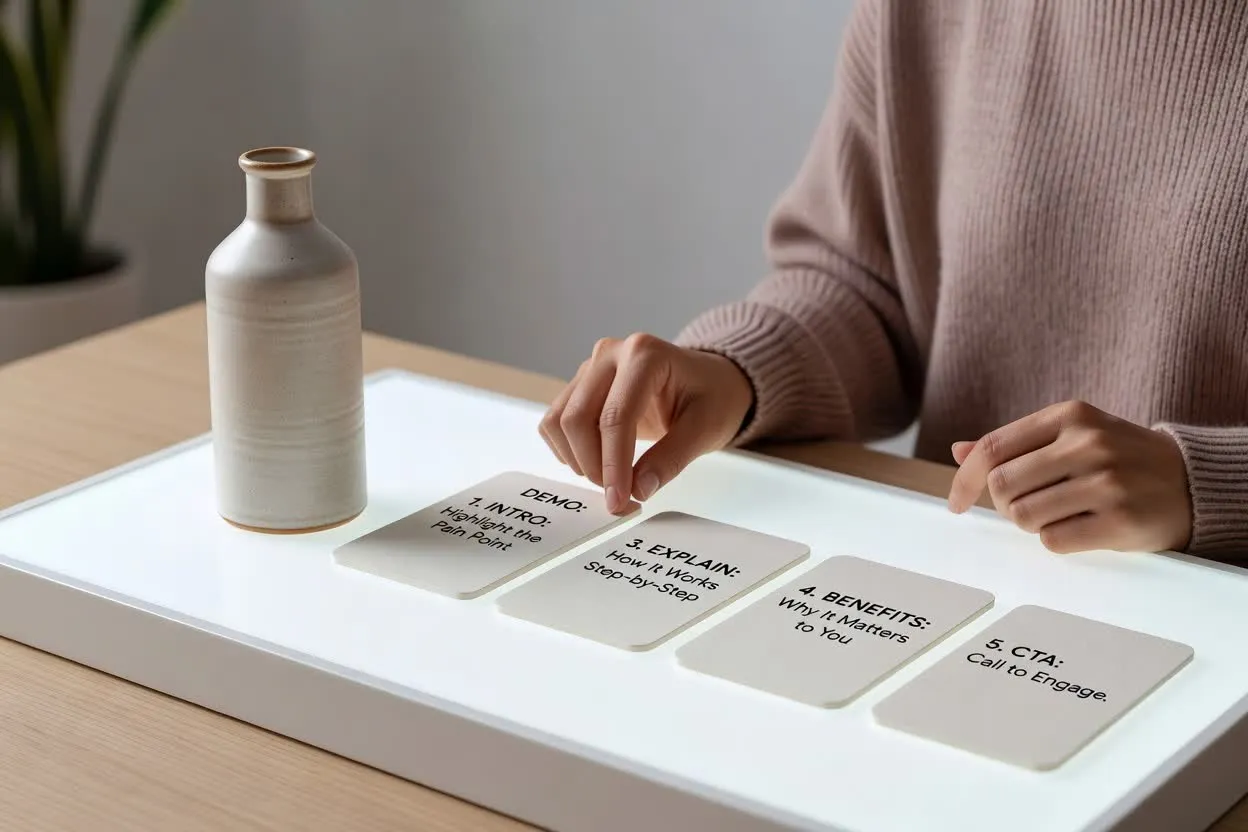
Build a feature-benefit video plan that explains how a capability works and why it matters to the viewer.
Open the script planner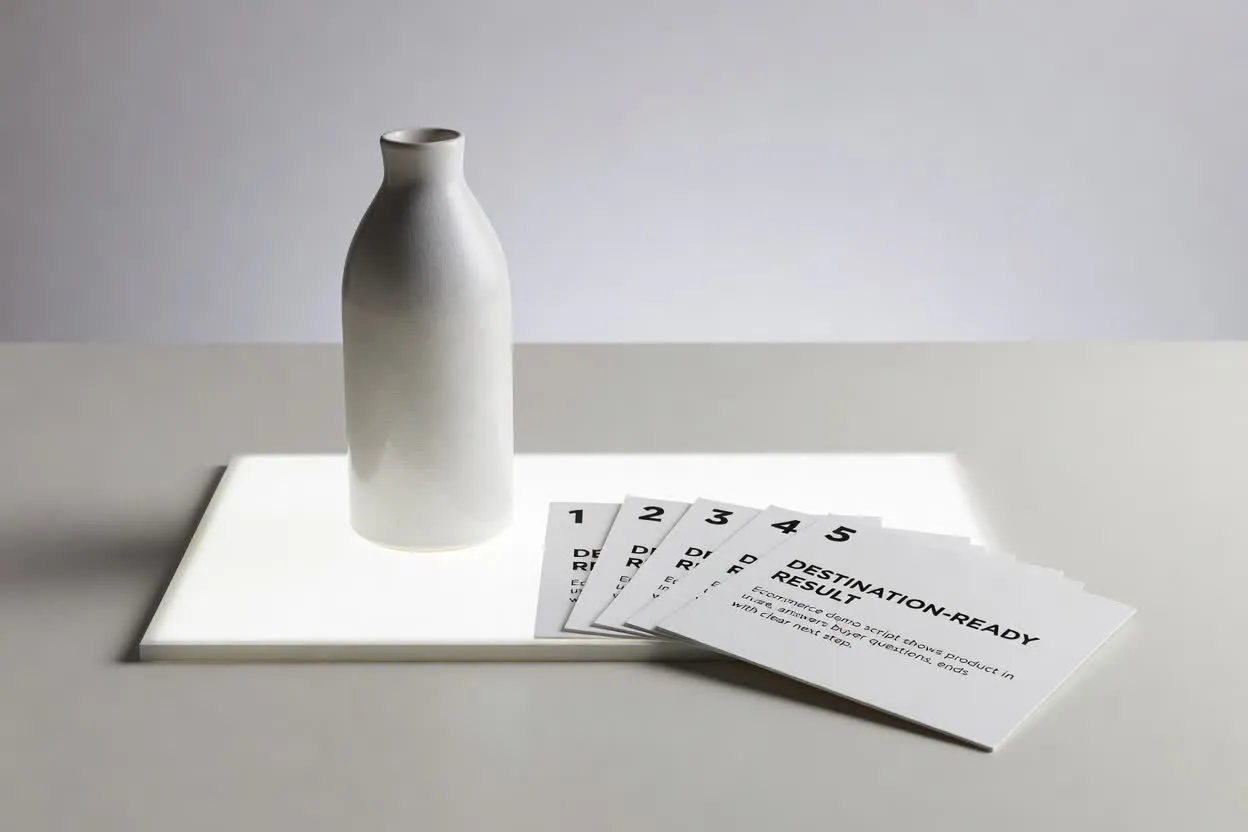
Create an ecommerce demo script that shows the product in use, answers buyer questions, and ends with a clear next step.
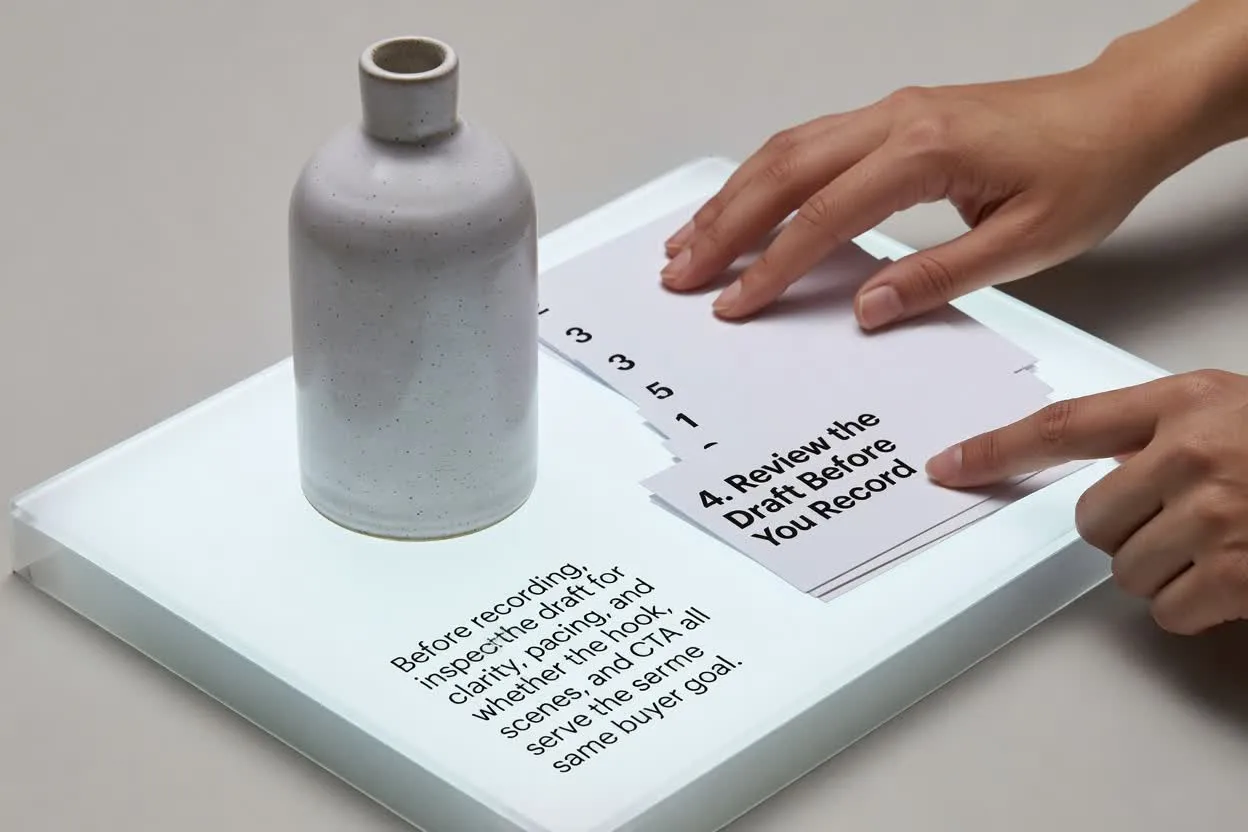
Open the script plannerBefore recording, inspect the draft for clarity, pacing, and whether the hook, scenes, and closing ask all serve the same buyer goal.
Confirm the hook speaks to the buyer’s problem or desired outcome quickly enough for the chosen runtime.
Inspect the number of scenes so the product story feels complete without becoming crowded.
Make sure the ending asks for one action only, such as visiting a page, signing up, or buying.
Use the plan as a writing and review aid, not as a finished video or a substitute for product validation.
The output is a written draft for planning. It does not record footage, render scenes, add music, or export a finished video.
Review every feature, benefit, comparison, and performance claim against your product facts before using the script.
Common questions about using the planner for product video scripts.
Bring your product details and buyer brief, set the video controls, and inspect the draft before production.