
Write the brief
Enter the topic, intended format, target runtime, tone, audience, and closing action.
Video script planning
Plan a video script from a topic, format, and runtime brief. The Video Script Generator helps you inspect a hook, scene flow, voiceover notes, and closing ask before you record or produce the video.
The Video Script Generator is an online planning tool for turning a topic, format, and runtime brief into a structured script draft. It is designed for pre-production: you review the hook, scenes, voiceover direction, and closing ask before recording or creating the final video.
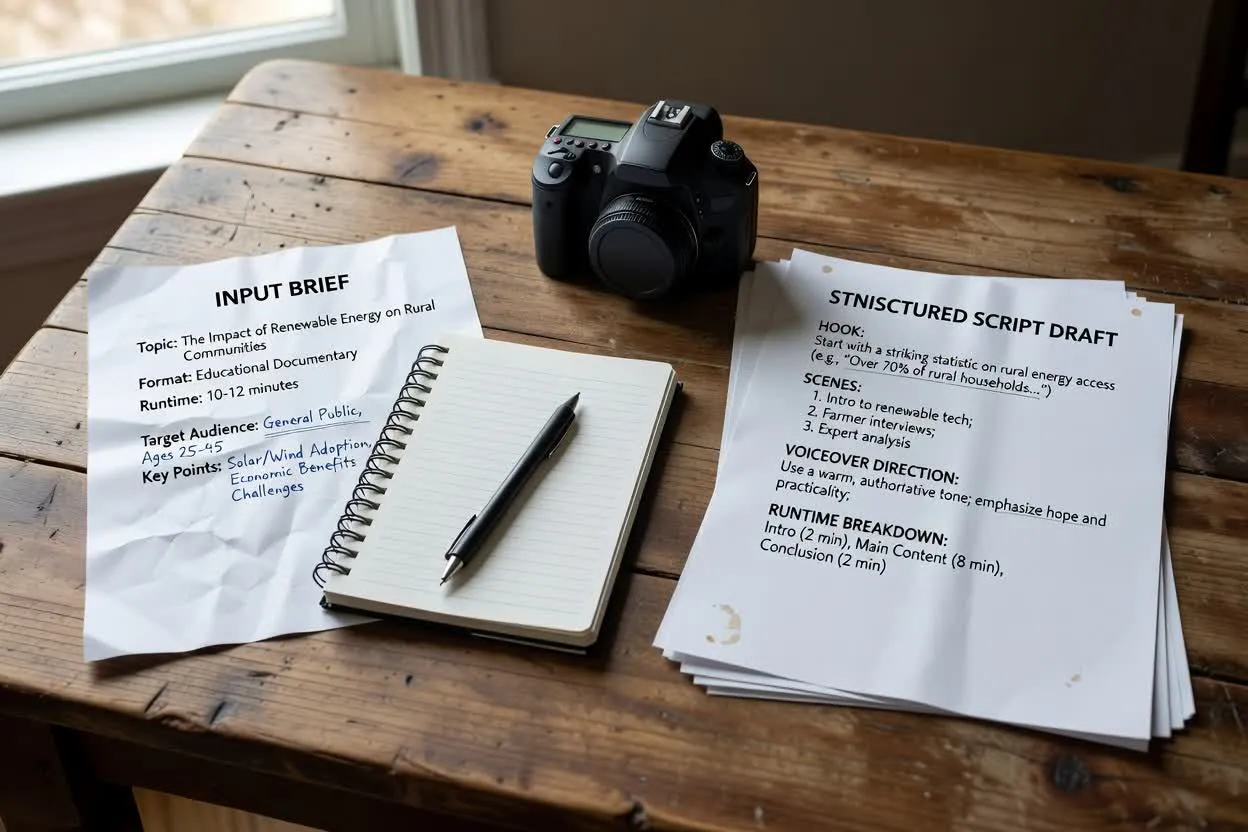
Move from a short brief to a structured plan that is easier to review before production.
Enter the topic, intended format, target runtime, tone, audience, and closing action.
Review the proposed structure as a general video script or adapt it toward a more specific format.
Use the scene outline to form a multi-format scene plan, then refine wording and pacing before recording.
The result is a draft you can inspect, edit, and hand off before production begins.
An opening line or premise designed to quickly frame the viewer’s reason to keep watching.
A scene-by-scene outline that can support a multi-format scene plan across explainers, social clips, and training content.
Narration guidance that gives each scene a spoken direction without producing the final recording.
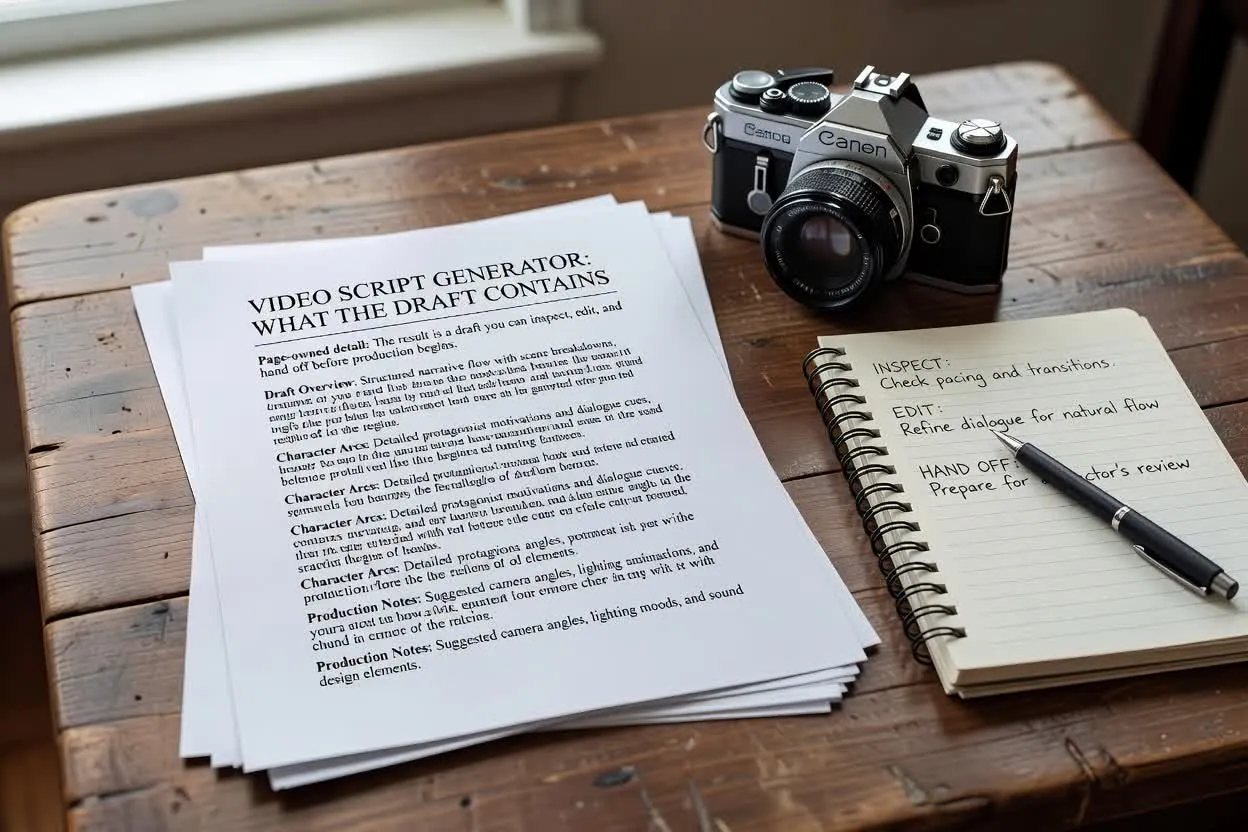
Adjust the inputs that shape the plan so the script matches where it will appear and what it should ask viewers to do.
Choose the format you are planning for, such as an explainer, social clip, or training video, so the scene structure fits the channel.
Set the target length to keep the outline realistic for the time available.
Guide the wording style, from concise and direct to warmer or more instructional.
Use the planner when you need a script direction before handing work to a presenter, editor, or production teammate.
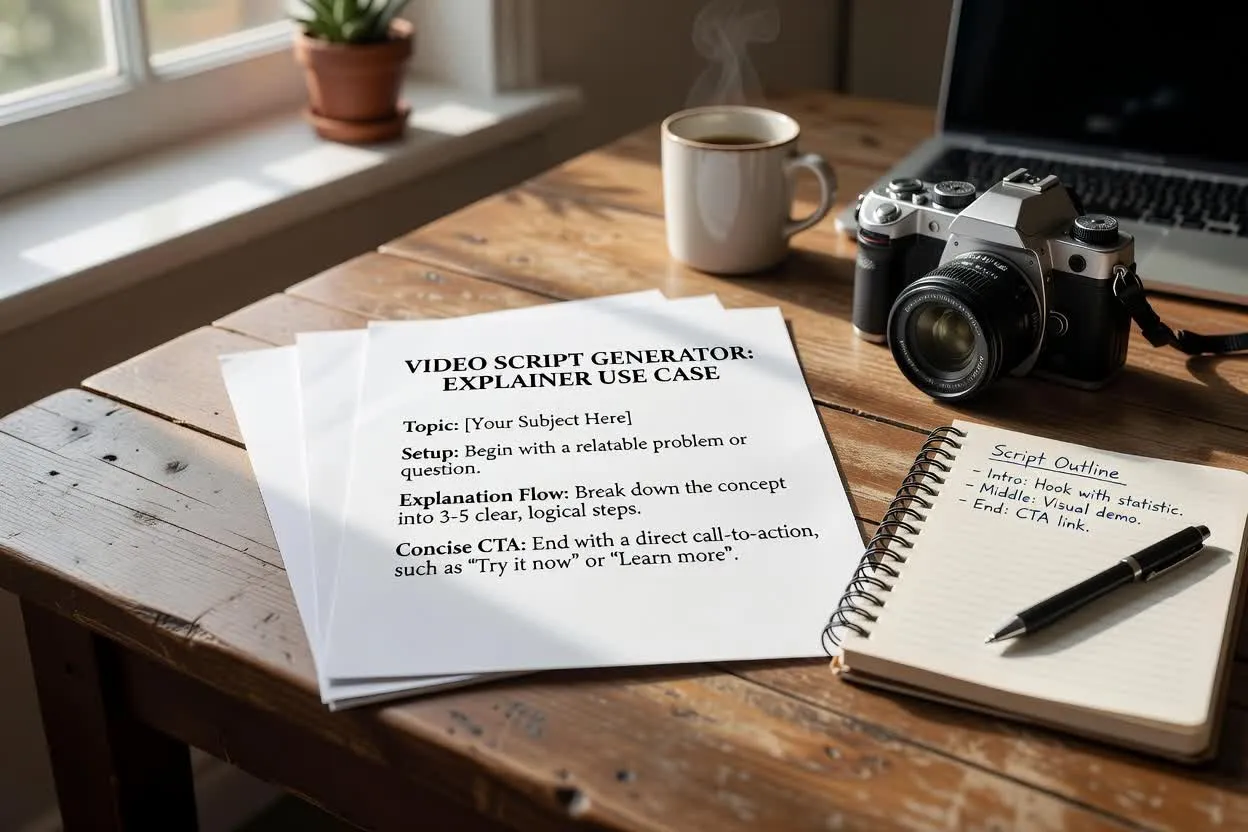
Turn a topic into a clear setup, explanation flow, and closing ask for a concise explainer script.
Open the script planner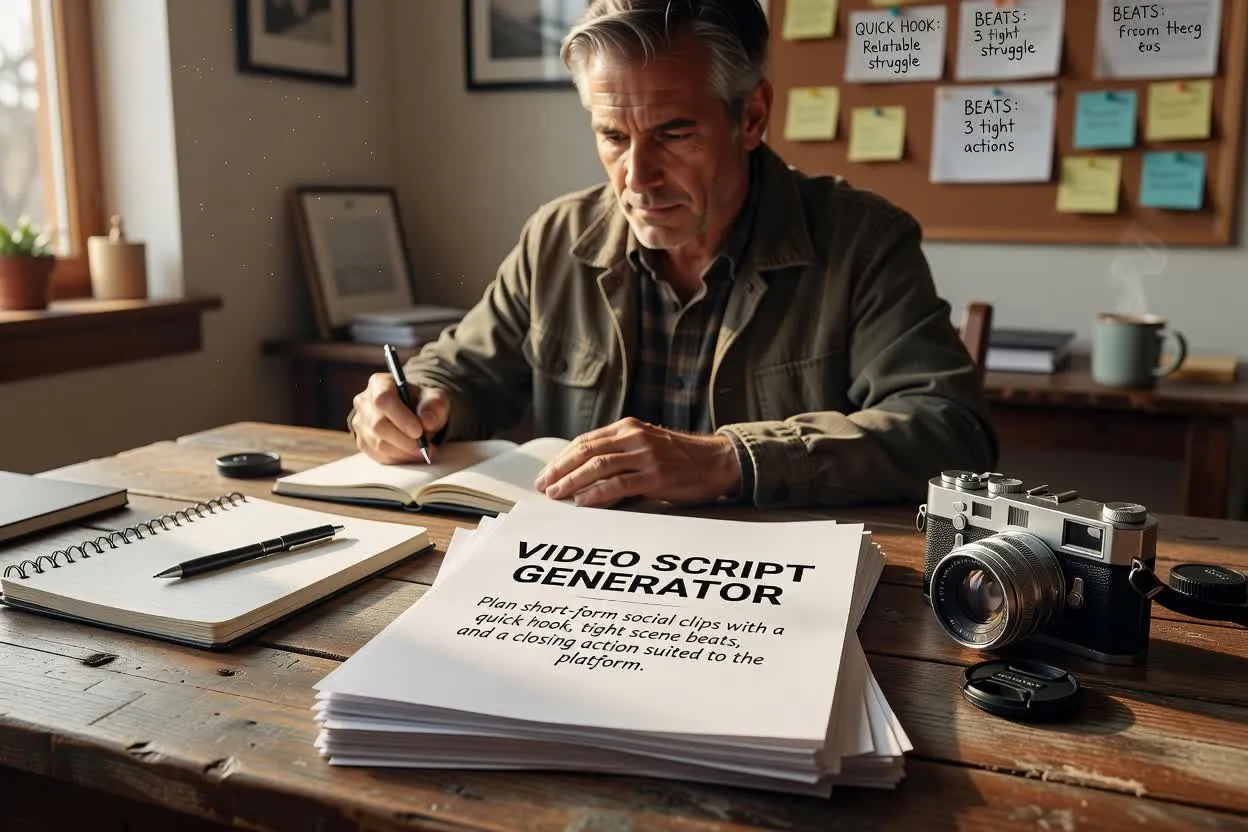
Plan short-form social clips with a quick hook, tight scene beats, and a closing action suited to the platform.
Open the script planner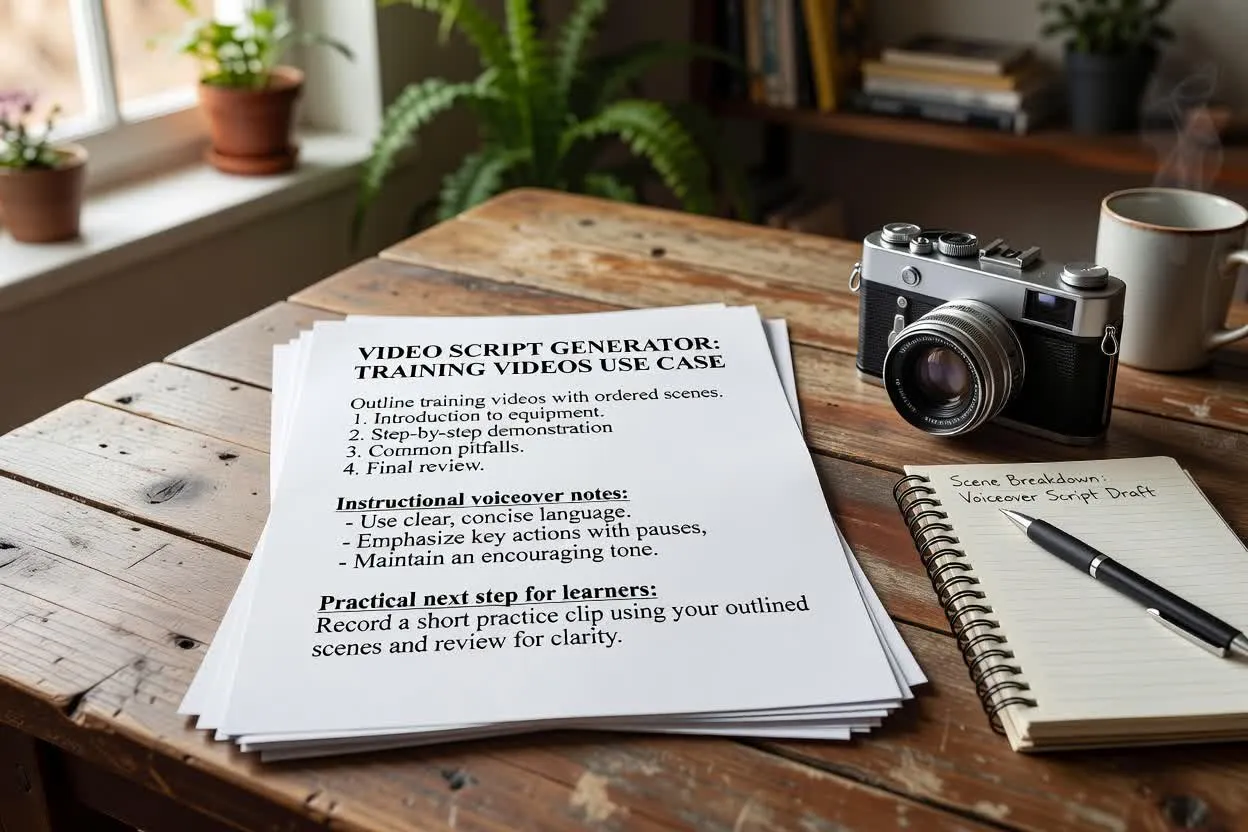
Outline training videos with ordered scenes, instructional voiceover notes, and a practical next step for learners.
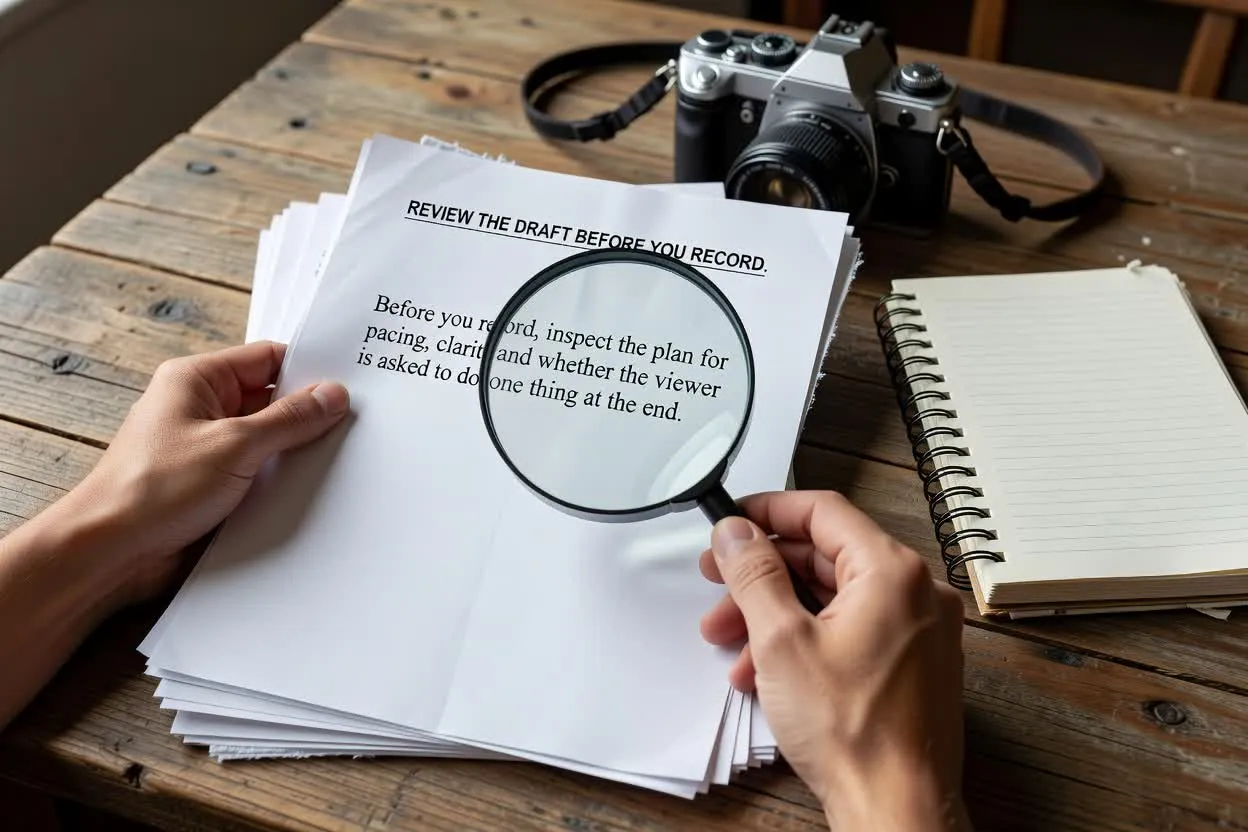
Open the script plannerBefore you record, inspect the plan for pacing, clarity, and whether the viewer is asked to do one thing at the end.
Check whether the hook matches the topic, audience, and promise of the video.
Confirm the number of scenes feels realistic for the runtime and format.
Make sure the closing ask contains one clear closing ask instead of competing next steps.
Use the plan as a practical starting point, then review it against your own facts, brand rules, and production needs.
The output is a written draft only. It does not capture footage, create final visuals, or render a completed video.
Product claims, statistics, legal statements, and time-sensitive details need verification before you publish or record.
Answers to common questions about using the Video Script Generator for pre-production planning.
Bring your topic, format, and runtime brief, then plan with the Video Script Generator before recording or producing your video.