
Add the core context
Enter the product, creator angle, and audience brief so the planner has the context needed to frame the message.
UGC script planning
Plan a creator-ready written draft from your product, creator angle, and audience brief. Use the UGC Script Generator to shape the opening line, product demo beats, and closing ask before you record.
The UGC Script Generator is a planning tool for writing a structured UGC draft before production. It turns a product, creator angle, and audience brief into a usable script outline with an opening line, demo beats, and a closing ask to inspect before filming.
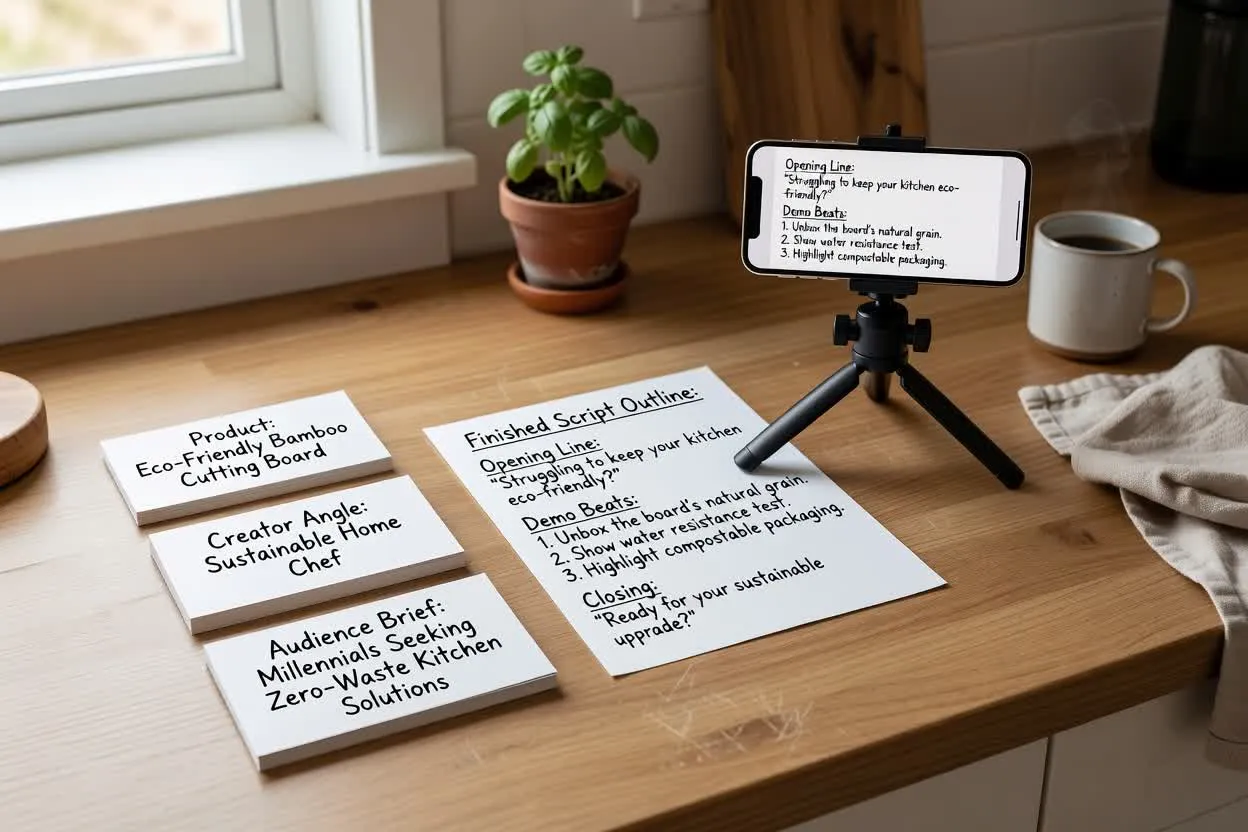
Move from brief to reviewable script in a few focused steps.
Enter the product, creator angle, and audience brief so the planner has the context needed to frame the message.
Select the format, runtime, tone, audience, and closing action to shape how the draft should sound and flow.
Review the opening, demo beats, and closing ask, then adjust the brief or controls until the creator UGC script feels recordable.
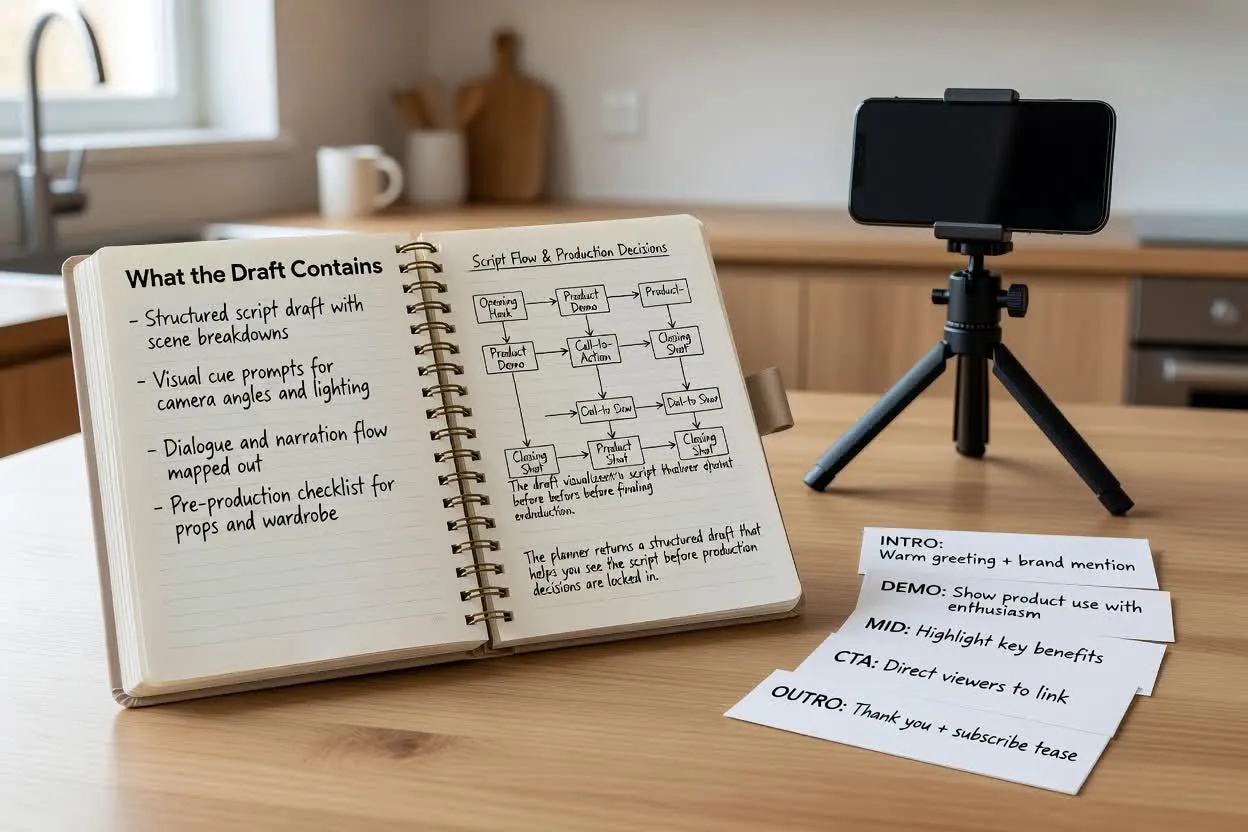
The planner returns a structured draft that helps you see the script before production decisions are locked in.
A first line designed to match the audience problem, creator angle, and intended pace of the video.
A sequence of product moments that can support a natural product demo script, including what to show, explain, or react to.
A single closing ask that tells the viewer what to do next without crowding the script with multiple actions.
Adjust the practical choices that change how the draft reads and how easy it is to film.
Choose a short-form structure that matches where the script will be used, such as a product demo, testimonial-style clip, or discovery post.
Set a target length so the opening, demo beats, and closing ask fit the time you expect to record.
Pick a voice that suits the creator angle, from casual and friendly to more direct or educational.
Use the planner when you need a script that turns product information into a creator-friendly recording plan.
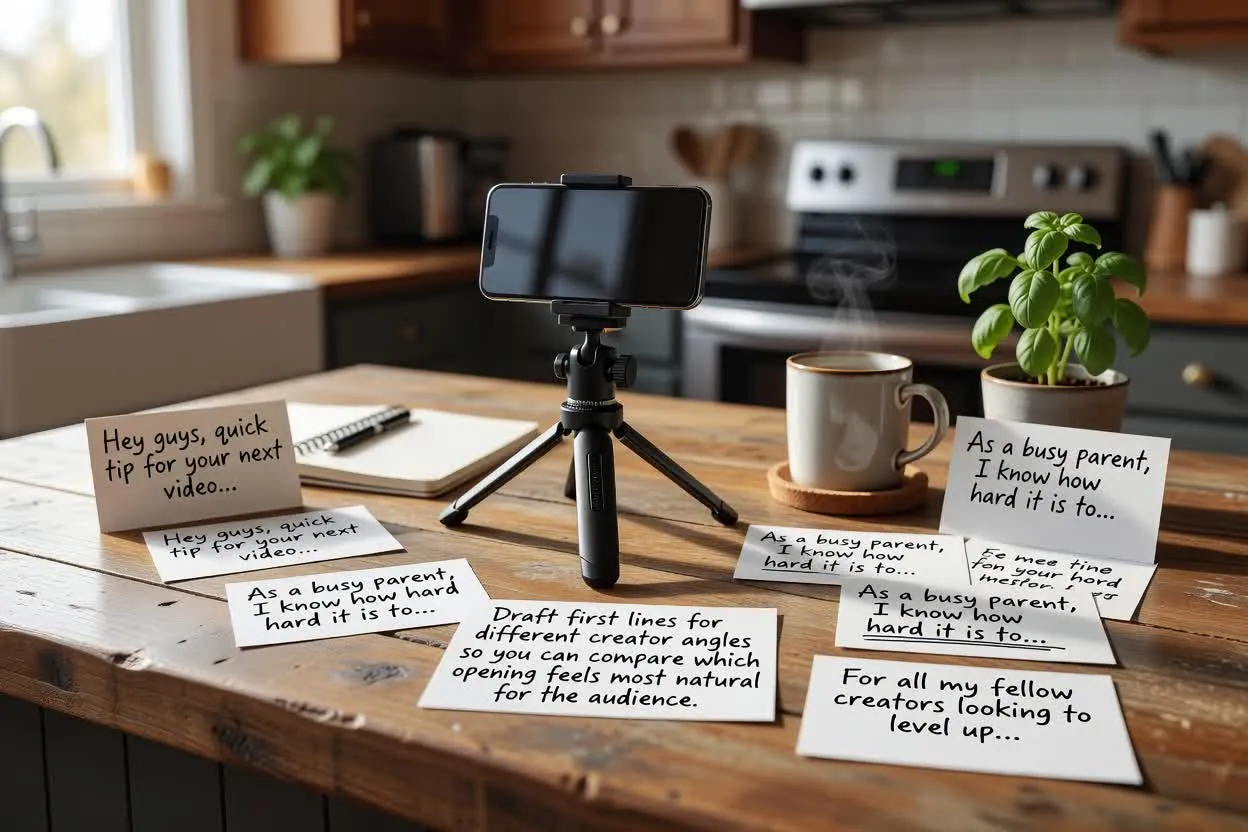
Draft first lines for different creator angles so you can compare which opening feels most natural for the audience.
Open the script planner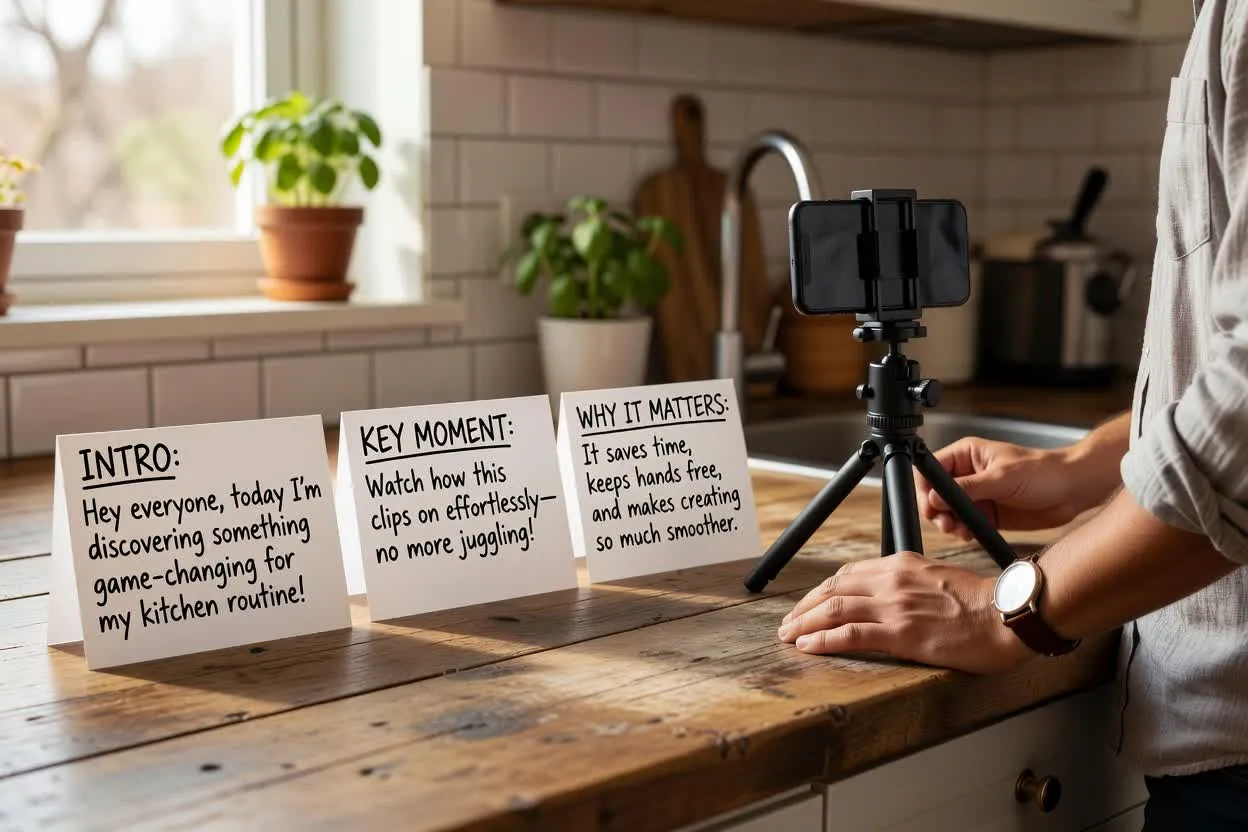
Plan a creator UGC script that introduces the product, shows the key moment, and explains why it matters.
Open the script planner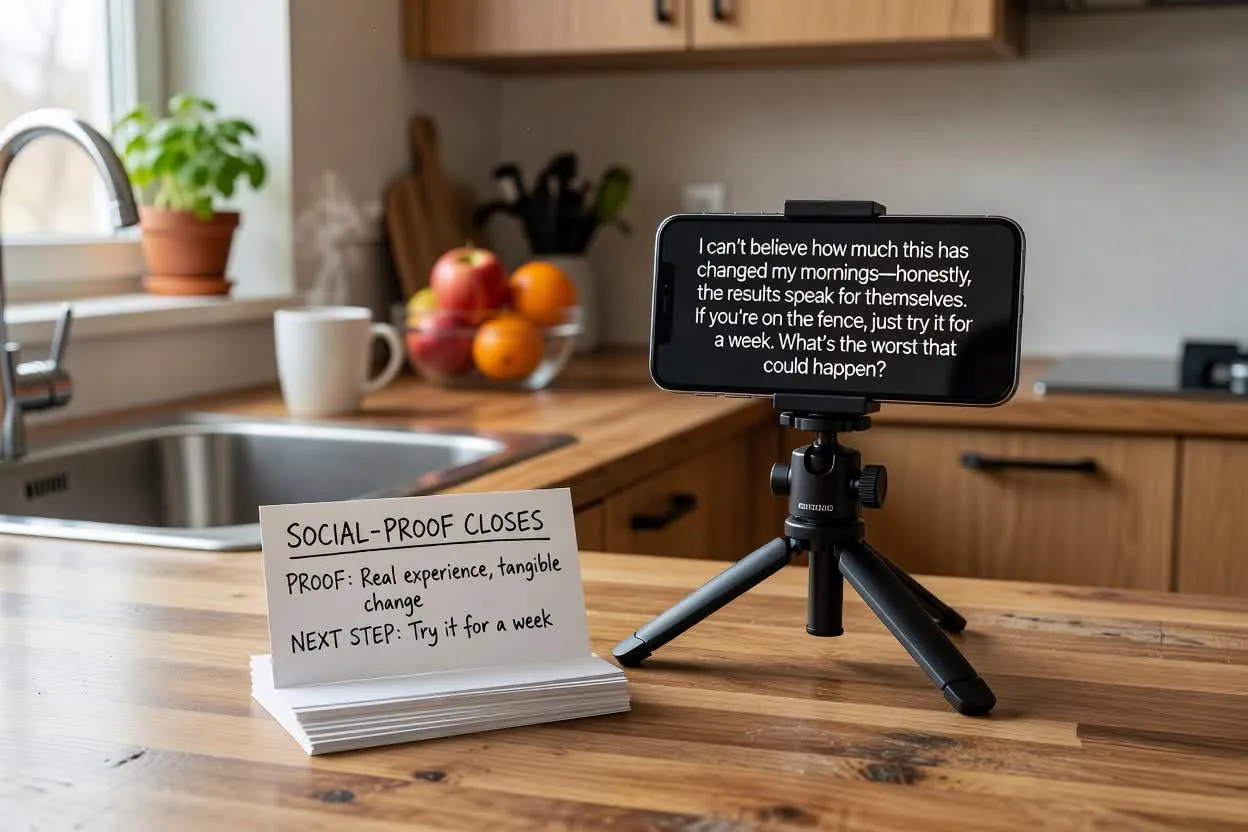
Shape a close that references proof, experience, or a next step without adding more than one ask.
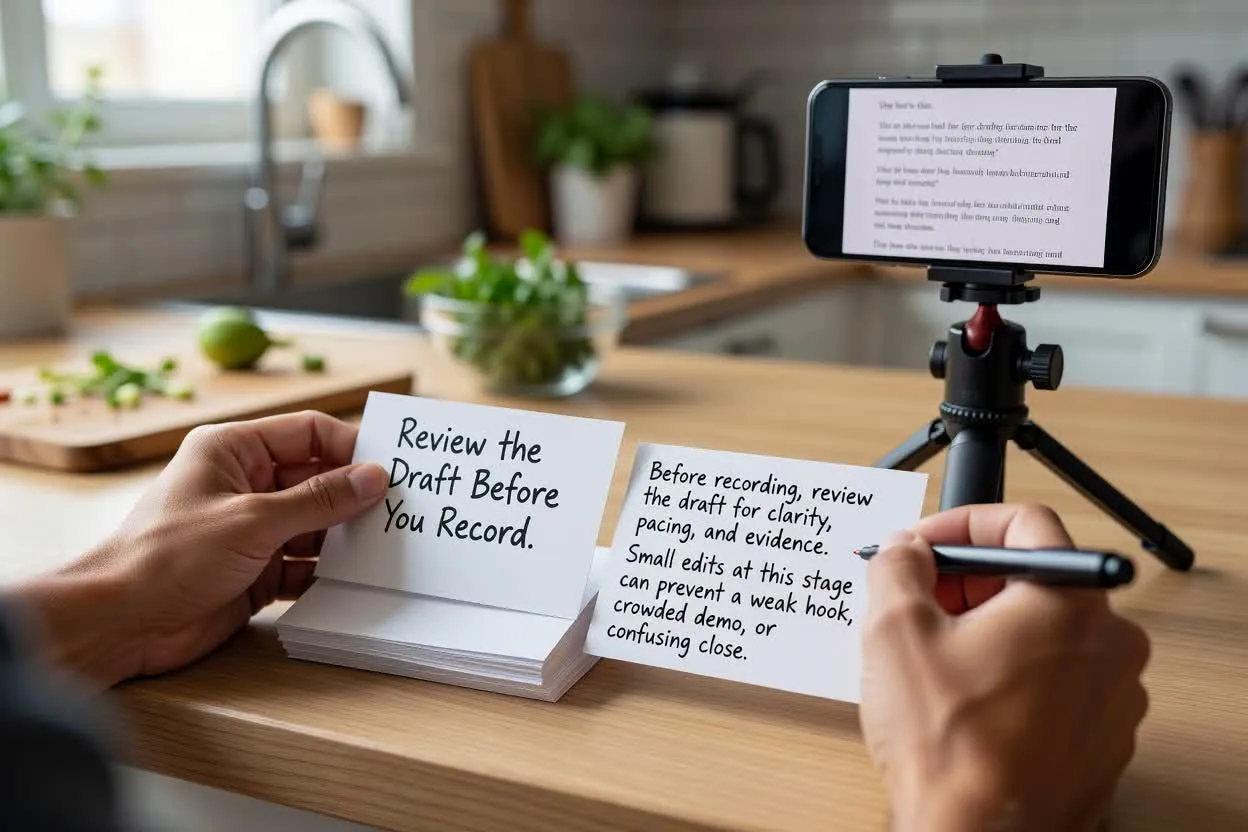
Open the script plannerBefore recording, review the draft for clarity, pacing, and evidence. Small edits at this stage can prevent a weak hook, crowded demo, or confusing close.
Inspect whether the hook speaks to the audience quickly and matches the promise of the rest of the script.
Check that the number of scenes or beats fits the selected runtime and does not overload the recording plan.
Confirm the script ends with one closing ask so the closing ask stays clear.
Use the planner as a writing aid, not as proof that every line is ready to publish.
The output is a written draft. It does not record footage, render video, add visuals, or replace production review.
Product claims, comparisons, results, testimonials, and compliance language need to be checked against your own evidence before use.
Common questions about using the UGC Script Generator for planning creator-led product scripts.
Open the script planner, enter your product and creator brief, and inspect the draft before you record.