ClipCanva
ClipCanva

AI Old Photo Animation

Turn an old family photo, portrait, or restored keepsake into a short AI video with gentle, respectful motion. Preserve the person's likeness, avoid exaggerated effects, and create memory-style clips for private sharing or family archives.

AI Old Photo Animation Features

Create short, memory-focused videos from family photos and portraits

Gentle Portrait Motion

Add subtle head movement, blinking, soft smiles, or camera motion without turning a meaningful photo into a cartoonish effect.

Image to Video Workflow

Upload a restored scan or portrait and guide ClipCanva with prompts for natural motion, restrained expression, and stable identity.

Respectful Memory Tone

Designed for family history, memorial clips, anniversaries, and personal archives where dignity matters more than flashy animation.

Prompt-Level Control

Specify whether the subject should look at the camera, breathe gently, smile lightly, or remain mostly still with only ambient movement.

Portrait Preservation

Use prompts that keep facial features, clothing, age, and historical context recognizable instead of reinventing the person.

Responsible Use Guidance

For real people, use photos you own or have permission to use, and avoid misleading, impersonation, or sensitive uses without consent.

Memory Animation

Bring Old Photos to Life Without Losing Their Meaning

ClipCanva helps you animate old photos into short videos with a careful image-to-video workflow built around natural movement and respectful restoration.

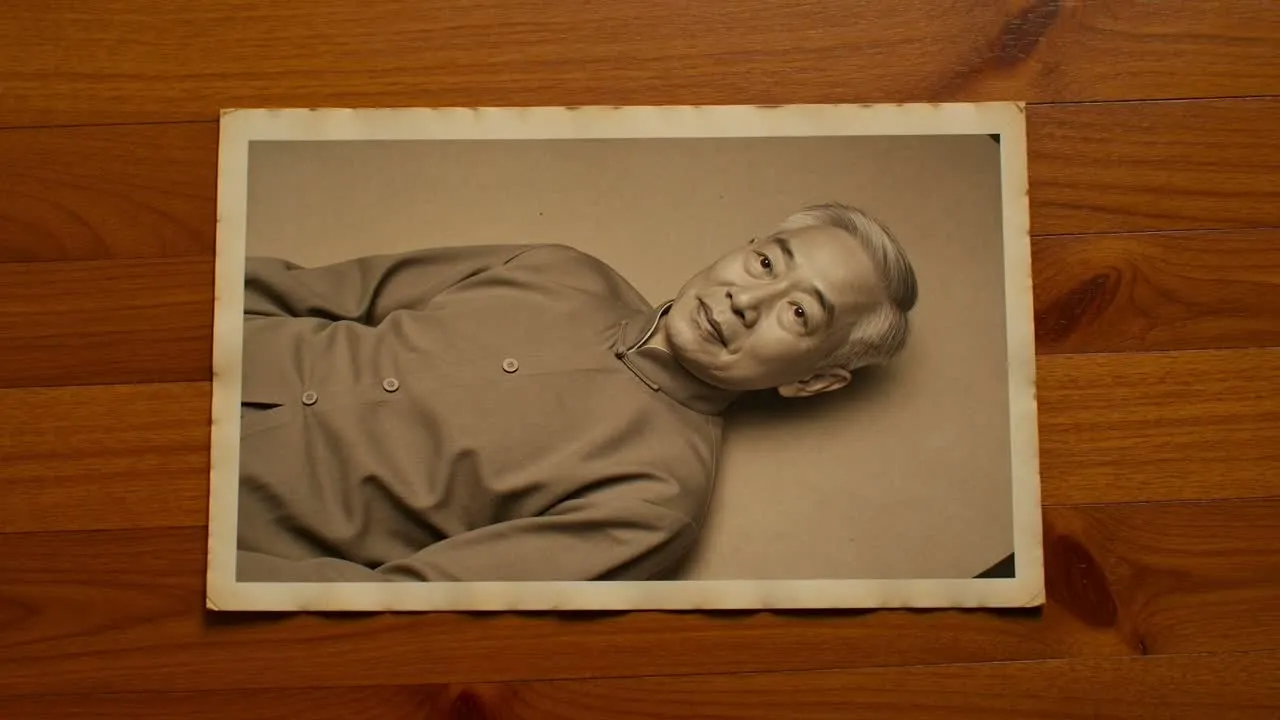
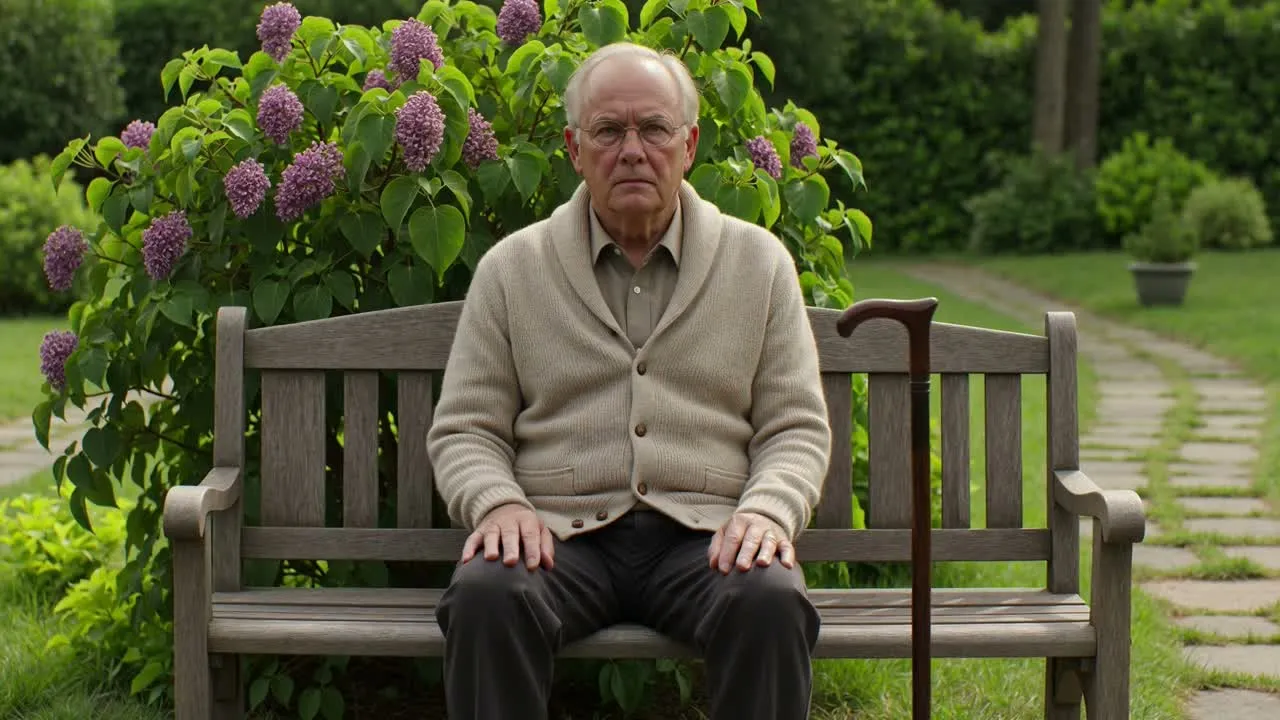
Animate old family album photos

For Family Albums

Create gentle motion clips from grandparents' portraits, childhood photos, wedding pictures, military portraits, and inherited family albums.

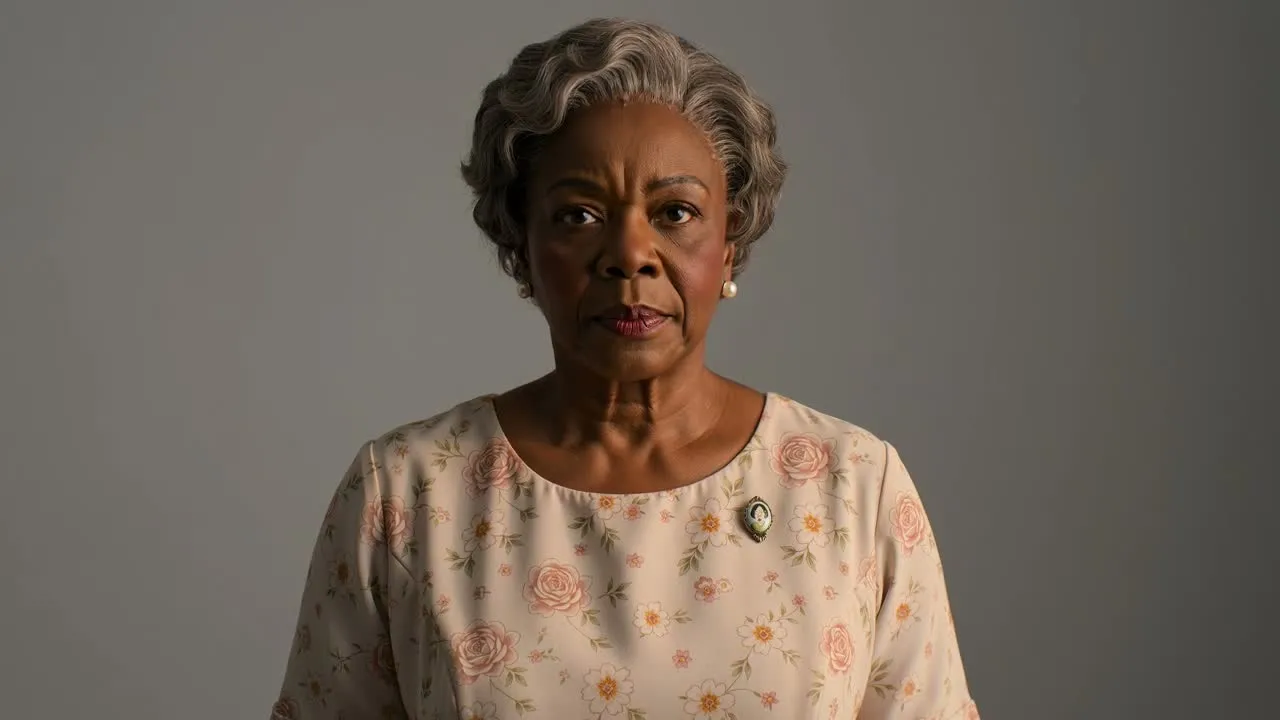
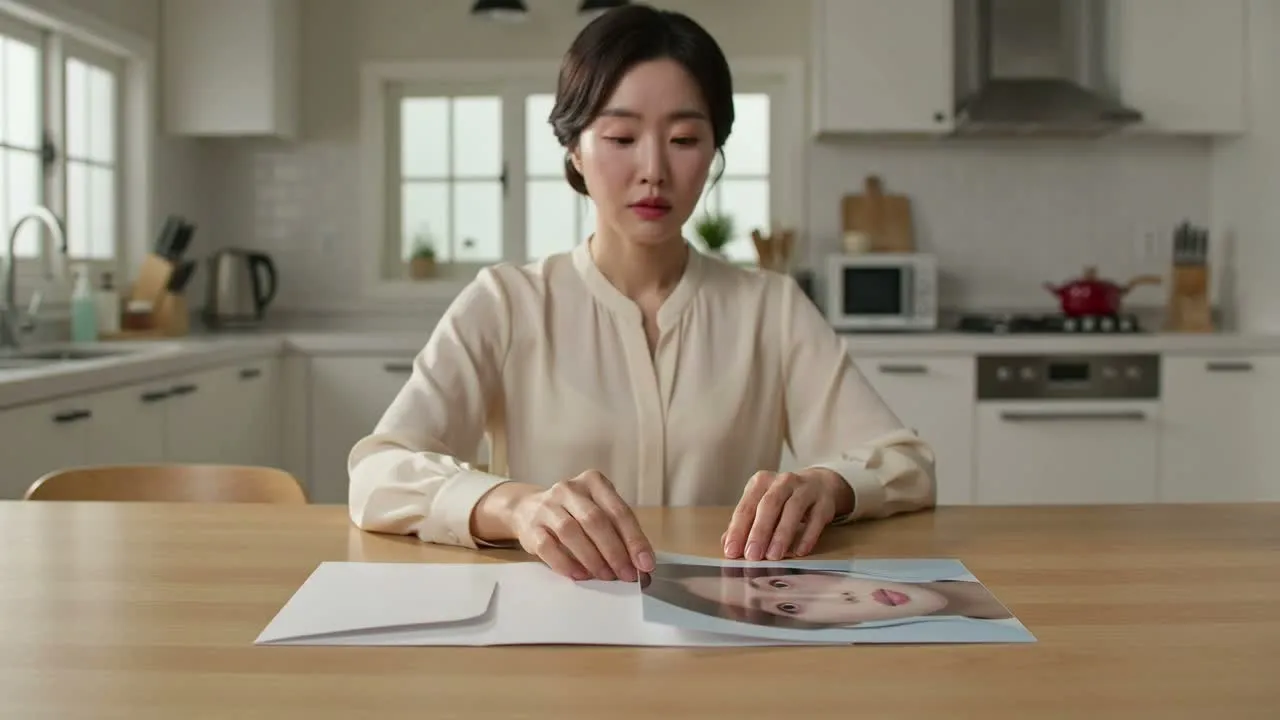
Animate a restored old photo

For Restored Photos

Start from a cleaned-up or enhanced photo, then add subtle motion so the final video feels clearer while still grounded in the original image.

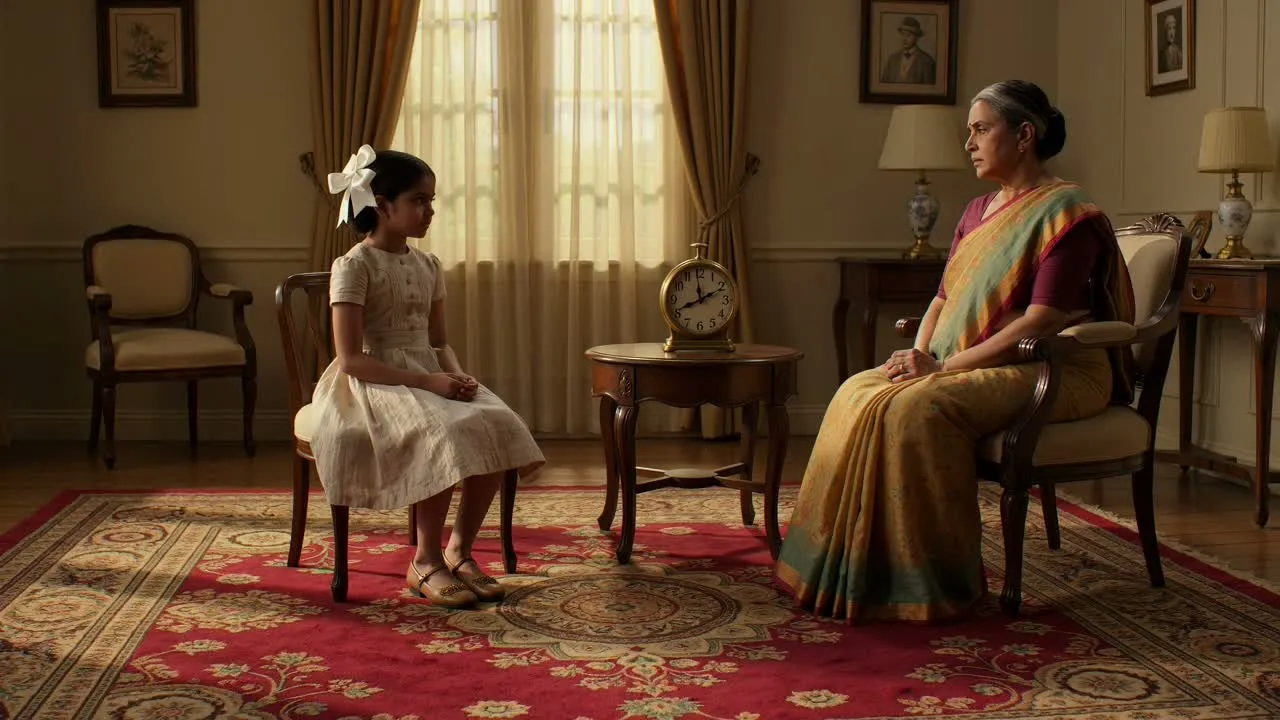
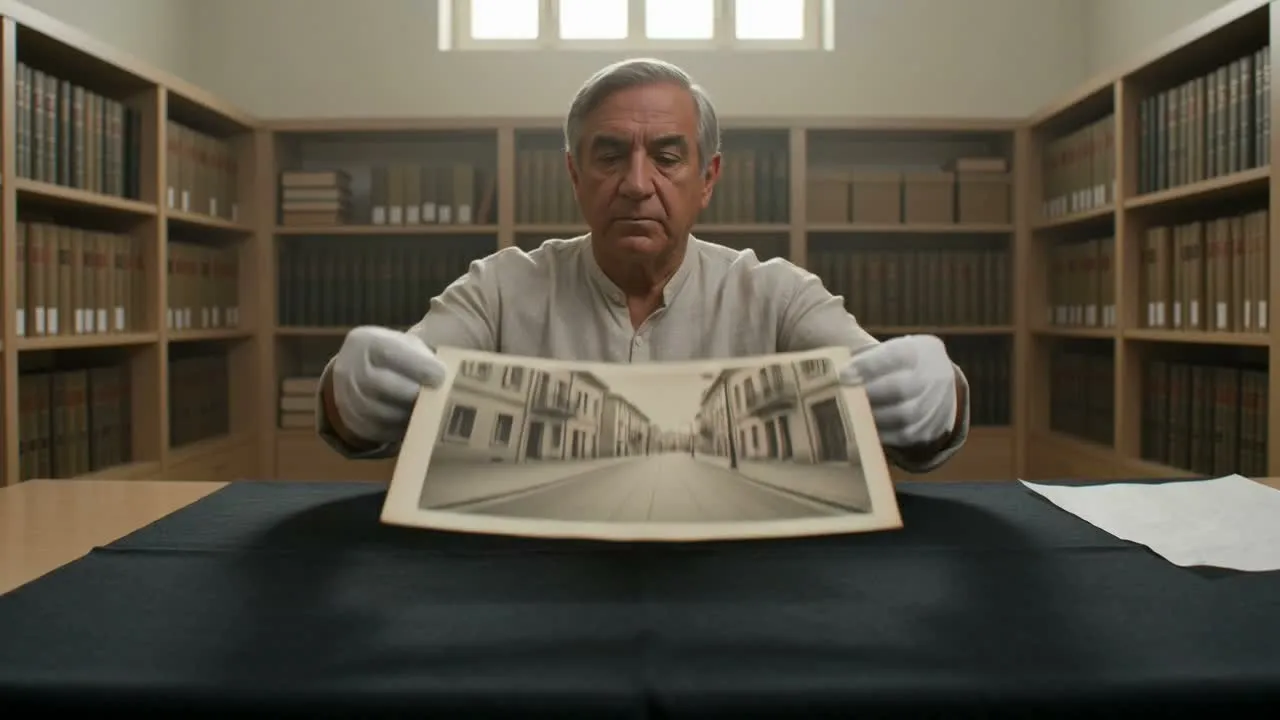
Respectful family memory video

For Private Remembrance

Make short clips for family gatherings, memorial slideshows, anniversaries, digital archives, or private messages to relatives.

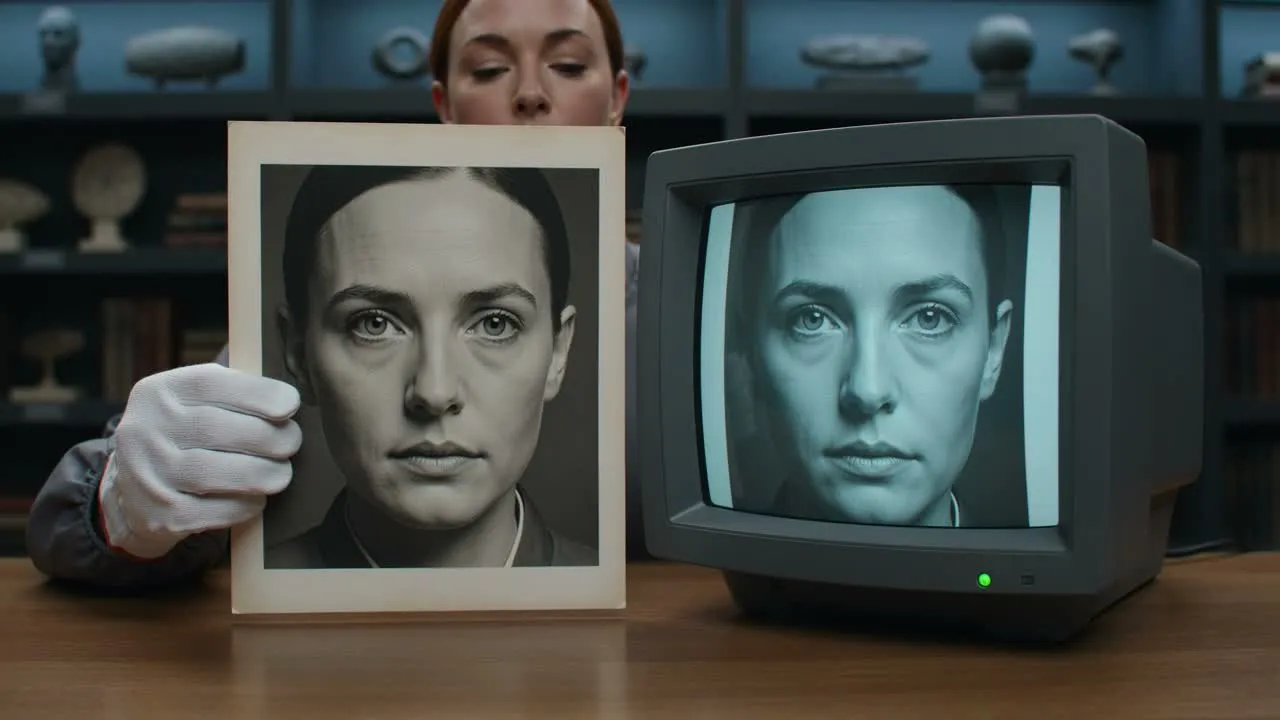
Responsible AI photo animation

For Consent-Aware Creation

When a photo shows a real person, especially someone private or deceased, consider family expectations and label AI-created animation clearly when sharing.

How to Use AI Old Photo Animation

Create a respectful short video from an old photo in three steps:

Upload an old photo for animation

Upload the Old Photo

Choose a clear scan, restored image, or phone capture. A front-facing portrait with visible facial details usually gives the most stable animation.

Describe old photo animation prompt

Describe Gentle Motion

Ask for subtle breathing, a small smile, slow eye movement, or light camera motion. Include identity-preserving instructions for real people.

Generate and review an old photo animation

Generate and Review

Create the video, check that the result remains respectful and recognizable, then download it for private sharing, family archives, or a memorial project.

AI Old Photo Animation FAQ

Common questions about animating old photos and portraits with AI

What is AI Old Photo Animation?
AI Old Photo Animation is an image-to-video workflow that turns an old family photo, portrait, or restored image into a short video with subtle motion such as blinking, breathing, a gentle smile, or slow camera movement.
Can ClipCanva animate old family photos respectfully?
Yes. Use prompts that ask for natural, minimal movement and identity preservation. The best results usually come from treating the image as a memory restoration project rather than a dramatic special effect.
Do I need permission to animate a real person's photo?
Use photos you own or have permission to use. For private people, children, sensitive contexts, or deceased relatives, consider consent, family expectations, and clear disclosure that the video is AI-generated.
What photos work best for old photo animation?
Clear portraits with visible faces, stable lighting, and minimal damage work best. If a photo is badly scratched or faded, restoring it first can help the animation preserve the person more accurately.
Will AI change the person's face?
AI video models can infer missing details, so some variation is possible. Add instructions such as preserve identity, keep facial features unchanged, natural movement only, and avoid stylization.
Is AI Old Photo Animation free?
ClipCanva offers free-tier access for trying AI video generation. Paid plans are available when you need more generations, faster workflow, or higher-volume creative work.

Create an AI Old Photo Animation

Upload an old portrait, describe gentle motion, and generate a short memory-style video with ClipCanva.