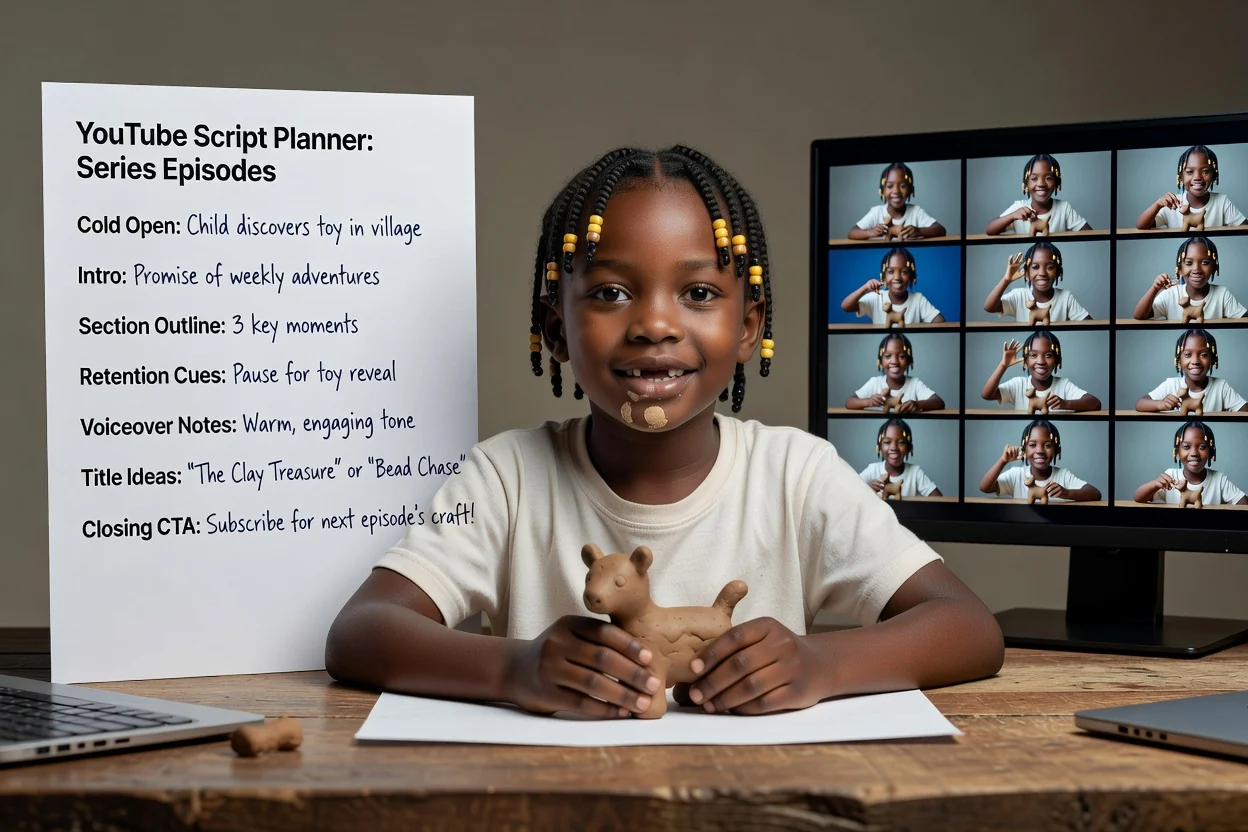
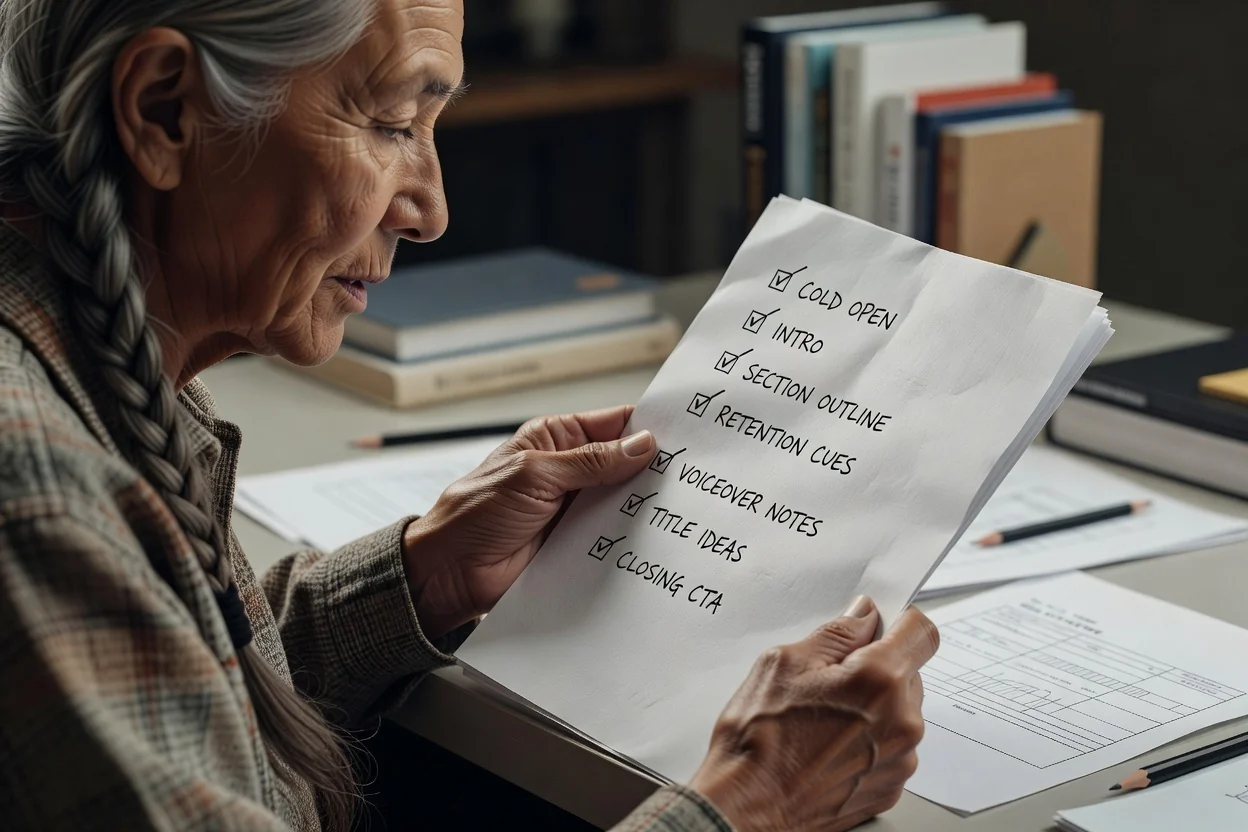
YouTube Script Generator

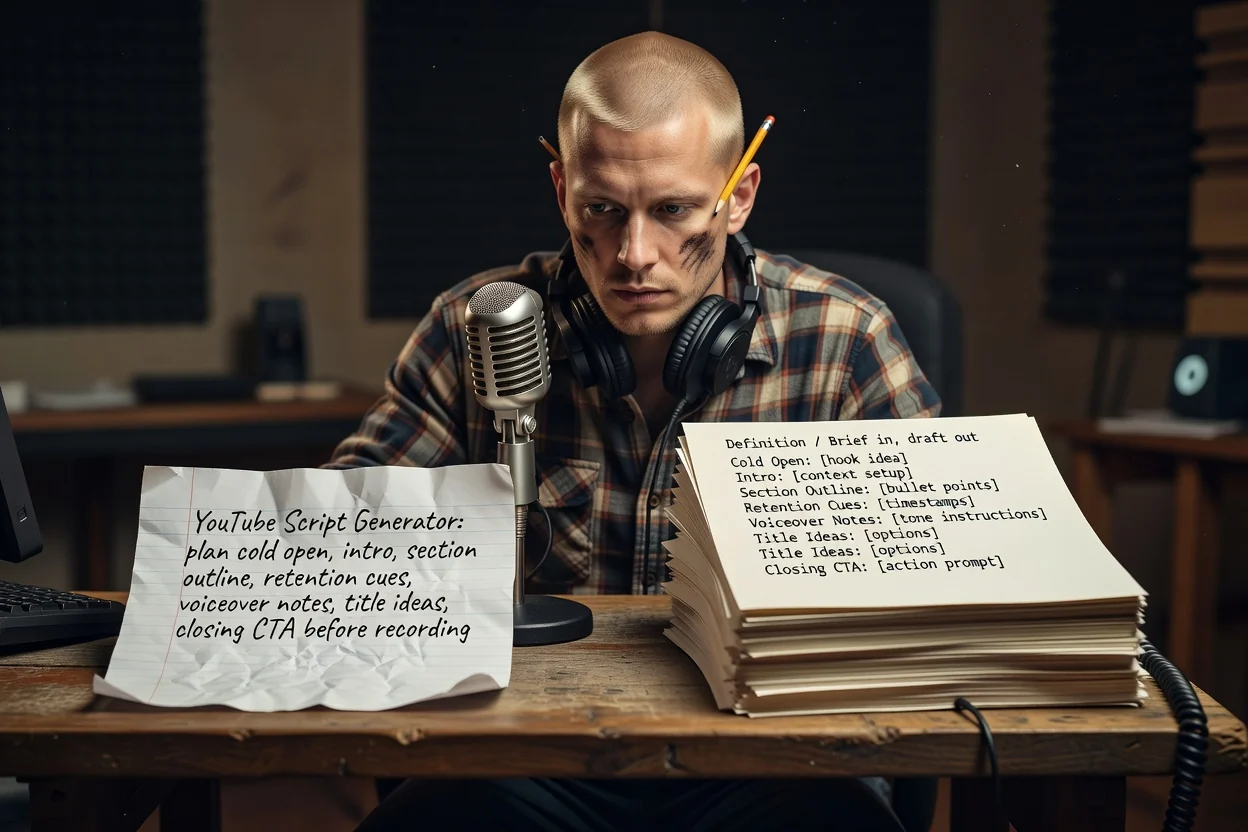
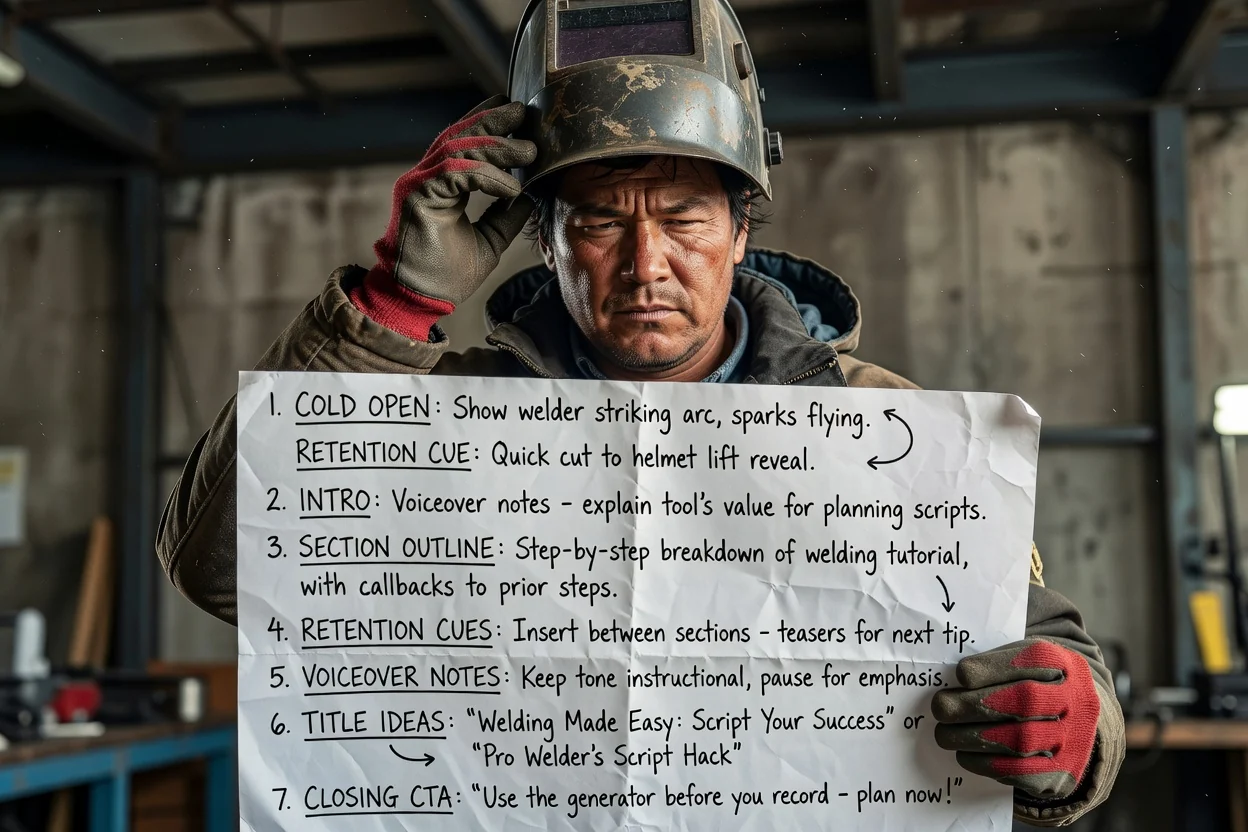
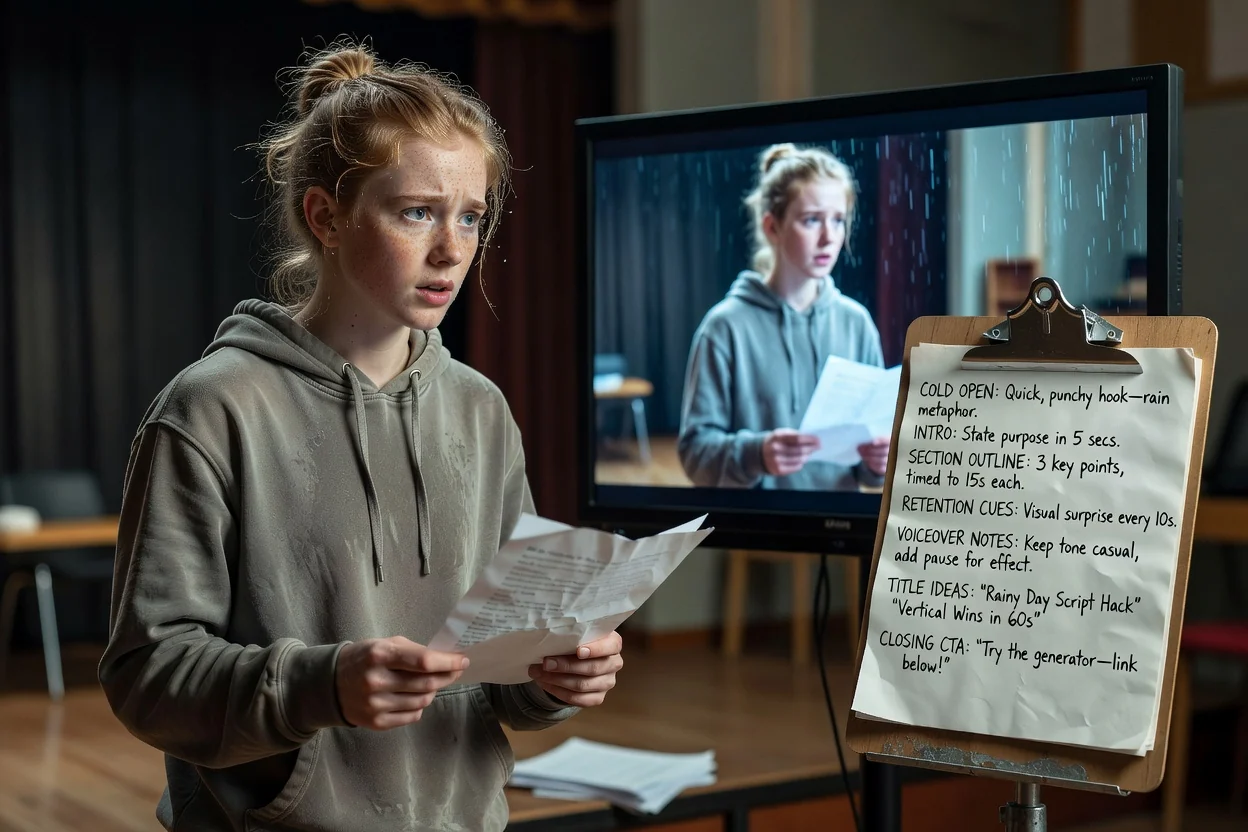
Plan a watchable YouTube video from one idea. Generate the hook, intro, section outline, voiceover notes, retention cues, and ending CTA before you record.

YouTube VideosShortsIntrosTutorialsReviews

Need inspiration?

See how the script draft is structured

Start with a short brief, then continue in chat with a structured script that is ready to edit or turn into scenes.

Sample brief

What you type

Give the page a topic, audience, product, or platform goal.

Brief

Create a 6-minute YouTube tutorial for solo founders who want to turn one blog post into five short videos.

Optional: attach a reference image

Script draft

What you get

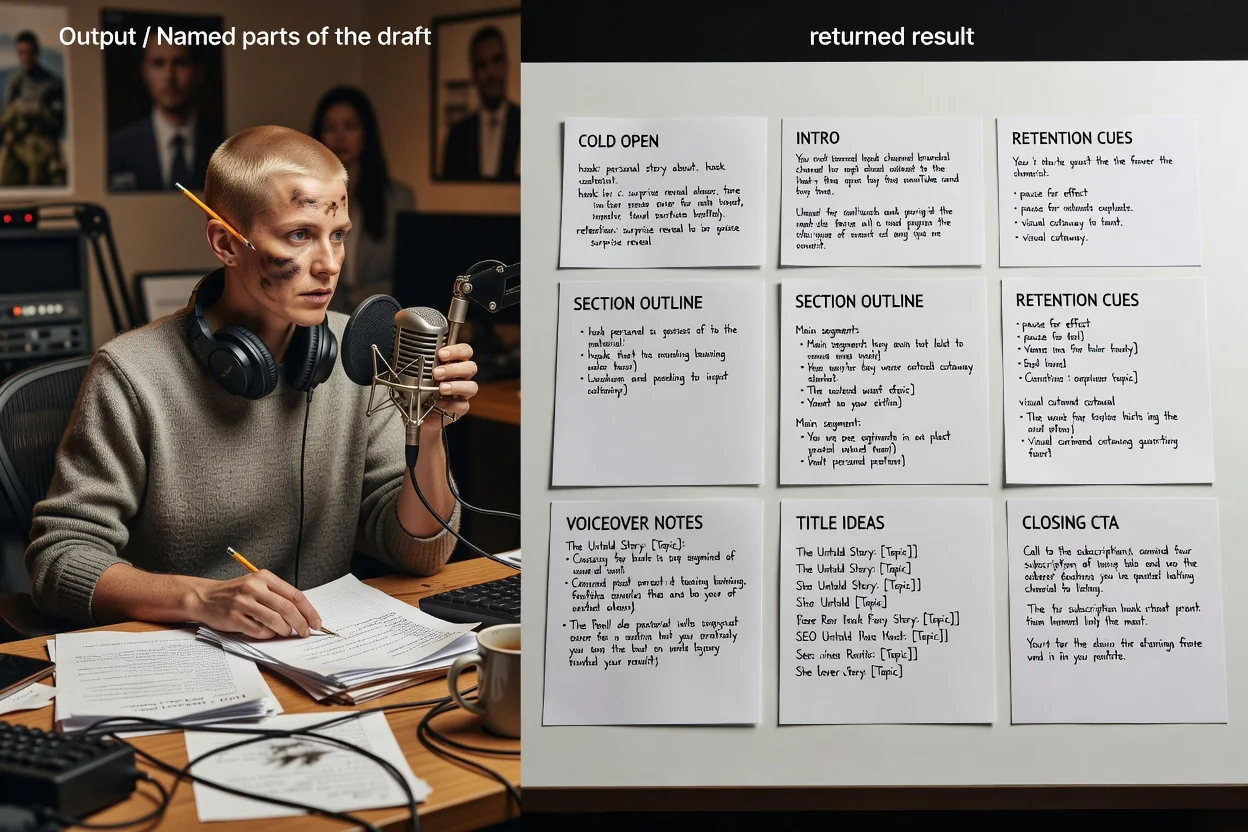
The output separates the hook, scenes, voiceover, visuals, and CTA.

Cold open

You do not need five new ideas. You need one strong idea that can become five useful clips.

Sections

Problem, source selection, five-angle breakdown, clip script examples, publishing checklist.

Retention cue

At the midpoint, show the finished content map before explaining how each clip is written.

CTA

Ask viewers to try the workflow on their latest post and subscribe for more creator systems.

YouTube Scripts for Real Creator Formats

Use it for tutorials, reviews, explainers, list videos, Shorts, and channel intros that need a clear viewer payoff.

How to use the YouTube Script Generator

A stronger brief gives you a script that is easier to record, edit, and turn into video.

01

Name the video type

Say whether you need a tutorial, review, list video, intro, explainer, or Short.

02

Define the viewer promise

Tell the generator what viewers should understand or be able to do by the end.

03

Add proof and examples

Include facts, tools, steps, objections, or examples that must appear in the script.

04

Choose the next action

Ask for a subscribe CTA, product click, comment prompt, lead magnet, or next video suggestion.

What Makes a Strong YouTube Script?

Platform-aware structure

Plan intros, chapters, callbacks, and endings that match how people watch YouTube.

Retention beats

Add moments that reset attention before viewers drift away.

Text and voice notes

Get voiceover direction and concise on-screen text for editing.

Title angle support

Turn the script angle into title and thumbnail-friendly ideas.

探索相關工具

Continue from script planning into video generation, product visuals, or a broader script draft.

選擇你的方案

免費圖片包含浮水印。升級後可獲得乾淨輸出、更快生成和商業使用能力。

入門包

$9

一次性點數包,適合先試用圖片、音樂和短影片生成。

  • 600 點數
  • 最多約 100 張圖片
  • 最多約 7 支短影片
  • 點數有效期限 30 天
  • 無水印

創作者

$19/mo

月付方案 · 每月重置 1,500 點數

  • 每月 1,500 點數
  • 每月最多約 250 張圖片
  • 每月最多約 18 支短影片
  • 可用於 ClipCanva Pro 和其他點數模型
  • 優先佇列
  • 社群支援
  • 無廣告
  • 無水印

專業版

$39/mo

適合需要無水印與更快生成的創作者

  • 每月 4,000 點數
  • 每月最多約 660 張圖片
  • 每月最多約 50 支短影片
  • 可用於 ClipCanva Pro 和其他點數模型
  • 最高優先佇列
  • 解鎖 ClipCanva Pro
  • 無廣告
  • 無水印
  • 進階優化功能

工作室

$99/mo

月付方案 · 每月重置 12,000 點數

  • 每月 12,000 點數
  • 每月最多約 2,000 張圖片
  • 每月最多約 150 支短影片
  • 可用於 ClipCanva Pro 和其他點數模型
  • 最高優先佇列
  • 完整隱私保護
  • 搶先體驗新功能
  • 優先支援

月付方案會在每個帳單週期重置點數。年付方案會一次發放 12 個月點數,並節省 17%。用量估算依支援的最低點數圖片與影片模型計算;進階模型、更高解析度、更長影片、參考素材生成和進階工具會使用更多點數。

團隊

適合代理商、製作團隊和客製用量需求。

聯絡我們

YouTube Script Generator FAQ

Common questions before drafting your next script.

Can it write scripts for both long videos and Shorts?
Yes. Mention the target length and format so the script can adjust pacing, scene count, and CTA style.
What should I include in a YouTube script prompt?
Include the topic, target viewer, video length, format, key points, examples, and what viewers should do next.
Does it generate title ideas too?
You can ask for title ideas, chapter names, and thumbnail text along with the main script.
Can I use the script for video generation?
Yes. Use the scene outline and visual notes as prompts in text-to-video or image-to-video tools.

Turn your YouTube script into scenes

Move from script to generated clips with prompts that already include pacing, visuals, and voiceover direction.