Product Video Script Generator

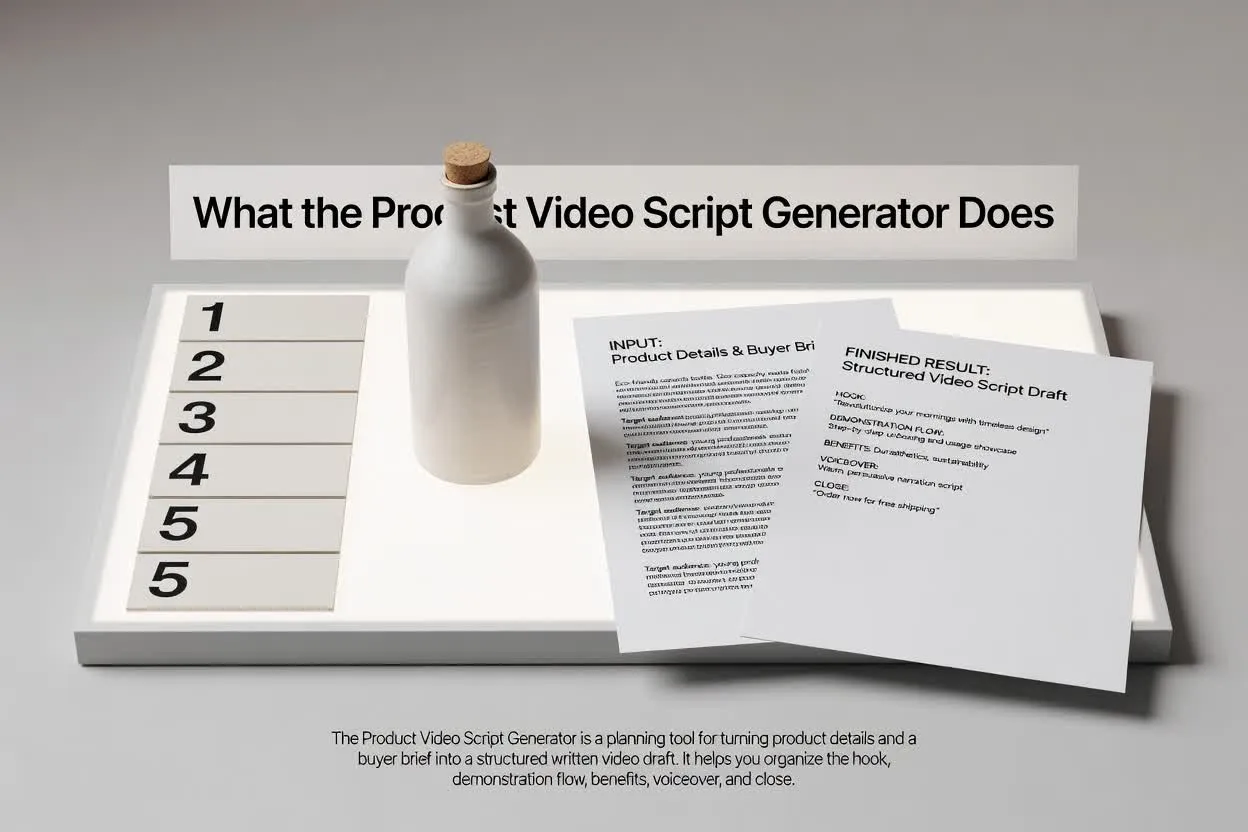
Turn product details into a video script that shows what the product is, why it matters, how it works, and what buyers should do next.

Product DemosLaunch VideosFeature VideosEcommerceSaaS

Need inspiration?

See how the script draft is structured

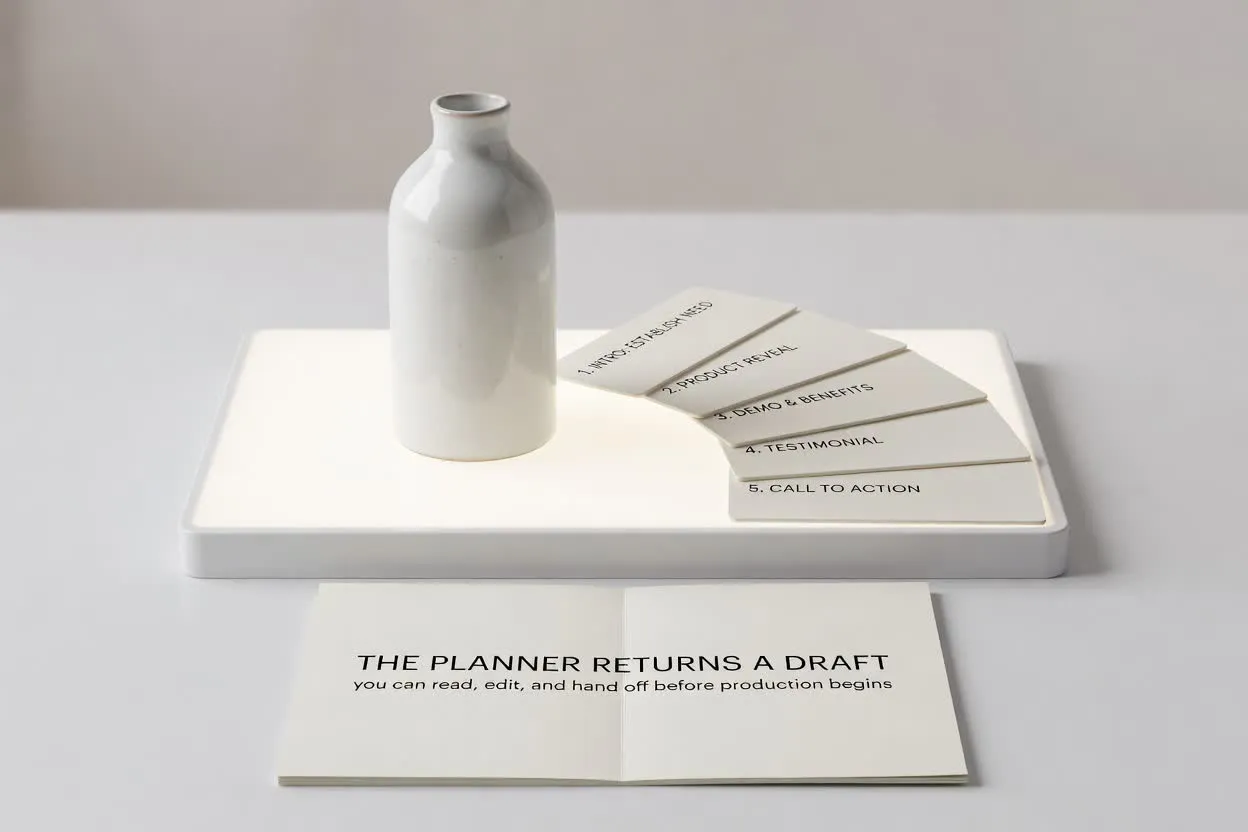
Start with a short brief, then continue in chat with a structured script that is ready to edit or turn into scenes.

Sample brief

What you type

Give the page a topic, audience, product, or platform goal.

Brief

Create a 60-second product video for a browser extension that summarizes long articles into action notes.

Optional: attach a reference image

Script draft

What you get

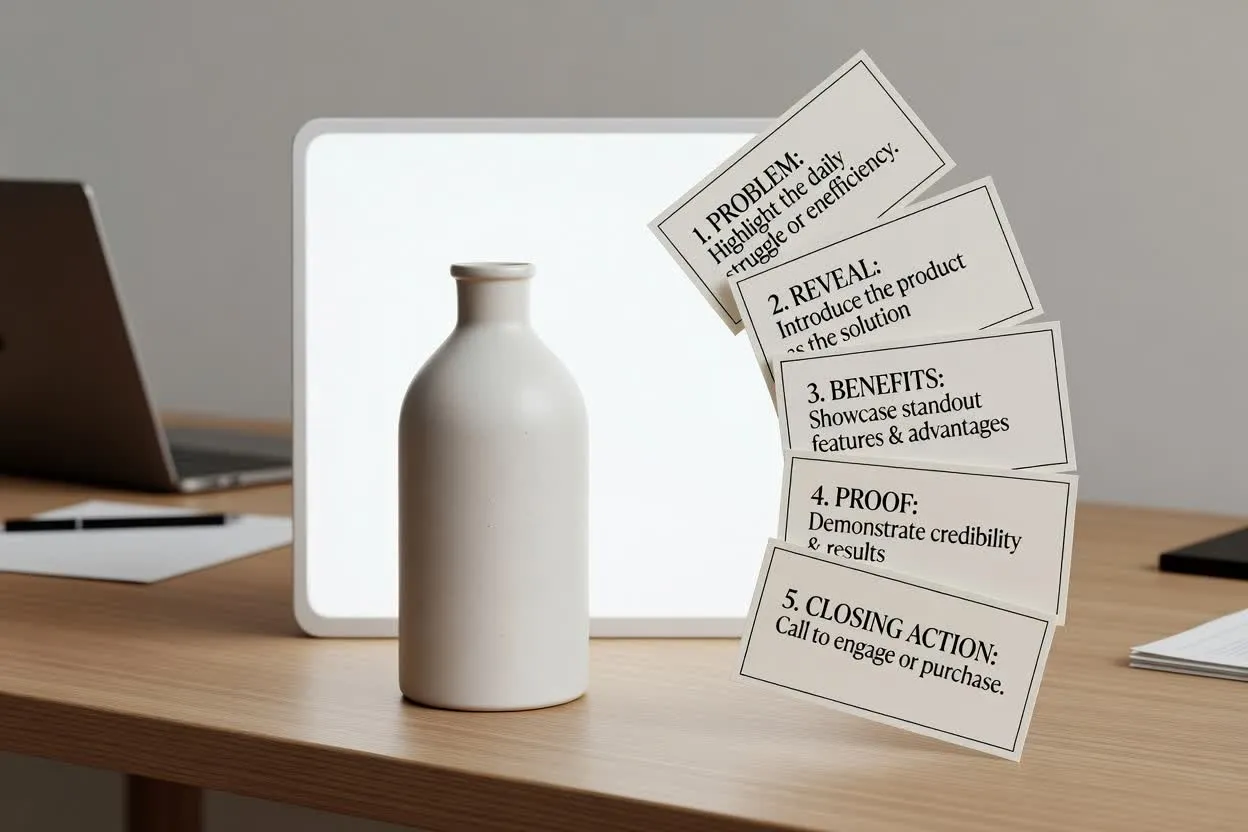
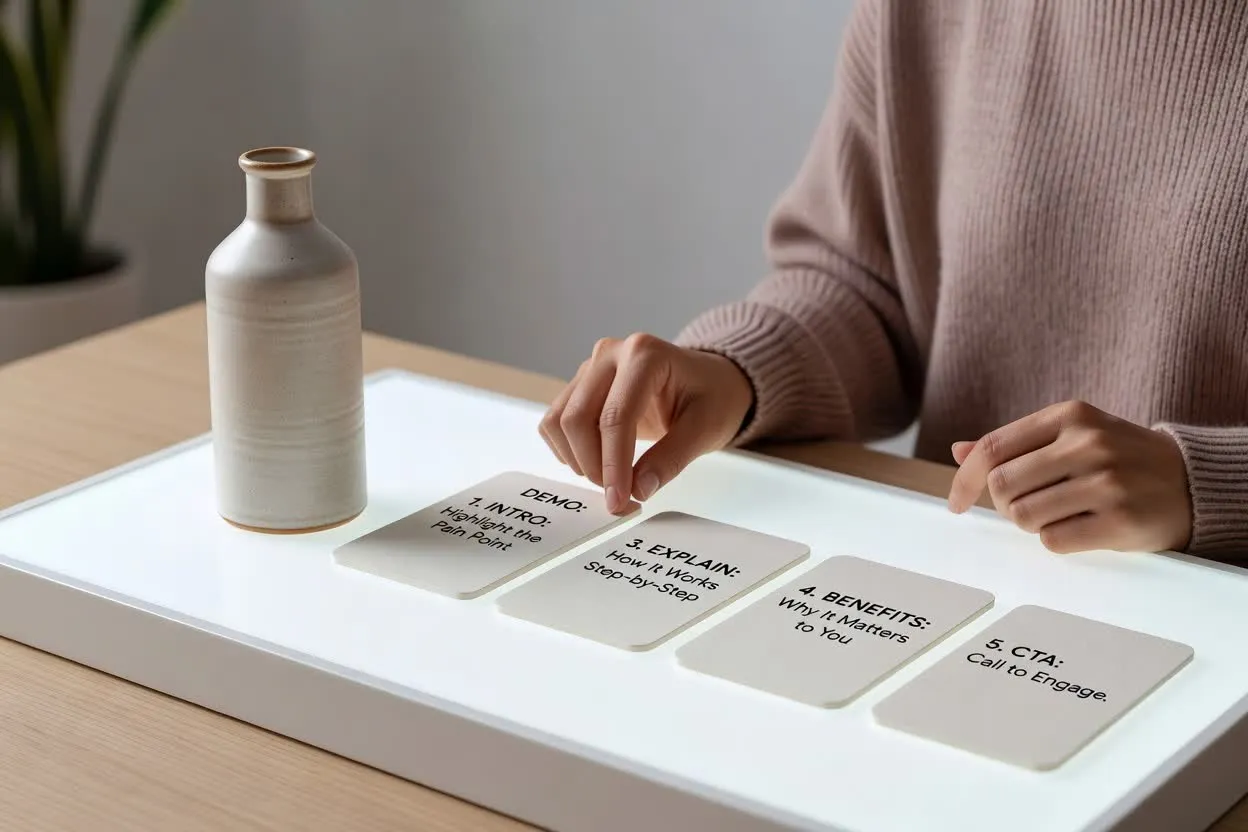
The output separates the hook, scenes, voiceover, visuals, and CTA.

Intro

Long articles are useful. Losing the action points is the part that costs you time.

Demo scenes

Open article, click extension, show summary, convert bullets into action list, save to workspace.

Benefit

Users leave with decisions and next steps, not another tab they promise to revisit.

CTA

Install it before your next research session and turn reading into action.

Product Video Scripts for Demos, Launches, and Sales Pages

Create scripts for SaaS product demos, ecommerce videos, app launches, feature explainers, and buyer education clips.

How to use the Product Video Script Generator

A stronger brief gives you a script that is easier to record, edit, and turn into video.

01

List the buyer and job

Say who buys or uses the product and what job they need it to perform.

02

Map features to outcomes

Include the key features, but ask the script to translate each one into a buyer benefit.

03

Define the demo moment

Describe what should be shown on screen: product close-up, app flow, before-and-after, or use case.

04

Close with the buying action

Choose whether the script should drive a trial, checkout, quote, demo, sample request, or signup.

Explain Products Through Use Cases

Product-first structure

Introduce the product clearly without turning the script into a feature list.

Feature-benefit mapping

Connect every product detail to a practical customer outcome.

Demo-ready scenes

Plan what the viewer should see while the voiceover explains the value.

Buyer-focused CTA

End with the next action that matches the sales motion.

探索相關工具

Continue from script planning into video generation, product visuals, or a broader script draft.

選擇你的方案

免費圖片包含浮水印。升級後可獲得乾淨輸出、更快生成和商業使用能力。

入門包

$9

一次性點數包,適合先試用圖片、音樂和短影片生成。

  • 600 點數
  • 最多約 100 張圖片
  • 最多約 7 支短影片
  • 點數有效期限 30 天
  • 無水印

創作者

$19/mo

月付方案 · 每月重置 1,500 點數

  • 每月 1,500 點數
  • 每月最多約 250 張圖片
  • 每月最多約 18 支短影片
  • 可用於 ClipCanva Pro 和其他點數模型
  • 優先佇列
  • 社群支援
  • 無廣告
  • 無水印

專業版

$39/mo

適合需要無水印與更快生成的創作者

  • 每月 4,000 點數
  • 每月最多約 660 張圖片
  • 每月最多約 50 支短影片
  • 可用於 ClipCanva Pro 和其他點數模型
  • 最高優先佇列
  • 解鎖 ClipCanva Pro
  • 無廣告
  • 無水印
  • 進階優化功能

工作室

$99/mo

月付方案 · 每月重置 12,000 點數

  • 每月 12,000 點數
  • 每月最多約 2,000 張圖片
  • 每月最多約 150 支短影片
  • 可用於 ClipCanva Pro 和其他點數模型
  • 最高優先佇列
  • 完整隱私保護
  • 搶先體驗新功能
  • 優先支援

月付方案會在每個帳單週期重置點數。年付方案會一次發放 12 個月點數,並節省 17%。用量估算依支援的最低點數圖片與影片模型計算;進階模型、更高解析度、更長影片、參考素材生成和進階工具會使用更多點數。

團隊

適合代理商、製作團隊和客製用量需求。

聯絡我們

Product Video Script Generator FAQ

Common questions before drafting your next script.

What should I include for a product video script?
Include the product name, buyer, main problem, top features, proof points, desired length, and next action.
Can it write scripts for physical products and SaaS?
Yes. For physical products, include materials, use cases, and visual demo notes. For SaaS, include workflow and screen moments.
Can I use it for ecommerce ads?
Yes. Add the offer, platform, audience, and required claims if the script is for paid ads.
Does it create a shot list?
You can request a shot list, B-roll plan, or storyboard notes with the script.

Create product video scenes from the script

Move from product messaging to visual scenes, demos, and short generated clips.