
Chọn ảnh
Chọn một ảnh JPG, PNG, WEBP, AVIF hoặc JFIF để đổi kích thước.
Dùng công cụ thay đổi kích thước ảnh để điều chỉnh ảnh được hỗ trợ cho bố cục, bài đăng, hồ sơ, ảnh thu nhỏ hoặc yêu cầu tải lên. Đặt kích thước pixel, bảo toàn tỷ lệ khi cần và xem lại kết quả đã xử lý trước khi lưu tệp đầu ra.
Hình ảnh gốc
Chọn một hình ảnh để xem trước bản gốc.
Kết quả
Công cụ thay đổi kích thước ảnh sẽ đổi kích thước pixel của ảnh với quy trình tập trung: chọn tệp, đặt kích thước, xử lý và kiểm tra kết quả. Công cụ hữu ích khi một vị trí thiết kế, trường trên trang web, danh sách trên sàn thương mại hoặc kênh mạng xã hội yêu cầu chiều rộng và chiều cao cụ thể.
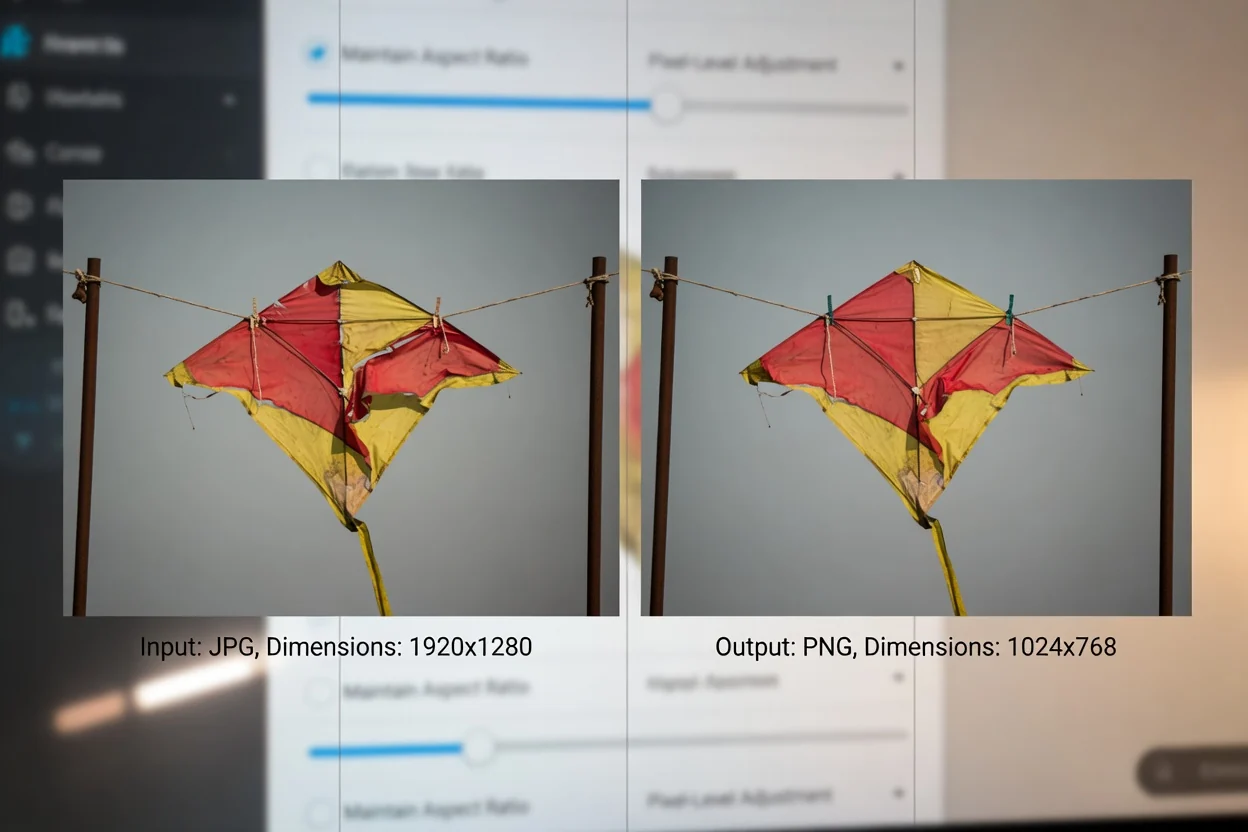
Quy trình đơn giản trên trình duyệt để đổi kích thước ảnh trực tuyến và kiểm tra kết quả.
Chọn một ảnh JPG, PNG, WEBP, AVIF hoặc JFIF để đổi kích thước.
Nhập chiều rộng và chiều cao pixel mục tiêu. Hãy khóa tỷ lệ nếu ảnh cần giữ tỷ lệ khung hình gốc.
Xử lý ảnh để tạo kết quả đã đổi kích thước.
Tác vụ thay đổi kích thước ảnh được xác định bởi định dạng đầu vào được hỗ trợ, các tùy chọn kích thước và đầu ra có thể xem lại.
Chấp nhận tệp ảnh JPG, PNG, WEBP, AVIF và JFIF.
Tạo kết quả đã xử lý để xem lại cùng tệp đầu ra có thể tải xuống.
Kiểm soát chiều rộng và chiều cao đến từng pixel, bảo toàn tỷ lệ để giữ tỷ lệ khung hình và quy trình xử lý không cần tải ảnh lên diễn ra trong trình duyệt.
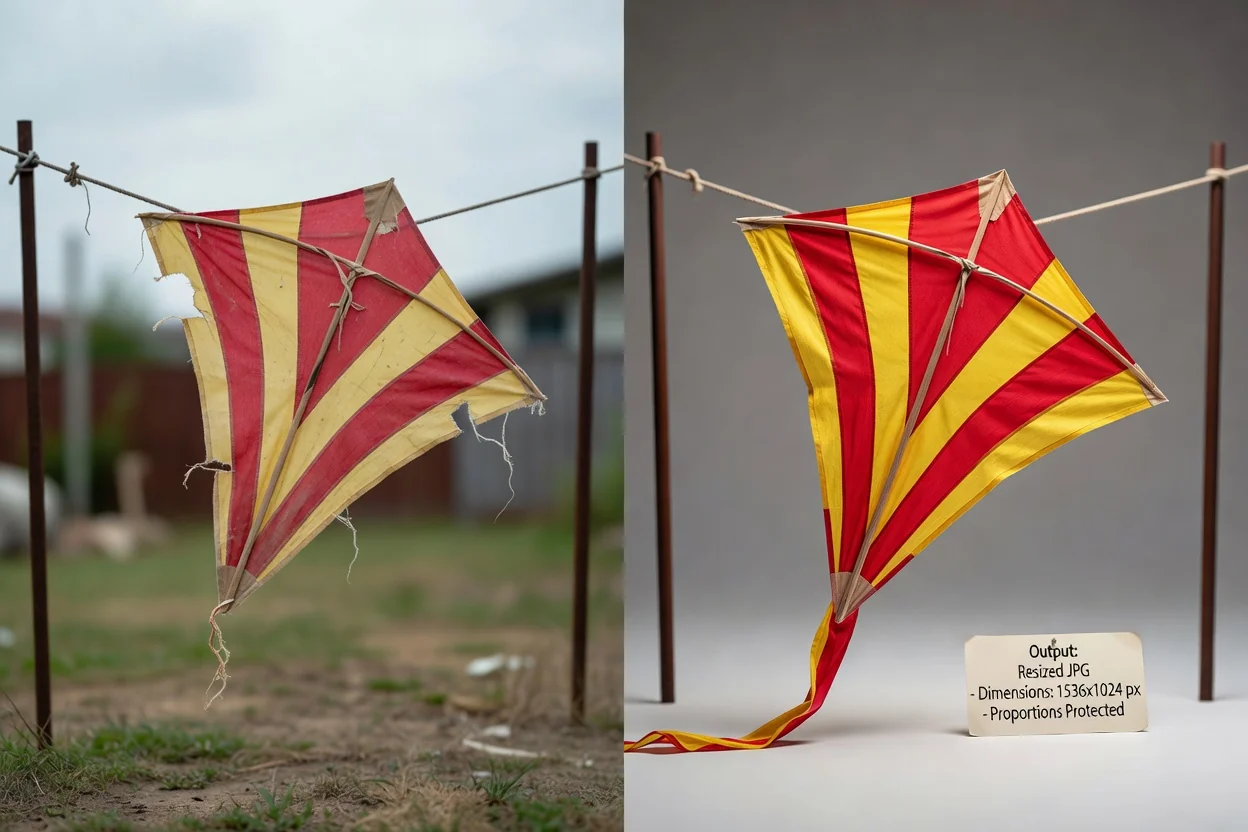
Các tùy chọn được xây dựng để đổi kích thước chính xác và có kết quả để xem lại.
Nhập giá trị pixel cụ thể để ảnh vừa khung vẽ bắt buộc, vị trí quảng cáo, khung ảnh đại diện, danh sách sản phẩm hoặc mẫu nội dung.
Khóa tỷ lệ để giữ tỷ lệ khung hình gốc khi thay đổi một kích thước, giảm nguy cơ ảnh bị kéo giãn không mong muốn.
Xử lý ảnh và kiểm tra kết quả trước khi dùng tệp đầu ra có thể tải xuống ở bước tiếp theo.
Đổi kích thước ảnh trực tuyến trong trình duyệt mà không thêm hiệu ứng sáng tạo phụ hoặc các bước chỉnh sửa không liên quan.
Các lý do phổ biến để đổi kích thước ảnh trực tuyến với khả năng kiểm soát pixel rõ ràng.
Đặt ảnh theo đúng chiều rộng và chiều cao mà biểu ngữ trang web, trường CMS, khối email hoặc bàn giao thiết kế yêu cầu.
Chuẩn bị ảnh hồ sơ, ảnh thu nhỏ, bản xem trước và hình ảnh mạng xã hội, đồng thời dùng bảo toàn tỷ lệ để giữ ảnh tự nhiên.

Đổi kích thước ảnh theo pixel chính xác cho danh sách trên sàn thương mại, màn hình ứng dụng, tài liệu hoặc mẫu nhóm yêu cầu kích thước đồng nhất.
Công cụ thay đổi kích thước dựa trên ảnh nguồn và các giá trị bạn chọn.
Tăng chiều rộng hoặc chiều cao sẽ thay đổi kích thước pixel, nhưng chỉ riêng thao tác đổi kích thước không bổ sung chi tiết ảnh mới hay tăng độ sắc nét cho ảnh nguồn.
Nếu tắt bảo toàn tỷ lệ và nhập giá trị chiều rộng, chiều cao độc lập, ảnh có thể bị kéo giãn hoặc nén theo chủ ý.
Công cụ này tập trung vào việc đổi kích thước. Nó không thêm tính năng xóa nền, chỉnh sửa chân dung, hiệu chỉnh màu sắc hoặc tạo ảnh sáng tạo vào ảnh nguồn.
Giải đáp các câu hỏi thường gặp về cách dùng công cụ thay đổi kích thước ảnh và xem lại kết quả đã đổi kích thước.
Các tiện ích ClipCanva khác giúp chuẩn bị ảnh và tài sản trực quan cho quy trình xuất bản.
Chọn ảnh được hỗ trợ, đặt kích thước pixel cần dùng, xử lý và xem lại kết quả đã đổi kích thước.