
01
Mô tả mục tiêu
Nhập mục tiêu, chủ thể, phong cách và bối cảnh bạn muốn Chuyển đổi ảnh sang ảnh tạo ra.
Biến ý tưởng, mô tả hoặc tệp tham chiếu thành hình ảnh hoàn chỉnh bằng Chuyển đổi ảnh sang ảnh, với quy trình đơn giản để thử nghiệm, tinh chỉnh và xuất kết quả.
Chế độ Pro
Điều khiển nâng cao sẽ có sau khi tải lên
Tải lên hình ảnh để hiển thị các điều khiển nâng cao.
Xem các ví dụ minh họa để hình dung phong cách, bố cục và mức độ chi tiết có thể tạo ra.
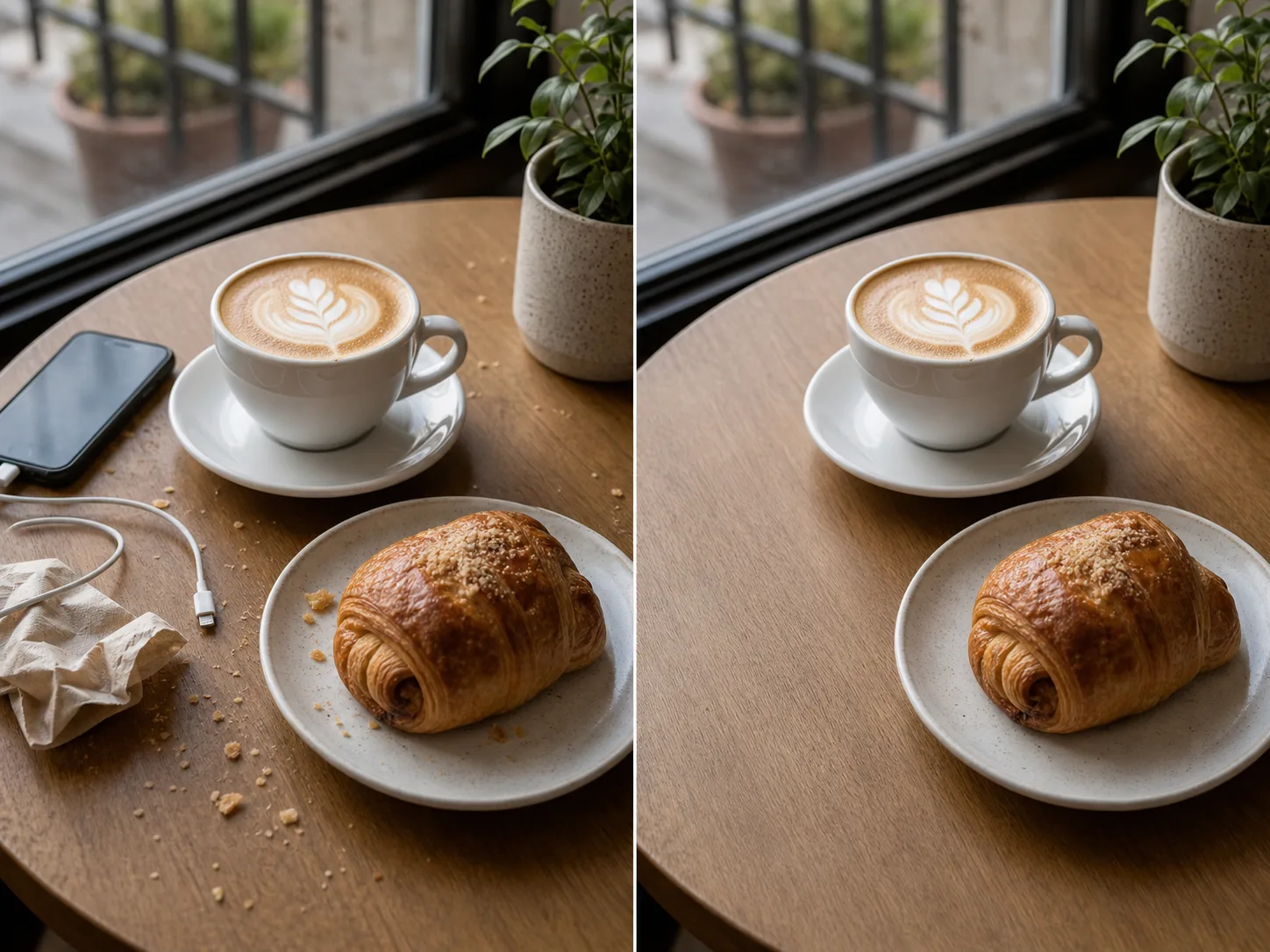

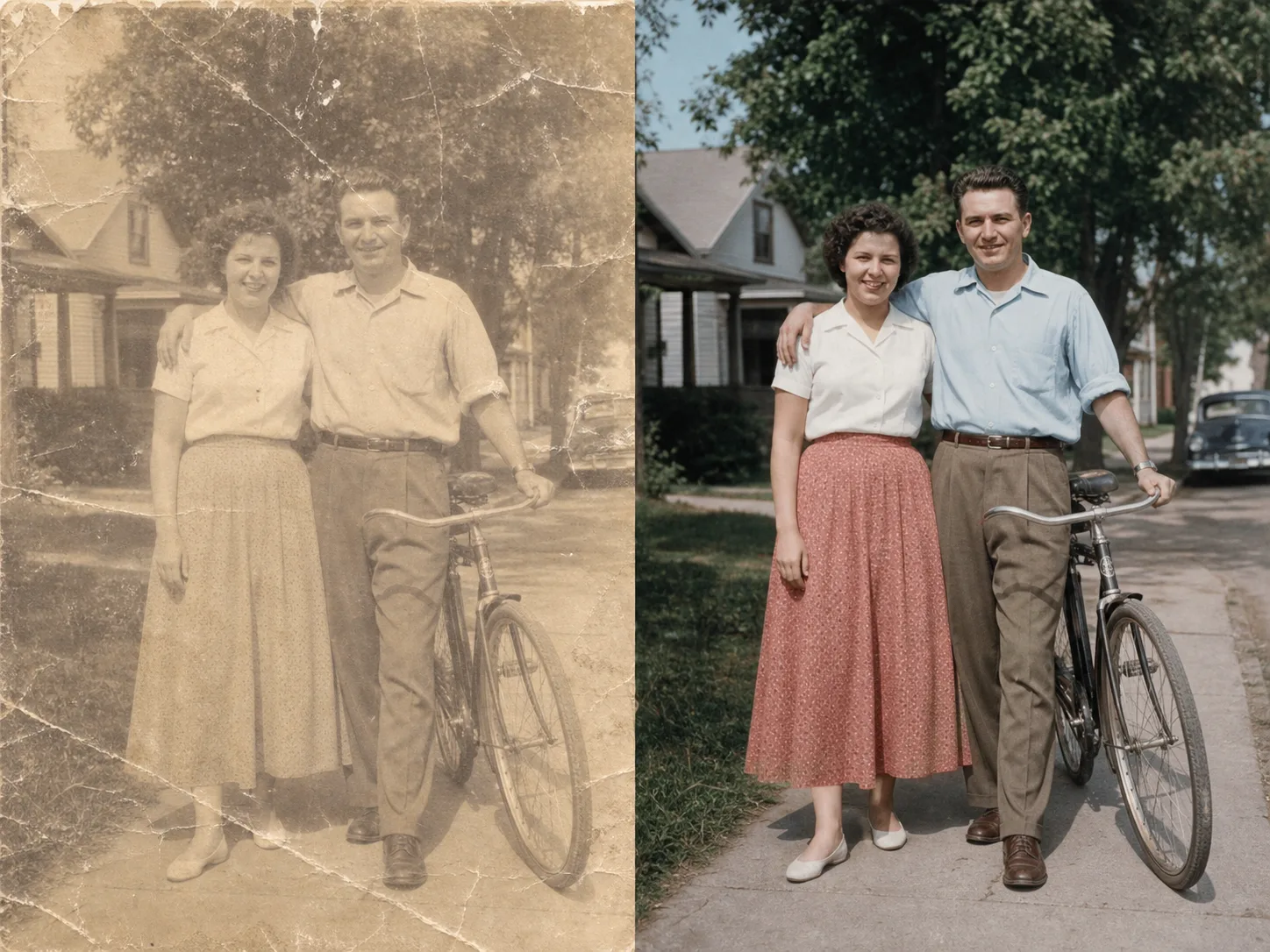
Bắt đầu bằng mô tả rõ ràng, thêm chi tiết cần kiểm soát, rồi tạo nhiều biến thể để chọn kết quả phù hợp nhất.
Nhập mục tiêu, chủ thể, phong cách và bối cảnh bạn muốn Chuyển đổi ảnh sang ảnh tạo ra.
Bổ sung chi tiết về định dạng, màu sắc, bố cục, cảm xúc, chuyển động hoặc chất lượng mong muốn.
Tạo nhiều phiên bản, chọn kết quả tốt nhất và tinh chỉnh câu lệnh để đạt đúng hướng sáng tạo.
Bắt đầu từ mô tả ngắn, ý tưởng thô hoặc tệp tham chiếu để định hướng kết quả hình ảnh theo đúng mục tiêu.
Điều chỉnh phong cách, bố cục, ánh sáng, nhịp điệu hoặc giọng điệu để kết quả phù hợp với thương hiệu và kênh sử dụng.
Tạo nội dung có thể dùng cho bản nháp, bài đăng, trình bày, thử nghiệm ý tưởng hoặc bước sản xuất tiếp theo.
Tạo nhiều biến thể, so sánh kết quả và chỉnh lại câu lệnh mà không phải bắt đầu lại từ đầu.
Khám phá thêm các công cụ có thể kết hợp với Chuyển đổi ảnh sang ảnh để hoàn thiện dự án nhanh hơn.
Hình ảnh miễn phí có watermark. Nâng cấp để có đầu ra sạch, tạo nhanh hơn và sử dụng thương mại.
Gói Starter
Gói credits một lần để thử tạo hình ảnh, nhạc và video ngắn.
Người sáng tạo
Gói hàng tháng · 1.500 credits gia hạn mỗi tháng
GPT Image 2 Unlimited
Nhập mã FOUNDING6 tại Stripe Checkout: $19/tháng trong 6 tháng đầu, sau đó $29/tháng.
chuyên nghiệp
Gói hàng tháng · 4.000 credits gia hạn mỗi tháng
Phòng thu
Gói hàng tháng · 12.000 credits gia hạn mỗi tháng
Thanh toán an toàn · Gói đăng ký tự động gia hạn · Xem điều kiện hoàn tiền
Đội
Dành cho các cơ quan, đội sản xuất và nhu cầu về số lượng tùy chỉnh.
Giải đáp các câu hỏi thường gặp trước khi bạn dùng Chuyển đổi ảnh sang ảnh trong quy trình sáng tạo.
Mở ClipCanva, nhập ý tưởng của bạn và tạo kết quả đầu tiên với Chuyển đổi ảnh sang ảnh trong vài bước.

