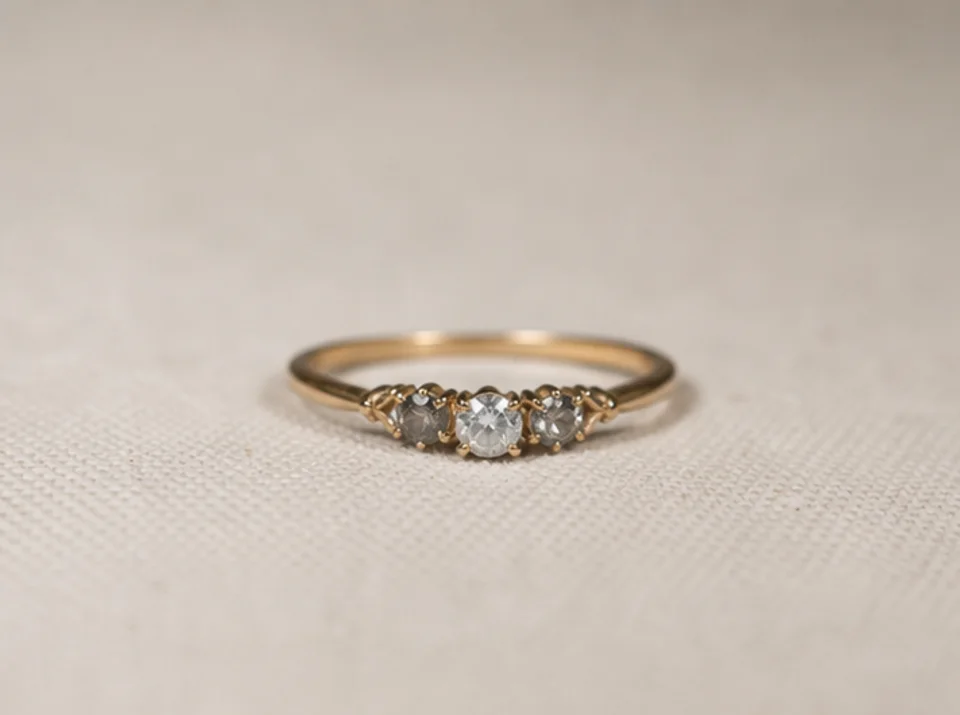
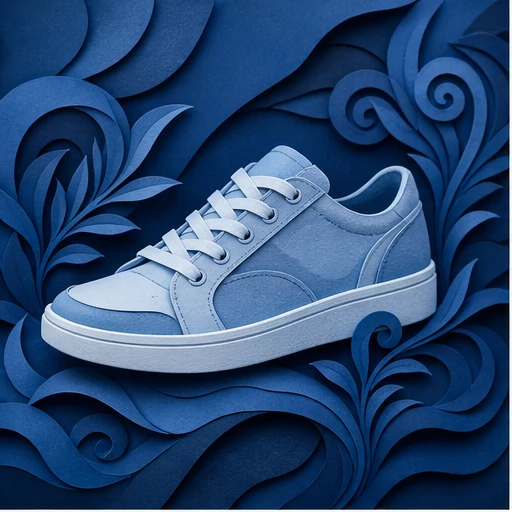
01
Tải lên ảnh nguồn được phép sử dụng
Chọn ảnh bạn sở hữu hoặc được phép chỉnh sửa, với chủ thể chính hiển thị rõ.
Xóa nền ảnh sản phẩm, chân dung và logo bằng AI. Kiểm tra cạnh trong suốt trước khi tải ảnh tách nền.
Chế độ mặc định
Sẵn sàng tải lên
Xem trước, so sánh, tải xuống
Xóa nền ảnh sản phẩm, chân dung và logo bằng AI. Kiểm tra cạnh trong suốt trước khi tải ảnh tách nền.
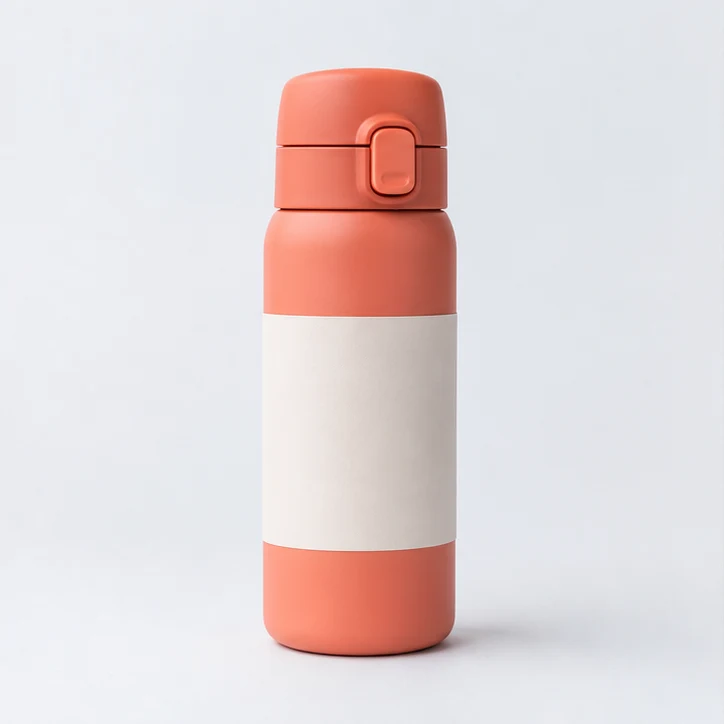

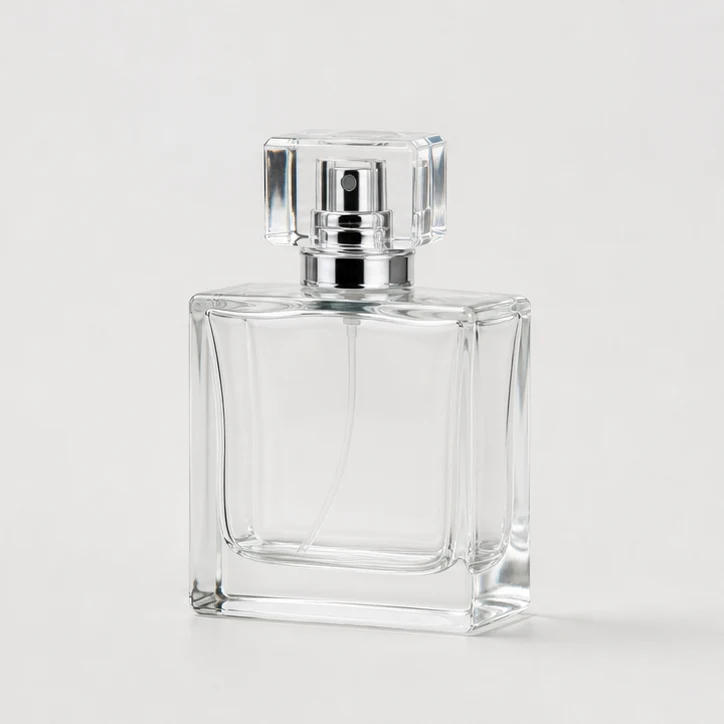
Xóa nền ảnh sản phẩm, chân dung và logo bằng AI. Kiểm tra cạnh trong suốt trước khi tải ảnh tách nền.
Chọn ảnh bạn sở hữu hoặc được phép chỉnh sửa, với chủ thể chính hiển thị rõ.
Quy trình mặc định tạo ảnh đã xóa nền với các vùng trong suốt. Hãy kiểm tra cạnh của chủ thể trước khi tải xuống.
Kiểm tra đường biên chủ thể và vùng trong suốt trước khi xuất bản, rồi so sánh với ảnh gốc. Độ tương phản và độ phân giải của nguồn ảnh hưởng đến chi tiết nhỏ.
Dùng ảnh rõ, đủ sáng và có chủ thể chính tách biệt với nền. Độ phân giải cao giúp giữ các cạnh mảnh tốt hơn.
Quy trình mặc định tạo ảnh đã xóa nền với các vùng trong suốt. Hãy kiểm tra cạnh của chủ thể trước khi tải xuống.
Dùng logo rõ nét, độ phân giải cao và so sánh cạnh trong suốt đã tạo với ảnh gốc trước khi xuất bản.
Kiểm tra đường biên chủ thể và vùng trong suốt trước khi xuất bản, rồi so sánh với ảnh gốc. Độ tương phản và độ phân giải của nguồn ảnh hưởng đến chi tiết nhỏ.
Khám phá thêm các công cụ có thể kết hợp với Công cụ xóa nền AI để hoàn thiện dự án nhanh hơn.
Hình ảnh miễn phí có watermark. Nâng cấp để có đầu ra sạch, tạo nhanh hơn và sử dụng thương mại.
Gói Starter
Gói credits một lần để thử tạo hình ảnh, nhạc và video ngắn.
Người sáng tạo
Gói hàng tháng · 1.500 credits gia hạn mỗi tháng
GPT Image 2 Unlimited
Nhập mã FOUNDING6 tại Stripe Checkout: $19/tháng trong 6 tháng đầu, sau đó $29/tháng.
chuyên nghiệp
Gói hàng tháng · 4.000 credits gia hạn mỗi tháng
Phòng thu
Gói hàng tháng · 12.000 credits gia hạn mỗi tháng
Thanh toán an toàn · Gói đăng ký tự động gia hạn · Xem điều kiện hoàn tiền
Đội
Dành cho các cơ quan, đội sản xuất và nhu cầu về số lượng tùy chỉnh.
Xóa nền ảnh sản phẩm, chân dung và logo bằng AI. Kiểm tra cạnh trong suốt trước khi tải ảnh tách nền.
Xóa nền ảnh sản phẩm, chân dung và logo bằng AI. Kiểm tra cạnh trong suốt trước khi tải ảnh tách nền.