
01
Bắt đầu với ảnh nguồn
Tải lên nguồn được phép và rõ nhất trước khi nén làm mất các chi tiết quan trọng.
Tải lên một ảnh và mô tả thay đổi bằng ngôn ngữ tự nhiên. Tạo chỉnh sửa theo văn bản cho sản phẩm, chân dung, căn phòng hoặc ảnh cũ rồi kiểm tra danh tính, vật thể, chữ và bối cảnh.
Tải lên một ảnh và mô tả thay đổi bằng ngôn ngữ tự nhiên. Tạo chỉnh sửa theo văn bản cho sản phẩm, chân dung, căn phòng hoặc ảnh cũ rồi kiểm tra danh tính, vật thể, chữ và bối cảnh.
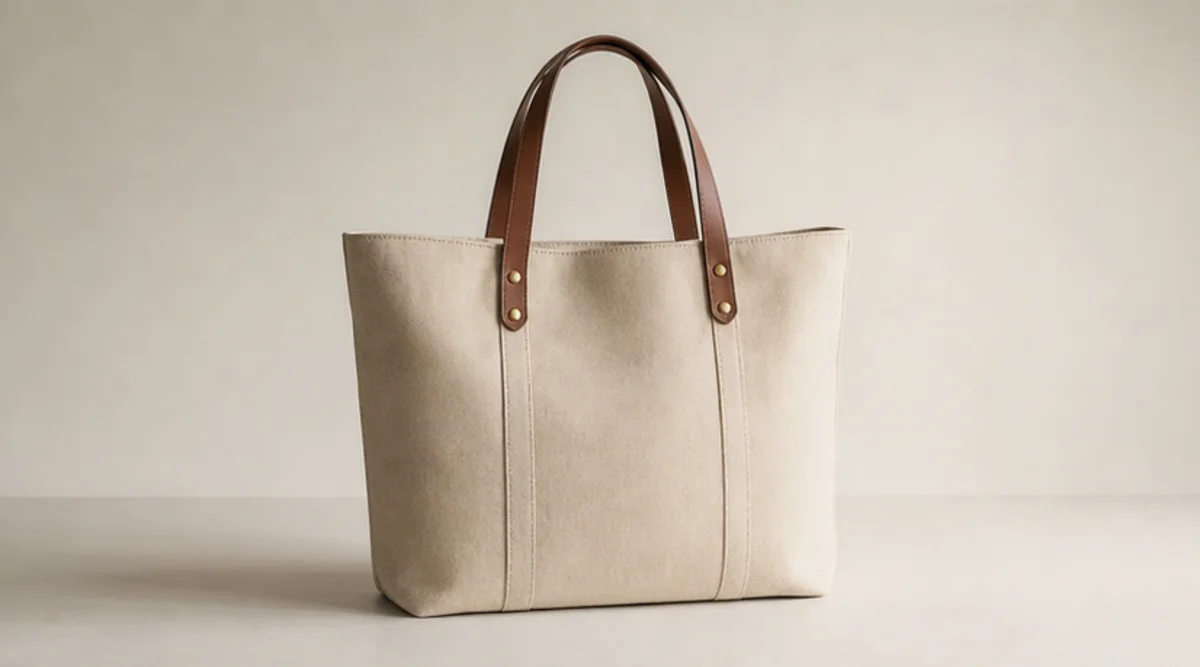
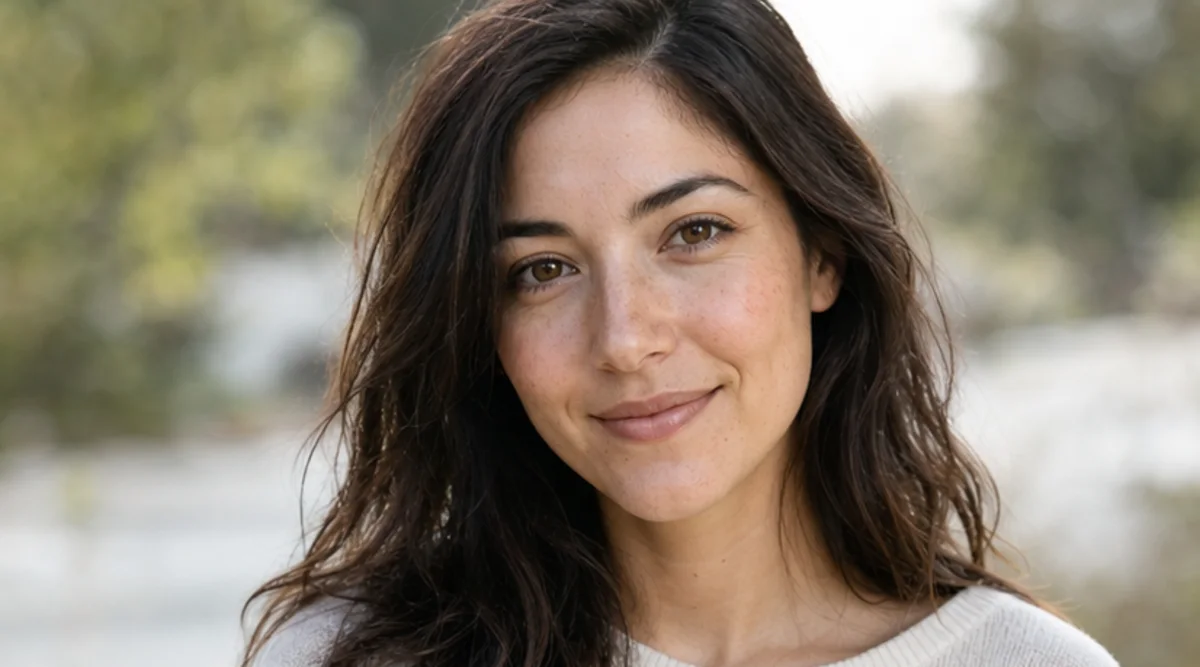
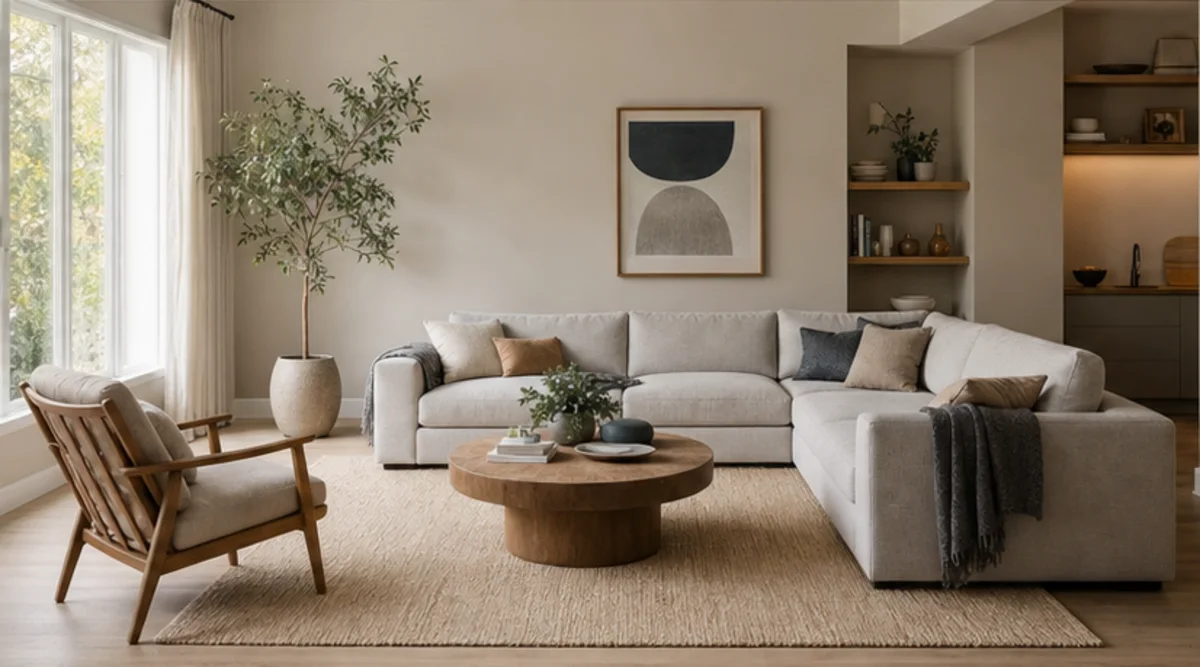
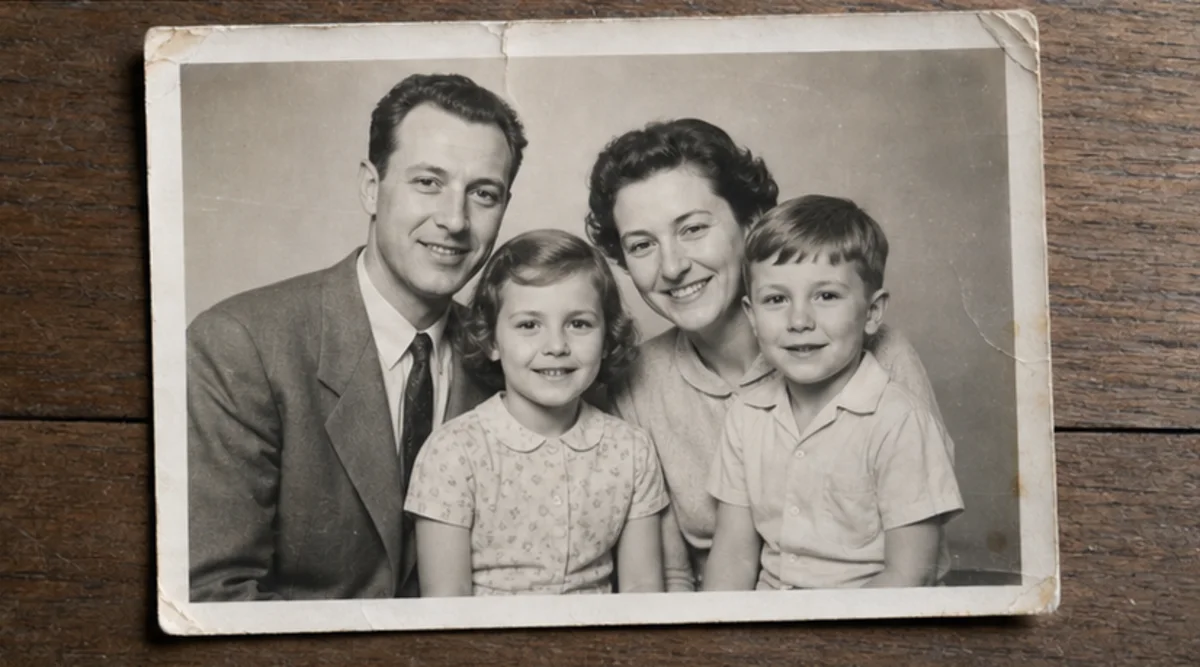
Tải lên một ảnh và mô tả thay đổi bằng ngôn ngữ tự nhiên. Tạo chỉnh sửa theo văn bản cho sản phẩm, chân dung, căn phòng hoặc ảnh cũ rồi kiểm tra danh tính, vật thể, chữ và bối cảnh.
Tải lên nguồn được phép và rõ nhất trước khi nén làm mất các chi tiết quan trọng.
Mô tả thay đổi và nêu rõ danh tính, vật thể, chữ, hình học hoặc hậu cảnh phải giữ nguyên.
Tạo một bản chỉnh sửa tập trung vào câu lệnh này mà không trộn nhiều biến đổi không liên quan.
So sánh kết quả với ảnh gốc ở kích thước đầy đủ rồi kiểm tra khuôn mặt, sản phẩm, vật thể nhỏ, chữ, cạnh và bối cảnh.
Trình chỉnh sửa làm theo câu lệnh nhưng khuôn mặt, hình học sản phẩm, vật thể nhỏ và chữ có thể thay đổi. Đây không phải công cụ chỉnh từng điểm ảnh.
Dùng ảnh nguồn rõ và nêu những gì phải giữ nguyên. So sánh kết quả với ảnh gốc ở kích thước đầy đủ.
Chỉ tải lên ảnh của bạn hoặc ảnh bạn được phép chỉnh sửa. Kiểm tra kết quả trước khi dùng cho danh tính, sản phẩm, lưu trữ hoặc công khai.
Hình ảnh miễn phí có watermark. Nâng cấp để có đầu ra sạch, tạo nhanh hơn và sử dụng thương mại.
Gói Starter
Gói credits một lần để thử tạo hình ảnh, nhạc và video ngắn.
Người sáng tạo
Gói hàng tháng · 1.500 credits gia hạn mỗi tháng
GPT Image 2 Unlimited
Nhập mã FOUNDING6 tại Stripe Checkout: $19/tháng trong 6 tháng đầu, sau đó $29/tháng.
chuyên nghiệp
Gói hàng tháng · 4.000 credits gia hạn mỗi tháng
Phòng thu
Gói hàng tháng · 12.000 credits gia hạn mỗi tháng
Thanh toán an toàn · Gói đăng ký tự động gia hạn · Xem điều kiện hoàn tiền
Đội
Dành cho các cơ quan, đội sản xuất và nhu cầu về số lượng tùy chỉnh.
Tải lên một ảnh và mô tả thay đổi bằng ngôn ngữ tự nhiên. Tạo chỉnh sửa theo văn bản cho sản phẩm, chân dung, căn phòng hoặc ảnh cũ rồi kiểm tra danh tính, vật thể, chữ và bối cảnh.
Tải lên một ảnh và mô tả thay đổi bằng ngôn ngữ tự nhiên. Tạo chỉnh sửa theo văn bản cho sản phẩm, chân dung, căn phòng hoặc ảnh cũ rồi kiểm tra danh tính, vật thể, chữ và bối cảnh.