
Mô tả ý tưởng
Viết điều bạn muốn thấy bằng ngôn ngữ thông thường. Nêu chủ thể và mục đích quan trọng hơn độ dài.
Lập kế hoạch prompt
Mô tả ý tưởng sơ bộ, chọn loại ảnh, phong cách, mô hình đích và tỷ lệ khung hình; trình tạo prompt ảnh sẽ viết prompt có cấu trúc, bản ngắn và prompt phủ định để bạn sao chép.
Không gian prompt
Từ ý tưởng đến prompt ảnh có thể sao chép
Chỉ cần một câu ngắn. Công cụ sẽ thêm cấu trúc, phong cách, ánh sáng và bố cục.
Kết quả sẽ xuất hiện ở đây với mô hình, tỷ lệ, phong cách và số lượng đầu ra đã chọn.
Kết quả sẽ xuất hiện ở đây với mô hình, tỷ lệ, phong cách và số lượng đầu ra đã chọn.
Chỉ cần một câu ngắn. Công cụ sẽ thêm cấu trúc, phong cách, ánh sáng và bố cục.
Từ ý tưởng đến prompt ảnh có thể sao chép
Dùng trong trình tạo ảnhCông cụ biến mô tả ngắn thành ngôn ngữ prompt mà mô hình ảnh có thể thực hiện. Thay vì đoán cách diễn đạt, bạn đặt loại ảnh, phong cách hình ảnh, mô hình đích và tỷ lệ khung hình, rồi nhận prompt nêu rõ chủ thể, bố cục, ánh sáng và những gì cần loại khỏi khung hình.
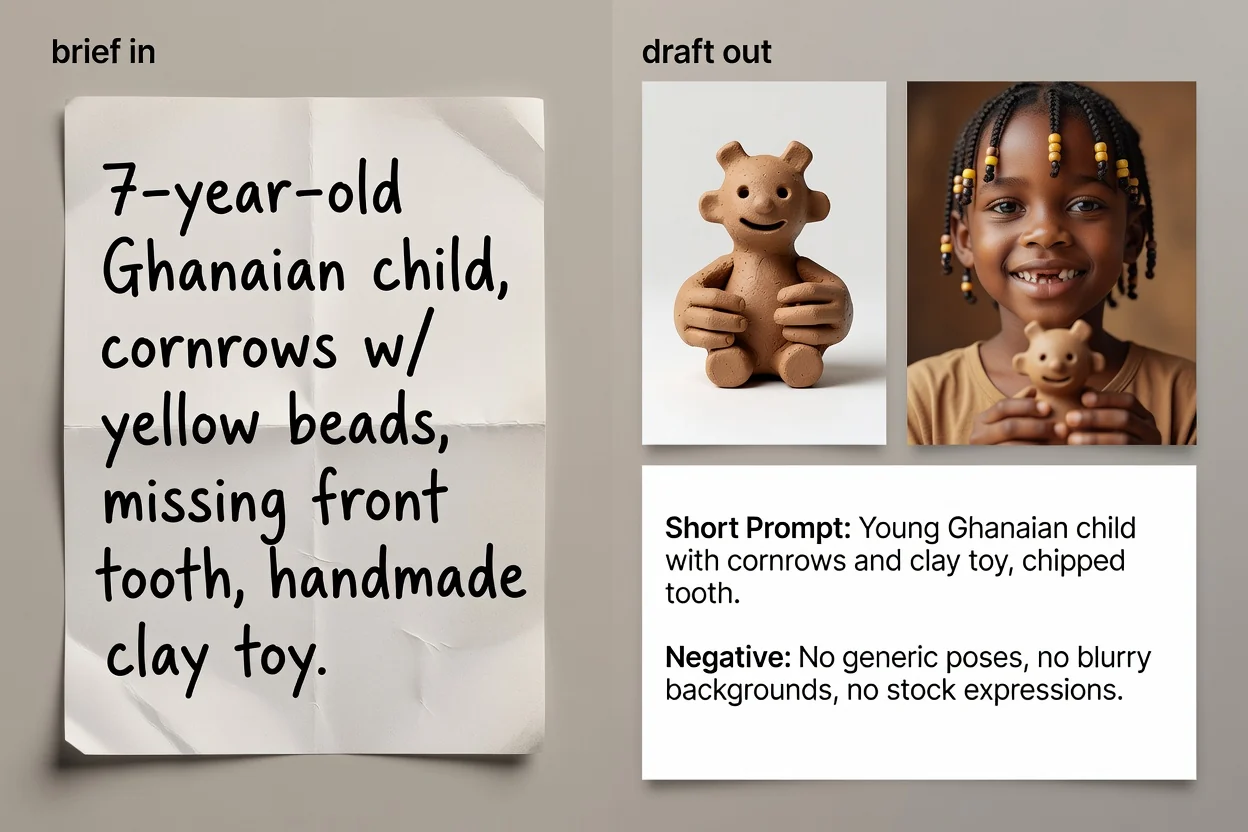
Bốn bước từ ý tưởng đến văn bản prompt sẵn sàng sao chép.
Viết điều bạn muốn thấy bằng ngôn ngữ thông thường. Nêu chủ thể và mục đích quan trọng hơn độ dài.
Chọn loại ảnh và phong cách hình ảnh để prompt dùng đúng từ vựng cho danh mục đó.
Chọn mô hình bạn định dùng cùng tỷ lệ khung hình để cách diễn đạt và khung hình phù hợp với nơi sử dụng.
Tạo prompt, xem lại, rồi tùy chọn chạy bước cải thiện AI để gọn câu chữ và bổ sung chi tiết còn thiếu.
Ba phiên bản prompt cho ba tình huống khác nhau.
Prompt đầy đủ nêu lần lượt chủ thể, bố cục, ánh sáng, phong cách và khung hình.
Phiên bản viết lại tùy chọn giúp gọn câu chữ và bổ sung những khoảng trống mà mô tả ngắn chưa nêu.
Phiên bản rút gọn dành cho giao diện có giới hạn nhập liệu chặt hoặc để lặp nhanh.
Danh sách những thứ cần loại khỏi ảnh, như chữ, hình mờ hoặc chi tiết méo dạng.
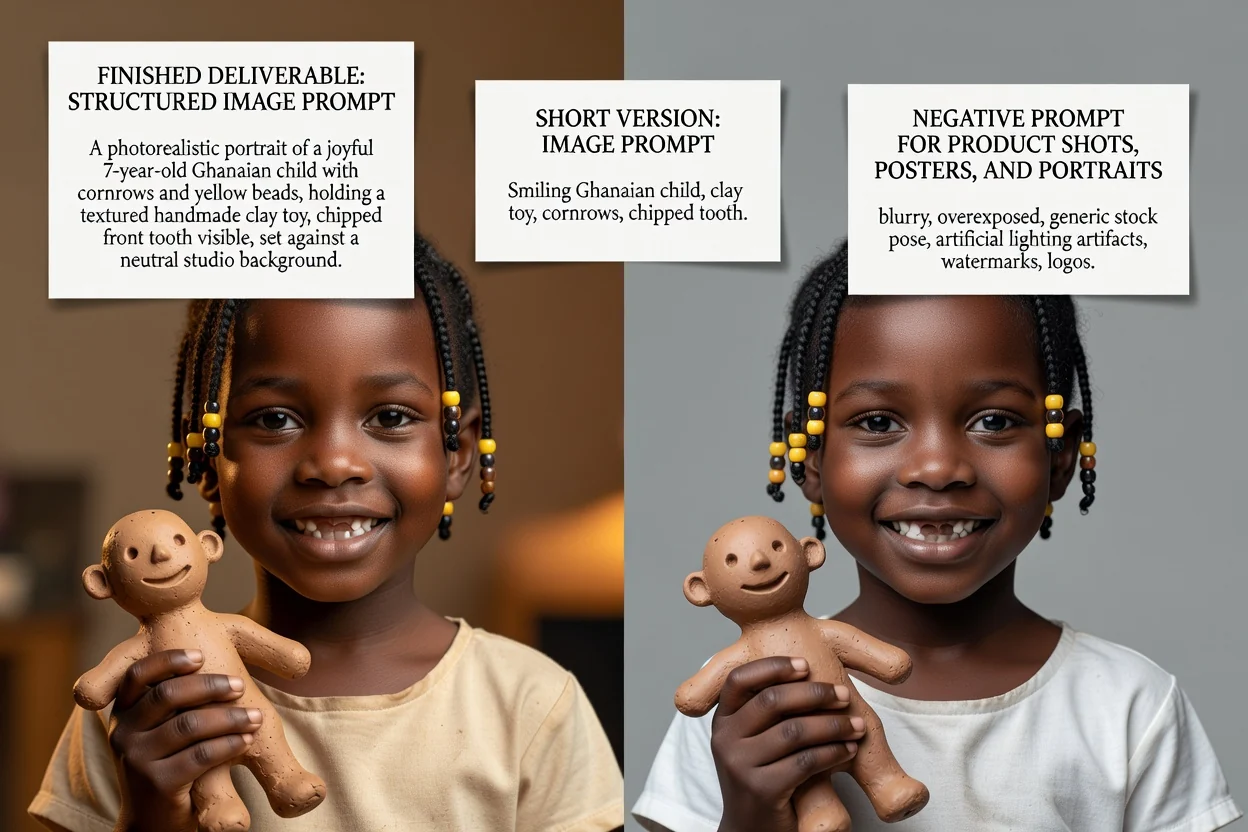
Mỗi tùy chọn đều thay đổi cách diễn đạt, không chỉ thay đổi nhãn.
Ảnh sản phẩm, chân dung, áp phích, logo, đồ họa mạng xã hội hoặc minh họa. Tùy chọn này xác định các thuật ngữ bố cục xuất hiện.
Chân thực, điện ảnh, biên tập, tối giản, dựng hình 3D hoặc anime; lựa chọn này định hướng ngôn ngữ về ánh sáng và kết xuất.
GPT Image, Midjourney, Flux, Stable Diffusion hoặc DALL-E. Quy ước diễn đạt khác nhau giữa các mô hình.
Vuông, ngang, dọc hoặc chân dung để khung hình và khoảng trống phù hợp với vị trí sử dụng cuối cùng.
Các nhu cầu phổ biến bắt đầu từ đây.
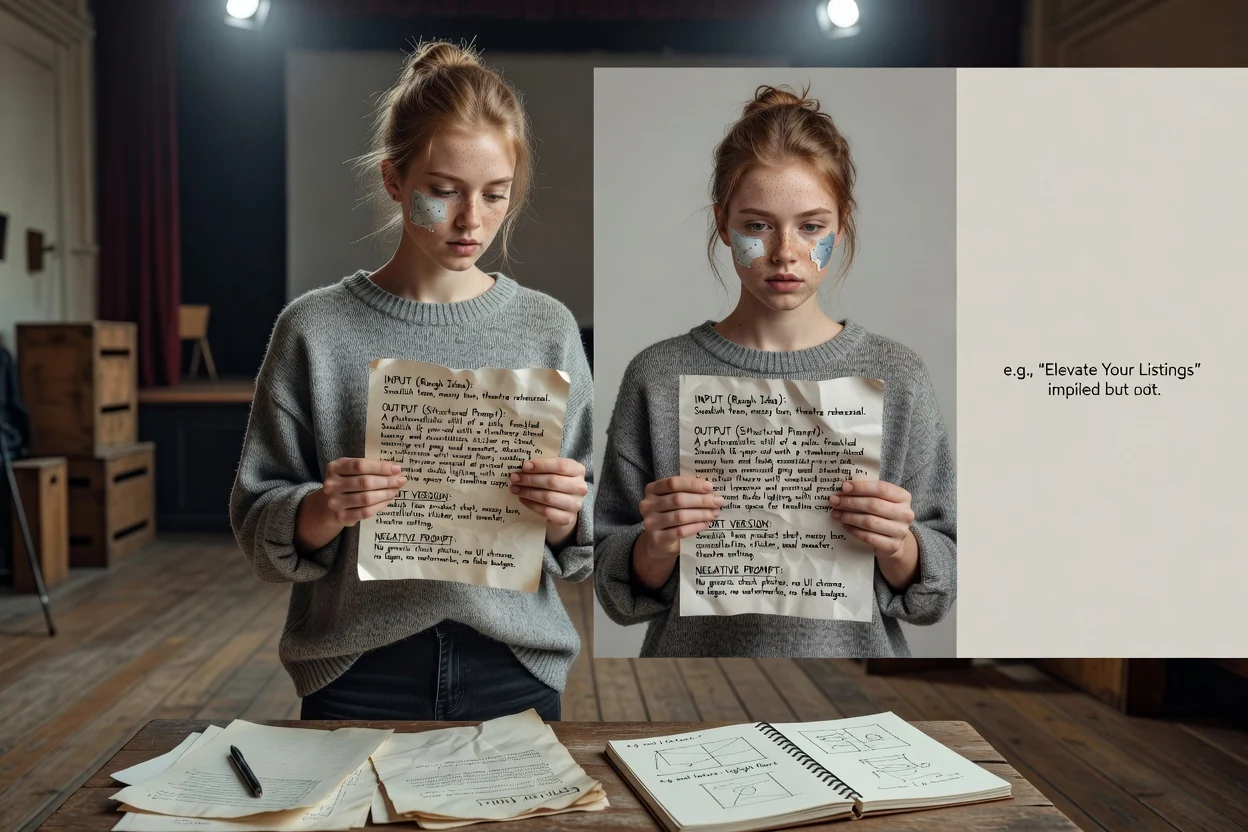
Viết prompt nêu rõ bề mặt, ánh sáng và khoảng trống để sản phẩm vẫn chừa chỗ cho tiêu đề.
Tạo prompt sản phẩm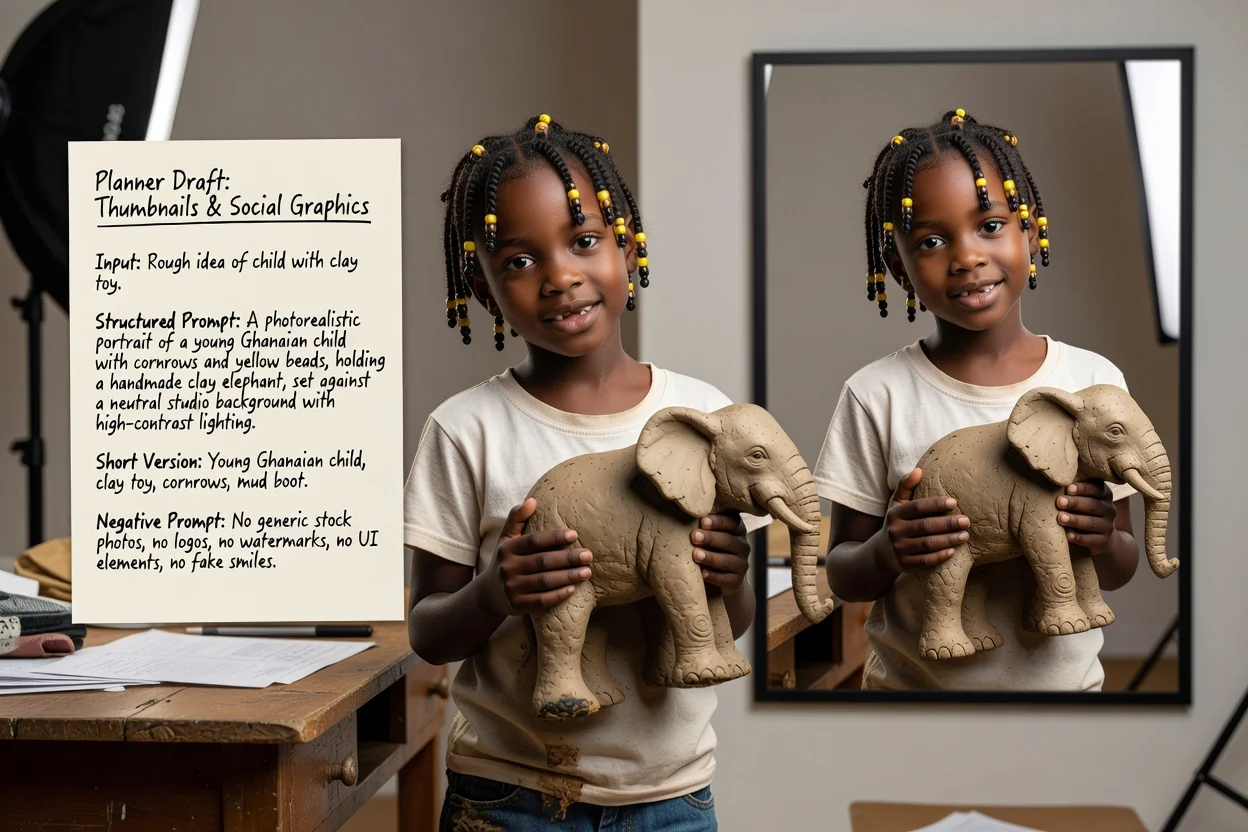
Đặt tỷ lệ dọc hoặc ngang cùng phong cách tương phản cao để kết quả vẫn dễ nhìn ở kích thước nhỏ.
Tạo prompt mạng xã hội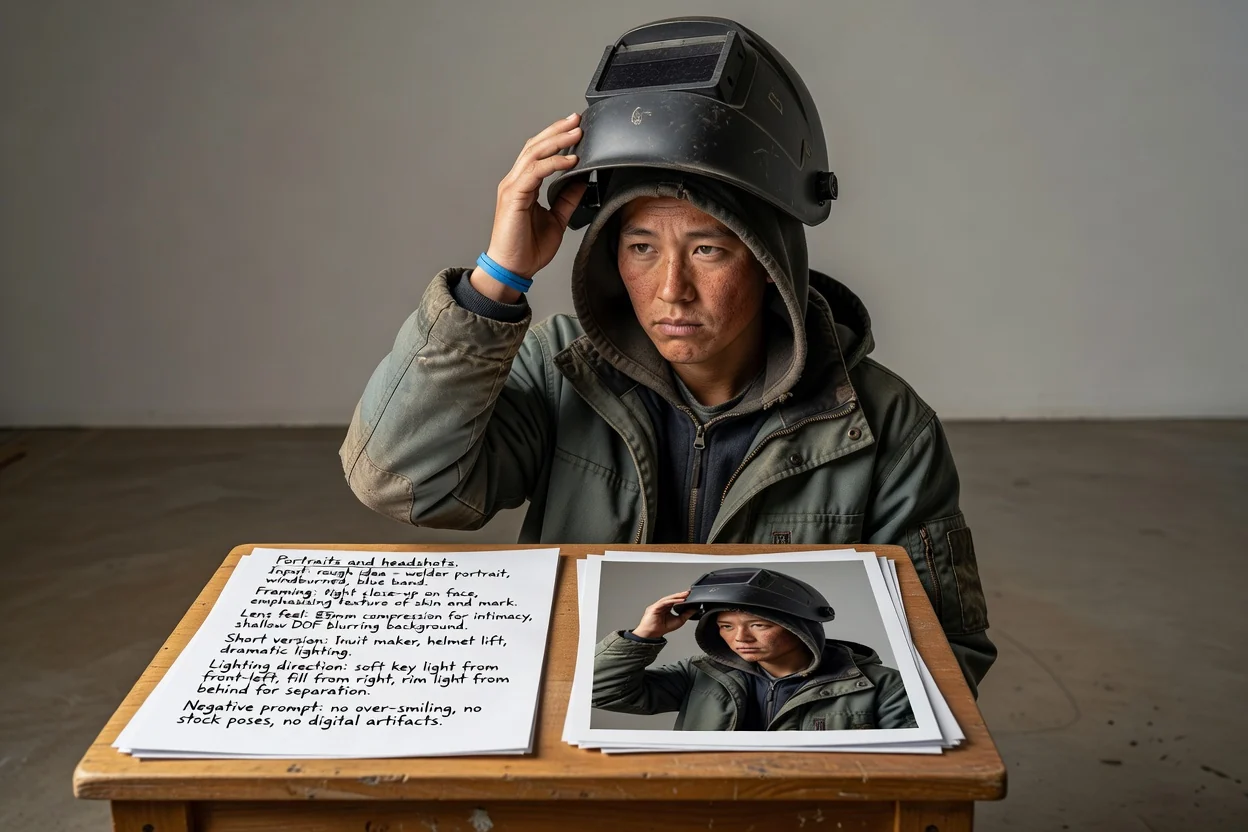
Mô tả khung hình, cảm giác ống kính và hướng ánh sáng thay vì để mô hình tự đoán diện mạo.
Tạo prompt chân dung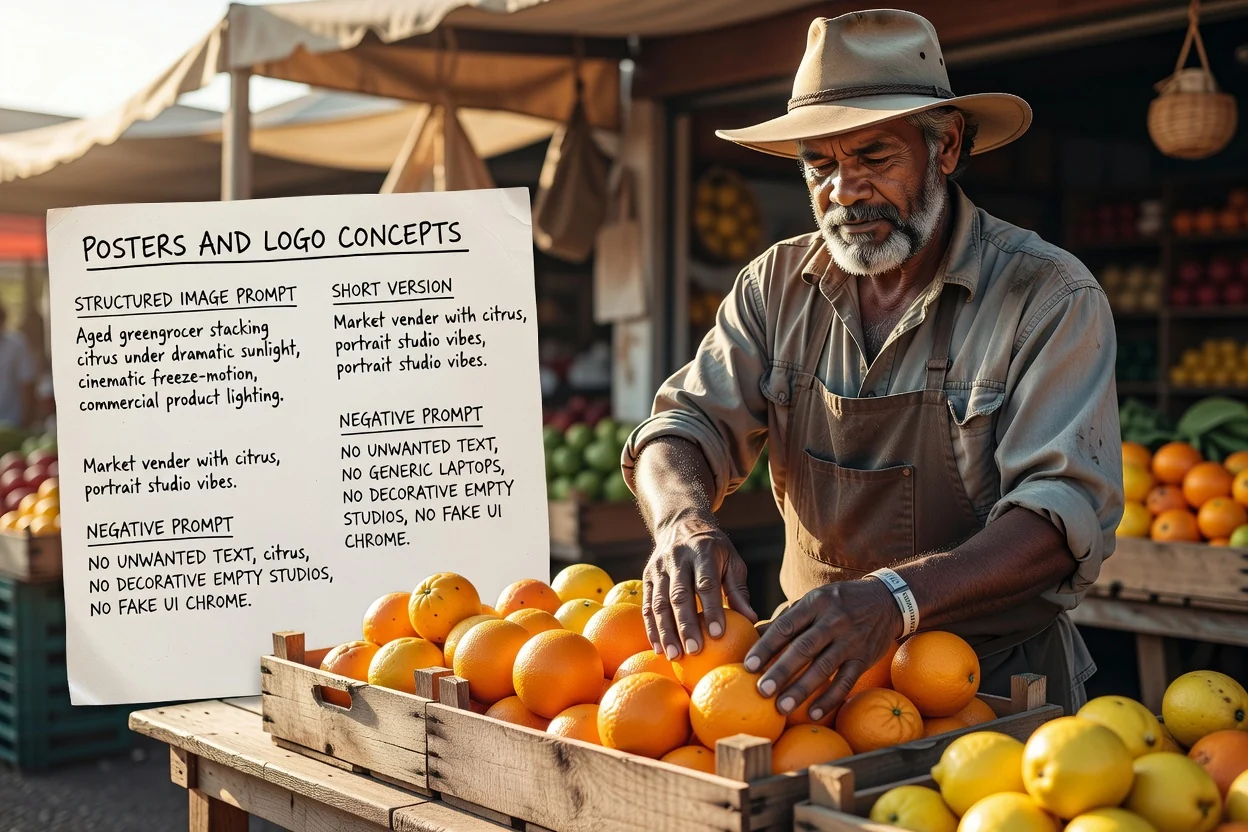
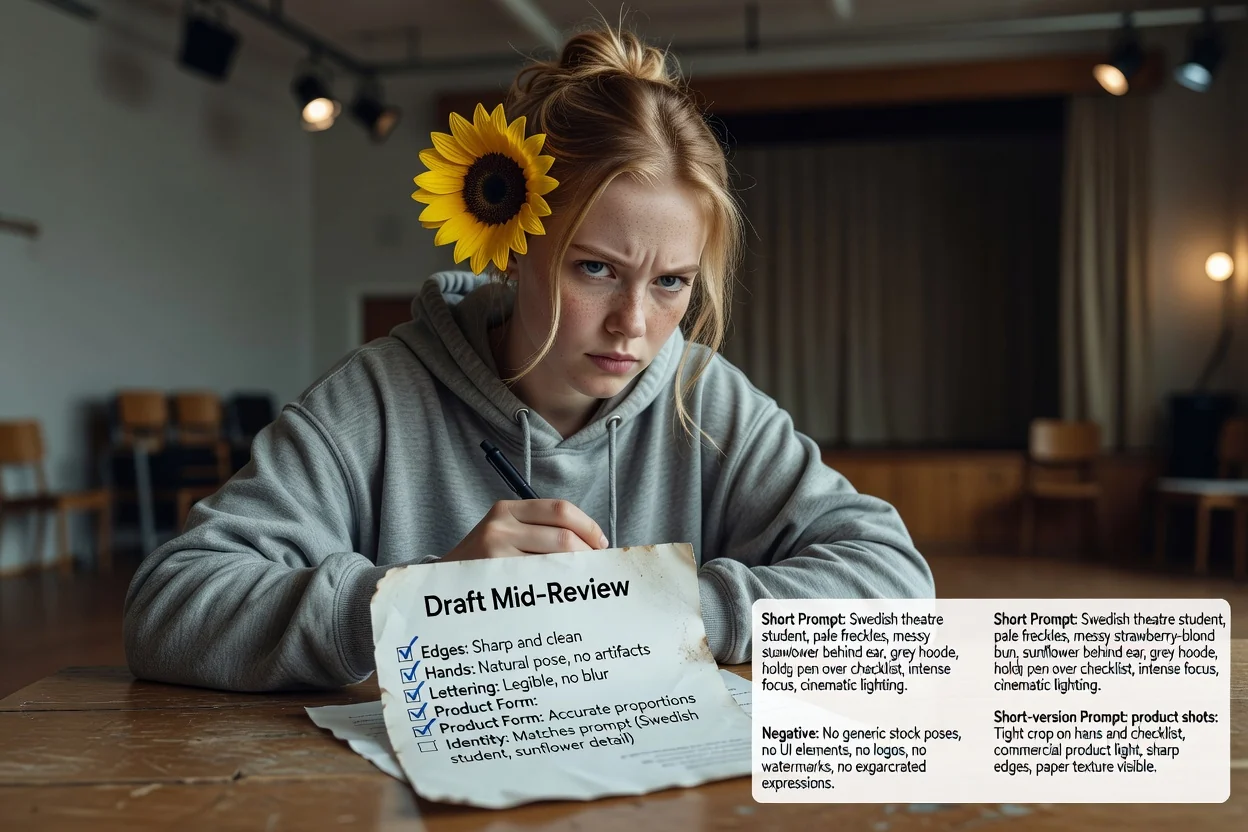
Lên kế hoạch bố cục và không gian chữ từ đầu, đồng thời dùng prompt phủ định để kiểm soát chữ không mong muốn.
Tạo prompt áp phíchBốn bước kiểm tra nhanh giúp giảm số lần thử lại.
Nếu prompt mô tả hai chủ thể cạnh tranh nhau, hãy tách thành hai prompt thay vì nhồi vào một khung hình.
Tỷ lệ dọc cần ngôn ngữ bố cục dọc. Không khớp là nguyên nhân phổ biến nhất khiến ảnh bị cắt vụng về.
Nếu sau này sẽ đặt chữ lên ảnh, hãy bảo đảm prompt yêu cầu khoảng trống ở đúng vị trí.
Bỏ các yếu tố loại trừ không thực sự cần vì prompt phủ định quá dài có thể làm kết quả thiếu nổi bật.
Những giới hạn nên biết trước khi bạn dựa vào công cụ này.
Việc tạo hình diễn ra trong quy trình tạo ảnh. Bước này chỉ tạo văn bản để bạn gửi đến đó.
Cùng một prompt cho kết quả khác nhau giữa các mô hình và phiên bản. Hãy xem kết quả đầu tiên là bản thử nghiệm.
Yêu cầu câu chữ chính xác trong ảnh thường thất bại. Thay vào đó, hãy thêm chữ thật khi dàn trang.
Các câu hỏi thường gặp về việc viết prompt cho mô hình ảnh AI.
Cung cấp cho trình tạo prompt ảnh một ý tưởng sơ bộ để nhận prompt đầy đủ, prompt ngắn và prompt phủ định để thử.