
Thêm ảnh cũ
Tải lên hoặc chọn ảnh bạn muốn tạo hoạt ảnh, sau đó xác định chủ thể chính và bất kỳ chi tiết nào cần giữ nguyên tầm quan trọng.
Tạo hoạt ảnh với Công cụ AI Tạo hoạt ảnh từ Ảnh cũ bằng cách thêm một bức ảnh cũ, mô tả hướng chuyển động và định hình một clip ngắn phong cách kỷ niệm cho dự án của bạn.
Công cụ AI Tạo hoạt ảnh từ Ảnh cũ giúp biến đổi một bức ảnh cũ và hướng chuyển động thành một clip video ngắn phong cách kỷ niệm. Công cụ này được thiết kế cho các nhà sáng tạo, nhà tiếp thị và nhóm cần một kết quả hình ảnh tập trung từ hình ảnh mang chủ đề lịch sử, gia đình, lưu trữ hoặc hoài niệm.
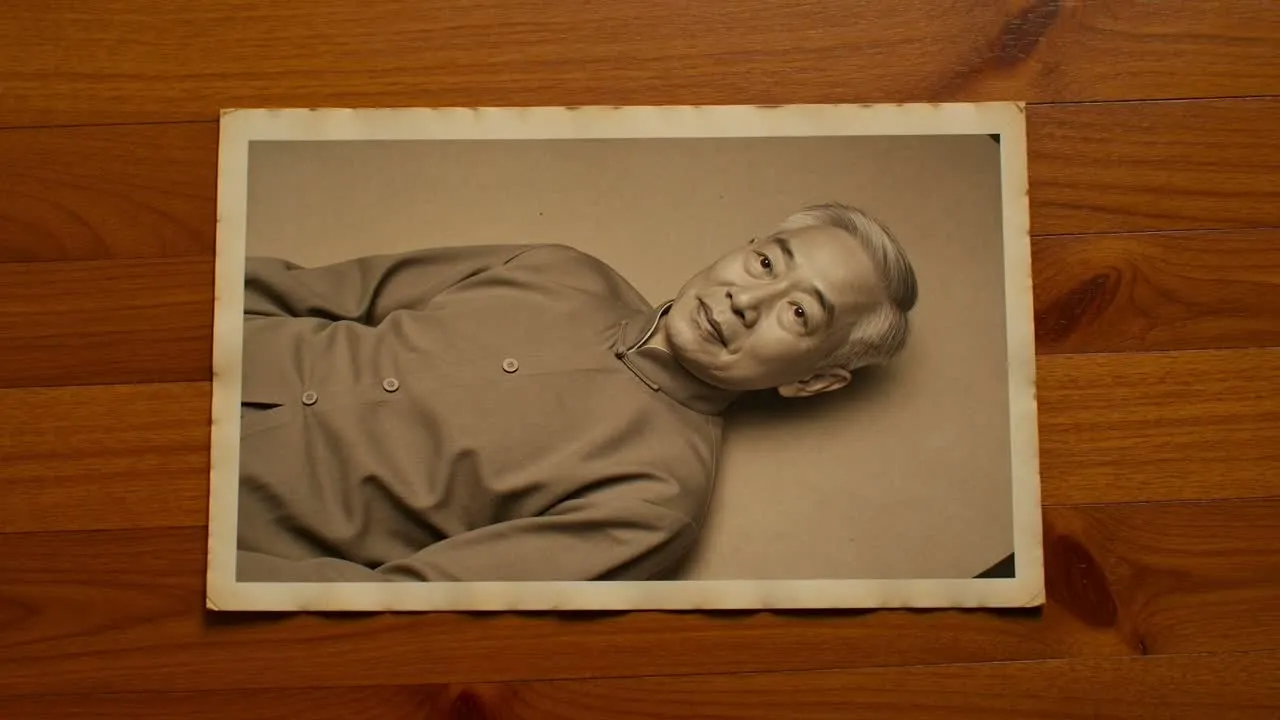
Bắt đầu từ hình ảnh cũ, xác định chuyển động, sau đó xem xét clip được tạo ra so với tâm trạng dự định và định dạng đích.
Tải lên hoặc chọn ảnh bạn muốn tạo hoạt ảnh, sau đó xác định chủ thể chính và bất kỳ chi tiết nào cần giữ nguyên tầm quan trọng.
Mô tả cách hình ảnh nên chuyển động, bao gồm cảm giác máy quay, chuyển động khuôn mặt, bầu không khí và bất kỳ yêu cầu nào về tông điệu tôn trọng.
Chọn hướng hình ảnh và định dạng đích để clip được định hình cho nơi bạn dự định sử dụng.
Kiểm soát hướng sáng tạo của kết quả chuyển từ ảnh cũ sang video trong khi giữ quy trình tập trung vào hình ảnh, chuyển động và điểm đến cuối cùng.
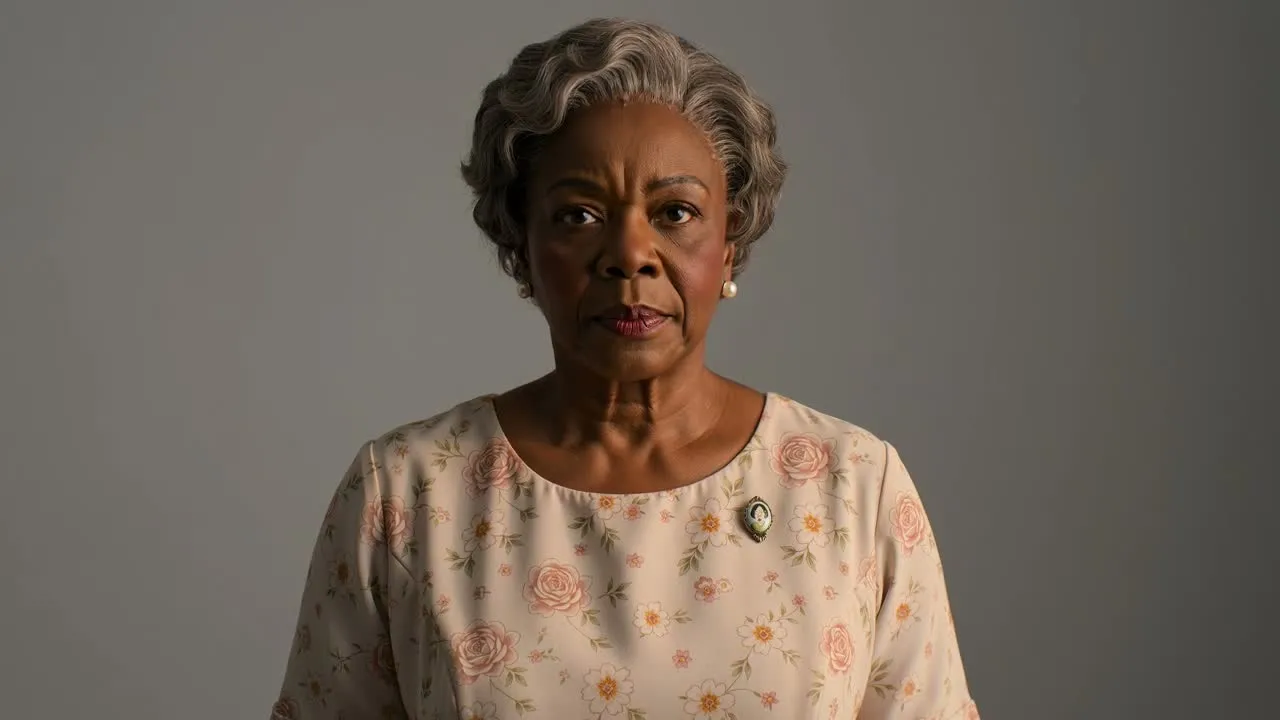
Mô tả chuyển động bạn muốn, chẳng hạn như một nụ cười dịu dàng, một cái đẩy máy quay chậm, một cái quay đầu nhẹ nhàng hoặc chuyển động nền tinh tế.
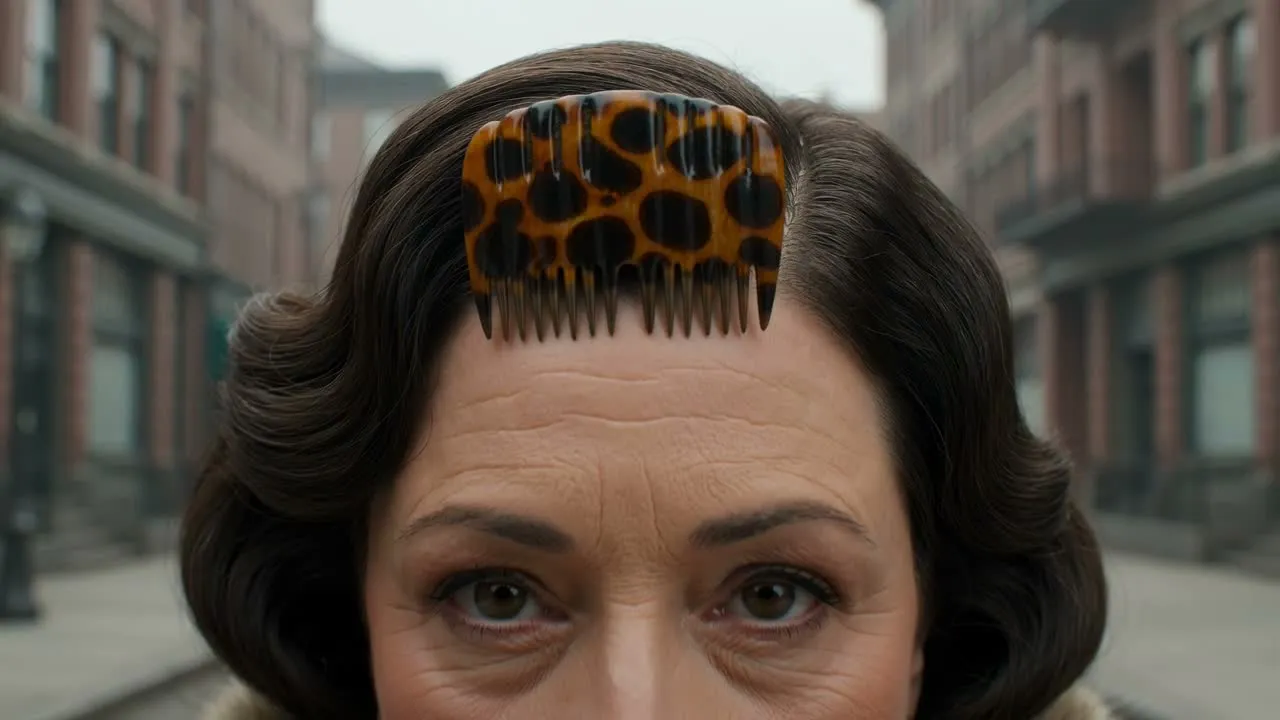
Thêm chi tiết lời nhắc cho quần áo, biểu cảm, bầu không khí và tông điệu nhạy cảm với thời đại để clip tuân theo mục đích của dự án.
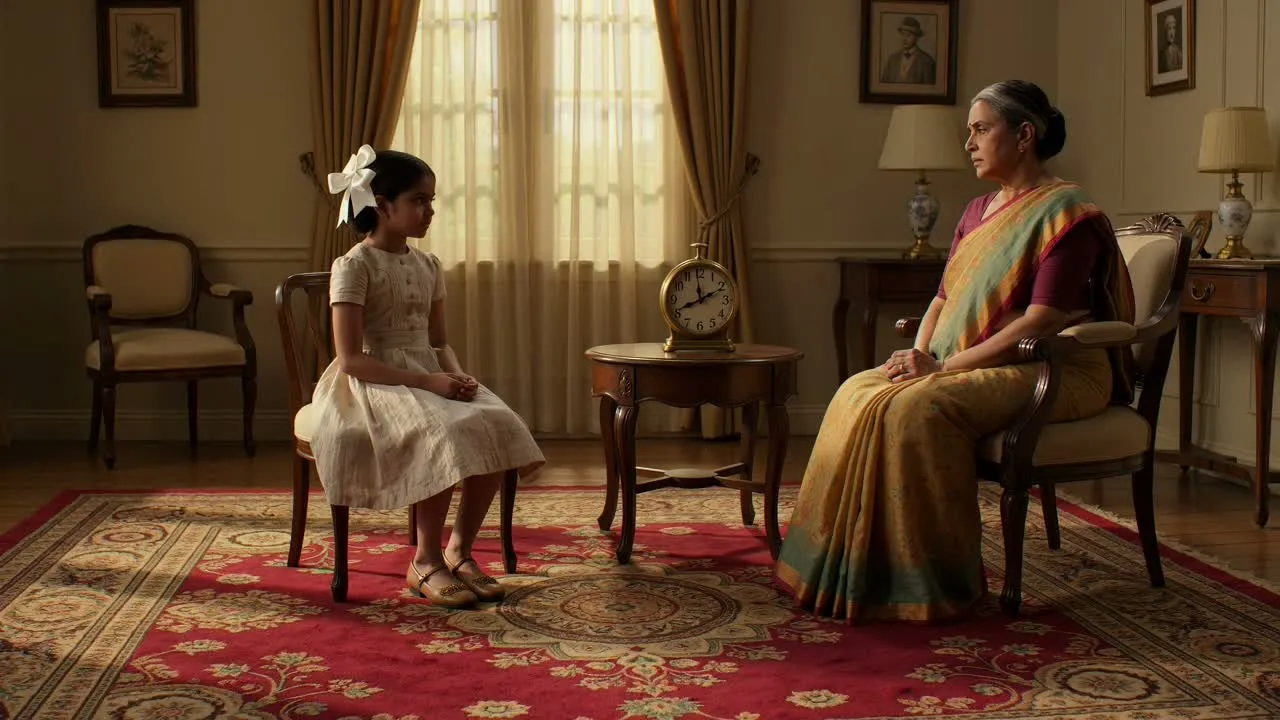
Làm rõ chủ thể và bối cảnh để giúp cảnh được tạo ra tôn trọng người, địa điểm và ngữ cảnh hình ảnh trong ảnh gốc.
Tạo các tác phẩm hình ảnh ngắn từ ảnh cũ khi bạn cần một kết quả tập trung cho việc tưởng nhớ, kể chuyện hoặc nội dung dẫn dắt bằng hình ảnh.
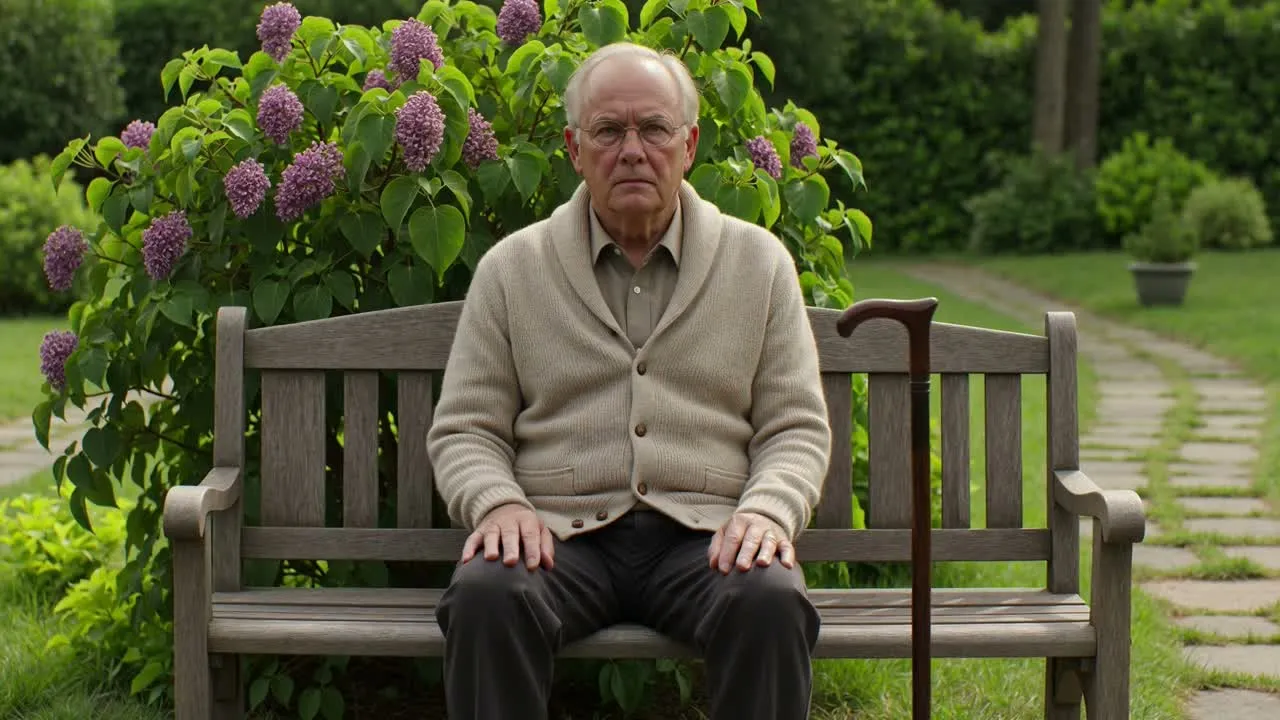
Thêm chuyển động tinh tế vào chân dung để chủ thể cảm thấy hiện diện mà không đẩy hình ảnh vào hiệu ứng phóng đại.
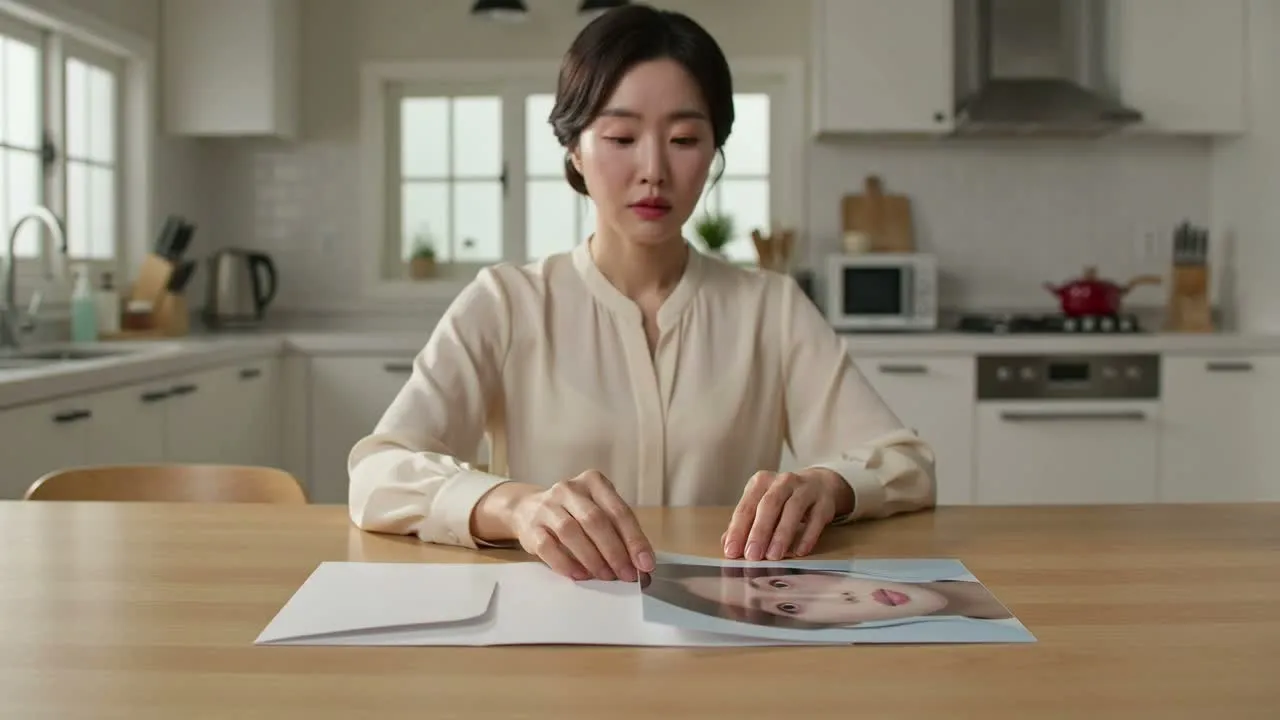
Sử dụng kết quả chuyển từ ảnh cũ sang video làm điểm khởi đầu cho bài đăng mạng xã hội, chỉnh sửa tri ân, tác phẩm tâm trạng chiến dịch hoặc chuỗi hình ảnh lịch sử.
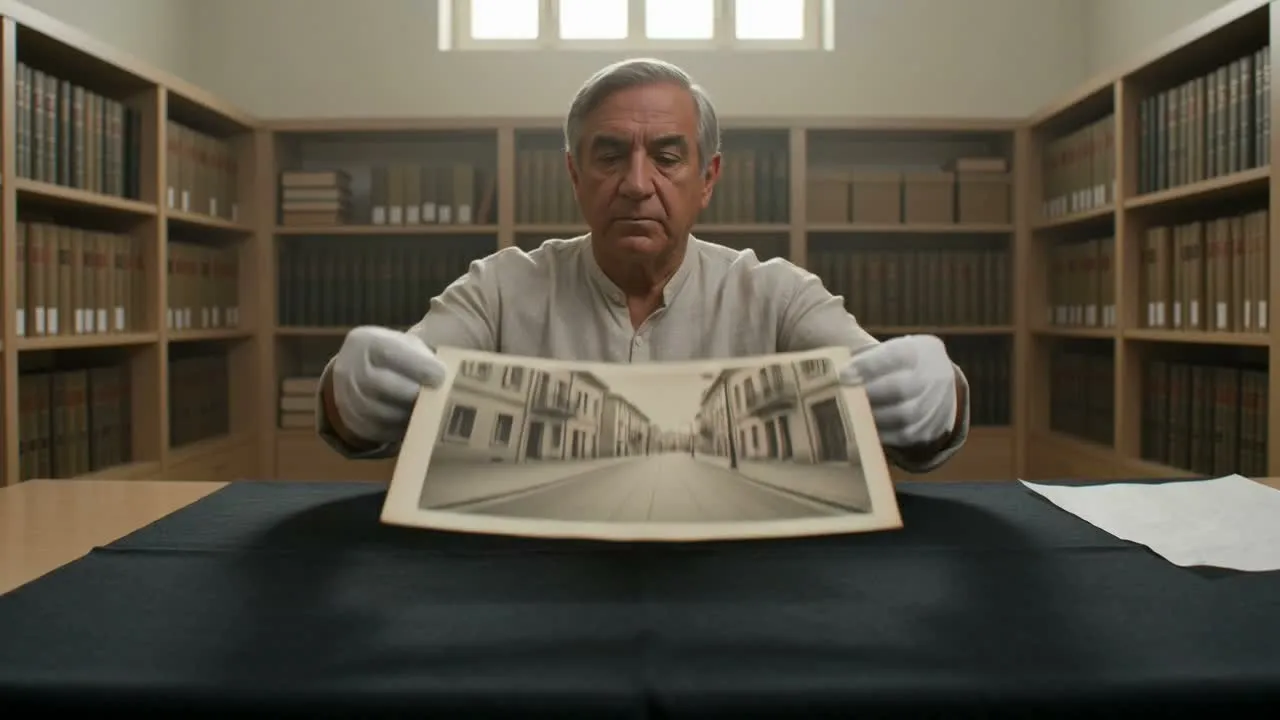
Định hình chuyển động và bầu không khí hướng tới tông điệu ký ức bình tĩnh, tôn trọng cho nội dung gia đình, lưu trữ, di sản hoặc tưởng nhớ.
Trước khi chia sẻ hoặc đặt clip được tạo vào một bản chỉnh sửa lớn hơn, hãy xem xét liệu chuyển động, tông điệu và bố cục có phù hợp với mục đích sử dụng dự định hay không.
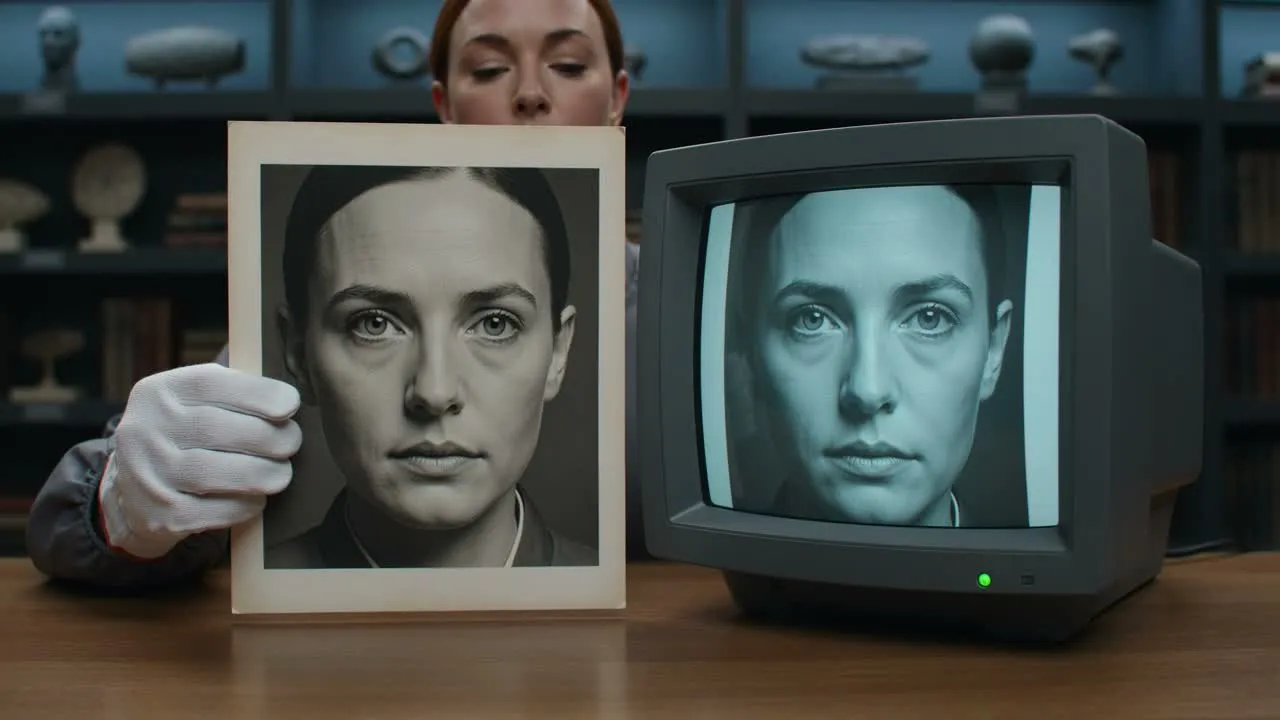
So sánh clip với yêu cầu ban đầu của bạn: chủ thể, tâm trạng, hướng chuyển động và đối tượng dự định đều phải hỗ trợ mục tiêu dự án.
Xem xét khuôn mặt, bàn tay, quần áo, các vật phẩm nền và bất kỳ chi tiết ý nghĩa nào nên được giữ nguyên sự tôn trọng và nhất quán với hình ảnh nguồn.
Kiểm tra phần cắt xén và định dạng đích để kết quả hoạt động cho bài đăng, bài thuyết trình, tài sản chiến dịch hoặc bản chỉnh sửa phong cách tưởng niệm của bạn.
Chuyển động hỗ trợ bởi AI có thể tạo ra các kết quả đa dạng, đặc biệt với hình ảnh bị hư hỏng, khuôn mặt không rõ ràng, nền phức tạp hoặc các yêu cầu chi tiết rất cụ thể.
Kết quả được tạo có thể khác với hướng bạn mô tả, vì vậy hãy coi kết quả đầu ra đầu tiên là thứ cần xem xét thay vì một kết quả cuối cùng khớp chính xác được đảm bảo.
Các đặc điểm khuôn mặt nhỏ, chi tiết quần áo, văn bản và các yếu tố nền có thể cần được xem xét cẩn thận vì những thay đổi tinh tế có thể ảnh hưởng đến tông điệu của clip.
Câu trả lời nhanh về việc sử dụng Công cụ AI Tạo hoạt ảnh từ Ảnh cũ, bao gồm đầu vào, điều khiển và các bước xem xét dự kiến.
Thêm ảnh cũ của bạn, mô tả hướng chuyển động và định hình một kết quả phong cách kỷ niệm tôn trọng cho dự án tiếp theo của bạn.