
Tải ảnh chân dung lên
Thêm ảnh chân dung bạn muốn thay đổi phong cách, đảm bảo người trong ảnh và khu vực trang phục đủ rõ để chỉnh sửa trang phục.
Tải ảnh chân dung lên, mô tả định hướng trang phục bạn muốn và tạo ảnh chân dung được thay đổi phong cách bằng Trình thay trang phục AI, phù hợp với chủ thể, bối cảnh và định dạng đích của bạn.
Trình thay trang phục AI giúp thay đổi phong cách quần áo trong ảnh chân dung bằng cách kết hợp ảnh đã tải lên với câu lệnh chỉnh sửa bằng văn bản. Công cụ này được thiết kế để trực quan hóa trang phục tập trung khi bạn cần định hướng tủ đồ mới cho một chủ thể hiện có.
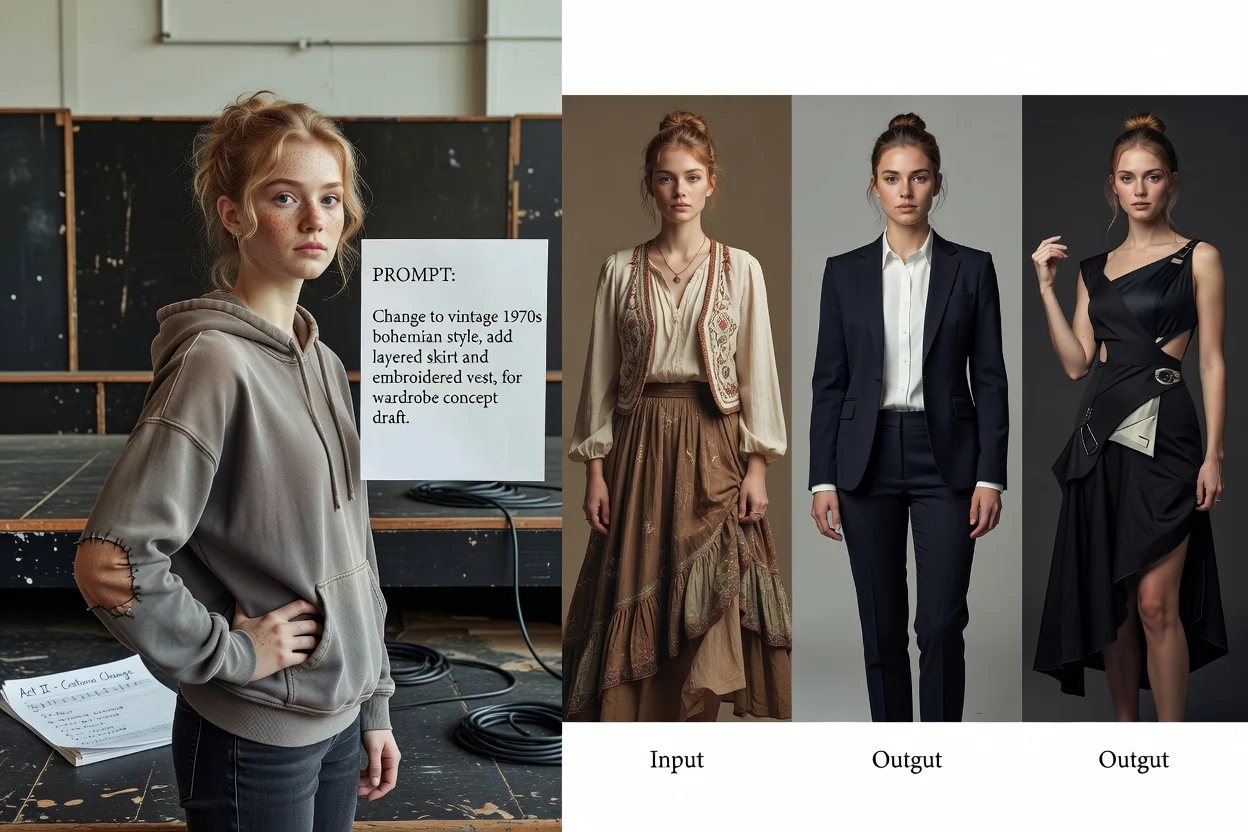
Chuyển từ việc tải ảnh chân dung lên đến đầu ra đã thay đổi phong cách bằng cách cung cấp cho trình tạo một mô tả trang phục rõ ràng và đối chiếu kết quả với mục tiêu của bạn.
Thêm ảnh chân dung bạn muốn thay đổi phong cách, đảm bảo người trong ảnh và khu vực trang phục đủ rõ để chỉnh sửa trang phục.
Viết câu lệnh về trang phục với loại trang phục, màu sắc, không khí, bối cảnh chủ thể và khung cảnh để hệ thống biết cách thay trang phục trong ảnh.
Thiết lập định hướng thị giác và định dạng đích, sau đó tạo bằng Trình thay trang phục AI rồi xem lại ảnh chân dung đã thay đổi phong cách.
Kiểm soát mô tả hình ảnh để chỉnh sửa trang phục theo một định hướng thị giác rõ ràng, thay vì chỉ thay đổi phong cách chung chung.
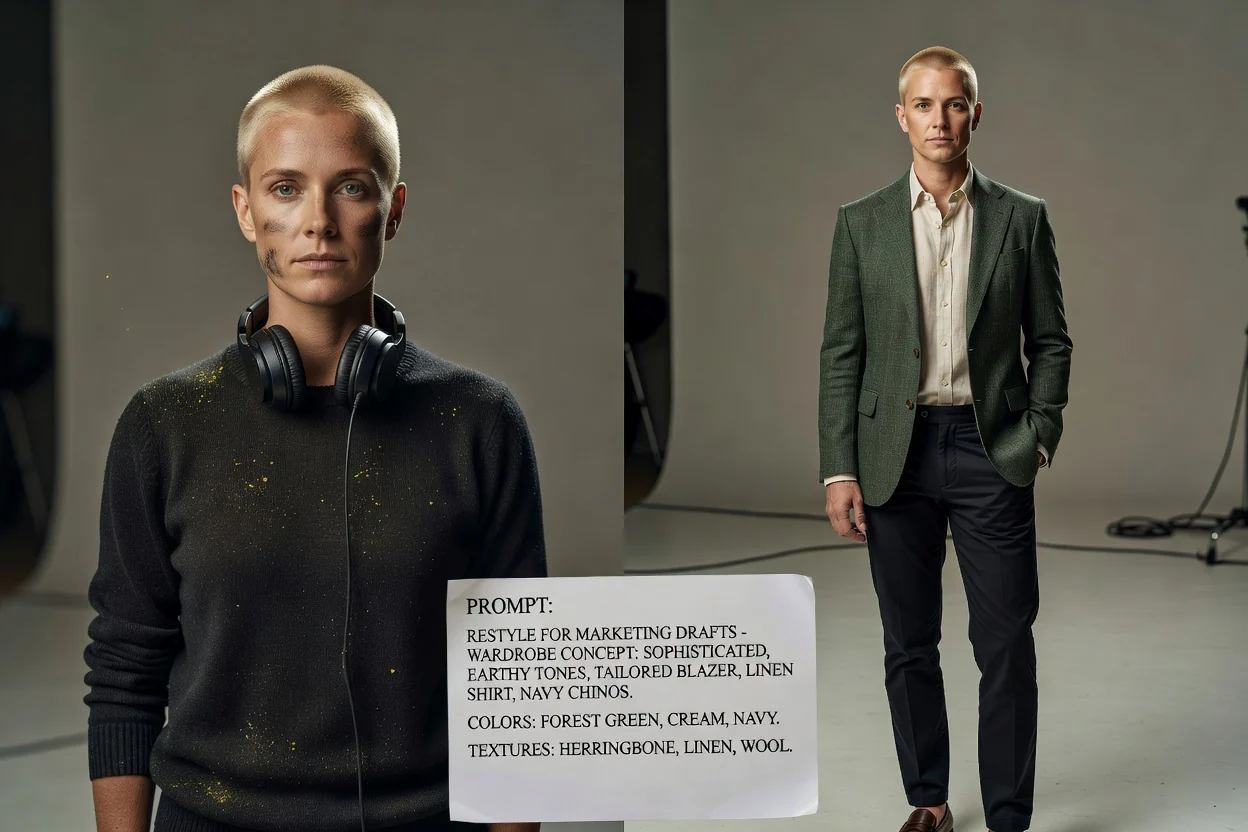
Mô tả màu sắc, loại trang phục, chất liệu và phong cách tổng thể để trình thay trang phục AI có mục tiêu cụ thể hơn để thực hiện.
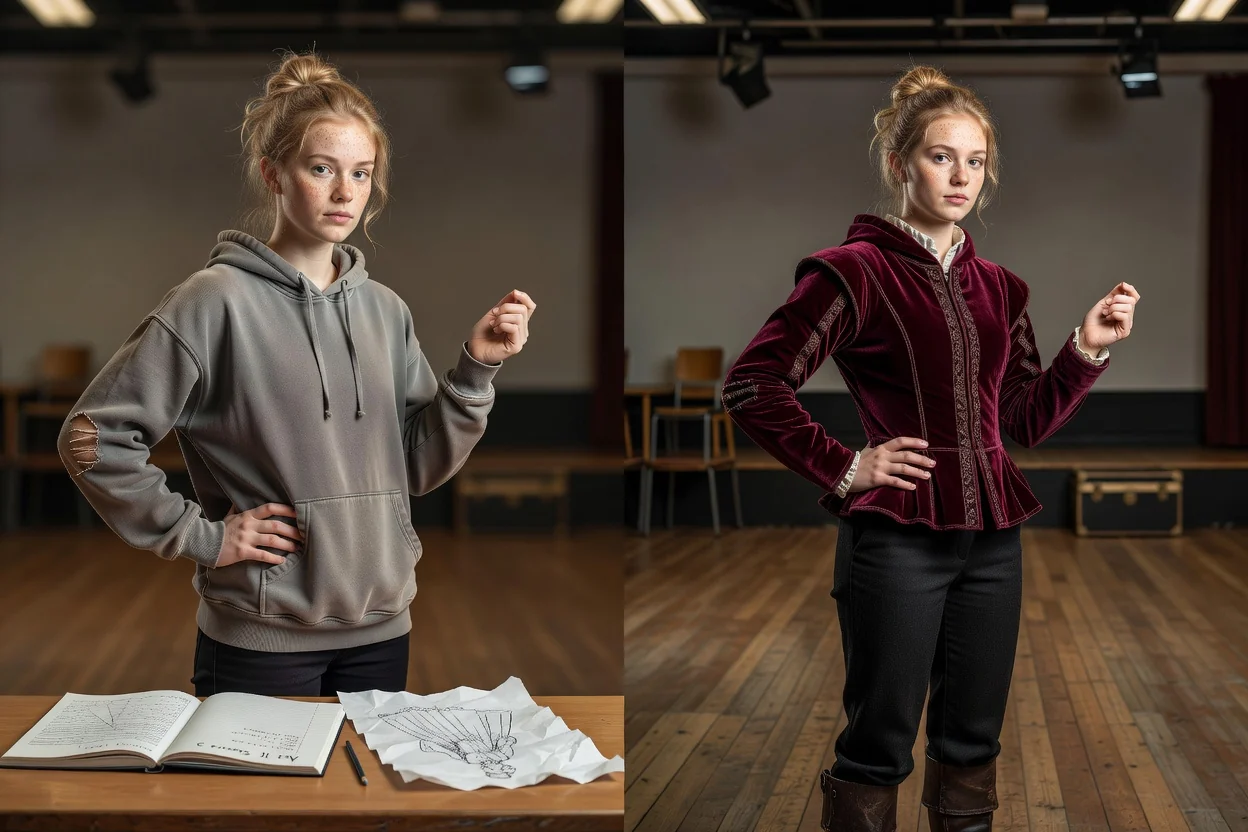
Lưu ý đến người trong ảnh, tư thế và khung cảnh khi yêu cầu thay trang phục trong ảnh, để kết quả phù hợp với bối cảnh chân dung sẵn có.
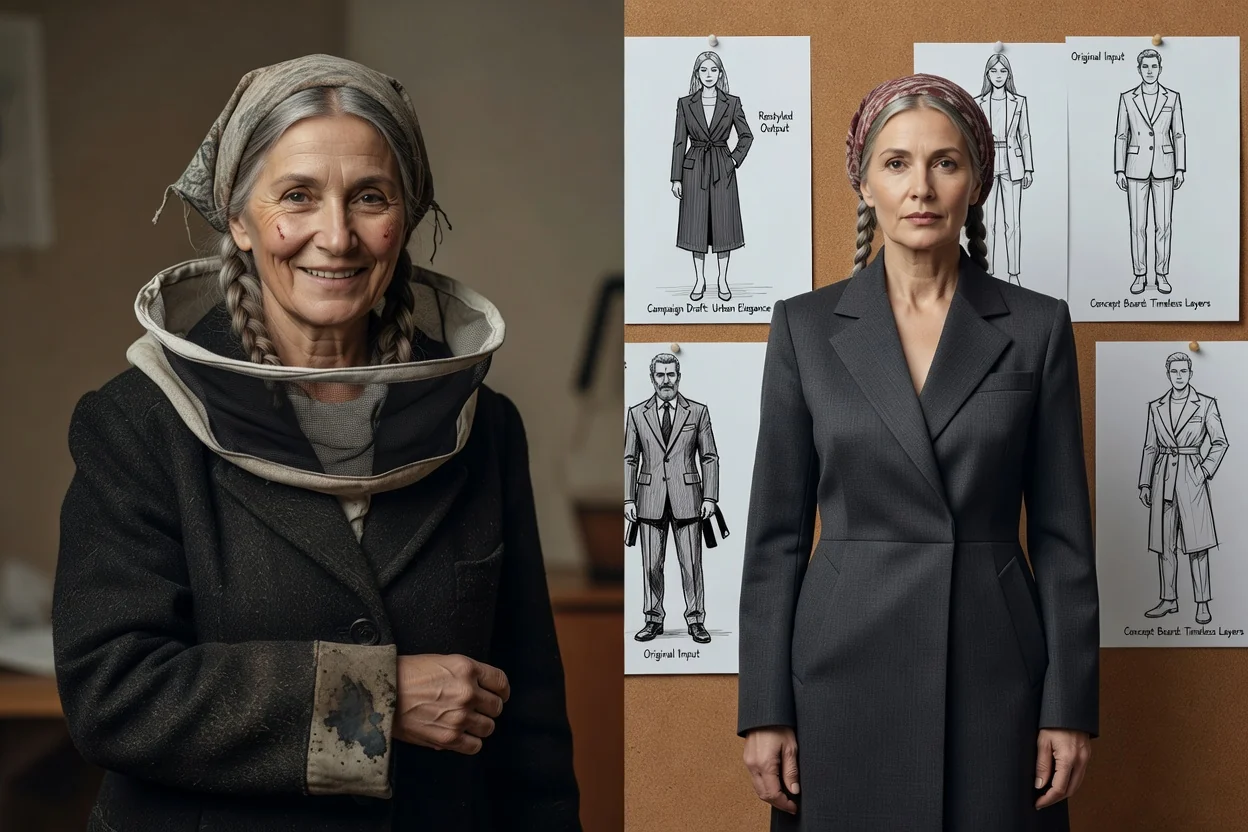
Chọn định dạng đích phù hợp với nơi ảnh chân dung đã thay đổi phong cách sẽ được dùng, như hồ sơ cá nhân, bản nháp chiến dịch hoặc bảng ý tưởng.
Tạo các lựa chọn ảnh chân dung đã thay đổi phong cách cho việc lập kế hoạch nội dung, khám phá tủ đồ và xây dựng ý tưởng chiến dịch.
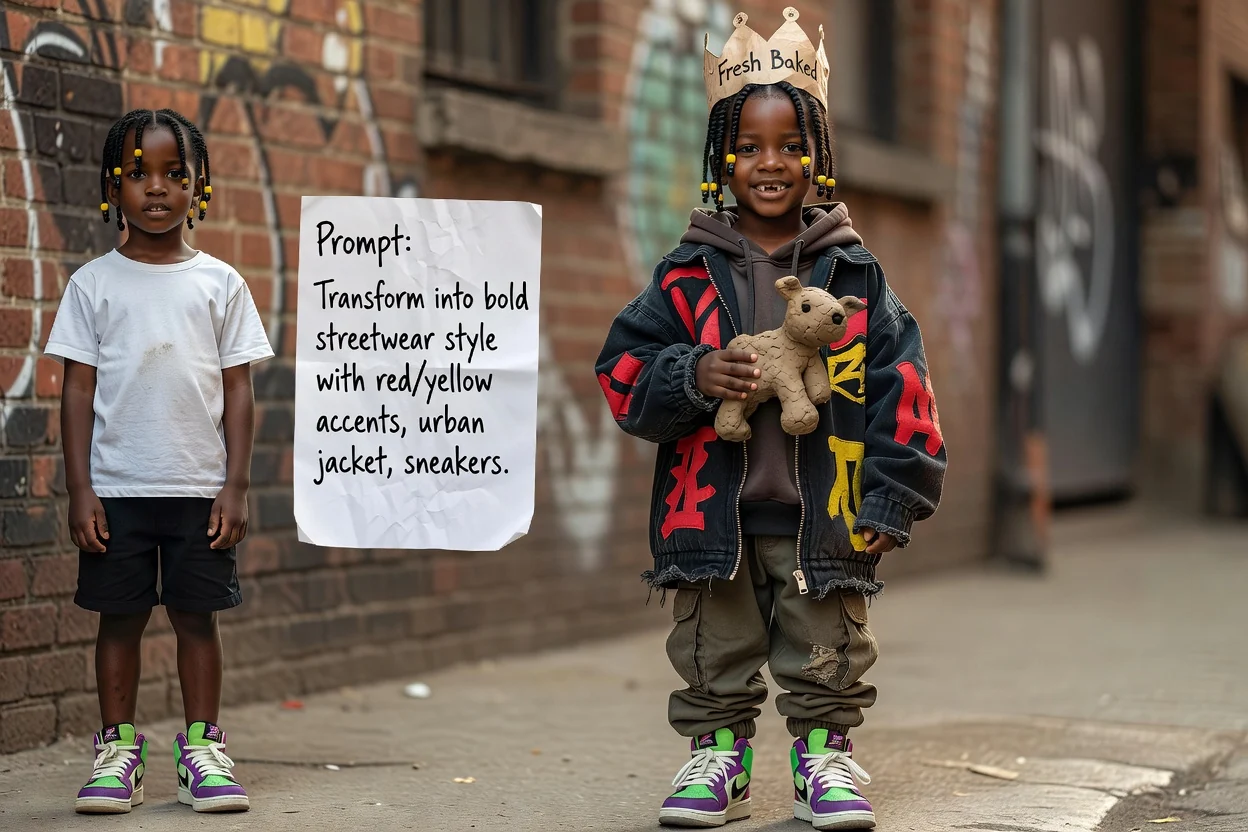
Xây dựng ý tưởng thay đổi sang phong cách đường phố bằng cách mô tả áo khoác, giày thể thao, màu sắc và các dấu hiệu tạo kiểu đô thị cho ảnh chân dung.
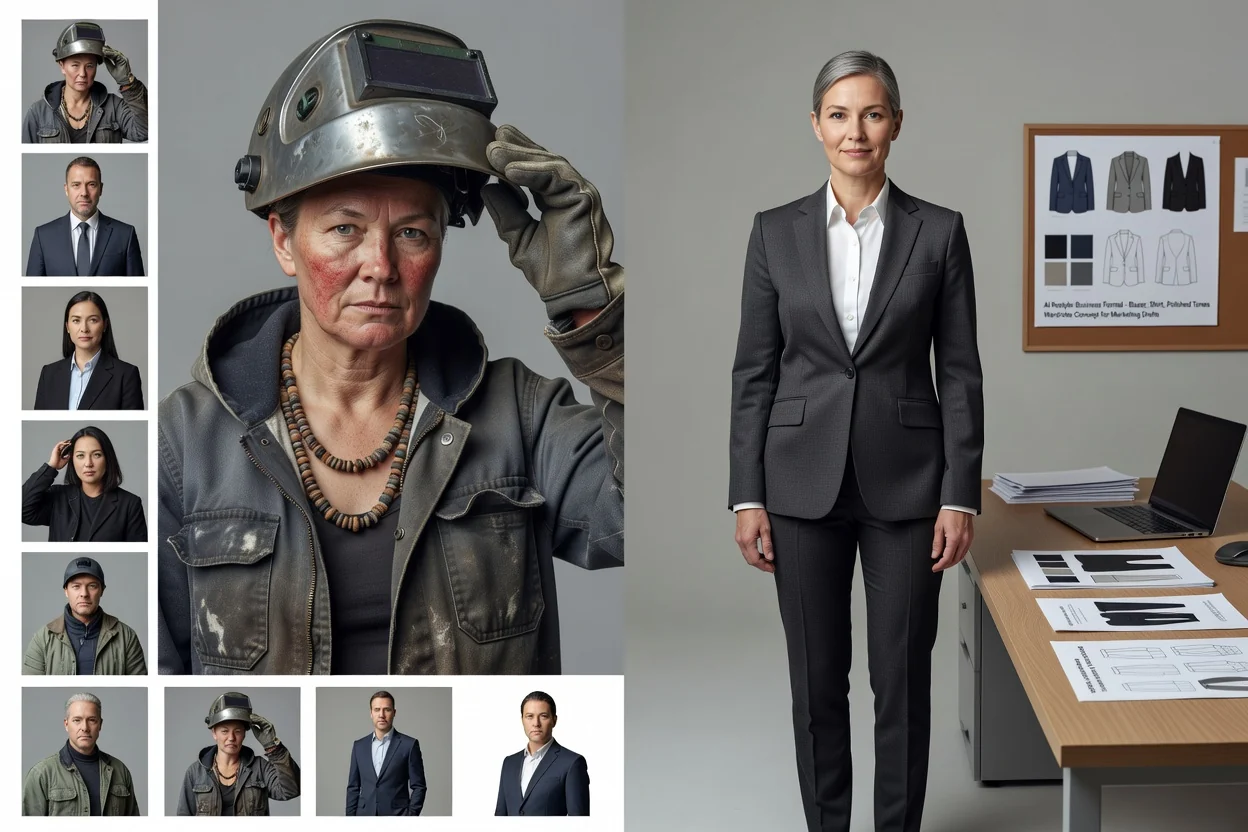
Dùng trình thay trang phục AI để khám phá các định hướng tủ đồ công sở như áo blazer, áo sơ mi, màu sắc trang trọng hoặc diện mạo chuyên nghiệp chỉn chu.
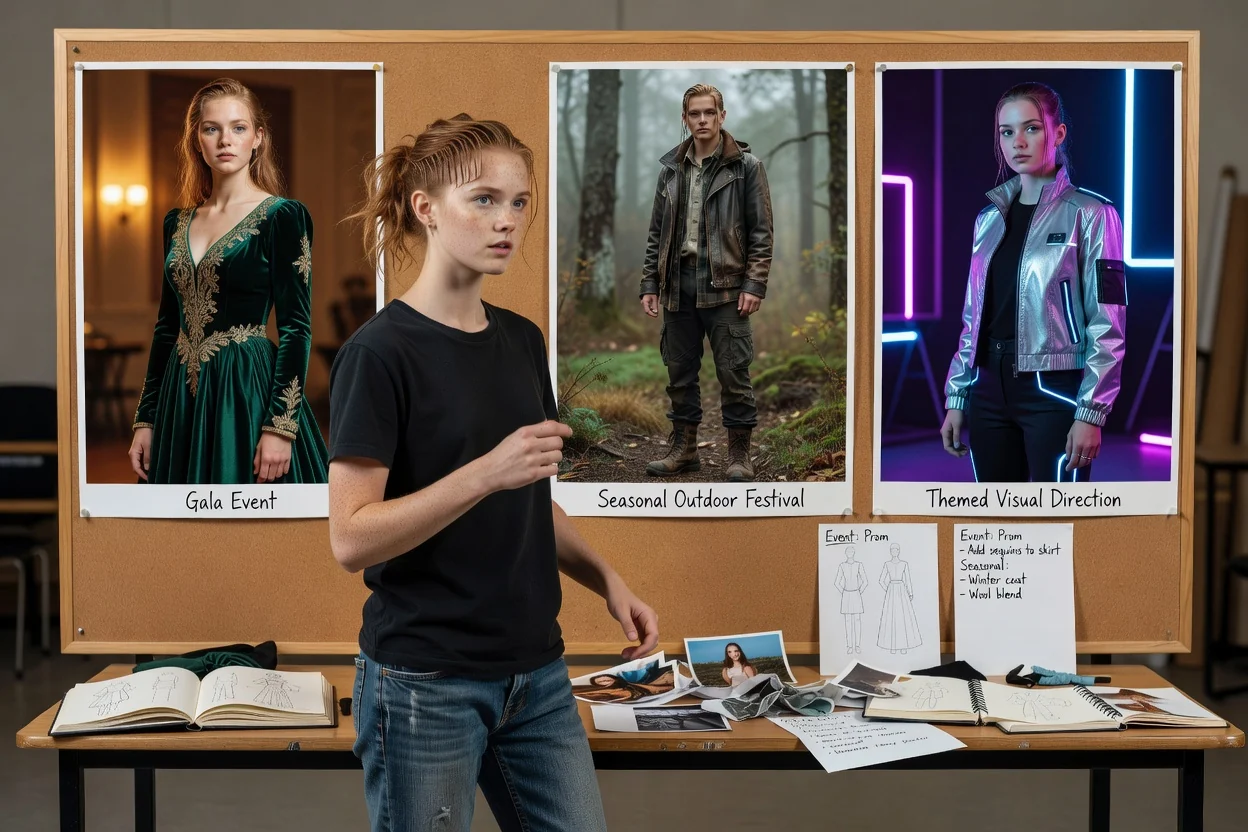
Thay trang phục trong ảnh để tạo ý tưởng trang phục cho dịp đặc biệt, gồm diện mạo sẵn sàng dự sự kiện, phong cách theo mùa hoặc định hướng hình ảnh theo chủ đề.
Trước khi chọn kết quả cuối cùng, hãy xem lại hình ảnh theo yêu cầu dự án và các yêu cầu thực tế của định dạng đích.
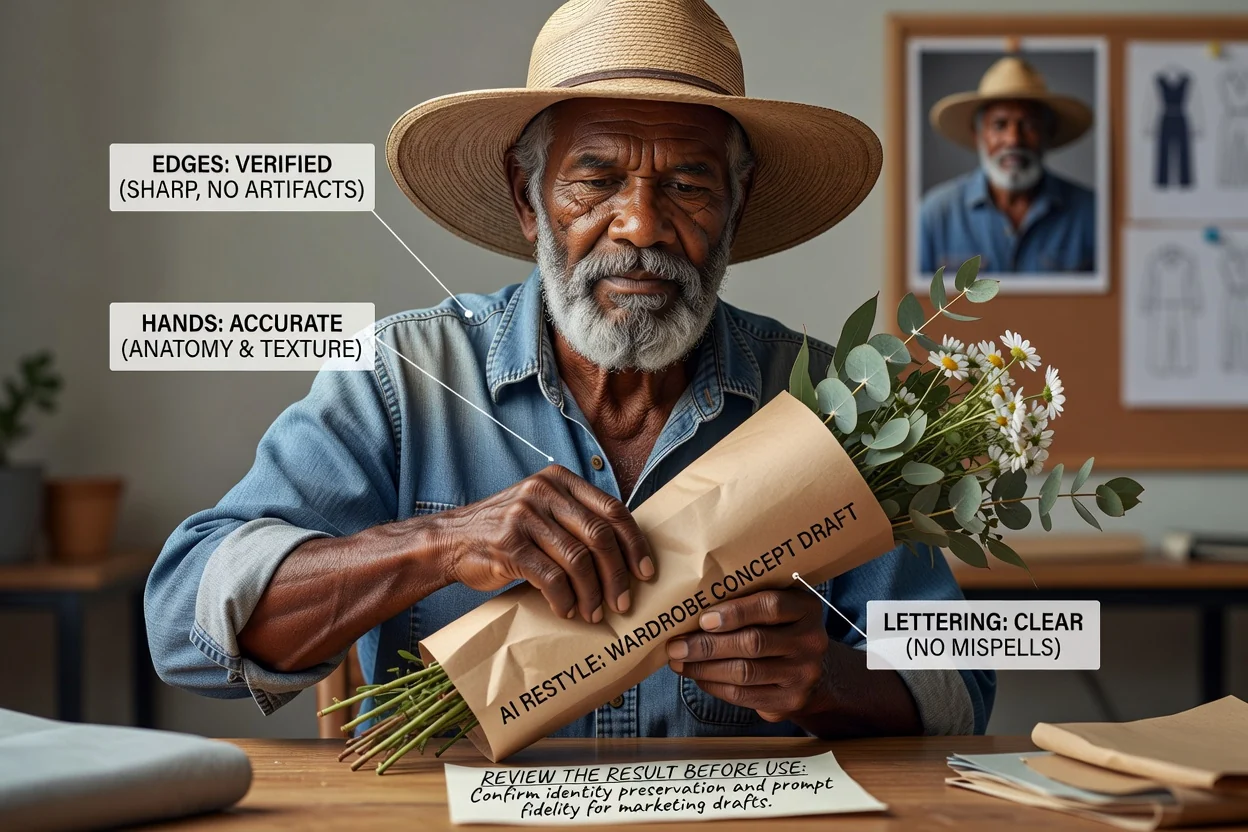
So sánh ảnh chân dung đã thay đổi phong cách với bản yêu cầu sáng tạo ban đầu, gồm phong cách tủ đồ, sắc thái và đối tượng khán giả dự kiến.
Kiểm tra đường viền trang phục, bàn tay, phụ kiện, tính nhất quán khuôn mặt và các chi tiết khác quan trọng cho mục đích sử dụng cuối cùng.
Kiểm tra xem khung cắt và định dạng đích có phù hợp với kênh, bố cục hoặc bản trình bày nơi hình ảnh sẽ xuất hiện hay không.
Các chỉnh sửa trang phục bằng AI có tính chất tạo sinh, vì vậy hãy xem lại kết quả về độ chân thực, tính nhất quán và mức độ phù hợp với mục đích sử dụng của bạn.
Kết quả tạo ra có thể khác với câu lệnh, đặc biệt khi ảnh chân dung gốc có trang phục phức tạp, đường viền không rõ hoặc tư thế khác thường.
Phụ kiện nhỏ, logo, bàn tay, tóc và ranh giới trang phục có thể cần được kiểm tra kỹ vì các chi tiết quan trọng có thể thay đổi trong quá trình thay đổi phong cách.
Giải đáp các câu hỏi thường gặp trước khi bạn tạo bằng Trình thay trang phục AI.
Dùng ảnh chân dung và câu lệnh về trang phục để tạo ảnh đã thay đổi phong cách tập trung cho dự án hình ảnh tiếp theo của bạn.