


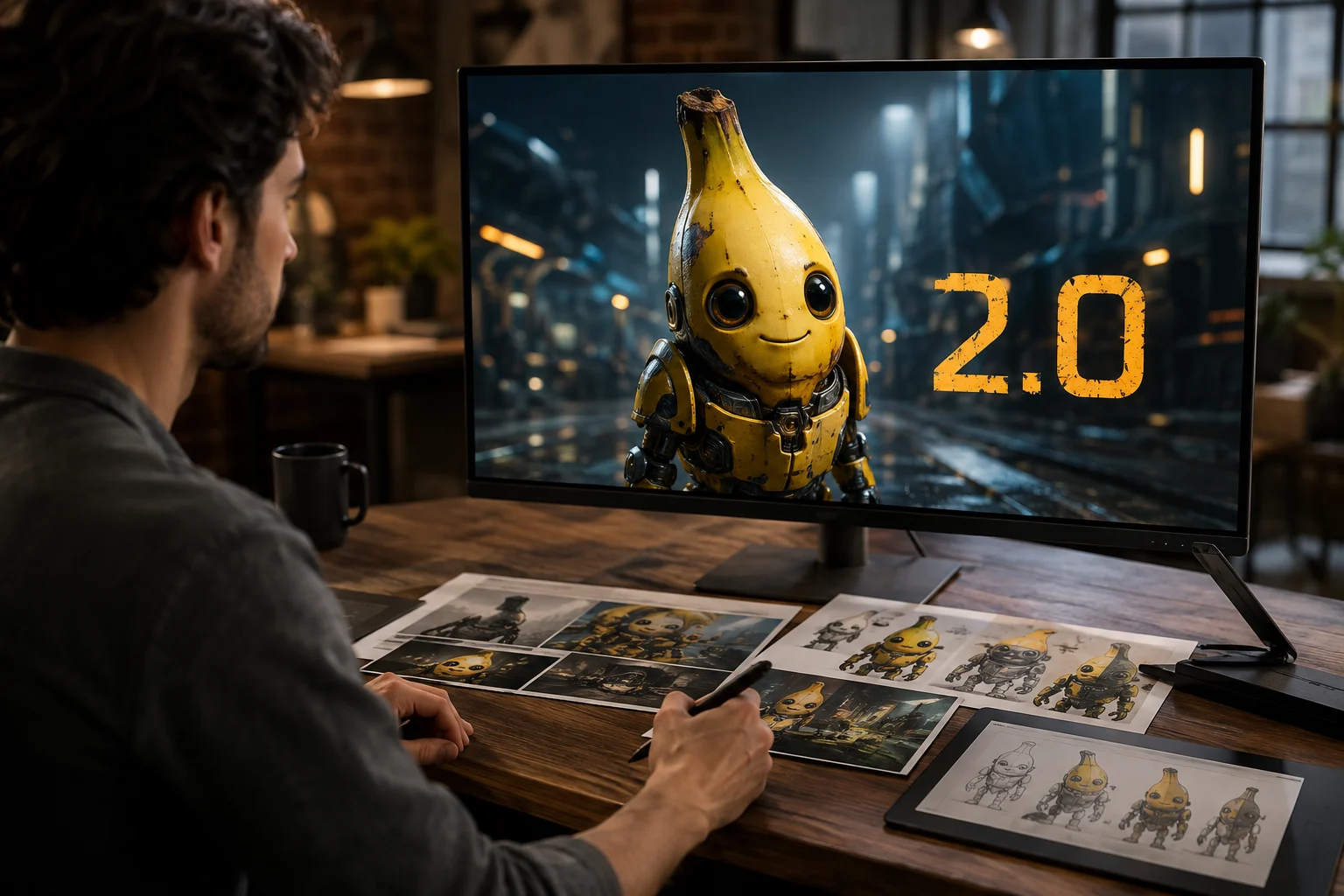
Генерация высококачественных изображений
Генерируйте изображения по детальному промпту, затем проверяйте результат на соответствие теме, композиции и видимым деталям.
Ознакомьтесь с идентификацией Nano Banana 2.0, поддерживаемыми входными данными и текущей доступностью перед выбором для задачи создания изображений AI.
Для команд, спрашивающих, что такое Nano Banana 2, это Google Gemini 3.1 Flash Image для генерации изображений и быстрого редактирования.
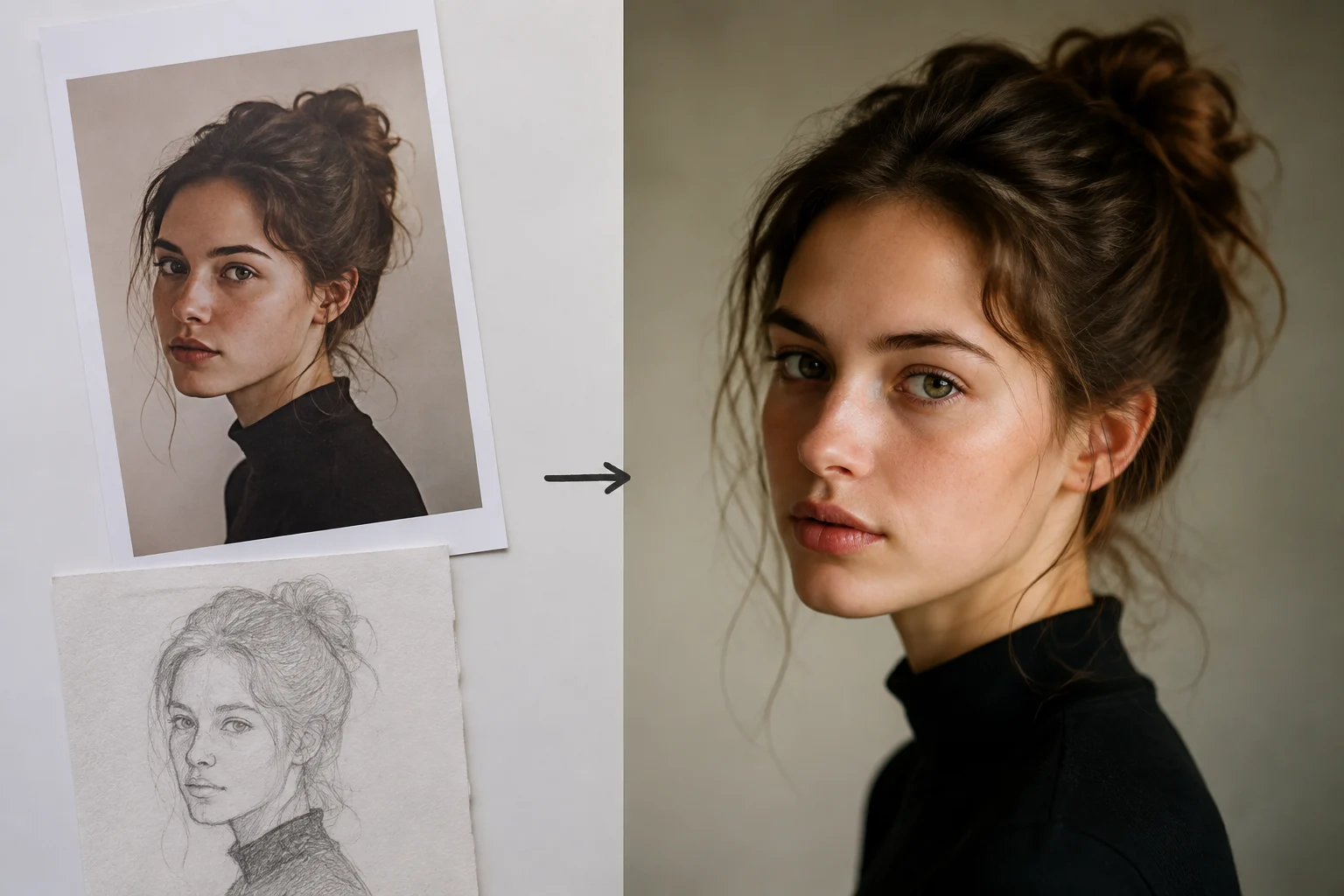
Эти возможности помогают командам оценить пригодность для генерации изображений и редактирования на основе референсов до производственного обзора.
Генерируйте изображения по детальному промпту, затем проверяйте результат на соответствие теме, композиции и видимым деталям.
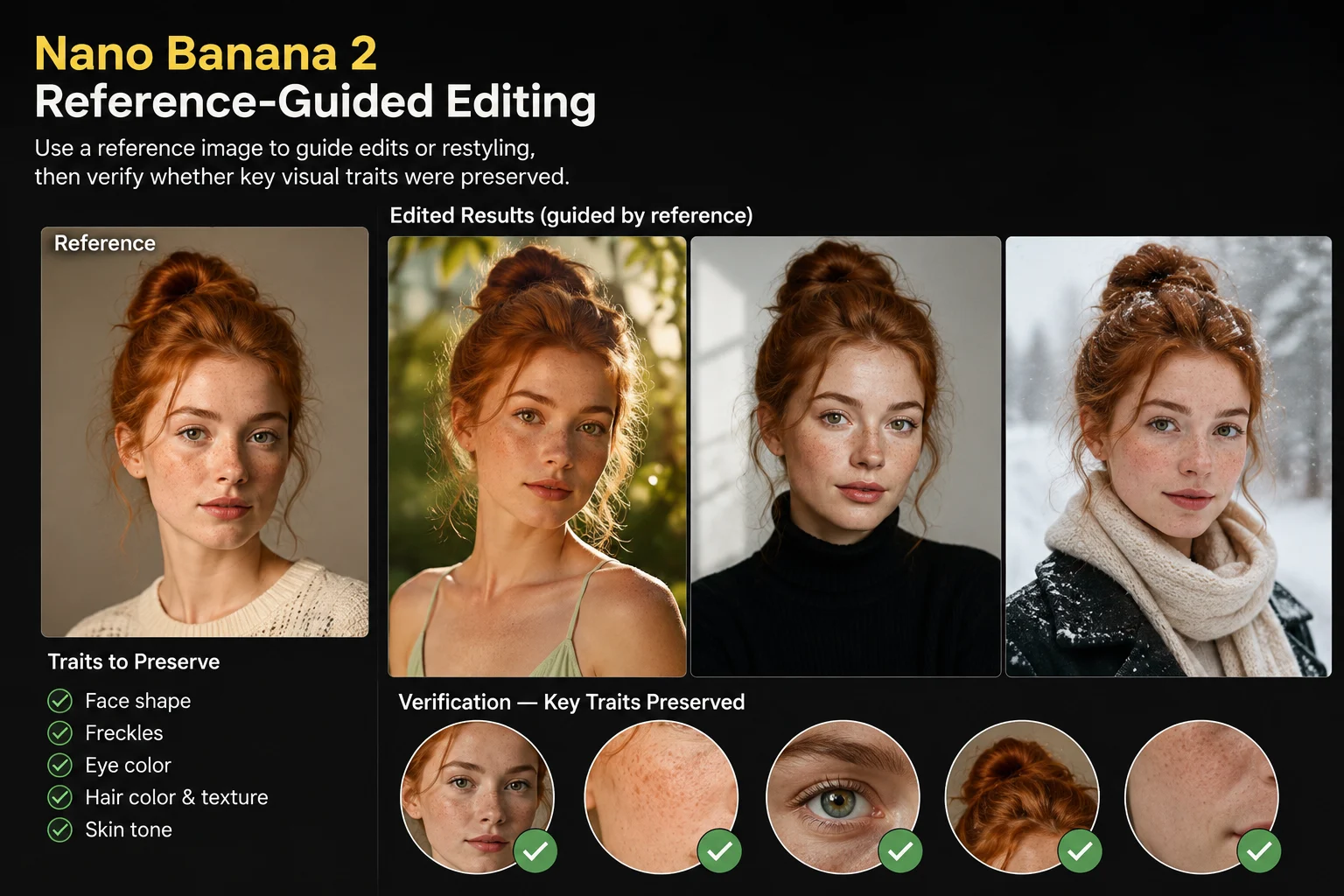
Используйте референсное изображение для направления правок или изменения стиля, затем проверьте, сохранены ли ключевые визуальные черты.
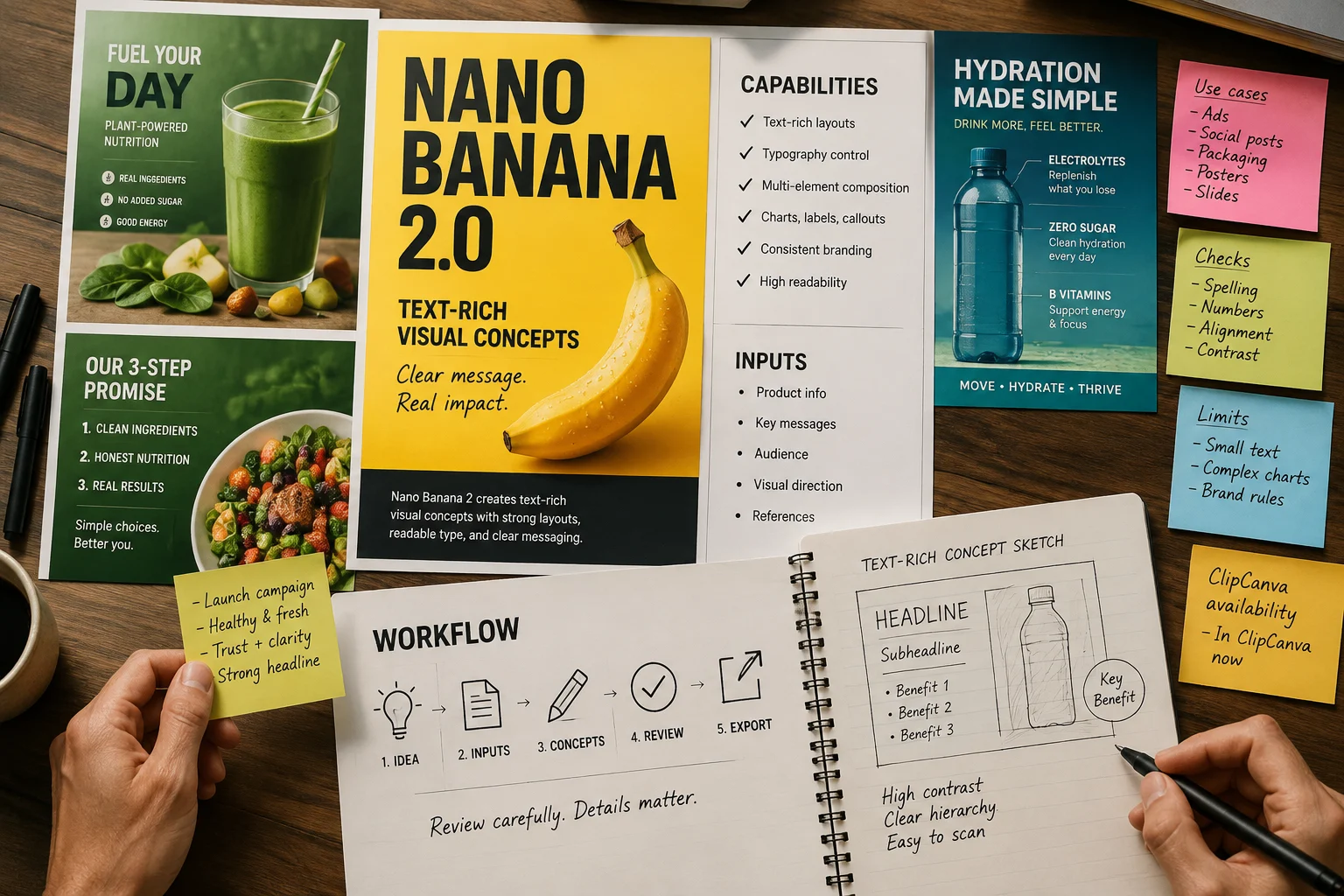
Создавайте визуальные концепции с богатым текстом при тщательном обзоре, поскольку видимые формулировки и мелкие детали все еще нуждаются в проверке.
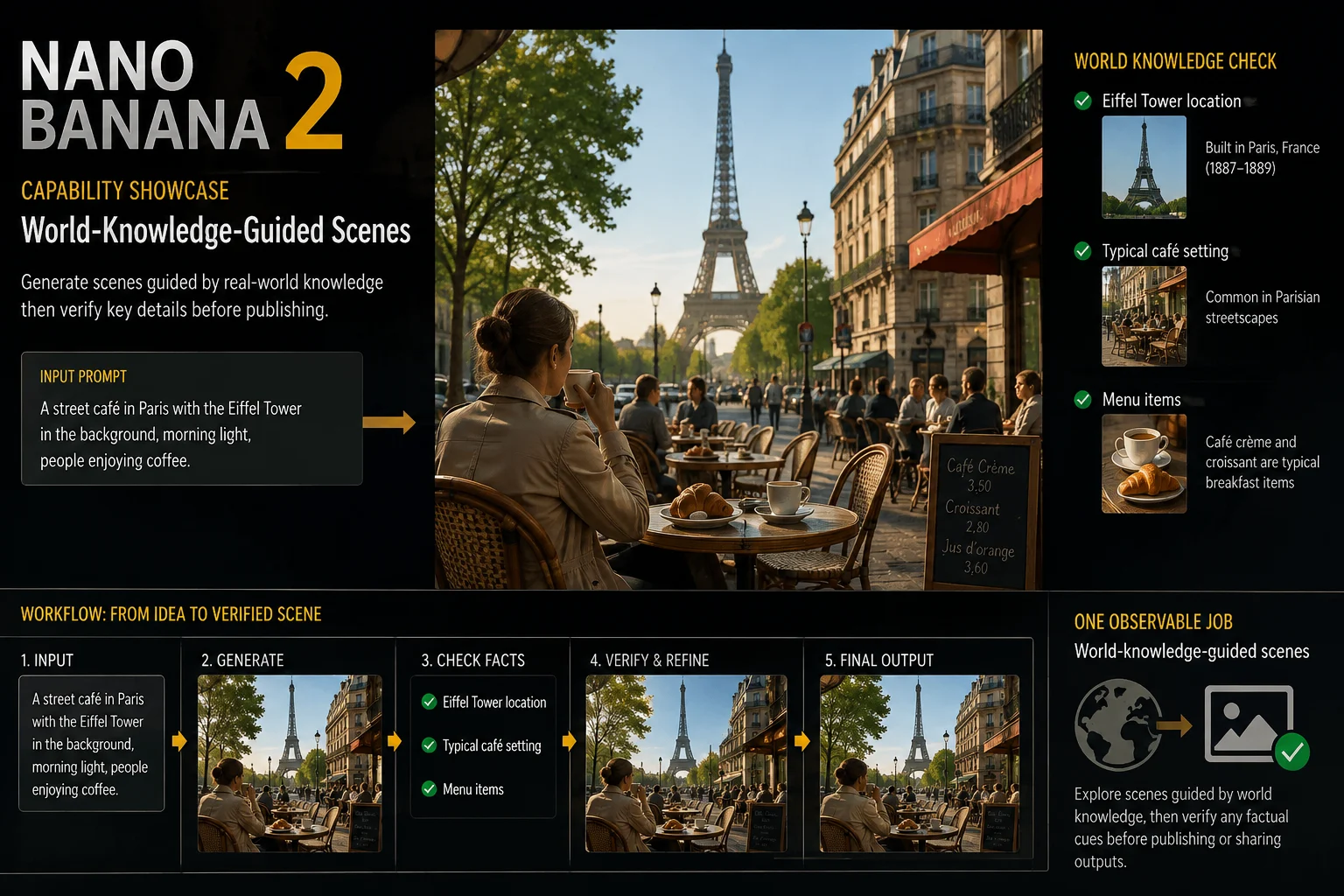
Исследуйте сцены, основанные на знаниях о мире, затем проверяйте любые фактические указания перед публикацией или распространением результатов.
Чтобы получить доступ к Nano Banana 2, откройте эту связанную страницу и используйте живые входные данные и элементы управления как источник истины.
Предоставьте четкий текстовый промпт и добавьте референсное изображение, когда хотите, чтобы результат следовал существующему визуальному направлению.
Используйте показанные элементы управления: выбор модели, соотношение сторон, количество выходных данных, разрешение, стиль, улучшение промпта, скорость генерации и референсное изображение.
Ожидайте сгенерированные изображения или правки изображений на основе референсов, которые все еще требуют проверки на детализацию, точность и кадрирование.
Доступ к Nano Banana 2 начинается с этой связанной страницы, конкретного промпта, видимых элементов управления и обзора вывода.
Укажите результат, аудиторию, тему, обстановку, стилевое направление и где будет использоваться итоговое изображение.
Напишите сжатый промпт и соберите референсное изображение только тогда, когда это руководство необходимо для задачи.
Выберите видимую модель, соотношение сторон, количество выходных данных, разрешение, стиль, улучшение промпта и настройки скорости.
Сгенерируйте результаты, сравните их с брифом и пересмотрите самое слабое указание перед следующей попыткой.
Эти примеры использования подходят командам, которым нужны концепции, ведомые промптом, правки с учетом референсов и проверенные творческие вариации.
Создавайте сцены с продуктами с определенной темой, обстановкой и целью размещения, затем тщательно проверяйте точность продукта.
Измените стиль существующего визуального направления с помощью референсного изображения, затем сравните ключевые детали с исходным активом.
Создавайте графику для кампаний, рекламы, целевых страниц или социальных постов, затем внимательно проверяйте текст и элементы бренда.
Генерируйте несколько творческих направлений из одного промпта, затем сужайте выбор через обзор и целевые правки.
Используйте структурированный проход проверки перед публикацией, особенно когда изображение включает продукты, текст или фактический контекст.
Подтвердите, что тема, сцена, действие, стиль и композиция соответствуют промпту и любому утвержденному референсному материалу.
Проверьте видимый текст, края, мелкие объекты, руки, особенности продукта и другие мелкие детали на дефекты.
Проверьте внешний вид продукта, логотипы, сигналы бренда и фактические утверждения по сравнению с утвержденным исходным материалом перед использованием.
Проверьте соотношение сторон, размеры, кадрирование и требования назначения перед передачей изображения в производство.
Доступ к Nano Banana 2 проверен здесь, однако переменный вывод и человеческий обзор все еще являются частью ответственного использования.
Nano Banana 2 подключен в ClipCanva сегодня, поэтому используйте показанные варианты перед отправкой как текущий источник истины.
Одни и те же входные данные могут давать разные детали или композицию, поэтому сравнивайте результаты и уточняйте промпт при необходимости.
Сгенерированные факты, видимый текст и детали референсов все еще нуждаются в проверке перед публикацией или передачей клиенту.
Данные проверены
Найдите прямые ответы об идентификации, доступе, вопросах ценообразования, сравнениях, входных данных, доступности и потребностях в обзоре.
Сравните связанные модели изображений AI по поддерживаемым входным данным, видимым элементам управления, поведению вывода и проверенной доступности в ClipCanva.
Начните с четкого промпта, подтвердите текущий доступ, генерируйте изображения с Nano Banana 2 и зарезервируйте время для проверки.