
Опишите идею
Напишите простыми словами, что хотите увидеть. Важнее назвать объект и цель, чем писать длинный текст.
Планирование промпта
Опишите идею, выберите тип изображения, стиль, целевую модель и соотношение сторон — генератор промптов для изображений создаст структурированный промпт, краткую версию и негативный промпт для копирования.
Рабочая область промптов
Из идеи в готовый промпт для изображения
Достаточно одного чернового предложения. Генератор добавит структуру, стиль, свет и композицию.
Результаты появятся здесь с выбранной моделью, соотношением сторон, стилем и количеством вариантов.
Результаты появятся здесь с выбранной моделью, соотношением сторон, стилем и количеством вариантов.
Достаточно одного чернового предложения. Генератор добавит структуру, стиль, свет и композицию.
Из идеи в готовый промпт для изображения
Использовать в генератореПреобразует краткое описание в язык промптов, понятный модели изображений. Вместо подбора формулировок наугад вы задаёте тип изображения, визуальный стиль, целевую модель и соотношение сторон, а затем получаете промпт с объектом, композицией, освещением и тем, что не должно попасть в кадр.
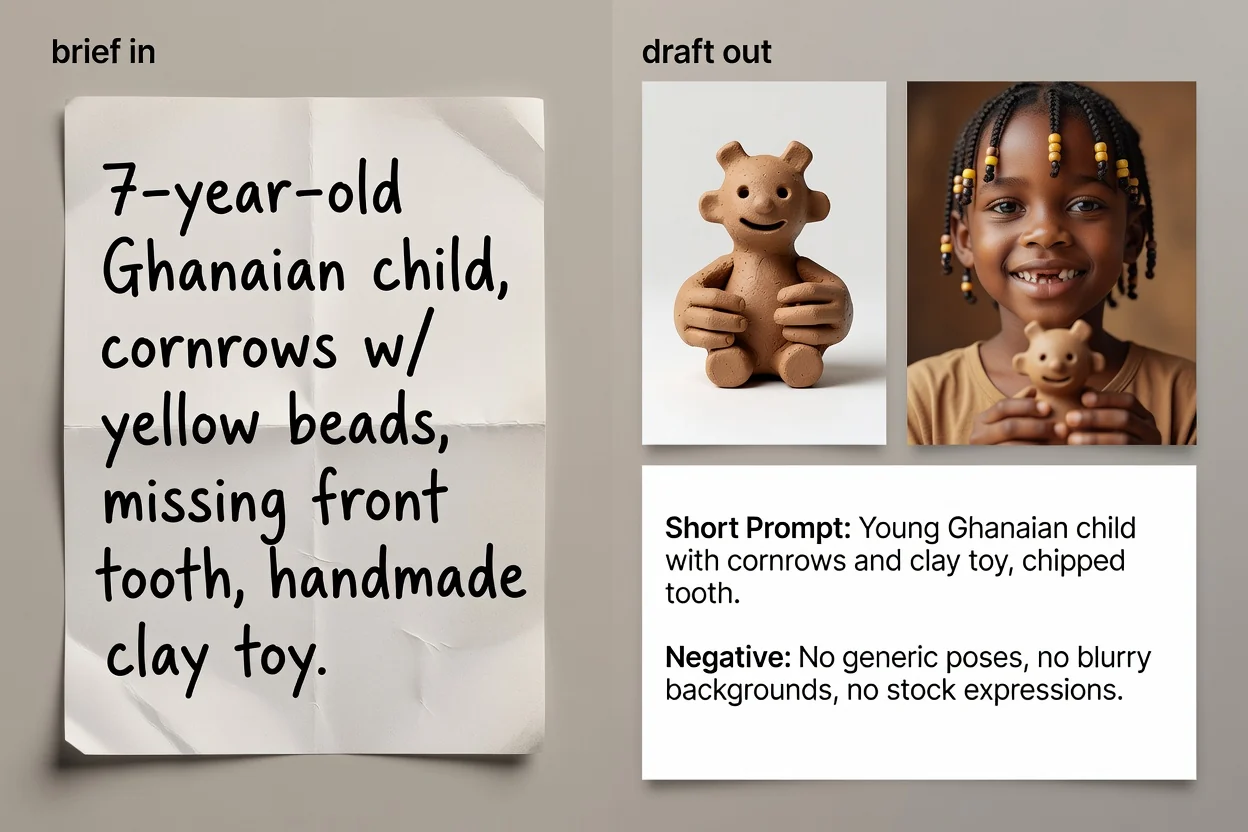
Четыре шага от идеи до готового к копированию текста промпта.
Напишите простыми словами, что хотите увидеть. Важнее назвать объект и цель, чем писать длинный текст.
Выберите тип изображения и визуальный стиль, чтобы промпт использовал правильный словарь для этой категории.
Выберите модель, которой будете пользоваться, и соотношение сторон, чтобы формулировки и кадрирование соответствовали результату.
Создайте промпт, проверьте его и при желании запустите улучшение ИИ, чтобы сделать формулировки точнее и добавить недостающие детали.
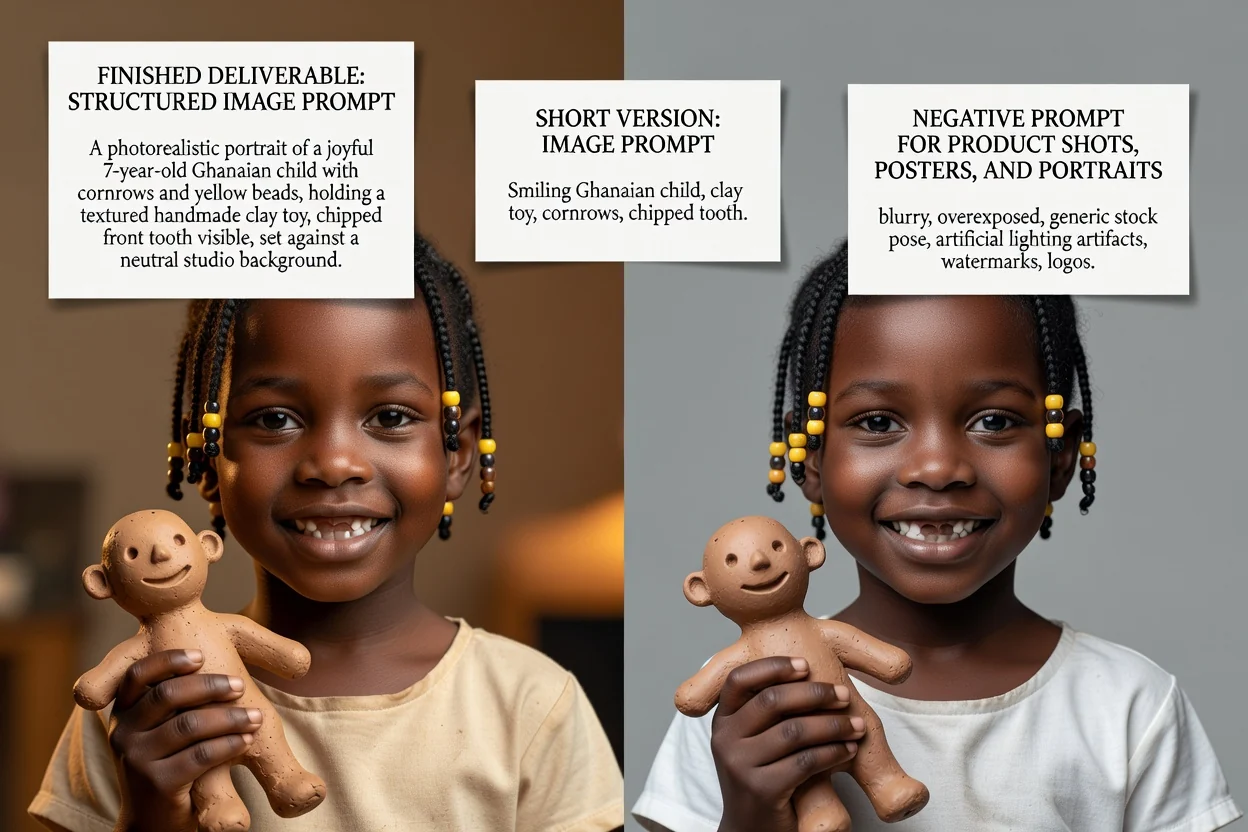
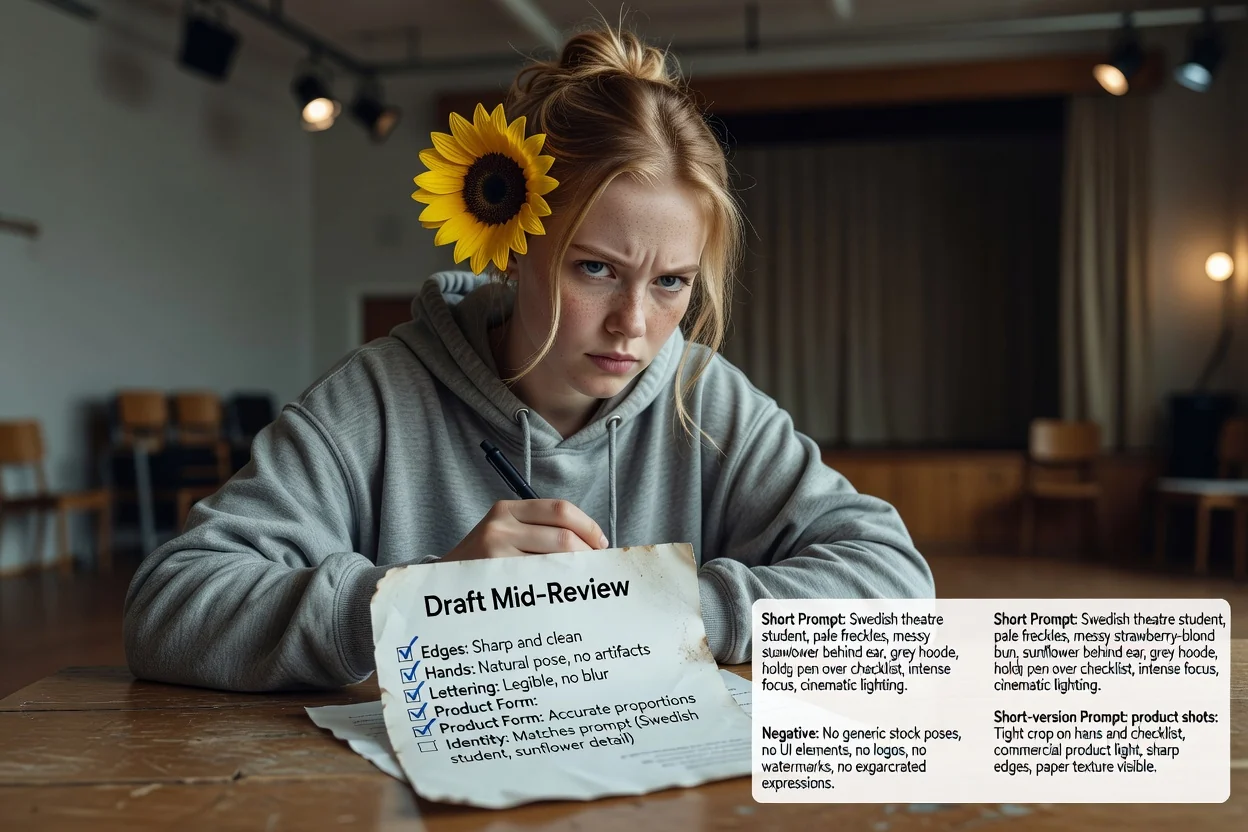
Три версии промпта для разных задач.
Полный промпт, где последовательно описаны объект, композиция, освещение, стиль и кадрирование.
Необязательная переработанная версия, которая делает формулировки точнее и заполняет пробелы, оставшиеся в кратком описании.
Сжатая версия для интерфейсов с жёсткими ограничениями ввода или быстрой итерации.
Список того, чего не должно быть на изображении: текста, водяных знаков или искажённых деталей.
Каждый параметр меняет формулировки, а не только подпись.
Фото товара, портрет, постер, логотип, графика для соцсетей или иллюстрация. От этого зависит набор терминов композиции.
Фотореализм, кинематографичность, редакционный, минимализм, 3D-рендер или аниме — выбор задаёт язык освещения и рендеринга.
GPT Image, Midjourney, Flux, Stable Diffusion или DALL-E. Их правила формулировок различаются.
Квадратный, горизонтальный, вертикальный или портретный формат — чтобы кадрирование и свободное пространство подходили для итогового размещения.
Частые задачи, с которых начинают здесь.
Пишите промпты с указанием поверхности, освещения и свободного пространства, чтобы рядом с товаром осталось место для заголовка.
Создать промпт для товара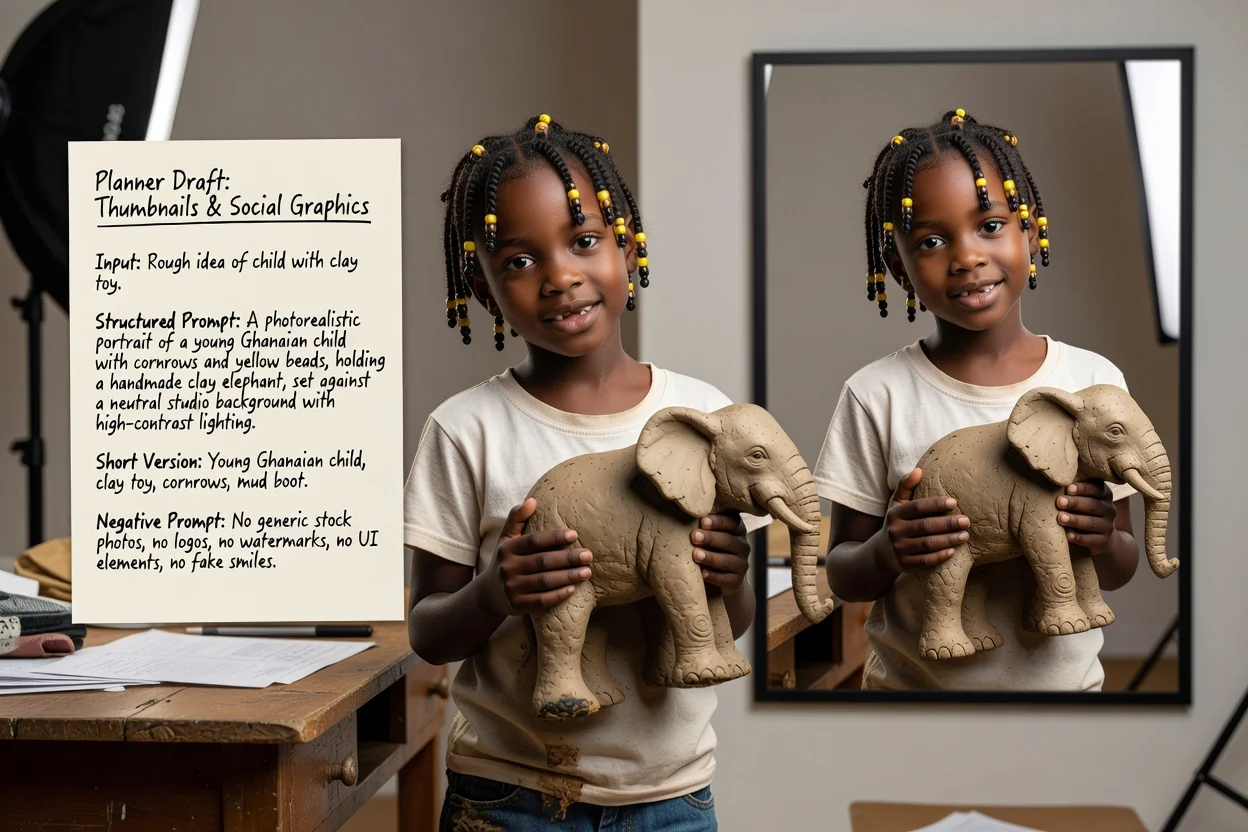
Выберите вертикальное или горизонтальное соотношение сторон и контрастный стиль, чтобы результат читался в малом размере.
Создать промпт для соцсетей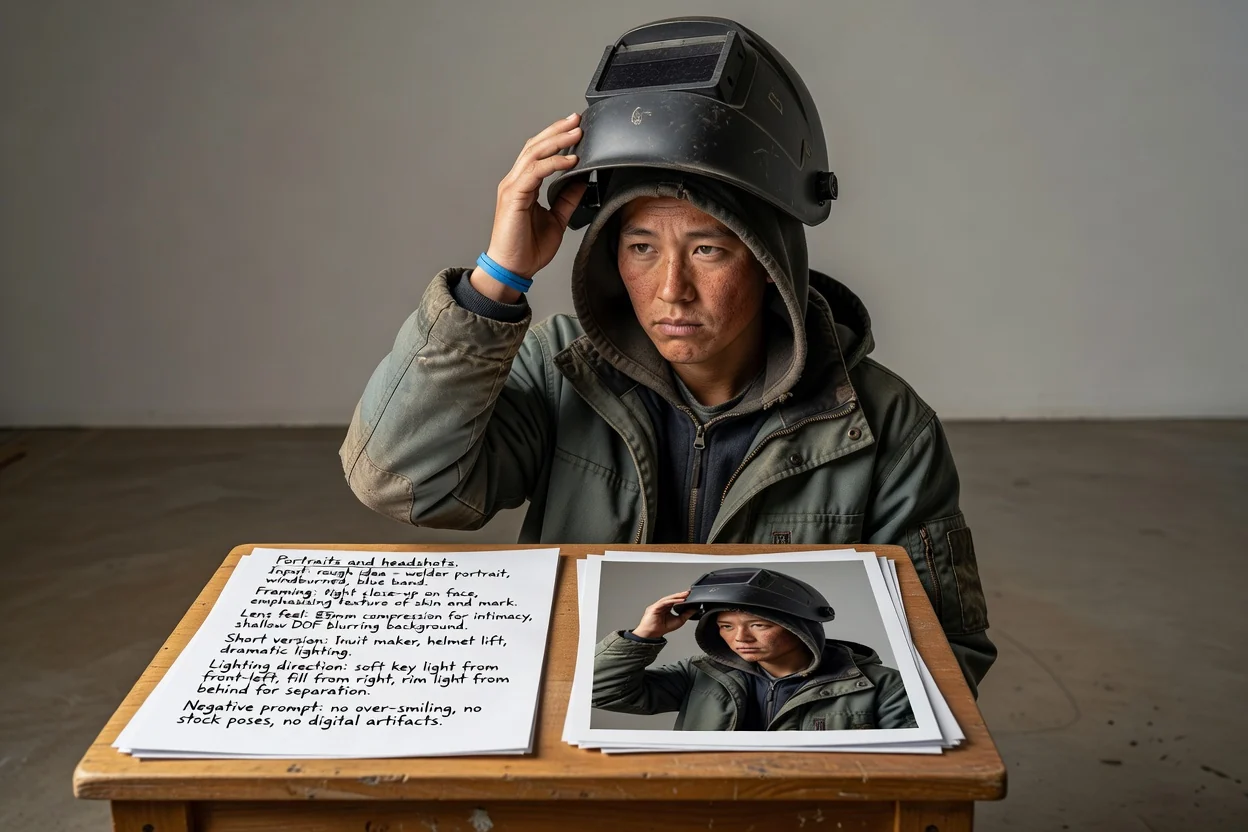
Опишите кадрирование, характер объектива и направление света, вместо того чтобы полагаться на догадки модели о нужном виде.
Создать промпт для портрета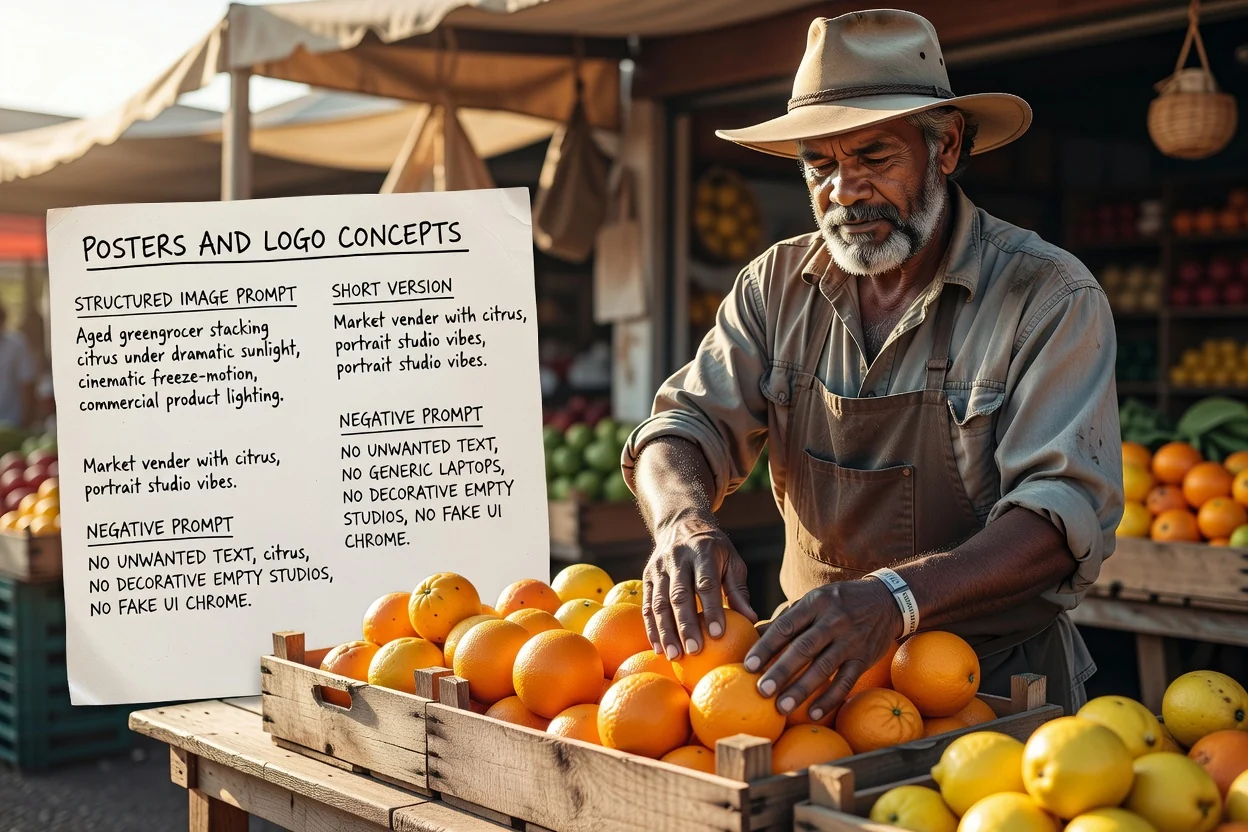
Заранее продумайте композицию и место для типографики, а негативным промптом контролируйте нежелательный текст.
Создать промпт для постераЧетыре быстрые проверки, которые сократят число повторных попыток.
Если промпт описывает два конкурирующих объекта, разделите его на два промпта вместо одного перегруженного кадра.
Вертикальный формат требует языка вертикальной композиции. Несоответствие — самая частая причина неудачного кадрирования.
Если позже на изображении будет текст, убедитесь, что промпт запрашивает свободное пространство в нужном месте.
Уберите ненужные исключения: слишком длинные негативные промпты могут сделать результат менее выразительным.
Ограничения, которые стоит знать до начала работы.
Само изображение создаётся в процессе генерации изображений. На этом этапе формируется только текст, который вы туда отправите.
Один и тот же промпт даёт разные результаты в разных моделях и версиях. Считайте первый результат проверочным.
Запрос точной надписи на изображении часто не срабатывает. Лучше добавить настоящую типографику на этапе макета.
Ответы на частые вопросы о написании промптов для моделей изображений с ИИ.
Дайте генератору промптов для изображений примерную идею и получите полный, краткий и негативный промпты для проверки.