


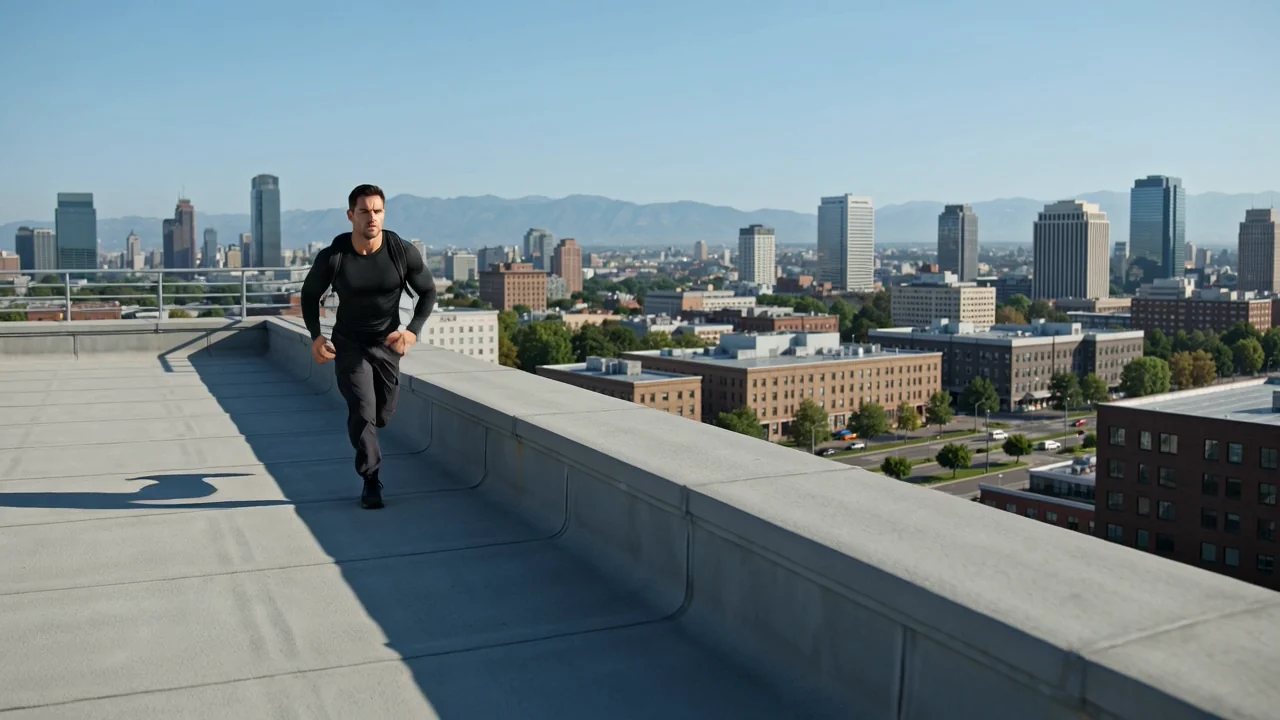
Управляемое движение камеры
Указания по работе камеры в промпте могут направлять её движение, но каждый клип всё равно нужно проверять с точки зрения кадрирования, темпа и деталей.
Попробуйте Kling 3.0 Turbo, предварительно изучив входные данные, возможности и текущую доступность в ClipCanva для запланированной работы с ИИ-видео.
Kling 3.0 Turbo — версия видеомодели Kuaishou для создания клипов по промптам с возможностью оценки повествования, движения и целостности.
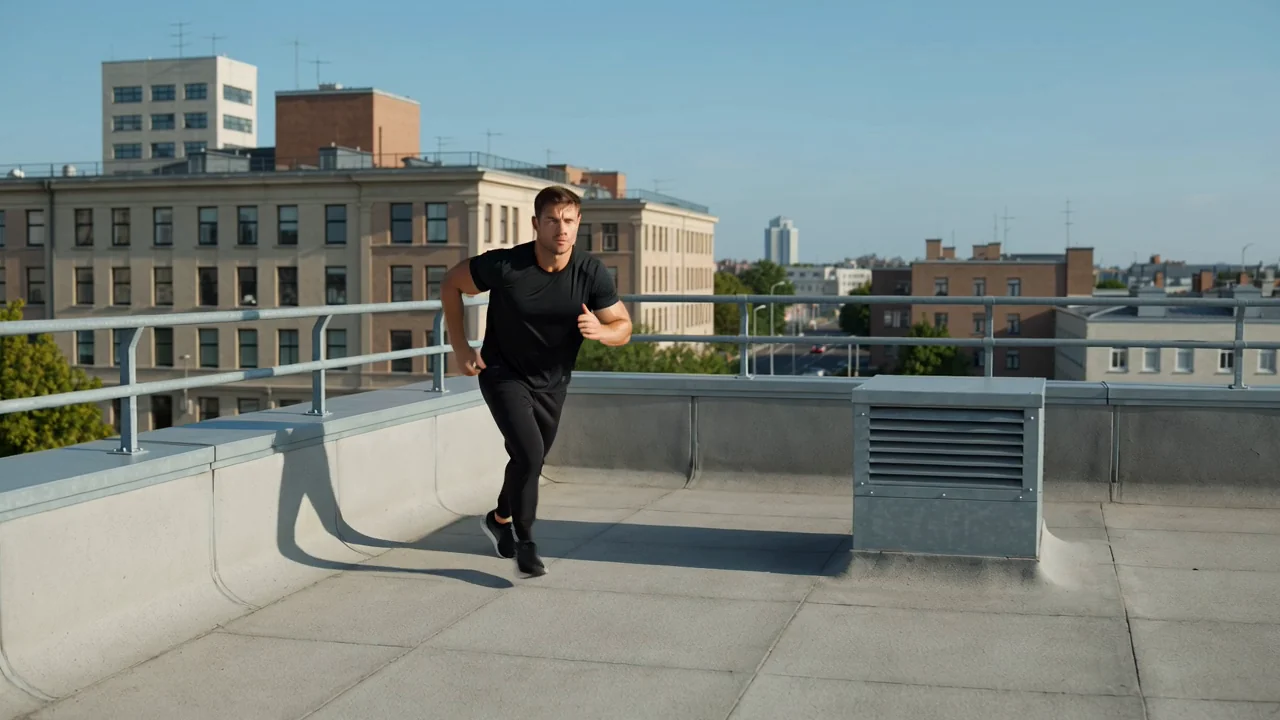
Оцените возможности модели в передаче движения, планировании повествования, сохранении целостности и создании экшена, прежде чем утверждать производственное задание.
Указания по работе камеры в промпте могут направлять её движение, но каждый клип всё равно нужно проверять с точки зрения кадрирования, темпа и деталей.
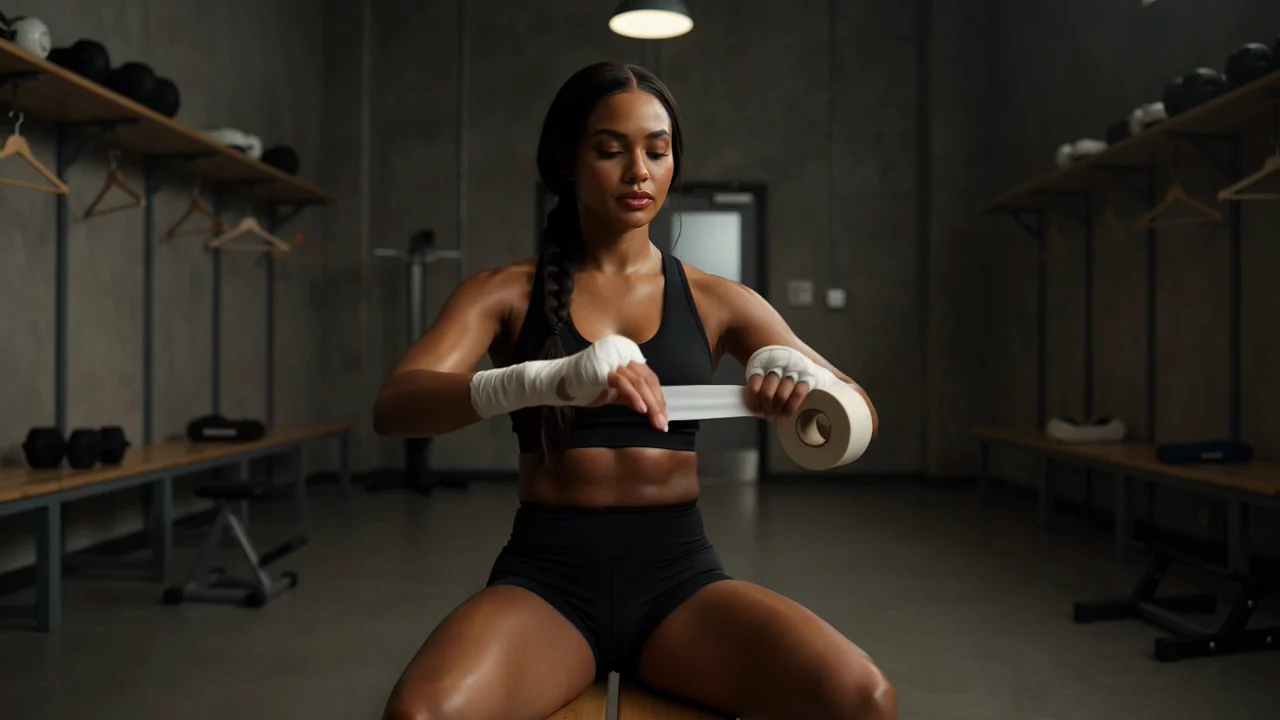
Чётко распланируйте ключевые моменты кадров, чтобы проверить в созданном видео порядок сцен, непрерывность и соответствие заданию.
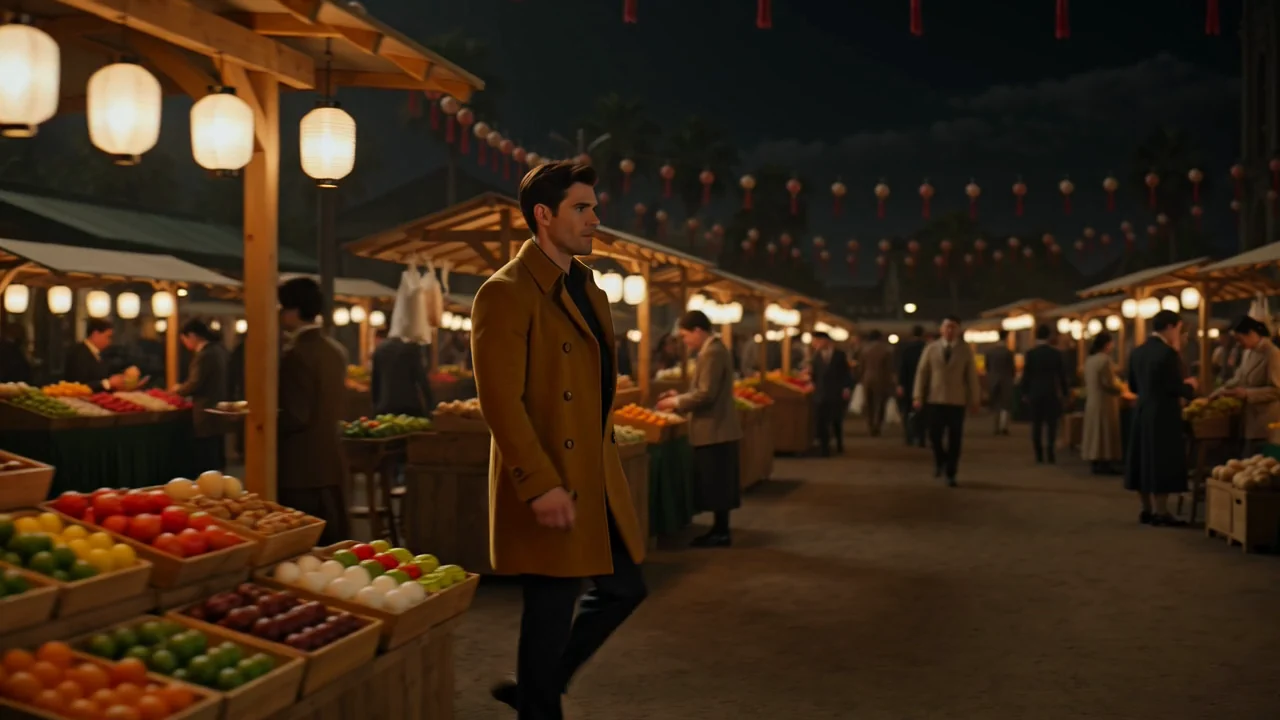
Используйте референсные детали и точные формулировки, чтобы проверить постоянство персонажей, окружения и визуального стиля на протяжении клипа.

При тестировании экшен-концепций опишите темп, силу и замысел движения камеры, а затем проверьте ясность движения перед использованием результата.
Начните с поддерживаемых типов входных данных и доступных элементов управления, чтобы запрос соответствовал возможностям этой страницы на текущий момент.
Составьте конкретный текстовый промпт и добавьте референсное изображение, если оно помогает задать объект, стиль, кадрирование или контекст сцены.
Перед отправкой запроса используйте показанные элементы выбора модели, соотношения сторон, длительности, разрешения и референсного изображения.
Результатом будут созданные видеоклипы или видео на основе референса, которые перед дальнейшим использованием необходимо сверить с заданием.
От структуры промпта, входных данных, настроек и этапов проверки зависит, сможет ли созданный клип помочь в выполнении вашей задачи.
До составления промпта укажите аудиторию, цель, объект, окружение, желаемое движение и целевой формат.
Составьте промпт и подготовьте референсное изображение, только если доступные элементы управления поддерживают его для этой задачи.
Выберите модель, соотношение сторон, длительность, разрешение и параметры референсного изображения, доступные перед отправкой запроса.
Создайте видео с помощью Kling 3.0 Turbo, сравните результаты и перед новой попыткой исправьте самое слабое указание.
До начала производства сопоставьте каждый сценарий с конкретным результатом, поддерживаемыми входными данными, доступными элементами управления и планом проверки.
Создавайте компактные сюжетные эпизоды с чётко заданными объектом, целью сцены, направлением камеры и критериями проверки непрерывности.
Тестируйте динамические концепции с акцентом на продукт, тщательно проверяя товар, окружение, действие и элементы бренда.
Исследуйте быстрое движение, силу воздействия и динамику камеры, проверяя, остаётся ли результат понятным и целостным.
Оценивайте, насколько согласованно сохраняются поза, выражение лица, движение персонажа и его окружение на протяжении созданного клипа.
Считайте каждое созданное видео черновиком и проверяйте его на соответствие творческому замыслу, фактические риски и требования к передаче результата.
Убедитесь, что объект, действие, направление камеры и сцена соответствуют промпту и предполагаемому результату.
Проверьте объекты, окружение, плавность движения и детали сцен на нарушения непрерывности на протяжении созданного клипа.
Сверьте внешний вид продукта, элементы бренда, заявления и фактические сведения с утверждёнными исходными материалами.
Сверьте длительность клипа, соотношение сторон, разрешение, кадрирование и формат результата с требованиями площадки назначения.
Проверяйте доступность и ограничения до начала производства, поскольку результаты генерации различаются, а проверка человеком остаётся частью рабочего процесса.
Kling 3.0 Turbo подключена на этой странице; доступность для страницы этой модели подтверждена 2026-08-15.
Результаты генерации в ускоренном режиме остаются вариативными: одни и те же входные данные могут давать разное движение, композицию, хронометраж или визуальные детали.
Управление в ClipCanva ограничено параметрами, показанными перед отправкой запроса, поэтому не следует считать, что настройки на стороне поставщика доступны пользователю.
Данные проверены
Ответы на вопросы о версии Kling 3.0 Turbo, входных данных, элементах управления, доступности, рабочем процессе и необходимой проверке после генерации.
Сравните похожие модели для ИИ-видео по режимам ввода, доступным элементам управления, особенностям результата, ограничениям и подтверждённой текущей доступности.
Используйте Kling 3.0 Turbo с ясным промптом и поддерживаемыми элементами управления, выделяя достаточно времени на проверку соответствия результата вашему заданию.