
Pilih matlamat imej
Tentukan sama ada anda memerlukan watak anime, avatar, adegan, sepanduk, kertas dinding atau rujukan konsep sebelum menulis prompt.
Tukarkan ringkasan teks yang terarah kepada imej gaya anime asli, kemudian laraskan tetapan imej yang tersedia untuk membandingkan hala tuju bagi watak atau adegan anda.
Penjana anime AI menukarkan ringkasan watak atau adegan bertulis kepada variasi imej gaya anime asli. Huraikan subjek, pose, latar, hala tuju warna dan gaya imej, kemudian bandingkan imej yang dihasilkan dengan kegunaan yang anda inginkan.
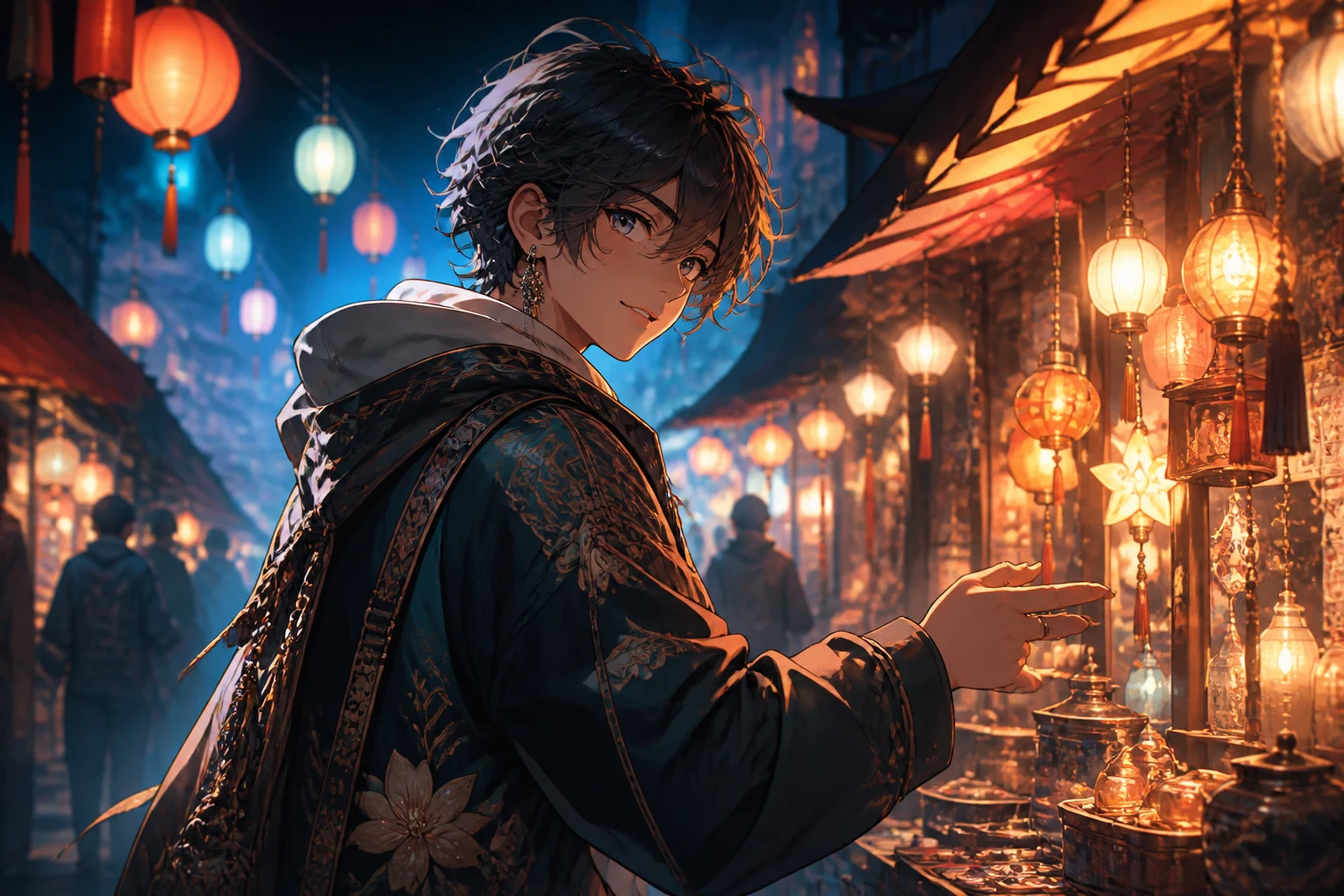
Mulakan dengan satu hala tuju watak atau adegan yang jelas supaya setiap perubahan prompt kemudian mudah dibandingkan.
Tentukan sama ada anda memerlukan watak anime, avatar, adegan, sepanduk, kertas dinding atau rujukan konsep sebelum menulis prompt.
Sertakan watak, pose, pakaian, latar, pencahayaan, palet warna, olahan garisan dan suasana yang penting untuk imej anime.
Pilih model imej yang tersedia, nisbah aspek, bilangan output, resolusi dan hala tuju gaya untuk penempatan yang dimaksudkan.
Bandingkan variasi imej, kemudian ubah satu butiran pada satu masa apabila watak, komposisi atau gaya memerlukan percubaan lain.
Kekalkan ringkasan watak dan tetapan output bersama agar anda boleh membandingkan hala tuju anime yang berbeza dengan sengaja.
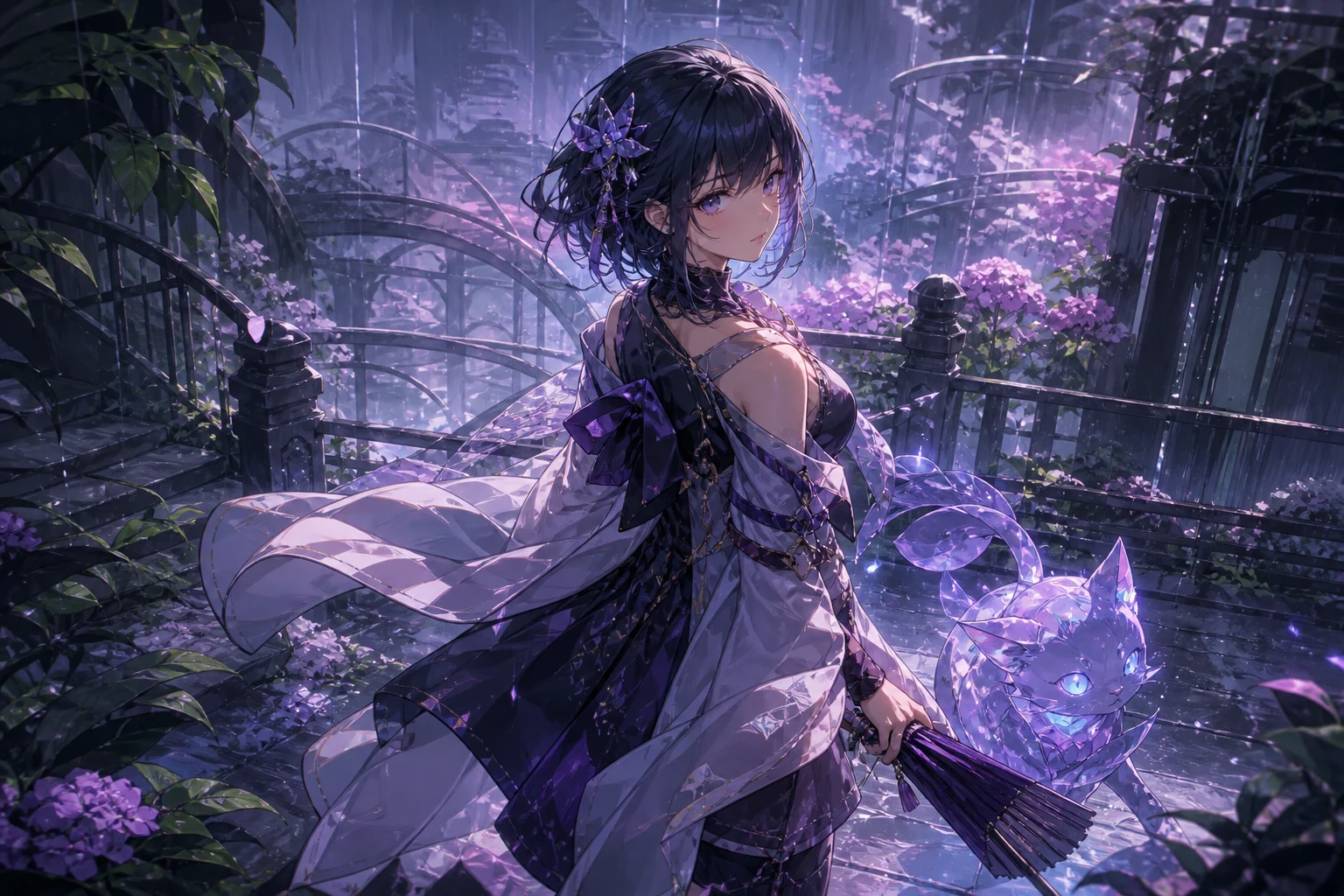
Tentukan ekspresi wajah, pakaian, prop, pose, persekitaran, sudut kamera, suasana dan warna supaya imej mempunyai ringkasan visual yang terarah.
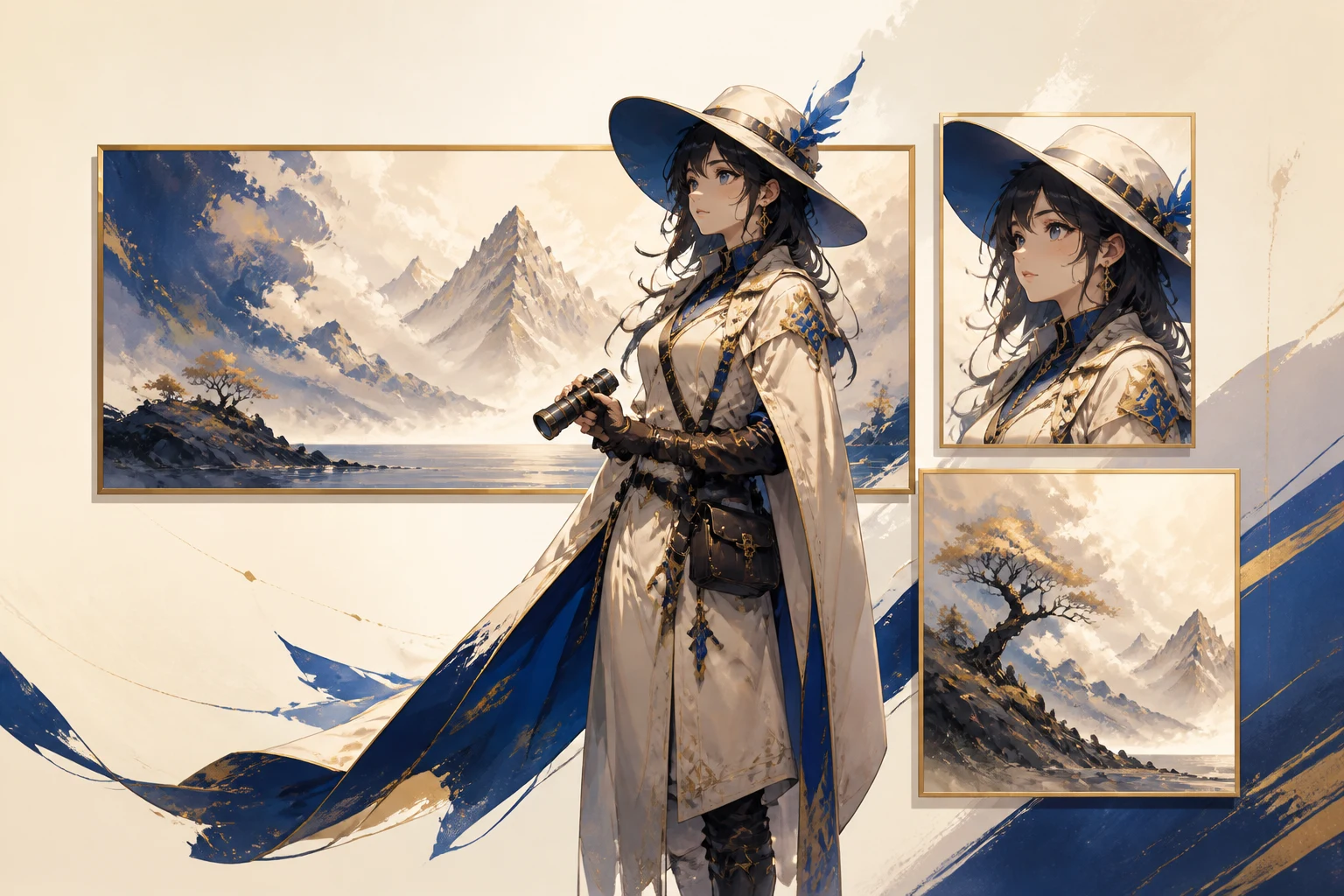
Tetapkan nisbah aspek, resolusi dan bilangan output sebelum menjana imej untuk profil, siaran, muka hadapan, kertas dinding atau komposisi yang lebih luas.
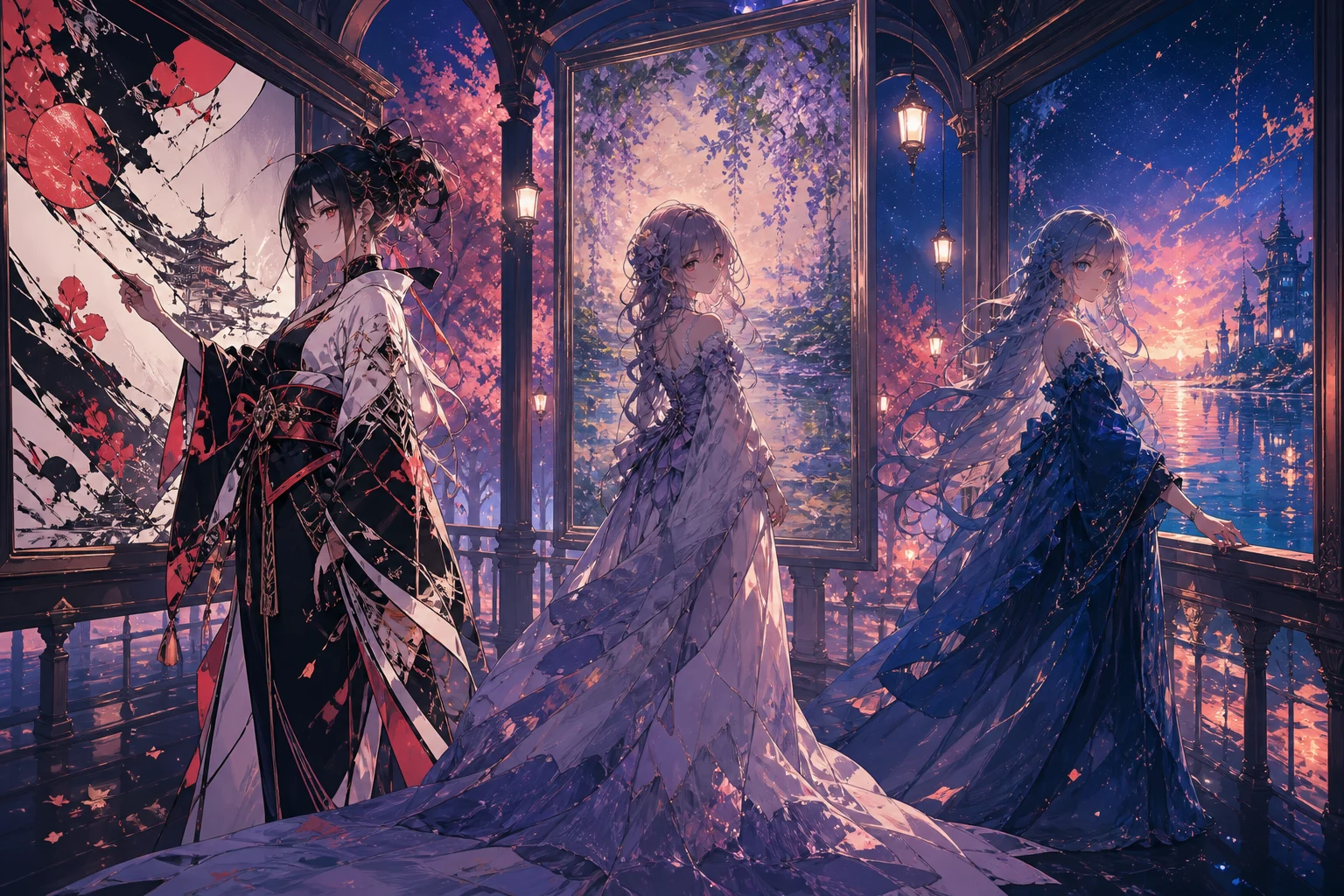
Gunakan model imej serta kawalan gaya yang tersedia untuk membandingkan kerja garisan, lorekan, palet dan atmosfera tanpa mengubah keseluruhan idea sekali gus.
Padankan watak, komposisi dan dimensi dengan tugasan sebenar untuk pencipta, penceritaan atau kempen.
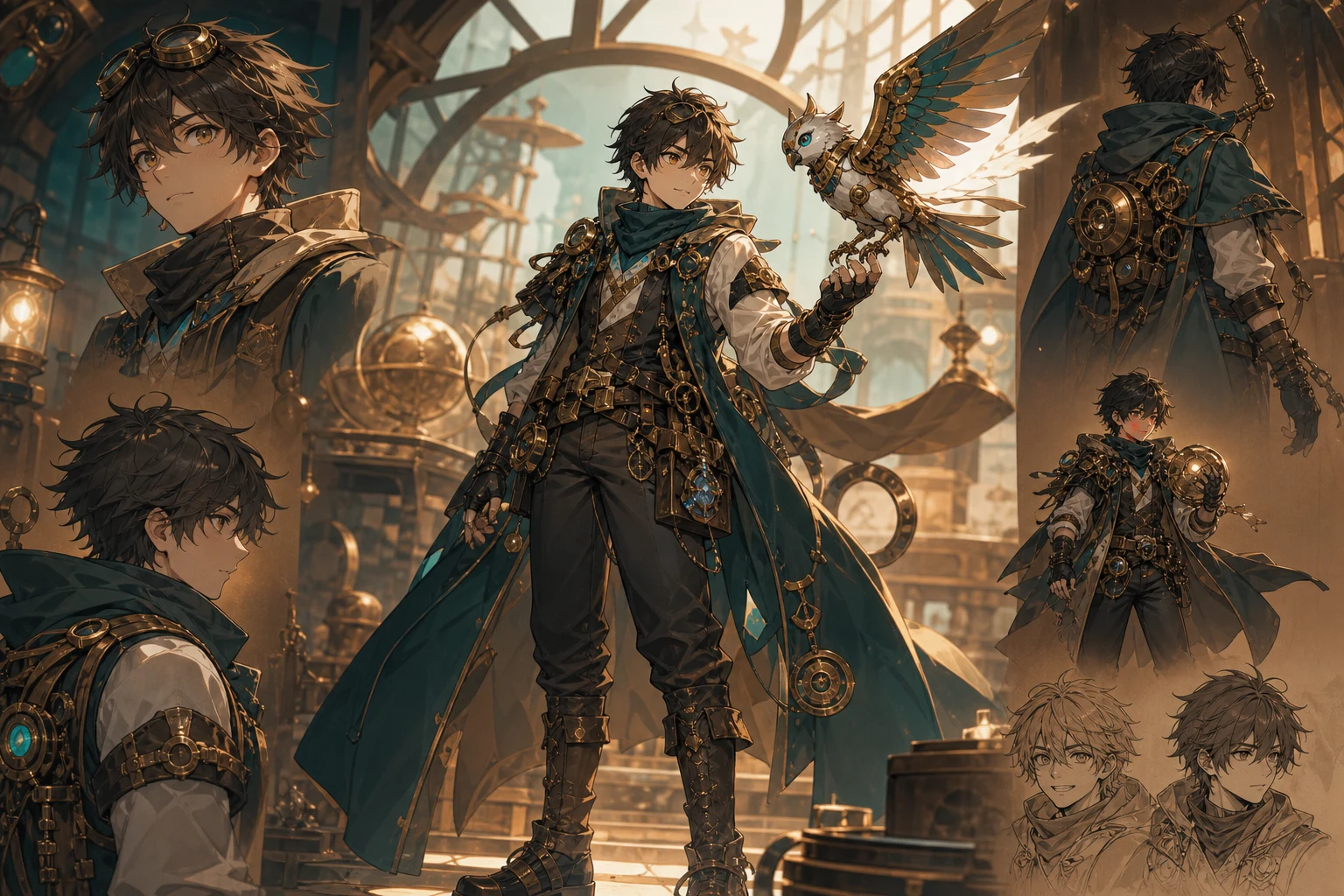
Terokai siluet watak, kostum, ekspresi, prop dan hala tuju warna sebelum membangunkan rujukan reka bentuk yang lebih terperinci.
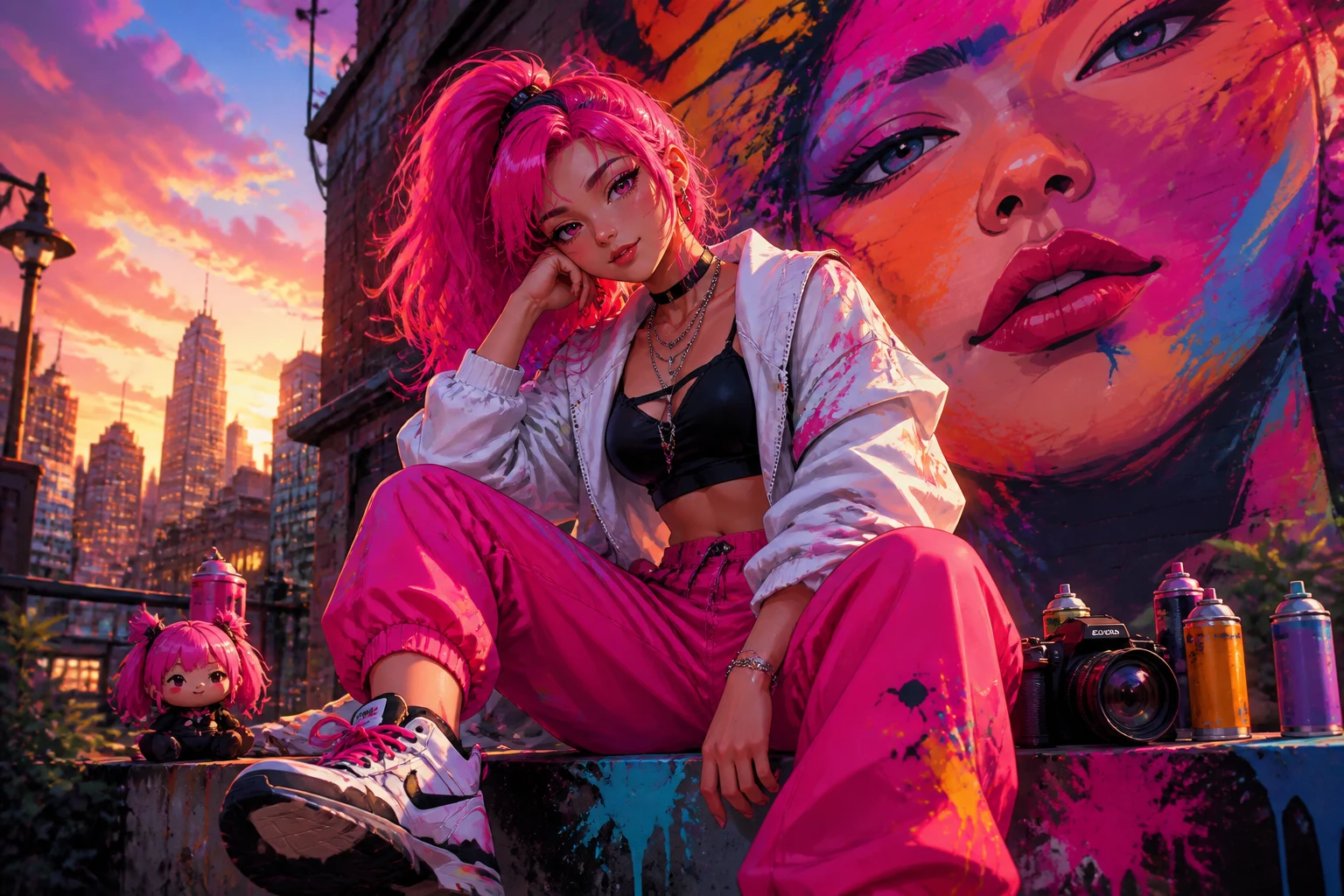
Cipta konsep profil gaya anime, visual muka hadapan saluran, imej kecil atau visual siaran dengan potongan dan hierarki yang sesuai untuk destinasi.
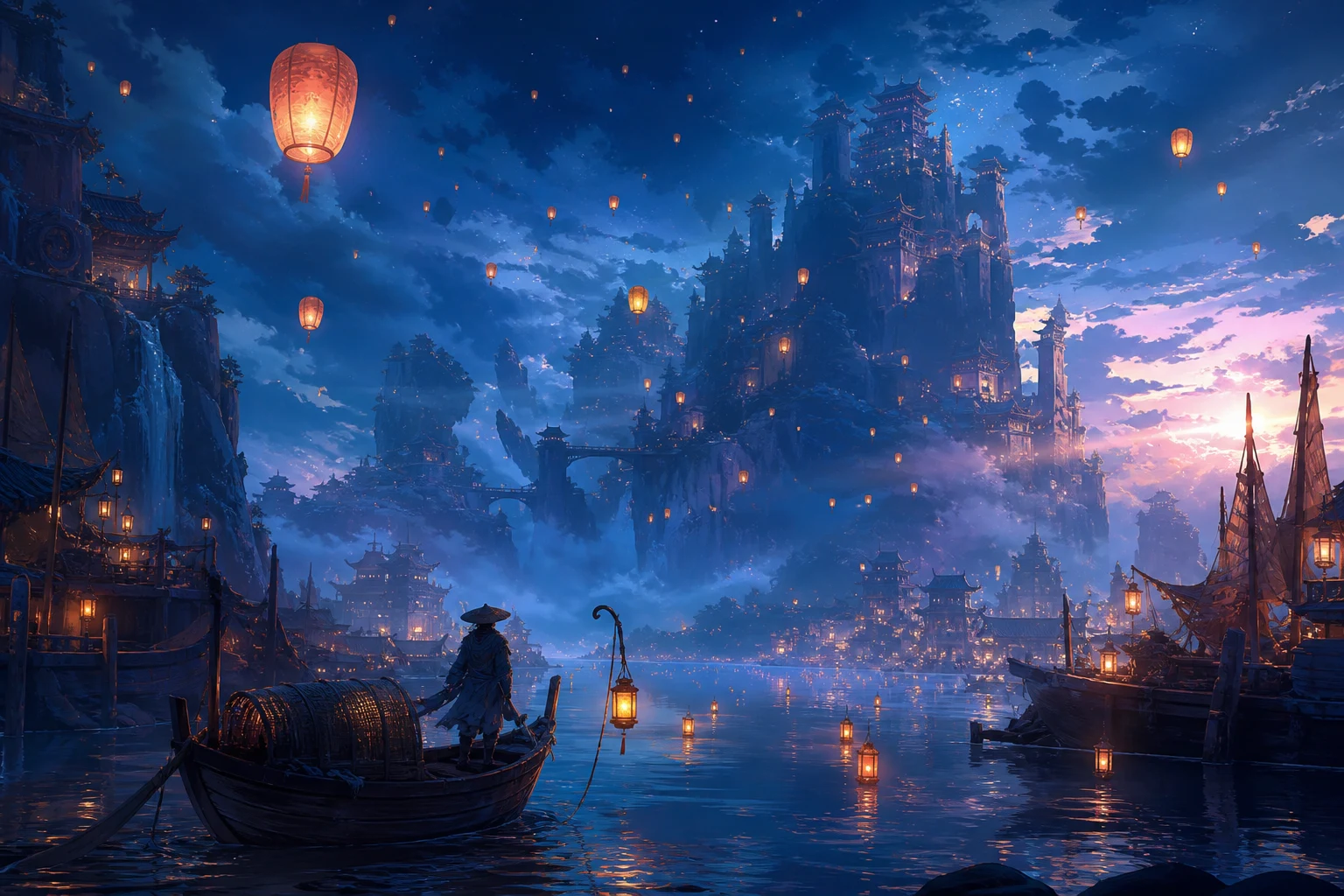
Draf lokasi, detik penting, kajian pencahayaan dan atmosfera adegan untuk pembentangan idea, ringkasan kreatif, projek peribadi atau rujukan kempen.
Gaya anime yang kukuh masih boleh tersasar daripada ringkasan pada butiran watak, komposisi, objek kecil atau potongan bagi saluran akhir.
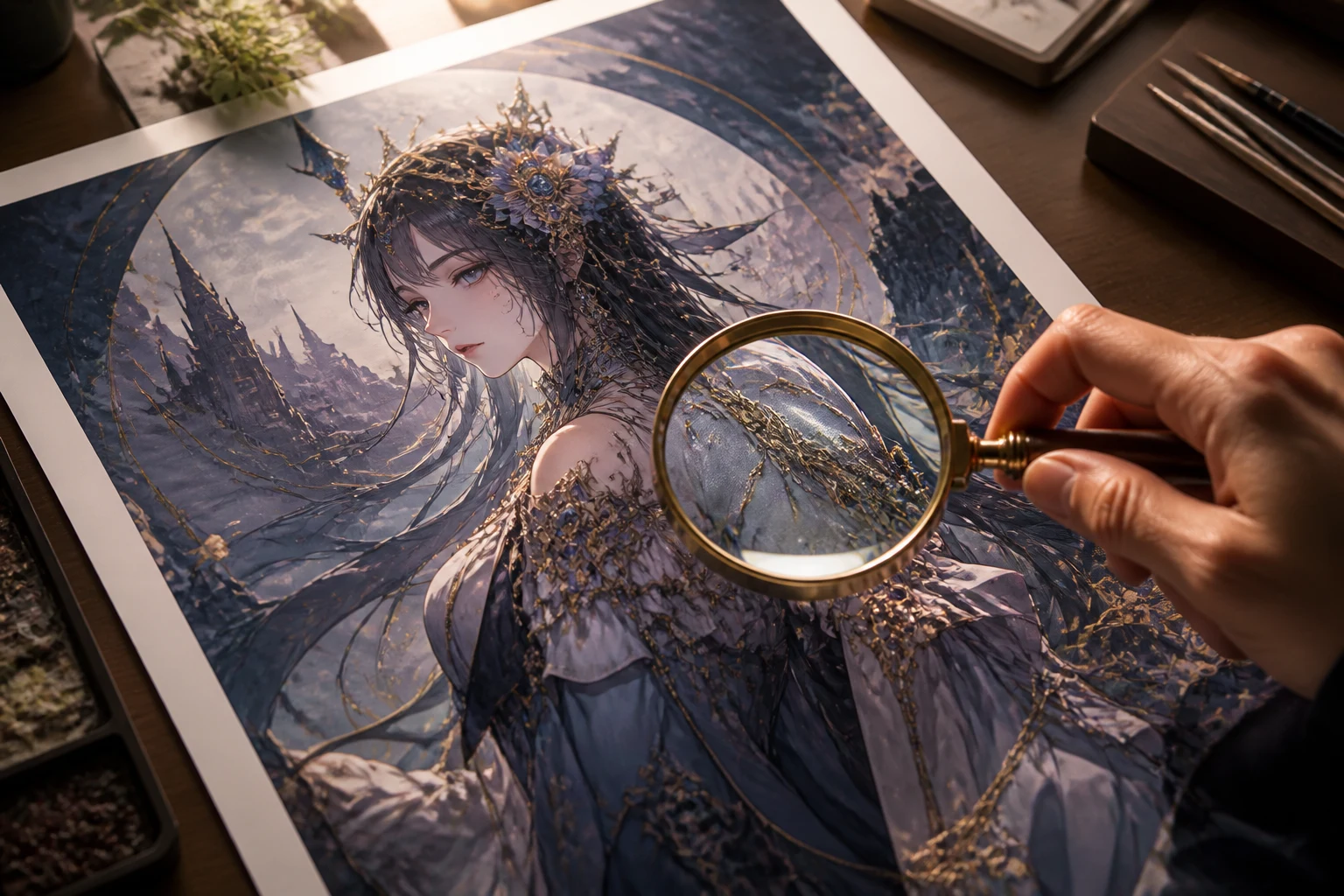
Semak ekspresi, pose, pakaian, gaya rambut, prop dan personaliti visual yang dimaksudkan berbanding prompt asal.
Sahkan latar, sudut kamera, titik fokus, pencahayaan dan butiran latar menyokong matlamat imej, bukan mengalih perhatian daripadanya.
Periksa tangan, aksesori, corak berulang, simbol, tulisan dan sempadan objek sebelum menyimpan imej.
Semak nisbah aspek, resolusi, potongan dan kawasan selamat bagi profil, siaran, muka hadapan, kertas dinding atau pembentangan tempat imej akan dipaparkan.
Imej yang dijana berbeza antara setiap penjanaan, terutamanya apabila prompt meminta kesinambungan yang tepat atau banyak butiran kecil serentak.
Wajah, tangan, unsur kostum, prop dan butiran reka bentuk berulang mungkin berbeza antara variasi dan memerlukan penjanaan terarah yang lain.
Huraikan ciri visual dan jangan hanya bergantung pada nama artis, studio atau watak terlindung, kemudian semak hasil untuk memastikan keaslian.
Logo, label, gelembung dialog dan teks kecil lain boleh terherot atau tersalah eja serta mungkin memerlukan kerja reka bentuk berasingan.
Jawapan tentang prompt anime, tetapan imej, hasil watak asli dan semakan hasil.
Huraikan watak atau adegan, tetapkan kawalan imej untuk destinasi anda, kemudian jana satu kelompok terarah untuk dibandingkan dan diperhalusi.