
01
Mulakan dengan sumber
Jika boleh, muat naik sumber terbaik dan bukan tangkapan skrin atau salinan yang berulang kali dimampatkan.
Muat naik satu imej untuk membesarkan dan meningkatkan kejelasan foto produk, potret, imbasan, lakaran kecil dan aset sosial. Bandingkan hasil dengan sumber sebelum dimuat turun atau diterbitkan.
Mod lalai
Sedia untuk dimuat naik
Pratonton, bandingkan, muat turun
Muat naik satu imej untuk membesarkan dan meningkatkan kejelasan foto produk, potret, imbasan, lakaran kecil dan aset sosial. Bandingkan hasil dengan sumber sebelum dimuat turun atau diterbitkan.
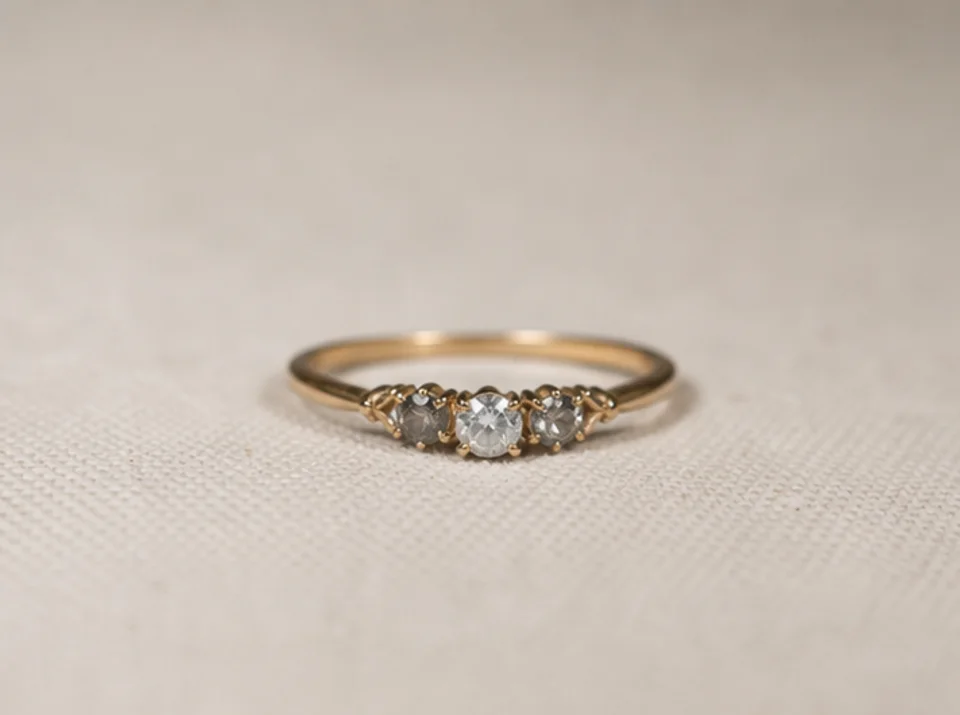

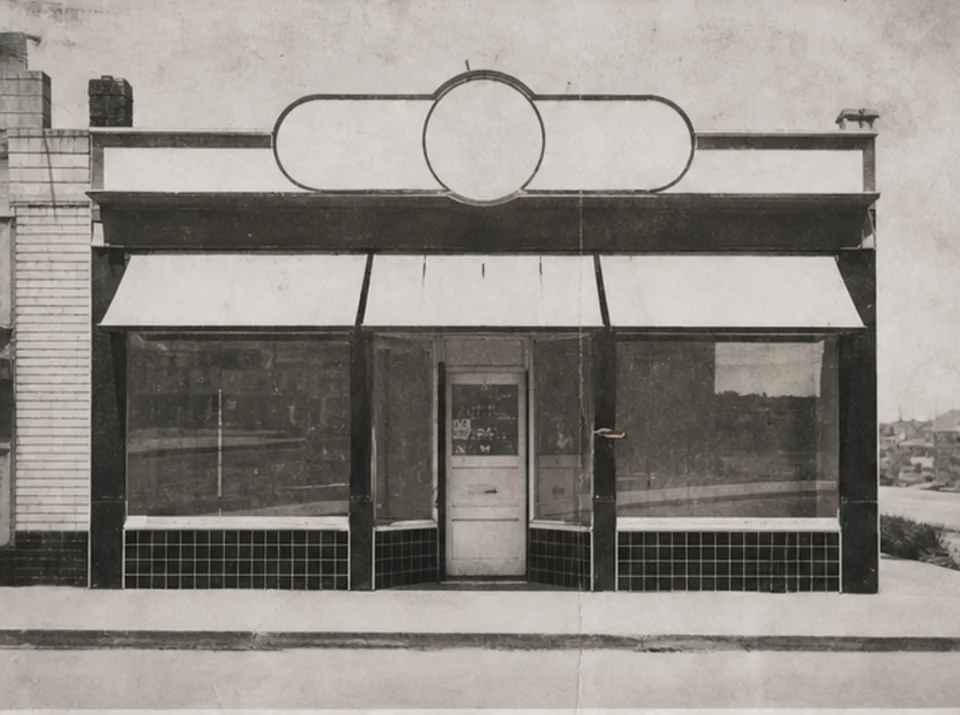
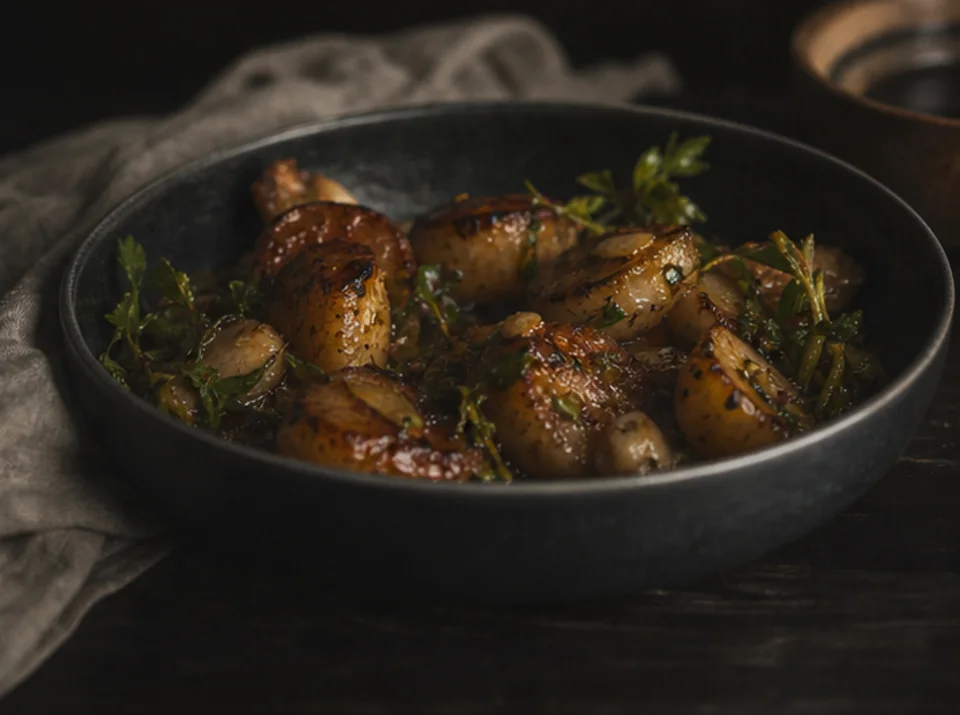
Muat naik satu imej untuk membesarkan dan meningkatkan kejelasan foto produk, potret, imbasan, lakaran kecil dan aset sosial. Bandingkan hasil dengan sumber sebelum dimuat turun atau diterbitkan.
Jika boleh, muat naik sumber terbaik dan bukan tangkapan skrin atau salinan yang berulang kali dimampatkan.
Pilih sasaran 2× atau 4× yang munasabah berdasarkan saiz akhir dan butiran yang kelihatan pada sumber.
Jalankan peningkatan sekali dan simpan sumber untuk perbandingan visual langsung.
Bandingkan kedua-dua imej pada saiz penuh, terutama teks, wajah, geometri produk, tekstur berulang, halo dan butiran arkib.
Penskalaan boleh menjadikan tepi dan tekstur lebih jelas, tetapi tidak boleh memulihkan maklumat yang tiada dalam imej sumber.
Teks yang sudah boleh dibaca mungkin menjadi lebih jelas. Huruf hilang atau tidak boleh dibaca tidak dapat dibina semula dengan pasti dan mesti disemak dengan sumber sah.
Tekstur halus dan bentuk kecil boleh dianggar semasa peningkatan. Bandingkan produk, wajah, dokumen dan arkib dengan sumber.
Imej percuma mempunyai tera air. Naik taraf untuk output bersih, penjanaan lebih pantas dan penggunaan komersial.
Pek Permulaan
Pek kredit sekali sahaja untuk mencuba penjanaan imej, muzik dan video pendek.
Pencipta
Pelan bulanan · 1,500 kredit diperbaharui setiap bulan
GPT Image 2 Unlimited
Masukkan kod FOUNDING6 di Stripe Checkout: $19/bulan untuk 6 bulan pertama, kemudian $29/bulan.
Pro
Pelan bulanan · 4,000 kredit diperbaharui setiap bulan
Studio
Pelan bulanan · 12,000 kredit diperbaharui setiap bulan
Pembayaran selamat · Langganan diperbaharui secara automatik · Lihat syarat bayaran balik
Pasukan
Untuk agensi, pasukan pengeluaran dan keperluan volum tersuai.
Muat naik satu imej untuk membesarkan dan meningkatkan kejelasan foto produk, potret, imbasan, lakaran kecil dan aset sosial. Bandingkan hasil dengan sumber sebelum dimuat turun atau diterbitkan.
Muat naik satu imej untuk membesarkan dan meningkatkan kejelasan foto produk, potret, imbasan, lakaran kecil dan aset sosial. Bandingkan hasil dengan sumber sebelum dimuat turun atau diterbitkan.