
01
Mulakan dengan sumber
Muat naik sumber dibenarkan yang paling jelas sebelum butiran penting hilang akibat pemampatan.
Muat naik satu foto dan terangkan perubahan dalam bahasa biasa. Cipta suntingan berpandukan teks untuk produk, potret, ruang atau foto lama kemudian periksa identiti, objek, tulisan dan konteks sebelum digunakan.
Muat naik satu foto dan terangkan perubahan dalam bahasa biasa. Cipta suntingan berpandukan teks untuk produk, potret, ruang atau foto lama kemudian periksa identiti, objek, tulisan dan konteks sebelum digunakan.
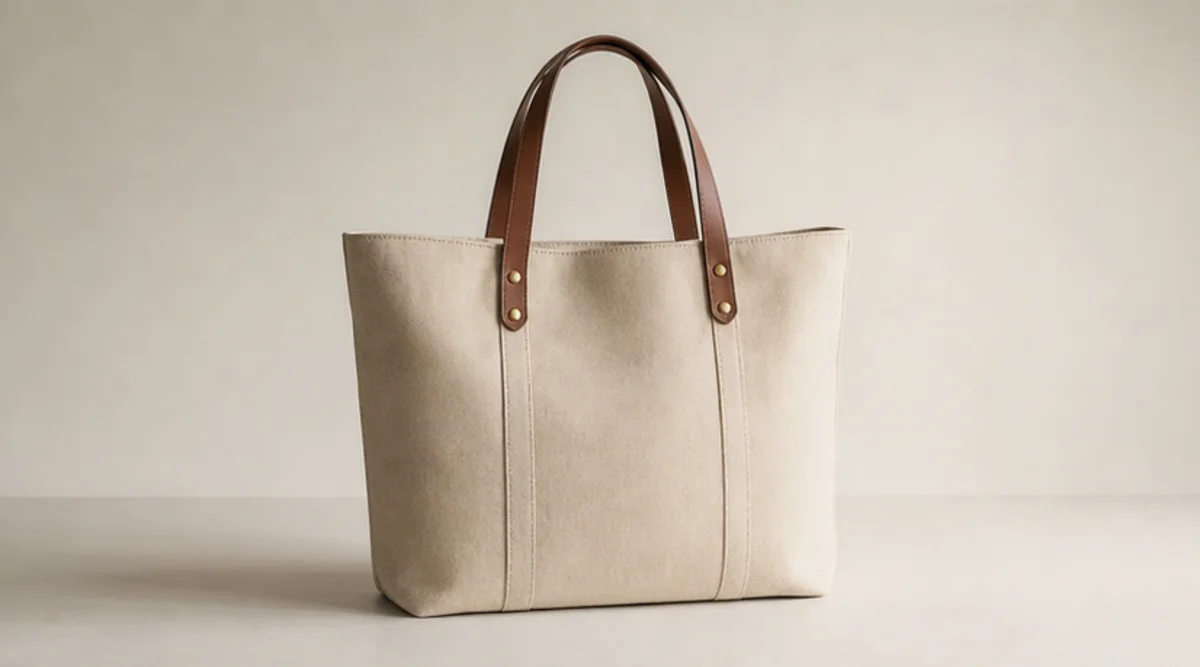
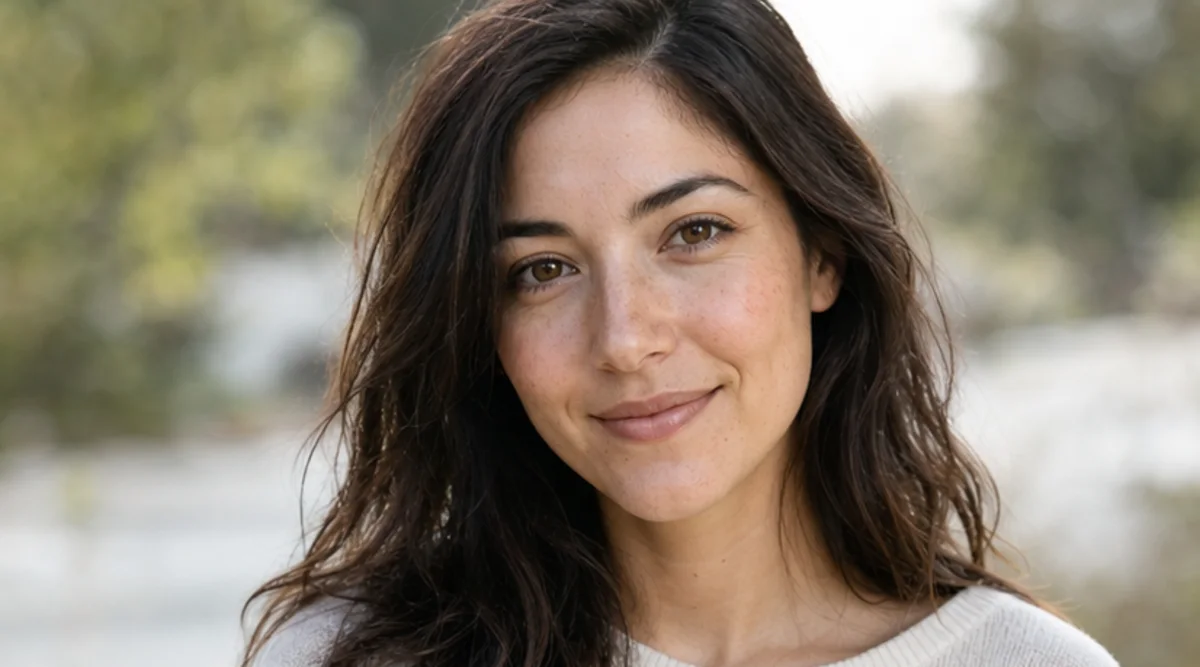
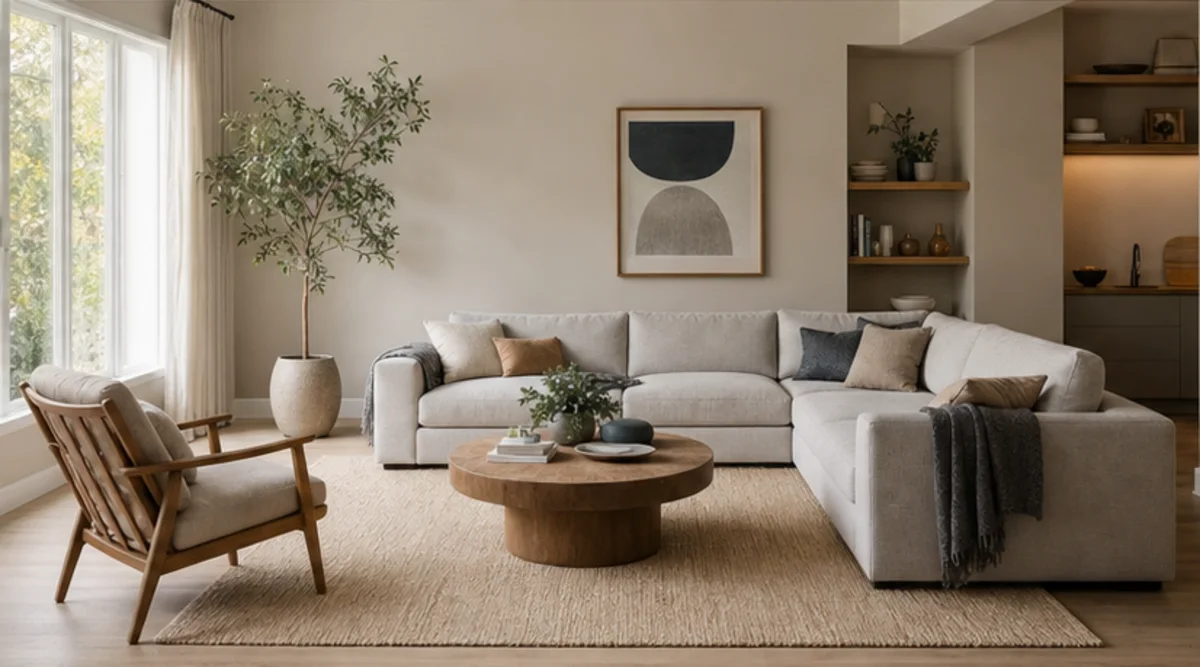
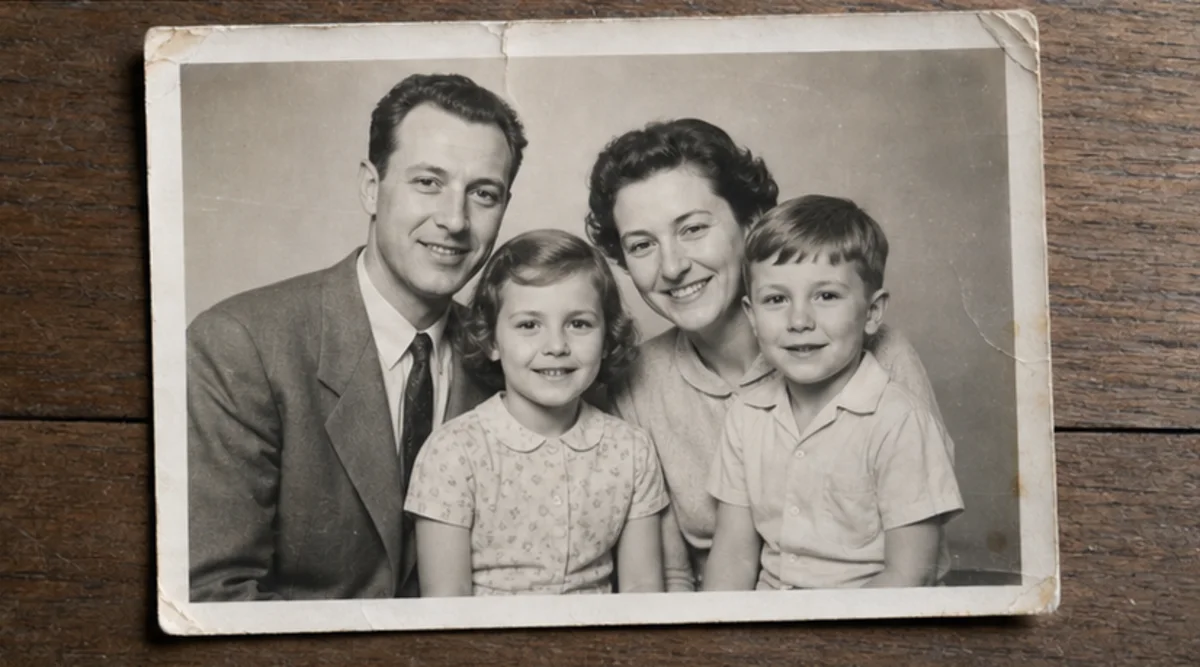
Muat naik satu foto dan terangkan perubahan dalam bahasa biasa. Cipta suntingan berpandukan teks untuk produk, potret, ruang atau foto lama kemudian periksa identiti, objek, tulisan dan konteks sebelum digunakan.
Muat naik sumber dibenarkan yang paling jelas sebelum butiran penting hilang akibat pemampatan.
Terangkan perubahan serta identiti, objek, tulisan, geometri atau latar yang mesti kekal sama.
Jana satu suntingan yang fokus pada arahan itu tanpa mencampurkan beberapa perubahan yang tiada kaitan.
Bandingkan hasil dan sumber pada saiz penuh kemudian semak wajah, produk, objek kecil, teks, tepi dan konteks.
Editor mengikut arahan teks, tetapi wajah, geometri produk, objek kecil dan tulisan boleh berubah. Ia bukan alat retus tepat mengikut piksel.
Gunakan sumber yang jelas dan nyatakan perkara yang mesti kekal. Bandingkan hasil dengan asal pada saiz penuh.
Muat naik foto milik anda atau yang dibenarkan untuk disunting. Semak hasil sebelum penggunaan berkaitan identiti, produk, arkib atau awam.
Imej percuma mempunyai tera air. Naik taraf untuk output bersih, penjanaan lebih pantas dan penggunaan komersial.
Pek Permulaan
Pek kredit sekali sahaja untuk mencuba penjanaan imej, muzik dan video pendek.
Pencipta
Pelan bulanan · 1,500 kredit diperbaharui setiap bulan
GPT Image 2 Unlimited
Masukkan kod FOUNDING6 di Stripe Checkout: $19/bulan untuk 6 bulan pertama, kemudian $29/bulan.
Pro
Pelan bulanan · 4,000 kredit diperbaharui setiap bulan
Studio
Pelan bulanan · 12,000 kredit diperbaharui setiap bulan
Pembayaran selamat · Langganan diperbaharui secara automatik · Lihat syarat bayaran balik
Pasukan
Untuk agensi, pasukan pengeluaran dan keperluan volum tersuai.
Muat naik satu foto dan terangkan perubahan dalam bahasa biasa. Cipta suntingan berpandukan teks untuk produk, potret, ruang atau foto lama kemudian periksa identiti, objek, tulisan dan konteks sebelum digunakan.
Muat naik satu foto dan terangkan perubahan dalam bahasa biasa. Cipta suntingan berpandukan teks untuk produk, potret, ruang atau foto lama kemudian periksa identiti, objek, tulisan dan konteks sebelum digunakan.