
01
Muat naik Imej anda
Muat naik foto atau imej apa pun yang ingin anda tukar. Input beresolusi lebih tinggi menghasilkan transformasi yang lebih baik.
Muat naik imej apa pun dan tukar dengan AI. Ganti gaya, tambah elemen, modifikasi latar belakang, atau bayangkan ulang visual anda dengan prompt teks sederhana.
Mod Pro
Kawalan lanjutan tersedia selepas muat naik
Muat naik imej untuk memaparkan kawalan lanjutan.
Tukar imej yang sudah ada menjadi sesuatu yang benar-benar baharu. Daripada transfer gaya hingga modifikasi objek, buka kemungkinan kreatif tanpa batas.
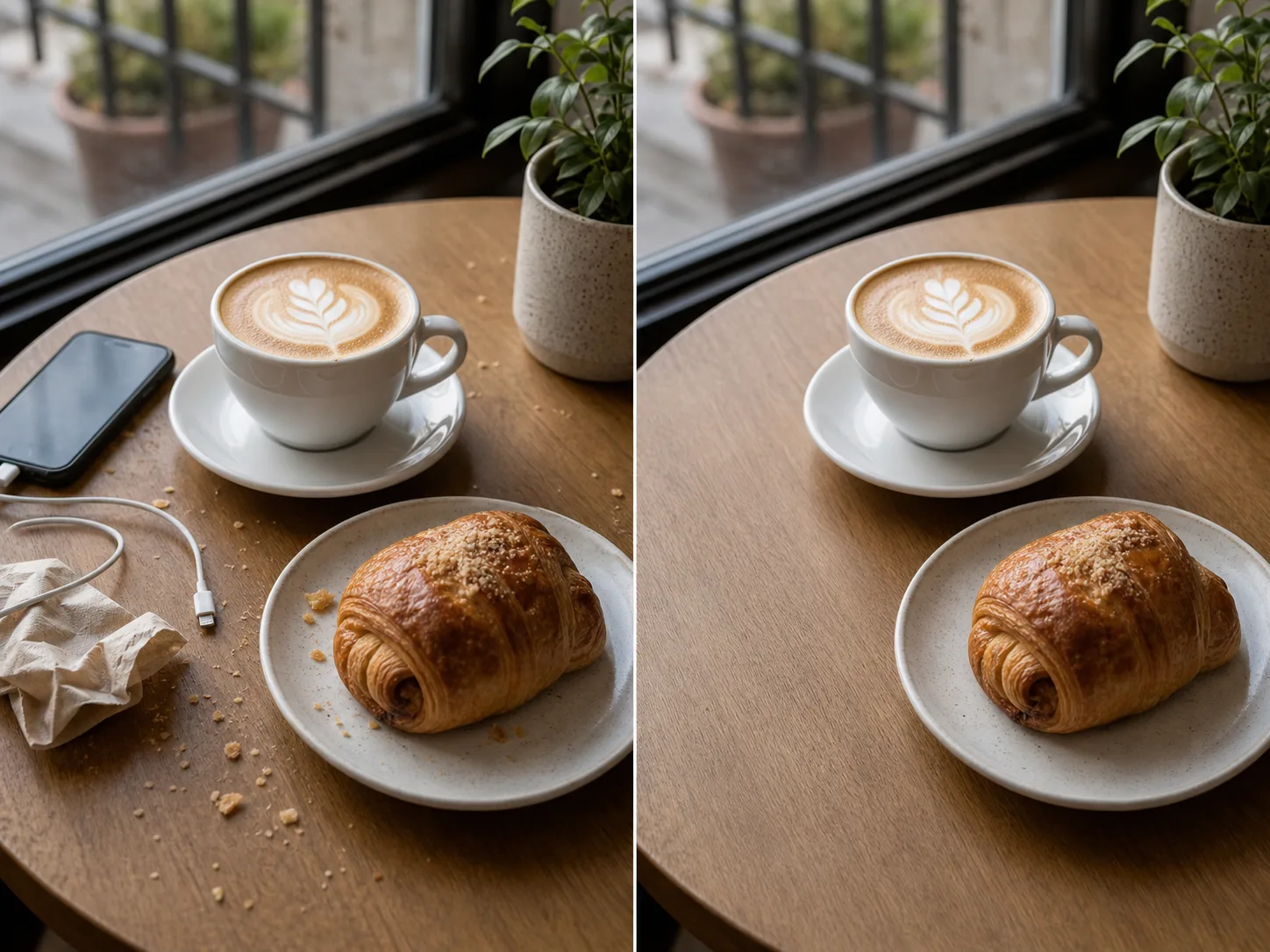

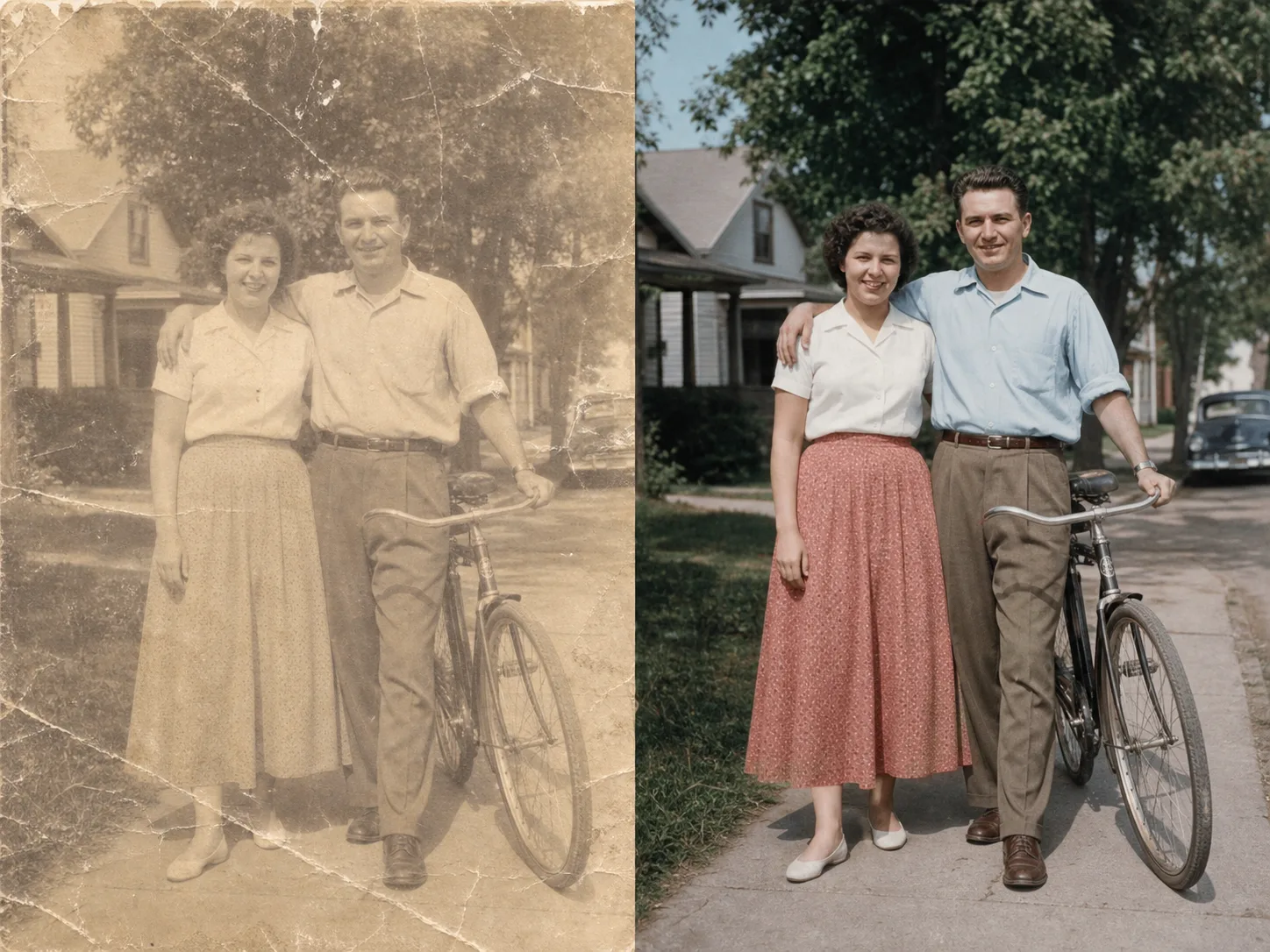
Daripada muat naik hingga imej bertukar dalam masa minit:
Muat naik foto atau imej apa pun yang ingin anda tukar. Input beresolusi lebih tinggi menghasilkan transformasi yang lebih baik.
Tulis prompt teks yang menjelaskan transformasi yang anda inginkan. Tukar gaya, tambah elemen, ganti latar, atau imajinasikan ulang imej.
Klik jana dan dapatkan imej yang sudah ditransformasi dalam masa saat. Muat turun dalam resolusi tinggi, siap digunakan.
Tukar imej anda ke gaya artistik apa pun. Terapkan nuansa lukisan terkenal, seniman tertentu, atau estetika visual apa pun.
Pilih kawasan mana pun pada imej untuk ditukar. Hapus objek yang tidak diinginkan, tambahkan elemen baharu, atau tukar butiran tertentu.
Ganti latar belakang dengan mulus. Tempatkan subjek di lingkungan baharu sambil mempertahankan pencahayaan yang sesuai.
Pertahankan susun atur, subjek, dan perspektif imej asli anda sambil menukar gaya dan elemen.
Terokai lebih banyak alats bertenaga AI
Imej percuma mempunyai tera air. Naik taraf untuk output bersih, penjanaan lebih pantas dan penggunaan komersial.
Pek Permulaan
Pek kredit sekali sahaja untuk mencuba penjanaan imej, muzik dan video pendek.
Pencipta
Pelan bulanan · 1,500 kredit diperbaharui setiap bulan
GPT Image 2 Unlimited
Masukkan kod FOUNDING6 di Stripe Checkout: $19/bulan untuk 6 bulan pertama, kemudian $29/bulan.
Pro
Pelan bulanan · 4,000 kredit diperbaharui setiap bulan
Studio
Pelan bulanan · 12,000 kredit diperbaharui setiap bulan
Pembayaran selamat · Langganan diperbaharui secara automatik · Lihat syarat bayaran balik
Pasukan
Untuk agensi, pasukan pengeluaran dan keperluan volum tersuai.
Semua yang perlu anda tahu tentang imej to imej AI
Muat naik imej apa pun dan lihat keajaiban transformasi bertenaga AI.

