PDF Cleanup

Upload one PDF for a scoped cleanup review. Limits are explained before advanced document controls appear.

Pro WorkflowPDF ReviewDocument CleanupPermission Check

Pro mode

Upload for review

Advanced controls appear after upload

Advanced after upload

The first view stays simple. Detailed controls appear only after the file type and rights confirmation are clear.

Editable header and footer marks
Background stamps when editable
Scan dust and artifact cleanup
Unsupported file review state

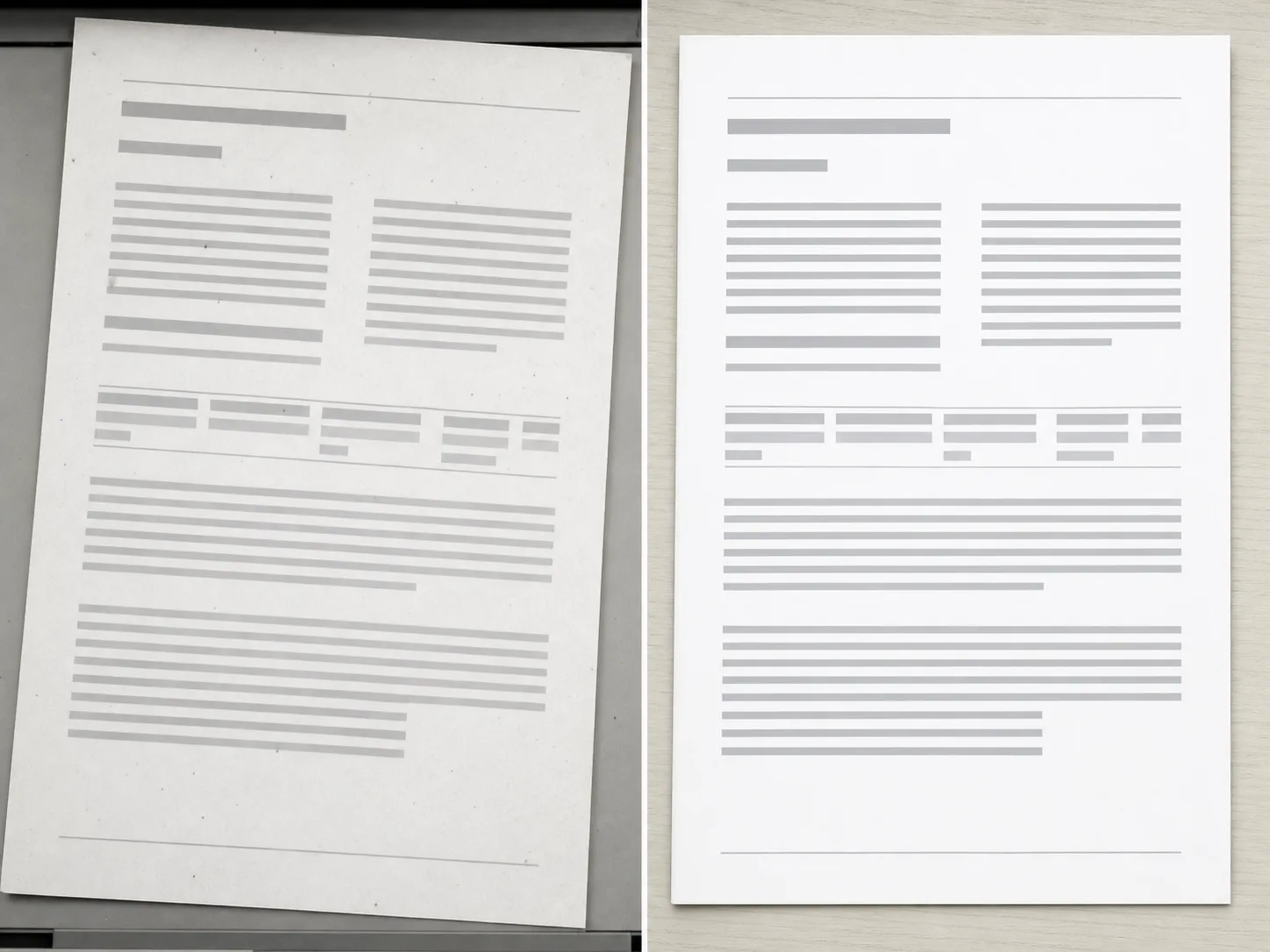
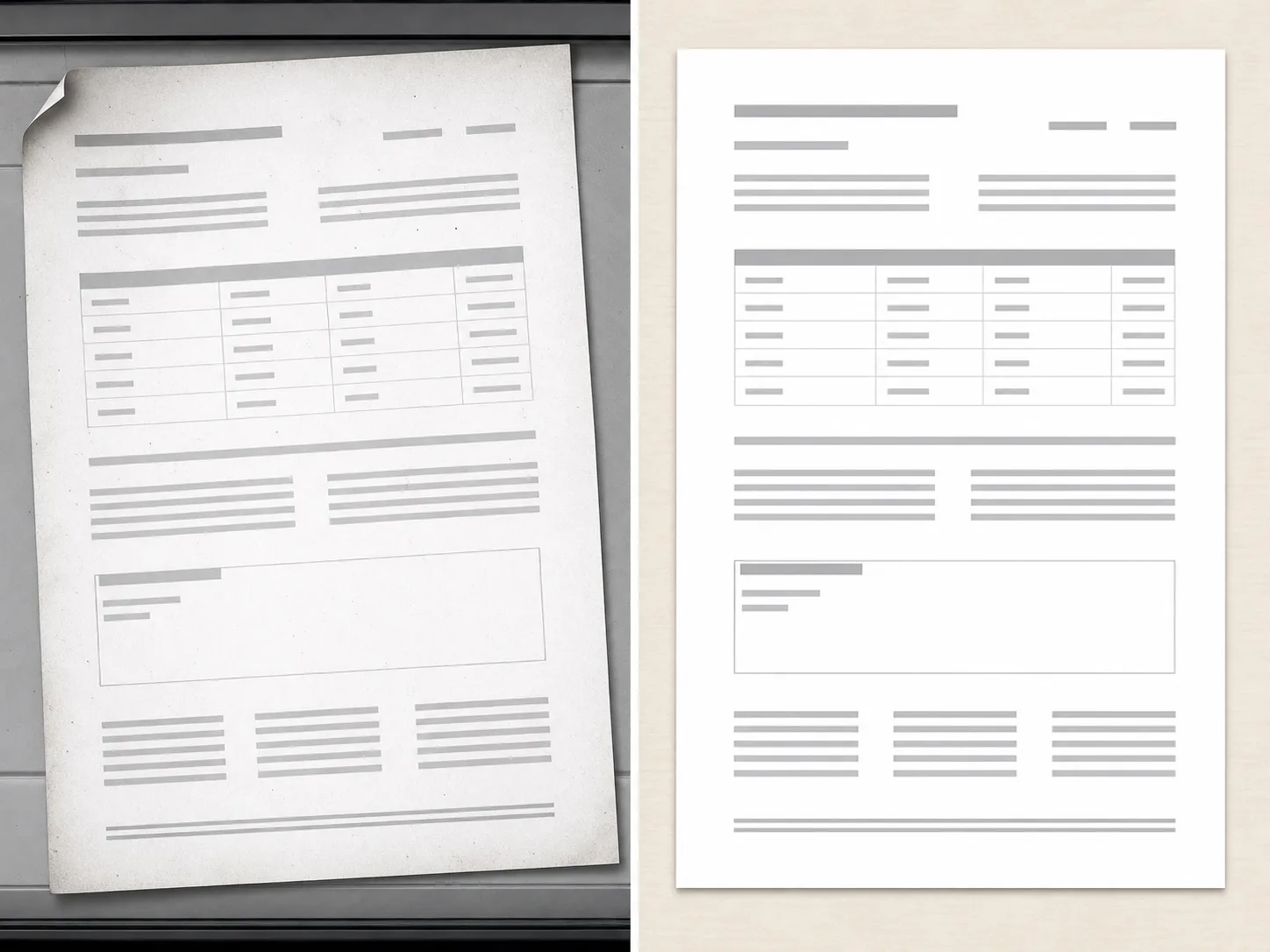
PDF Cleanup Examples

Use scan, document export, and page image examples to clarify cleanup scope.
How PDF cleanup works

The workflow is intentionally scoped so users understand support and limits before processing.

01

Upload one PDF

Start with a document you own or have permission to edit. The workflow checks the file before showing advanced controls.

02

Confirm the document scope

PDF cleanup works best for bounded issues such as editable marks, visible artifacts, or scan cleanup.

03

Review support before processing

Some documents are flattened, locked, or unsupported. Those cases should be reviewed before processing.

04

Export only after review

Use the cleaned document only after checking that the output matches the intended edit.

Scoped document cleanup

PDF-first Flow

The page explains limits before processing, so users do not expect a full document editor on load.

Authorized Documents

The workflow is scoped to documents users own or have permission to edit.

Support Review

Unsupported file types, locked documents, or ambiguous edits can be handled as a review state.

Pro Controls

Advanced document cleanup controls remain gated until the file type and scope are clear.

Terokai alatan berkaitan

Use image tools when your source is an exported page, scan, or visual asset.

Pilih Pelan Anda

Imej percuma mempunyai tera air. Naik taraf untuk output bersih, penjanaan lebih pantas dan penggunaan komersial.

Pek Permulaan

$9

Pek kredit sekali sahaja untuk mencuba penjanaan imej, muzik dan video pendek.

  • 600 kredit
  • Sehingga 100 imej
  • Sehingga 7 video pendek
  • Kredit sah selama 30 hari
  • Tiada tera air

Pencipta

$19/mo

Pelan bulanan · 1,500 kredit diperbaharui setiap bulan

  • 1,500 kredit sebulan
  • Sehingga 250 imej sebulan
  • Sehingga 18 video pendek sebulan
  • Berfungsi dengan ClipCanva Pro dan model kredit lain
  • Barisan keutamaan
  • Sokongan komuniti
  • Tiada iklan
  • Tiada tera air

Pro

$39/mo

Pelan bulanan · 4,000 kredit diperbaharui setiap bulan

  • 4,000 kredit sebulan
  • Sehingga 660 imej sebulan
  • Sehingga 50 video pendek sebulan
  • Berfungsi dengan ClipCanva Pro dan model kredit lain
  • Barisan keutamaan tertinggi
  • Buka kunci ClipCanva Pro
  • Tiada iklan
  • Tiada tera air
  • Penapisan Lanjutan

Studio

$99/mo

Pelan bulanan · 12,000 kredit diperbaharui setiap bulan

  • 12,000 kredit sebulan
  • Sehingga 2,000 imej sebulan
  • Sehingga 150 video pendek sebulan
  • Berfungsi dengan ClipCanva Pro dan model kredit lain
  • Barisan keutamaan tertinggi
  • Privasi penuh
  • Akses awal kepada ciri baharu
  • Sokongan keutamaan

Pelan bulanan memperbaharui kredit setiap kitaran pengebilan. Pelan tahunan memberikan 12 bulan kredit pendahuluan dan menjimatkan 17%. Anggaran penggunaan adalah berdasarkan model imej dan video yang disokong kos terendah; model premium, peleraian yang lebih tinggi, video yang lebih panjang, penjanaan berasaskan rujukan dan alat lanjutan menggunakan lebih banyak kredit.

Pasukan

Untuk agensi, pasukan pengeluaran dan keperluan volum tersuai.

Hubungi kami

PDF Cleanup FAQ

Common questions before using Pro document cleanup.

What documents can PDF Cleanup handle?
It is intended for bounded cleanup requests on documents you own, such as editable marks, visible artifacts, or scan cleanup.
Can it remove any mark from any PDF?
No. Locked, flattened, scanned, or complex documents may require review or may be unsupported.
Why is PDF Cleanup a Pro workflow?
Document cleanup has higher risk and more edge cases than a simple image utility, so advanced controls and review states stay in Pro.

Review a document for cleanup

Use ClipCanva Pro for bounded cleanup of supported PDF files.