
दृश्याचे वर्णन करा
विषय, पार्श्वभूमी, मूड, दृश्य शैली आणि आवश्यक हॅलोवीन घटक नमूद करणारी सूचना लिहा.
मजकूर सूचनेतून हॅलोवीनसाठी तयार दृश्ये बनवा. विषय, पार्श्वभूमी, मूड आणि अपेक्षित स्वरूप वर्णन करा; मग पोस्ट, पोस्टर, अवतार आणि मोहिमेच्या कल्पनांसाठी भयप्रद कलाकृती तयार करा.
एआय हॅलोवीन जनरेटर मजकूर सूचनेतून हॅलोवीन-आधारित प्रतिमा आणि मोहिमेच्या संकल्पना तयार करण्यात मदत करतो. विशिष्ट हंगामी प्रकल्पासाठी नेमका दृश्य प्रारंभबिंदू हवा असलेल्या निर्मात्यांसाठी, विक्रेत्यांसाठी आणि टीमसाठी तो तयार केला आहे.
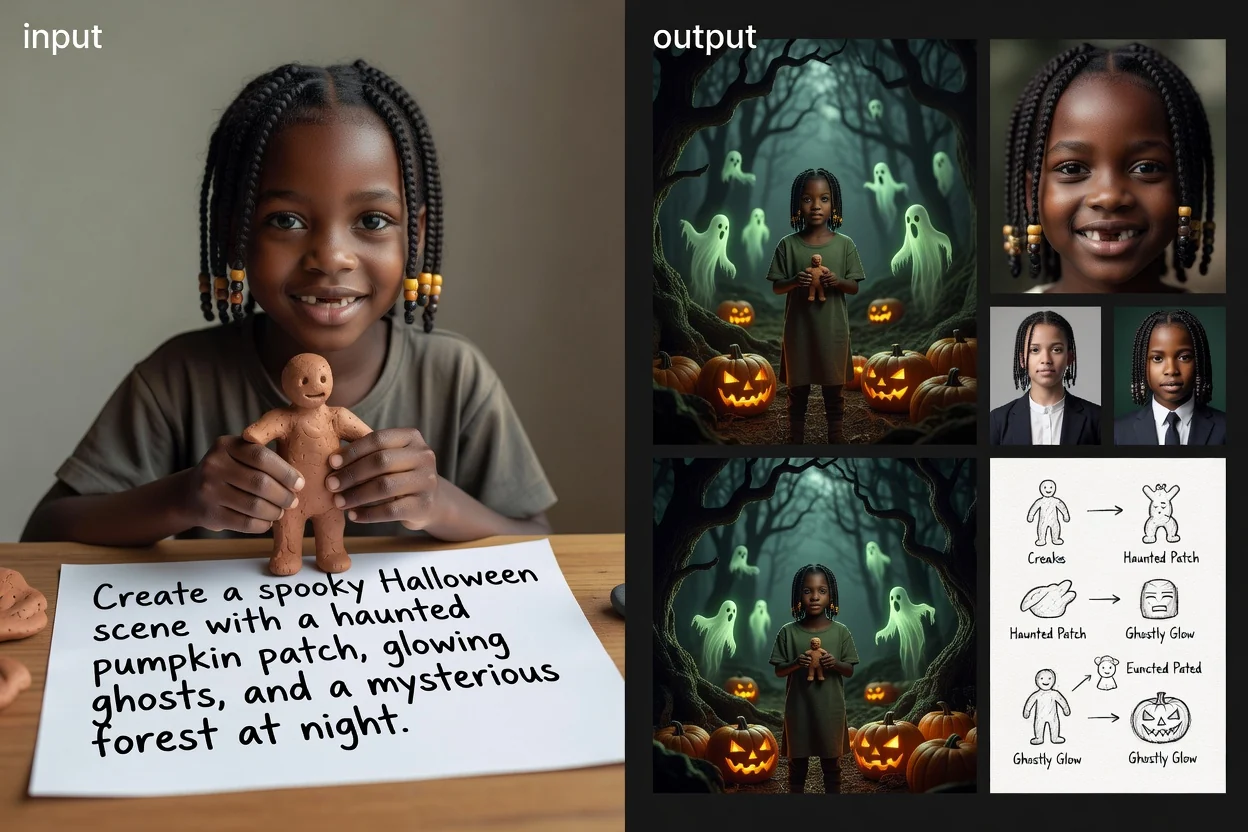
सूचनेपासून सुरू करा, दृश्य संदर्भासह हॅलोवीन प्रतिमा जनरेटरला दिशा द्या आणि अपेक्षित गंतव्यासाठी परिणाम तपासा.
विषय, पार्श्वभूमी, मूड, दृश्य शैली आणि आवश्यक हॅलोवीन घटक नमूद करणारी सूचना लिहा.
भयप्रद प्रकाशयोजना, खेळकर भय, गॉथिक तपशील, गोंडस राक्षस, जुन्या पोस्टरची शैली किंवा सिनेमाई वातावरण यांसारखी दृश्य दिशा जोडा.
गंतव्य स्वरूप निवडा, जेणेकरून तयार होणारी रचना सोशल पोस्ट, अवतार, पोस्टर किंवा पत्रक संकल्पनेशी अधिक चांगली जुळेल.
तुमच्या प्रकल्पाला आवश्यक हॅलोवीन मूड, रचना आणि स्वरूपानुसार प्रतिमेला दिशा देण्यासाठी नेमकी नियंत्रणे वापरा.
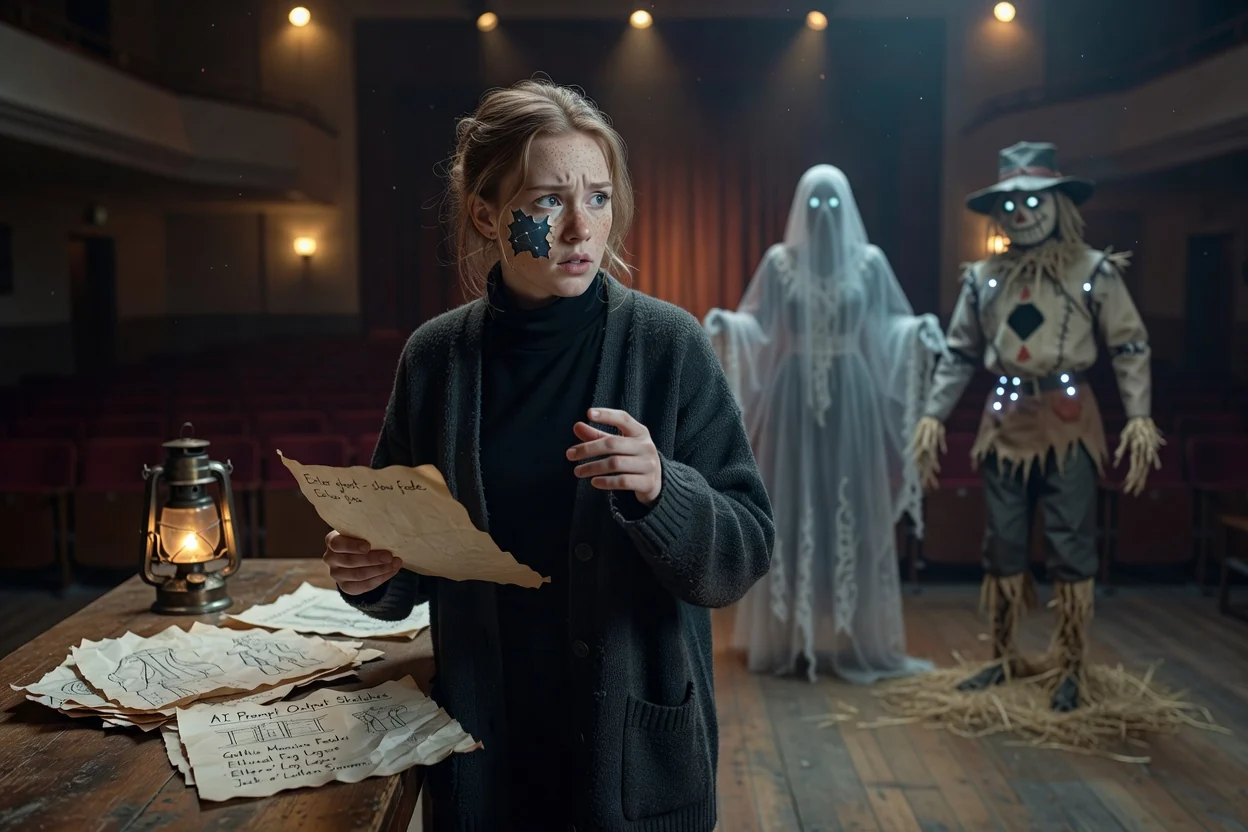
अंतिम प्रतिमेला दिशा देण्यासाठी पात्रे, वस्तू, प्रकाशयोजना, वातावरण आणि दृश्य तपशील वर्णन करा.
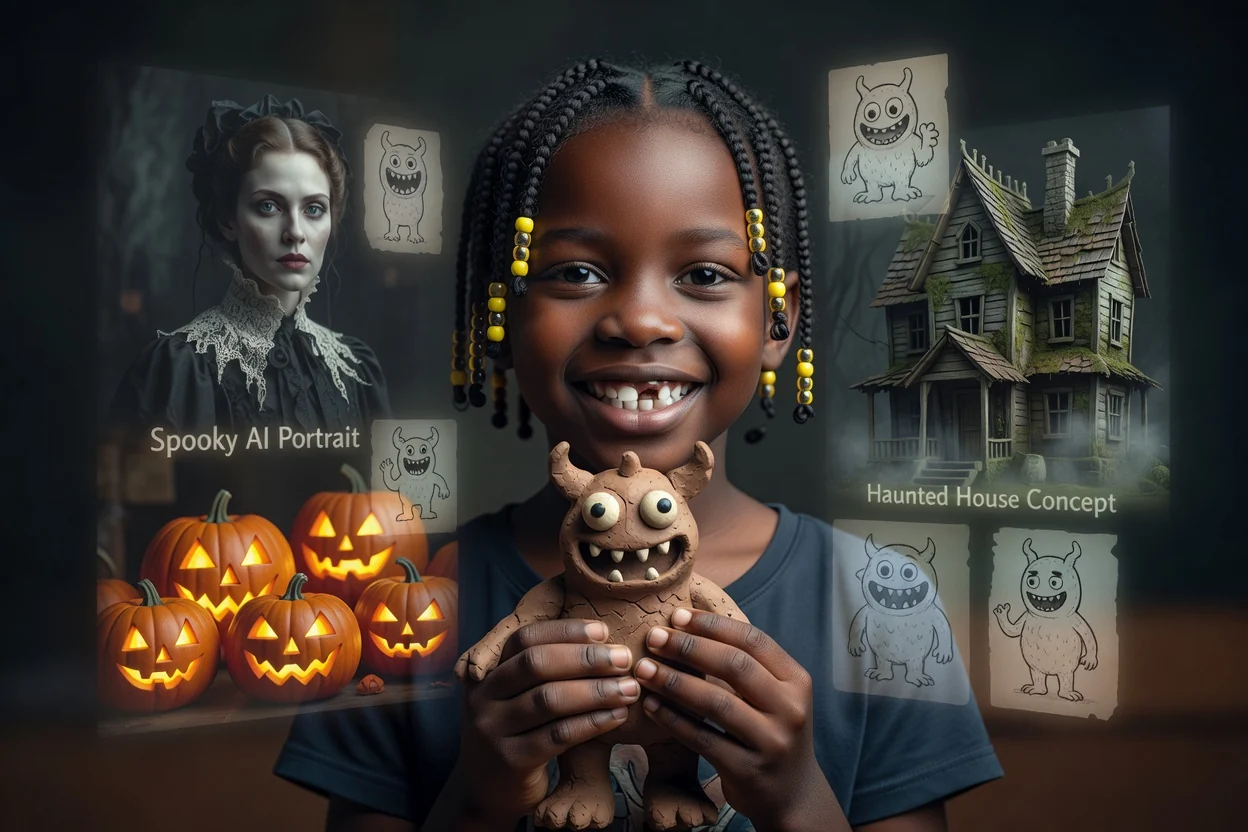
झपाटलेली घरे, कोरलेले भोपळे, गॉथिक पोर्ट्रेट, खेळकर राक्षस किंवा तुमच्या संकल्पनेला साजेशा इतर भयप्रद एआय प्रतिमांचा पर्याय निवडा.
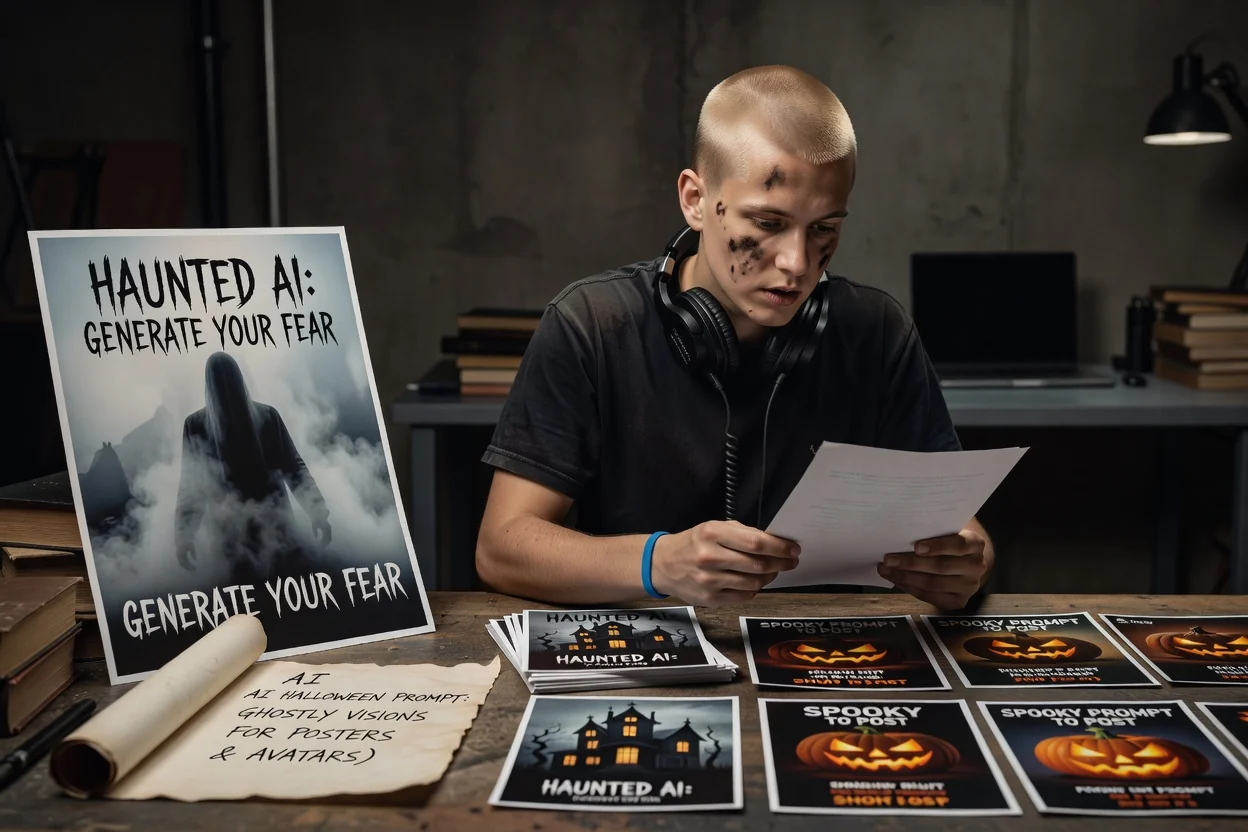
गंतव्य स्वरूप निवडा, जेणेकरून रचना तुमच्या पोस्ट, पोस्टर, पत्रक किंवा अवताराच्या गरजेच्या अधिक जवळून सुरू होईल.
सोशल सामग्री, ओळखीच्या कल्पना आणि प्रचार सामग्रीसाठी दृश्य संकल्पनांमध्ये हंगामी परिणाम तयार करा किंवा वापरा.
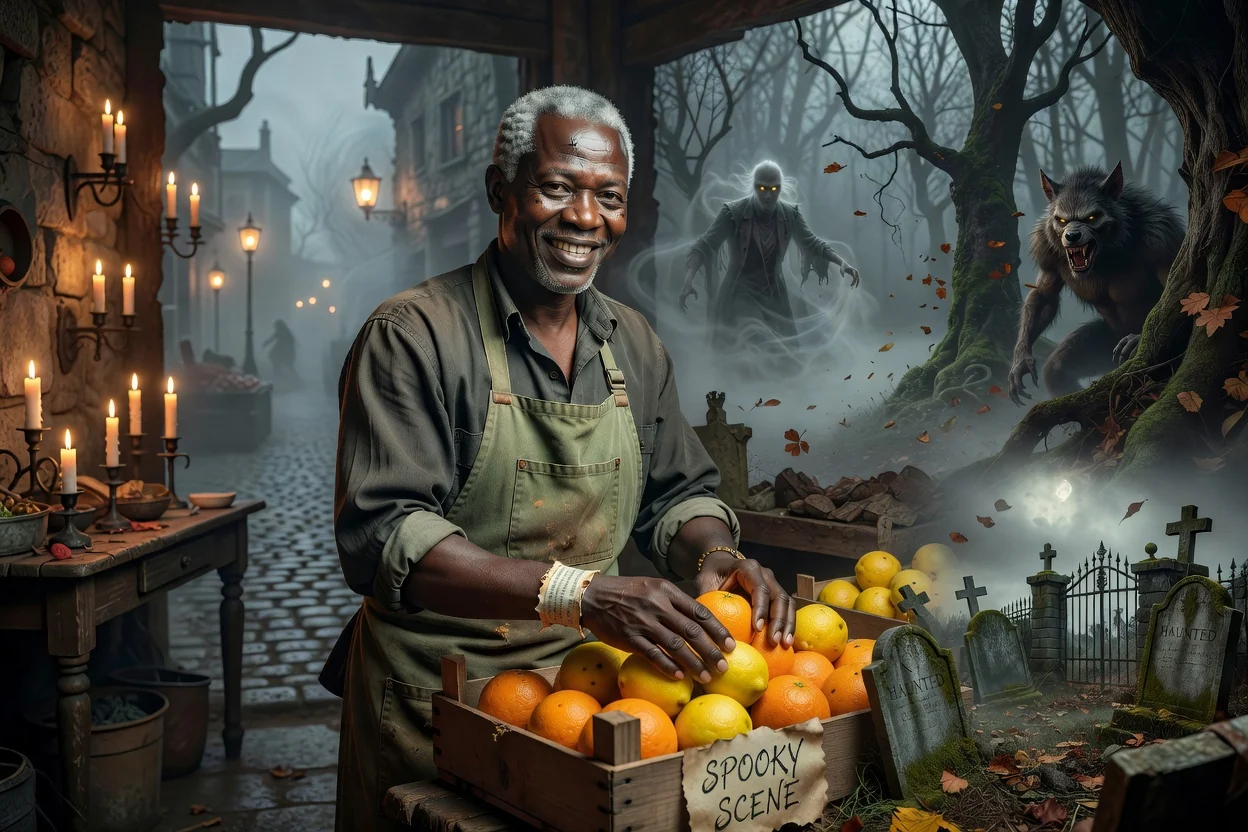
मूडप्रधान सामग्रीसाठी झपाटलेली जंगले, मेणबत्तीच्या प्रकाशातील खोल्या, स्मशानभूमीची दृश्ये, धुक्याने भरलेले रस्ते किंवा राक्षसांचे प्रसंग तयार करा.
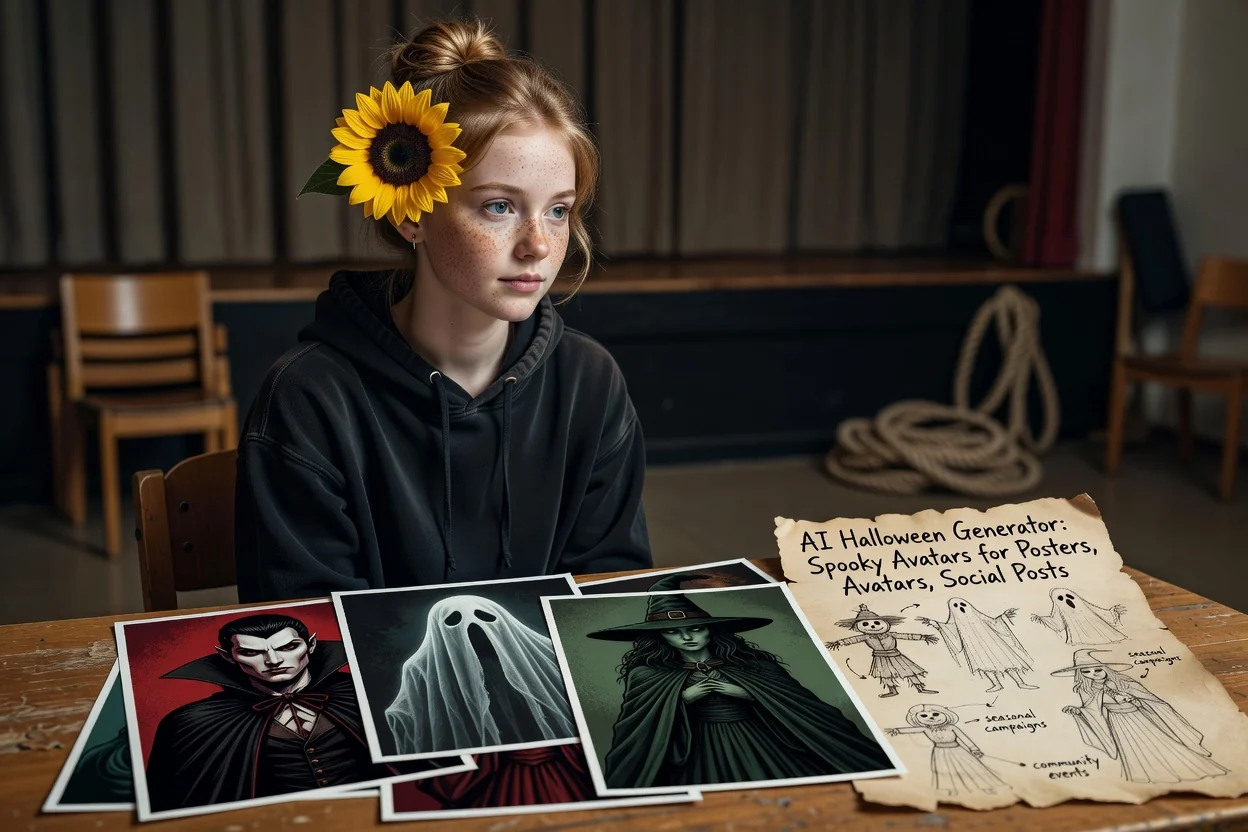
हंगामी मोहिमा आणि समुदाय कार्यक्रमांसाठी शैलीदार पोर्ट्रेट, पोशाख-प्रेरित प्रोफाइल दृश्ये किंवा पात्र संकल्पना तयार करा.
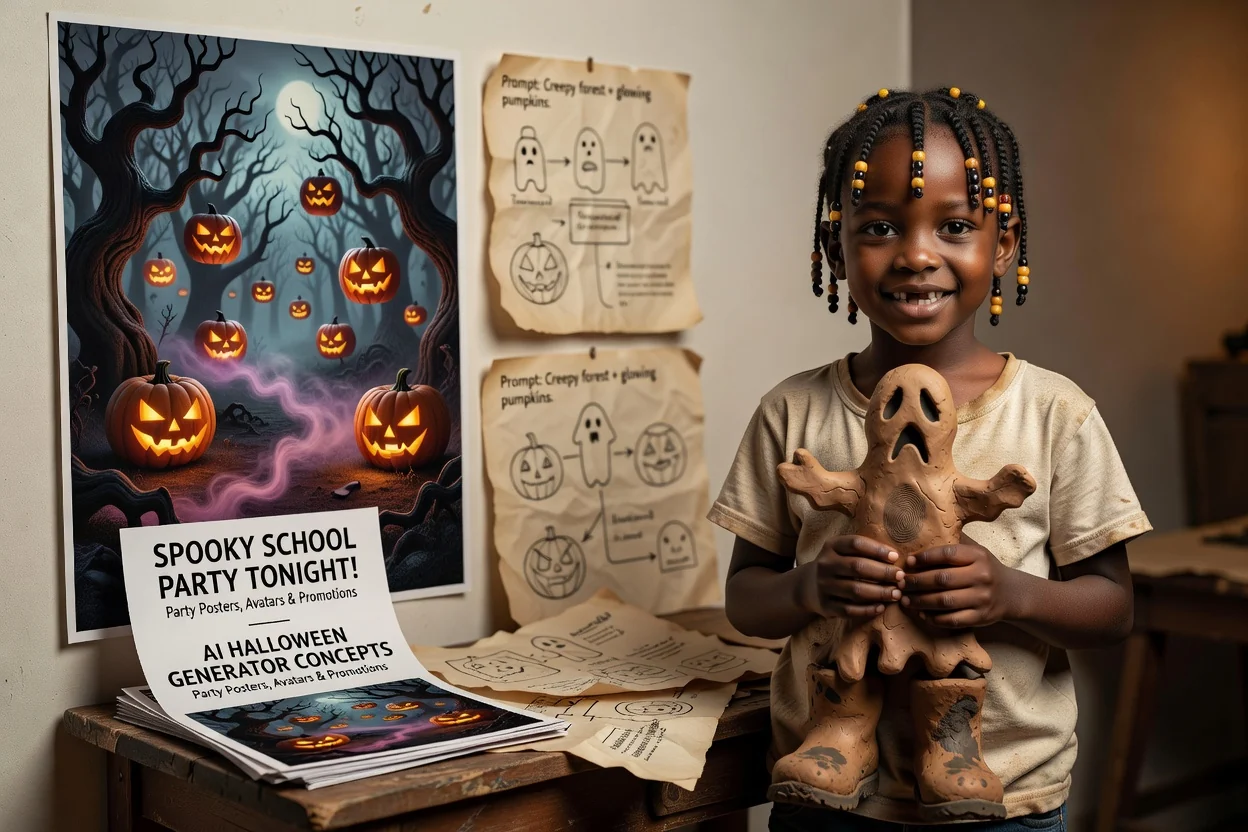
पार्टी, विक्री, घोषणा, शालेय कार्यक्रम किंवा विषयाधारित प्रचारांसाठी पोस्टर आणि पत्रक कला संकल्पना विकसित करा.
तयार केलेले दृश्य वापरण्यापूर्वी, ते सर्जनशील संक्षिप्त गरजा आणि गंतव्य आवश्यकतांनुसार तपासा.
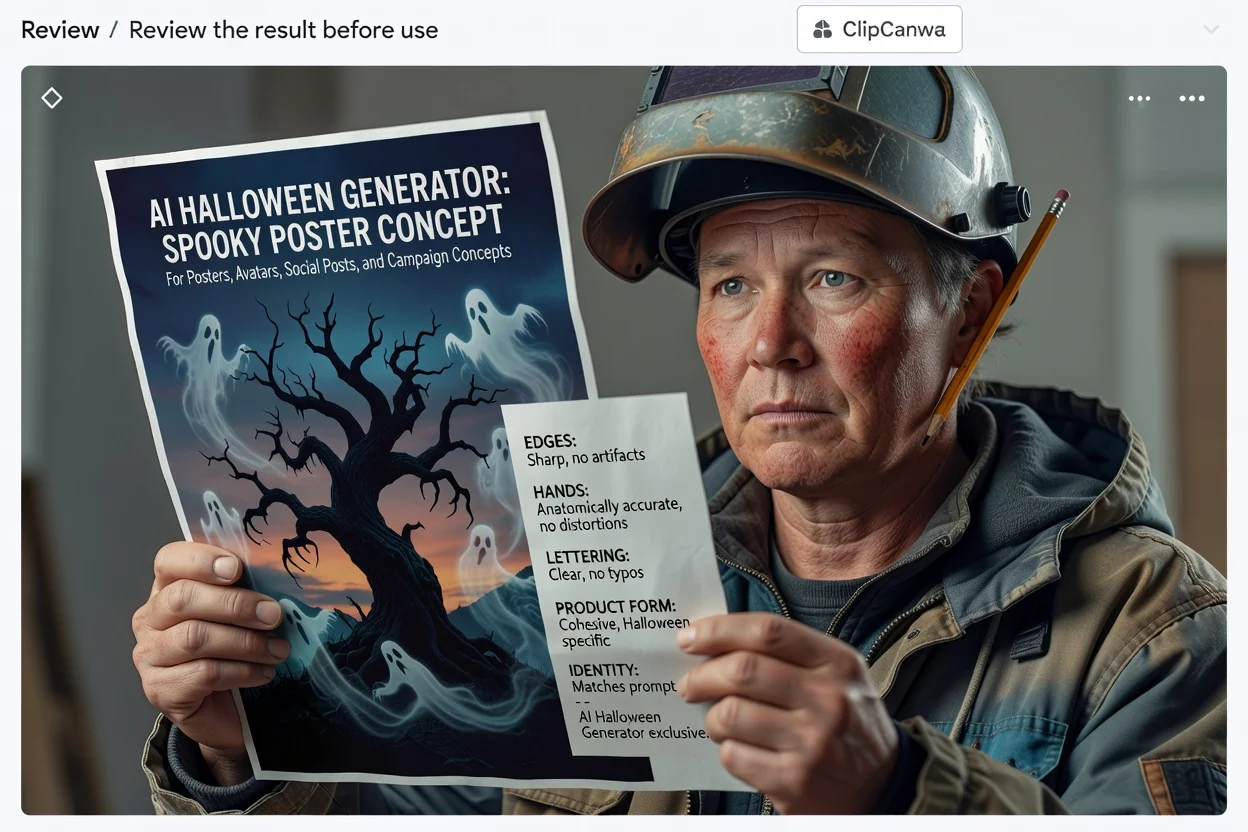
प्रतिमेची तुलना तुमचे अपेक्षित प्रेक्षक, माध्यम आणि हंगामी मोहिमेच्या उद्दिष्टाशी करा.
पोशाख, वस्तू, चेहरे, मजकुरासारख्या खुणा, रंग आणि तुमच्या संकल्पनेसाठी महत्त्वाचे इतर तपशील तपासा.
पोस्टर, पत्रक, अवतार किंवा सोशल पोस्टसारख्या गंतव्य क्रॉप आणि स्वरूपासाठी परिणाम योग्य आहे याची खात्री करा.
तयार झालेले हॅलोवीन परिणाम बदलू शकतात, त्यामुळे अंतिम वापरापूर्वी अचूकता, रचना आणि प्रकल्पाशी सुसंगती तपासण्यासाठी वेळ ठेवा.
विशेषतः गुंतागुंतीची दृश्ये, अनोख्या शैली किंवा अनेक पात्रे असल्यास, एकाच सूचनेचे वेगवेगळे अर्थ लावले जाऊ शकतात.
नावे, मजकूर, चिन्हे, पोशाख, वस्तू आणि लहान दृश्य तपशीलांना प्रकाशित किंवा शेअर करण्यापूर्वी बारकाईने तपासण्याची गरज असू शकते.
सूचना, परिणाम आणि तयार केलेला परिणाम वापरण्यापूर्वी काय तपासावे याबद्दलच्या सामान्य प्रश्नांची उत्तरे.
स्पष्ट हॅलोवीन सूचना लिहा, तुमच्या प्रकल्पाला साजेशी दिशा निवडा आणि तयार झालेली प्रतिमा कार्यप्रवाहात वापरण्यापूर्वी तपासा.