AI Image Extender

Upload an image, describe the direction or target ratio, and use AI to extend the borders with a natural-looking background.

AI UncropOutpaintingAspect RatiosProducts & Social
0 / 2000

AI Image Extension Ideas

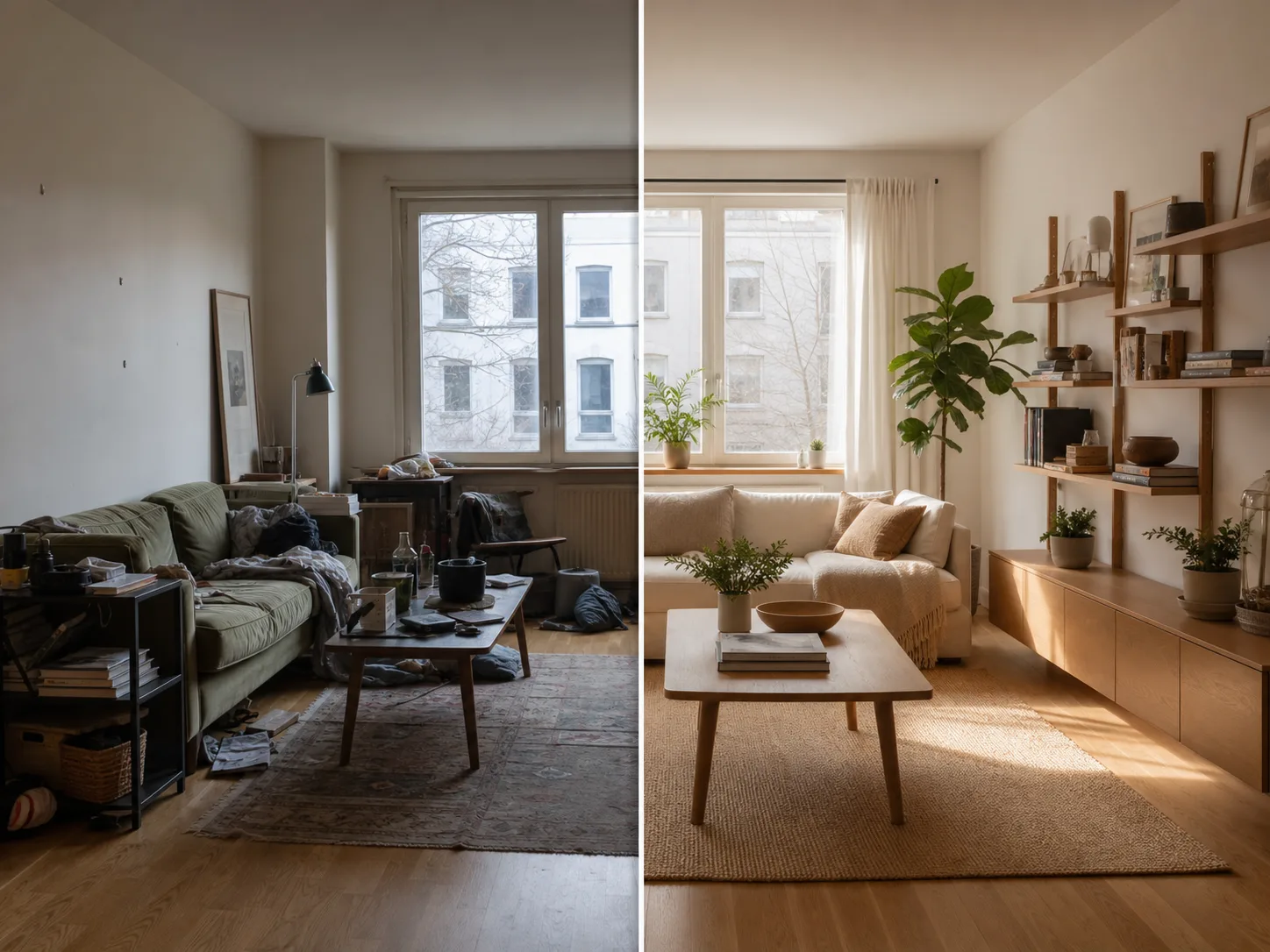
Create room for new layouts without cropping out the subject or stretching the original image.

How to uncrop an image

Start with the target layout, then describe what must stay unchanged for a more reliable expansion.

01

Upload the image

Start with the photo you want to uncrop. Product shots, portraits, interiors, posters, and social images work well.

02

Pick the target layout

Choose a wider, taller, square, or story-friendly ratio depending on where the image will be used.

03

Describe what to preserve

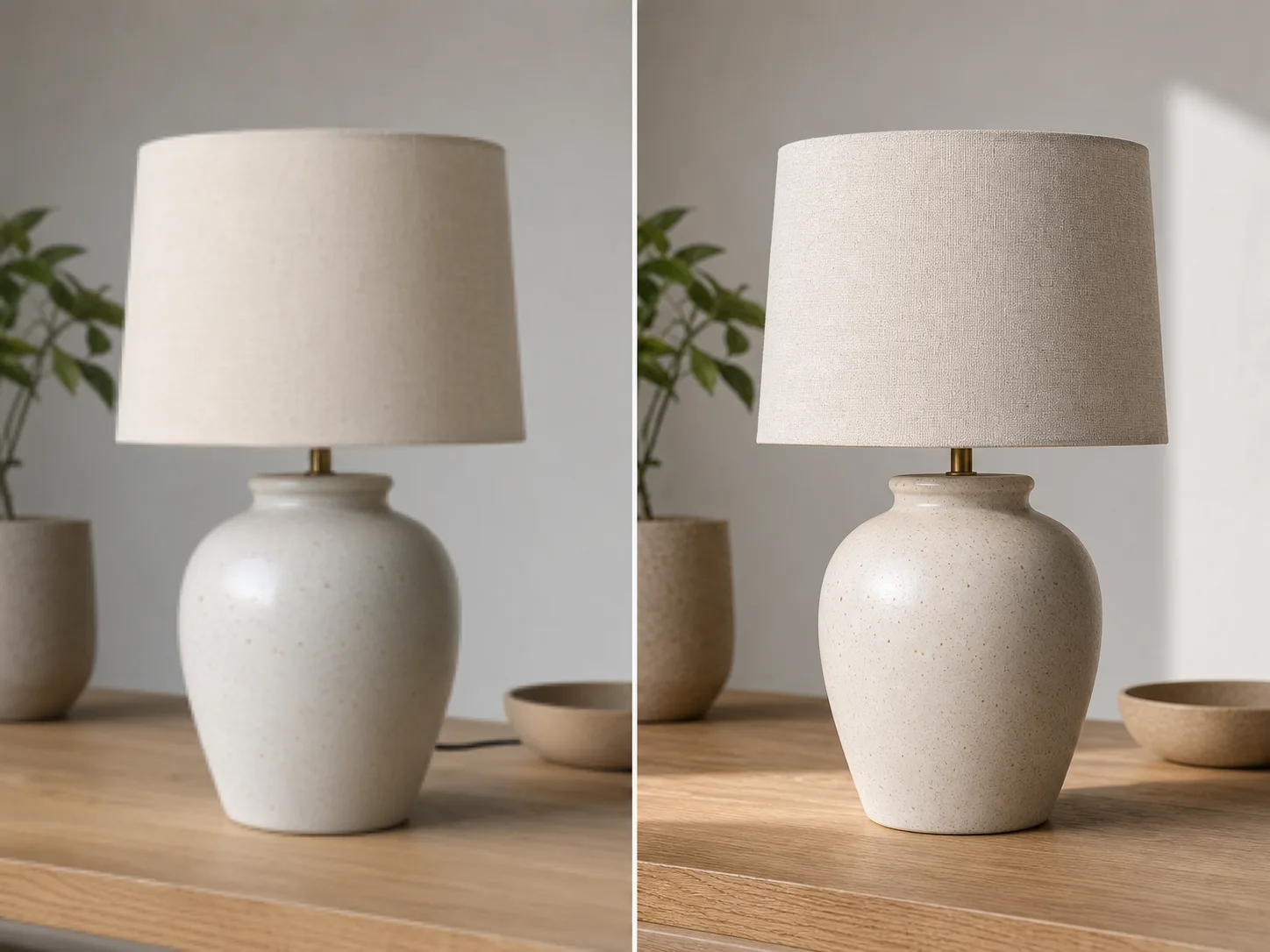
Mention the subject, face, product shape, logo, lighting, and background details that should stay consistent.

04

Generate and refine

Create an expanded version, compare it with the original, then adjust the prompt when you need a cleaner extension.

Make one image fit more layouts

Expand the Canvas

Turn tight crops into wider banners, vertical stories, square posts, thumbnails, and product layouts.

Fill Missing Background

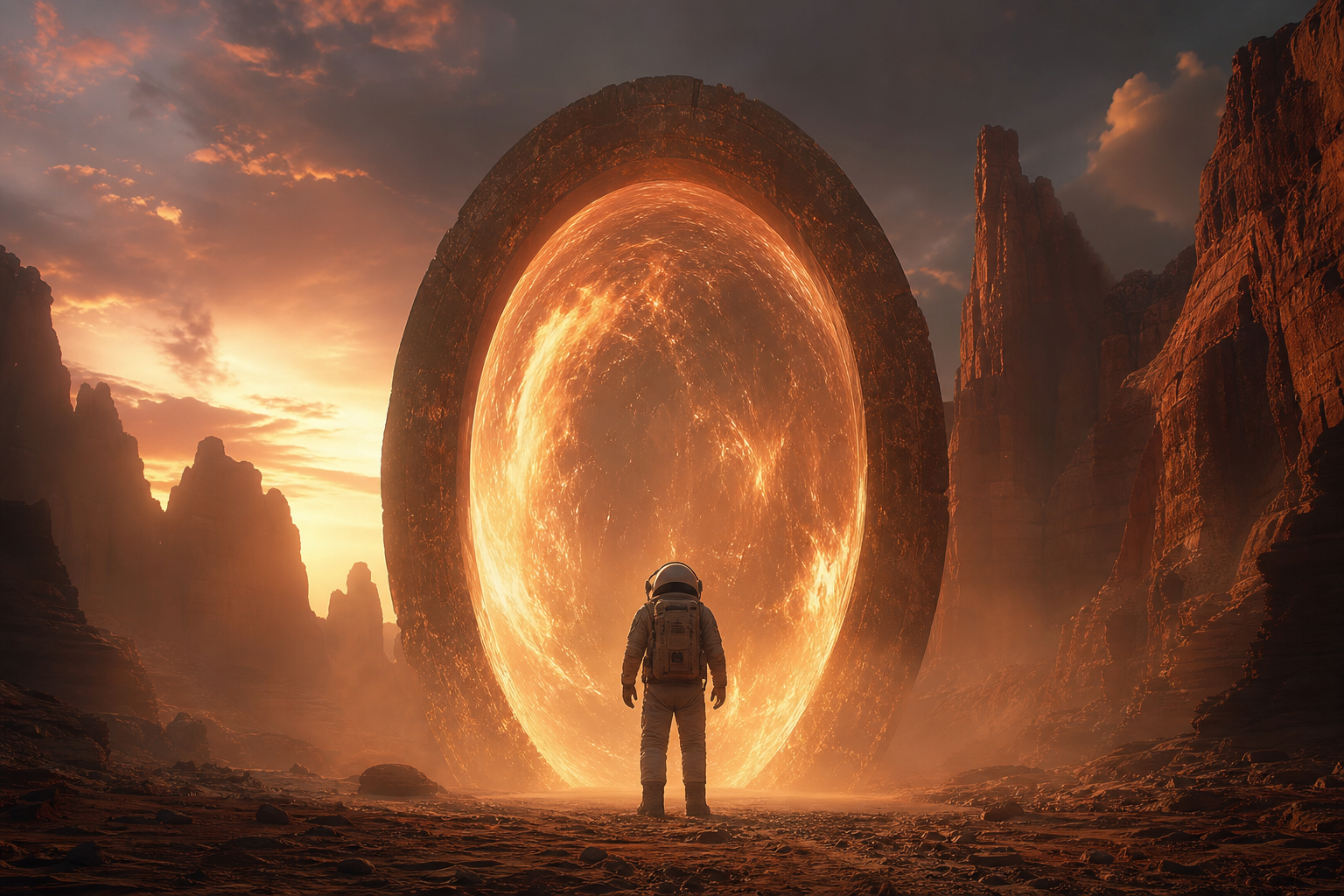
Use AI outpainting to add new visual area without stretching or distorting the original subject.

Fit Real Formats

Adapt one image for landing sections, ads, marketplaces, presentations, and social posts.

Prompt Control

Guide the extension with plain language when the new area needs a specific mood, setting, or clean copy space.

पाहा related टूल्स

Continue with editing, enhancement, or background removal after expanding the image.

तुमची योजना निवडा

मोफत प्रतिमांमध्ये वॉटरमार्क असतो. स्वच्छ आउटपुट, जलद जनरेशन आणि व्यावसायिक वापरासाठी अपग्रेड करा.

सुरू कराer Pack

$9

A one-time credit pack साठी trying प्रतिमा, संगीत, आणि shकिंवाt व्हिडिओ जनरेशन.

  • 600 क्रेडिट्स
  • 100 पर्यंत प्रतिमा
  • 7 लहान व्हिडिओ पर्यंत
  • Credits 30 दिवस वैध
  • वॉटरमार्क नाहीत

निर्माता

$19/mo

मासिक योजना · 1,500 क्रेडिट्स प्रत्येक महिन्याला नूतनीकरण करतात

  • 1,500 credits दरमहा
  • दरमहा 250 पर्यंत प्रतिमा
  • दरमहा 18 पर्यंत short videos
  • ClipCanva Pro आणि इतर क्रेडिट मॉडेलसह कार्य करते
  • प्राधान्य रांग
  • समुदाय समर्थन
  • जाहिराती नाहीत
  • वॉटरमार्क नाहीत

प्रो

$39/mo

मासिक योजना · 4,000 क्रेडिट्स प्रत्येक महिन्याला नूतनीकरण करतात

  • 4,000 credits दरमहा
  • दरमहा 660 पर्यंत प्रतिमा
  • दरमहा 50 पर्यंत short videos
  • ClipCanva Pro आणि इतर क्रेडिट मॉडेलसह कार्य करते
  • सर्वोच्च प्राधान्य रांग
  • ClipCanva Pro अनलॉक करा
  • जाहिराती नाहीत
  • वॉटरमार्क नाहीत
  • प्रगत परिष्कृत

स्टुडिओ

$99/mo

मासिक योजना · 12,000 क्रेडिट्स प्रत्येक महिन्याला नूतनीकरण करतात

  • 12,000 credits दरमहा
  • दरमहा 2,000 पर्यंत प्रतिमा
  • दरमहा 150 पर्यंत short videos
  • ClipCanva Pro आणि इतर क्रेडिट मॉडेलसह कार्य करते
  • सर्वोच्च प्राधान्य रांग
  • पूर्ण गोपनीयता
  • नवीन वैशिष्ट्यांमध्ये लवकर प्रवेश
  • प्राधान्य समर्थन

मासिक योजना प्रत्येक बिलिंग चक्रात क्रेडिटचे नूतनीकरण करतात. वार्षिक योजना 12 महिन्यांचे क्रेडिट्स आगाऊ देतात आणि 17% बचत करतात. वापराचे अंदाज सर्वात कमी किमतीच्या समर्थित प्रतिमा आणि व्हिडिओ मॉडेलवर आधारित आहेत; प्रीमियम मॉडेल्स, उच्च रिझोल्यूशन, मोठे व्हिडिओ, संदर्भ-आधारित निर्मिती आणि प्रगत साधने अधिक क्रेडिट्स वापरतात.

Team योजना

एजन्सी, उत्पादन संघ आणि सानुकूल व्हॉल्यूम गरजांसाठी.

आमच्याशी संपर्क करा

AI Image Extender FAQ

Common questions before extending your first image.

What does uncrop mean?
Uncrop means expanding an image beyond its current borders. AI fills the new empty areas so the image can fit a wider, taller, or different layout.
How is this different from image enhancement?
Image enhancement improves clarity or resolution of the existing image. Uncrop adds new background area around the original image so the composition fits a new format.
What images work best?
Use images with a clear subject and enough visible background for the AI to understand the scene, lighting, texture, and perspective.
Can I use this for product photos and social posts?
Yes. Common uses include product banners, marketplace images, Instagram posts, TikTok covers, YouTube thumbnails, ads, and website hero images.

Uncrop your first image

Upload one image and create a layout-ready version with ClipCanva.