01
दृश्याचे नेमके वर्णन करा
विषय, कृती, पार्श्वभूमी, कॅमेरा हालचाल आणि दृश्यशैली स्पष्ट लिहा. प्रत्येक दृश्यात एक मुख्य कृती ठेवल्यास परिणाम तपासणे सोपे जाते.
दृश्य लिहा, उपलब्ध व्हिडिओ मॉडेल निवडा, विषयाची कृती व कॅमेरा हालचाल असलेला मसुदा तयार करा आणि मिळालेला परिणाम तपासा.
वर्तमान निवडकातील Seedance 2.0 नैसर्गिक हालचालींसाठी, Veo 3.1 Fast सिनेमॅटिक दृश्यांसाठी, Kling V3 Turbo वेगवान अॅक्शनसाठी, ClipCanva Video Pro उत्पादन व मोहिमांसाठी आणि HappyHorse प्रॉम्प्ट किंवा संदर्भ प्रतिमेपासून सुरू होणाऱ्या लवचिक कार्यप्रवाहासाठी वापरा.
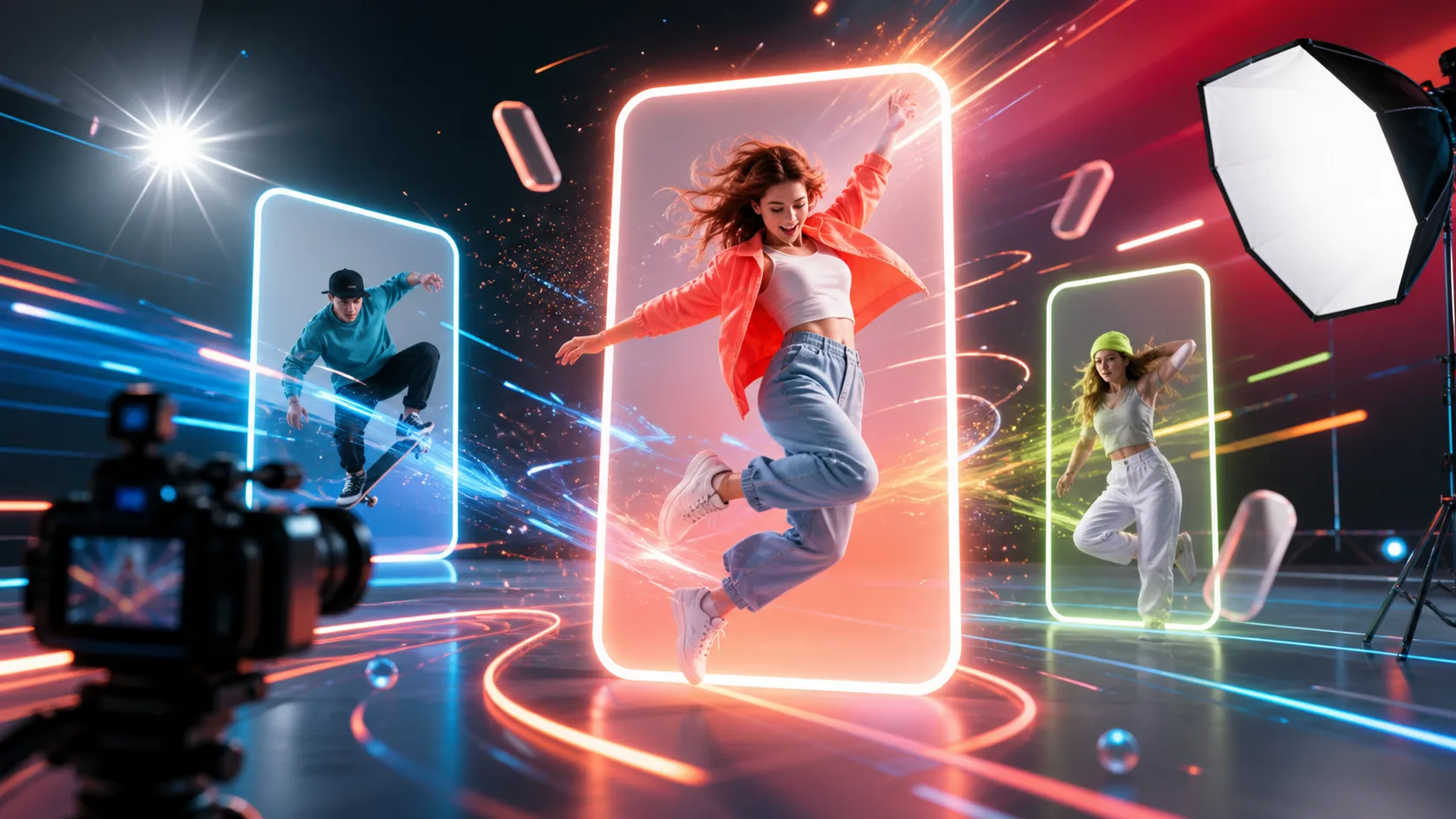
या दृश्यांपासून सुरुवात करा आणि विषयाची कृती, कॅमेरा हालचाल, प्रकाश, फ्रेमची दिशा व दृश्याचा प्रवाह तुमच्या कल्पनेनुसार बदला.
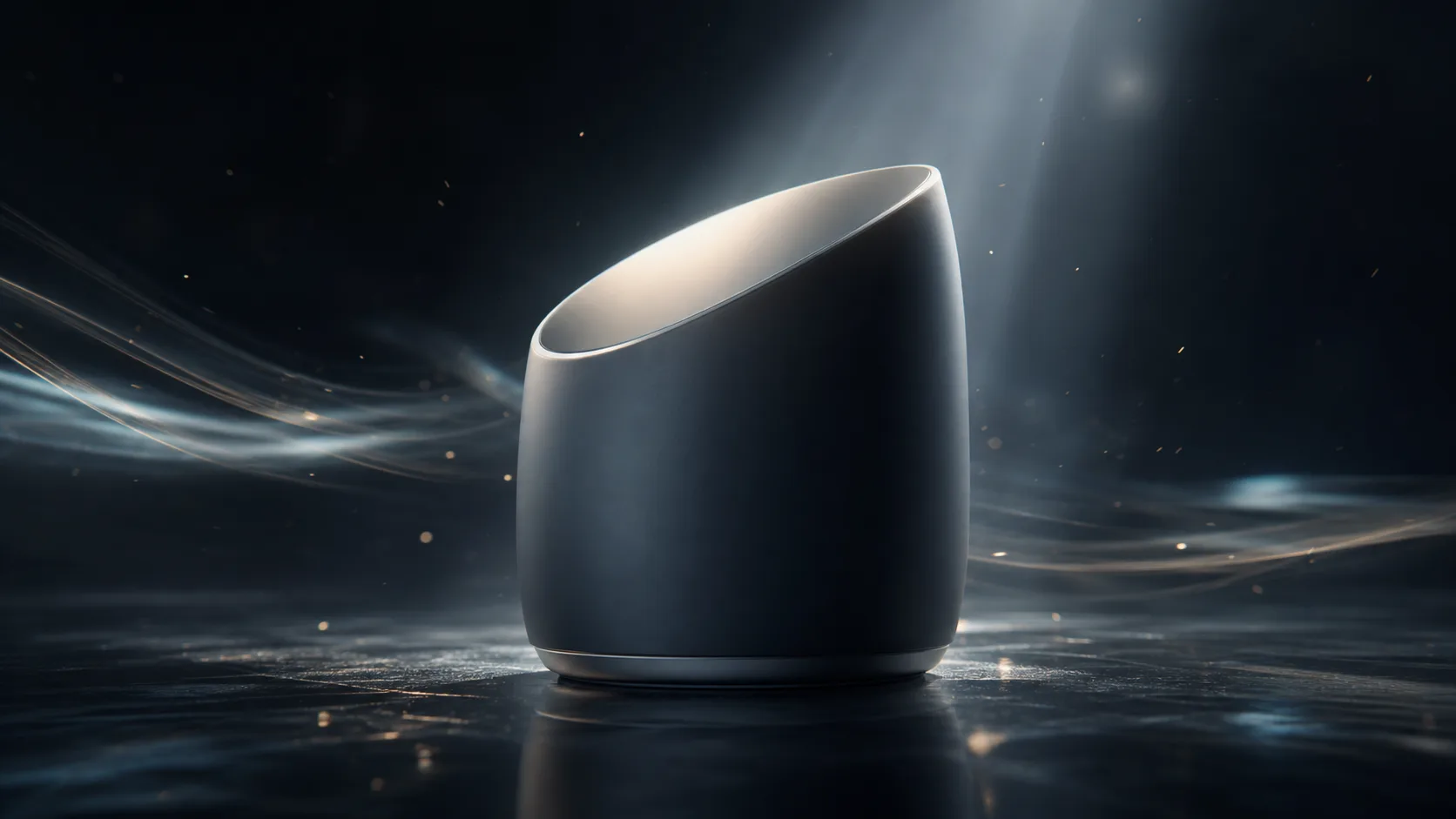
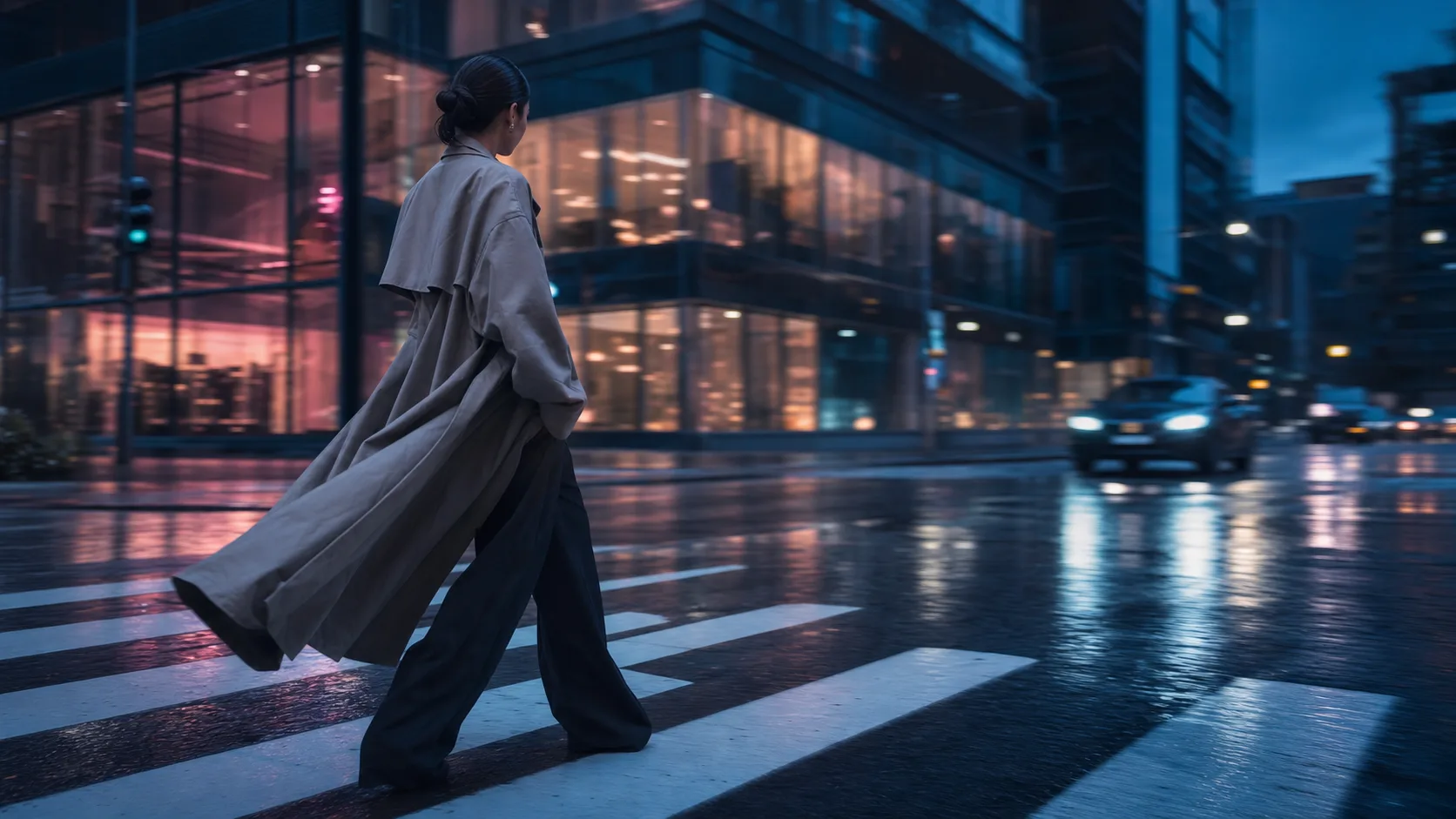
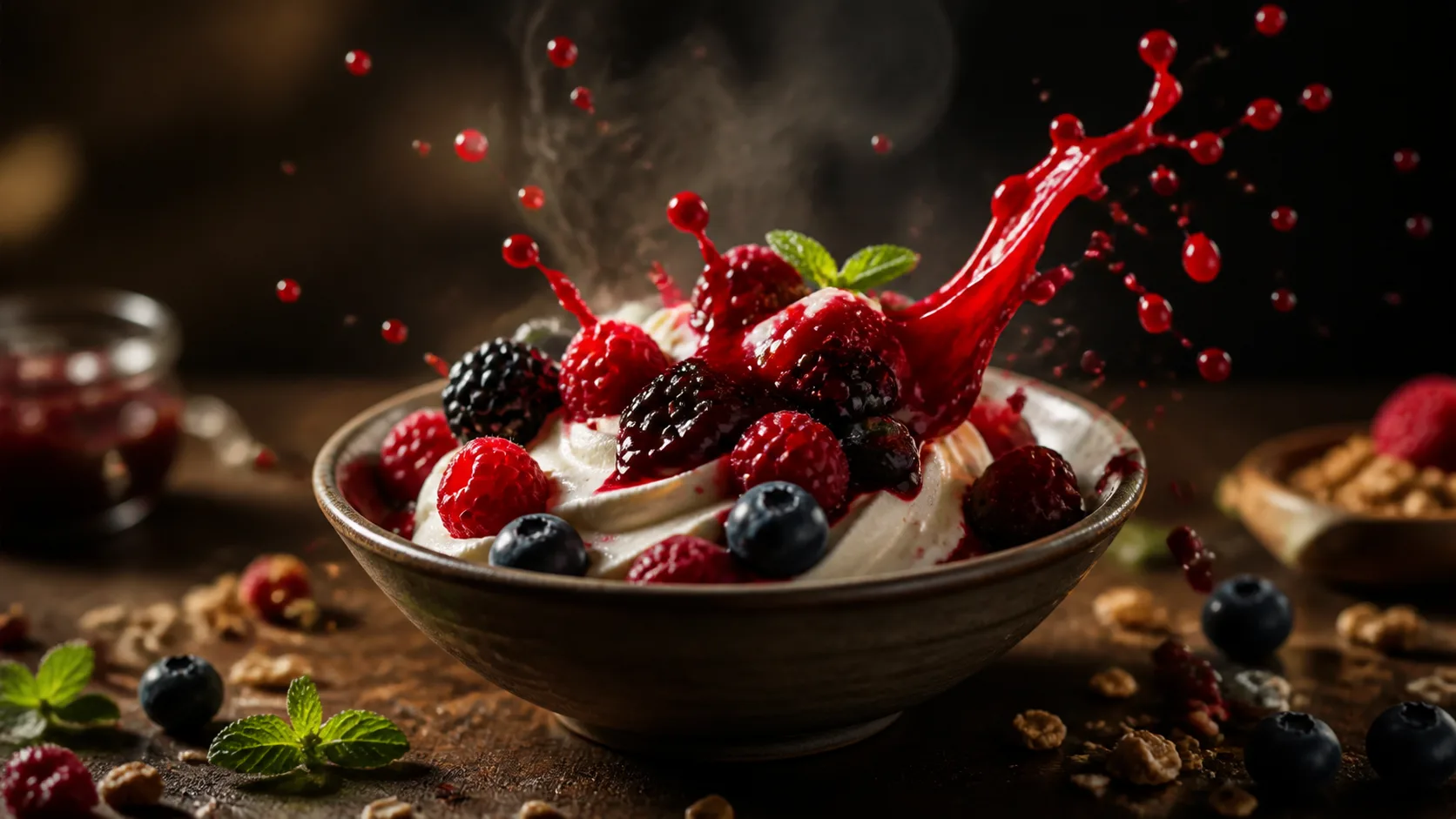
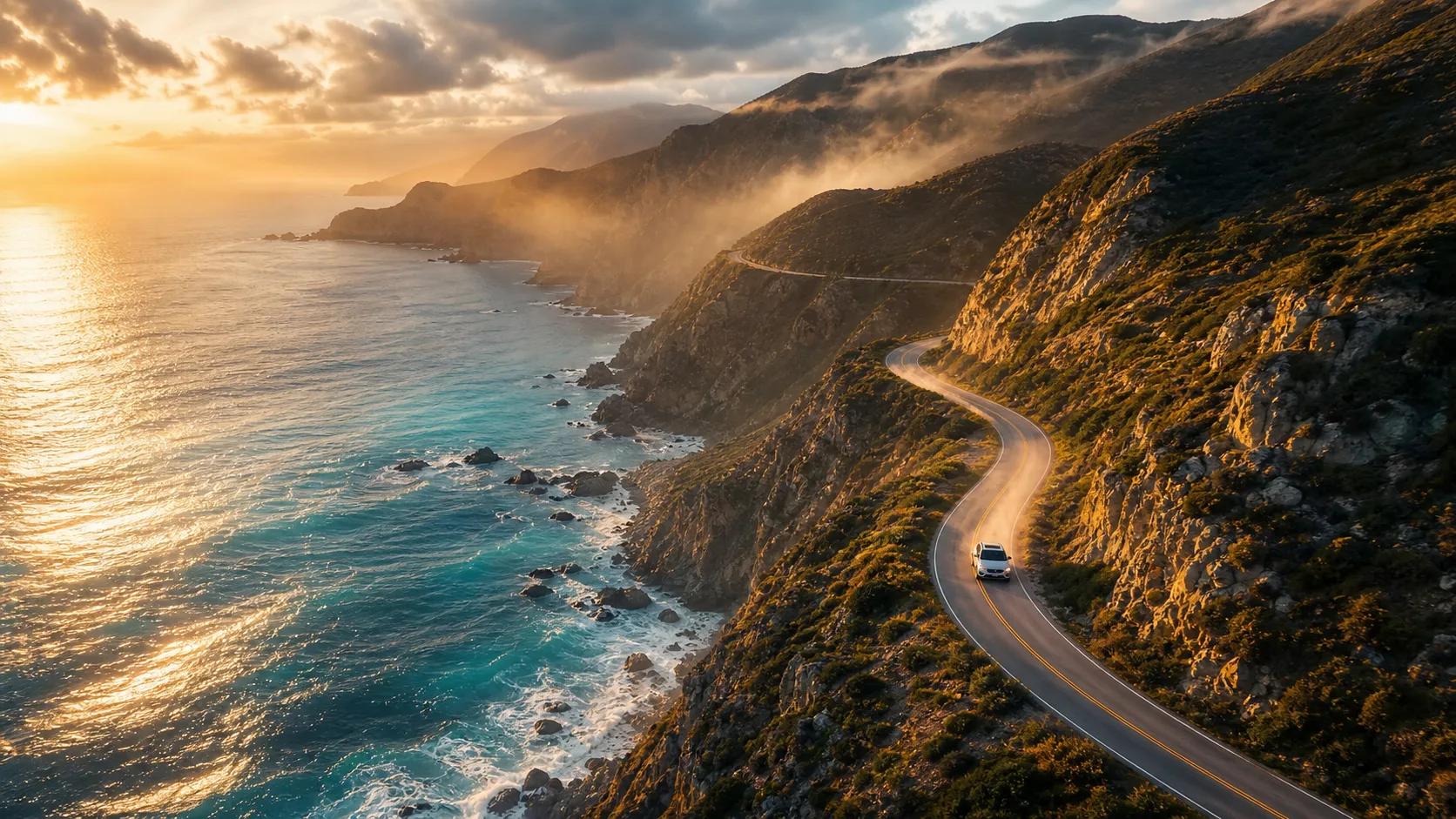
दृश्य लिहा, उपलब्ध मॉडेल निवडा आणि तयार परिणाम तपासा—ही मूलभूत प्रक्रिया तीन टप्प्यांत पूर्ण होते.
विषय, कृती, पार्श्वभूमी, कॅमेरा हालचाल आणि दृश्यशैली स्पष्ट लिहा. प्रत्येक दृश्यात एक मुख्य कृती ठेवल्यास परिणाम तपासणे सोपे जाते.
सिनेमॅटिक रचनेसाठी Veo 3.1 Fast, गतिमान हालचालींसाठी Kling V3 Turbo, नैसर्गिक कृतीसाठी Seedance 2.0, उत्पादन दृश्यांसाठी ClipCanva Video Pro किंवा लवचिक कार्यप्रवाहासाठी HappyHorse तुलना करा.
काम पाठवण्याआधी सध्याचे credits, रांग आणि सेटिंग्ज पहा. तयार झाल्यावर विषयाचा आकार, हालचाल, कॅमेरा दिशा, मजकूर आणि ब्रँड घटक उद्दिष्टाशी जुळतात का ते पडताळा.
तांत्रिक व्हिडिओ शब्दसंग्रहाची गरज न ठेवता विषय आणि कृती सामान्य वाक्यांत लिहा, मग आवश्यक कॅमेरा दिशा जोडा.
गुरुत्व, द्रव, प्रकाश आणि साहित्य कसे परस्परक्रिया करतात ते प्रॉम्प्टमध्ये स्पष्ट करा आणि तयार परिणामाचा नैसर्गिकपणा स्वतः पडताळा.
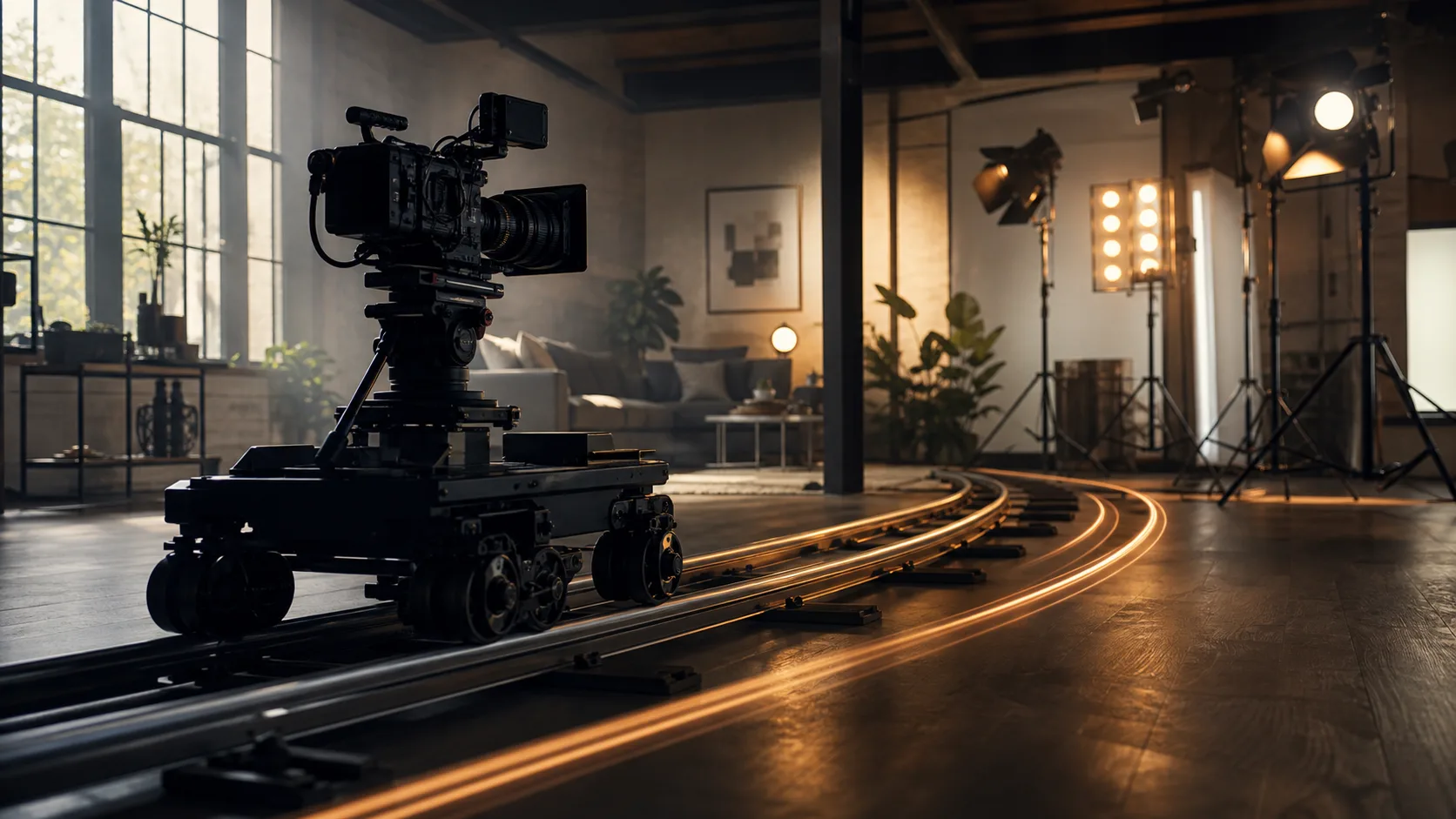
संथ push-in, overhead view, close-up, lateral tracking किंवा उजवीकडे pan यांसारखी एक नेमकी कॅमेरा हालचाल मागा.
Documentary, science fiction, animation किंवा vintage film शैली लिहा आणि संपूर्ण परिणामात तिचे सातत्य तपासा.
निवडकात दिसणाऱ्या Veo 3.1 Fast, Kling V3 Turbo, Seedance 2.0, ClipCanva Video Pro किंवा HappyHorse मधून दृश्याच्या उद्दिष्टाशी जुळणारा पर्याय निवडा.
प्रतिमा आणि व्हिडिओसाठी पुढील कार्यप्रवाह उघडा
मोफत प्रतिमांमध्ये वॉटरमार्क असतो. स्वच्छ आउटपुट, जलद जनरेशन आणि व्यावसायिक वापरासाठी अपग्रेड करा.
सुरू कराer Pack
A one-time credit pack साठी trying प्रतिमा, संगीत, आणि shकिंवाt व्हिडिओ जनरेशन.
निर्माता
मासिक योजना · 1,500 क्रेडिट्स प्रत्येक महिन्याला नूतनीकरण करतात
GPT Image 2 Unlimited
Stripe Checkout मध्ये FOUNDING6 कोड टाका: पहिल्या 6 महिन्यांसाठी $19/महिना, त्यानंतर $29/महिना.
प्रो
मासिक योजना · 4,000 क्रेडिट्स प्रत्येक महिन्याला नूतनीकरण करतात
स्टुडिओ
मासिक योजना · 12,000 क्रेडिट्स प्रत्येक महिन्याला नूतनीकरण करतात
सुरक्षित पेमेंट · सदस्यत्वे आपोआप नूतनीकरण होतात · परताव्याची पात्रता पहा
Team योजना
एजन्सी, उत्पादन संघ आणि सानुकूल व्हॉल्यूम गरजांसाठी.
मजकुरापासून AI व्हिडिओ तयार करताना मॉडेल, प्रॉम्प्ट, बदलणाऱ्या अटी आणि प्रकाशनापूर्वीचे परीक्षण समजून घ्या.
वर्तमान मॉडेल निवडा, काम पाठवण्यापूर्वी credits, रांग आणि सेटिंग्ज तपासा, मग तयार हालचाल व रचनेचे परीक्षण करा.