


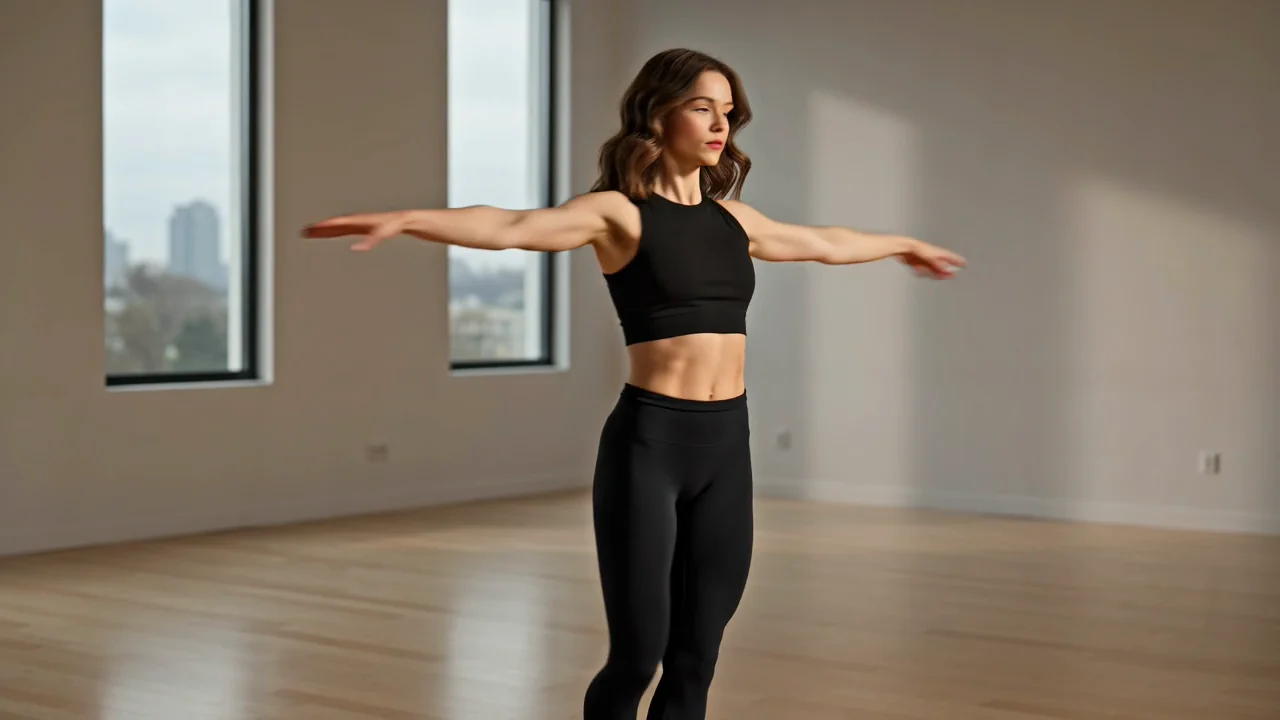
गुंतागुंतीची विषय-हालचाल
विषयाची हालचाल, दृश्याची लय आणि प्रॉम्प्टची स्पष्टता यांचे निर्मितीनंतर काळजीपूर्वक परीक्षण आवश्यक असलेले कृतीप्रधान क्लिप तयार करा.
कृत्रिम बुद्धिमत्ता व्हिडिओ कामासाठी Seedance 2.0 वापरण्यापूर्वी त्याच्या पडताळलेल्या क्षमता, इनपुट, नियंत्रणे आणि उपलब्धतेचे मूल्यमापन करा.
Seedance 2.0 म्हणजे काय असे तुम्ही विचारत असाल, तर प्रॉम्प्ट आणि संदर्भावर आधारित निर्मितीसाठीचे ते बाइटडान्सचे बहुविध व्हिडिओ मॉडेल आहे.
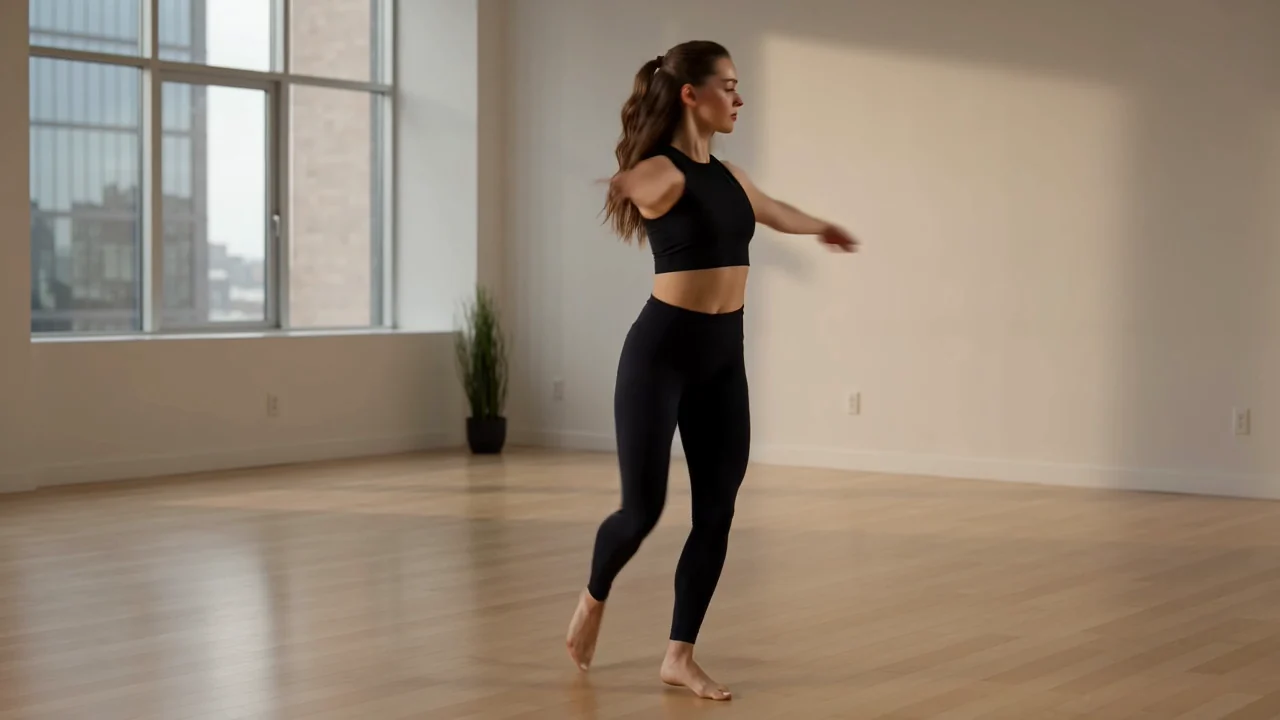
निर्मितीपूर्वी मॉडेलच्या क्षमतांची तुमच्या हालचाल, संदर्भ, कॅमेरा आणि बहु-शॉट उद्दिष्टांशी तुलना करा.
विषयाची हालचाल, दृश्याची लय आणि प्रॉम्प्टची स्पष्टता यांचे निर्मितीनंतर काळजीपूर्वक परीक्षण आवश्यक असलेले कृतीप्रधान क्लिप तयार करा.
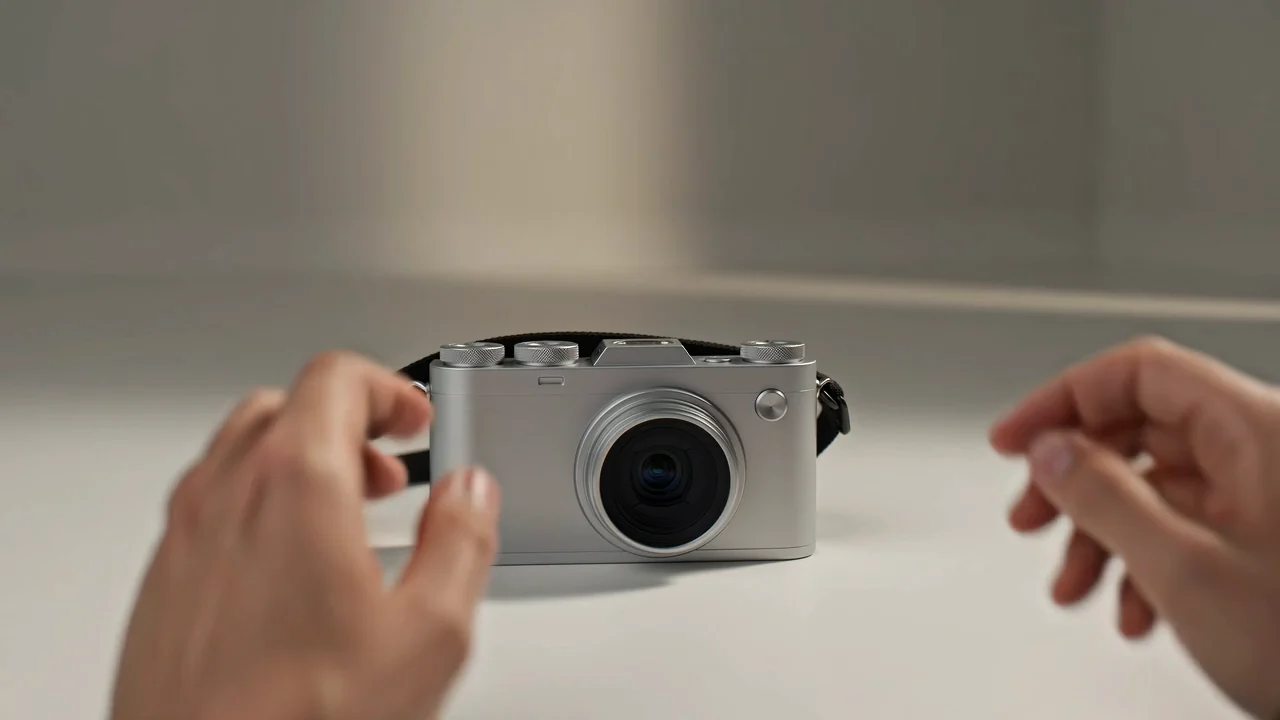
अंतिम क्लिप लेखी प्रॉम्प्टशी जुळते आहे का हे तपासत दृश्यदिशेसाठी संदर्भ प्रतिमा वापरा.
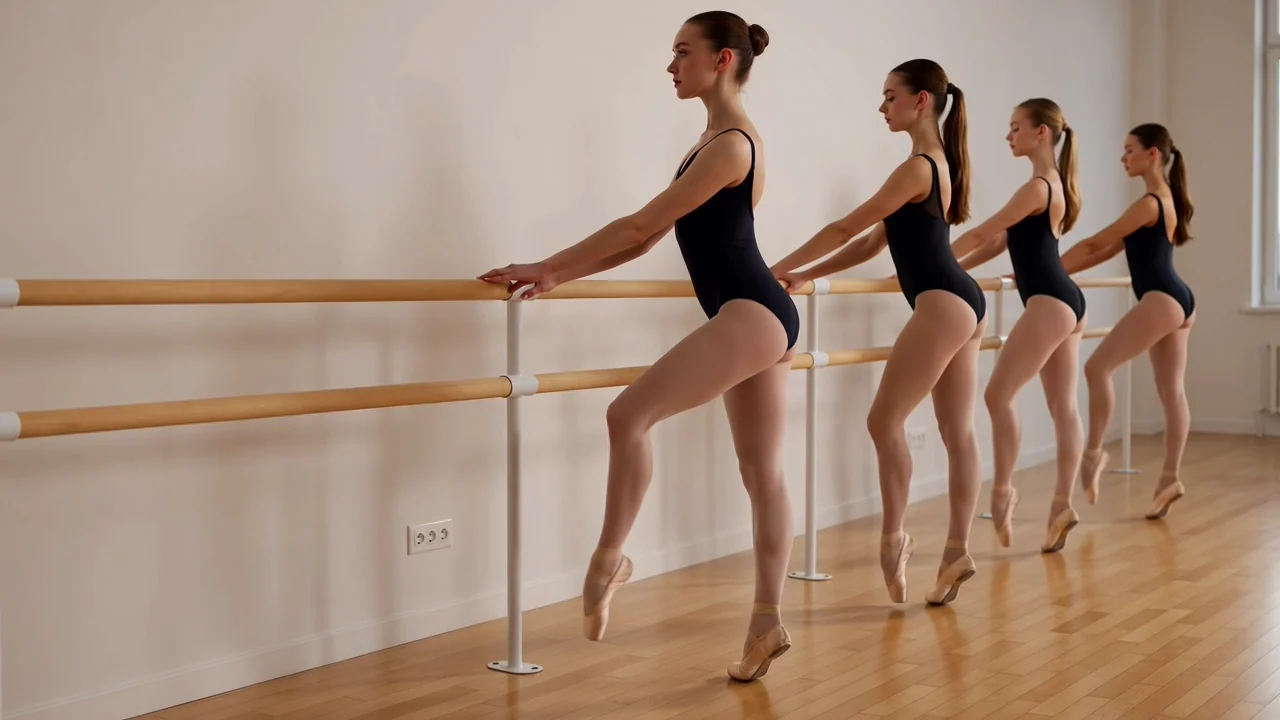
प्रॉम्प्टमध्ये कॅमेरा हालचालीचे नियोजन करा, नंतर निर्मित व्हिडिओमधील फ्रेमिंग, वेळनियोजन आणि सातत्य तपासा.
संगीताधारित किंवा कथनात्मक कल्पनांसाठी बहु-शॉट दृश्य संकल्पना तयार करा, नंतर संक्रमण आणि दृश्यसुसंगती तपासा.
पुरवठादाराकडील संपूर्ण इनपुट संच गृहीत धरण्याऐवजी या पृष्ठावर दर्शवलेले समर्थित इनपुट आणि नियंत्रणे वापरा.
मजकूर प्रॉम्प्टने सुरुवात करा आणि शॉट, विषय, उत्पादन किंवा दृश्यदिशेस मार्गदर्शन हवे असल्यास संदर्भ प्रतिमा जोडा.
ClipCanva मध्ये दर्शवलेले गुणोत्तर, कालावधी, विभेदन आणि संदर्भ प्रतिमा सेटिंग्ज तसेच Seedance 2.0 मॉडेल निवडक समायोजित करा.
निर्मित व्हिडिओ क्लिप किंवा संदर्भ-मार्गदर्शित व्हिडिओ अपेक्षित ठेवा; तरीही त्यांची अनुरूपता, तपशील आणि स्वरूपासाठी मानवी परीक्षण आवश्यक आहे.
तुमच्या संक्षिप्त माहितीचे प्रॉम्प्टमध्ये रूपांतर करून, दर्शवलेली नियंत्रणे सेट करून आणि परिणाम तपासून Seedance 2.0 कसे वापरायचे ते अनुसरा.
निर्मिती प्रॉम्प्ट लिहिण्यापूर्वी उद्देश, प्रेक्षक, विषय, परिसर, हालचाल आणि गंतव्य स्वरूप निश्चित करा.
विशिष्ट Seedance 2.0 प्रॉम्प्ट तयार करा, नंतर दिसणाऱ्या पर्यायांमध्ये तो इनपुट असल्यासच संदर्भ प्रतिमा जोडा.
सबमिट करण्यापूर्वी दिसणारे मॉडेल, गुणोत्तर, कालावधी, विभेदन आणि संदर्भ प्रतिमा नियंत्रणे निवडा.
व्हिडिओ तयार करा, परिणामांची तुलना करा, कमकुवत तपशील तपासा आणि गरजेनुसार एका वेळी एक सूचना सुधारित करा.
मॉडेल निवडण्यापूर्वी या वापरप्रसंगांची प्रत्यक्ष प्रेक्षक, माध्यम, स्वरूप आणि परीक्षण मानकाशी जुळवाजुळव करा.
स्पष्ट कृती उद्दिष्ट, परिसर, कॅमेरा दिशा आणि सातत्य तपासणीसह हालचालप्रधान व्यक्तिरेखा शॉटचे प्रारूप तयार करा.
परीक्षणासाठी उत्पादन, दृश्य संदर्भ, संदेश आणि गंतव्य स्वरूपाभोवती मोहिमेतील कथांची प्रारूपे तयार करा.
लय, वातावरण, कॅमेरा हालचाल आणि बहु-शॉट रचना महत्त्वाची असलेल्या संगीताधारित दृश्य संकल्पना शोधा.
दृश्य क्रम, व्यक्तिरेखा सातत्य आणि आउटपुट स्वरूप लक्षात घेऊन बहु-शॉट कथन प्रारूपांचे नमुने तयार करा.
निर्मित क्लिपमध्ये दृश्यात्मक, हालचालीतील, सातत्याशी संबंधित किंवा तथ्यात्मक समस्या असू शकतात, म्हणून परीक्षणाला कार्यप्रवाहाचा भाग बनवा.
विषय, कृती, परिसर, हालचाल आणि रचना मूळ प्रॉम्प्ट व अपेक्षित निर्मितीशी जुळतात याची खात्री करा.
क्लिपमध्ये विषयाची ओळख, उत्पादनाचे स्वरूप, पार्श्वभूमी तपशील, दृश्य संक्रमण आणि सातत्य तपासा.
मंजूर स्रोत सामग्रीशी ब्रँड घटक, उत्पादन दावे, तथ्यात्मक विधाने आणि संवेदनशील तपशील पडताळा.
क्लिप अंतिम संपादनात जाण्यापूर्वी कालावधी, विभेदन, गुणोत्तर, कापणी आणि गंतव्य स्वरूप तपासा.
कोणत्याही निर्मित क्लिपला प्रकाशनासाठी तयार मानण्यापूर्वी उपलब्धता, दर्शवलेली नियंत्रणे आणि परीक्षणाच्या जबाबदाऱ्यांची खात्री करा.
या पृष्ठावर Seedance 2.0 जोडलेले आहे, त्यामुळे सबमिट करण्यापूर्वी दिसणारे पर्याय सद्य प्रवेश निश्चित करतात.
वेगवेगळ्या प्रयत्नांमध्ये परिणाम बदलू शकतात, म्हणून क्लिप निवडण्यापूर्वी हालचाल, रचना, सातत्य, वेळनियोजन आणि तपशील यांची तुलना करा.
ClipCanva प्रॉम्प्ट आणि प्रतिमा-संदर्भ नियंत्रणे देते; पुरवठादाराकडील संपूर्ण बहुविध इनपुट संच देत नाही.
माहिती पडताळणी
Seedance 2.0 ची ओळख, प्रवेश, इनपुट, कार्यपद्धती, मर्यादा आणि परीक्षण अपेक्षांबद्दलची संक्षिप्त उत्तरे जाणून घ्या.
संबंधित कृत्रिम बुद्धिमत्ता व्हिडिओ मॉडेलांची इनपुट समर्थन, नियंत्रणे, आउटपुट वर्तन, परीक्षण गरजा आणि पडताळलेली उपलब्धता यांनुसार तुलना करा.
स्पष्ट प्रॉम्प्ट, समर्थित नियंत्रणे आणि प्रत्येक निर्मित व्हिडिओ परिणाम तपासण्यासाठी राखून ठेवलेल्या वेळेसह Seedance 2.0 वापरून पाहा.