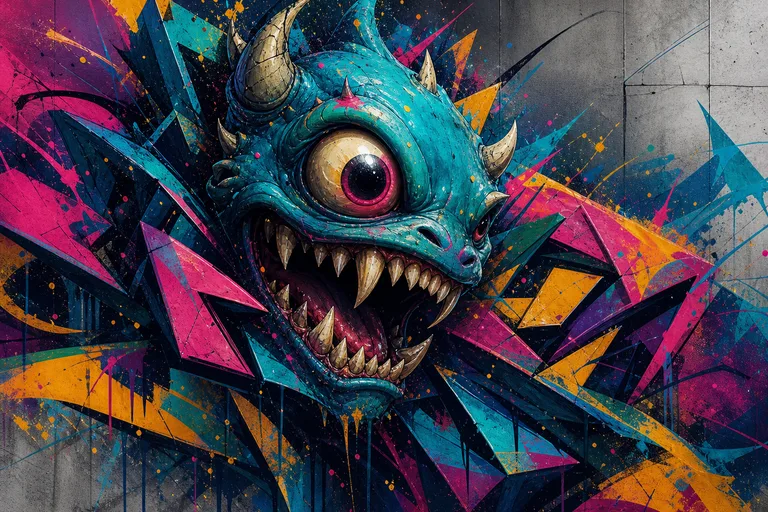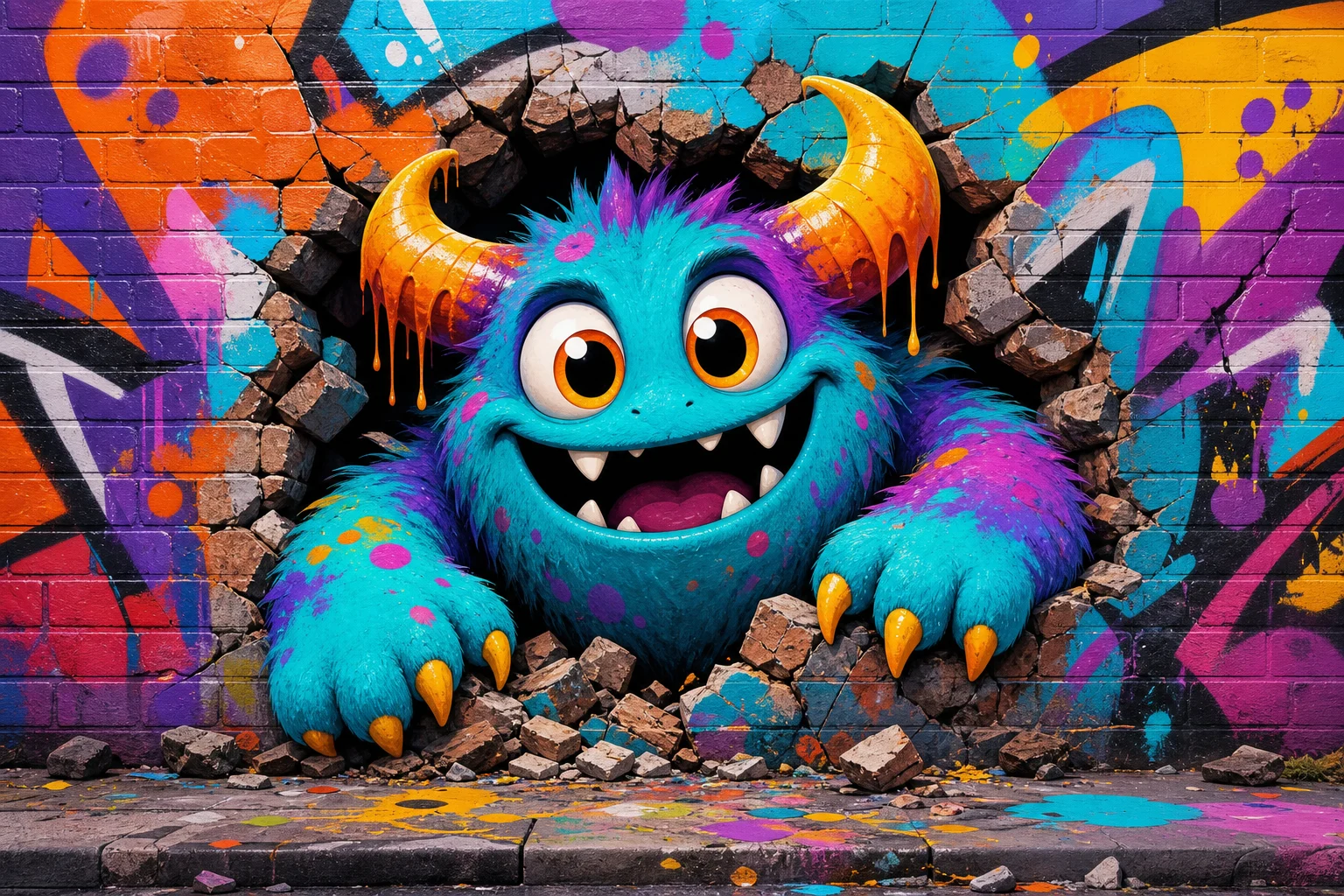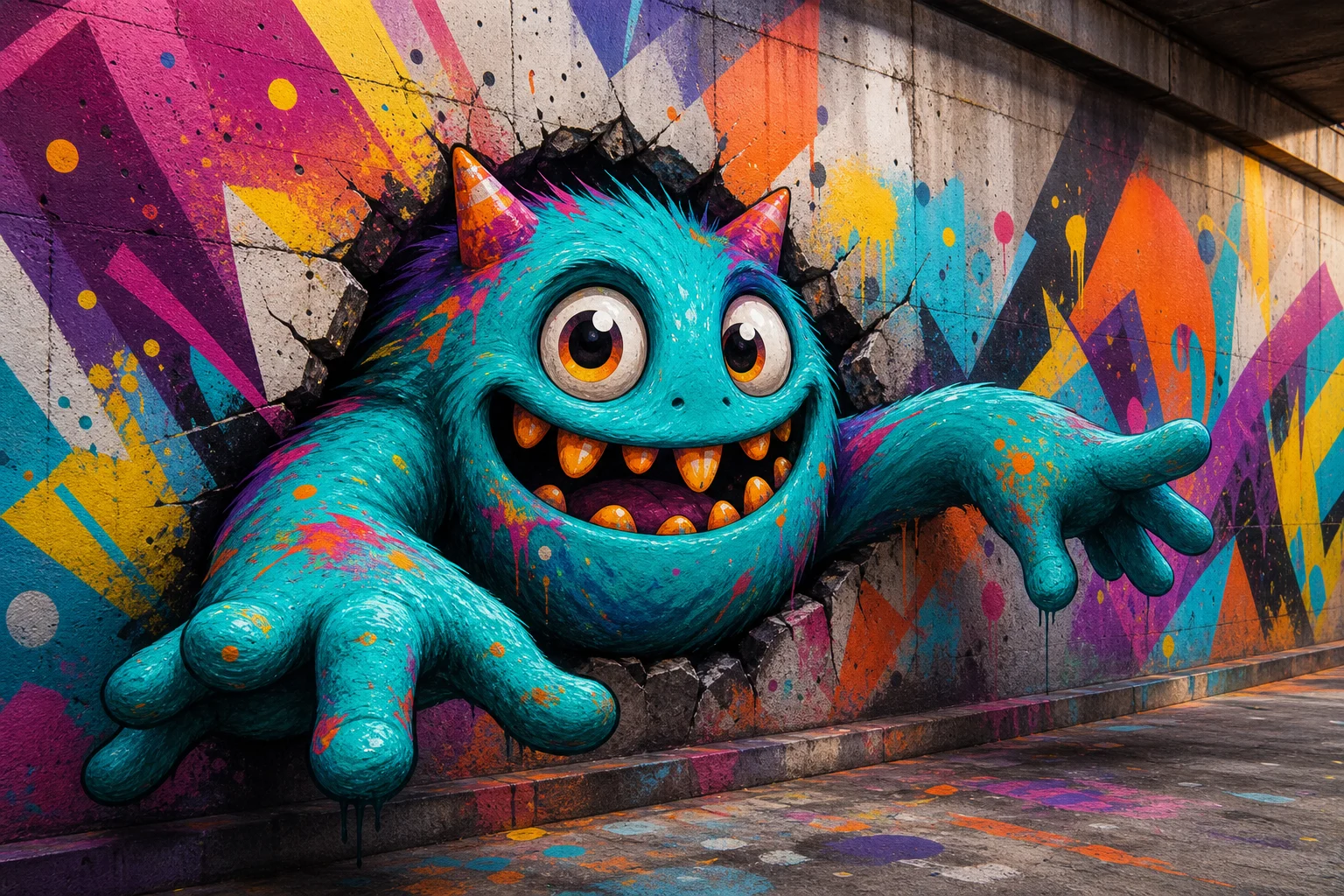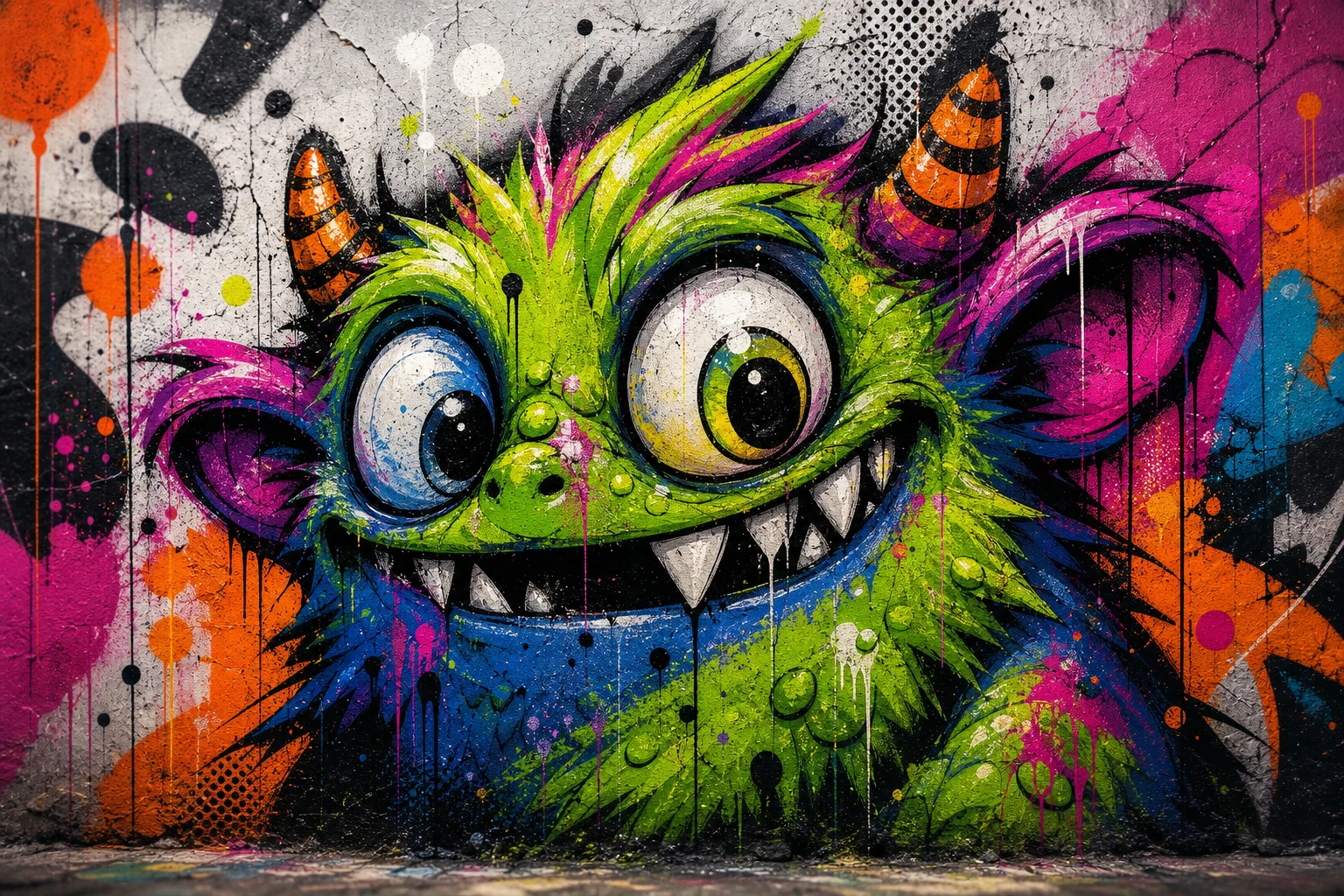
AI graffiti monster effect

AI graffiti monster effect

Turn a clear portrait or subject photo into a bold graffiti monster mural with rough spray-paint texture, expressive shapes, wall detail, and a recognizable pose.

AI graffiti monster effect graffiti monster artwork
0 / 2000
Template prompt

AI graffiti monster effect

Apply the AI Graffiti Monster effect to the uploaded portrait or subject photo. Preserve the subject identity, pose/action silhouette, expression cues, and key colors. Rebuild the subject as a wild graffiti-monster character with spray-paint textures, bold street-art outlines, exaggerated expressive shapes, drips, tags, wall background, high-energy color, and urban poster composition. Keep the uploaded subject recognizable inside the monster stylization.

AI graffiti monster effect graffiti monster artwork

What is the AI graffiti monster effect?

The AI graffiti monster effect restyles your subject as a street-art monster mural. It emphasizes spray-paint texture, bold outlines, energetic color, drips, tags, and an urban wall setting while keeping the original subject recognizable.

How the transformation works

This template turns a normal subject image into a loud urban mural style while balancing monster exaggeration with recognizable source details.

What changes

  • Rebuilds your subject as a graffiti monster mural with rough paint texture, expressive shapes, urban wall detail, and recognizable pose or features.
  • Adds a polished street-art finish with bold outlines, spray-paint color, drips, tags, and an energetic poster-like composition.
  • Lets you preview the AI graffiti monster effect result before choosing whether to refine with a clearer photo or tighter prompt.
  • Creates a focused graffiti monster artwork output from a clear uploaded image and the visual direction you provide.

What stays recognizable

  • Preserves the subject identity, pose or action silhouette, expression cues, and key colors.
  • Keeps the uploaded subject recognizable inside the monster stylization.
  • Maintains the main subject as the visual focus from the source image.
  • Keeps defining colors, silhouette, and important subject details coherent.

How to use the AI graffiti monster effect

The process is simple: start with a clear subject image, guide the street-art look, then review the preview for recognizability and detail quality.

1

Upload a clear source image

Choose a sharp image where the subject, pose, expression, key colors, and important features are visible enough to guide the graffiti monster effect.

2

Add a focused prompt

Describe the subject and the intended graffiti monster treatment, including spray-paint texture, bold outlines, drips, tags, and an urban wall background.

3

Review and refine

Check the preview for subject identity, silhouette, pose, coherent monster styling, and clean edges before keeping or refining the result.

Graffiti monster effect examples

Explore different examples of the same graffiti monster direction, from bold portrait energy to full urban mural texture.

AI graffiti monster effect background preview

Bold wall mural look

A high-impact monster mural style with rough wall texture, heavy outlines, and bright spray-paint color.

AI graffiti monster effect example 1

Expressive monster portrait

A character-focused graffiti monster result that keeps the subject readable while adding exaggerated shapes and street-art energy.

AI graffiti monster effect example 2

Spray-paint poster finish

A more intense urban poster style with drips, tags, textured paint, and a polished graffiti finish.

Best uses for the graffiti monster effect

Use this effect when you want a dramatic street-art interpretation rather than a subtle photo edit.

Personal creative projects

Create a focused AI graffiti monster effect preview for a personal artwork, avatar concept, poster idea, or creative project direction.

Visual direction testing

Compare the graffiti monster visual direction before refining, sharing, or presenting the result as part of a mood board or design exploration.

How to get a stronger result

A strong source image and a focused prompt help the graffiti monster style stay expressive without losing the subject.

Source image checklist

  • Use a sharp source image with the main subject clearly visible.
  • Avoid heavy blur, blocked details, extreme crops, or confusing overlaps.
  • Choose a source whose pose and framing support the intended AI graffiti monster effect result.

Prompt tips

Mention the subject, pose, important colors, expression, and any must-keep details. For the style direction, ask for a wild graffiti monster mural with spray-paint texture, thick street-art outlines, drips, tags, wall background, and energetic urban color.

Review before downloading

Generated details can vary between runs, so review the image before using or sharing it. A clearer source photo or more specific prompt can improve a visual draft that feels too distorted.

Check recognizability

Compare the result with the original image to confirm the subject identity, pose, action silhouette, expression cues, and defining colors still read clearly.

Review the street-art style

Look for a coherent graffiti monster treatment across the subject and background, including rough paint texture, bold outlines, expressive shapes, and urban wall detail.

Inspect the details

Inspect faces, hands, text, edges, small objects, and transitions between the subject and wall background for unwanted artifacts or confusing details.

AI graffiti monster effect FAQ

Quick answers about using this graffiti monster effect online and getting a clearer, more recognizable result.

What is the AI graffiti monster effect?
It is a visual style that rebuilds your uploaded subject as a graffiti monster mural, combining rough paint texture, expressive monster shapes, urban wall detail, and the subject’s original pose or features.
Is the AI graffiti monster effect free?
Availability can vary by platform or session. Check the current tool page for any access details before you start.
How do I use the AI graffiti monster effect?
Upload a clear image, describe the graffiti monster look you want, preview the result, and keep the version where the subject identity, pose, and street-art treatment work best together.
What image formats does the AI graffiti monster effect support?
Use common image formats such as JPG or PNG when preparing your source image. A sharp file with visible subject details usually gives the effect more useful information to follow.
Can I use AI graffiti monster effect results commercially?
Usage rights can depend on the source image, platform terms, and how you plan to use the final artwork. Review the relevant terms before using results in commercial projects.
What changes does the AI graffiti monster effect make?
The effect changes the image into graffiti monster artwork with exaggerated shapes, spray-paint textures, bold outlines, drips, tags, a wall-like background, and high-energy street-art color.
Which source image works best?
Choose a sharp image where the main subject is easy to see, the pose is not hidden, and defining details such as face, clothing, colors, or accessories are visible.
How do I keep the subject recognizable?
Start with a clear source photo and include any important details in your prompt, such as key colors, facial expression, pose, outfit, or accessories that should remain visible in the monster stylization.

Make your own graffiti monster mural

Use a clear source image and create a graffiti monster version with bold street-art energy, textured paint, and recognizable subject details.