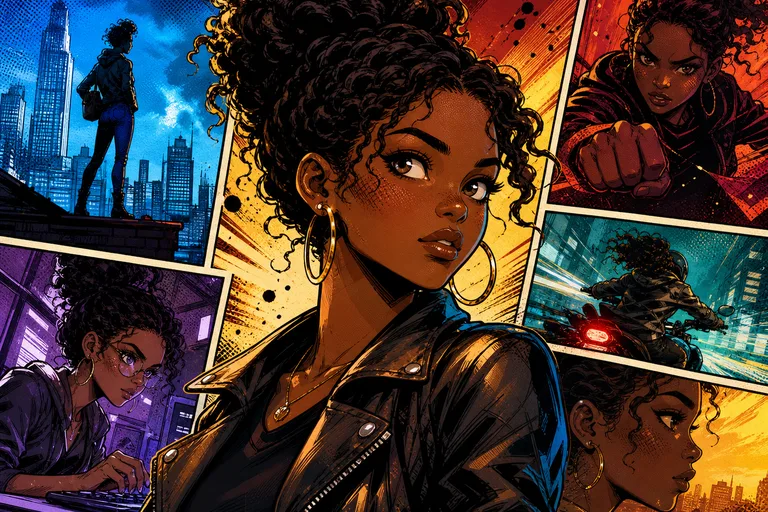
AI Comic Book Filter for Bold Panel-Style Photos

AI Comic Book Filter for Bold Panel-Style Photos

Turn a clear photo into a vivid Comic Book image with bold ink outlines, halftone shading, dramatic contrast, and a recognizable subject.

AI Comic Book Filter example with bold ink lines and halftone color
0 / 2000
Template prompt

AI Comic Book Filter for Bold Panel-Style Photos

Apply the AI Comic Book Filter effect to the uploaded image. Preserve the main subject identity, pose/action silhouette, expression, clothing or object details, and key colors. Convert the image into a dynamic comic-book panel with bold ink outlines, Ben-Day dots or halftone shading, dramatic contrast, action lines, vivid primary colors, optional speech-bubble space, and crisp panel-ready composition. Keep the subject recognizable while adding comic energy.

AI Comic Book Filter example with bold ink lines and halftone color

What is the AI Comic Book Filter?

The AI Comic Book Filter transforms a source photo into comic-inspired artwork while keeping the original subject clear. It emphasizes inked contours, Ben-Day dot or halftone texture, vivid panel color, stronger contrast, and a more illustrated sense of motion or drama.

Photo to Comic Book transformation

This template gives an ordinary photo the visual language of printed comics while aiming to keep the main subject easy to recognize.

What changes

  • Converts a photo into a Comic Book image with bold ink lines, halftone shading, vivid panel color, and dramatic contrast.
  • Adds a polished illustrated treatment suited for portraits, character shots, lifestyle photos, and creative references.
  • Creates a stronger panel-ready look with crisp outlines, punchy color, and optional visual energy such as action lines or speech-bubble space.
  • Lets you preview the visual direction and rerun with a clearer photo or tighter prompt when the first result needs refinement.

What stays recognizable

  • The main subject identity, pose or action silhouette, expression, clothing, object details, and key colors.
  • A recognizable connection to the source image while adding comic energy and graphic contrast.
  • Important subject details such as defining colors, framing, pose, and silhouette coherence.
  • The overall composition when the source image is clear enough for the subject and background to be read.

How to use the AI Comic Book Filter

Use a clear image, guide the look with a concise prompt, and review the output for both comic styling and subject accuracy.

1

Upload a clear source

Pick a sharp photo where the main subject, pose, face, clothing, and important objects are visible without heavy blur or confusing overlaps.

2

Choose the comic direction

Apply the AI Comic Book Filter and describe the finish you want, such as bold ink lines, halftone shading, vivid primary colors, action lines, or speech-bubble space.

3

Review and refine

Compare the result with the source image. If the subject changes too much or details look unclear, rerun with a clearer photo or a more specific prompt.

4

Use your finished image

Save the version that best balances Comic Book styling with a recognizable subject for your post, mockup, reference, or draft.

AI Comic Book Filter style ideas

Explore different Comic Book moods while keeping the same core idea: bold linework, graphic shading, vivid color, and a subject that still reads clearly.

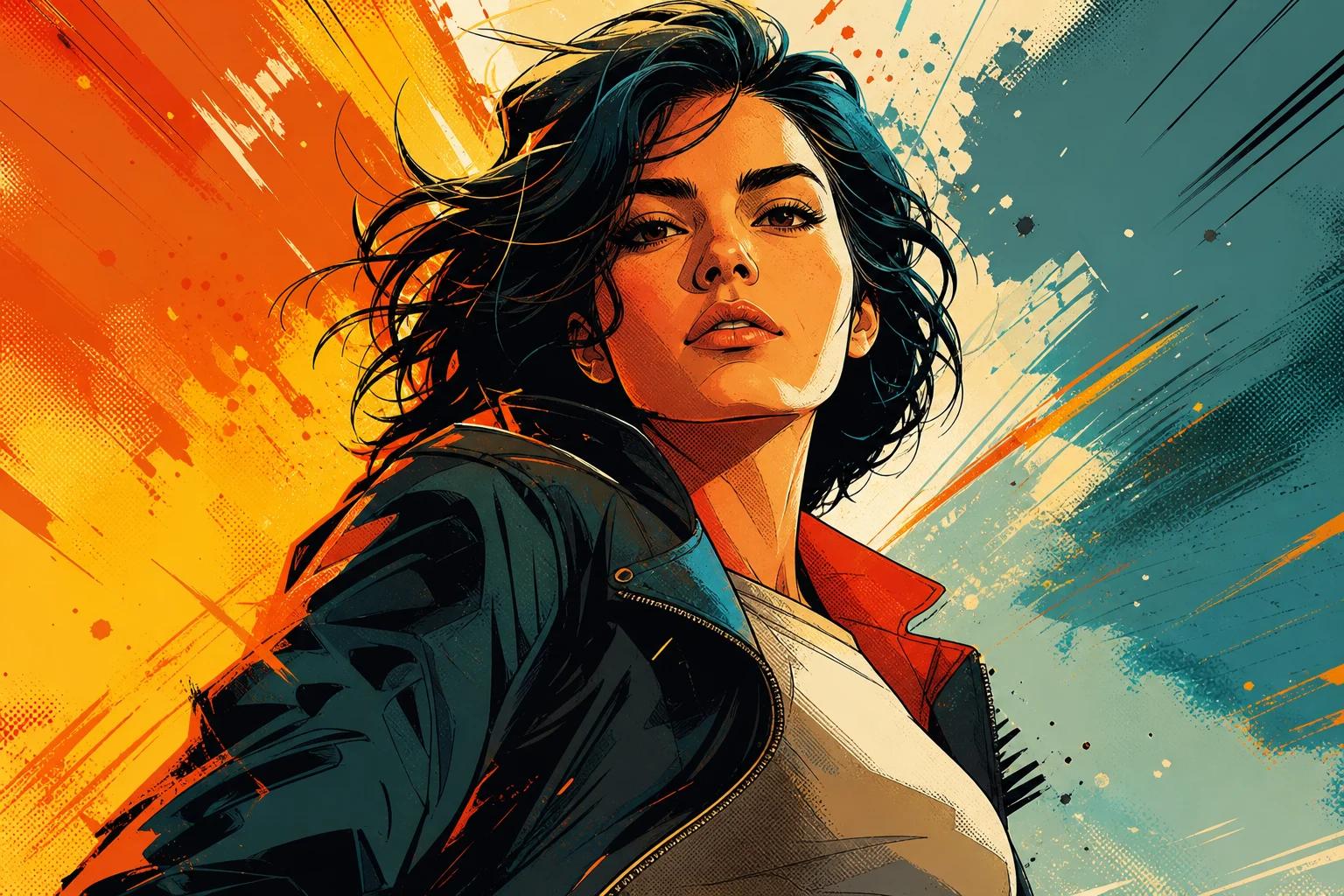
Comic Book portrait with bold outlines and halftone shading

Bold ink portrait

A dramatic portrait direction with heavy ink contours, punchy contrast, and halftone texture that makes the subject feel like a comic panel hero.

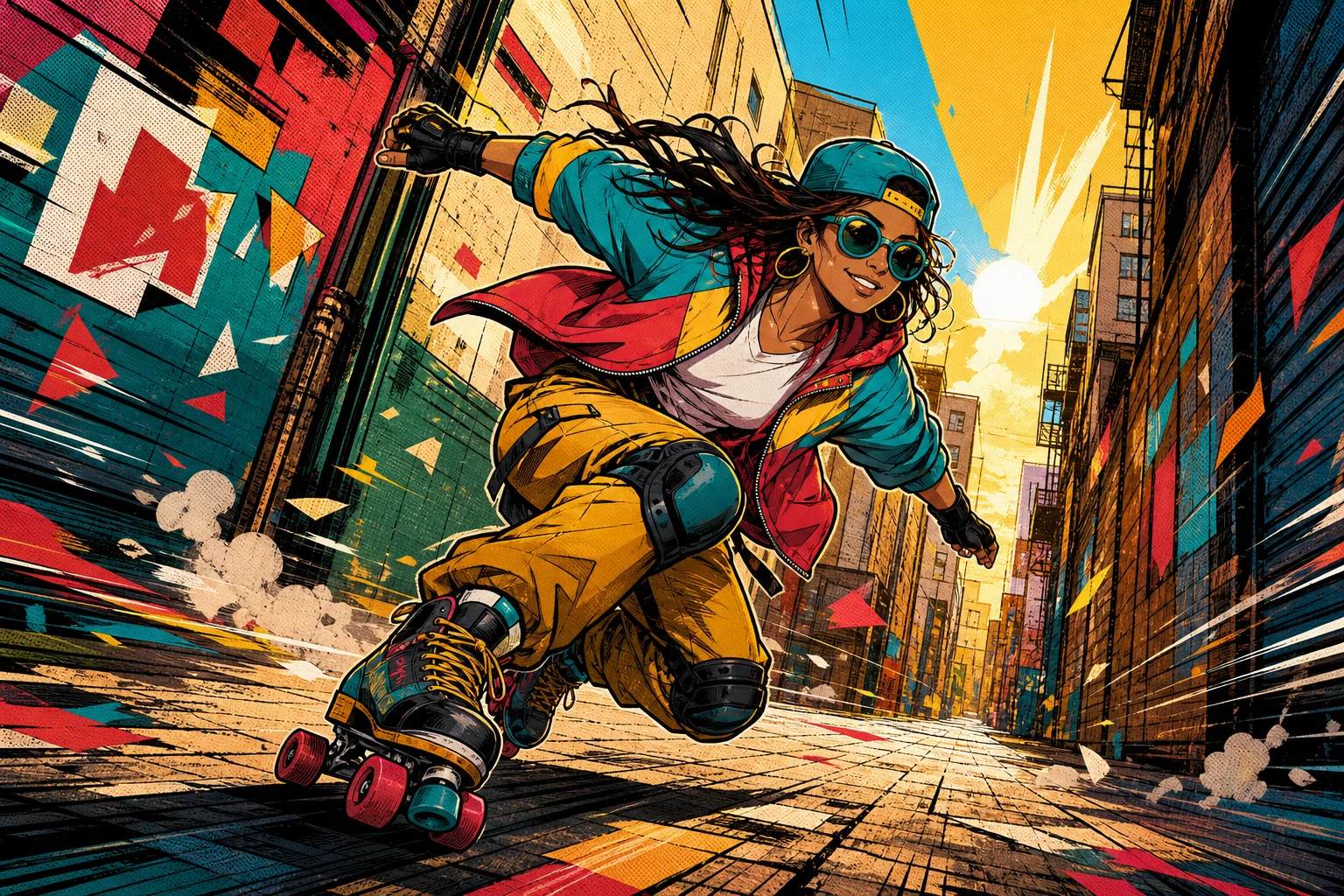
Vivid Comic Book Filter result with panel color

Vivid panel color

A colorful panel look with vivid primary tones, crisp edges, and a more energetic illustrated finish for expressive photos.

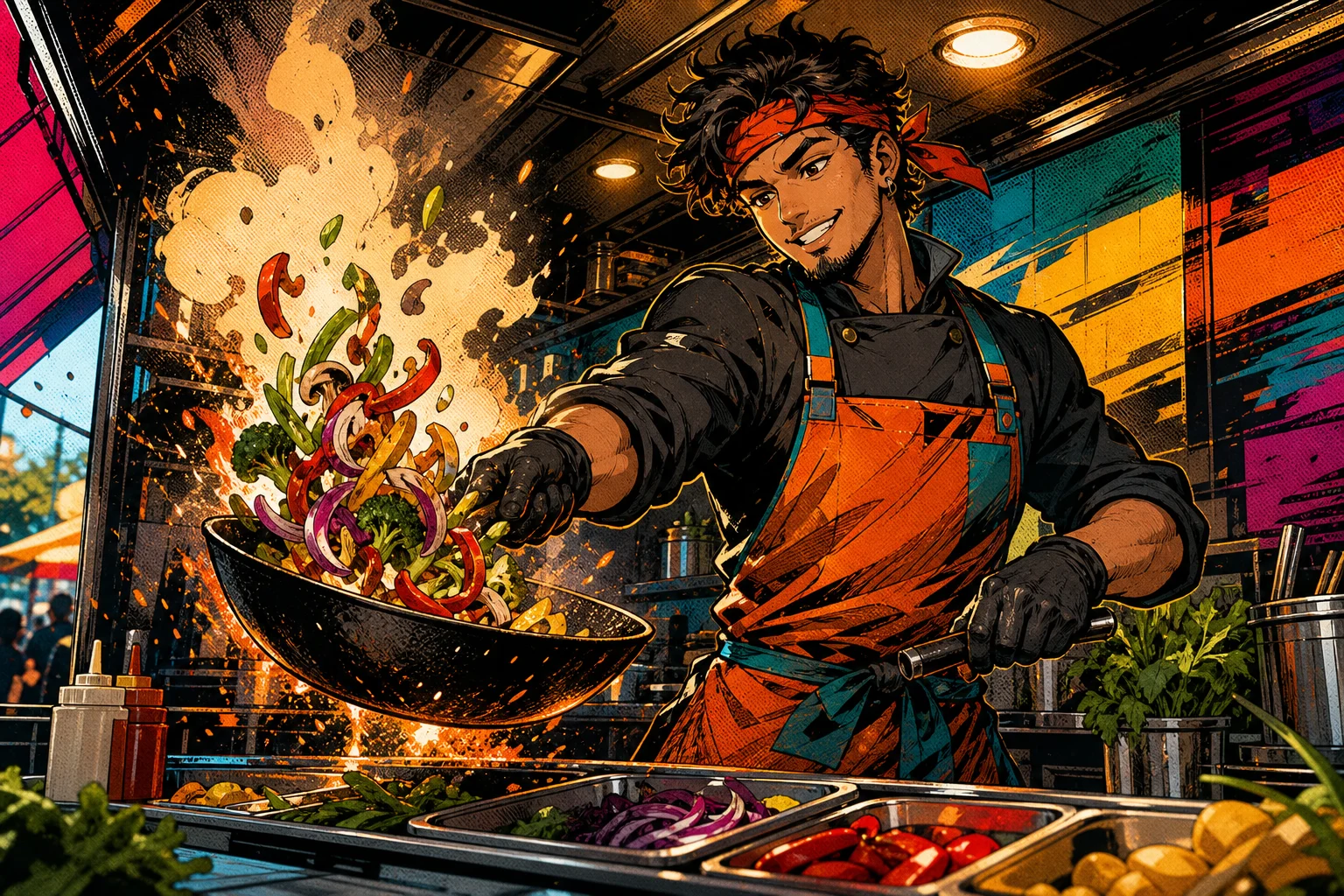
Comic Book image with Ben-Day dot texture

Halftone print effect

A printed-comic treatment that emphasizes Ben-Day dot texture, simplified shading, and strong graphic separation between the subject and background.

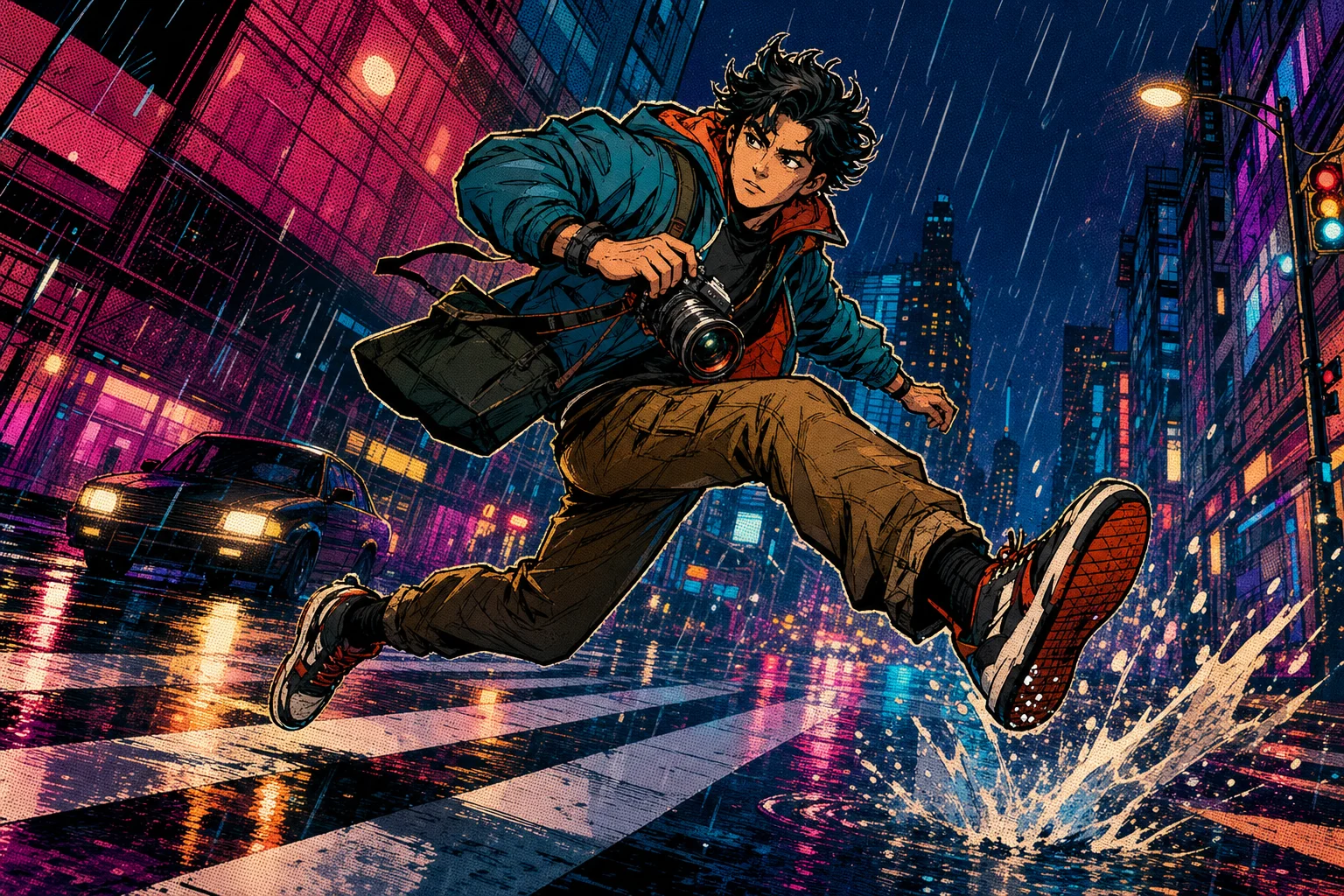
Dynamic AI Comic Book Filter result with action-style contrast

Action panel energy

A more action-focused style with dynamic contrast, sharper outlines, and a composition that feels ready for a cover, poster, or story panel reference.

Popular ways to use the AI Comic Book Filter

Use the Comic Book Filter online when you want a clear, stylized visual direction before refining, sharing, or presenting an image.

Personal creative projects

Create a focused comic-style portrait or character image for a personal edit, social post concept, avatar idea, or creative project preview.

Visual drafts and references

Turn product, fashion, cosplay, pet, or lifestyle photos into graphic Comic Book references for mood boards, mockups, or client drafts.

Style exploration

Compare different comic directions before choosing whether to push the look toward superhero covers, pop-art panels, manga-inspired energy, or classic printed texture.

How to get a better Comic Book result

A stronger result starts with a source image that gives the style enough detail to preserve the subject while adding comic energy.

Source image checks

  • Use a sharp source image with the main subject clearly visible.
  • Avoid heavy blur, blocked details, extreme crops, or confusing overlaps.
  • Choose a source whose pose and framing support the intended AI Comic Book Filter result.

Prompt guidance

Mention the Comic Book details you want most: bold ink outlines, Ben-Day dots, halftone shading, dramatic contrast, action lines, vivid primary colors, or space for a speech bubble. If identity matters, also ask to preserve the subject’s face, pose, clothing, key colors, and silhouette.

Review before you use the result

Generated details can vary between runs, so review the image carefully before using it in a post, mockup, reference, or presentation draft.

Subject match

Compare the face, silhouette, pose, expression, clothing, and important object details with the original image.

Comic style coherence

Check that ink outlines, halftone shading, panel color, contrast, and action details feel consistent across the image.

Detail review

Inspect faces, hands, text, edges, small objects, and background transitions for distortions or distracting artifacts.

AI Comic Book Filter FAQs

Helpful answers for preparing your image, reviewing the result, and getting a stronger Comic Book Filter online effect.

What is AI Comic Book Filter?
AI Comic Book Filter is a photo-to-comic style template that turns a clear image into a bold illustrated result with ink outlines, halftone shading, vivid color, and panel-ready contrast while keeping the subject recognizable.
Is AI Comic Book Filter free?
ClipCanva may offer different access options over time. Check the current product interface for the latest availability before starting your edit.
How do I use AI Comic Book Filter?
Upload a sharp photo, keep the main subject visible, and use the template to apply a Comic Book look. Review the result, then try a clearer source or a more specific prompt if the face, pose, or details need improvement.
What image formats does AI Comic Book Filter support?
Use common image formats supported by the upload tool. For best results, choose a clear, well-lit image with enough resolution for faces, clothing, objects, and background edges to be interpreted cleanly.
Can I use AI Comic Book Filter results commercially?
Usage rights can depend on the source image, subject matter, platform terms, and your intended project. Review the relevant terms and make sure you have permission to use the original image before publishing or selling results.
What AI Comic Book Filter changes should I expect?
It changes the photo into a Comic Book style image with stronger ink lines, halftone or dot shading, punchier contrast, vivid primary colors, and a more graphic panel feel.
Which source image works best?
A sharp source image works best when the main subject is not hidden, heavily blurred, extremely cropped, or tangled with confusing overlaps. Clear pose, expression, clothing, and object details help the style stay coherent.
How do I keep the subject recognizable?
Start with a photo where the subject identity, silhouette, expression, and defining colors are easy to read. After generation, compare the output with the source and rerun with a tighter prompt if important details drift.

Try the AI Comic Book Filter

Upload a clear photo and turn it into a bold Comic Book style image with inked edges, halftone texture, vivid color, and a recognizable subject.