
بارگذاری تصویر
یک تصویر JPG، PNG، WEBP یا AVIF به فضای کار اضافه کنید.
با ابزار انتخاب رنگ تصویر، از یک تصویر پشتیبانیشده یک پیکسل رندرشده را نمونهبرداری کنید، مقادیر رنگ آن را بررسی کنید و سپس نتیجه پردازششده را ذخیره کنید.
برای بررسی پیکسل، نشانگر را روی تصویر حرکت دهید یا روی صفحه لمسی بکشید. با کلیدهای جهتنما دقیق حرکت کنید و برای ثابتکردن رنگ Enter یا Space را بزنید.
انتخابگر رنگ تصویر ابزاری متمرکز برای پردازش تصویر است که یک پیکسل مشخص را از تصویر بارگذاریشده انتخاب میکند و مقادیر رنگ آن را میخواند. وقتی به رنگ نمونه دقیق از یک طرح، عکس محصول، اسکرینشات یا دارایی برند نیاز دارید، بهجای پالت تولیدشده خودکار، کاربرد دارد.
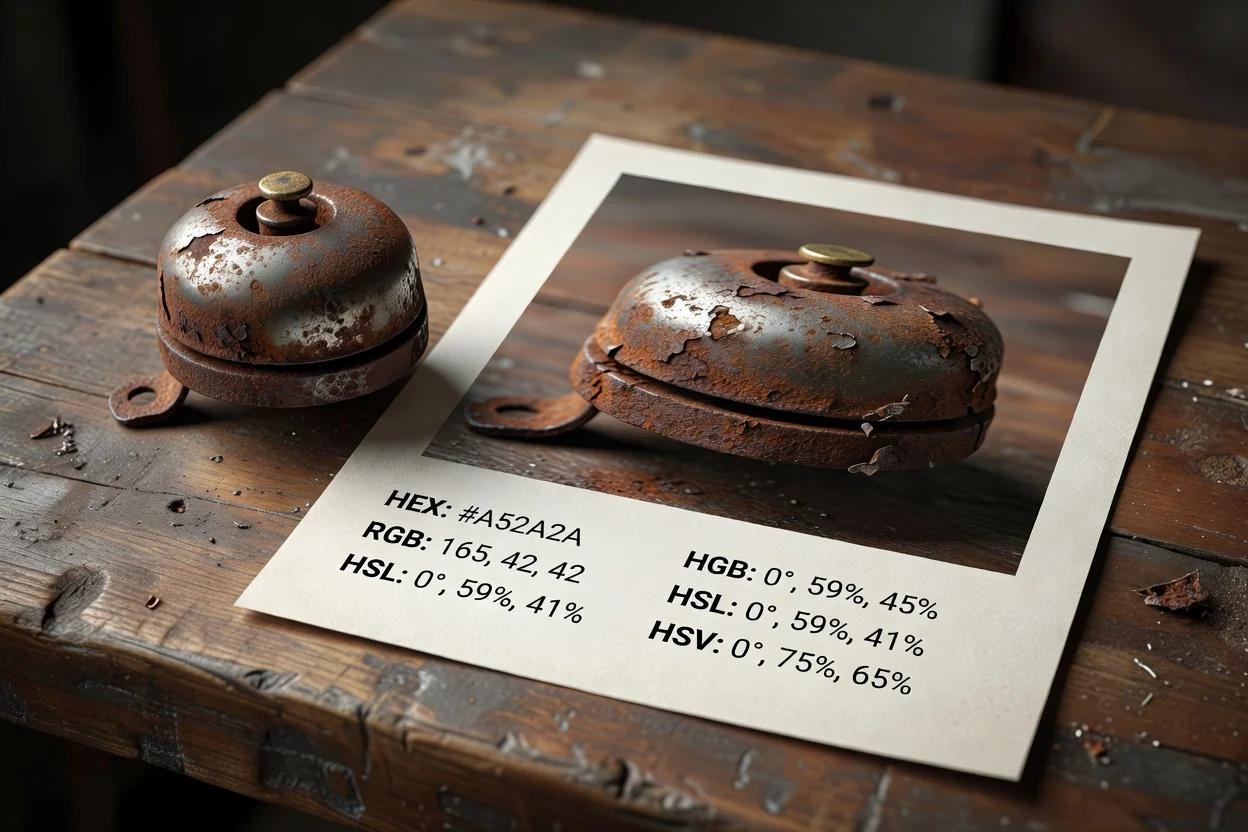
یک جریان کار ساده به شما کمک میکند رنگ را از فایلهای تصویر انتخاب کنید و پیش از ذخیره نتیجه، مقدار آن را تأیید کنید.
یک تصویر JPG، PNG، WEBP یا AVIF به فضای کار اضافه کنید.
روی تصویر حرکت کنید تا نمونههای زنده رنگ را ببینید، سپس پیکسلی را که میخواهید نگه دارید ثابت کنید.
مقادیر HEX، RGB، HSL و HSV را بررسی کنید؛ در صورت وجود، خروجی آگاه از آلفا را نیز ببینید.
این ابزار قالبهای رایج تصویر وب را میپذیرد، نمونه انتخابشده را پردازش میکند و خروجیای فراهم میکند که پیش از ذخیره فایل نهایی قابل بررسی است.
یک تصویر JPG، PNG، WEBP یا AVIF را بهعنوان فایل منبع برای نمونهبرداری رنگ بارگذاری کنید.
خروجی، نتیجهای پردازششده برای بررسی است که فایل خروجی قابل دانلودی دارد و اطلاعات رنگ انتخابشده را بازتاب میدهد.
کنترلها شامل نمونههای زنده و ثابت، نمایش مقادیر HEX، RGB، HSL و HSV، و مدیریت خروجی آگاه از آلفا هنگام وجود اطلاعات شفافیت هستند.
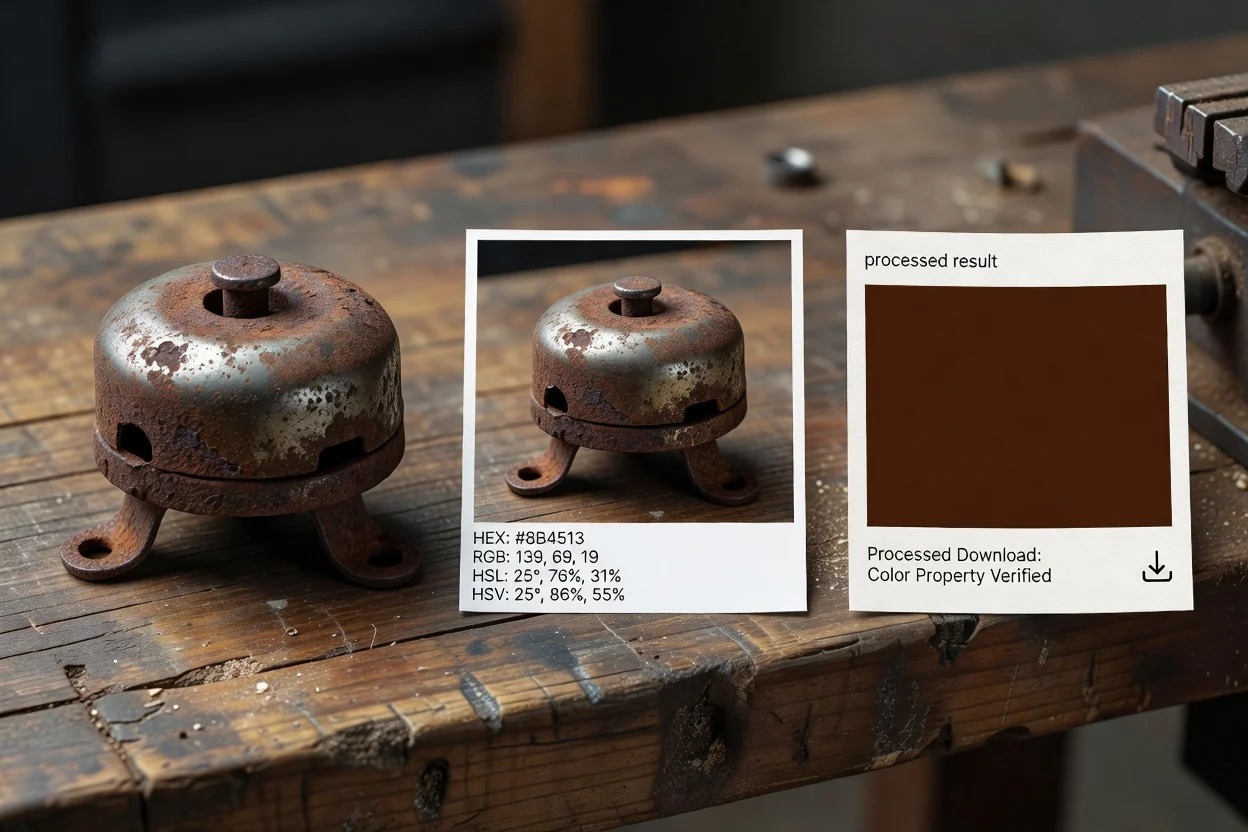
برای نمونهبرداری دقیق و قابل بررسی از نتیجه یک تصویر ساخته شده است و قالبهای رنگی آن بهسادگی در کارهای طراحی و تولید کپی میشوند.
روی تصویر حرکت کنید تا نمونه زنده را پیشنمایش ببینید، سپس وقتی پیکسل دلخواه را یافتید، رنگ را ثابت کنید.
برای HEX از نمایش انتخابگر رنگ HEX تصویر استفاده کنید، یا هرگاه جریان کارتان به قالب دیگری نیاز دارد، مقادیر RGB، HSL و HSV را به کار ببرید.
خروجی آگاه از آلفا، هنگامی که تصویر منبع داده آلفا دارد، به حفظ اطلاعات مربوط به شفافیت کمک میکند.
پس از پردازش، اطلاعات رنگ انتخابشده و فایل خروجی تولیدشده را پیش از استفاده در مرحله بعد بررسی کنید.
وقتی پروژه به نمونه رنگی قابل اتکا از یک تصویر نیاز دارد، نه یک پالت تولیدشده، از این ابزار استفاده کنید.
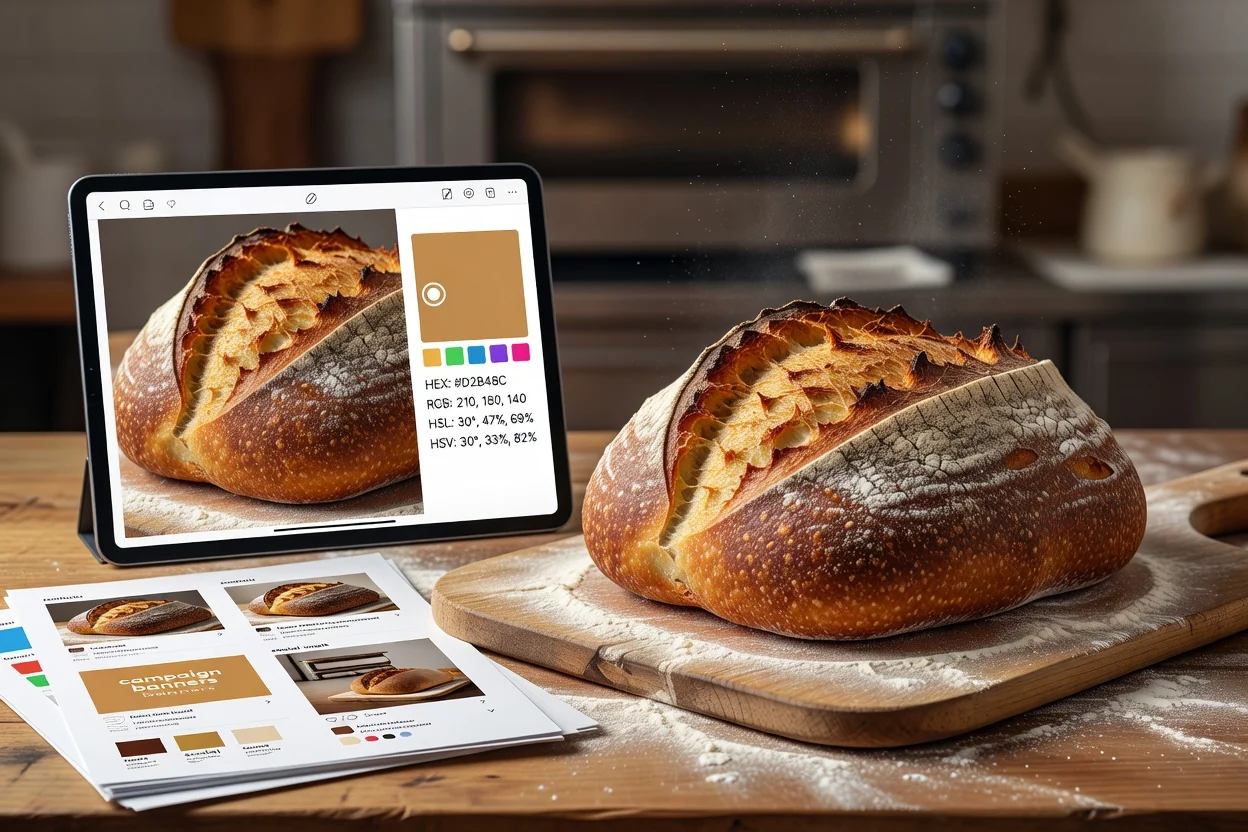
از داراییهای تصویری مانند گرافیکهای کمپین، پستهای شبکههای اجتماعی یا اسکرینشاتها رنگ انتخاب کنید تا تصاویر پشتیبان یکدست بمانند.
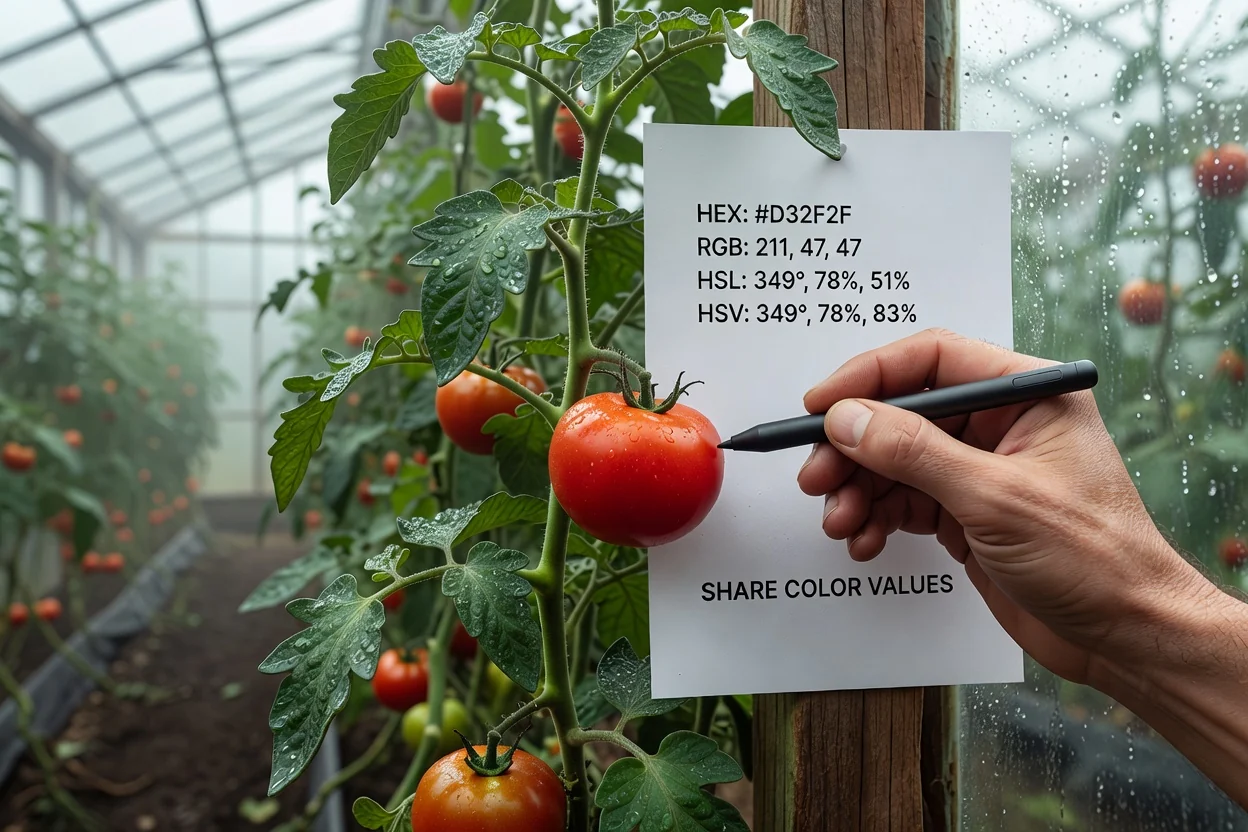
هنگام تحویل رنگ انتخابشده به همتیمیهای طراحی، توسعه یا بازاریابی، مقادیر HEX، RGB، HSL یا HSV را از یک تصویر بخوانید.
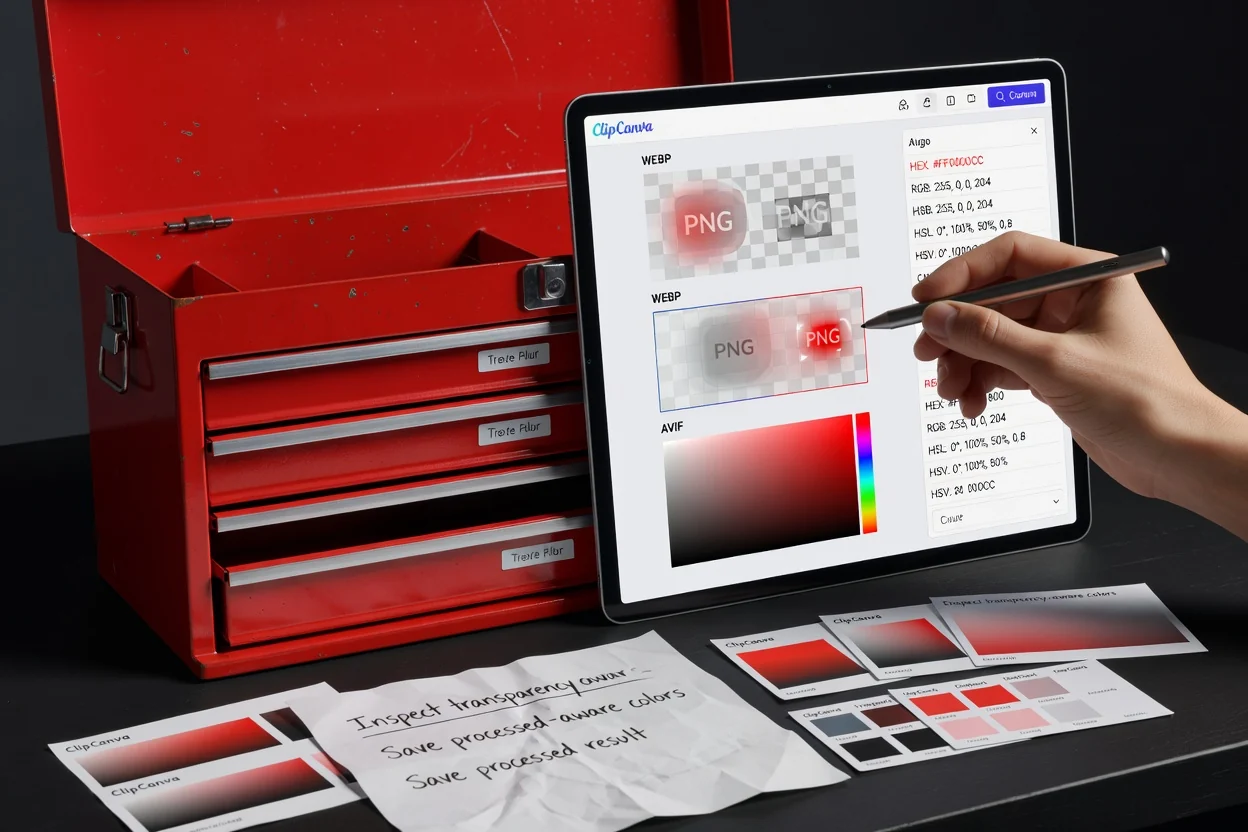
هنگام نمونهبرداری از لوگوهای شفاف، لایههای رویی یا تصاویر رابط کاربری که ممکن است اطلاعات کدری داشته باشند، خروجی آگاه از آلفا را بررسی کنید.
این ابزار برای نمونهبرداری مستقیم پیکسل از تصویر منبع طراحی شده است؛ بنابراین مرزهای مشخصی دارد.
هر انتخاب از یک پیکسل رندرشده در منبع نمونه میگیرد؛ پیکسلهای مجاور را میانگینگیری نمیکند و رنگها را بر اساس شیء تشخیص نمیدهد.
این ابزار پالت خودکار تولید نمیکند و مجموعهای از کادرهای رنگ را از فایل منبع صادر نمیکند.
اگر منبع در نمای رندرشده دارای مصنوعات فشردهسازی، تغییر مقیاس، شفافیت یا تفاوتهای مدیریت رنگ باشد، ممکن است تفاوتهای بصری رخ دهد.
پرسشهای رایج درباره استفاده از انتخابگر رنگ تصویر و تفسیر نتیجه نمونهبرداریشده.
دیگر ابزارهای ClipCanva میتوانند به آمادهسازی یا بررسی تصویر پیش یا پس از نمونهبرداری رنگ کمک کنند.
یک تصویر پشتیبانیشده بارگذاری کنید، از پیکسل موردنیاز نمونه بگیرید، مقادیر رنگ را بررسی کنید و نتیجه پردازششده را ذخیره کنید.