
درخواست را بنویسید
در درخواست خود هدف پوستر، سوژه، فضا، مخاطب، حالوهوا و هر عنصر بصری ضروری را توضیح دهید.
یک درخواست متنی دقیق را به طرحهای پوستر و تصاویر بصری کمپین برای رویدادها، معرفیها، اطلاعرسانیها و تبلیغات شبکههای اجتماعی تبدیل کنید. پیش از ساخت، سوژه، فضا، جهت بصری و قالب مقصد را مشخص کنید.
مولد پوستر هوش مصنوعی از یک درخواست متنی، طرحهای پوستر و تصاویر بصری کمپین میسازد. این ابزار برای سازندگان، بازاریابان و تیمهایی طراحی شده است که به نقطه شروعی متناسب با پروژه نیاز دارند تا آن را بررسی و اصلاح کنند.
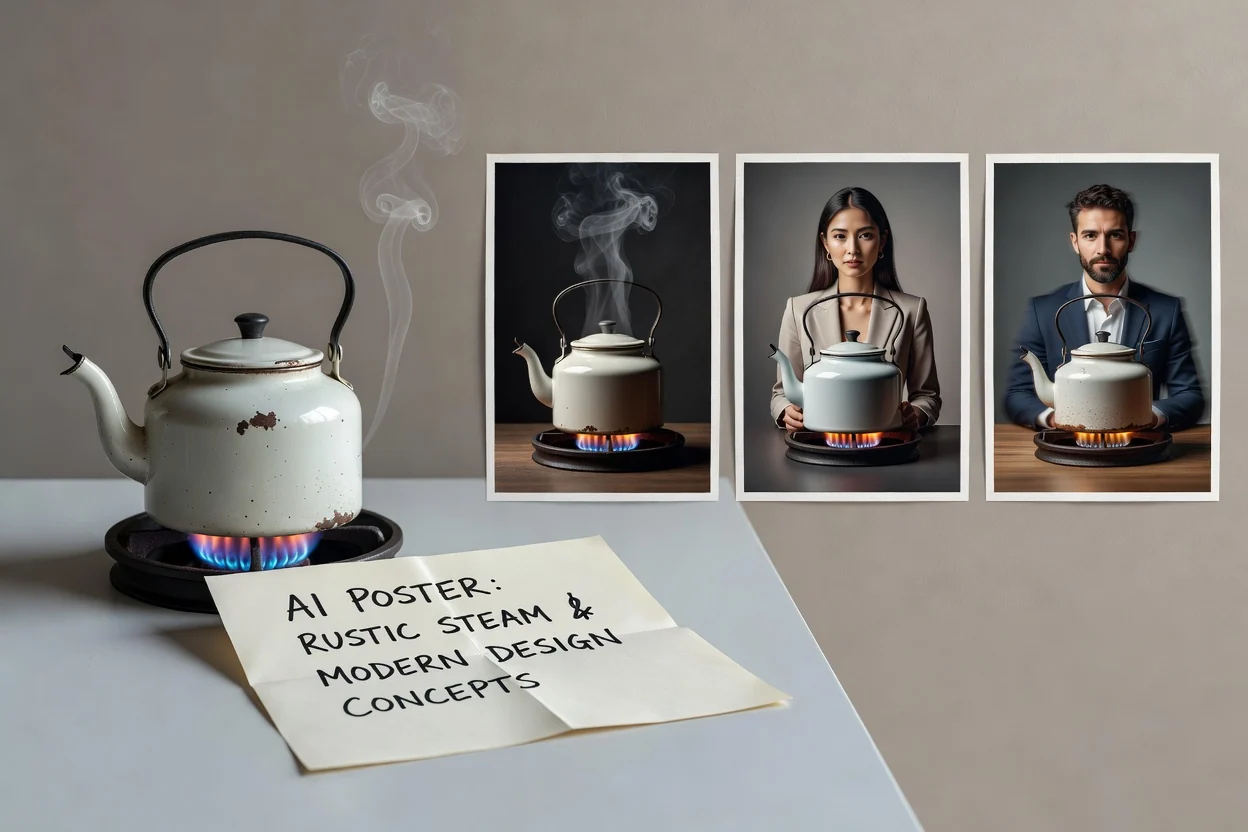
با یک درخواست دقیق شروع کنید، جهت طراحی پوستر با هوش مصنوعی را مشخص کنید و سپس طرح تولیدشده را با نیازهای پروژه خود بسنجید.
در درخواست خود هدف پوستر، سوژه، فضا، مخاطب، حالوهوا و هر عنصر بصری ضروری را توضیح دهید.
جهت بصری مانند سبک ترکیببندی، حالوهوای رنگی، موضوع کمپین و قالب مقصدی را که برای آن آماده میشوید اضافه کنید.
یک طرح تولید کنید، سپس آن را با توضیحات اولیه مقایسه کنید و اگر نتیجه به تأکید متفاوتی نیاز دارد، درخواست خود را اصلاح کنید.
از پوسترساز هوش مصنوعی برای هدایت ترکیببندی و سبک استفاده کنید و خروجی را متناسب با تصویر موردنیاز برای یک کمپین، کانال یا اطلاعرسانی مشخص نگه دارید.
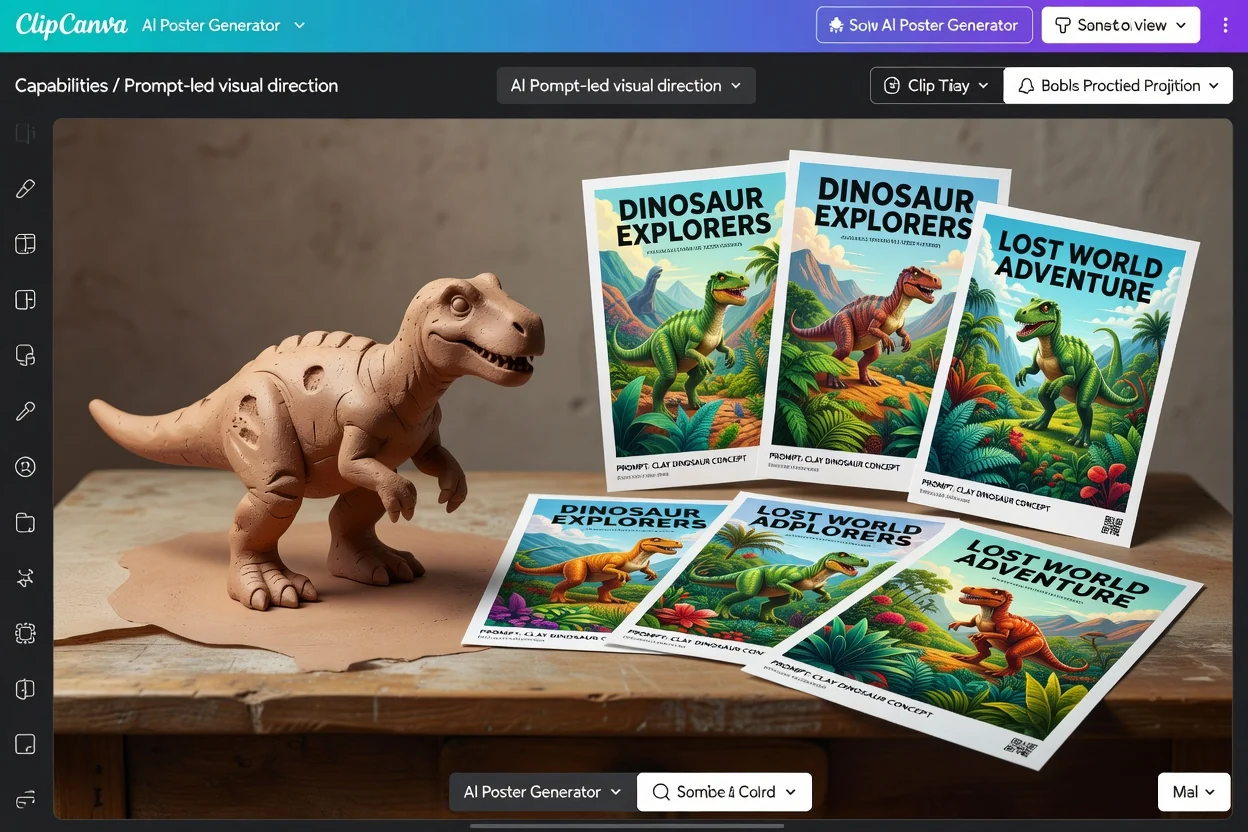
سوژه اصلی، اشیای مکمل، فضا، حالوهوا و هر نشانه بصری مؤثر بر طرح پوستر را توضیح دهید.
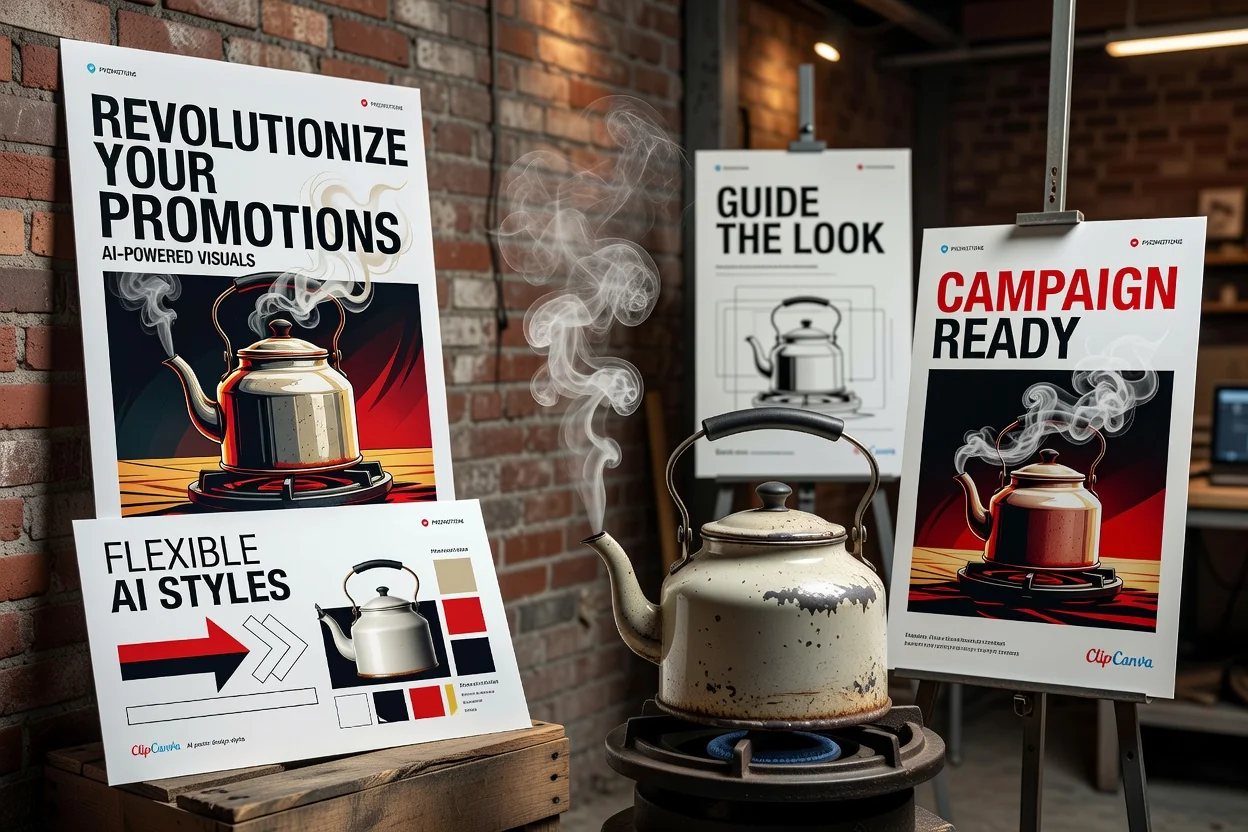
ظاهر را به سمت آثار تبلیغاتی جسورانه، گرافیکهای اطلاعرسانی مینیمال، چیدمانهای محصولمحور یا تصاویر کمپین مناسب شبکههای اجتماعی هدایت کنید.
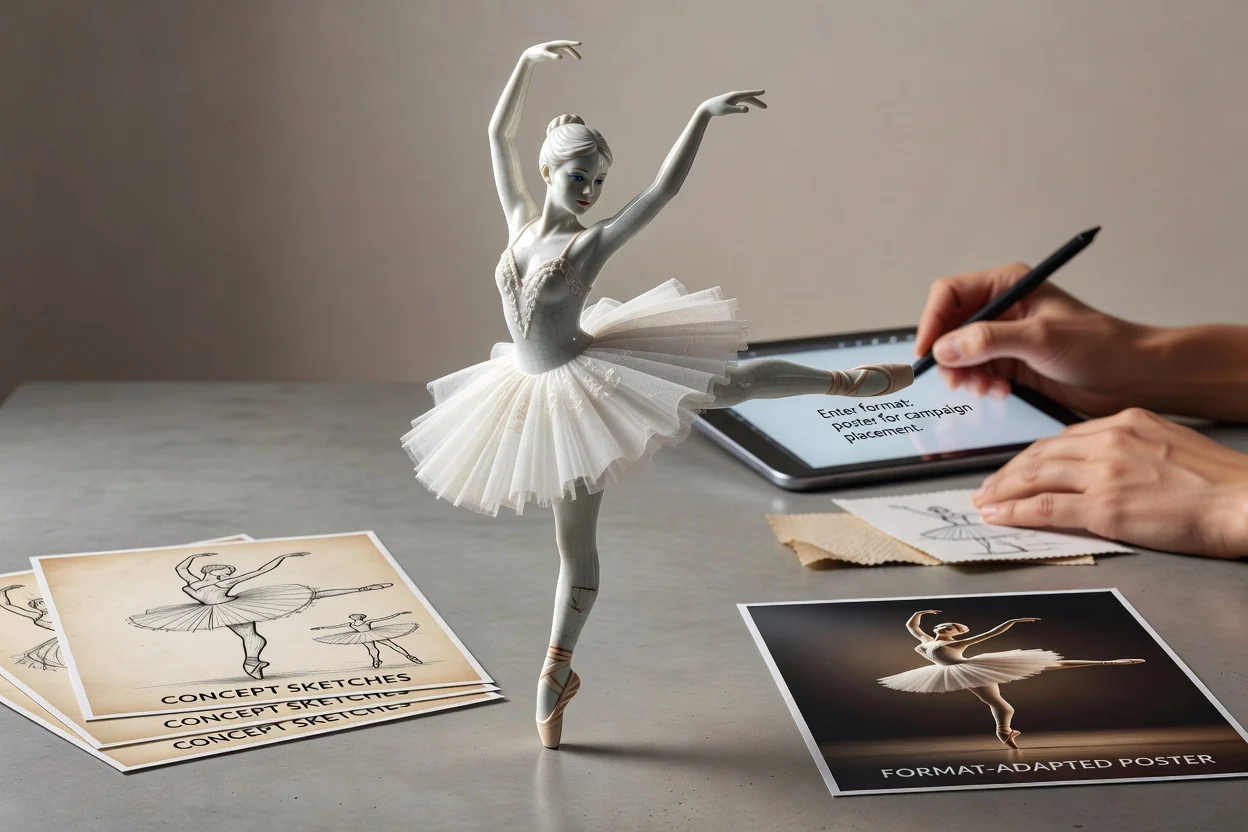
قالب مقصد موردنظر را انتخاب کنید تا ارزیابی طرح تولیدشده برای جایگاه نهایی آن آسانتر شود.
برای پروژههای عملی بازاریابی، سازندگان و تیمها که به نتیجه بصری روشن در زمان کوتاه نیاز دارند، طرحهای پوستر و تصاویر بصری کمپین بسازید.
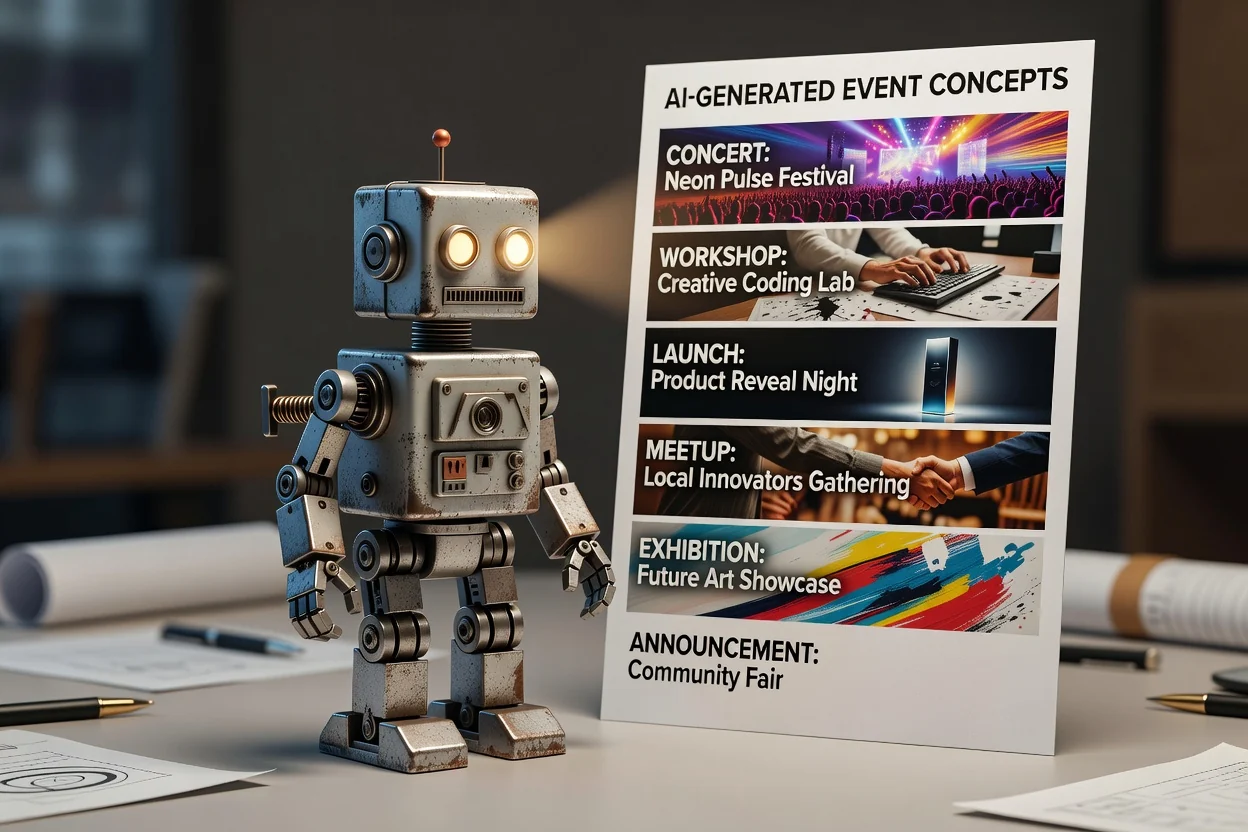
جهتهای بصری برای کنسرتها، کارگاهها، معرفیها، گردهماییها، نمایشگاهها یا اطلاعرسانیهای محلی پیشنویس کنید.
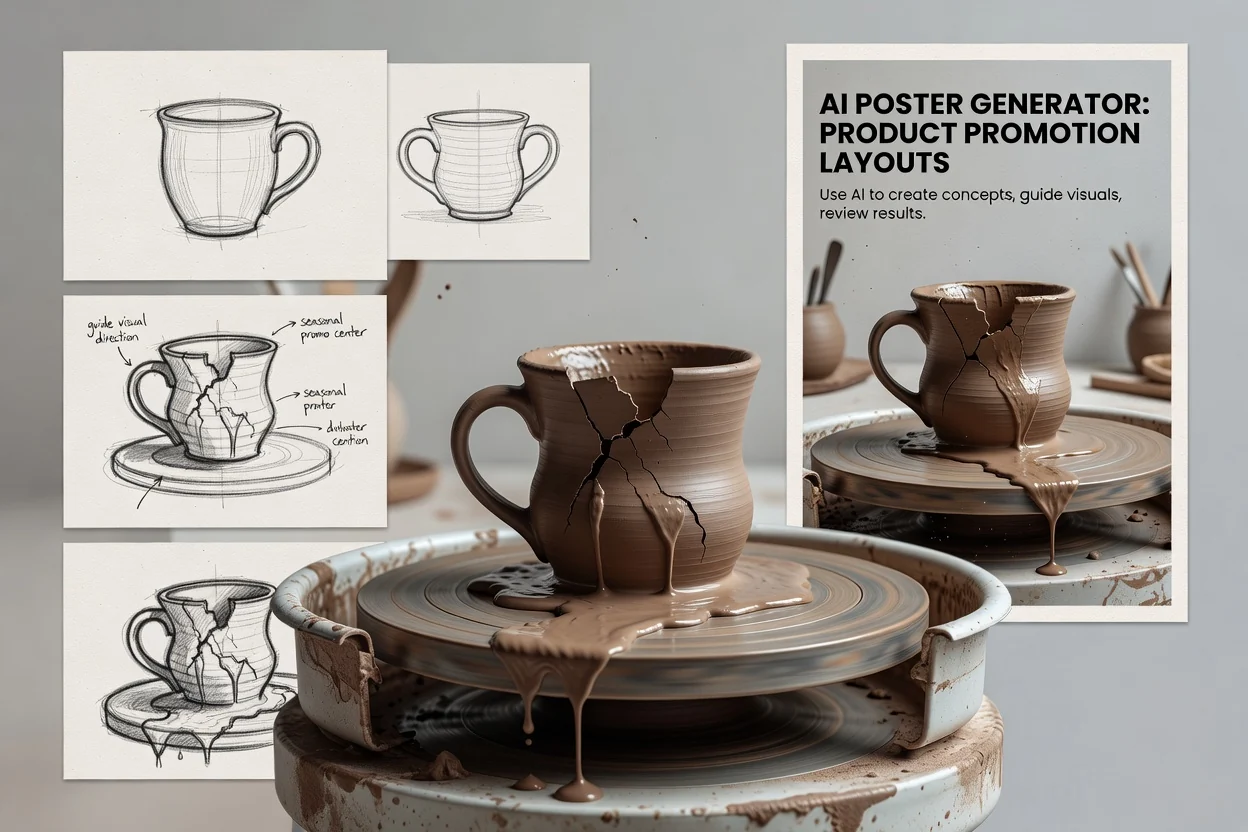
چیدمانهایی را بررسی کنید که محصول، پیشنهاد یا تبلیغ فصلی را در مرکز ترکیببندی قرار میدهند.
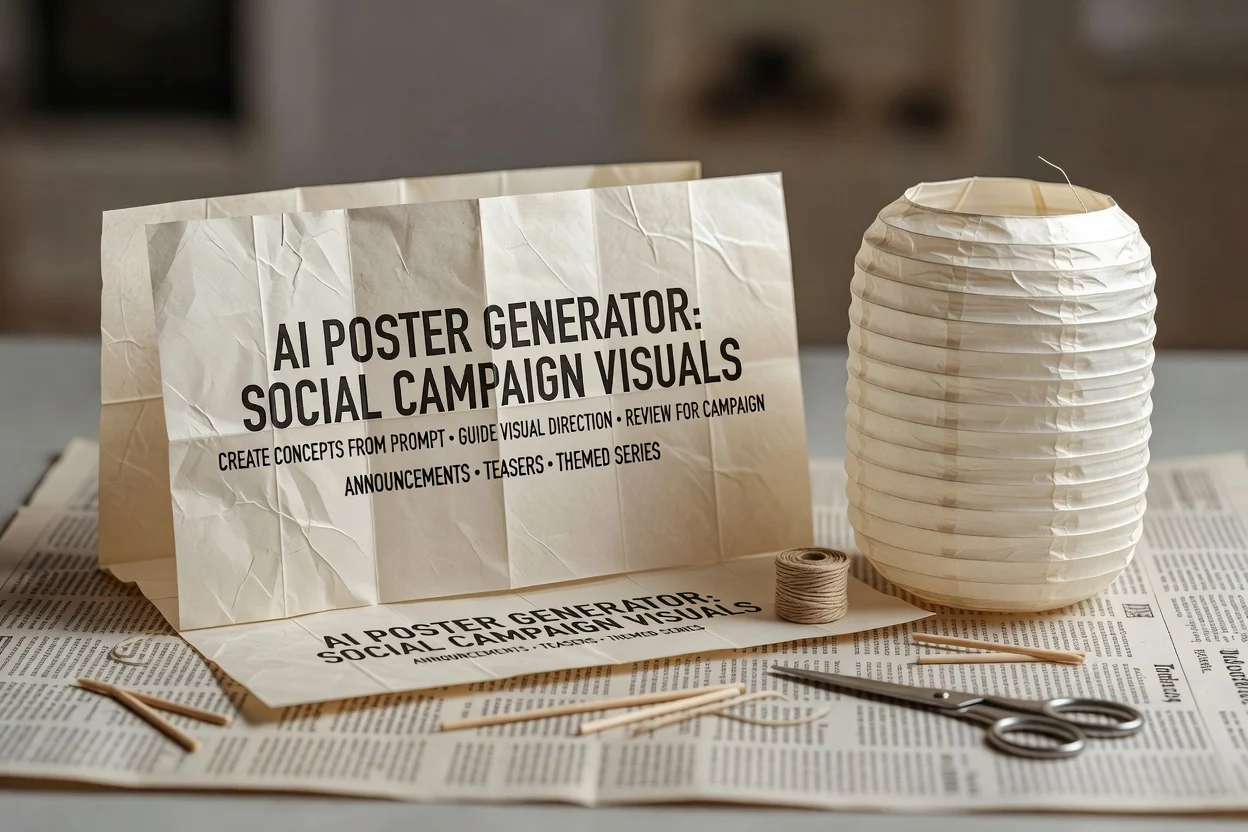
تصاویر بصری کمپین برای شبکههای اجتماعی بسازید که از اطلاعرسانیها، پیشنمایشها یا مجموعهمحتوای موضوعی پشتیبانی کنند.
پس از تولید، طرح پوستر را از نظر تناسب، وضوح و کاربرد عملی در کانال مقصد بررسی کنید.
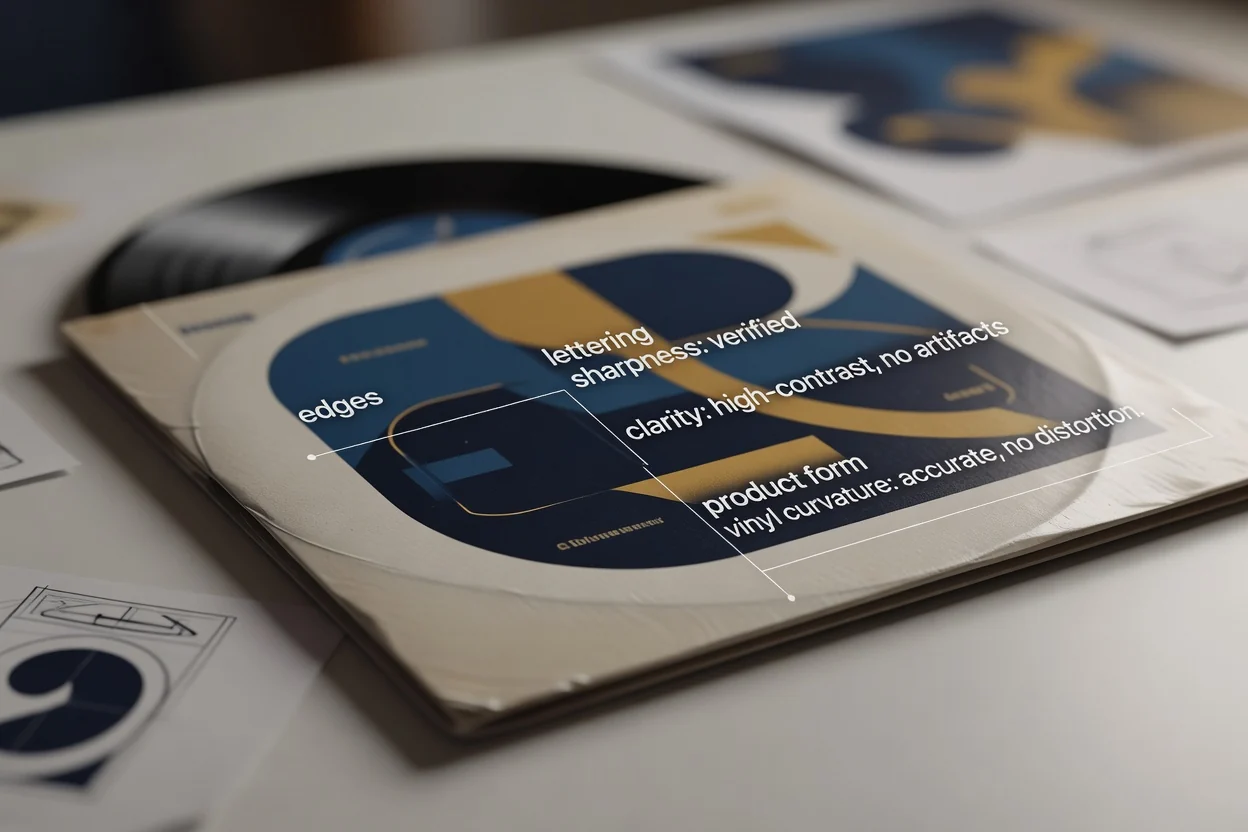
پیش از ادامه، طرح را با توضیحات اولیه، مخاطب، هدف کمپین و جایگاه موردنظر مقایسه کنید.
نامها، تاریخها، نشانههای محصول، سلسلهمراتب بصری و دیگر جزئیات مهم برای پوستر نهایی را بررسی کنید.
مطمئن شوید ترکیببندی همچنان برای برش و قالب مقصدی که انتخاب کردهاید مناسب است.
نتایج تولیدشده ممکن است متفاوت باشند و پیش از استفاده از یک طرح پوستر در کمپین واقعی یا قالب مقصد، جزئیات مهم باید بررسی شوند.
درخواستهای متفاوت یا تغییرات کوچک در واژهبندی میتوانند به ترکیببندیها، حالوهواها و برداشتهای بصری متفاوتی منجر شوند.
نامها، تاریخها، مشخصات محصول، نشانههای برند و دیگر جزئیات مهم باید پس از تولید با دقت بررسی شوند.
پاسخ به پرسشهای رایج درباره استفاده از مولد پوستر هوش مصنوعی برای طرحهای پوستر، درخواستها، بررسی و محدودیتهای کاربردی.
یک درخواست بنویسید، جهت را انتخاب کنید و با مولد پوستر هوش مصنوعی سریعتر از ایده به طرح پوستر برسید.