
Escribe el briefing
Introduce el tema, el formato previsto, la duración objetivo, el tono, la audiencia y la acción final.
Planificación de guiones de video
Planifica un guion de video a partir de un tema, formato y duración. El Generador de guiones de video te ayuda a revisar el gancho, el flujo de escenas, las notas de locución y la llamada a la acción final antes de grabar o producir el video.
El Generador de guiones de video es una herramienta de planificación en línea que convierte un tema, formato y duración en un borrador de guion estructurado. Está diseñado para la preproducción: revisas el gancho, las escenas, la dirección de locución y la llamada a la acción final antes de grabar o crear el video final.
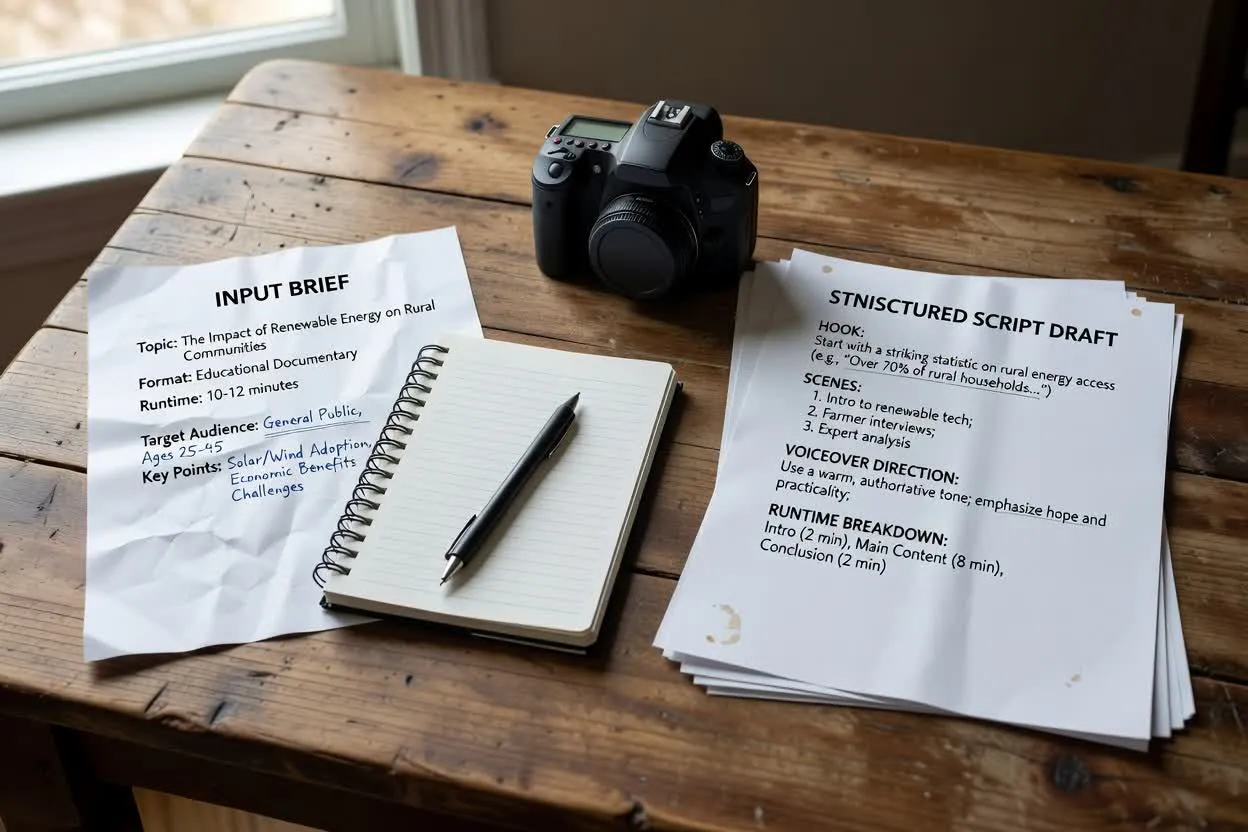
Pasa de un briefing breve a un plan estructurado más fácil de revisar antes de la producción.
Introduce el tema, el formato previsto, la duración objetivo, el tono, la audiencia y la acción final.
Revisa la estructura propuesta como guion general de video o adáptala a un formato más específico.
Usa el esquema de escenas para crear un plan de escenas para varios formatos y luego mejora la redacción y el ritmo antes de grabar.
El resultado es un borrador que puedes revisar, editar y entregar antes de que comience la producción.
Una frase inicial o premisa diseñada para establecer rápidamente por qué el espectador debe seguir viendo.
Un esquema escena por escena que puede servir de base para un plan de escenas de varios formatos, incluidos videos explicativos, clips para redes sociales y contenido de formación.
Orientación de narración que da a cada escena una dirección hablada sin producir la grabación final.
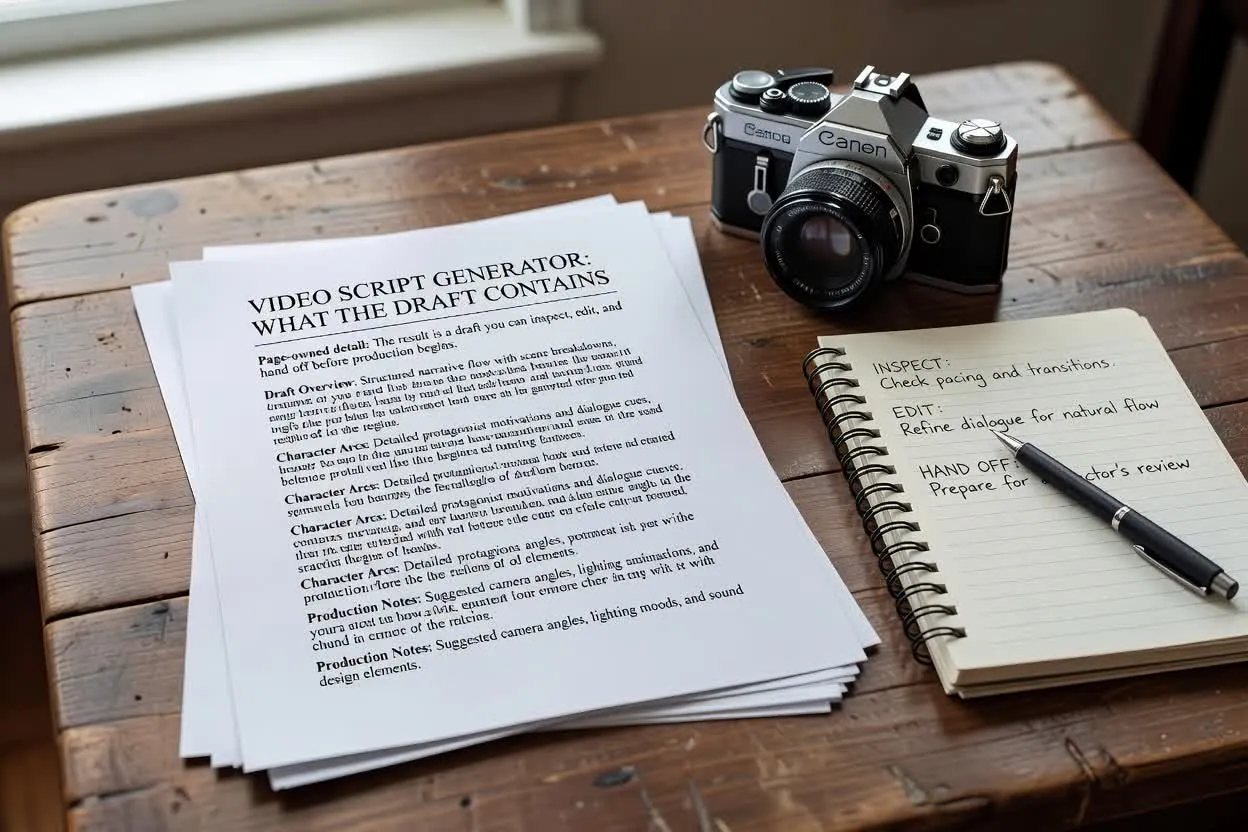
Ajusta los datos que dan forma al plan para que el guion se adapte a dónde aparecerá y a lo que debe pedir a los espectadores.
Elige el formato para el que estás planificando, como un video explicativo, clip para redes sociales o video de formación, para que la estructura de escenas se ajuste al canal.
Establece la duración objetivo para que el esquema sea realista para el tiempo disponible.
Guía el estilo de redacción, desde conciso y directo hasta más cercano o instructivo.
Usa el planificador cuando necesites una dirección de guion antes de entregar el trabajo a un presentador, editor o compañero de producción.

Convierte un tema en una introducción clara, un flujo explicativo y una llamada a la acción final para un guion explicativo conciso.
Abrir el planificador de guiones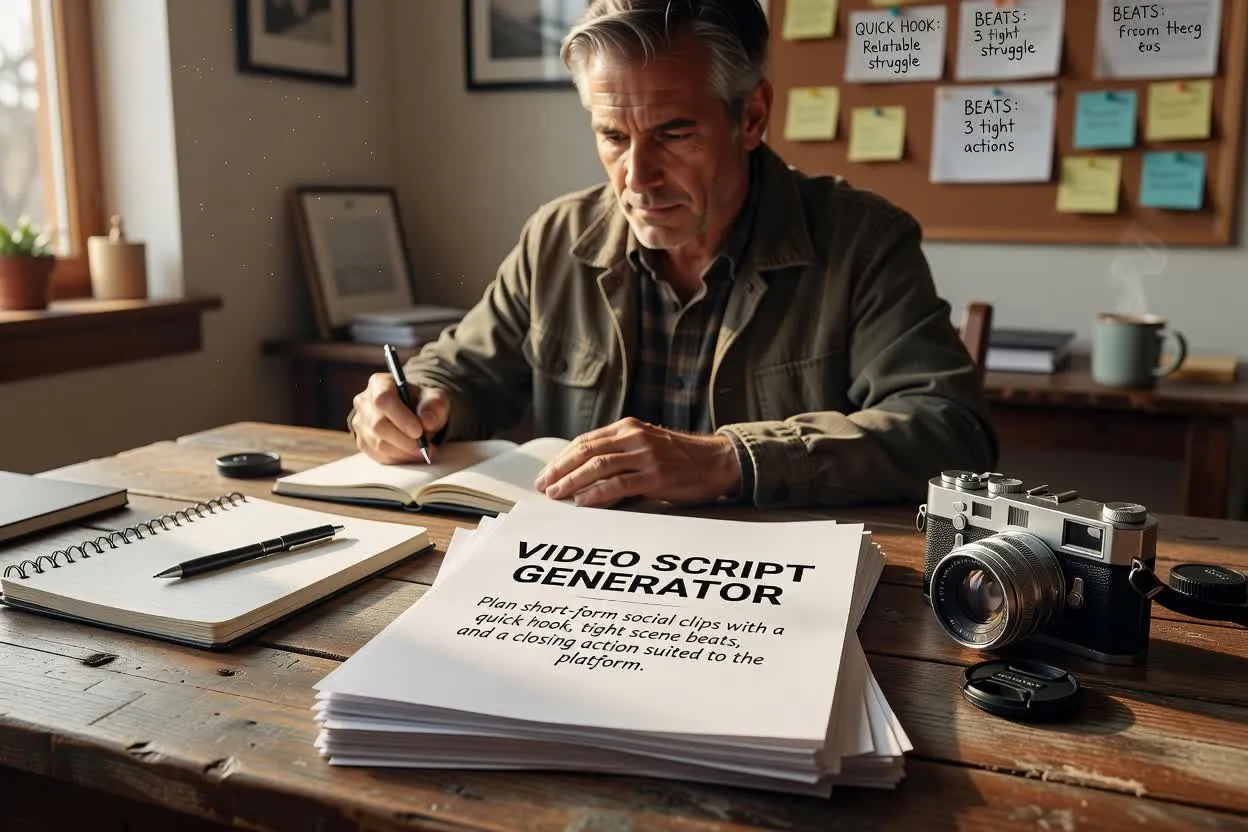
Planifica clips breves para redes sociales con un gancho rápido, momentos de escena concisos y una acción final adecuada para la plataforma.
Abrir el planificador de guiones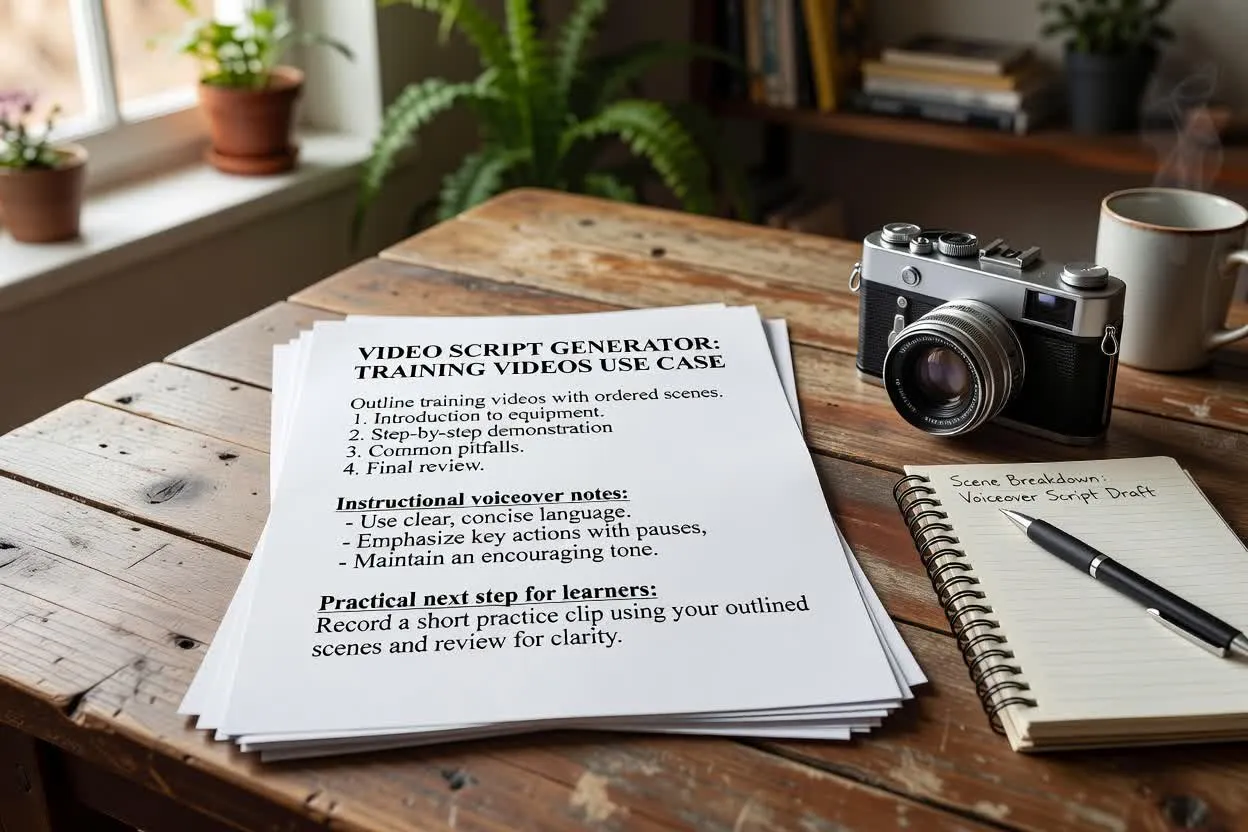
Esboza videos de formación con escenas ordenadas, notas de locución instructivas y un siguiente paso práctico para los alumnos.
Abrir el planificador de guionesAntes de grabar, revisa el plan en busca de ritmo, claridad y si al final se pide al espectador que haga una sola cosa.
Comprueba si el gancho coincide con el tema, la audiencia y la promesa del video.
Confirma que el número de escenas sea realista para la duración y el formato.
Asegúrate de que la llamada a la acción final incluya una única petición clara, en lugar de pasos siguientes que compitan entre sí.
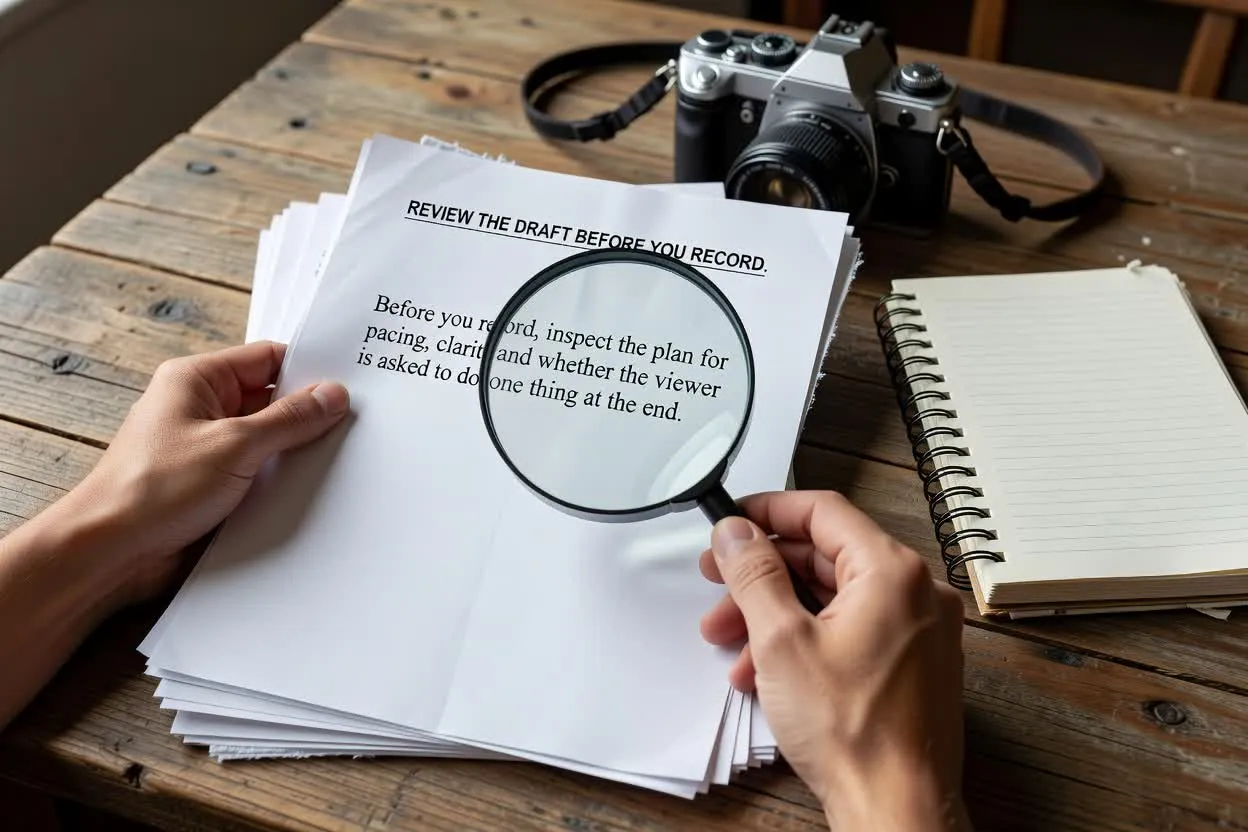
Usa el plan como punto de partida práctico y revísalo después según tus propios datos, normas de marca y necesidades de producción.
El resultado es solo un borrador escrito. No captura material, crea imágenes finales ni renderiza un video terminado.
Las afirmaciones sobre productos, estadísticas, declaraciones legales y datos sensibles al tiempo deben verificarse antes de publicar o grabar.
Respuestas a preguntas habituales sobre el uso del Generador de guiones de video para la planificación de preproducción.
Trae tu briefing de tema, formato y duración, y planifica con el Generador de guiones de video antes de grabar o producir tu video.