
Describe el producto y al comprador
Añade los detalles del producto, el resumen del comprador, el problema principal, las funciones más destacadas y el resultado que debe comprender el público.
Planificación de guiones para videos de producto
Planifica el guion de un video de producto a partir de los detalles del producto y un resumen del comprador con el Generador de Guiones para Videos de Producto; después, revisa las escenas de demostración, la locución y la llamada a la acción final antes de grabar o crear tu video.
El Generador de Guiones para Videos de Producto es una herramienta de planificación que transforma los detalles del producto y un resumen del comprador en un borrador de video escrito y estructurado. Te ayuda a organizar el gancho, el flujo de la demostración, los beneficios, la locución y la acción final antes de grabar o generar recursos visuales.
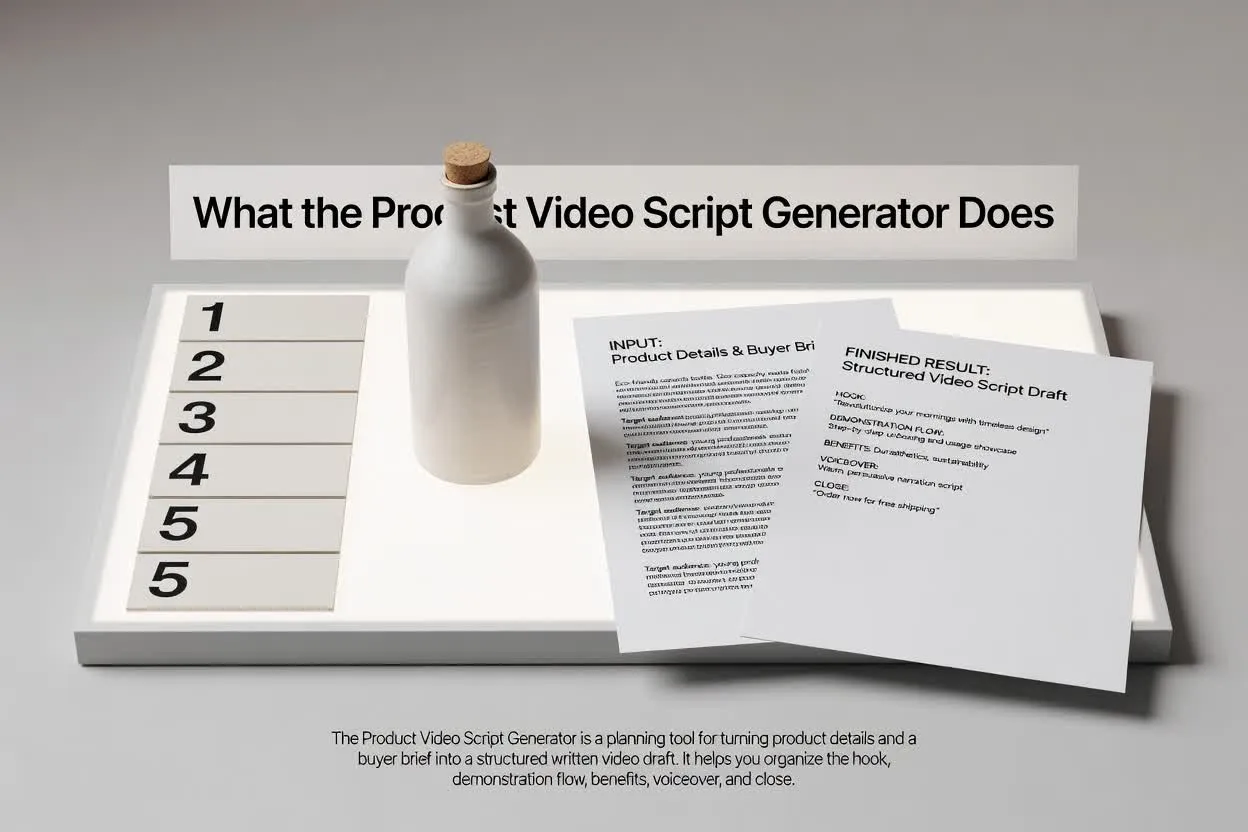
Pasa del resumen a un plan revisable en unos pocos pasos concretos.
Añade los detalles del producto, el resumen del comprador, el problema principal, las funciones más destacadas y el resultado que debe comprender el público.
Selecciona el formato, la duración, el tono, el público y la acción final para que el guion se ajuste al canal y al objetivo.
Revisa la estructura del guion de demostración de producto: el flujo de escenas, la claridad de los beneficios, la redacción de la locución y el enfoque de la llamada a la acción final.
El planificador devuelve un borrador que puedes leer, editar y entregar antes de que comience la producción.
Un guion de demostración de producto escena por escena que indica lo que el público debe ver y escuchar en cada momento.
Líneas de locución u orientaciones que conectan el problema del comprador, la función del producto y el beneficio en un orden claro.
Una acción final que mantiene el video centrado en un solo siguiente paso en lugar de incluir peticiones que compiten entre sí.
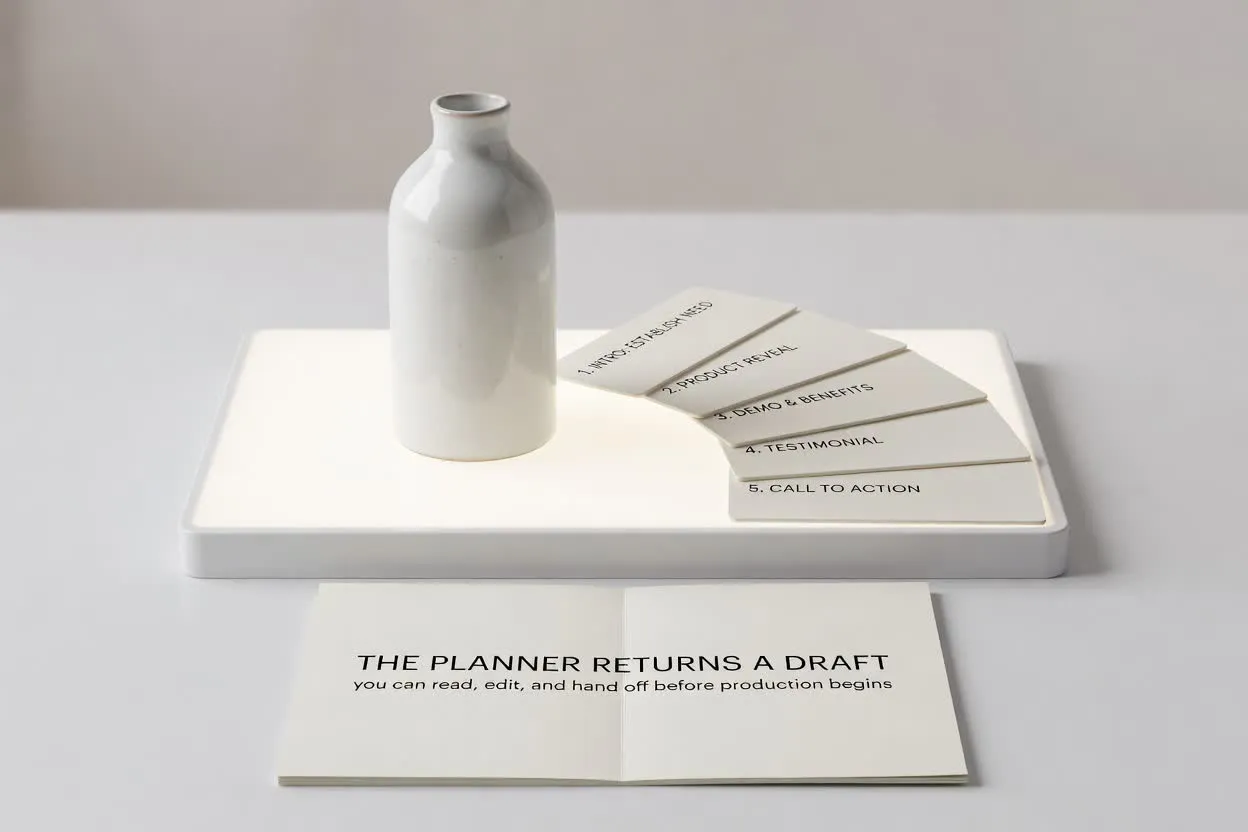
Usa los controles para adaptar el guion a la función que debe cumplir tu video.
Elige el formato que se adapte a la ubicación, como un clip corto de lanzamiento, una guía o una demostración de ecommerce.
Elige una duración para que el plan se ajuste al número de escenas y a la capacidad de atención del público al que te diriges.
Ajusta el tono y el público para que la locución se adapte a las expectativas del comprador y a su nivel de conocimiento del producto.
Usa el planificador cuando necesites un guion que convierta información del producto en una estructura lista para video.
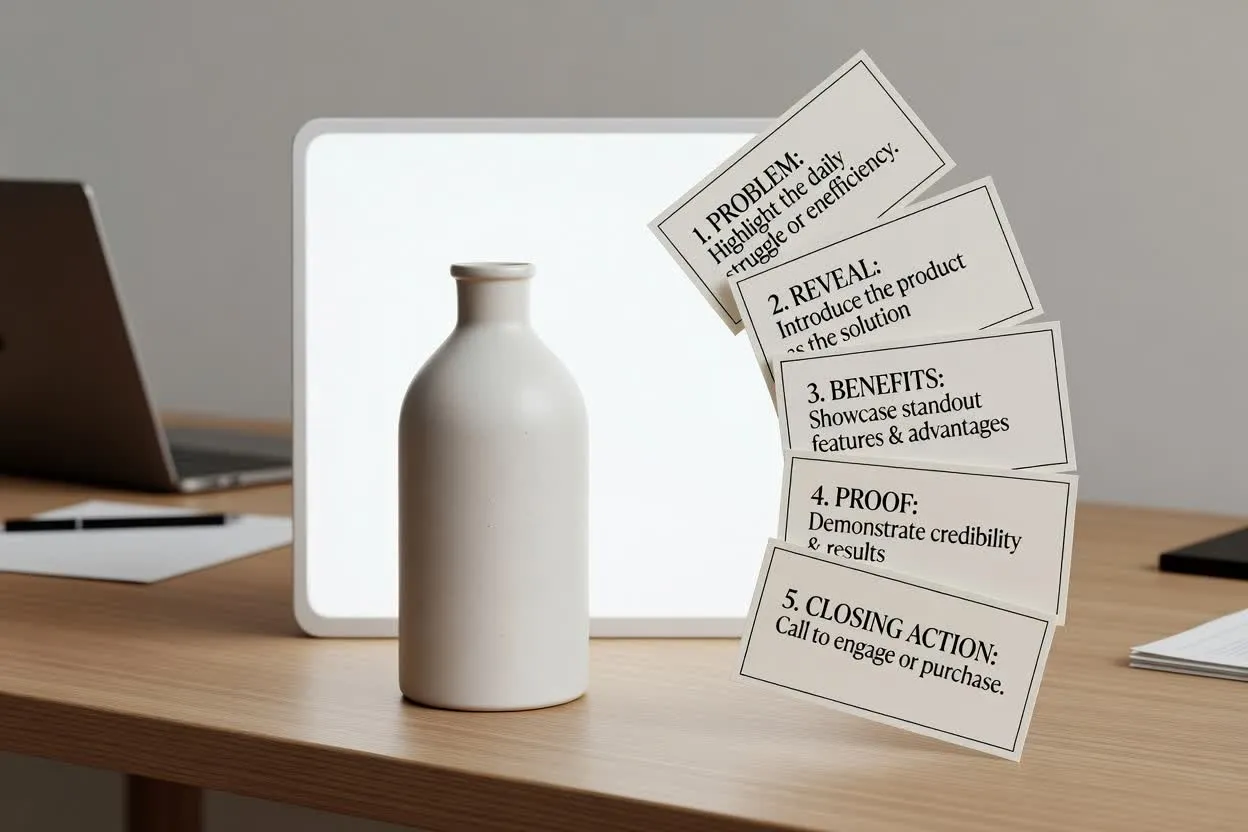
Esboza la historia de un video de lanzamiento, desde el problema y la presentación hasta los beneficios destacados y la acción final.
Planificar con el Generador de Guiones para Videos de Producto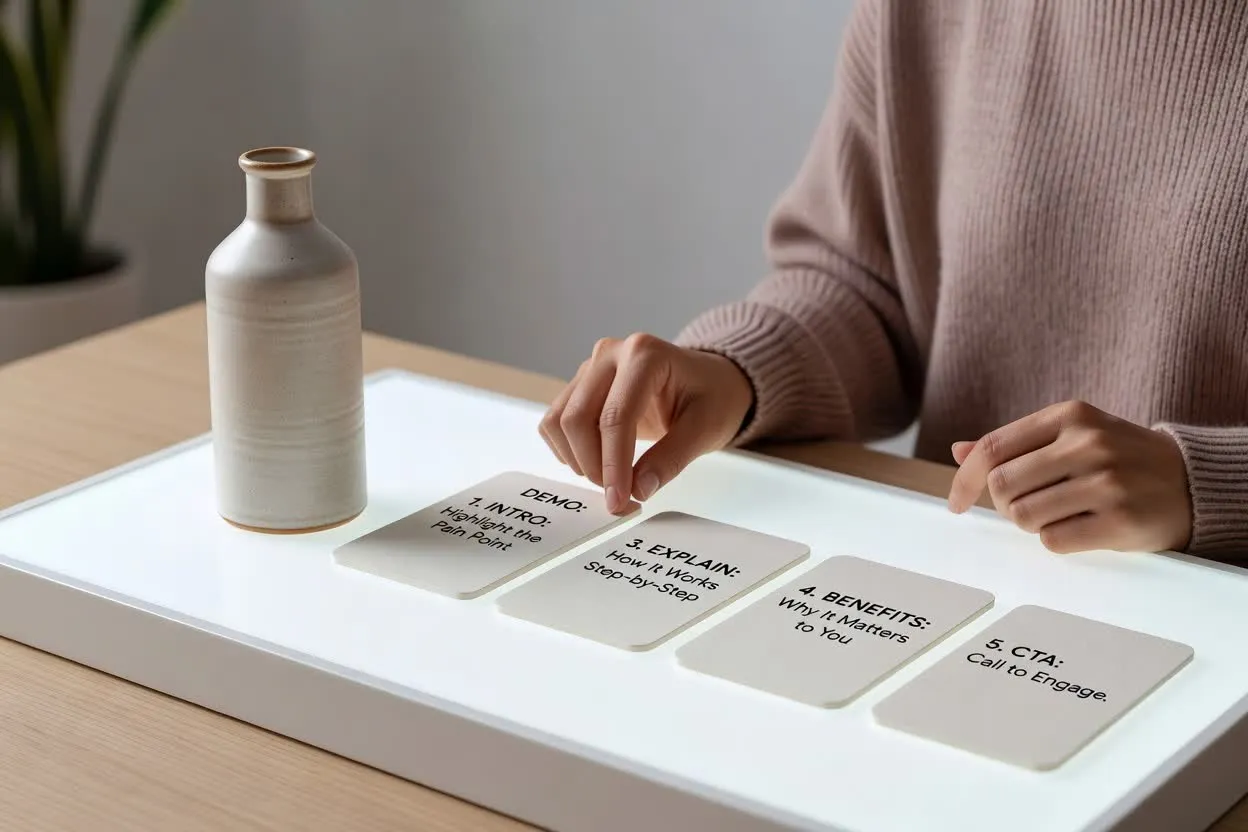
Crea un plan de video sobre funciones y beneficios que explique cómo funciona una función y por qué es importante para el público.
Abrir el planificador de guiones
Crea un guion de demostración de ecommerce que muestre el producto en uso, responda preguntas del comprador y termine con un siguiente paso claro.
Abrir el planificador de guionesAntes de grabar, revisa la claridad y el ritmo del borrador, y comprueba que el gancho, las escenas y la llamada a la acción final sirvan al mismo objetivo del comprador.
Confirma que el gancho aborde el problema del comprador o el resultado deseado con suficiente rapidez para la duración elegida.
Revisa la cantidad de escenas para que la historia del producto se sienta completa sin quedar saturada.
Asegúrate de que el final pida una sola acción, como visitar una página, registrarse o comprar.
Usa el plan como ayuda para redactar y revisar, no como un video terminado ni como sustituto de la validación del producto.
El resultado es un borrador escrito para planificar. No graba material, renderiza escenas, añade música ni exporta un video terminado.
Revisa cada afirmación sobre funciones, beneficios, comparaciones y rendimiento con los datos de tu producto antes de usar el guion.
Preguntas comunes sobre el uso del planificador para guiones de videos de producto.
Incluye los detalles de tu producto y el resumen del comprador, configura los controles del video y revisa el borrador antes de la producción.