
ছবি আপলোড করুন
ভাগ করার জন্য একটি PNG ছবি নির্বাচন করুন।
ব্রাউজারেই একটি PNG ছবিকে সারি ও কলামের কাস্টম গ্রিডে ভাগ করতে ইমেজ স্প্লিটার ব্যবহার করুন, তারপর আউটপুট ফাইল সংরক্ষণের আগে প্রক্রিয়াকৃত ফলাফল দেখুন।
মূল ছবি
মূল ছবির প্রিভিউ দেখতে একটি ছবি বেছে নিন।
ফলাফল
ইমেজ স্প্লিটার হলো একটি ছবিকে একাধিক টাইল করা অংশে পরিণত করার বিশেষায়িত ইউটিলিটি। এই টুলটি PNG ইনপুট, কাস্টম গ্রিড সেটিংস এবং সম্পূর্ণ ছবি কভারেজের জন্য তৈরি, যাতে চূড়ান্ত টাইল সেটটি নির্বাচিত সারি ও কলামের বিন্যাসের সঙ্গে মেলে।
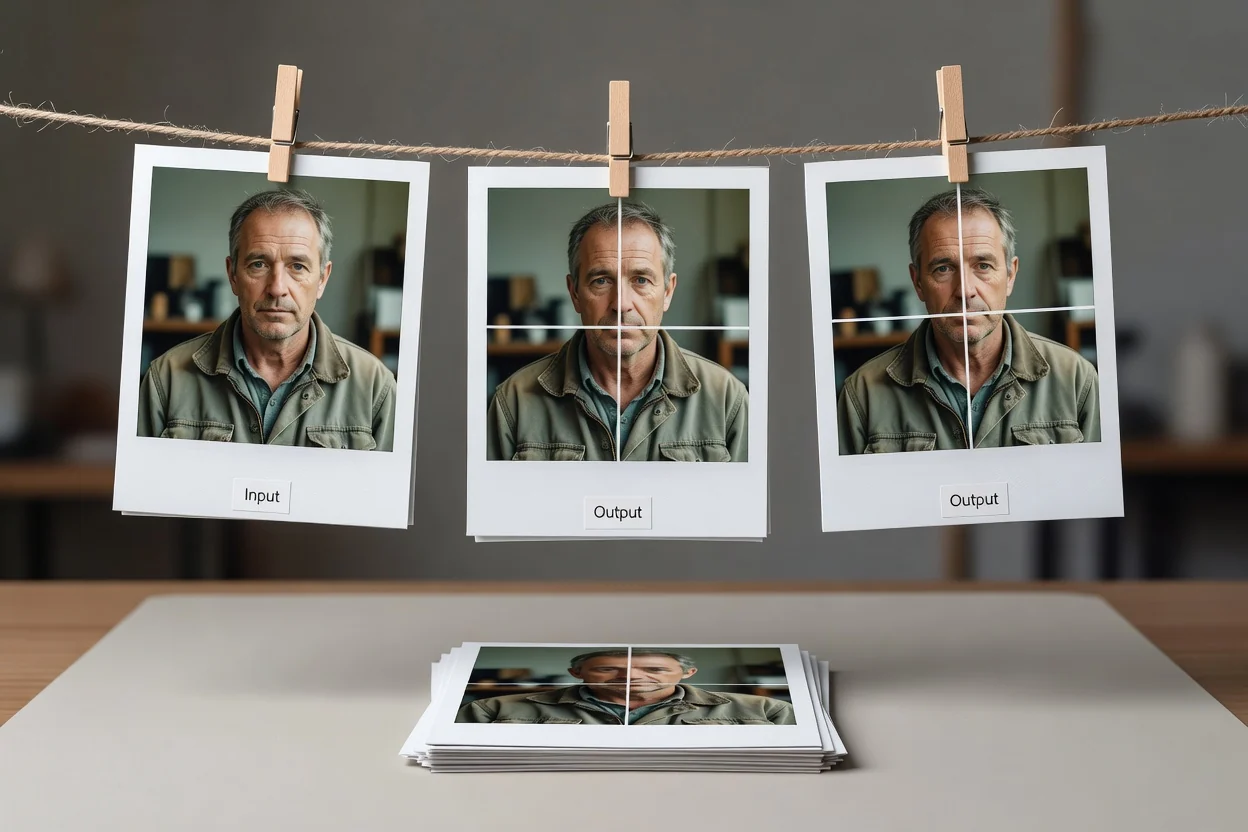
একটি PNG ছবিকে গ্রিডভিত্তিক টাইল ফলাফলে রূপান্তরের সহজ অনলাইন প্রক্রিয়া।
ভাগ করার জন্য একটি PNG ছবি নির্বাচন করুন।
আপনি যে গ্রিড তৈরি করতে চান তার সারি ও কলামের সংখ্যা বেছে নিন।
সম্পূর্ণ ক্ষেত্রকে স্থানীয় টাইলে ভাগ করতে একটি ছবি প্রক্রিয়া করুন।
গ্রিড-স্প্লিটিং টুলে ইনপুট, নিয়ন্ত্রণ এবং আউটপুটের প্রযুক্তিগত আচরণ।
ইনপুট হলো একটি PNG ছবি। অন্যান্য ফাইল ধরন এই ইউটিলিটির ঘোষিত ইনপুট ফরম্যাটের বাইরে।
আউটপুট হলো পর্যালোচনার জন্য একটি প্রক্রিয়াকৃত ফলাফল, যার ডাউনলোডযোগ্য আউটপুট ফাইলে নির্বাচিত গ্রিড থেকে তৈরি PNG টাইল থাকে।
নিয়ন্ত্রণের মধ্যে রয়েছে সারি ও কলাম সেটিংসহ কাস্টম গ্রিড, সম্পূর্ণ ছবি কভারেজ এবং নির্বাচিত PNG ছবির জন্য স্থানীয় টাইল তৈরি।
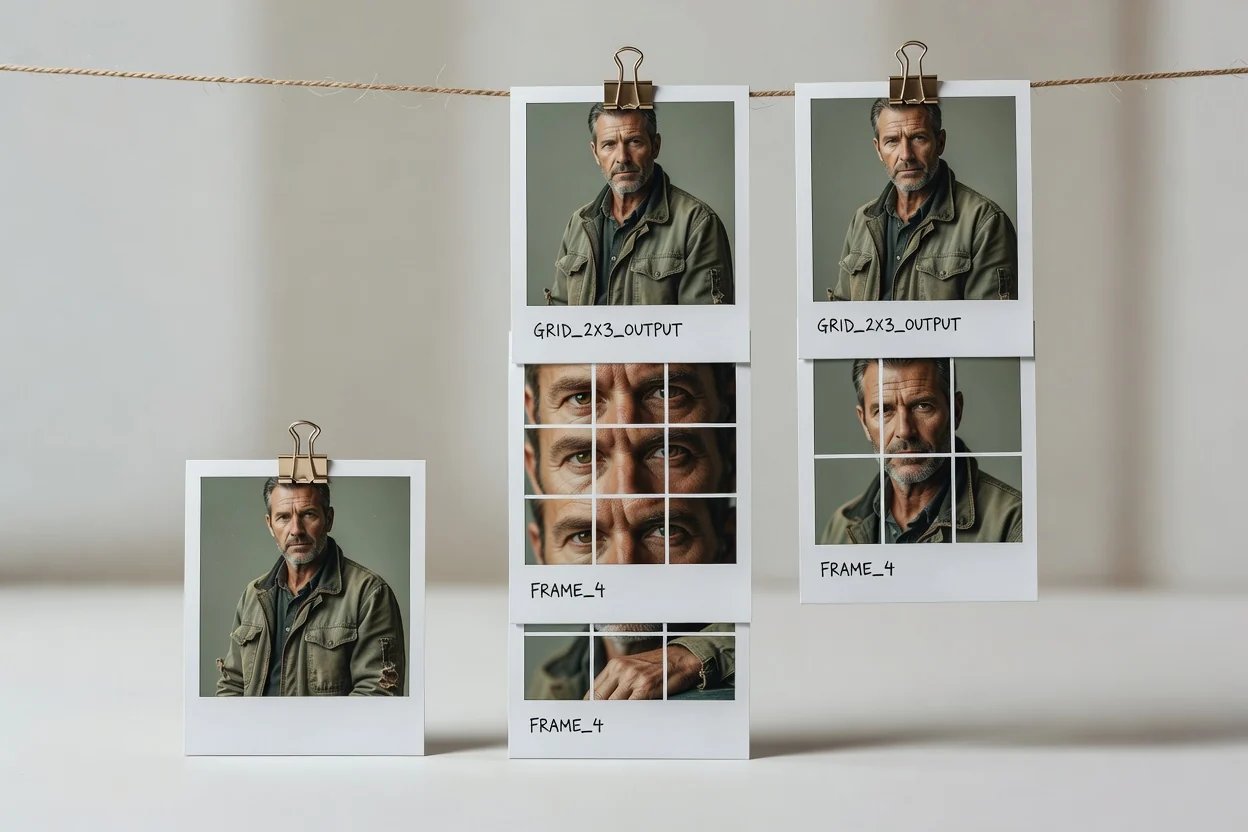
নিয়ন্ত্রণগুলো পূর্বানুমেয় গ্রিড তৈরি এবং পর্যালোচনাযোগ্য ফলাফলের ওপর কেন্দ্রীভূত।
প্রয়োজনীয় বিন্যাসে মানানসই গ্রিড টাইলে ছবি ভাগ করতে সারি ও কলামের সংখ্যা নির্ধারণ করুন।
ইমেজ গ্রিড স্প্লিটার পুরো ছবির ক্ষেত্র কভার করে, যাতে প্রক্রিয়াকৃত ফলাফলে প্রান্তের টাইলগুলো অন্তর্ভুক্ত থাকে।
নির্বাচিত PNG ছবি ও গ্রিড সেটিংসের জন্য আপনার ব্রাউজারেই টাইল তৈরি হয়।
প্রক্রিয়ার পর ডাউনলোডযোগ্য আউটপুট ফাইল সংরক্ষণের আগে ফলাফল পর্যালোচনা করুন।
যখন একটি ছবিকে গ্রিড টাইলের কাঠামোবদ্ধ সেটে পরিণত করতে হয়, তখন টুলটি ব্যবহার করুন।

প্রচারাভিযান, কনটেন্ট পরিকল্পনা বা ভিজ্যুয়াল উপস্থাপনা উপকরণের জন্য কাস্টম সারি ও কলামের বিন্যাস তৈরি করুন।

টাইল সেটজুড়ে পুরো ছবি উপস্থাপিত রেখে ছবিকে গ্রিড টাইলে ভাগ করুন।
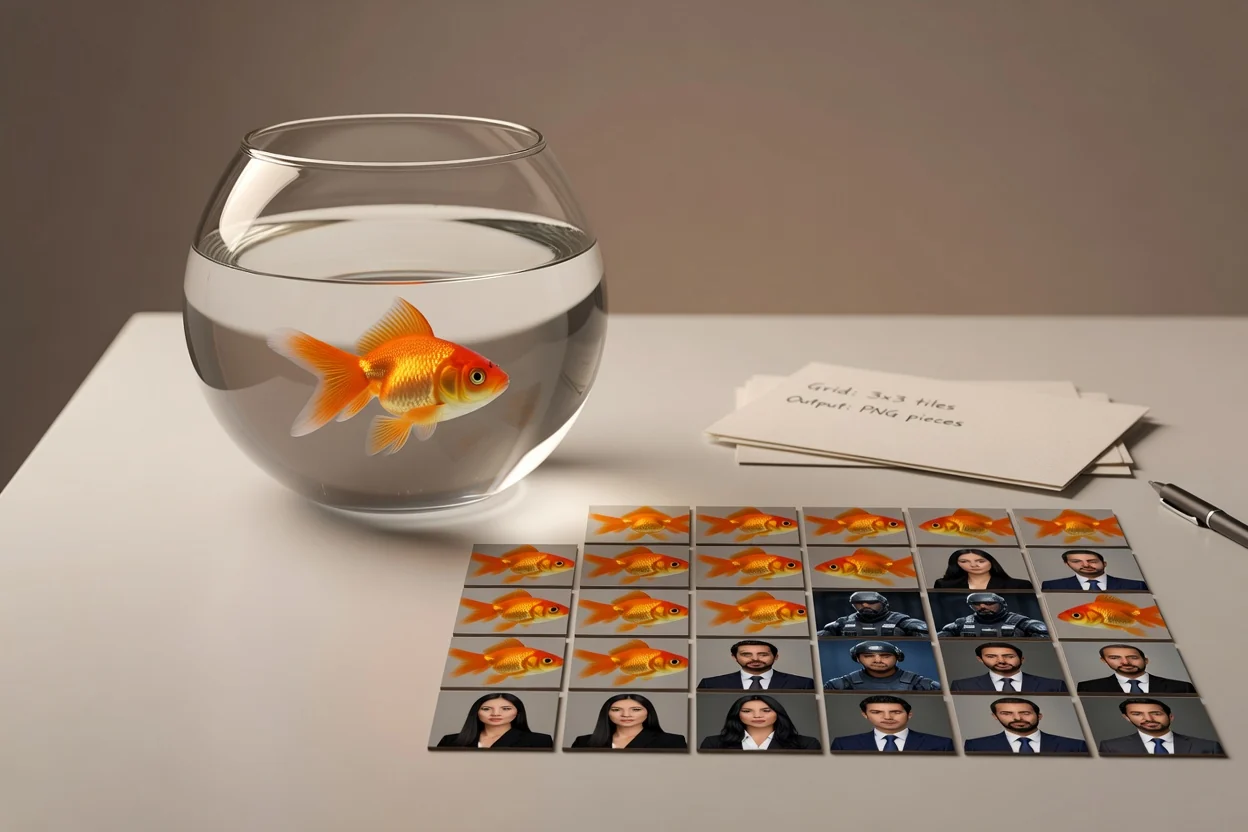
একটি উৎস ছবি থেকে পূর্বানুমেয় PNG অংশ দরকার হলে স্থানীয় টাইল তৈরির জন্য ইমেজ গ্রিড স্প্লিটার ব্যবহার করুন।
উৎস ছবি ও নির্বাচিত গ্রিড একটি রানে টুলটি কী তৈরি করতে পারবে তা নির্ধারণ করে।
প্রতি রানে গ্রিড সর্বোচ্চ 12 সারি এবং 12 কলামে সীমিত।
টাইলগুলো PNG ফাইল এবং এতে ওভারল্যাপ, ব্লিড বা মুক্তরূপের স্লাইস লাইন থাকে না।
টুলটি একবারে একটি আয়তাকার উৎস ছবির জন্য নির্ধারিত, স্তরযুক্ত নথি বা একাধিক পৃষ্ঠার ফাইলের জন্য নয়।
গ্রিডভিত্তিক PNG টাইলিংয়ের জন্য ইমেজ স্প্লিটার ব্যবহারের সাধারণ প্রশ্ন।
নিকটবর্তী ছবি প্রস্তুতির কাজে সহায়ক অন্যান্য ClipCanva ইউটিলিটি।
একটি PNG ছবি আপলোড করুন, কাস্টম গ্রিড বেছে নিন এবং পর্যালোচনাযোগ্য টাইল করা আউটপুটে ছবি প্রক্রিয়া করুন।