
ধারণাটি বর্ণনা করুন
সাধারণ ভাষায় আপনি কী দেখতে চান তা লিখুন। দৈর্ঘ্যের চেয়ে বিষয় ও উদ্দেশ্যের নাম দেওয়া বেশি গুরুত্বপূর্ণ।
প্রম্পট পরিকল্পনা
একটি প্রাথমিক ধারণা বর্ণনা করুন, ছবির ধরন, স্টাইল, লক্ষ্য মডেল ও অনুপাত বেছে নিন, আর ইমেজ প্রম্পট জেনারেটর আপনাকে কপি করার জন্য একটি কাঠামোবদ্ধ প্রম্পট, সংক্ষিপ্ত সংস্করণ ও নেগেটিভ প্রম্পট লিখে দেবে।
প্রম্পট ওয়ার্কস্পেস
আইডিয়া থেকে কপি করা যায় এমন ইমেজ প্রম্পট
একটি ছোট বাক্যই যথেষ্ট। টুলটি গঠন, স্টাইল, আলো ও কম্পোজিশন যোগ করবে।
নির্বাচিত মডেল, অনুপাত, শৈলী এবং আউটপুট গণনা সহ ফলাফল এখানে প্রদর্শিত হবে।
নির্বাচিত মডেল, অনুপাত, শৈলী এবং আউটপুট গণনা সহ ফলাফল এখানে প্রদর্শিত হবে।
একটি ছোট বাক্যই যথেষ্ট। টুলটি গঠন, স্টাইল, আলো ও কম্পোজিশন যোগ করবে।
আইডিয়া থেকে কপি করা যায় এমন ইমেজ প্রম্পট
ইমেজ জেনারেটরে ব্যবহার করুনএটি একটি সংক্ষিপ্ত বর্ণনাকে এমন প্রম্পট ভাষায় বদলে দেয়, যা একটি ইমেজ মডেল ব্যবহার করতে পারে। শব্দচয়ন অনুমান করার বদলে ছবির ধরন, ভিজ্যুয়াল স্টাইল, লক্ষ্য মডেল ও অনুপাত নির্ধারণ করুন, আর বিষয়, কম্পোজিশন, আলো এবং ফ্রেমের বাইরে রাখার বিষয় উল্লেখ করা একটি প্রম্পট পান।
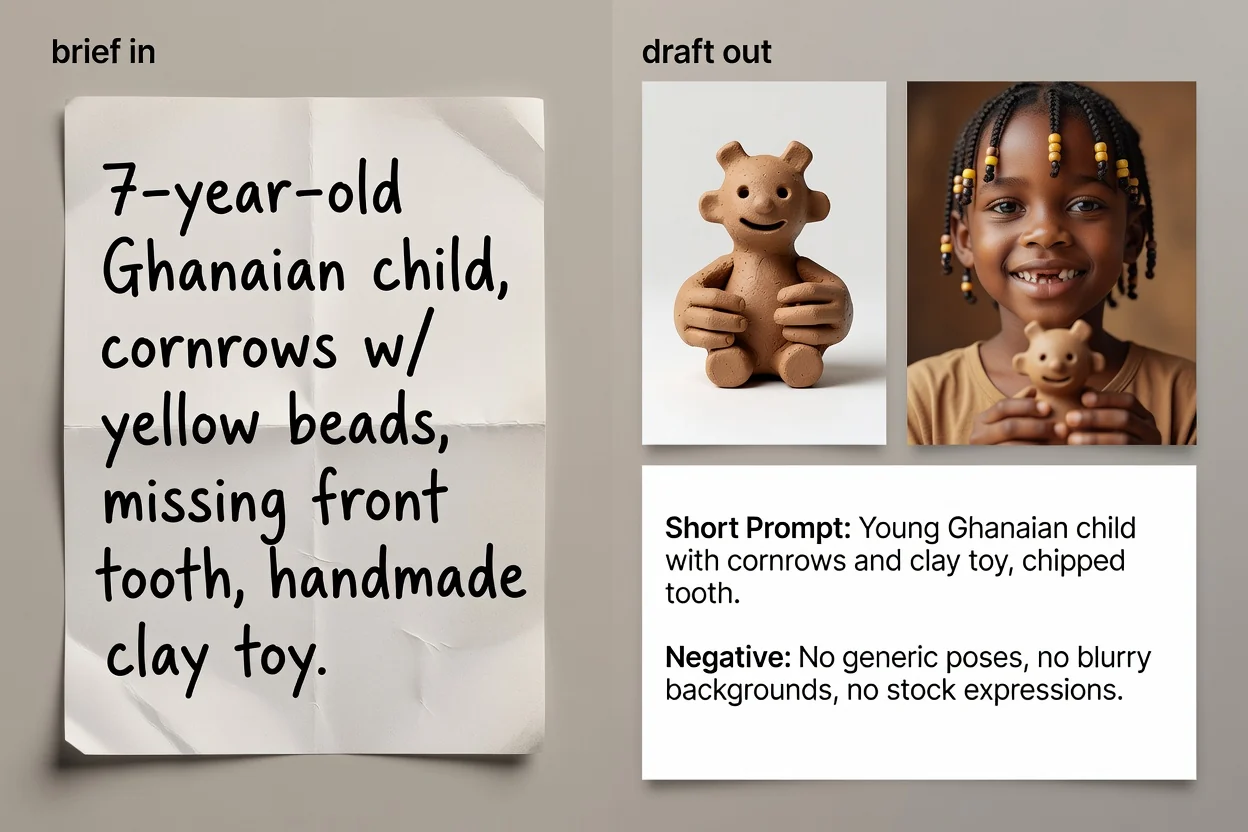
ধারণা থেকে কপি-উপযোগী প্রম্পট টেক্সট পর্যন্ত চার ধাপ।
সাধারণ ভাষায় আপনি কী দেখতে চান তা লিখুন। দৈর্ঘ্যের চেয়ে বিষয় ও উদ্দেশ্যের নাম দেওয়া বেশি গুরুত্বপূর্ণ।
ছবির ধরন ও ভিজ্যুয়াল স্টাইল বেছে নিন, যাতে প্রম্পটে সেই বিভাগের উপযুক্ত শব্দভান্ডার ব্যবহৃত হয়।
আপনি যে মডেল ব্যবহার করবেন এবং অনুপাত নির্বাচন করুন, যাতে ভাষা ও ফ্রেমিং গন্তব্যের সঙ্গে মেলে।
প্রম্পট তৈরি করুন, পর্যালোচনা করুন এবং চাইলে ভাষা সংক্ষিপ্ত করে অনুপস্থিত বিস্তারিত যোগ করতে এআই উন্নয়ন ধাপ চালান।
তিন ভিন্ন পরিস্থিতির জন্য প্রম্পটের তিনটি সংস্করণ।
বিষয়, কম্পোজিশন, আলো, স্টাইল ও ফ্রেমিং ক্রমানুসারে বিস্তারিত থাকা পূর্ণ প্রম্পট।
ঐচ্ছিক পুনর্লিখিত সংস্করণ, যা ভাষা সংক্ষিপ্ত করে এবং ছোট বর্ণনায় থেকে যাওয়া ফাঁক পূরণ করে।
সীমিত ইনপুটের ইন্টারফেস বা দ্রুত পুনরাবৃত্তির জন্য সংক্ষিপ্ত সংস্করণ।
ছবি থেকে বাদ রাখার বিষয়গুলোর তালিকা, যেমন লেখা, ওয়াটারমার্ক বা বিকৃত খুঁটিনাটি।
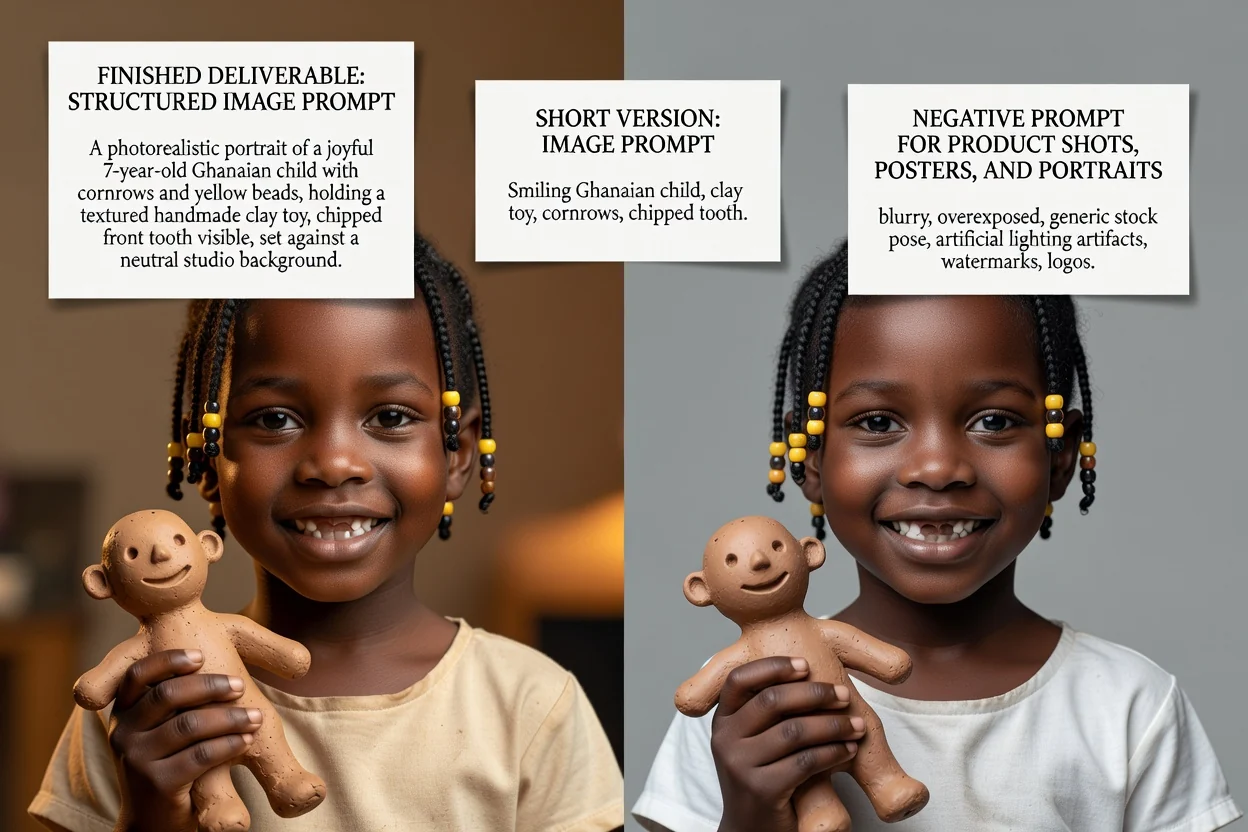
প্রতিটি নিয়ন্ত্রণ শুধু লেবেল নয়, প্রম্পটের ভাষাও বদলায়।
পণ্য ছবি, পোর্ট্রেট, পোস্টার, লোগো, সামাজিক গ্রাফিক বা ইলাস্ট্রেশন। এতে কোন কম্পোজিশন-সংক্রান্ত শব্দ থাকবে তা নির্ধারিত হয়।
ফটোরিয়ালিস্টিক, সিনেমাটিক, এডিটোরিয়াল, মিনিমাল, 3D রেন্ডার বা অ্যানিমে—যা আলো ও রেন্ডারিংয়ের ভাষা নির্ধারণ করে।
GPT Image, Midjourney, Flux, Stable Diffusion বা DALL-E। এগুলোর মধ্যে ভাষার রীতি আলাদা।
বর্গাকার, ল্যান্ডস্কেপ, উল্লম্ব বা পোর্ট্রেট—যাতে ফ্রেমিং ও খালি জায়গা চূড়ান্ত অবস্থানের সঙ্গে মানানসই হয়।
এখান থেকে শুরু হওয়া সাধারণ কাজগুলো।
সারফেস, আলো ও খালি জায়গার উল্লেখ থাকা প্রম্পট লিখুন, যাতে পণ্যের ছবিতে শিরোনামের লেখার জন্যও জায়গা থাকে।
পণ্যের প্রম্পট তৈরি করুন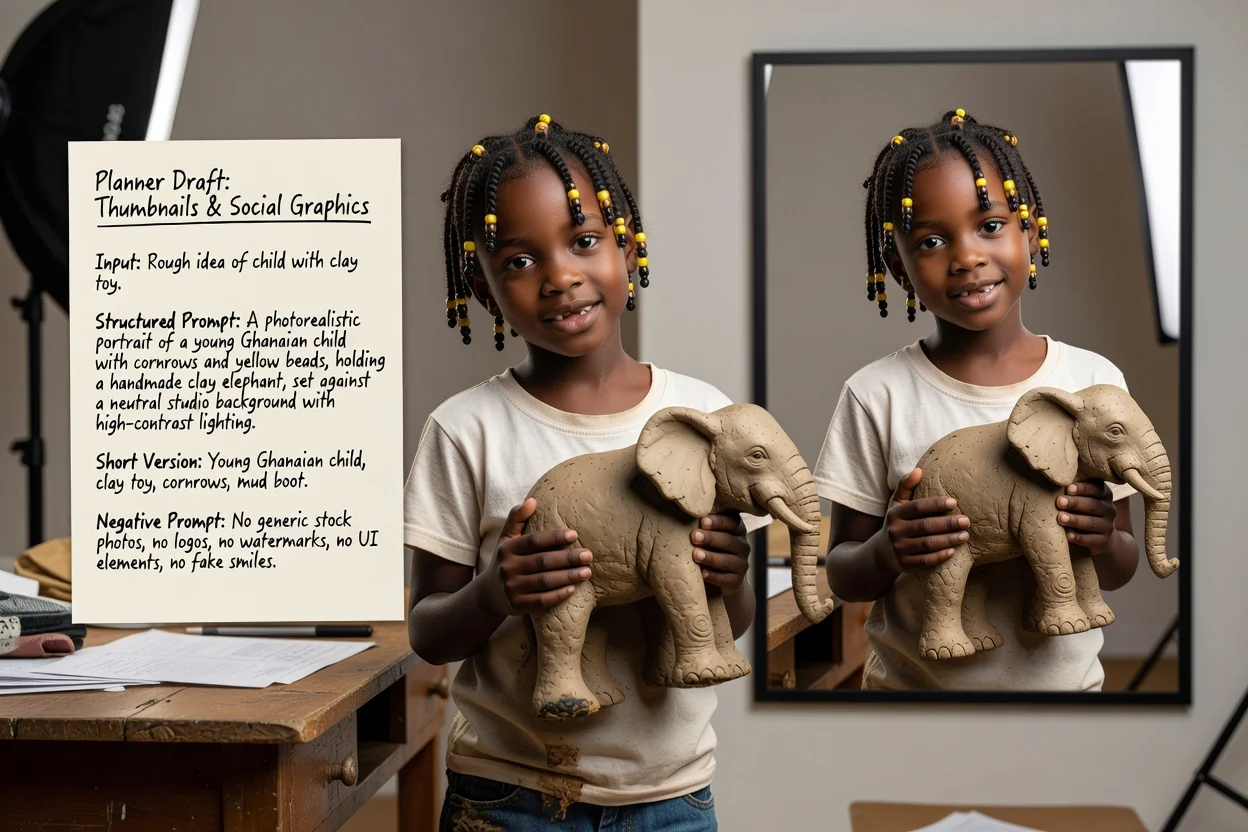
উল্লম্ব বা ল্যান্ডস্কেপ অনুপাত ও উচ্চ-কনট্রাস্ট স্টাইল নির্ধারণ করুন, যাতে ফল ছোট আকারেও স্পষ্ট থাকে।
সামাজিক প্রম্পট তৈরি করুন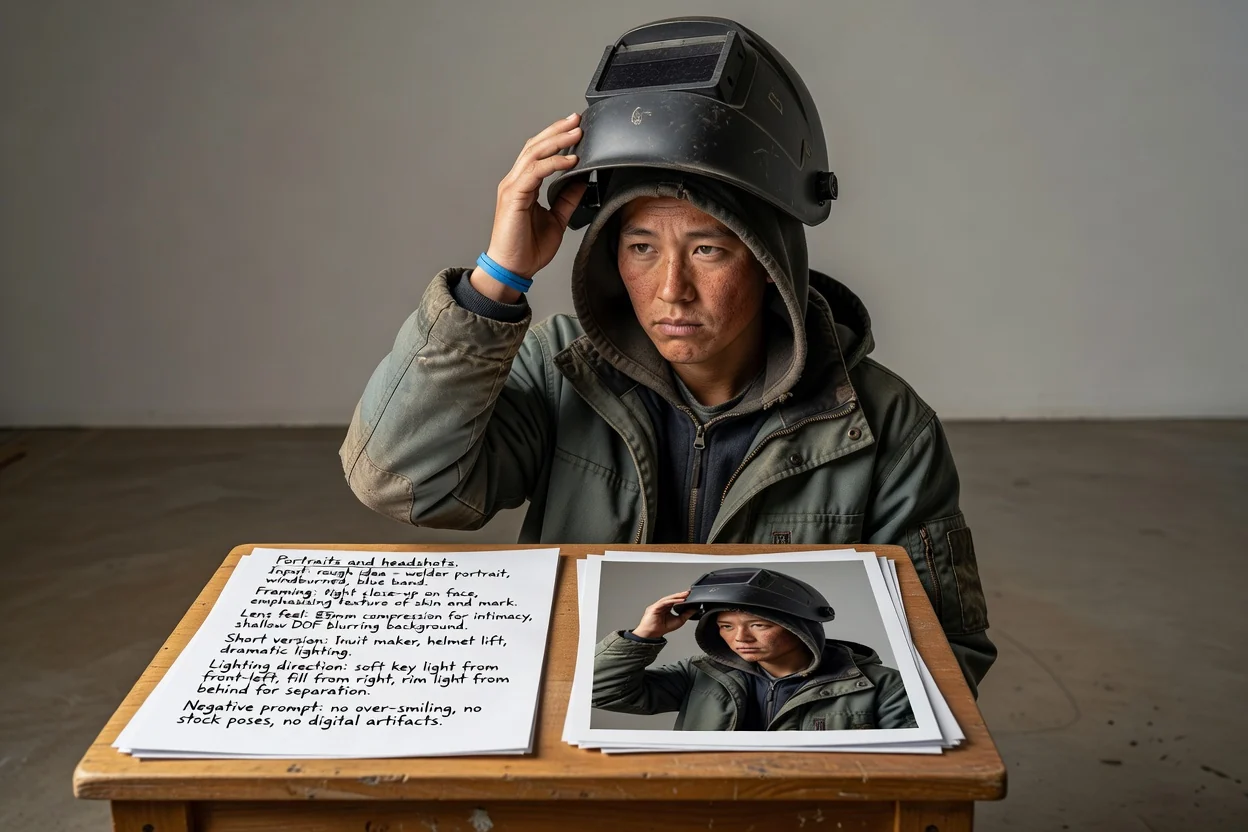
মডেলকে চেহারা অনুমান করতে না দিয়ে ফ্রেমিং, লেন্সের অনুভূতি ও আলোর দিক বর্ণনা করুন।
পোর্ট্রেট প্রম্পট তৈরি করুন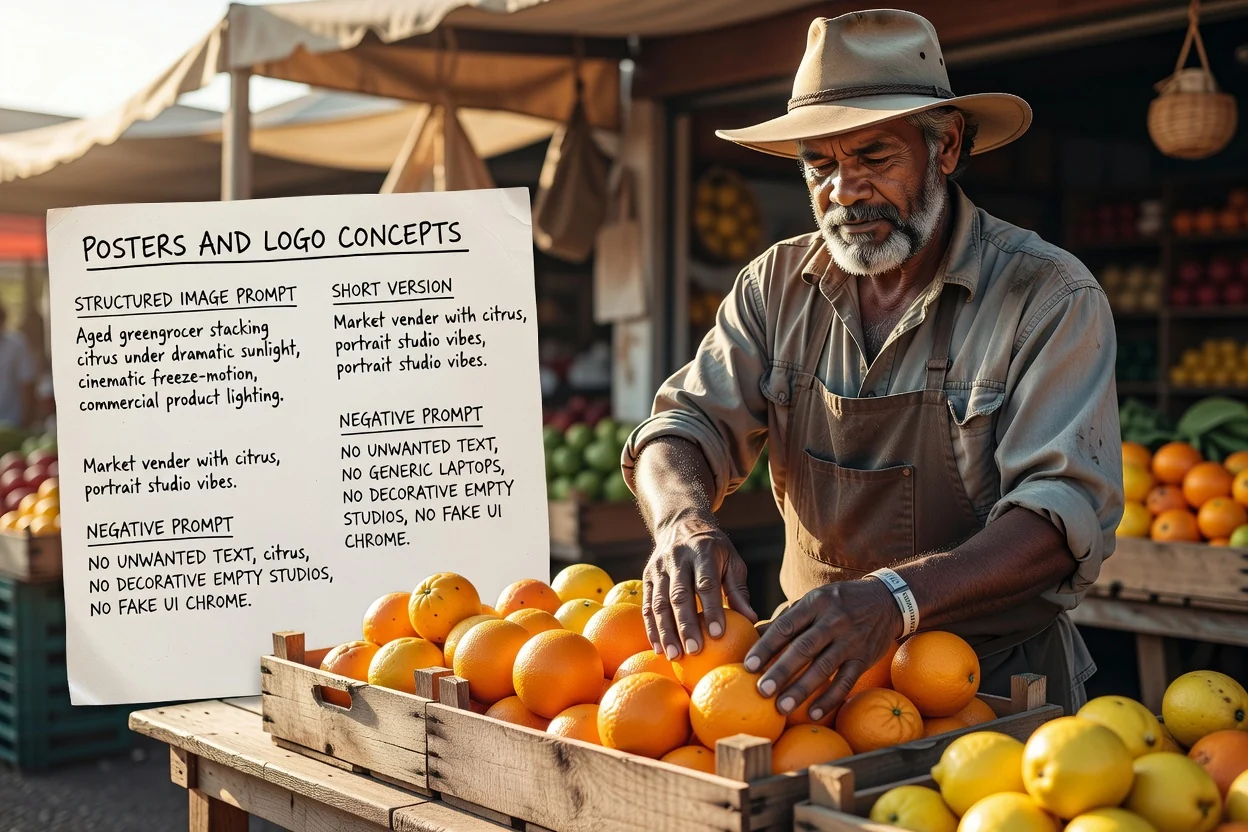
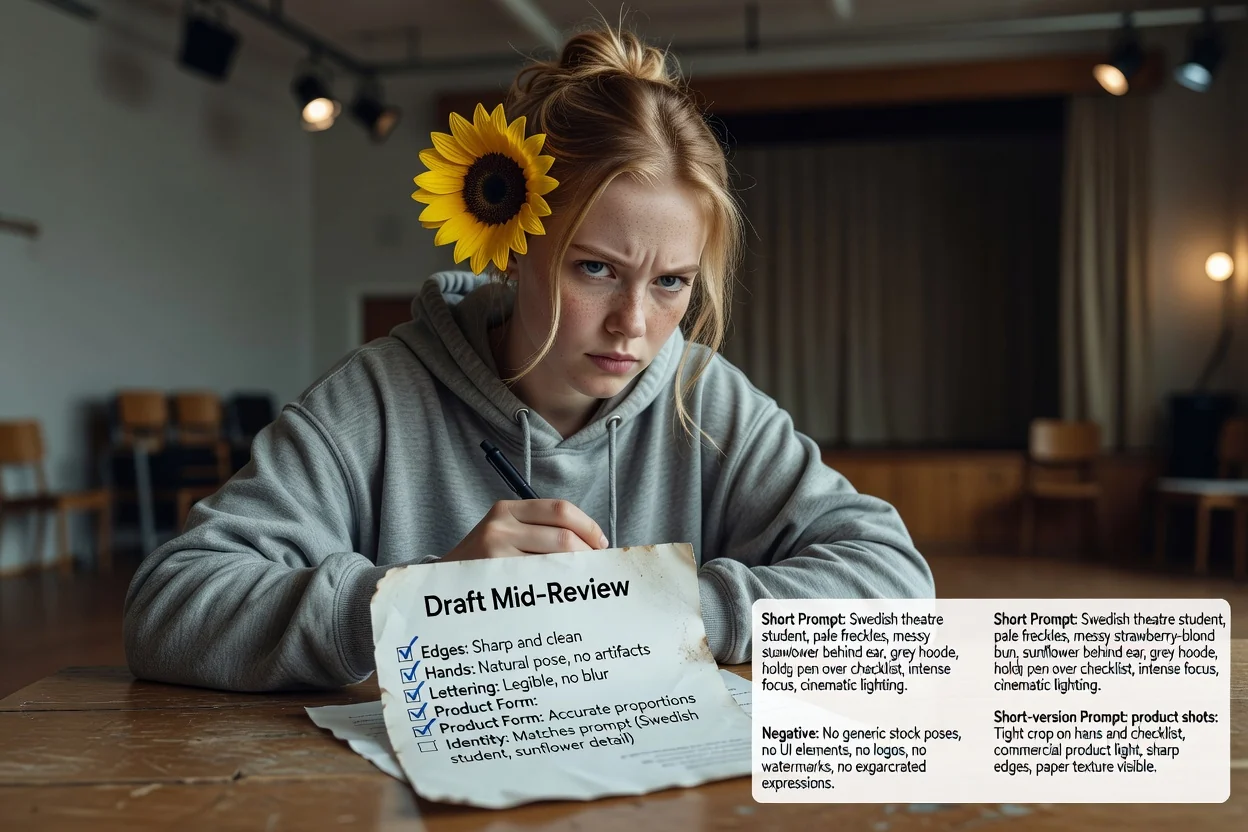
শুরুতেই লেআউট ও টাইপোগ্রাফির জায়গা পরিকল্পনা করুন এবং অনাকাঙ্ক্ষিত লেখা নিয়ন্ত্রণে নেগেটিভ প্রম্পট ব্যবহার করুন।
পোস্টারের প্রম্পট তৈরি করুনপুনরায় চেষ্টার সংখ্যা কমাতে চারটি দ্রুত পরীক্ষা।
প্রম্পটে যদি প্রতিদ্বন্দ্বী দুটি বিষয় বর্ণিত হয়, একটি ভিড়ভাট্টা ফ্রেমের বদলে সেটিকে দুটি প্রম্পটে ভাগ করুন।
উল্লম্ব অনুপাতের জন্য উল্লম্ব কম্পোজিশনের ভাষা দরকার। অমিলই অস্বস্তিকর ক্রপের সবচেয়ে সাধারণ কারণ।
পরে ছবির ওপর লেখা বসালে, সঠিক জায়গায় খালি জায়গা চাওয়া হয়েছে কি না নিশ্চিত করুন।
যে বর্জন সত্যিই দরকার নেই তা সরিয়ে দিন, কারণ অতিদীর্ঘ নেগেটিভ প্রম্পট ফলাফলকে নিষ্প্রাণ করতে পারে।
ব্যবহারের আগে জেনে রাখার মতো সীমাবদ্ধতা।
ছবি তৈরি হয় ইমেজ ওয়ার্কফ্লোতে। এই ধাপে শুধু সেখানে পাঠানোর টেক্সট তৈরি হয়।
একই প্রম্পট মডেল ও সংস্করণভেদে ভিন্ন ফল দেয়। প্রথম আউটপুটকে পরীক্ষা হিসেবে দেখুন।
ছবির মধ্যে হুবহু লেখা চাইলে প্রায়ই তা ব্যর্থ হয়। বদলে লেআউটের সময় আসল টাইপোগ্রাফি যোগ করার পরিকল্পনা করুন।
এআই ইমেজ মডেলের জন্য প্রম্পট লেখা নিয়ে সাধারণ প্রশ্ন।
ইমেজ প্রম্পট জেনারেটরকে একটি প্রাথমিক ধারণা দিন এবং পরীক্ষার জন্য পূর্ণ প্রম্পট, সংক্ষিপ্ত প্রম্পট ও নেগেটিভ প্রম্পট পান।