01
আপনার ছবি আপলোড করুন
আপনি রূপান্তর করতে চান এমন কোনো ছবি বা ছবি আপলোড করুন। উচ্চ রেজোলিউশন ইনপুট ভাল রূপান্তর ফলাফল উত্পাদন.
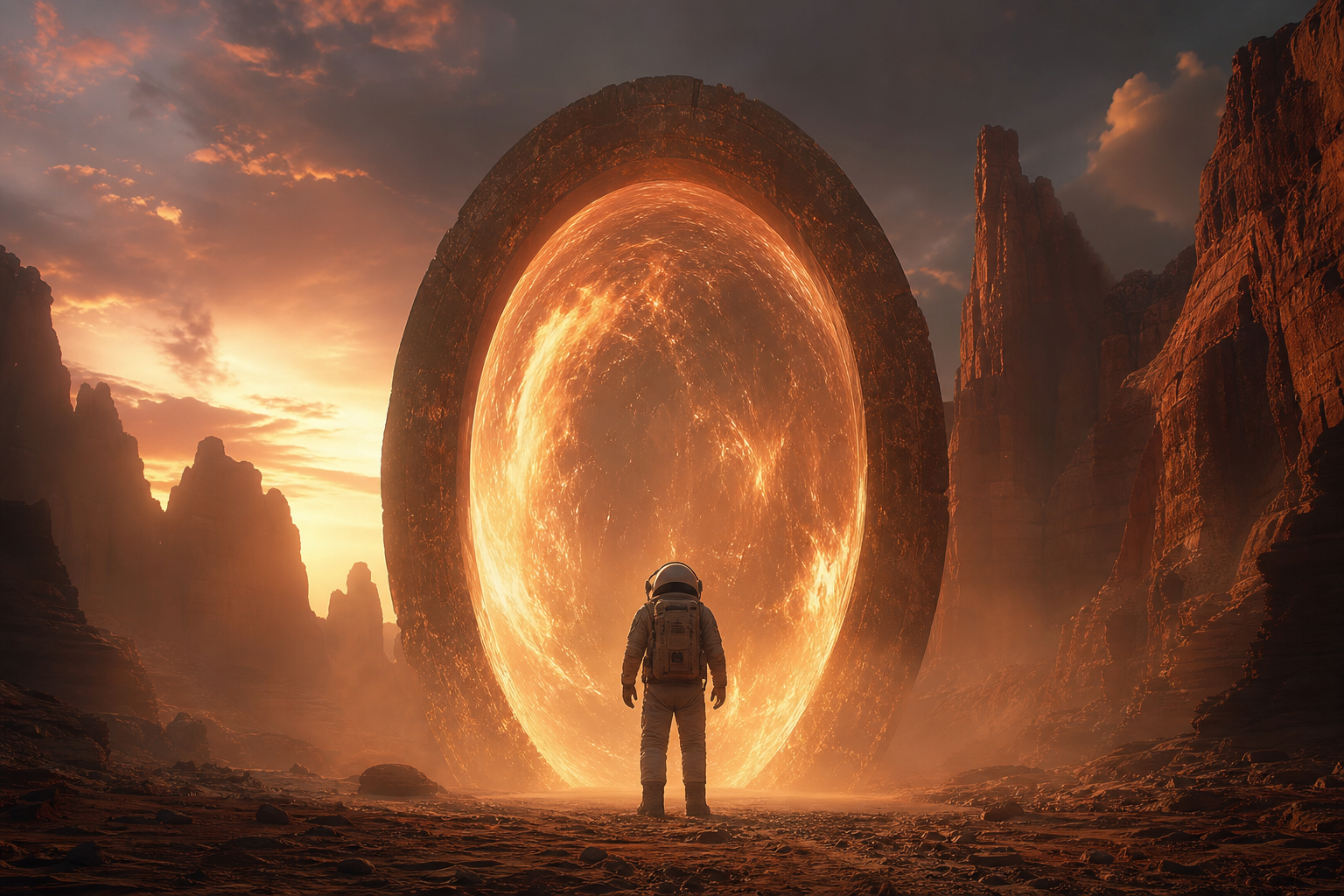
যেকোনো ছবি আপলোড করুন এবং AI দিয়ে রূপান্তর করুন। শৈলী পরিবর্তন করুন, উপাদান যোগ করুন, ব্যাকগ্রাউন্ড পরিবর্তন করুন, বা সাধারণ পাঠ্য প্রম্পট দিয়ে আপনার ভিজ্যুয়ালগুলিকে পুনরায় কল্পনা করুন।
বিদ্যমান চিত্রগুলিকে সম্পূর্ণ নতুন কিছুতে রূপান্তর করুন। শৈলী স্থানান্তর থেকে অবজেক্ট পরিবর্তন, সীমাহীন সৃজনশীল সম্ভাবনা আনলক করুন।


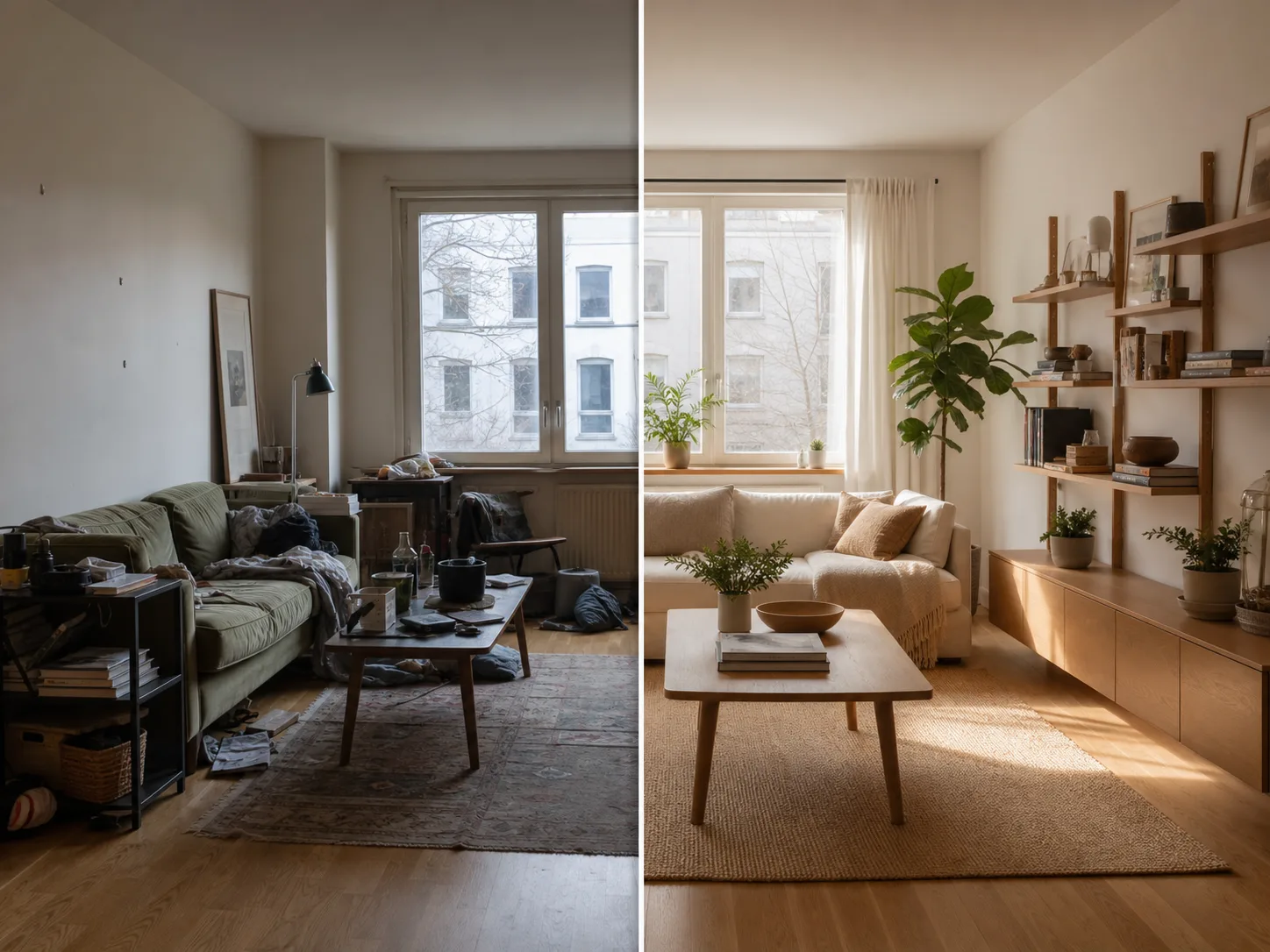
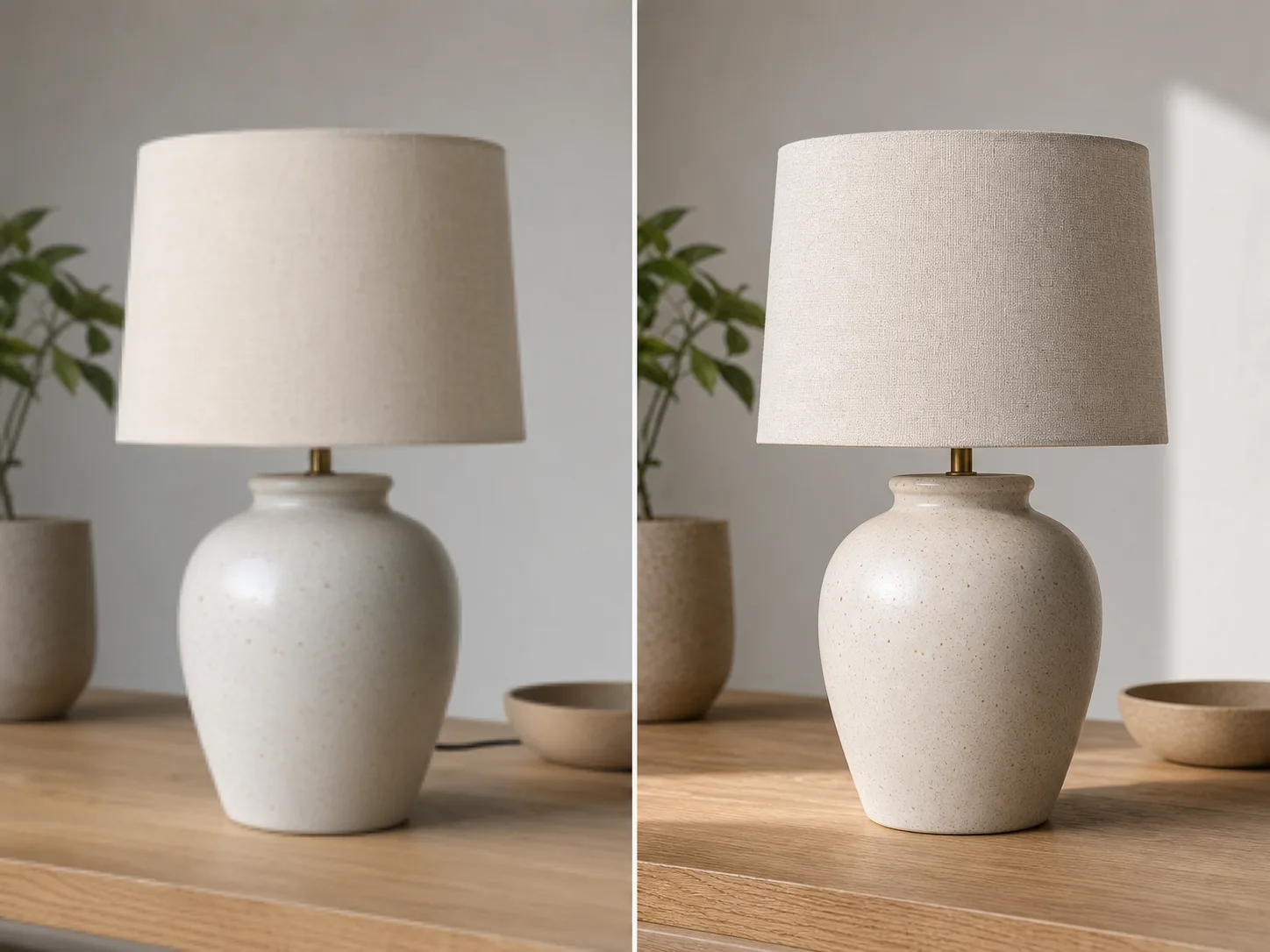
আপলোড থেকে মিনিটে রূপান্তরিত ছবিতে:
আপনি রূপান্তর করতে চান এমন কোনো ছবি বা ছবি আপলোড করুন। উচ্চ রেজোলিউশন ইনপুট ভাল রূপান্তর ফলাফল উত্পাদন.
আপনি যে রূপান্তর চান তা বর্ণনা করে একটি পাঠ্য প্রম্পট লিখুন। শৈলী পরিবর্তন করুন, উপাদান যোগ করুন, ব্যাকগ্রাউন্ড প্রতিস্থাপন করুন, বা চিত্রটি পুনরায় কল্পনা করুন।
জেনারেট ক্লিক করুন এবং সেকেন্ডের মধ্যে আপনার রূপান্তরিত চিত্র গ্রহণ করুন। উচ্চ রেজোলিউশনে ডাউনলোড করুন, ব্যবহারের জন্য প্রস্তুত।
আপনার ছবিকে যেকোনো শৈল্পিক শৈলীতে রূপান্তর করুন। বিখ্যাত পেইন্টিং, নির্দিষ্ট শিল্পী, বা কোনো ভিজ্যুয়াল নান্দনিক চেহারা প্রয়োগ করুন।
পরিবর্তন করতে আপনার ছবির যেকোন এলাকা নির্বাচন করুন। অবাঞ্ছিত বস্তু সরান, নতুন উপাদান যোগ করুন, বা নির্দিষ্ট বিবরণ পরিবর্তন করুন।
ব্যাকগ্রাউন্ডগুলি নির্বিঘ্নে প্রতিস্থাপন করুন। সঠিক আলো বজায় রেখে বিষয়গুলিকে নতুন পরিবেশে রাখুন।
শৈলী এবং উপাদান পরিবর্তন করার সময় আপনার আসল চিত্রের বিন্যাস, বিষয় এবং দৃষ্টিভঙ্গি বজায় রাখুন।
আরও AI-চালিত সরঞ্জামগুলি অন্বেষণ করুন৷
বিনামূল্যের ছবিতে ওয়াটারমার্ক থাকে। পরিষ্কার আউটপুট, দ্রুত জেনারেশন এবং বাণিজ্যিক ব্যবহারের জন্য আপগ্রেড করুন।
স্টার্টার প্যাক
ইমেজ, মিউজিক এবং ছোট ভিডিও জেনারেশন চেষ্টা করার জন্য একটি এককালীন ক্রেডিট প্যাক।
সৃষ্টিকর্তা
মাসিক পরিকল্পনা · 1,500 ক্রেডিট প্রতি মাসে পুনর্নবীকরণ করা হয়
GPT Image 2 Unlimited
Stripe Checkout-এ FOUNDING6 কোডটি ব্যবহার করুন: প্রথম 6 মাসে $19/মাস, পরে $29/মাস।
প্রো
মাসিক পরিকল্পনা · 4,000 ক্রেডিট প্রতি মাসে পুনর্নবীকরণ করা হয়
স্টুডিও
মাসিক পরিকল্পনা · প্রতি মাসে 12,000 ক্রেডিট পুনর্নবীকরণ করা হয়
নিরাপদ পেমেন্ট · সাবস্ক্রিপশন স্বয়ংক্রিয়ভাবে নবায়ন হয় · রিফান্ডের যোগ্যতা দেখুন
দল
এজেন্সি, উৎপাদন দল এবং কাস্টম ভলিউমের প্রয়োজনের জন্য।
ইমেজ টু ইমেজ AI সম্পর্কে আপনার যা কিছু জানা দরকার
যেকোনো ছবি আপলোড করুন এবং AI-চালিত রূপান্তরের জাদু দেখুন।